ModsJava
Server Country Flags Mod (26.1.2, 1.20.1) -Server Location Viewer & Map Display
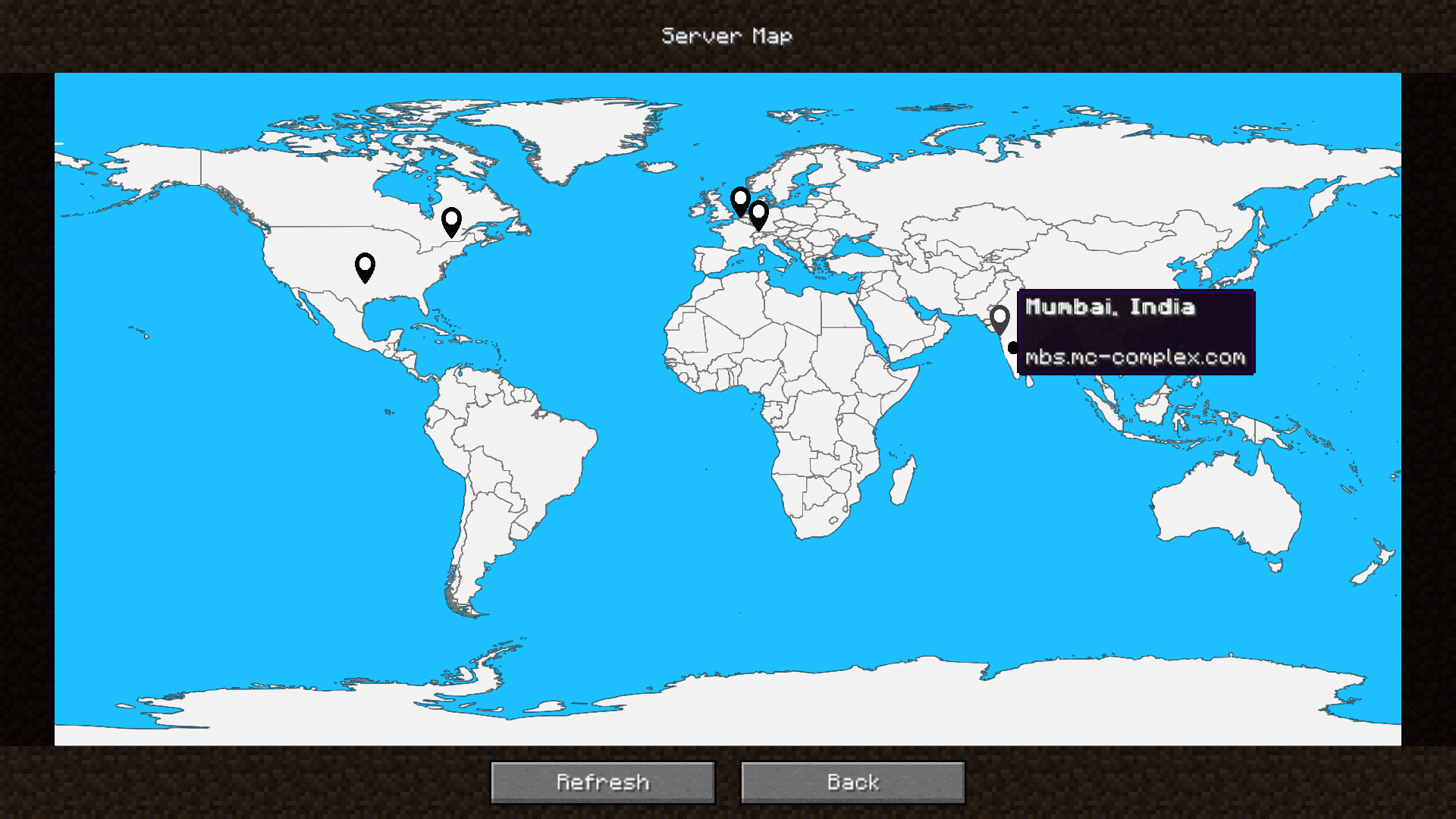
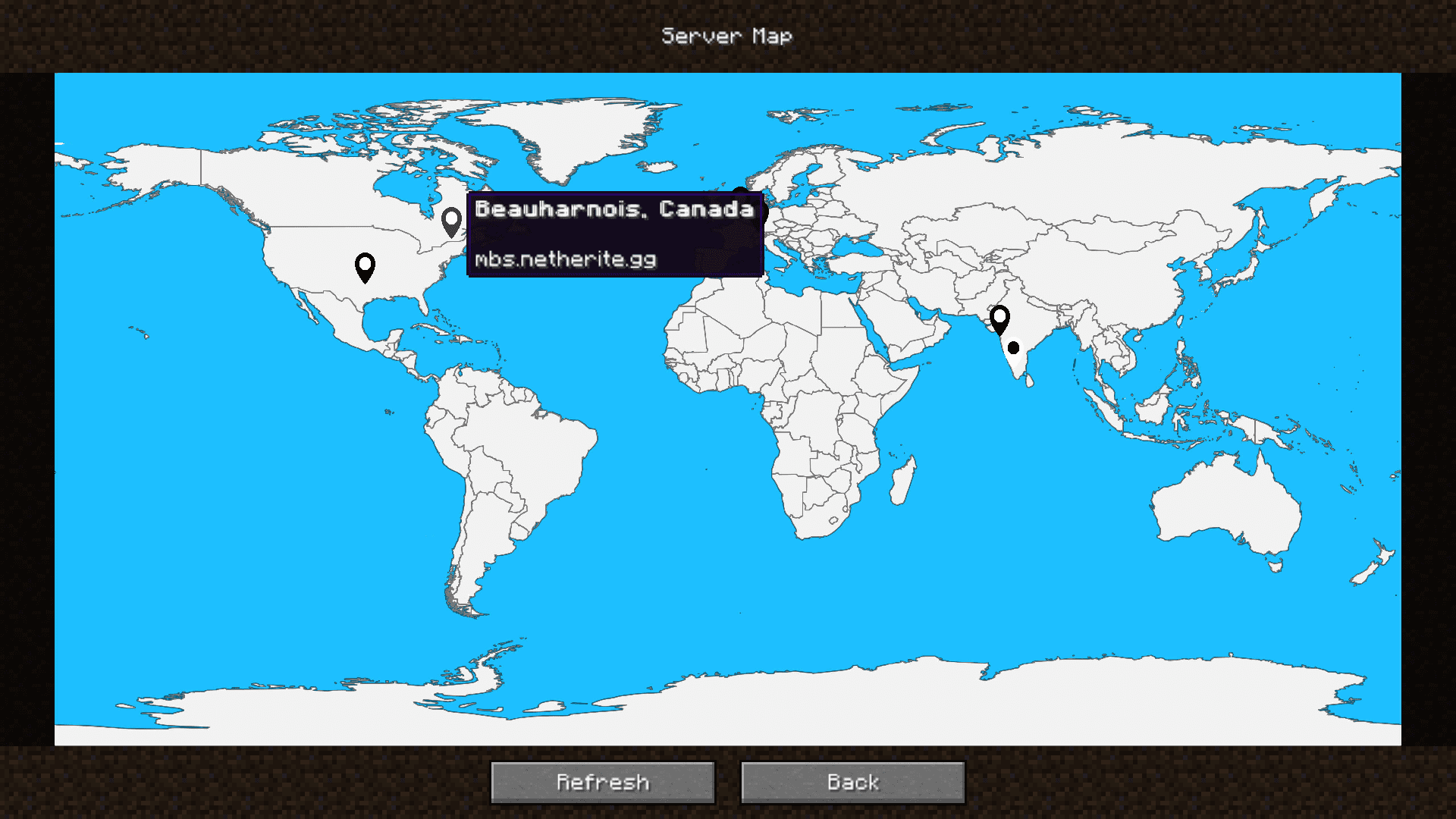
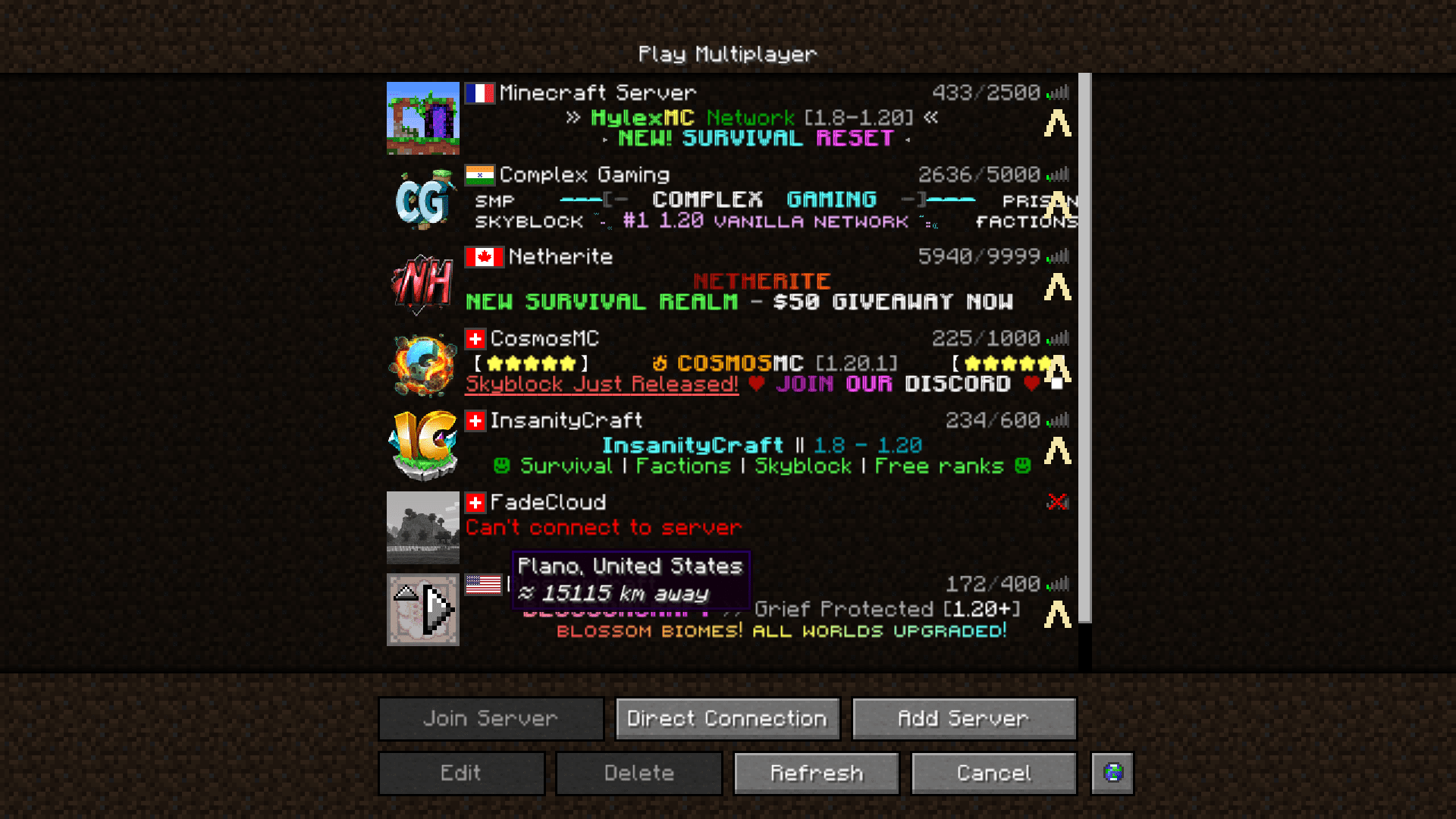
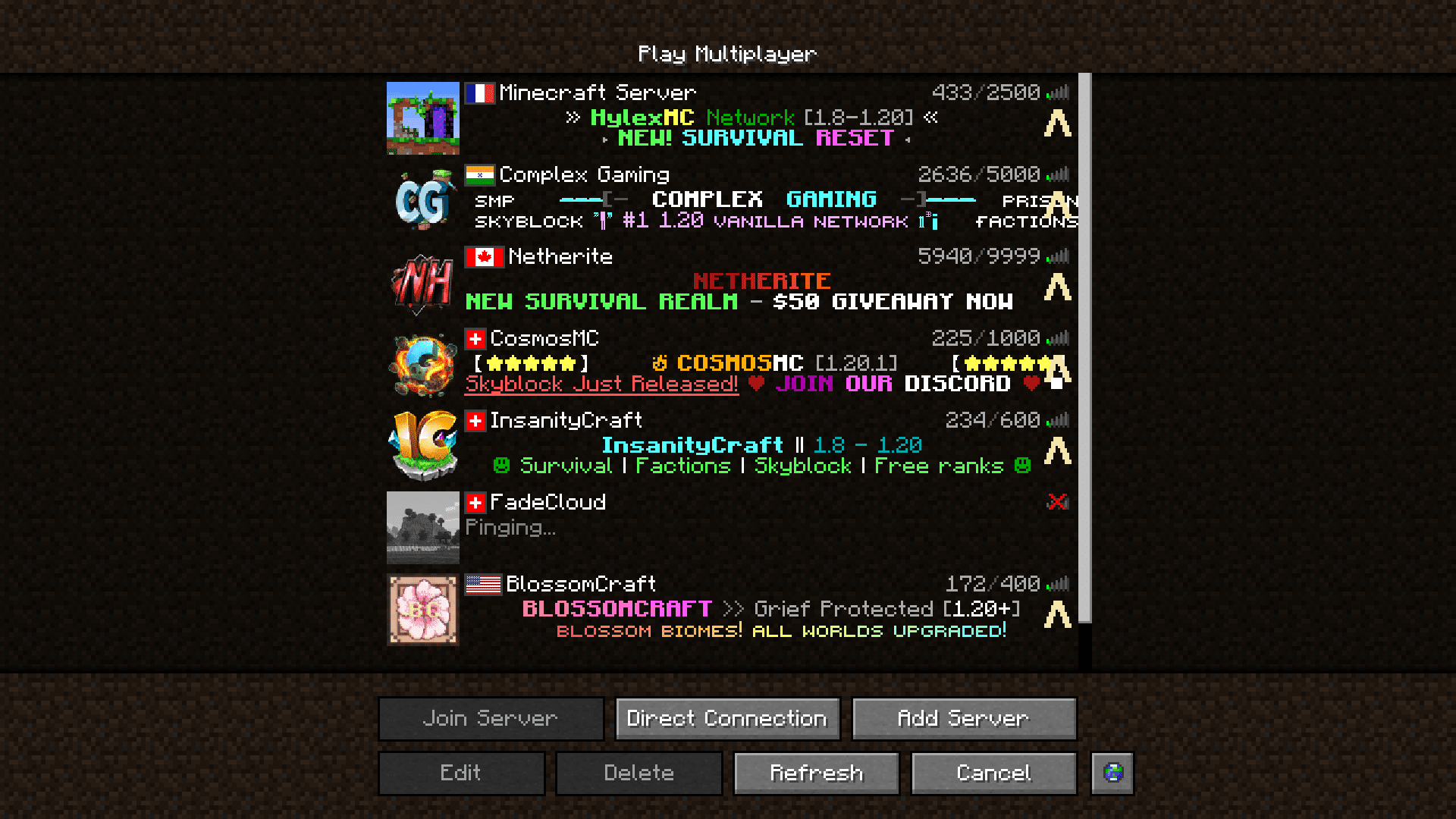
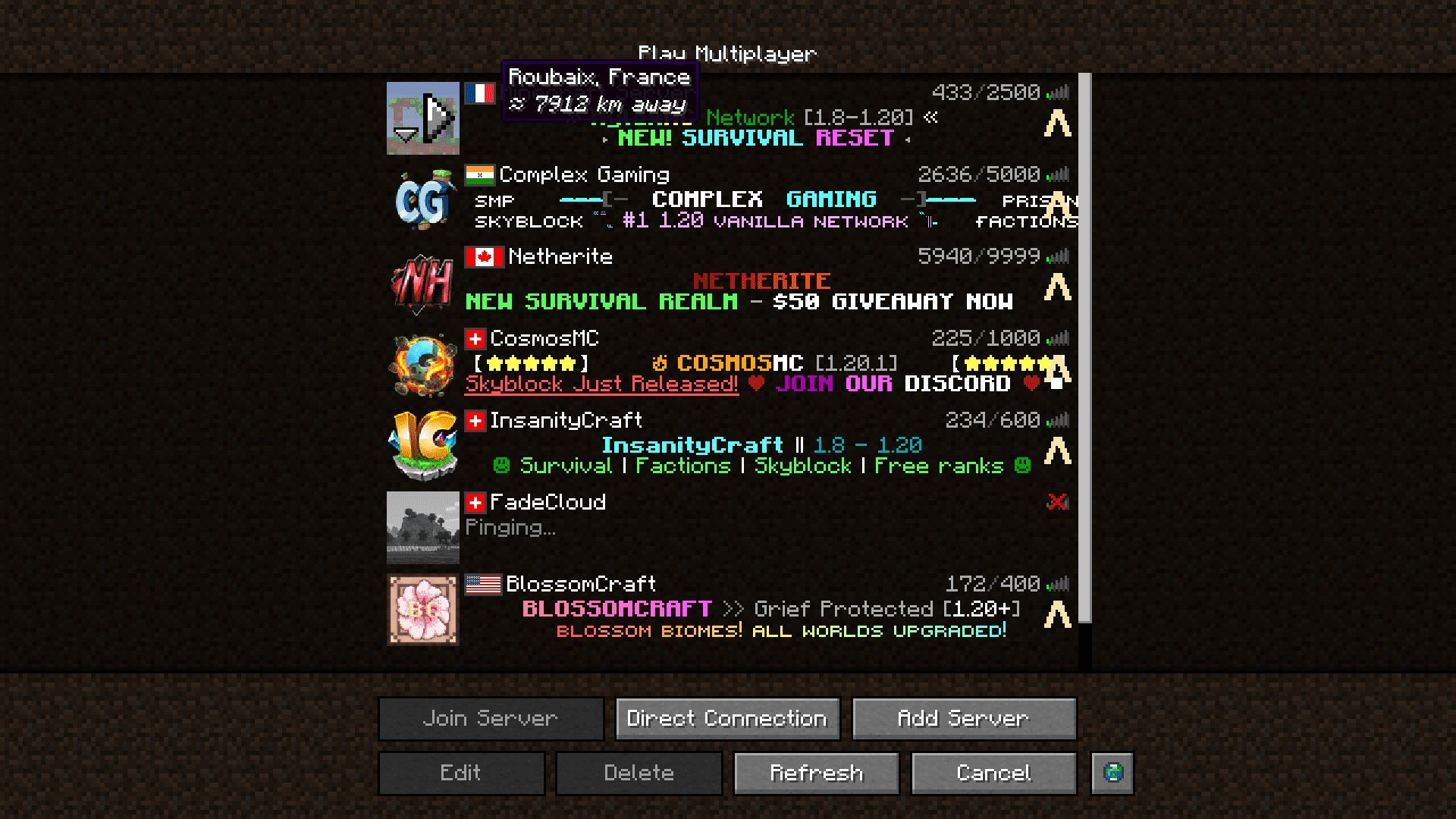
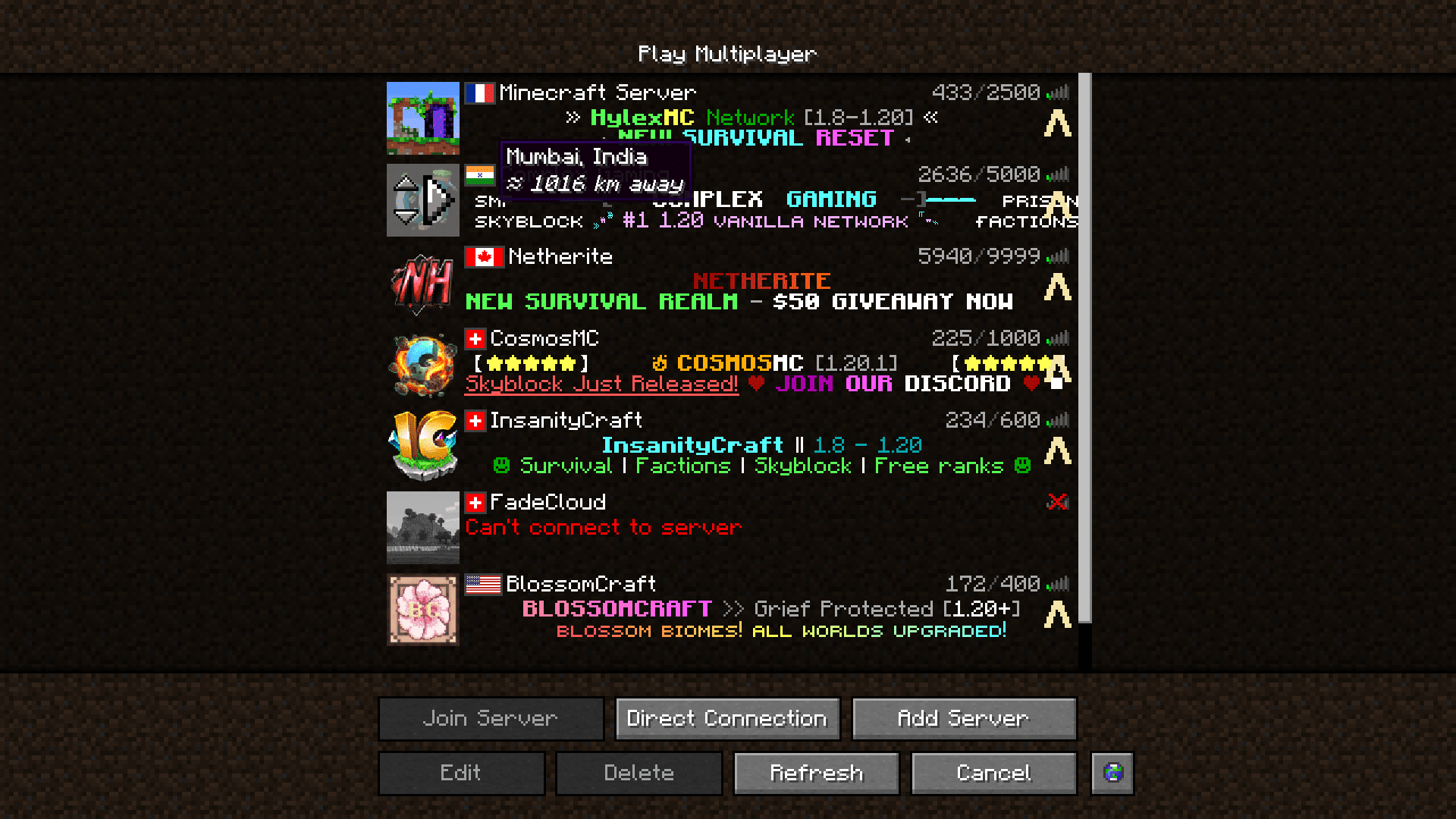
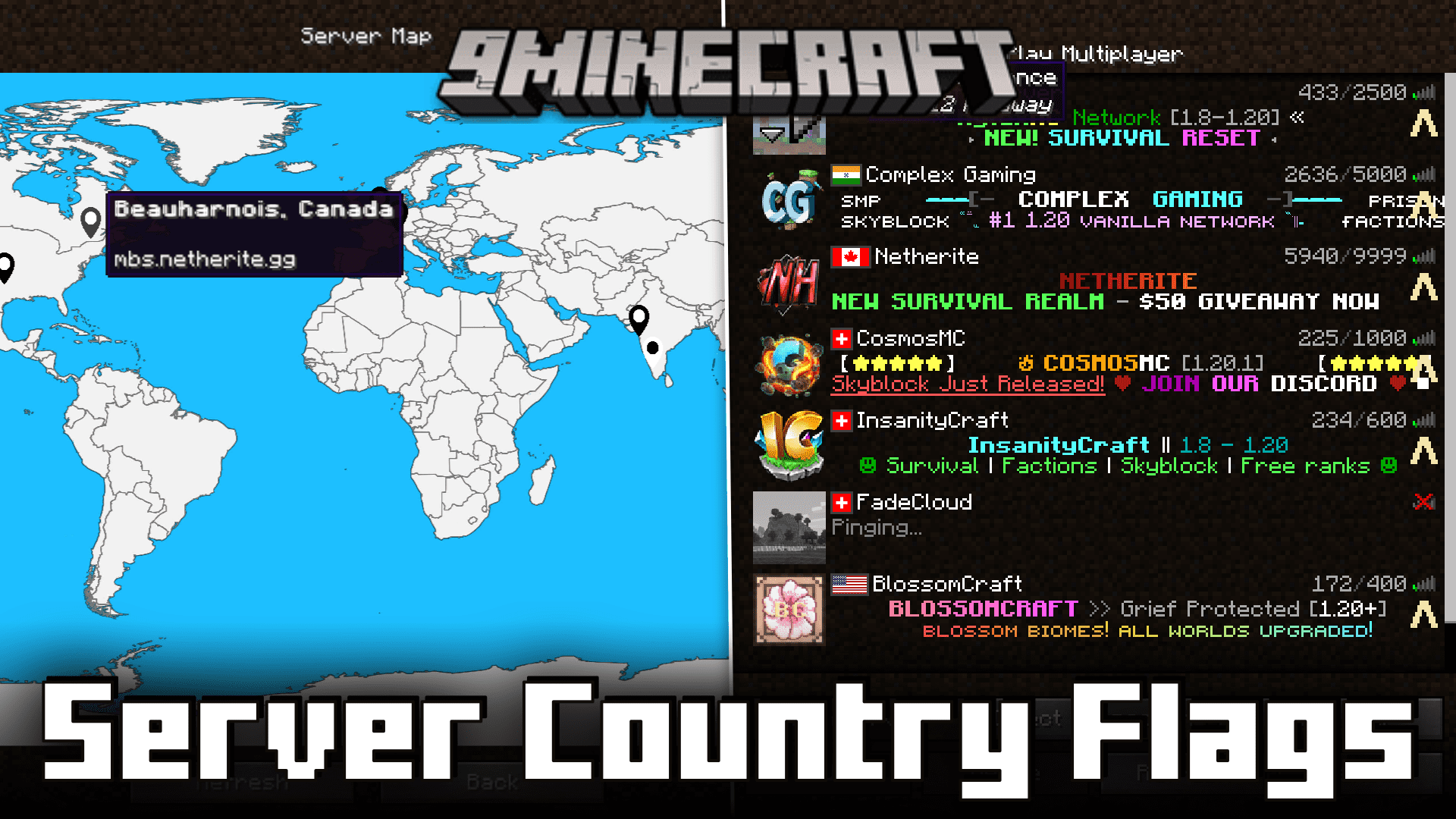
If you play on Minecraft servers on a regular basis, Server Country Flags Mod is a must have. With this mod installed, the servers in your game’s server list will have a tiny flag icon next to the server name to represent the country in which the server is hosted from. There is also a small button with a globe on the lower end of the screen, clicking on which will open up a full screen map that shows the location of the server.
Features:
Enhanced Server Information:
- Server Country Flags enriches your Minecraft server list experience by displaying the country in which a server is located, along with your approximate distance to it and additional server details.
User-Friendly Configuration:
- With the Cloth Config API, the mod offers a convenient and intuitive graphical user interface for adjusting settings. Forge users can access it through the mod list’s Config button, while Fabric users can utilize Mod Menu’s config button.
IP Geolocation Integration:
- The mod utilizes data from IP-API.com, a publicly available and free IP Geolocation service. While limiting requests to 45 per minute, it ensures sufficient information to identify server locations accurately.
Built-In Server Map:
- Server Country Flags comes equipped with a built-in server map, providing a visual overview of server locations. Easily accessible through the server list via the Server Map button, this feature allows users to identify their favorite servers’ geographical positions at a glance. Customization options for the map’s placement and removal are also available in the configuration settings.
Screenshots:
Server Country Flags Mod Download Links
Quick facts
- Edition: Minecraft Java
- File type: .jar
- Minecraft version listed: 1.20.1
- How to install: Install the matching mod loader (Forge, Fabric or NeoForge) for your Minecraft version. → Download the .jar. → Put it in the .minecraft/mods folder and launch that loader profile.
- Where to get it: In MC Java Mods, or directly above on this page.
Install steps are the general flow for this file type — How to install Minecraft Java mods & modpacks walks through it step by step.
Verified by MCModsHub
- Downloads as 2643.mcaddon
- Download size: 2.3 MB
- Download link checked 25 Sept 2026 — working
- Mirrored on our own servers — the download does not depend on the original host
These come from our own check of the pack file, not from the source page.