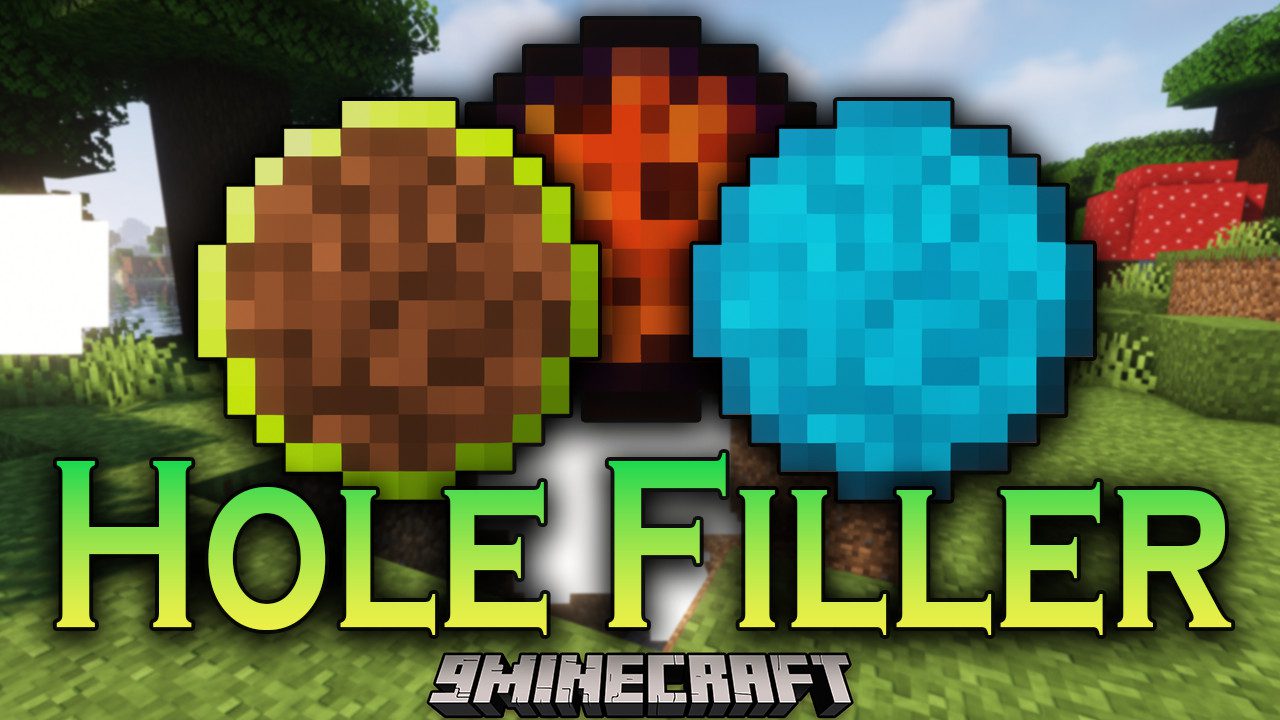
Hole Filler Mod (26.2, 1.20.1) – Filling Holes and Automatic Terrain Building
Java mod listed for Minecraft 1.20. File opened and checked on 2 Oct 2026; downloads from the MC Java Mods app on Android.
⬇ Download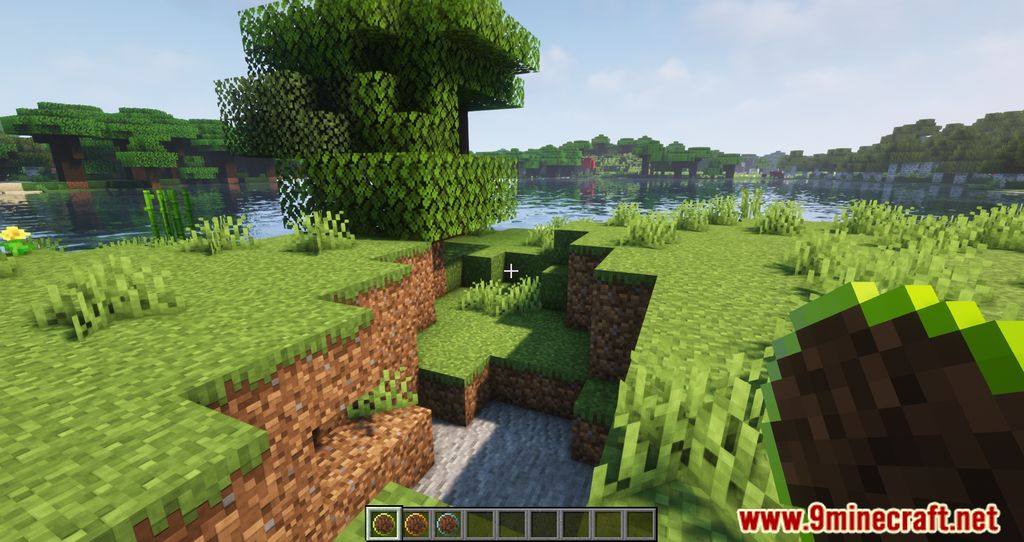
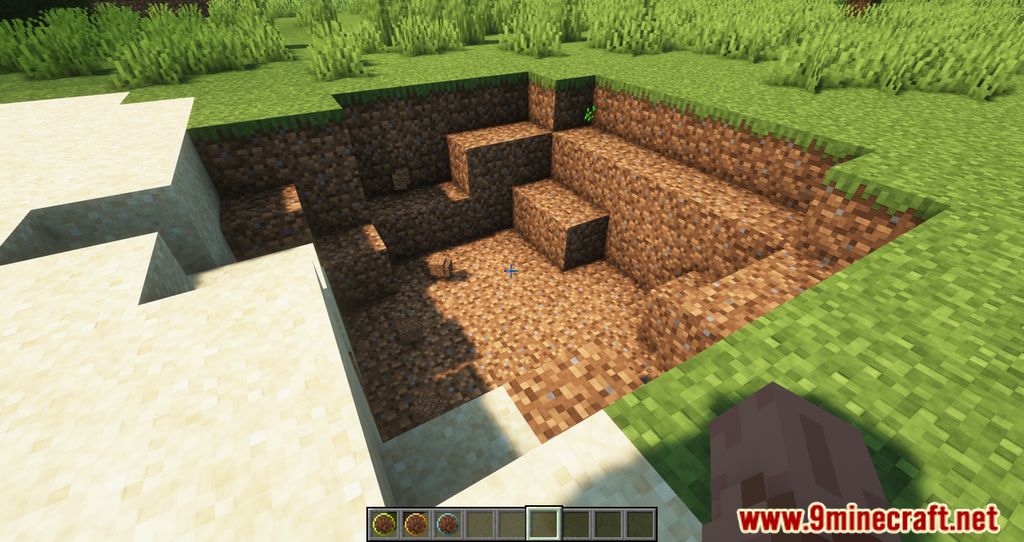
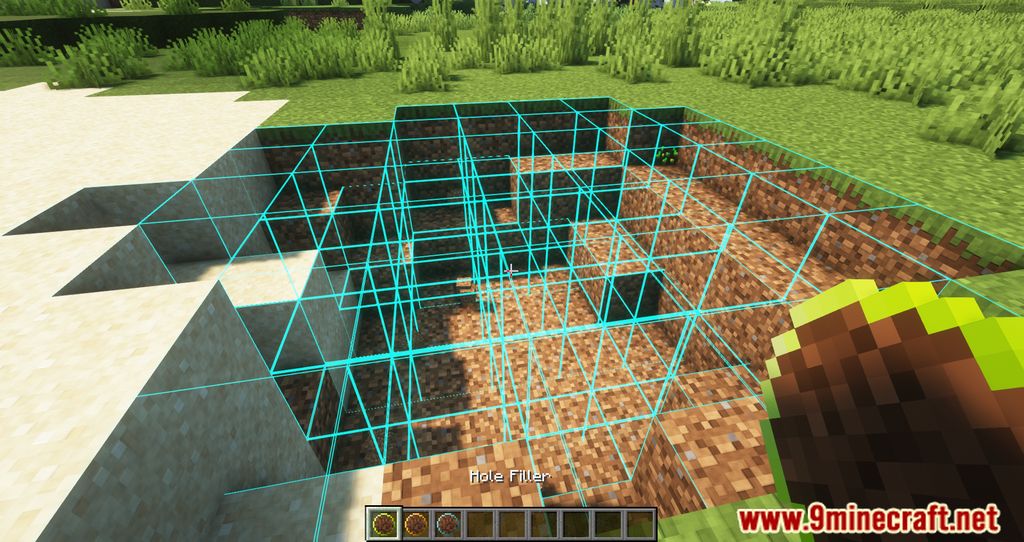
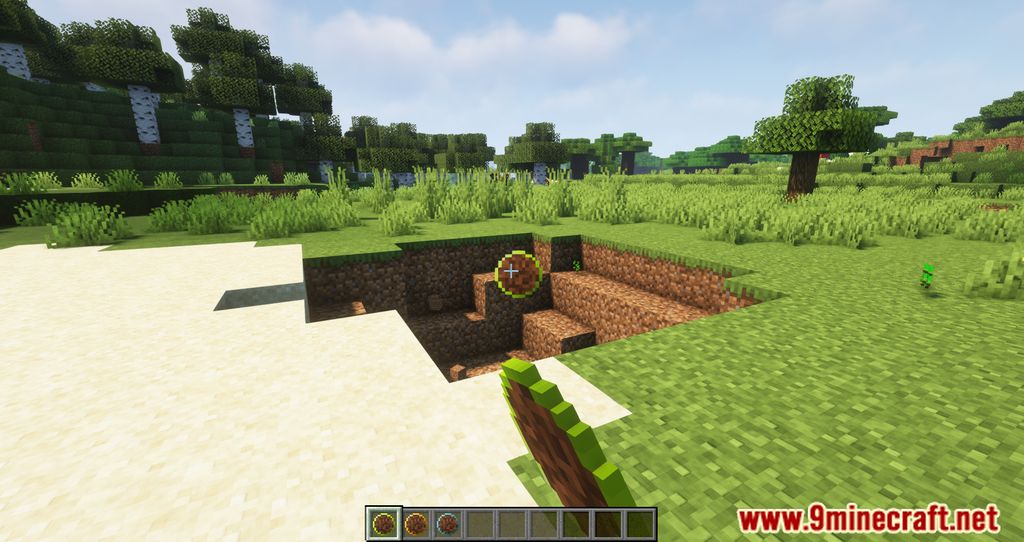
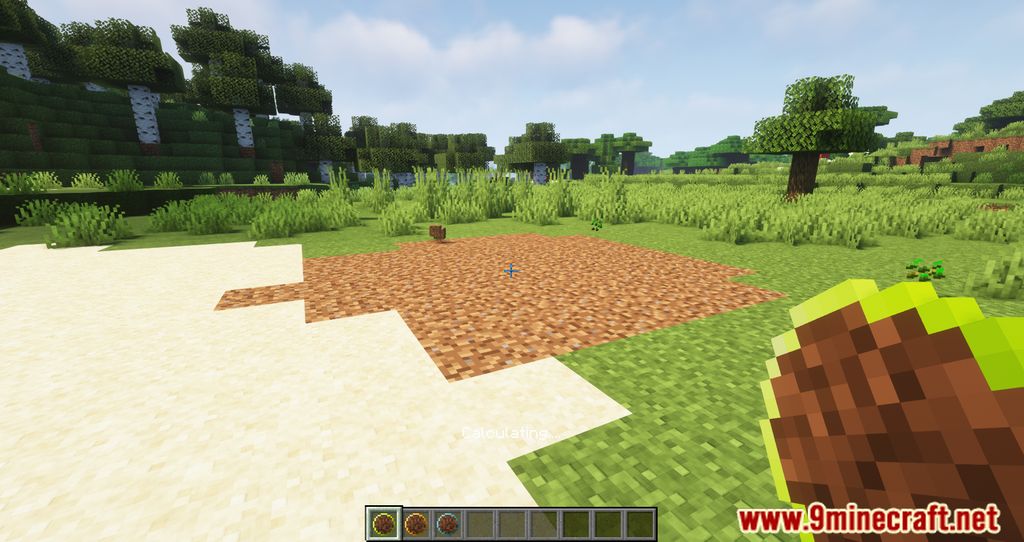
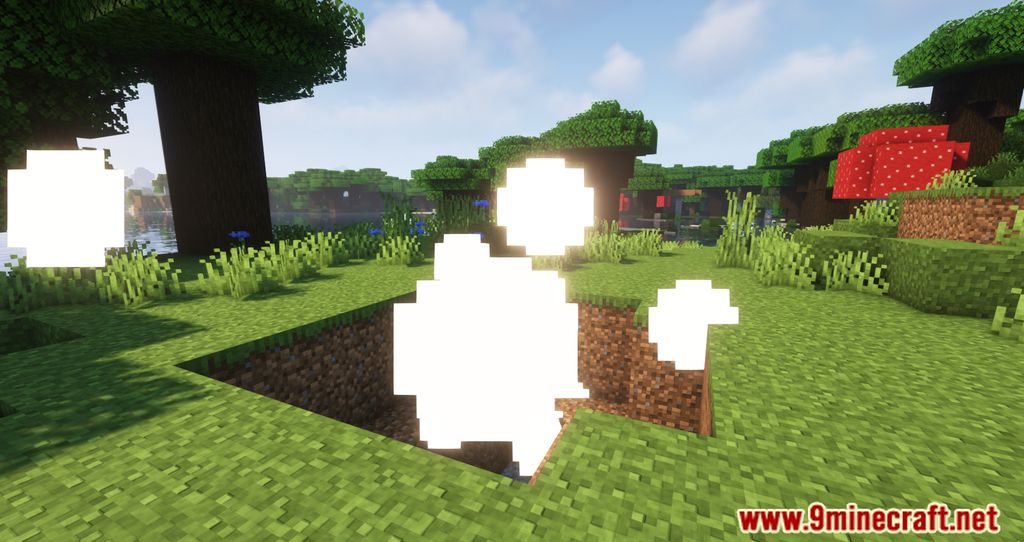
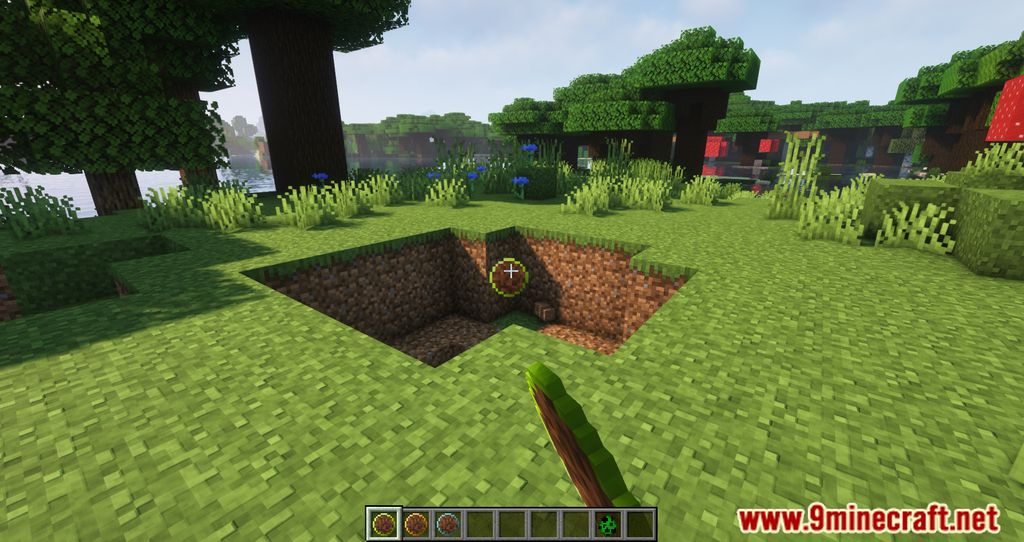
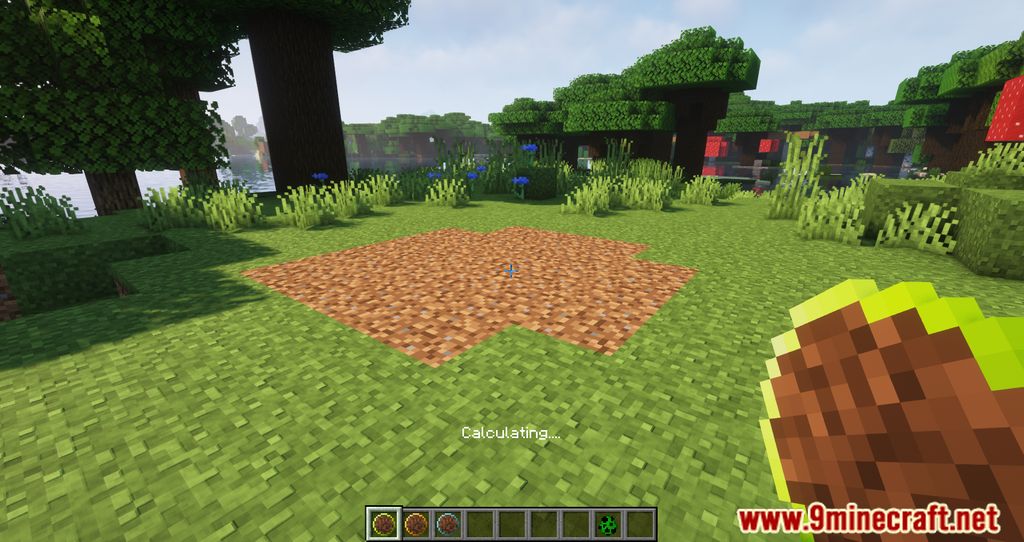
Hole Filler Mod is a small but useful mod that lets you fill holes in the landscape and automatically build up parts of the world by filling them with blocks. This allows you to quickly flatten areas for building, get rid of unwanted caves, fill everything with water or lava, and also light up your builds.
The mod adds special “orbs” that you can craft and throw. All orbs work the same way: you simply throw them into a hole and they fill it in. If you hit the newly placed blocks within 15 seconds, the operation will be canceled.
Features:
At the moment there are 7 different types:
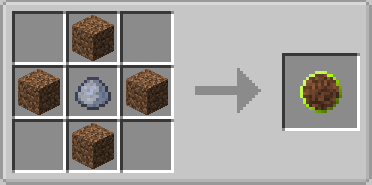
- Simple – uses free dirt blocks, up to 500 blocks.
- Selectable – uses free dirt blocks, but Shift + RMB on a block changes the block type to the desired one; for it to work, you must have these blocks in your inventory, up to 500 blocks.
- Smart – tries to fill the hole with the same blocks that are already there; the blocks must be in your inventory, up to 500 blocks.
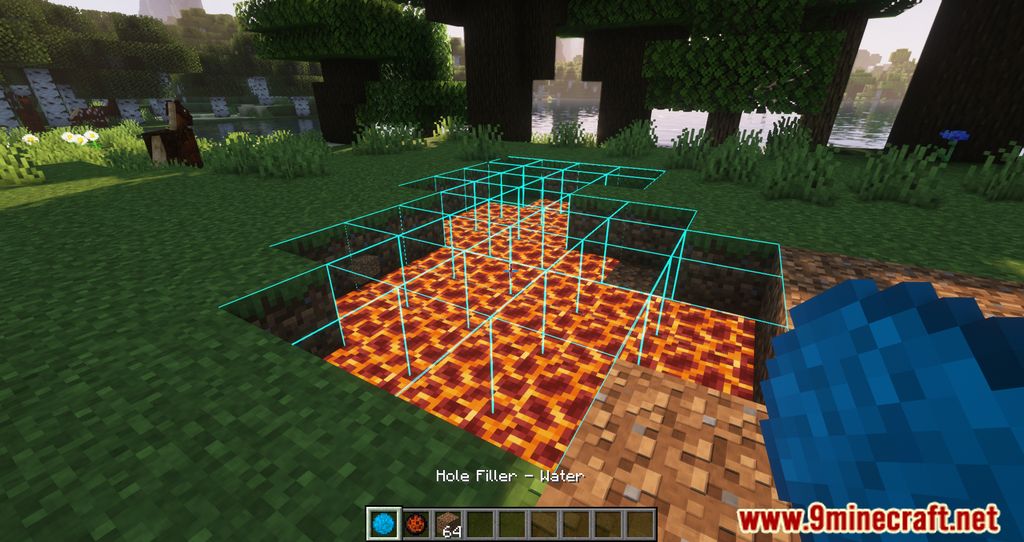
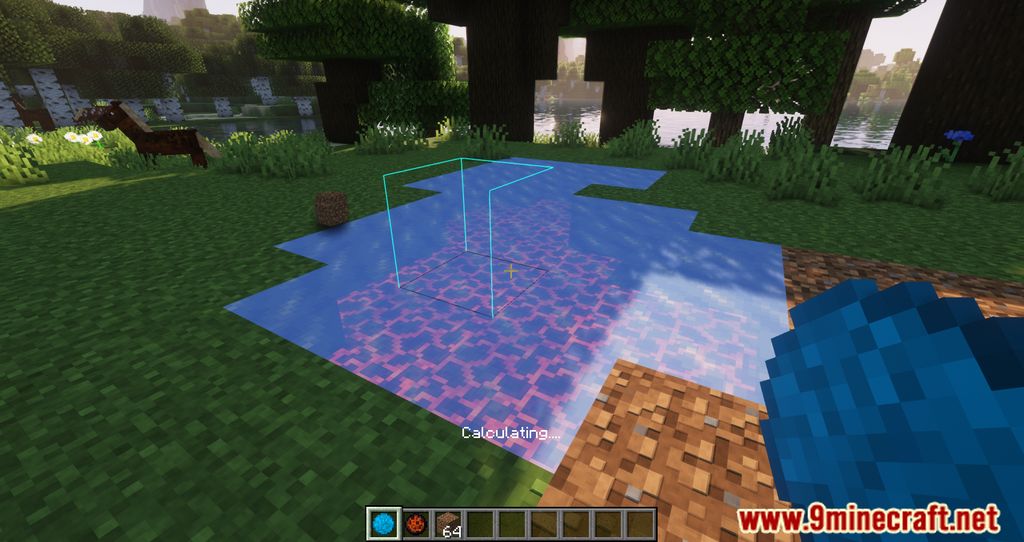
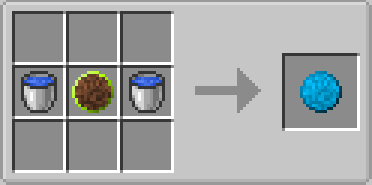
- Water – places ice blocks that later turn into water blocks, up to 500 blocks.
- Lava – places magma blocks that later turn into lava blocks, up to 500 blocks.
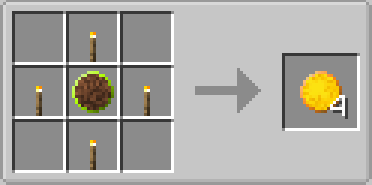
- Light – places invisible light sources; Shift + RMB changes the light level of these sources.
- Darkening – removes invisible light sources.
How to use:
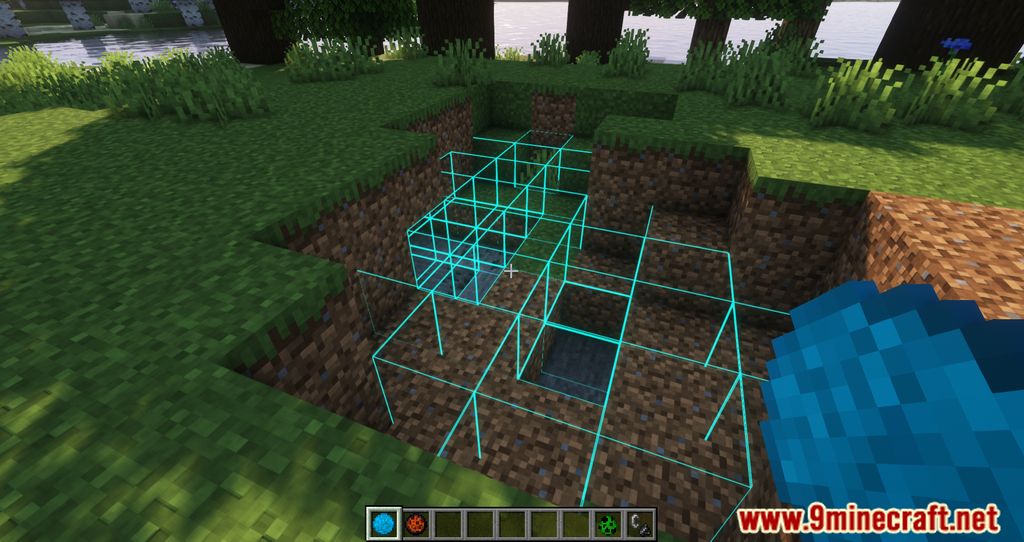
- Throw a “Hole Filler”.
- If a hole is detected, it will begin to be filled with “Curing Blocks”.
- After 15 seconds, “Curing Blocks” will turn to dirt.
- If you wish to empty your now-filled-hole, break any “Curing Block” before it turns to dirt.
Limits
- Max hole diameter is set to 12 by default.
- Max hole area is 5000 blocks.
Notes
- If the Hole Filler Block is more than 6 (half of the Max Hole Diameter) blocks away from an another block, it is considered not in a hole.
- Otherwise it would consume the world.
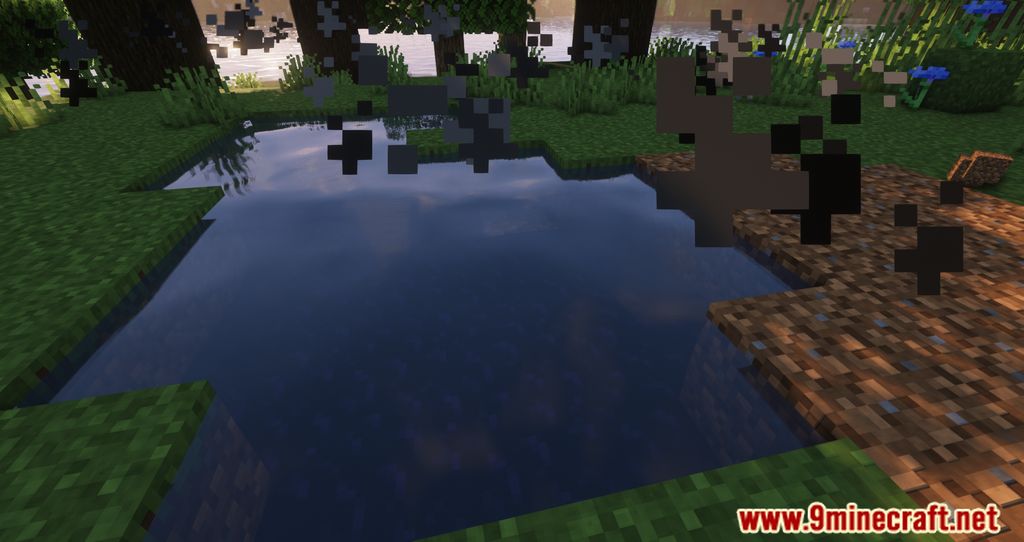
Screenshots:
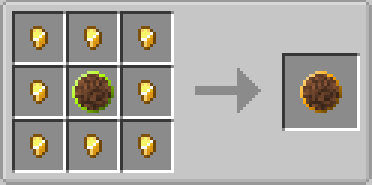
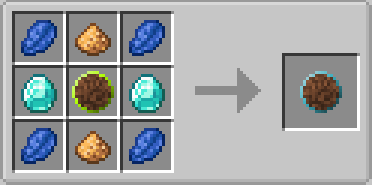
Crafting Recipes:
Hole Filler Mod Download Links
- Edition: Minecraft Java
- File type: .jar
- Minecraft version listed: 1.20.1
- How to install: Install the matching mod loader (Forge, Fabric or NeoForge) for your Minecraft version. → Download the .jar. → Put it in the .minecraft/mods folder and launch that loader profile.
- Where to get it: In MC Java Mods, or directly above on this page.
Install steps are the general flow for this file type — How to install Minecraft Java mods & modpacks walks through it step by step.
- Downloads as 2645.mcaddon
- Download size: 717 KB
- Download link checked 25 Sept 2026 — working
- Mirrored on our own servers — the download does not depend on the original host
These come from our own check of the pack file, not from the source page.