
Note
v1.5.0: The hud scale logic has changed since v1.5.0. The default is 4(or 0), so change hud_scale to 1 -> 0(Auto) or 1 -> 4.
Imagict Hud
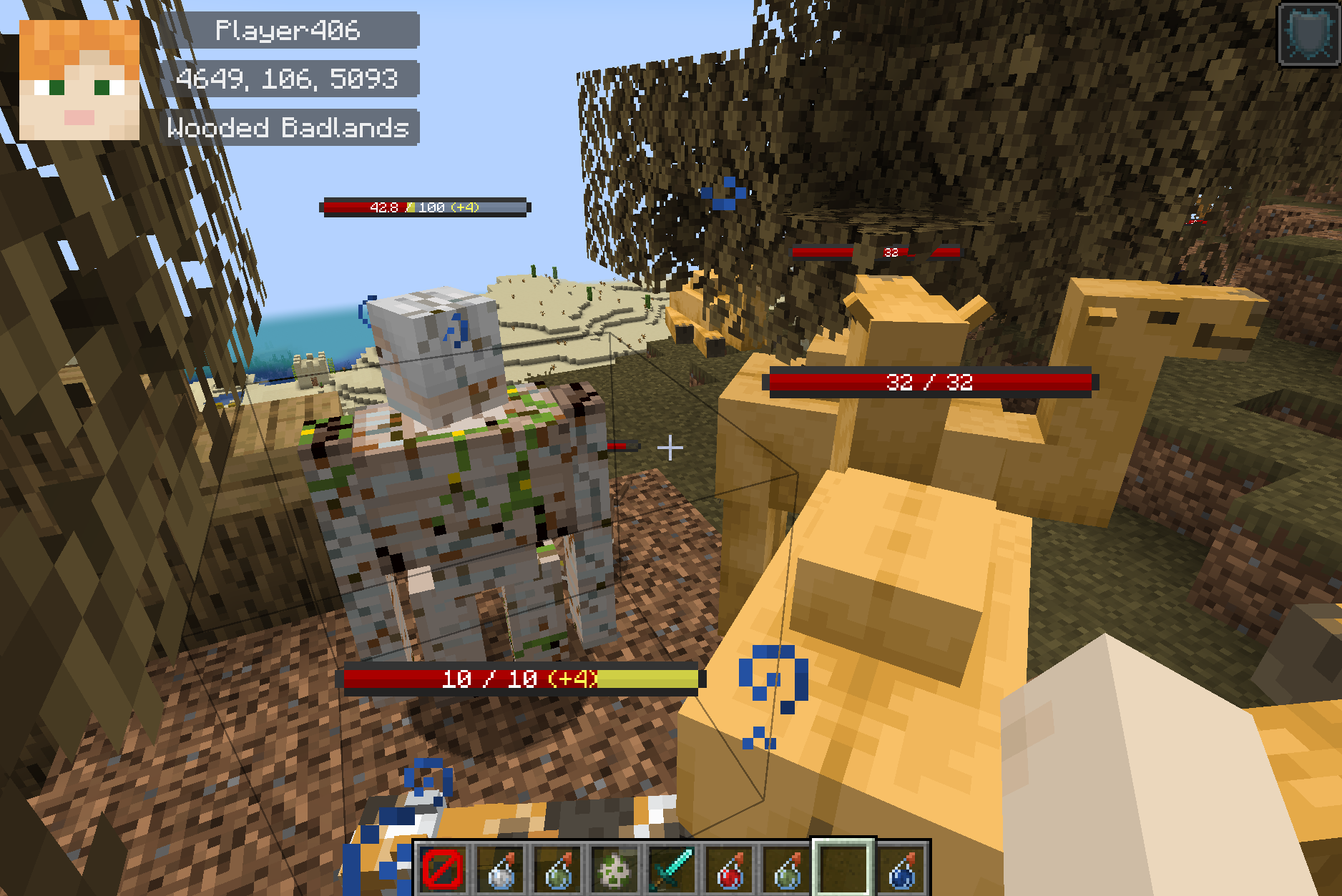
Client-side mod that displays the player's head, nickname, coordinates, indicators, etc. on the in-game HUD.
Please submit issues, improvements, and suggestions here.
The developer is Korean and not proficient in English. We would appreciate it if you could contribute to the translation (PR).
Installation
Note:
- v1.6.0 and above: Non Required, Some Optionals / Optional Sodium 0.6 and above
- v1.5.x and below: Required Fabric-API / Optional Sodium 0.5.x
| Type | Dependencies |
|---|---|
| Optional | Sodium |
| Optional | YetAnotherConfigLib |
| Optional | ModMenu (Fabric) |
Screenshot
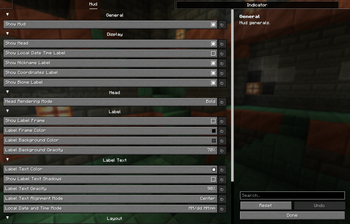
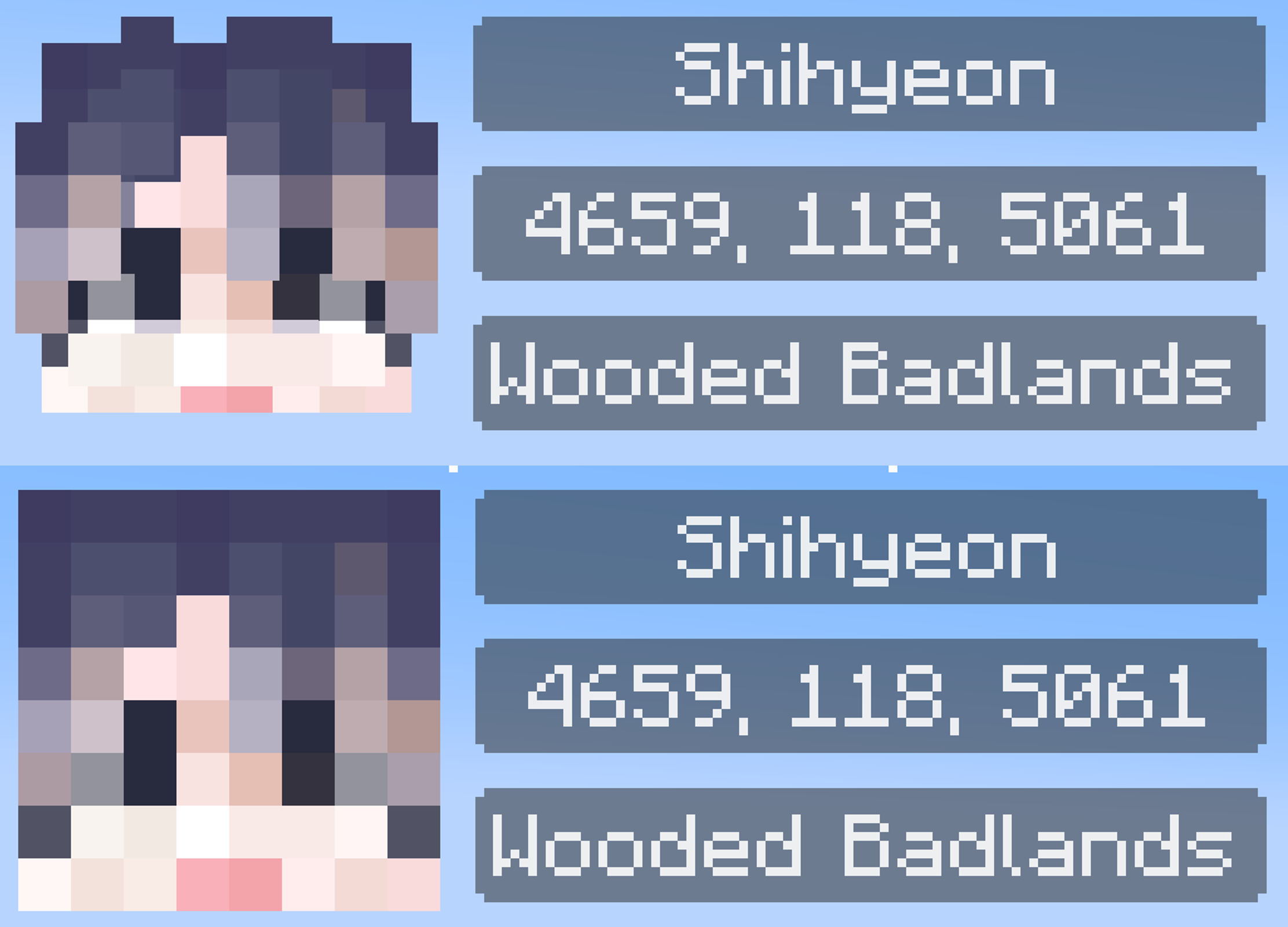
screen
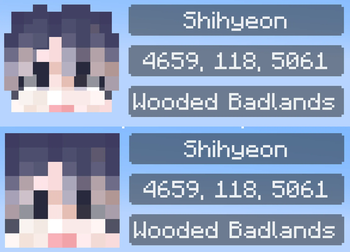
head mode (bold/flat)
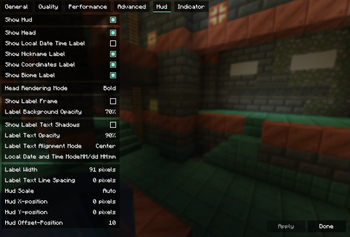
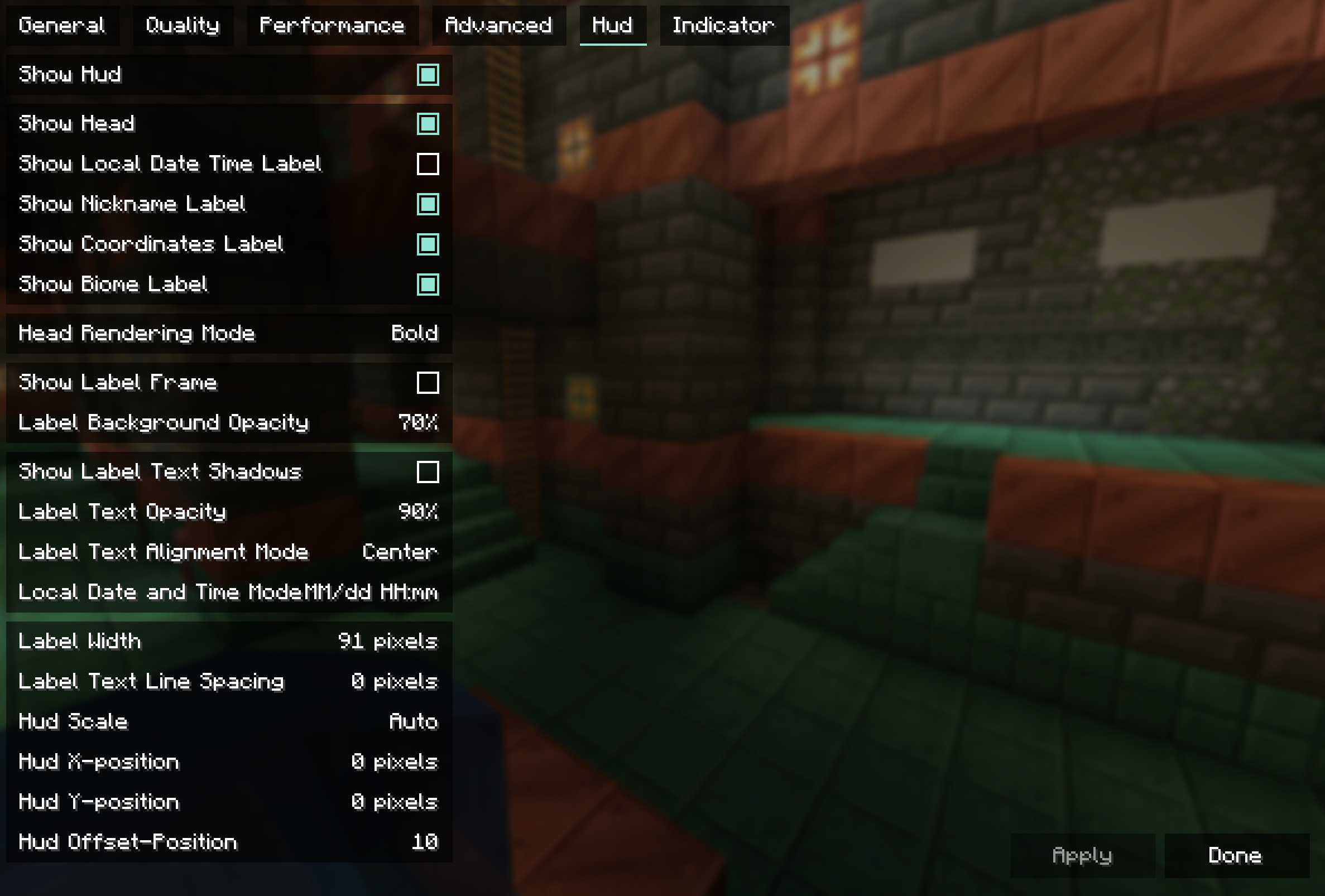
hud config
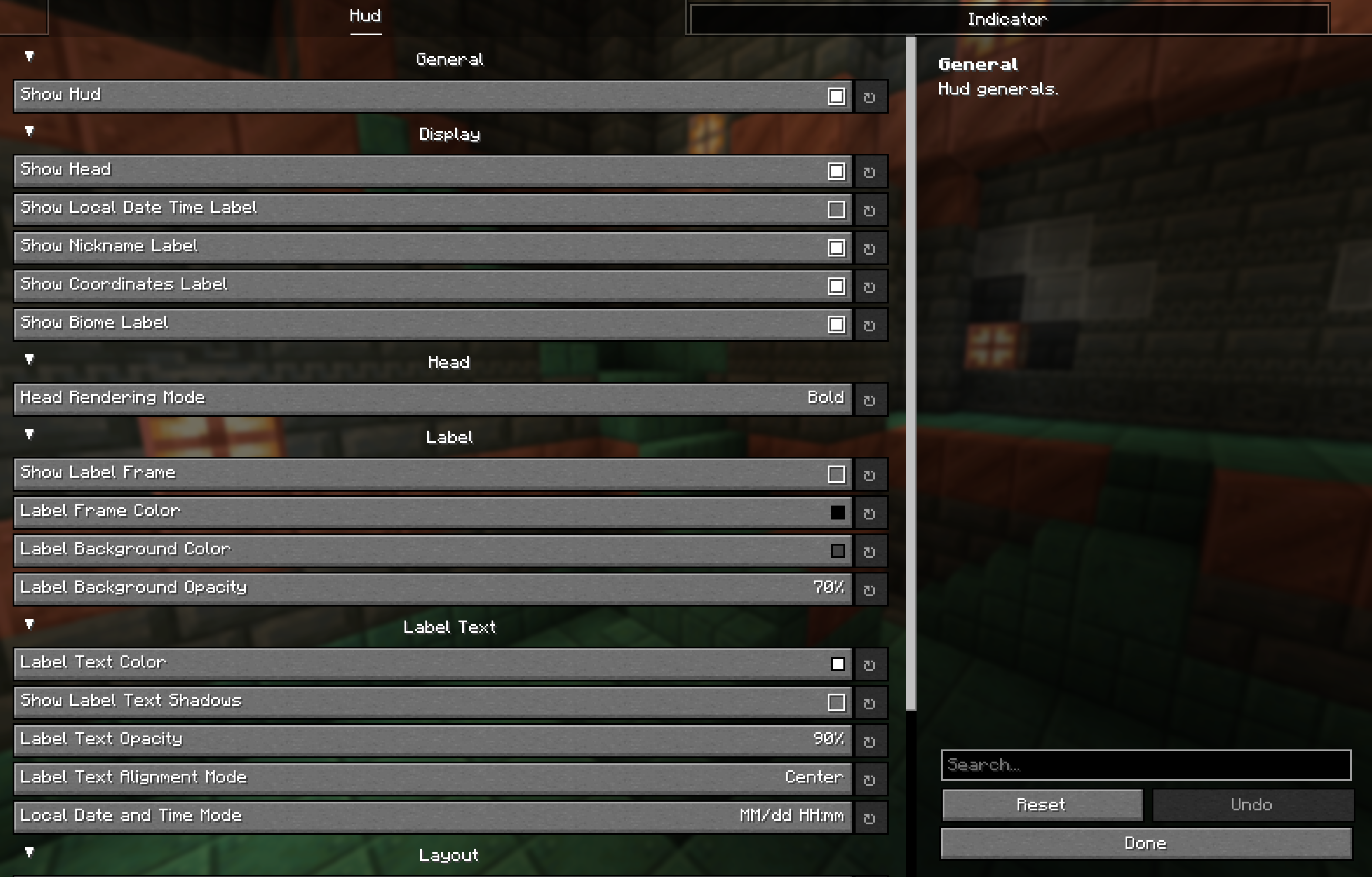
Installing ModMenu and YetAnotherConfigLib, Sodium allows you to manipulate settings from the GUI screen.
If you want to change the label color without editing the json directly, you will need YetAnotherConfigLib.
{
  "hud": {
    "general": {
      "enable_hud": true
    },
    "display": {
      "enable_head": true,
      "enable_local_date_time_label": false,
      "enable_nickname_label": true,
      "enable_coordinates_label": true,
      "enable_biome_label": true
    },
    "head": {
      "head_render_mode": "BOLD" // ["BOLD", "FLAT"]
    },
    "label": {
      "enable_label_frame": false,
      "label_frame_color": -16777216,
      "label_background_color": -12303292,
      "label_backgound_opacity": 70
    },
    "text": {
      "text_color": -1,
      "enable_text_shadows": false,
      "text_opacity": 90,
      "text_align_mode": "CENTER", // ["LEFT", "CENTER"]
      "local_date_time_mode": "DATE_AND_TIME" // ["DATE_AND_TIME", "DATE", "TIME"]
    },
    "layout": {
      "label_width": 91,
      "label_line_spacing": 0,
      "hud_scale": 0,
      "position_x": 0,
      "position_y": 0,
      "offset": 10
    }
  },
  "indicator": {
    "general": {
      "enable_indicator": true
    },
    "display": {
      "attacking_at": false,
      "looking_at": true,
      "damaged_only": false,
      "duration": 10,
      "reach": 20
    },
    "entities": {
      "player_entities": true,
      "self_player_entity": false,
      "passive_entities": true,
      "hostile_entities": true
    }
  }
}
License
- Edition: Minecraft Java
- File type: .jar
- Minecraft version listed: 1.21.4
- How to install: Install the matching mod loader (Forge, Fabric or NeoForge) for your Minecraft version. → Download the .jar. → Put it in the .minecraft/mods folder and launch that loader profile.
- Where to get it: Opens on Modrinth — not every file is mirrored on our own servers.
Install steps are the general flow for this file type — How to install Minecraft Java mods & modpacks walks through it step by step.
- Ships as imagicthud-fabric-1.7.2+mc1.21.4.jar — drop this file into the mods folder
- Download size: 373 KB
- Download link checked 30 Aug 2026 — working
These come from our own check of the pack file, not from the source page.