
Succ™
Look at me go!
A Minecraft mod about suction cups. Made for Modfest: Singularity.
The Suction Cup
The Suction Cup is a powerful tool. Using it, you can climb walls!
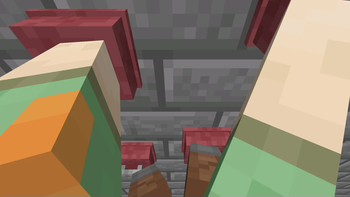
[Refer to Climbing, First Person Climbing, and I am living on your walls in Gallery]
Getting started
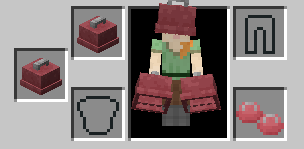
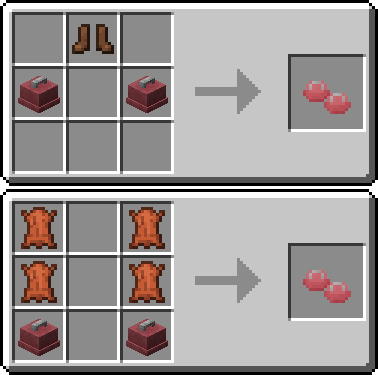
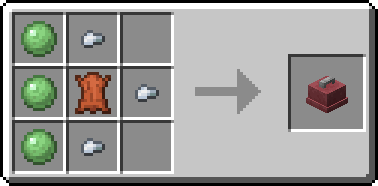
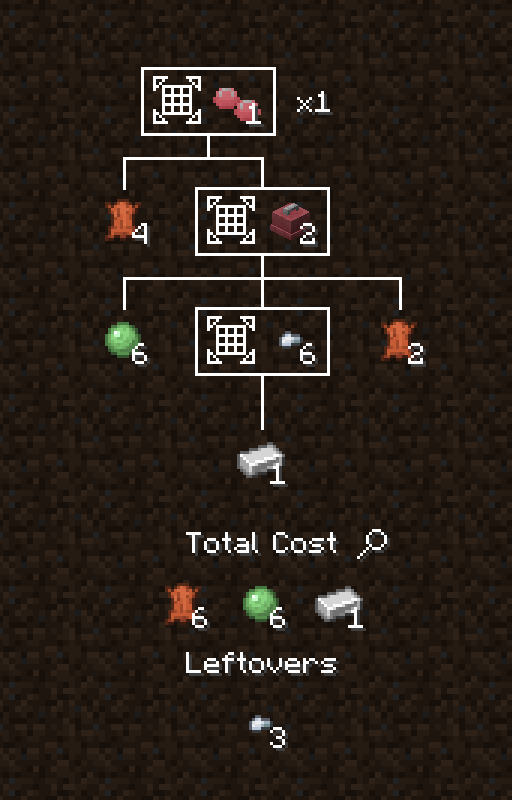
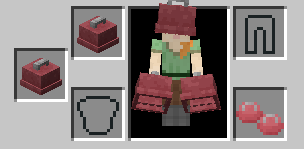
To get climbing, you'll need a pair of Suction Cups, and a set of Suction Cup Boots.
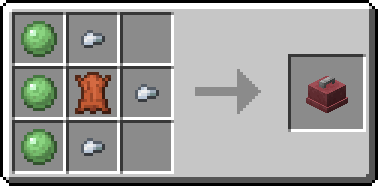

Featuring EMI integration!
[Refer to EMI Compat image in Gallery]
To start climbing, hold a Suction Cup on each limb. That means you need a Suction Cup in your main hand and your offhand, and you need a set of Suction Cup Boots equipped.
Controls
Once you're ready to climb, click a wall to start. Once you're climbing, each Suction Cup is bound to a key. When each key is pressed, the Suction Cup will toggle between sticking and not sticking.
| Limb | Default keybind |
|---|---|
| Left arm | Left mouse button |
| Right arm | Right mouse button |
| Left leg | Left shift |
| Right leg | Space |
Each key can be rebound in the keybinds menu.
When not stuck to the wall, a Suction Cup can be moved with your movement keys (WASD). Click again to stick it back to the wall. Repeat until you've reached your destination.
When you want to stop climbing, you have two options. To stop immediately, release all Suction Cups.
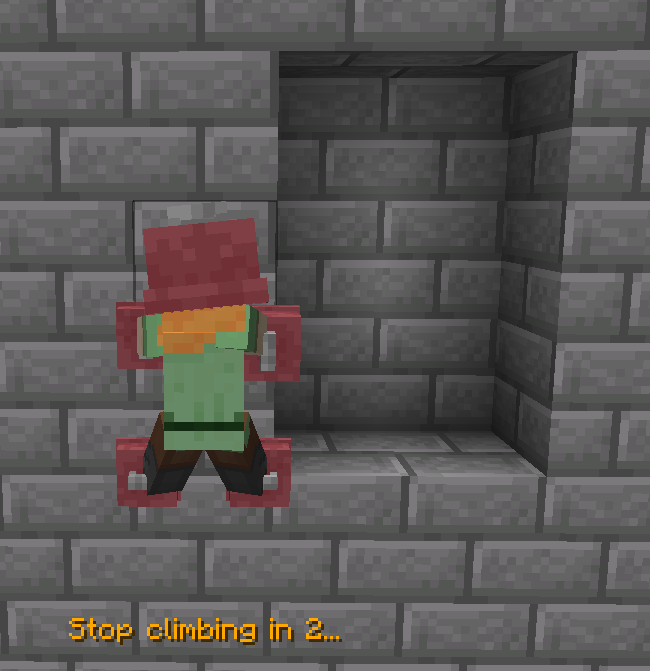
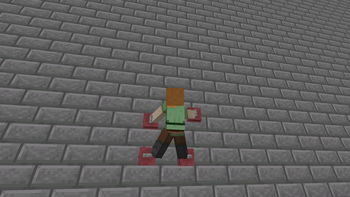
For a more controlled stop, move a Suction Cup over towards a suitable position, like a ledge. If you hold this direction, you'll stop in 3 seconds.
In this image, the right-hand Suction Cup is off the wall. D is held, so it's moving to the right.
[Refer to Stopping image in Gallery]
Development
Succ™ is on Maven.
maven { url = "https://mvn.devos.one/snapshots/" }
modImplementation("one.devos.nautical:succ:<version>")
Which items are valid Suction Cups are determined by tags:
succ:hand_climbing_cups and succ:feet_climbing_cups
- Edition: Minecraft Java
- File type: .jar
- Minecraft version listed: 1.20.1
- How to install: Install the matching mod loader (Forge, Fabric or NeoForge) for your Minecraft version. → Download the .jar. → Put it in the .minecraft/mods folder and launch that loader profile.
- Where to get it: Opens on Modrinth — not every file is mirrored on our own servers.
Install steps are the general flow for this file type — How to install Minecraft Java mods & modpacks walks through it step by step.
- Ships as succ-0.2.60.jar — drop this file into the mods folder
- Download size: 268 KB
- Download link checked 30 Aug 2026 — working
These come from our own check of the pack file, not from the source page.