
Custom Map Resetter
I don't know my version or loader
A mod that copies and reloads a specific world file for reset efficiency in custom map speedrunning.
The version-by-version changelogs are in the original github releases, or the commit history if you're that kind of person.
how to use (written by Qwuiblington)
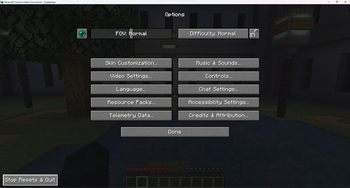
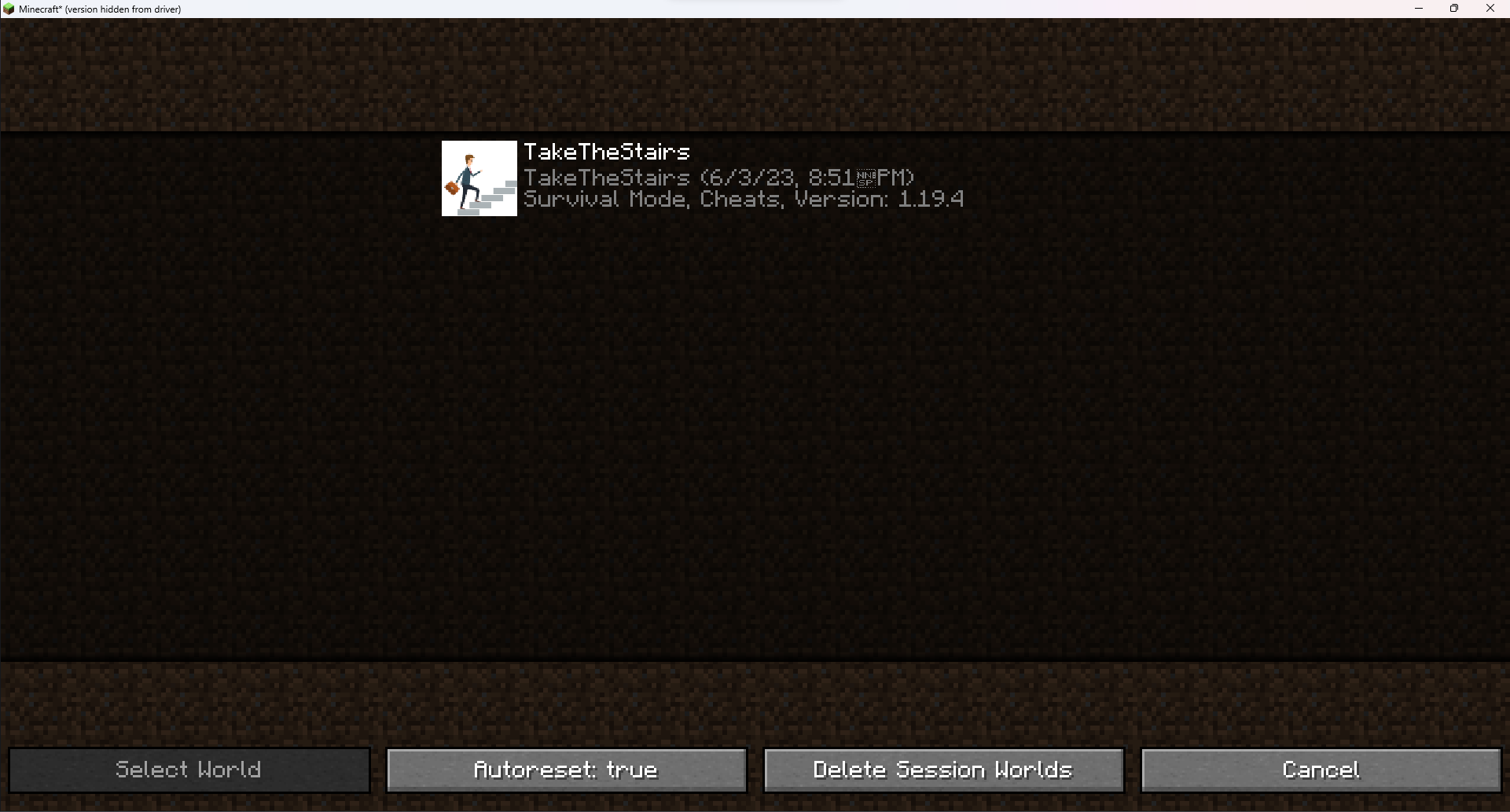
shift + click the diamond boots icon on the main menu next to singleplayer to select a world click on the diamond boots again to start resetting that world once you're resetting, the save & quit to title button will immediately create a new copy of the world & put you in it to exit, you have to go into options, & click the "stop resets & quit" button on the bottom left corner of the screen (you may also turn off autoresetting, to only make use of the world copying & deleting functionality)
after this, you can shift + click on the diamond boots again & click "delete session worlds" to delete every copy made by the mod if you close the game, it won't save which worlds were created by the mod, so you'll have to delete the saves manually or with an external script
attempt counters are kept track of by world folder name, & stored in [instance folder]\config\custom-map-attempts.txt there is also a read-only file containing only the current map's reset count, for obs file reading, in [instance folder]\attempt.txt
- Edition: Minecraft Java
- File type: .jar
- Minecraft versions listed: 1.20.5, 1.20.6, 1.21
- How to install: Install the matching mod loader (Forge, Fabric or NeoForge) for your Minecraft version. → Download the .jar. → Put it in the .minecraft/mods folder and launch that loader profile.
- Where to get it: Opens on Modrinth — not every file is mirrored on our own servers.
Install steps are the general flow for this file type — How to install Minecraft Java mods & modpacks walks through it step by step.
- Ships as custom-map-resetter-1.4.2-1.20.5-1.21.3.jar — drop this file into the mods folder
- Download size: 19 KB
- Download link checked 30 Aug 2026 — working
These come from our own check of the pack file, not from the source page.