
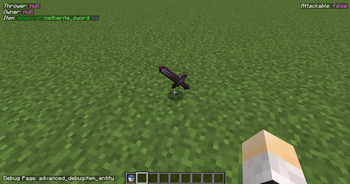
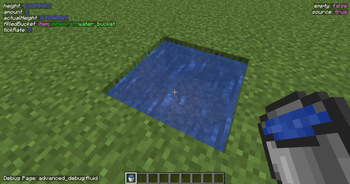
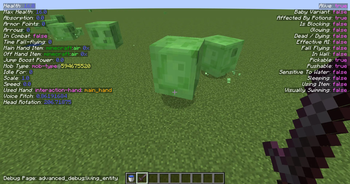
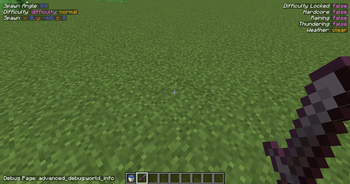
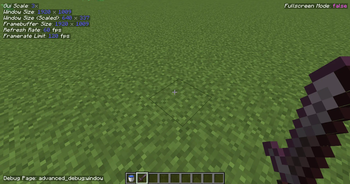
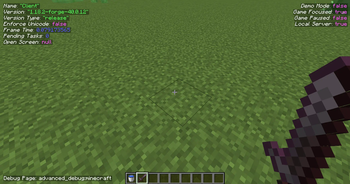
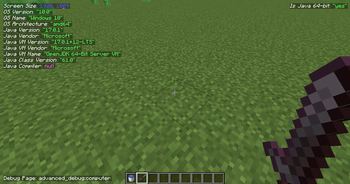
Note that the beta versions can crash Minecraft
Advanced Debug
Is your default F3 screen not enough? We got you!
Features
- Multiple pages for the debug menu, and is changeable using F4 for keybind by default. (Also holding shift will go to the previous one instead of the next one)
- ImGui based debugging menu.
WIPSince 2.3.0 - Modding API available, with the ability to create pages and formatters for the objects (such as integers, strings specific enums etc.).
- Keybinding is separate for the default one without interfering the default debug menu.
- Hopefully, there will be more features coming soon.
Quick facts
- Edition: Minecraft Java
- File type: .jar
- Minecraft version listed: 1.20.1
- How to install: Install the matching mod loader (Forge, Fabric or NeoForge) for your Minecraft version. → Download the .jar. → Put it in the .minecraft/mods folder and launch that loader profile.
- Where to get it: Opens on Modrinth — not every file is mirrored on our own servers.
Install steps are the general flow for this file type — How to install Minecraft Java mods & modpacks walks through it step by step.
Verified by MCModsHub
- Ships as advanced-debug-fabric-2.5.0.jar — drop this file into the mods folder
- Download size: 8.6 MB
- Download link checked 30 Aug 2026 — working
These come from our own check of the pack file, not from the source page.