
Throwable Dye
I don't know my version or loader
Overview
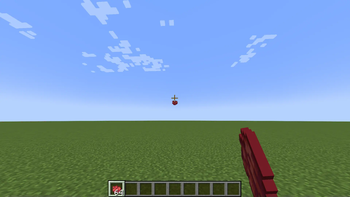
This is a mod that allows you to throw dyes!
Throwing it at a block with a colored variant (eg. concrete) will dye the block the color of the dye you threw. This should work with every vanilla block.
This will also work with modded blocks, however, there are some exceptions which will need to be added to the config manually.
Config
Technical Overview
The way this mod works is when the thrown dye hits a block, it will get the block's id.
Then it will check if the block id starts or ends with a dye color. If it does, it will replace the color in the block id, with the thrown dye color.
If a color is not found in the block id, the it will try appending the thrown dye color to the beginning of the block id.
Finally, if that fails, it will fall back to the config file, and check if there is a colored block variant mapped to the default block.
Adding to the config
On the event that a some blocks do not work, you can add it into the config.
The config is called throwabledye.json. The syntax is as follows:
"somemod:block_id": "{color}_block_id"
A working example of this would be:
"minecraft:glass": "{color}_stained_glass"
Some blocks have a base, or un-dyed, variant, such as glass or terracotta. Unlike terracotta, dyed glass does not keep the same color + blockid format, it has an extra word, "stained", which is not referenced in the base variant, so the base variant needs to be mapped to the colored variant.
This is done by making the base block id the key. Then taking the colored block id, putting {color} where the color name would be, and making it the value. Then the mod can replace {color} with the thrown dye color.
- Edition: Minecraft Java
- File type: .jar
- Minecraft versions listed: 1.20, 1.20.1, 1.20.2
- How to install: Install the matching mod loader (Forge, Fabric or NeoForge) for your Minecraft version. → Download the .jar. → Put it in the .minecraft/mods folder and launch that loader profile.
- Where to get it: Opens on Modrinth — not every file is mirrored on our own servers.
Install steps are the general flow for this file type — How to install Minecraft Java mods & modpacks walks through it step by step.
- Ships as throwabledye-1.0.0-1.20.jar — drop this file into the mods folder
- Download size: 36 KB
- Download link checked 30 Aug 2026 — working
These come from our own check of the pack file, not from the source page.