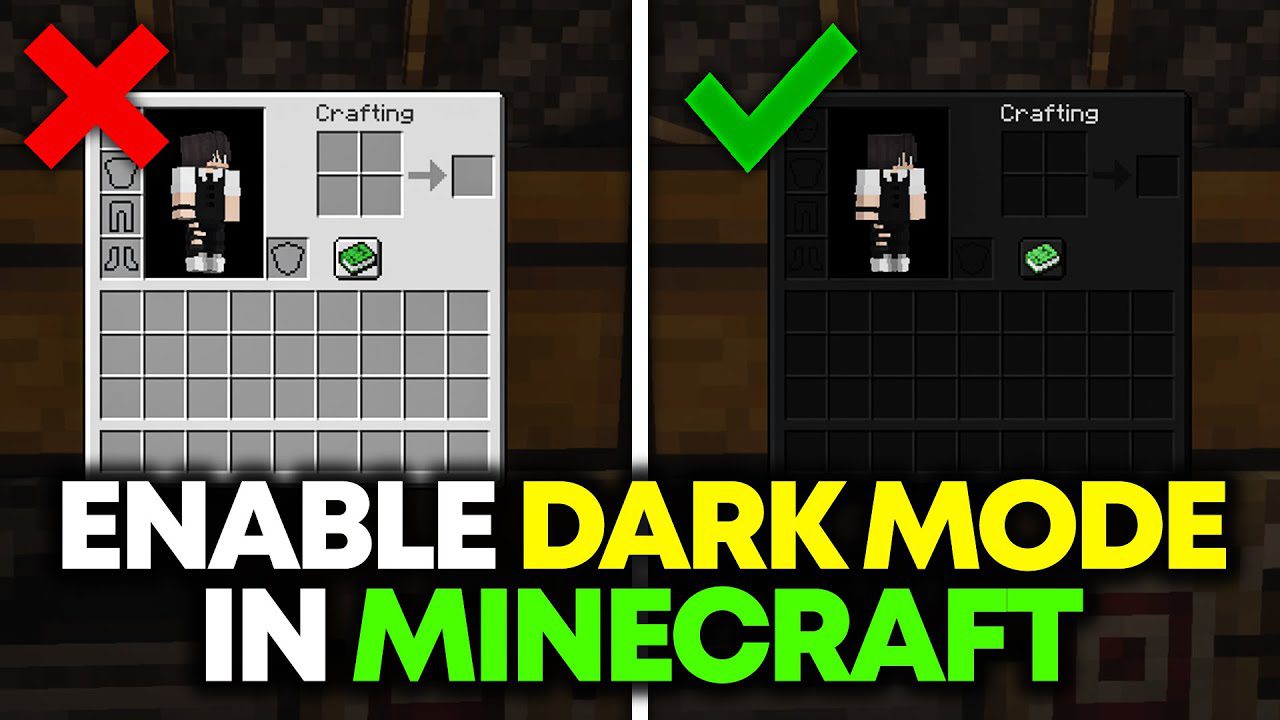
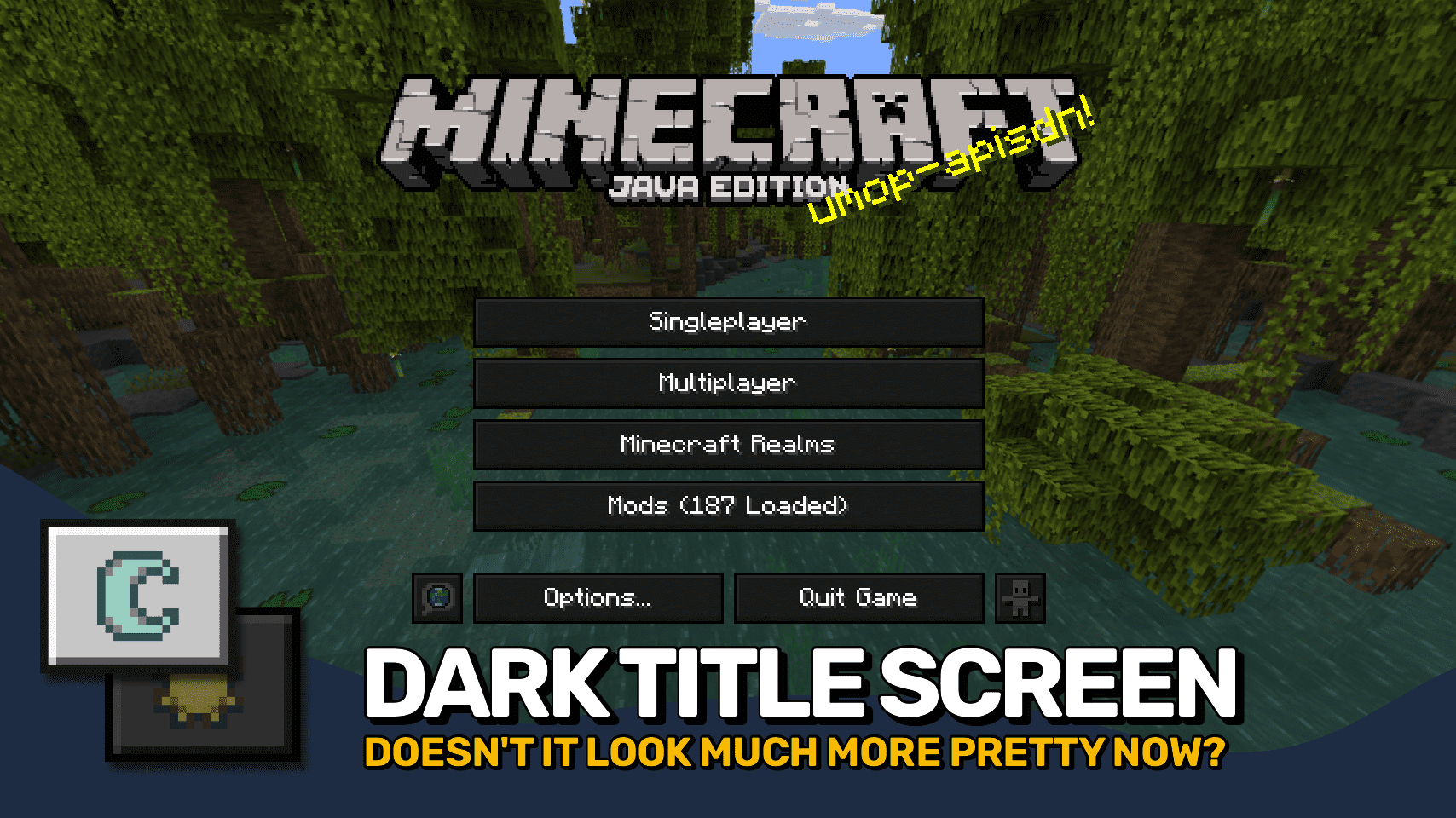
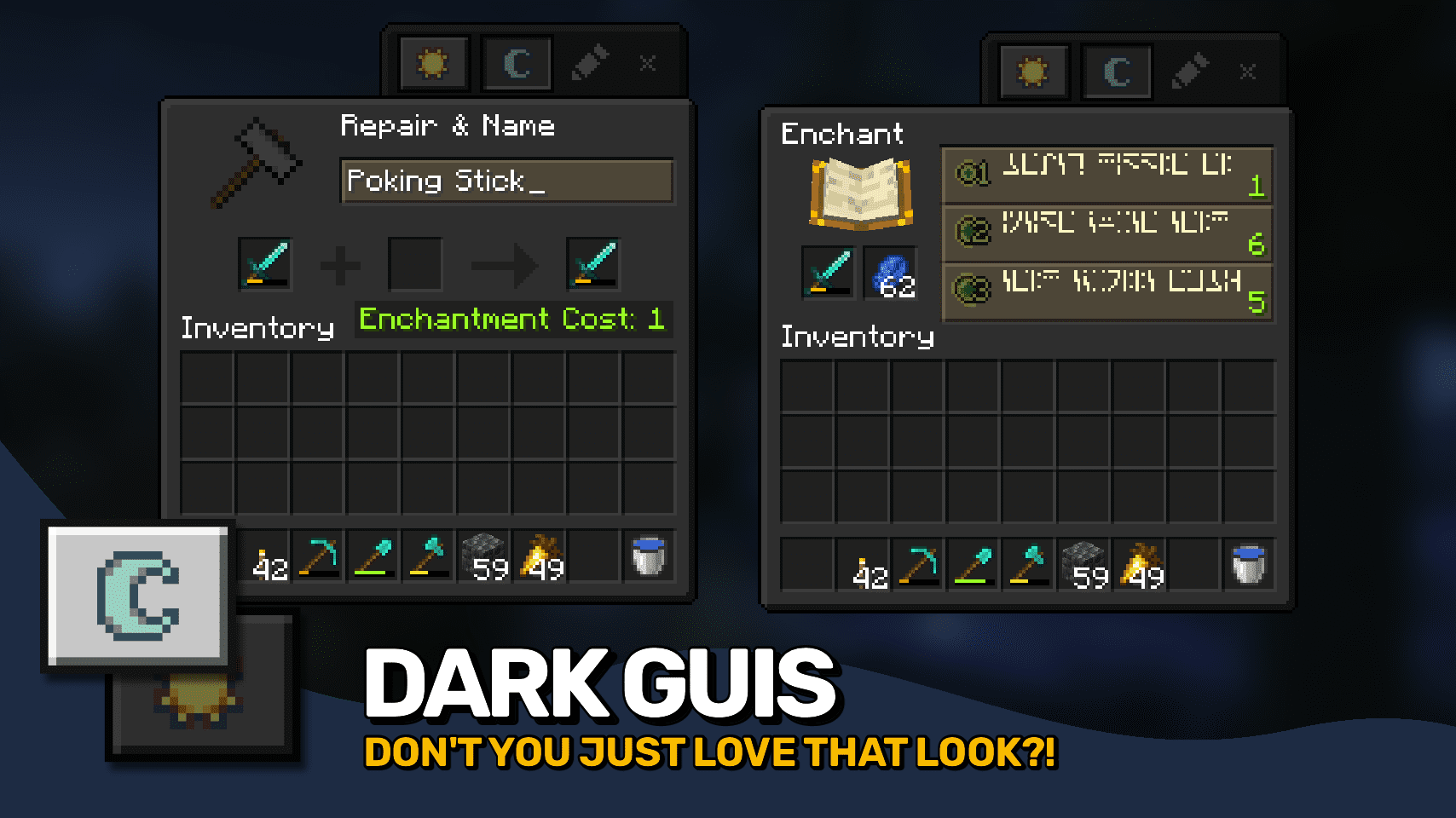
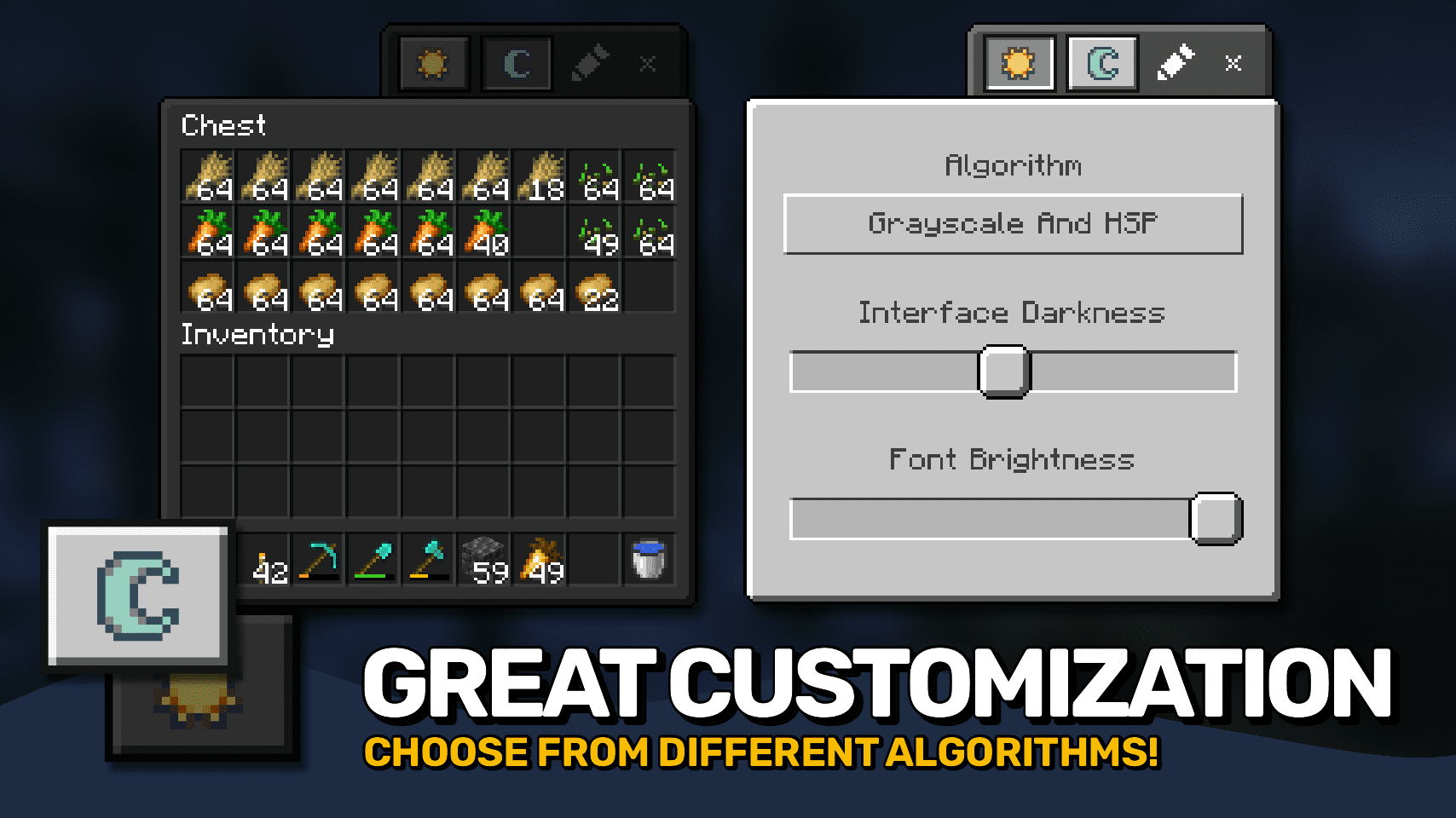
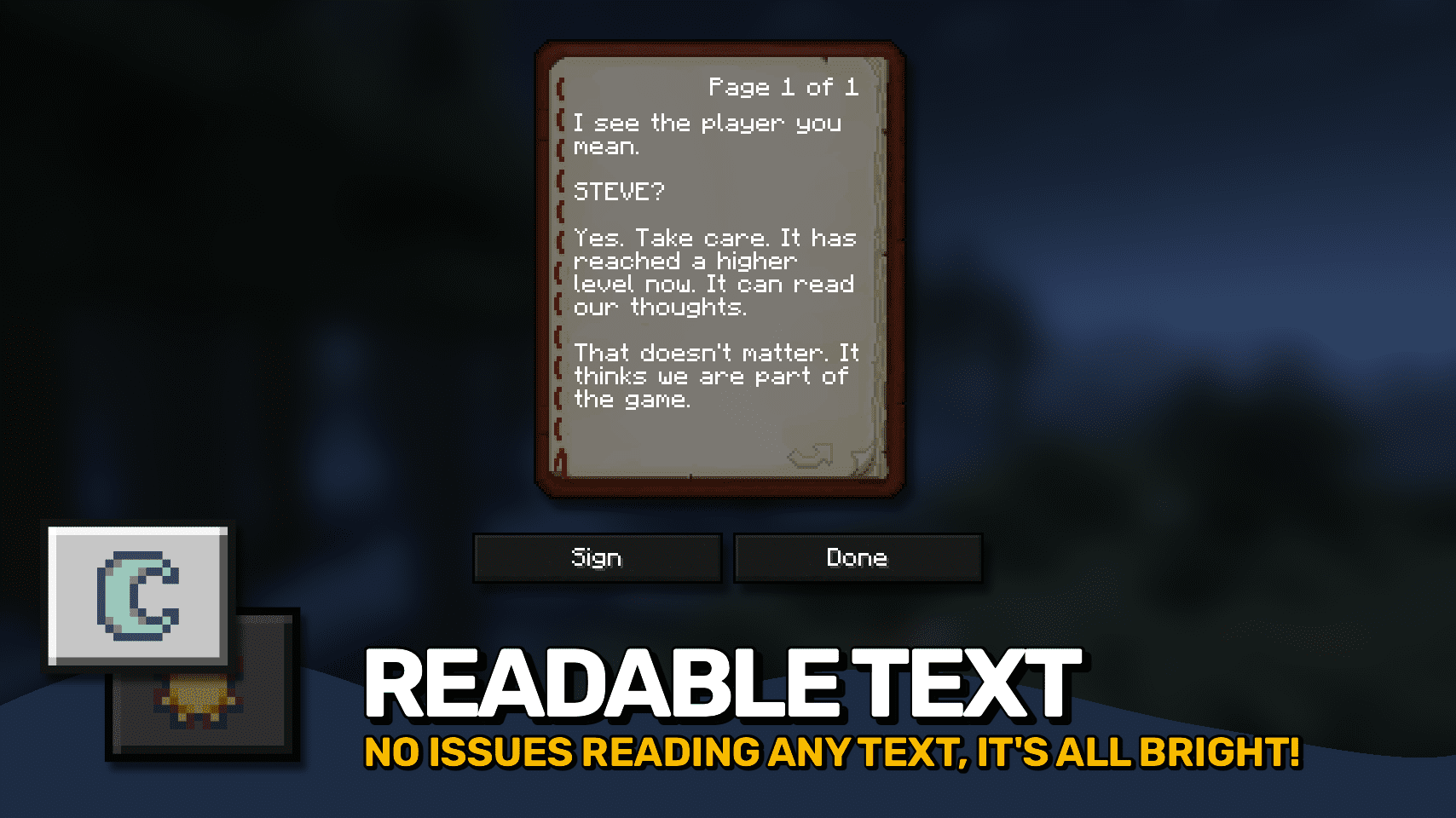
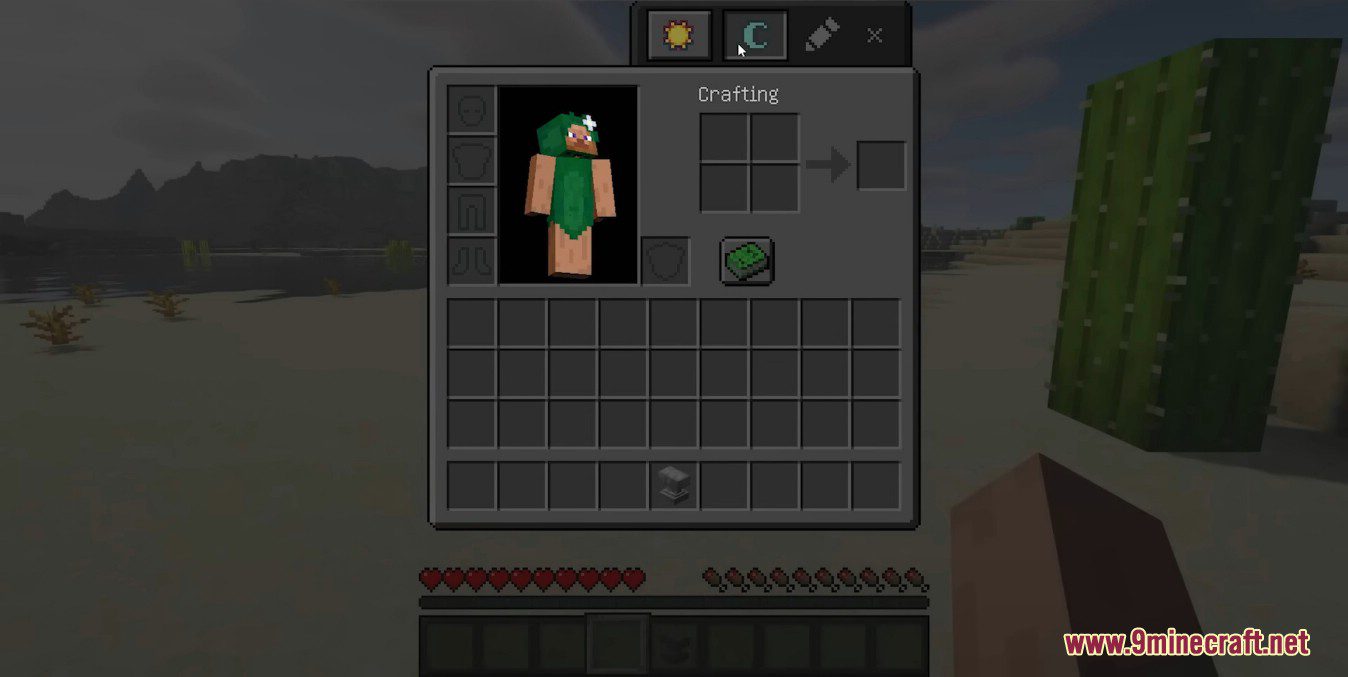
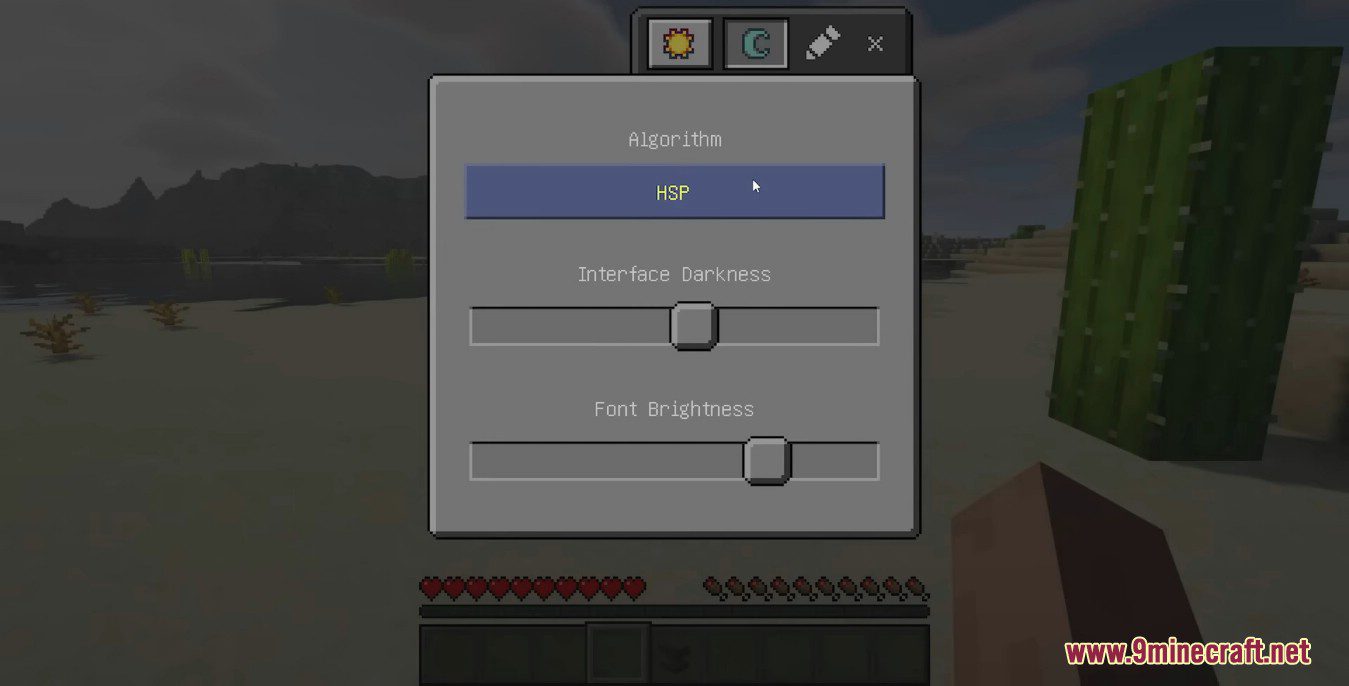
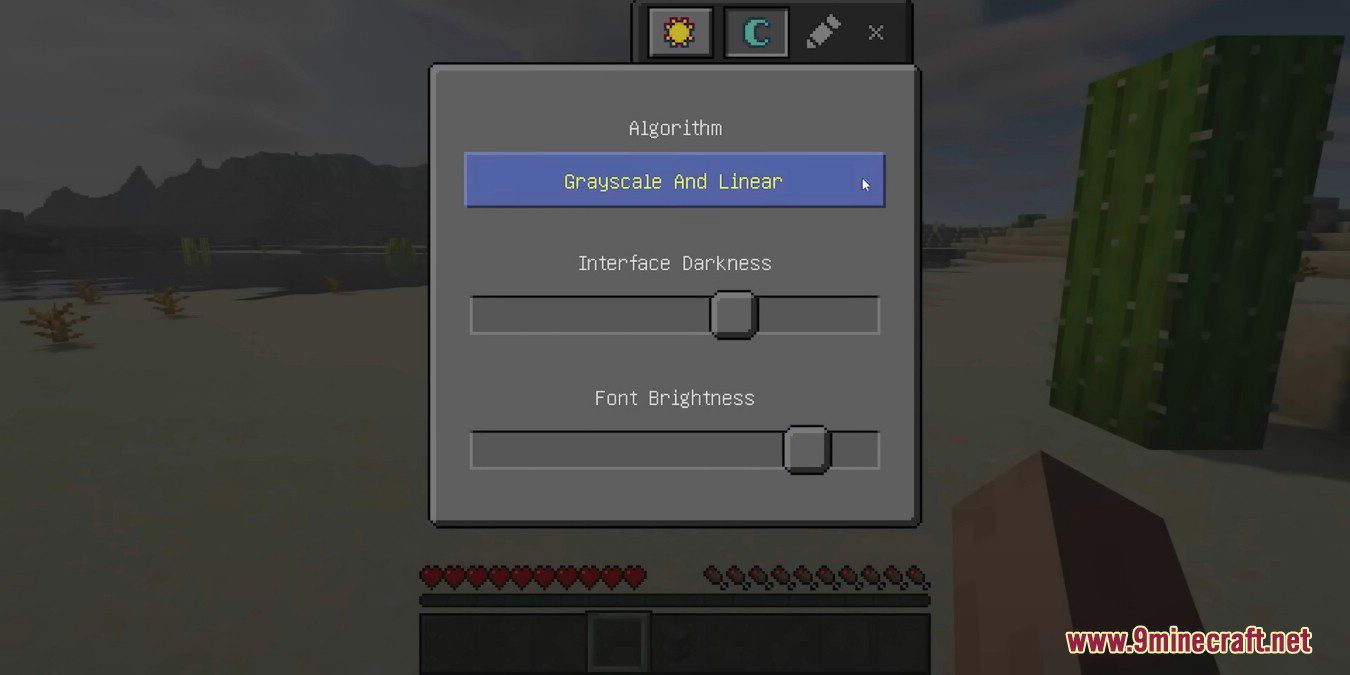
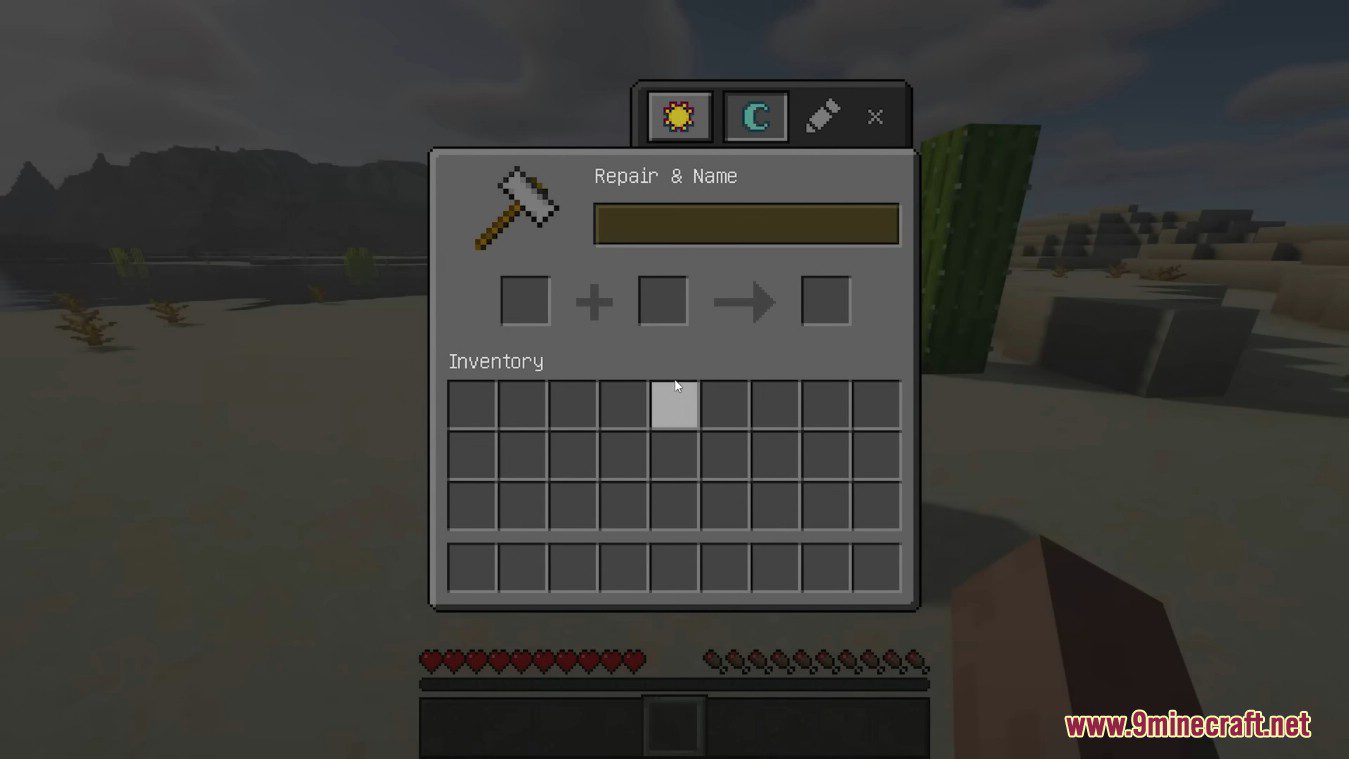
Mindful Darkness Mod adds a fully automatic dark mode to your game! Darkens all guis without any texture changes required. Can be quickly turned on and off directly in-game. You can also choose from different algorithm and control the darkness intensity with ease. Also includes a simple system allowing you to control which textures are affected. Turning all the lights off!
Features:
- Applies a customizable dark theme to all in-game menus.
- Allows players to adjust darkness intensity and choose which textures are affected.
- Can be enabled or disabled directly in-game.
Screenshots:
Mindful Darkness Mod Download Links
Quick facts
- Edition: Minecraft Java
- File type: .jar
- Minecraft version listed: 1.20.1
- How to install: Install the matching mod loader (Forge, Fabric or NeoForge) for your Minecraft version. → Download the .jar. → Put it in the .minecraft/mods folder and launch that loader profile.
- Where to get it: In MC Java Mods, or directly above on this page.
Install steps are the general flow for this file type — How to install Minecraft Java mods & modpacks walks through it step by step.
Verified by MCModsHub
- Downloads as 26502.mcaddon
- Download size: 106 KB
- Download link checked 24 Sept 2026 — working
- Mirrored on our own servers — the download does not depend on the original host
These come from our own check of the pack file, not from the source page.