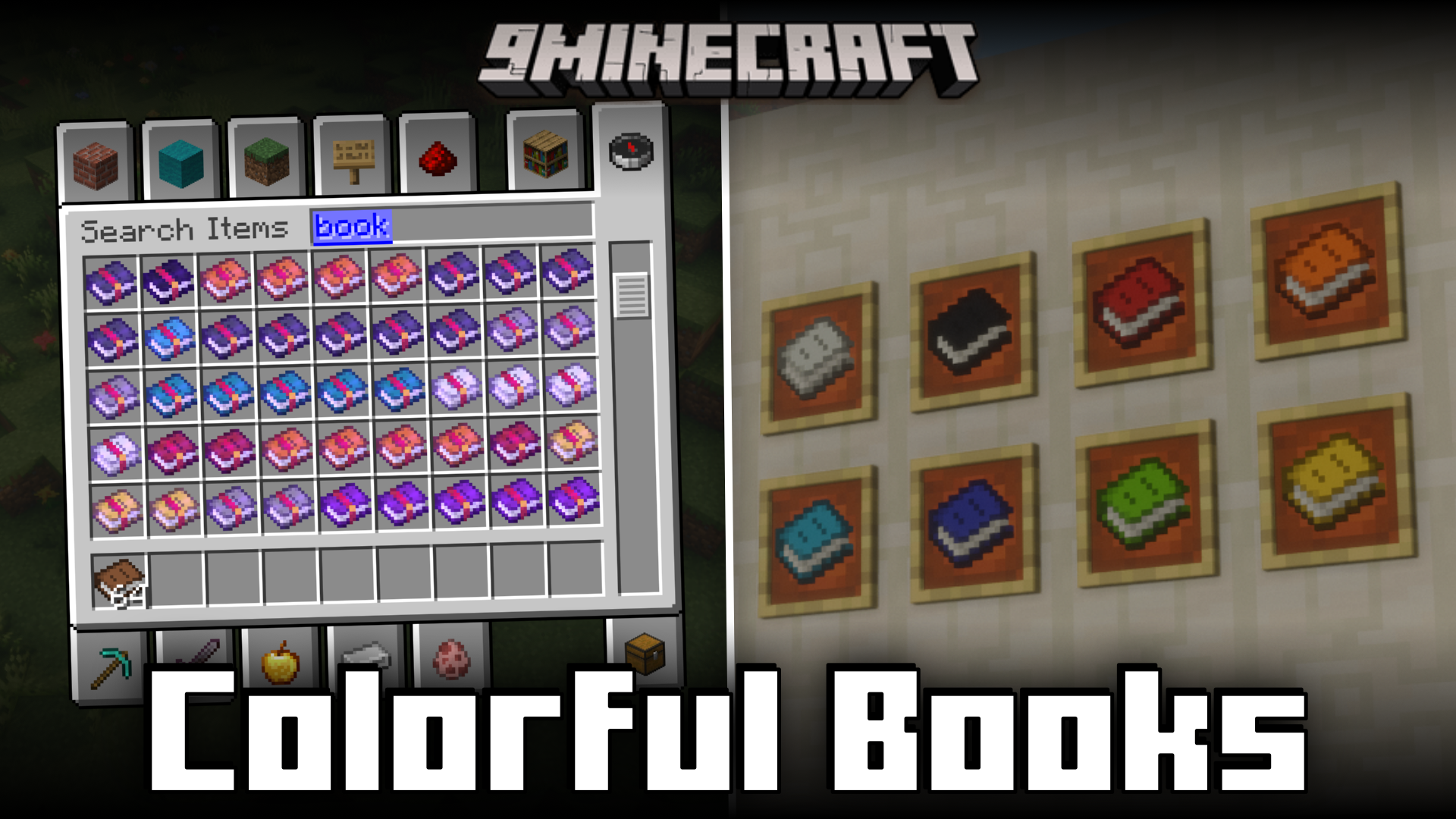
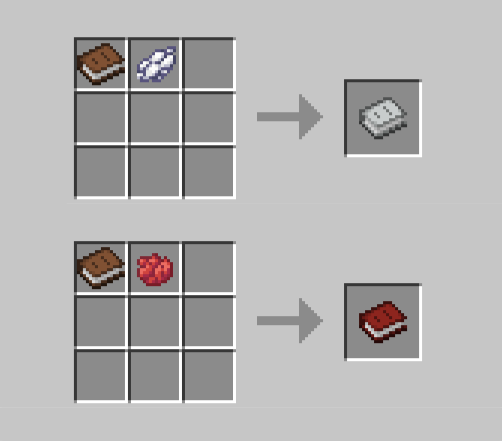
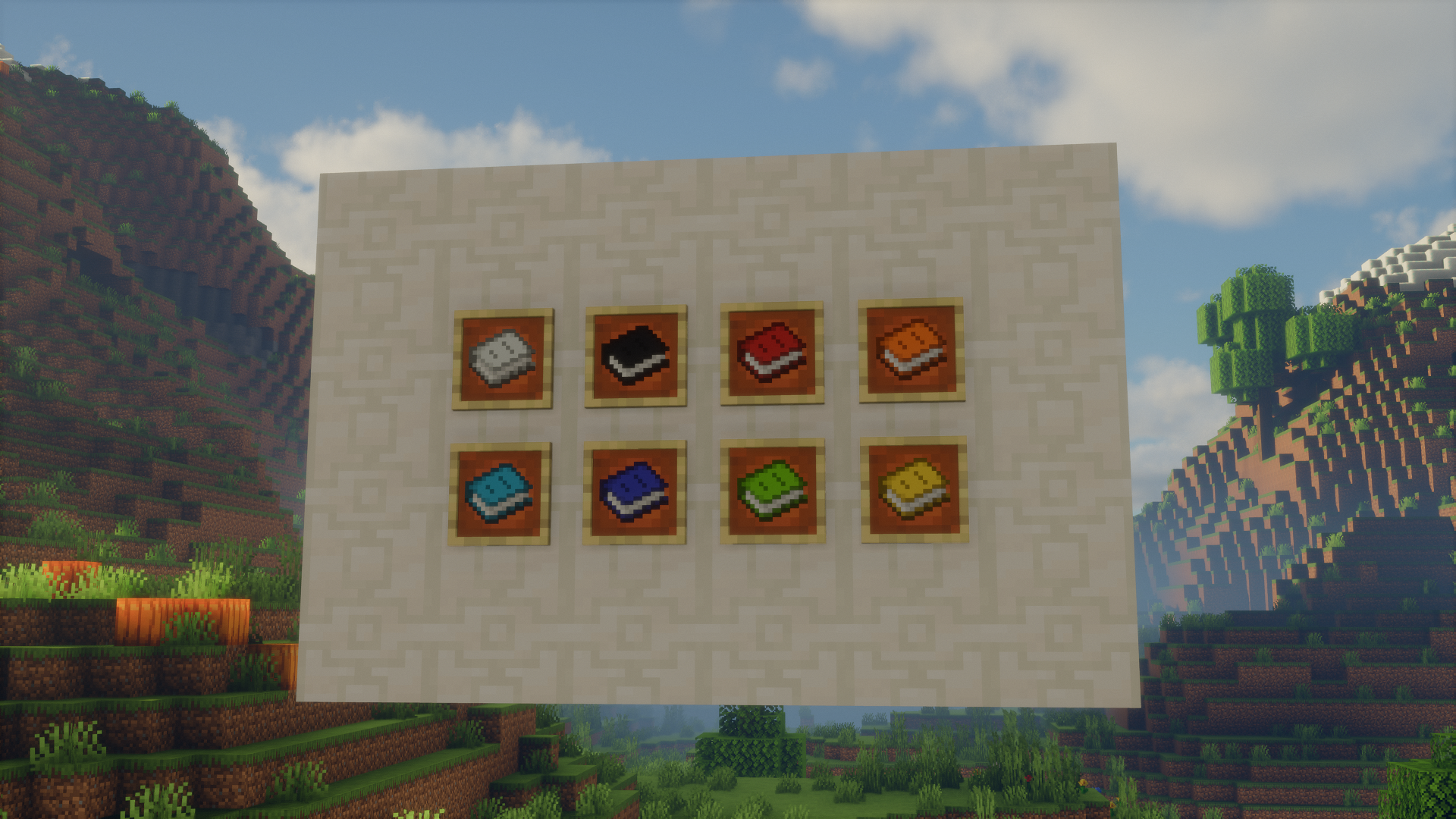
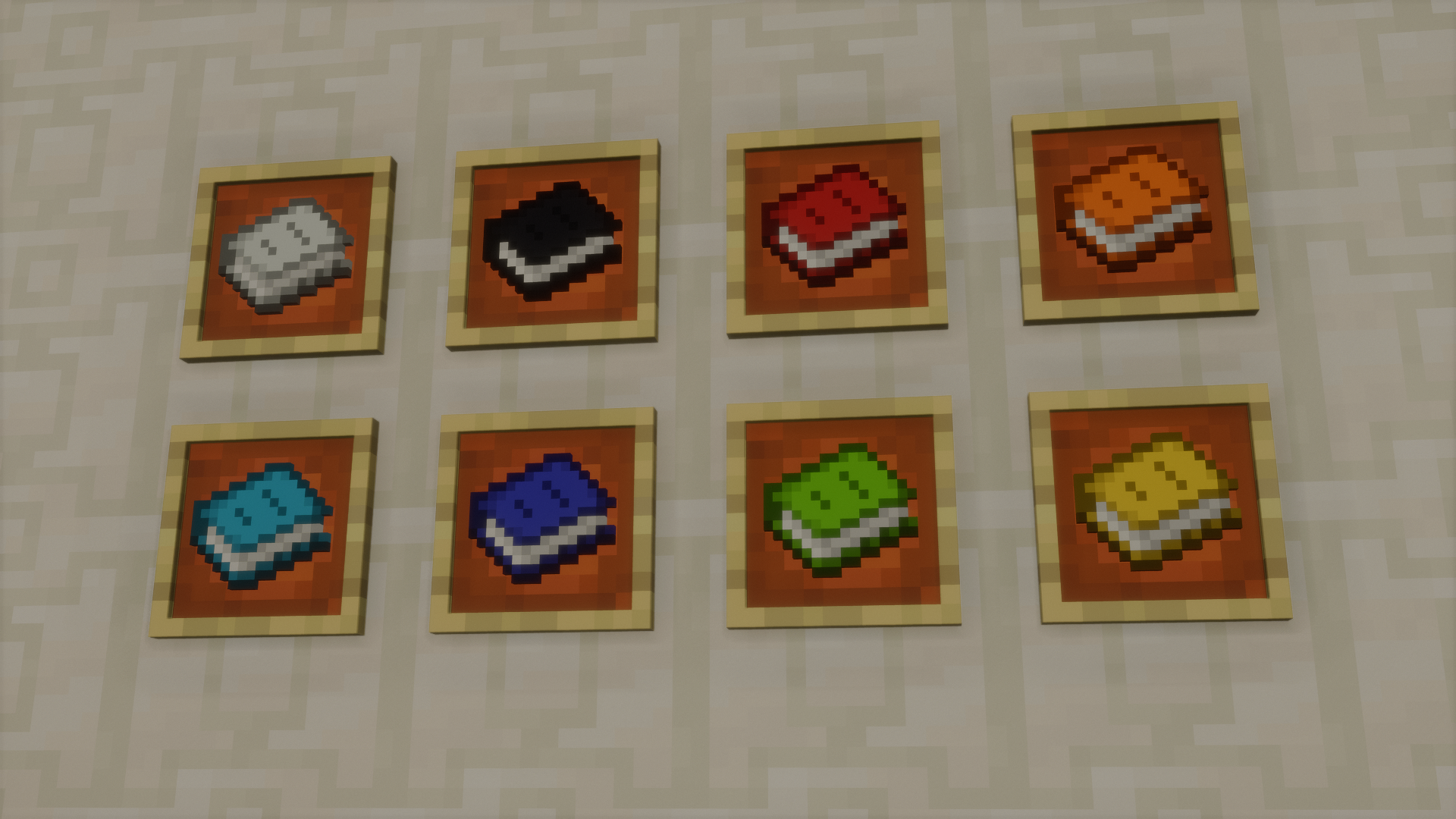
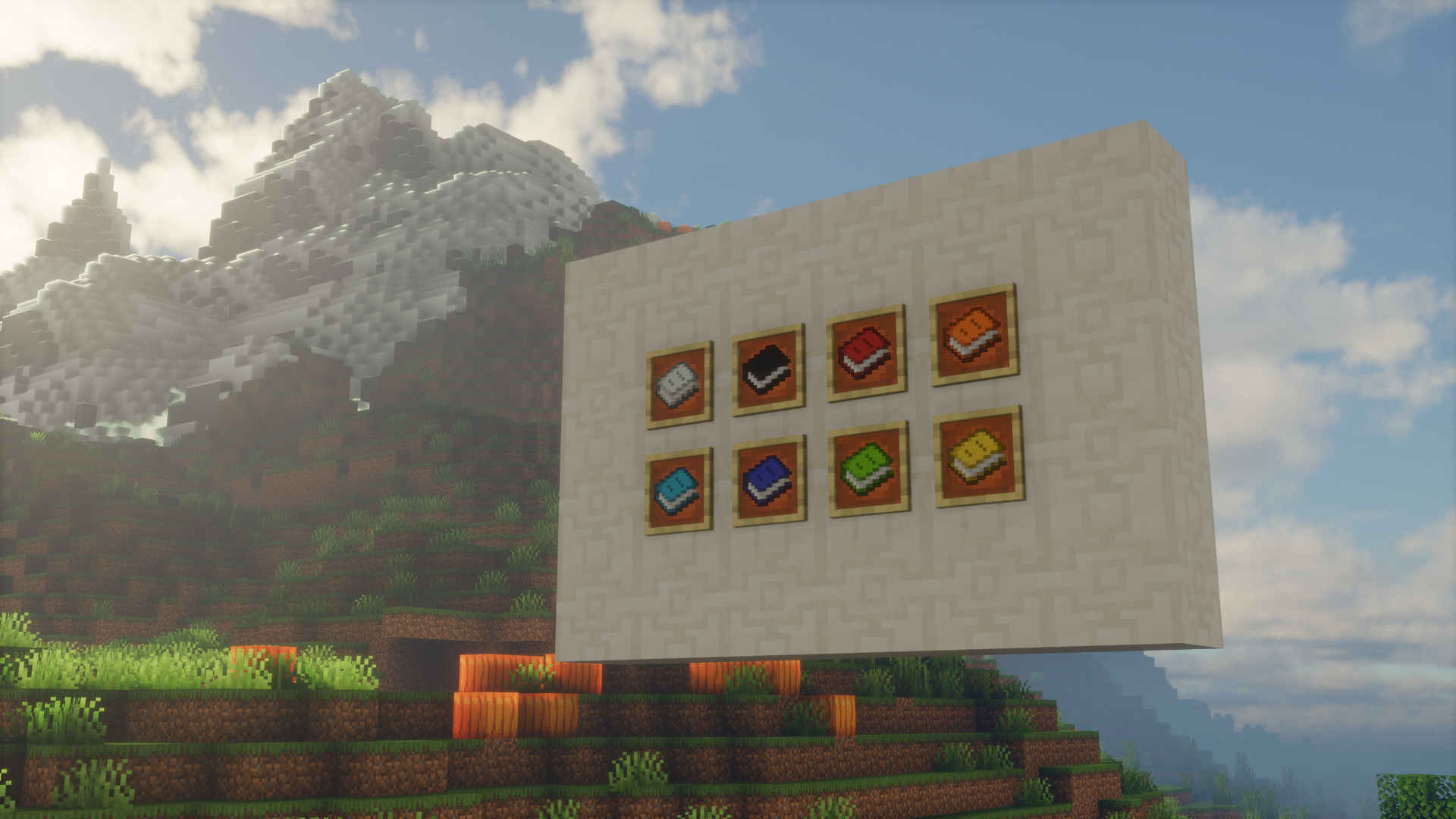
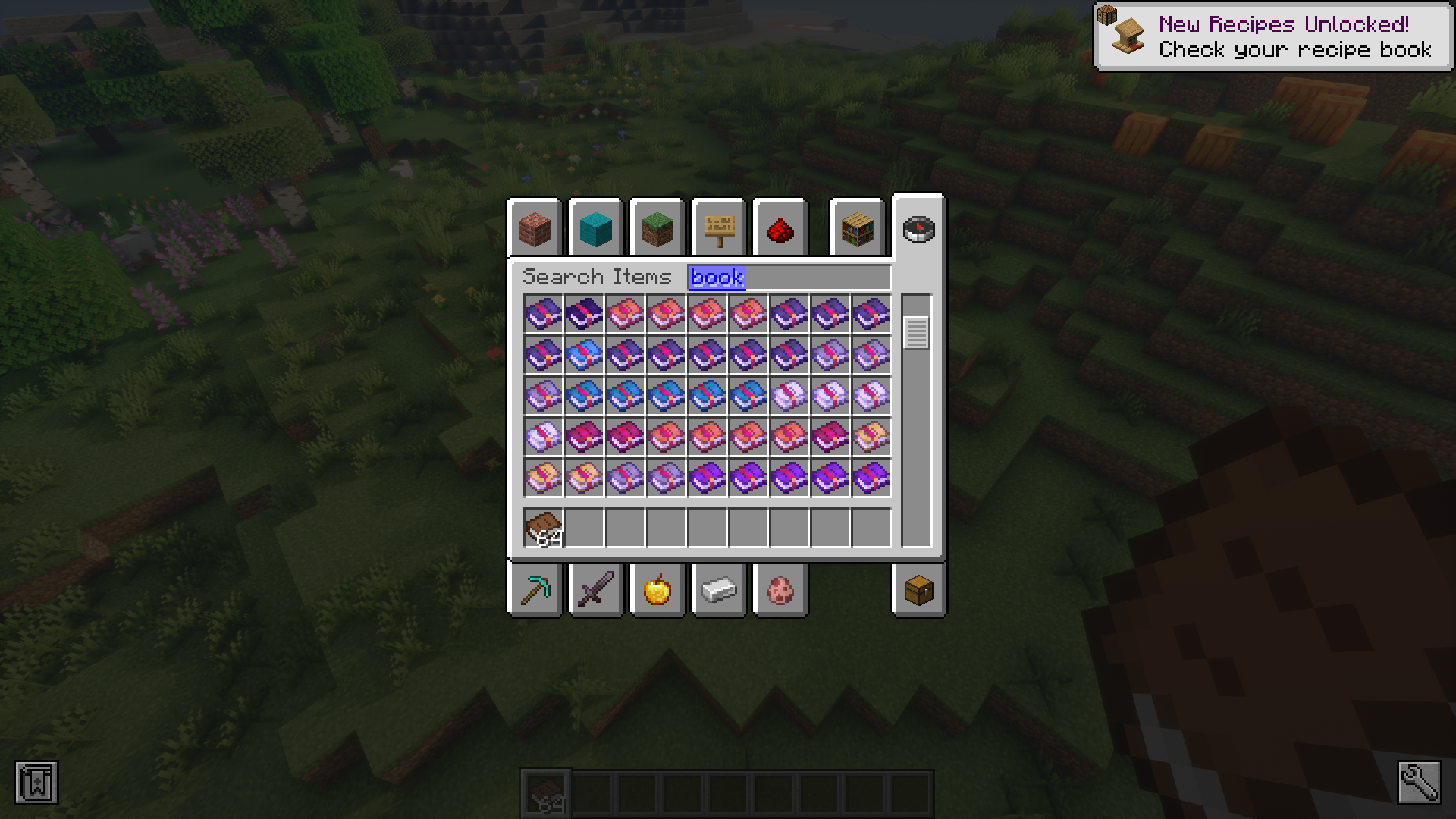
In Minecraft, you can use some leather and paper to craft a book. The texture of the book in its item form is always going to have a leathery appearance, because it is crafted using leather. The game allows you to color leather armor pieces using different dyes to color them. So why not extend this feature to books crafted using leather as well? Colorful Books Mod makes this a reality. This mod allows you to combine a book with a dye in order to color it. The color you add to the book will change the color of the leather case of the book. And therefore the new color will appear in the book’s item form, in inventory slots and even in the enchantment table GUI, if you craft the table using the colored book. Furthermore, the mod also gives different enchanted books their own colors.
Features:
- Allows you to dye books to give them a color.
- Color shows up in inventories, item form and GUIs.
- Remove color by right- clicking with the book on a water filled cauldron.
Crafting Recipes:
Screenshots:
Colorful Books Mod Download Links
- Edition: Minecraft Java
- File type: .jar
- Minecraft version listed: 1.21.1
- How to install: Install the matching mod loader (Forge, Fabric or NeoForge) for your Minecraft version. → Download the .jar. → Put it in the .minecraft/mods folder and launch that loader profile.
- Where to get it: In MC Java Mods, or directly above on this page.
Install steps are the general flow for this file type — How to install Minecraft Java mods & modpacks walks through it step by step.
- Downloads as 26509.mcaddon
- Download size: 157 KB
- Download link checked 25 Sept 2026 — working
- Mirrored on our own servers — the download does not depend on the original host
These come from our own check of the pack file, not from the source page.