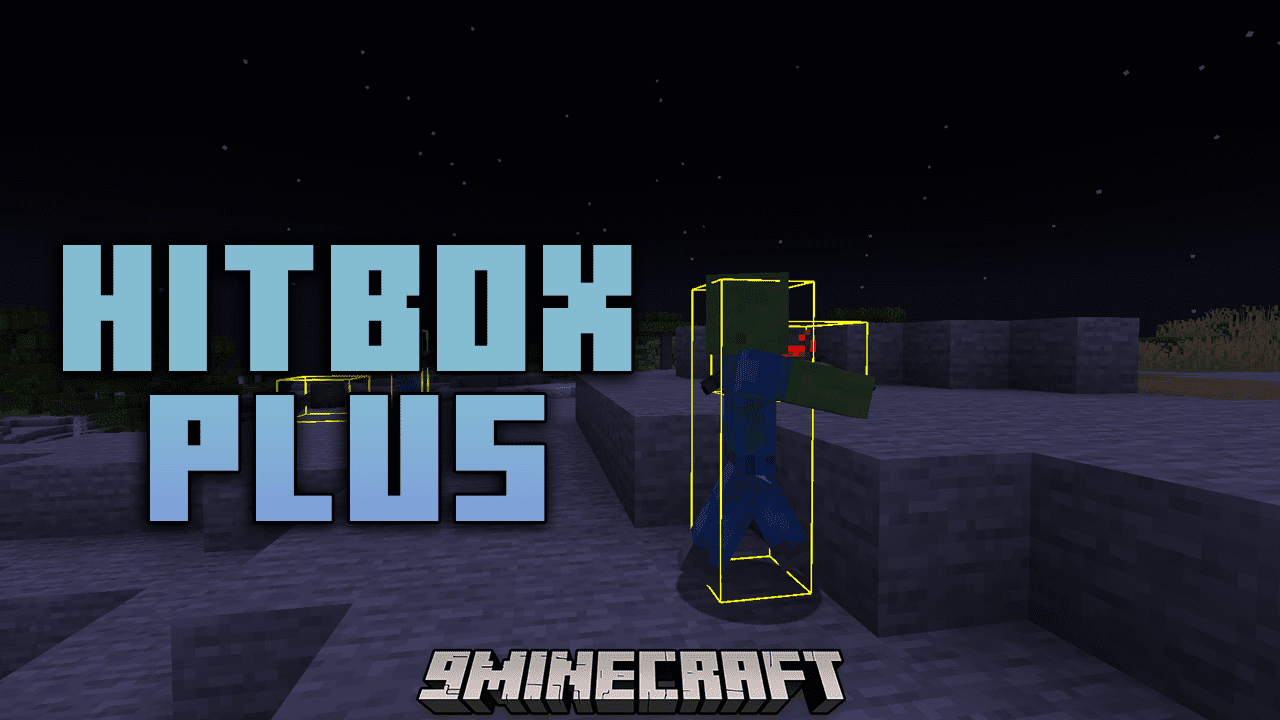
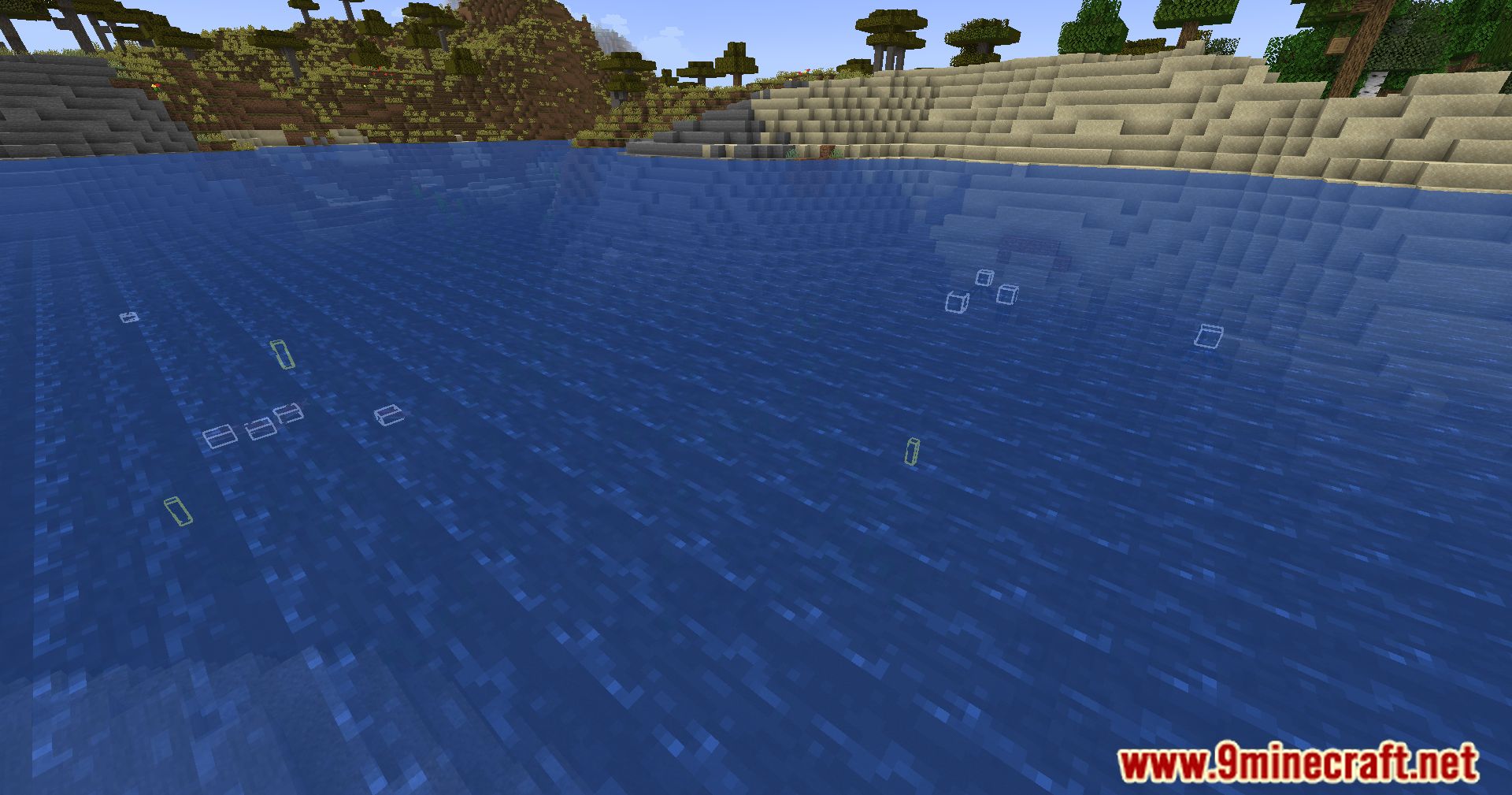
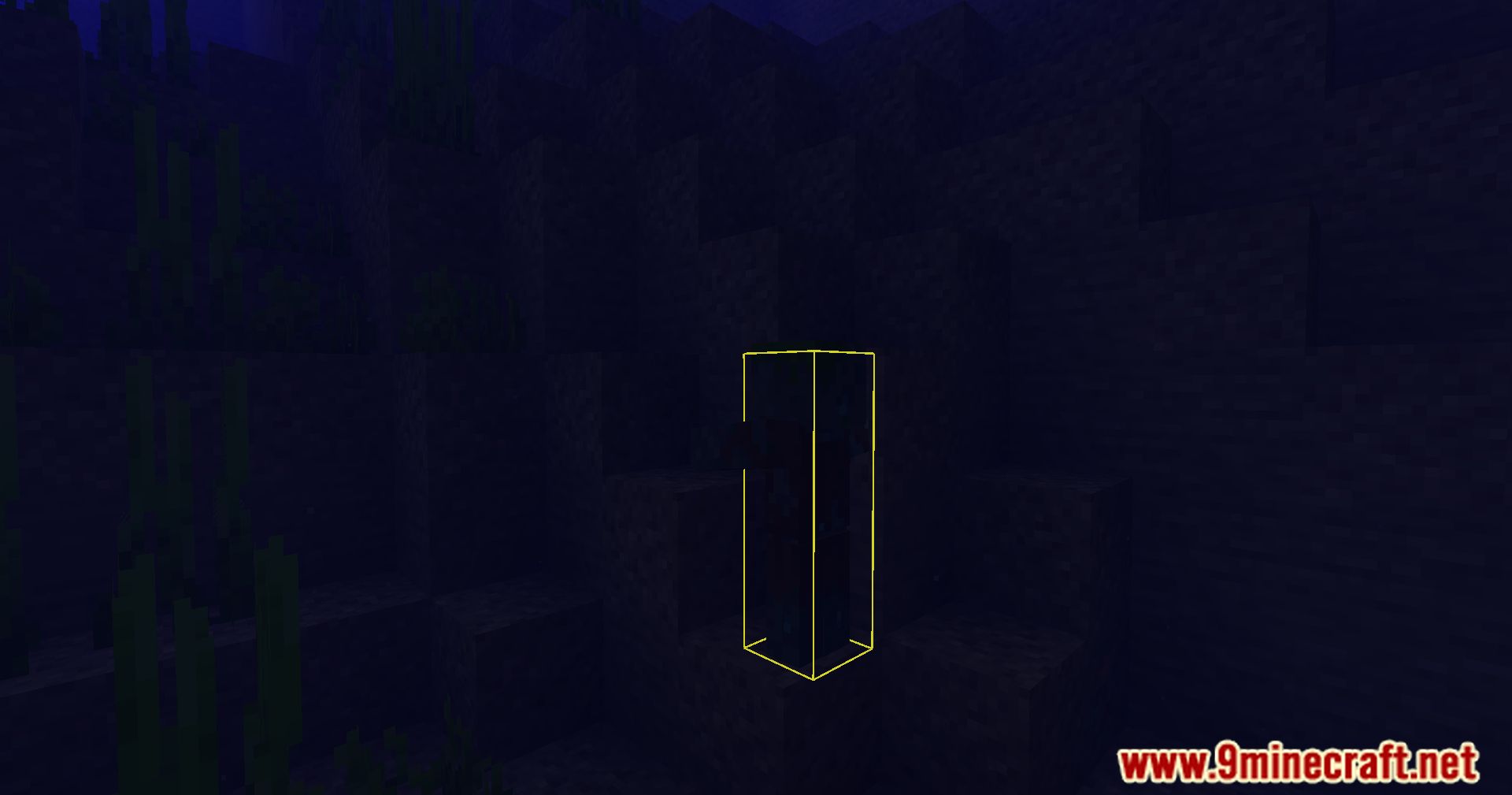
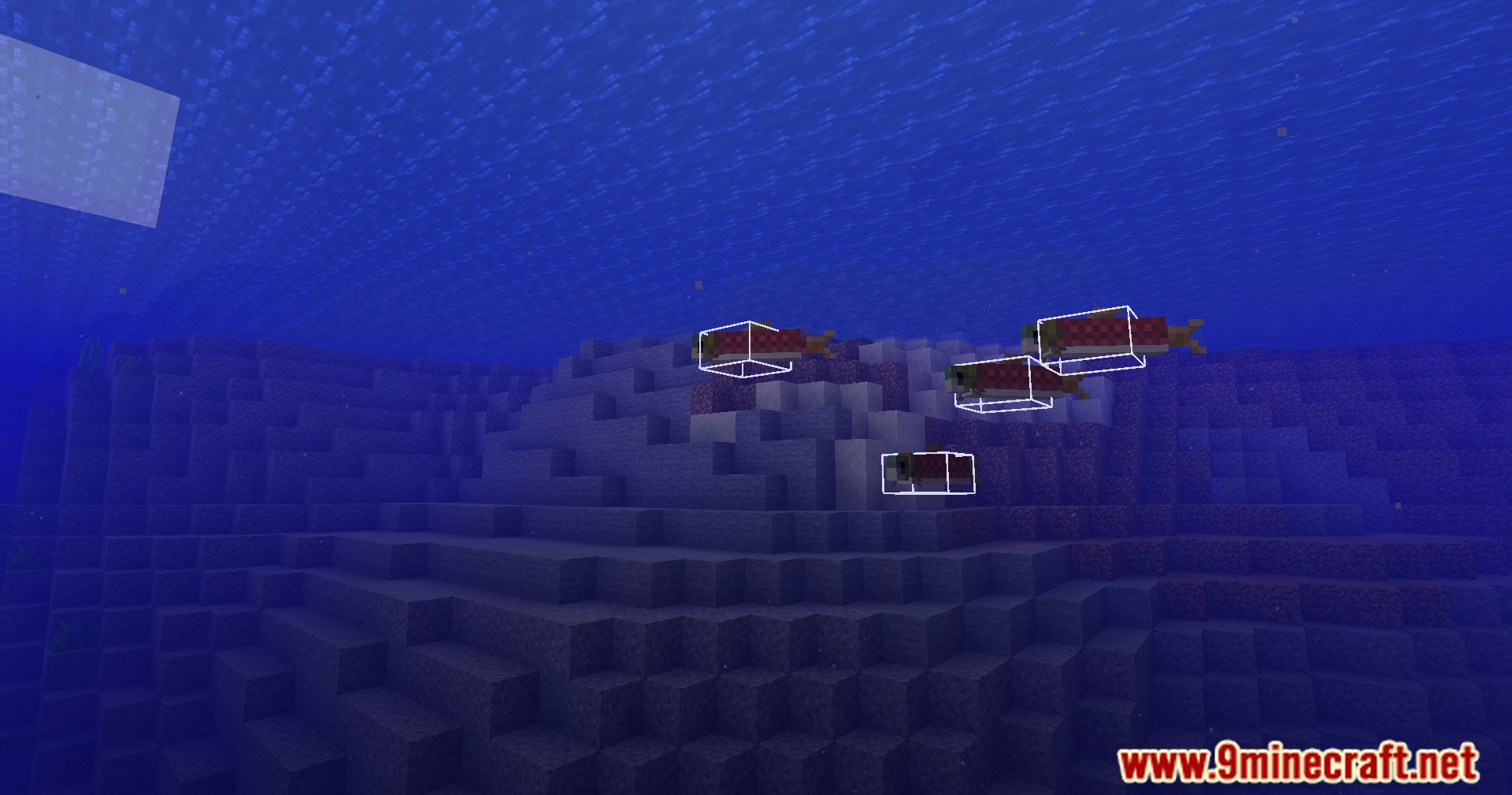
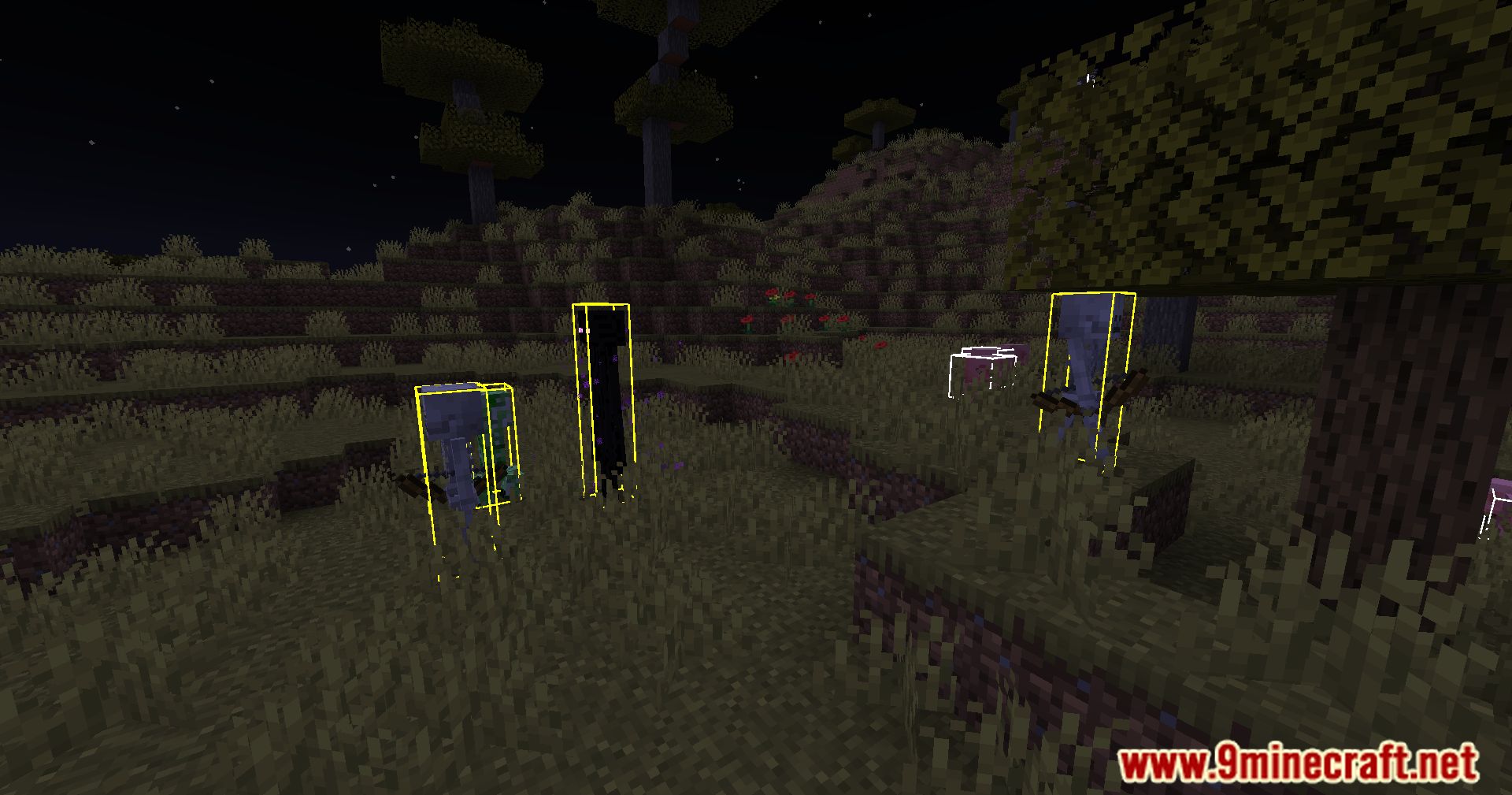
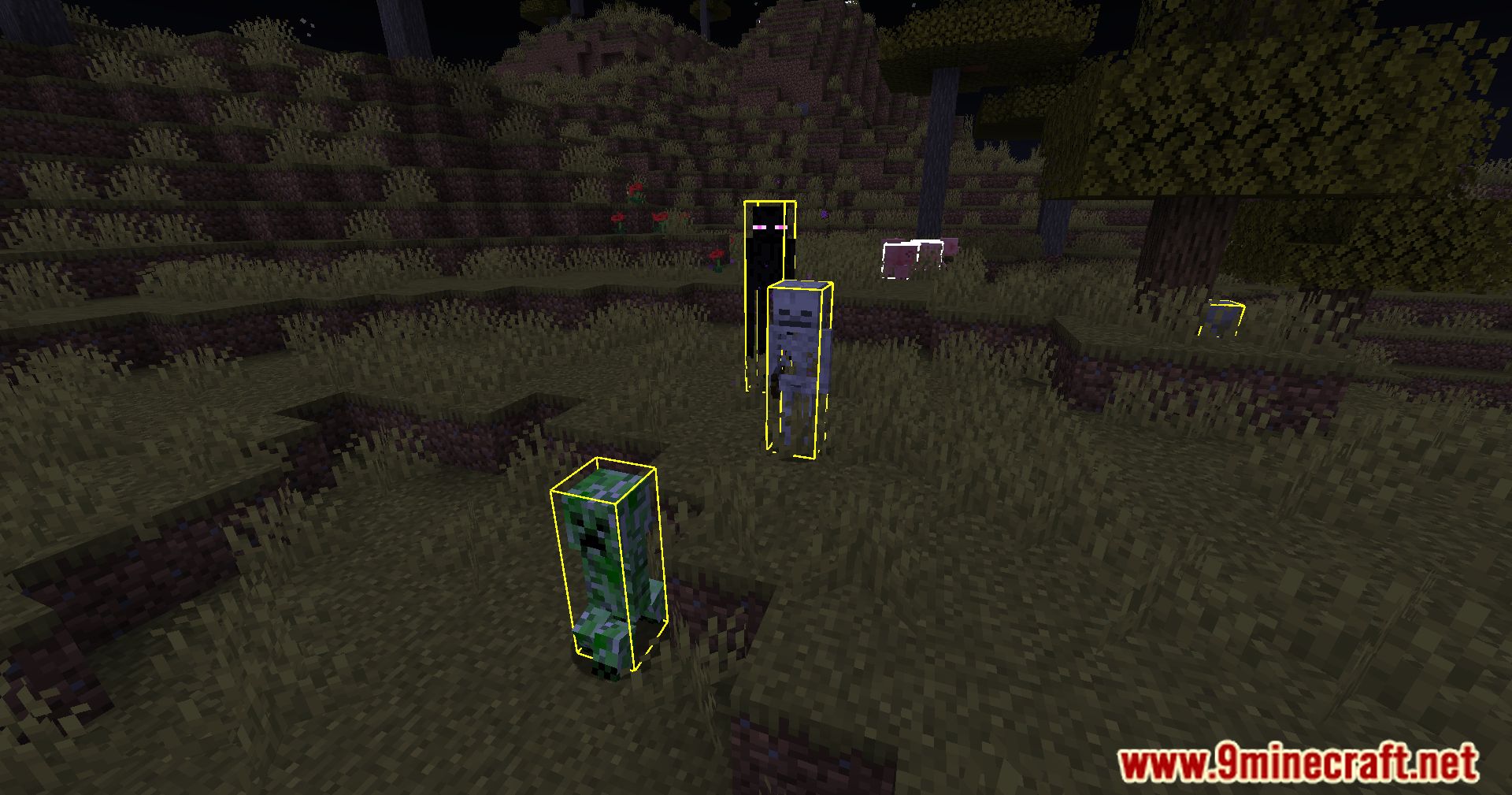
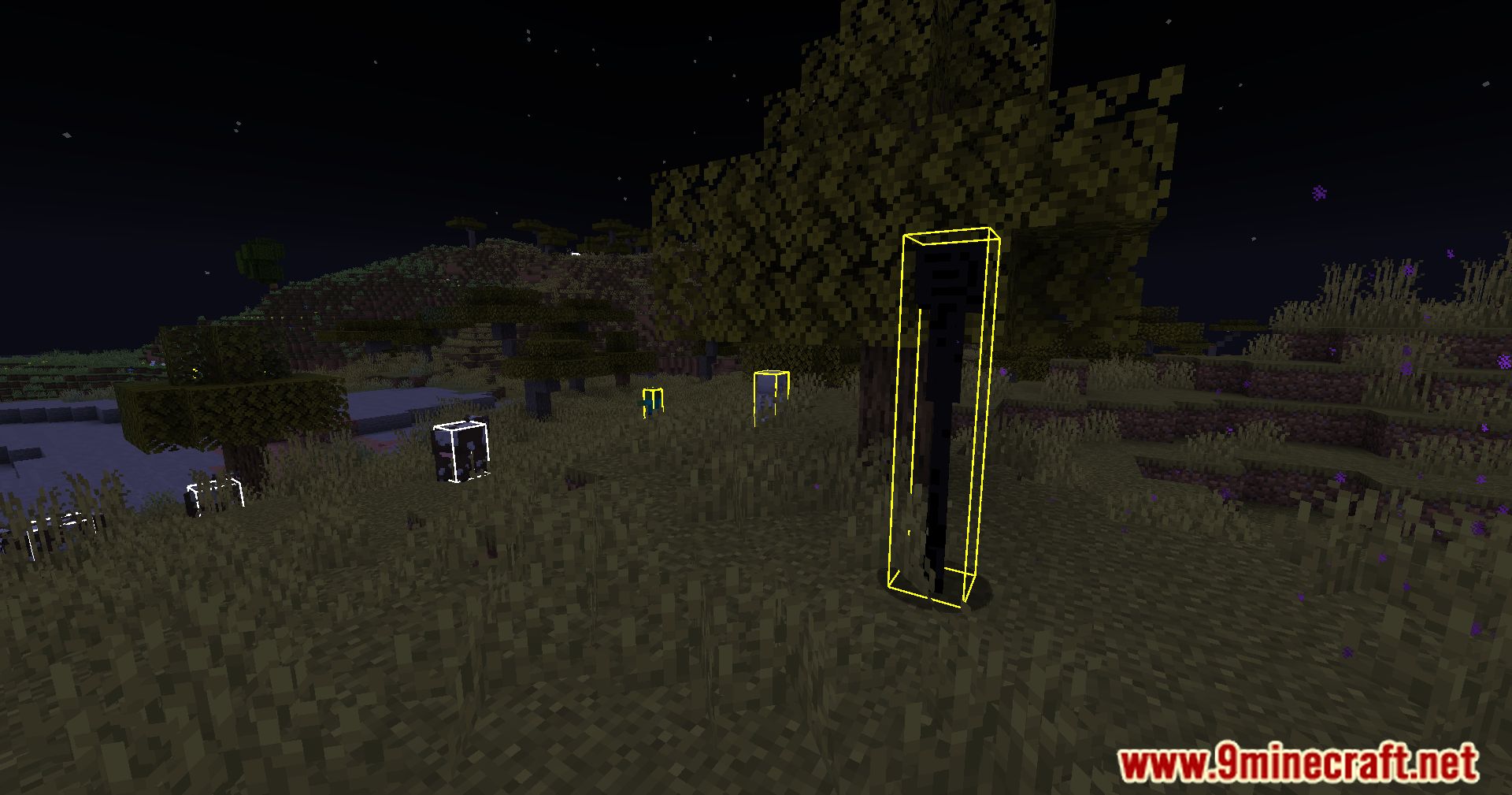
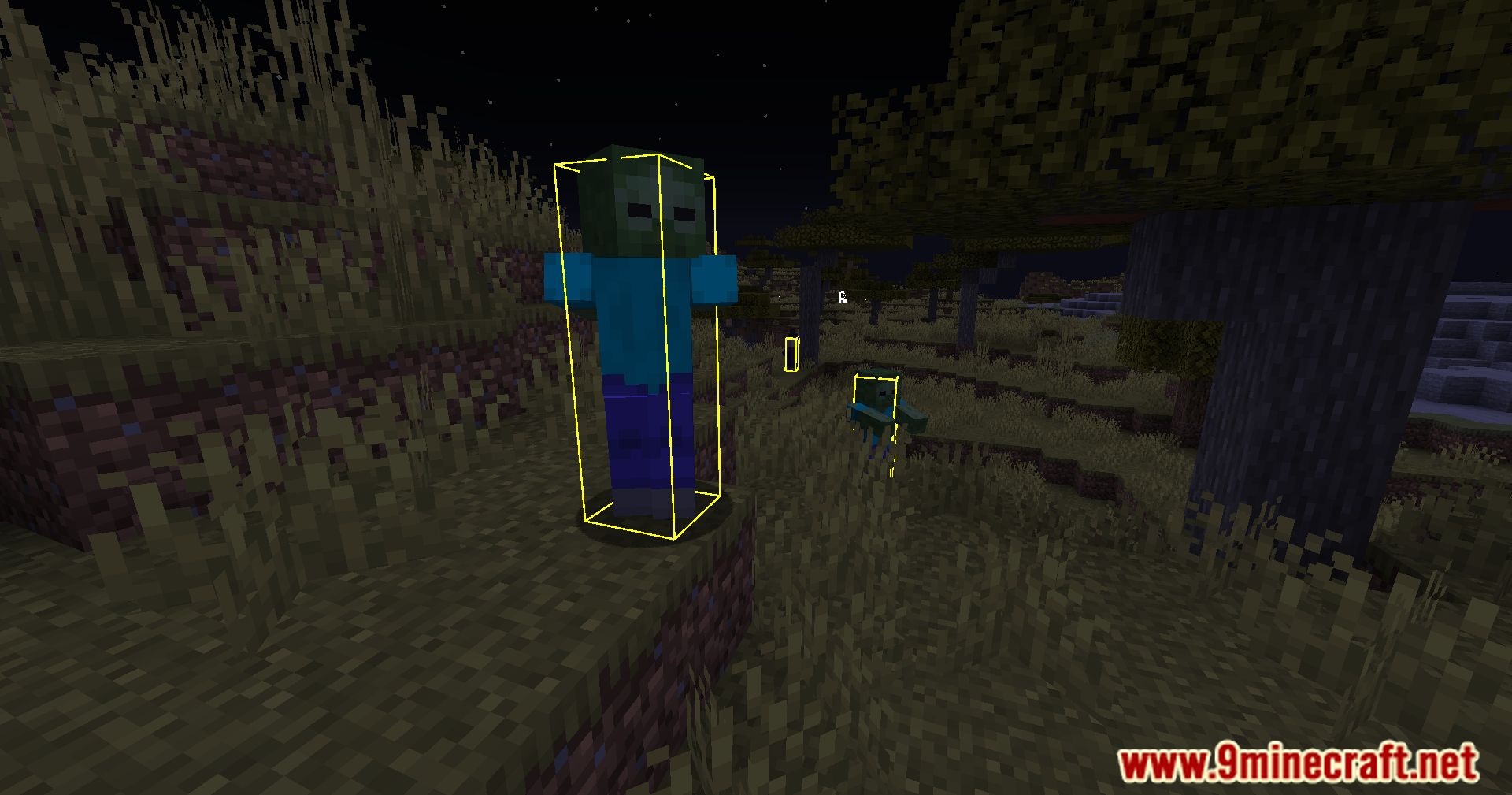
HitBox Plus Mod enhances the visibility and customization of hitboxes in the game.
Features:
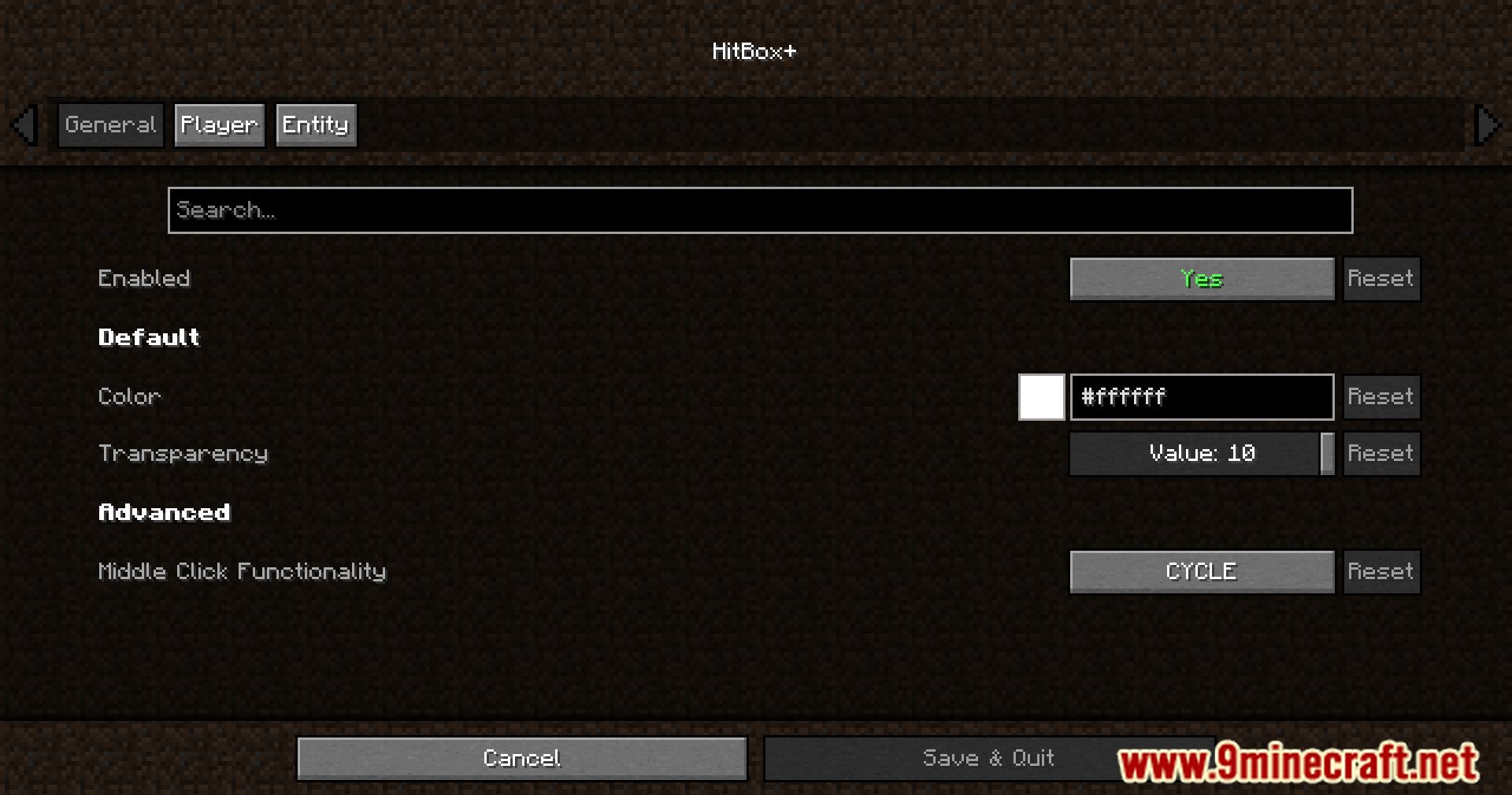
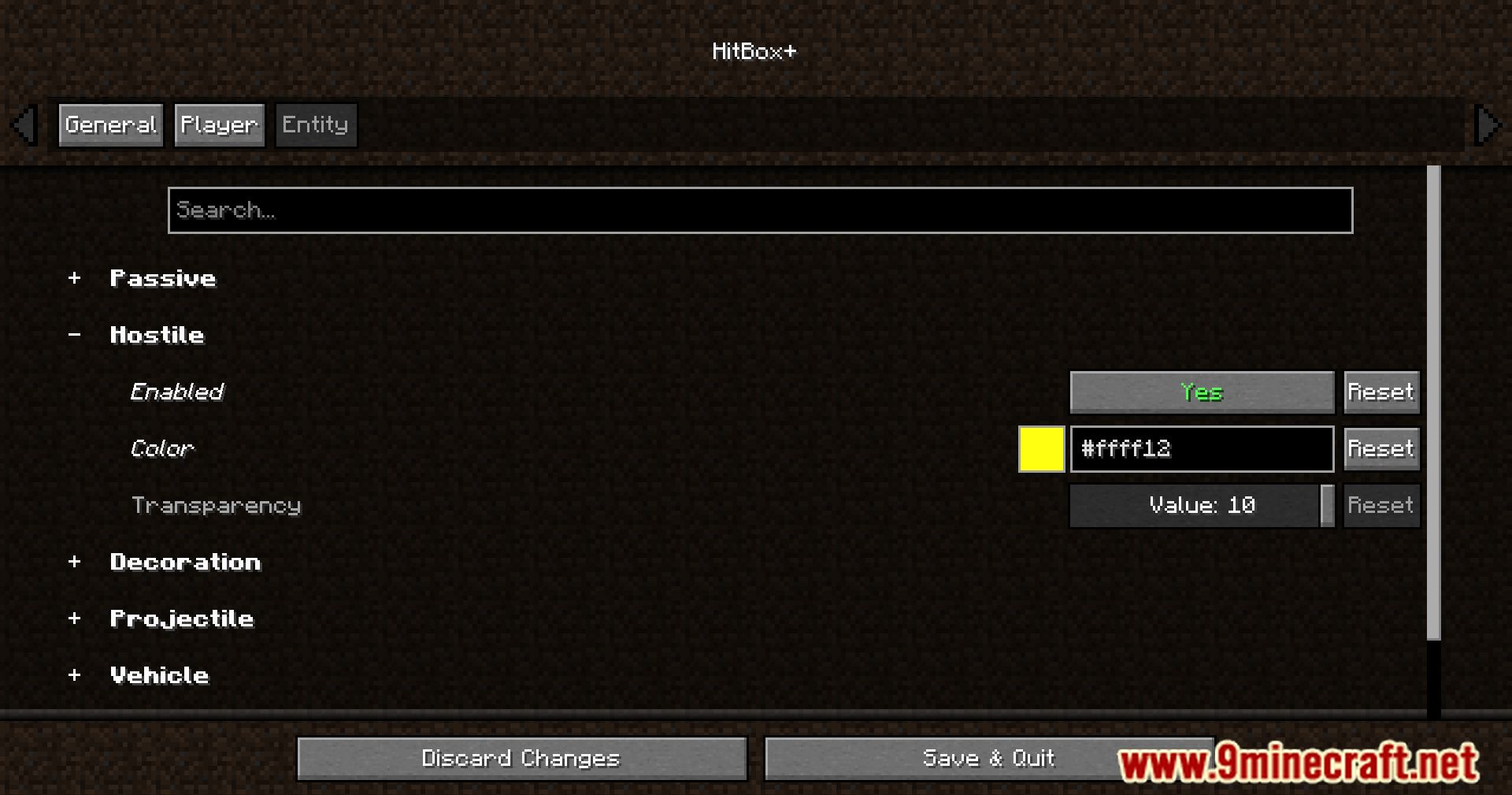
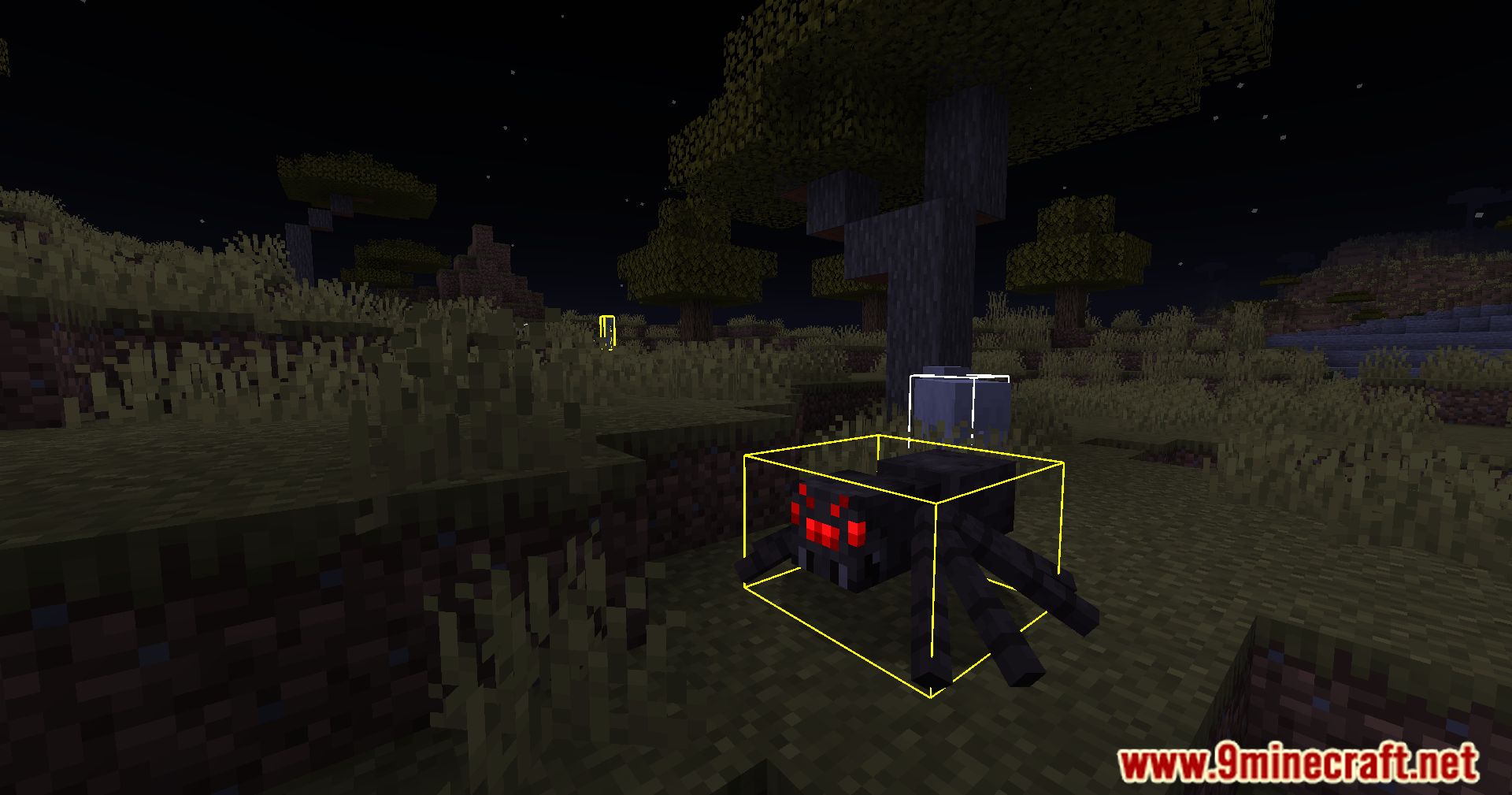
- Allows players to change the color of hitboxes for better visibility.
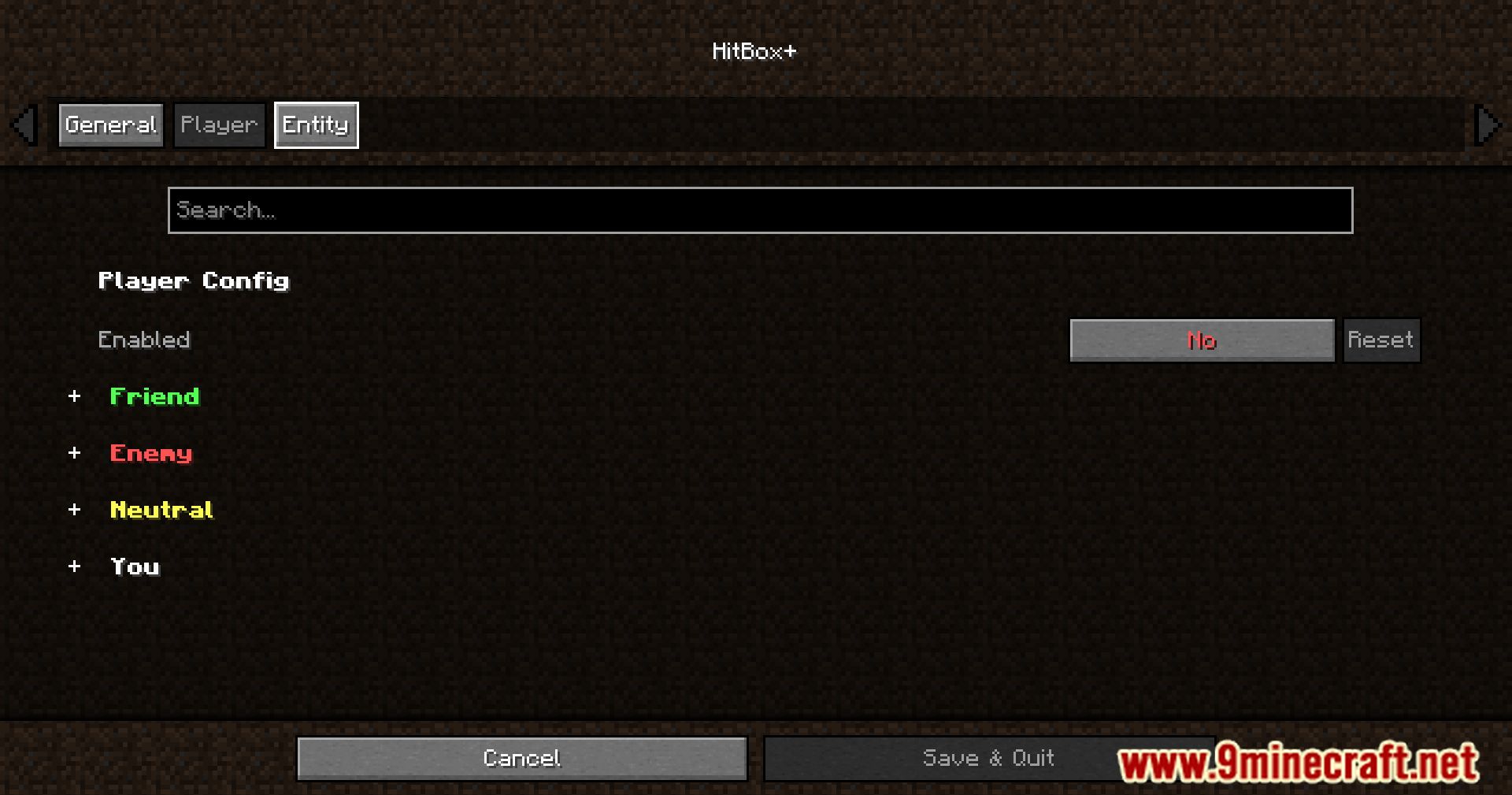
- Configures separate colors for friendly and hostile entities.
- Offers customization for different entity types, making it easier to identify specific mobs or players.
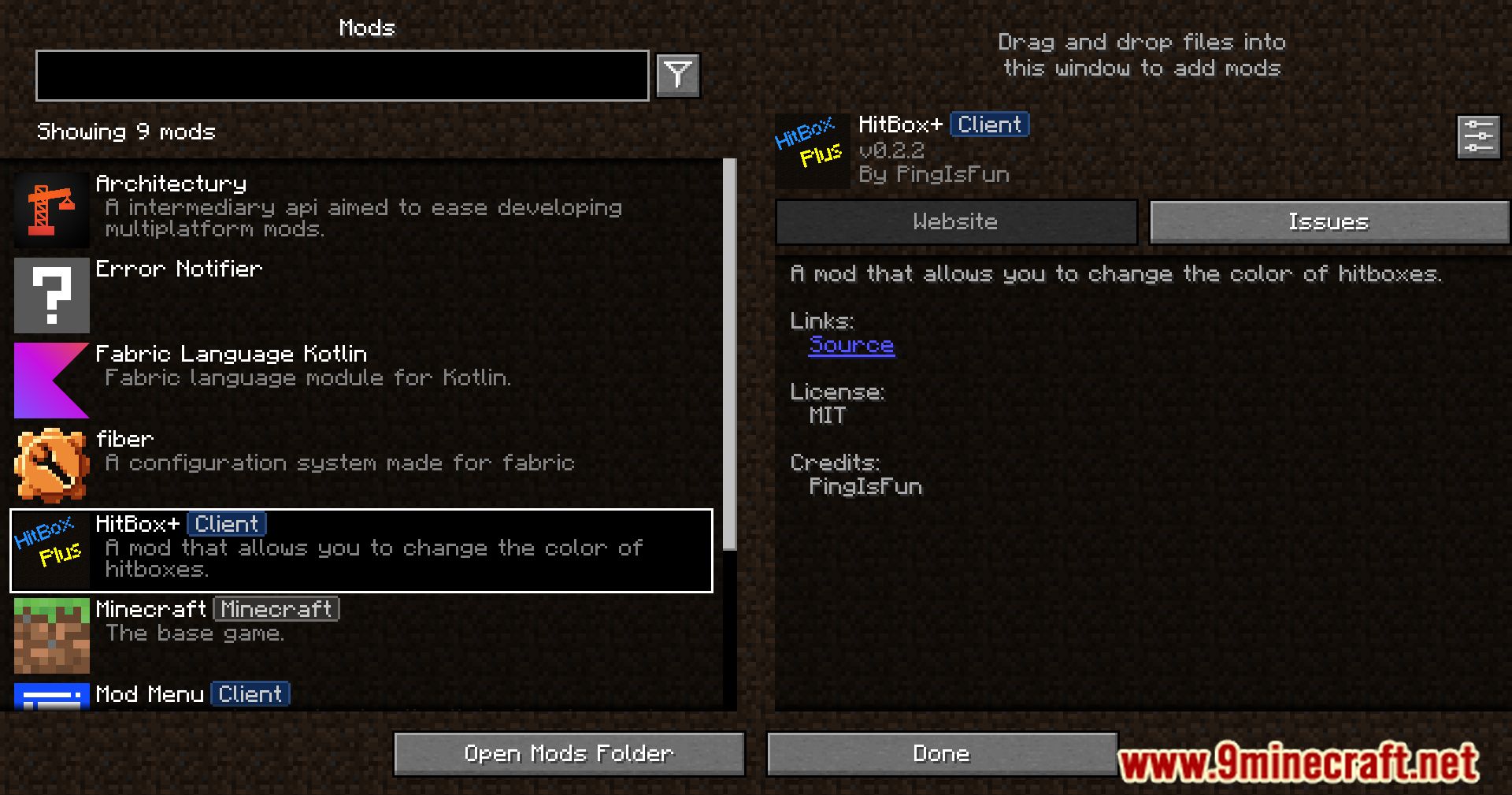
- Requires mods like Mod Menu and Cloth Config for configuration options.
Screenshots:
HitBox Plus Mod Download Links
Quick facts
- Edition: Minecraft Java
- File type: .jar
- Minecraft version listed: 1.20.1
- How to install: Install the matching mod loader (Forge, Fabric or NeoForge) for your Minecraft version. → Download the .jar. → Put it in the .minecraft/mods folder and launch that loader profile.
- Where to get it: Opens on the file's original source — not every file is mirrored on our own servers.
Install steps are the general flow for this file type — How to install Minecraft Java mods & modpacks walks through it step by step.
HitBox Plus Mod (26.1.2, 1.20.1) – Custom Hitbox Colors is a free Minecraft Java mod. Compatible with Minecraft 1.20.1. Download it and open it directly in the game.