








📘 Features
Poinpow is a fabric mod that adds amazing features and makes the player experience 103% better. (QoL) Features that Minehut locks behind a paywall (ex: removing ads, muting chat, etc.) are in Poinpow. If you catch a bug, create an issue in the repo or send it to me in this discord server.
| Features | Command |
|---|---|
| AutoSkipBarrier | Automatically skips the transition ads when joining minehut/free servers. |
| BlockLobbyAds | Blocks player made ads in the lobby. |
| ToggleSpecificAds | Extends the functionality of BlockLobbyAds to block certain ads based on ranks. |
| ChatPhraseFilter | Filters and blocks messages in chat based on a regex list. |
| ServerLookup | A command to see details about a minehut server. Contributed by BuggyAl. (use at your own risk) |
| MuteLobbyChat | A command that mutes Minehut's lobby, only allowing /msg, joins, and some other stuff. |
| HubCommandBack | Adds back the /hub command. It redirects the command /hub to /mh when necessary. |
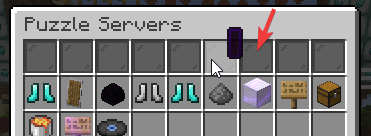
| BlockChestAds | Removes the ads inside the compass server listing in hub. |
| BlockLobbyMapAds | Removes the humungous map art that advertises things in lobby. It also mutes the sound played if present. |
| BlockLobbyWelcome | Blocks the lobby join message that sometimes has an ad in it. |
| BlockRaids | Blocks the raid messages in hub. |
| BlockFreeCredits | Blocks the vote messages encouraging to vote for free credits. |
| BlockMinehutAds | Blocks ads from Minehut that are sent in free servers. |
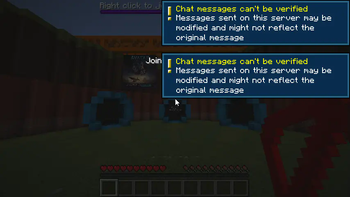
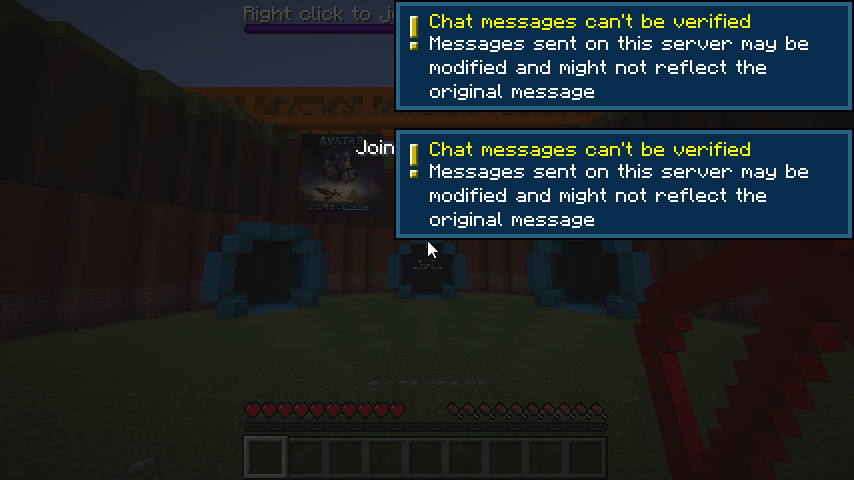
Skipping ads automatically with AutoSkipBarrier (very fast)
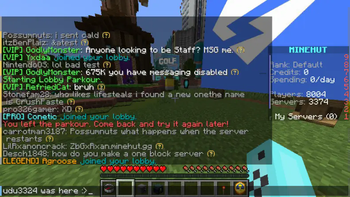
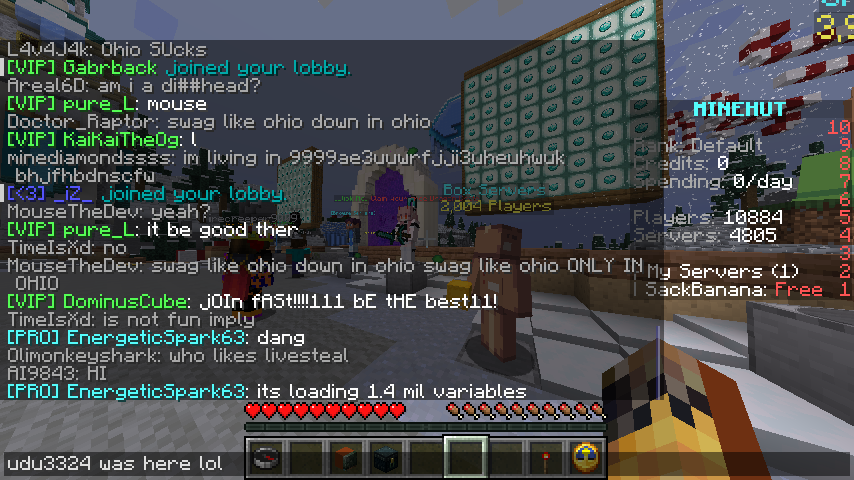
Example of BlockLobbyAds (blocks ads made by player) and BlockLobbyMapAds. It clears up chat a lot and blocks those awful map ads.
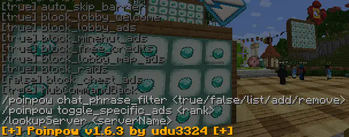
/poinpow - An intractable/clickable help command that easily allows the toggling of certain features.

💾 How to Install
- Make sure you have Fabric installed in your mc launcher
- Download the latest release of Poinpow here
- Download the latest release of Fabric API here
- Move the two jars you downloaded into the mods folder (its usually .minecraft/mods)
- Launch Minecraft and enjoy the mod!
- (optional) Star the repository to support me :> You can join the discord server to send feedback about the mod too.
🛠 How to Compile Jar
If you want to contribute to the code or make the jar yourself, you can find the steps (here)[https://github.com/udu3324/Poinpow?tab=readme-ov-file#%EF%B8%8F-how-to-compile-the-jar].
🧾 Is it Against the Rules?
No. I read the rules, and it doesn't break any. Unless..... "Minehut reserves the right to suspend or refuse service for users and servers at any time at their discretion." bruh
💚 How to Contribute
You can contribute by starring the repo, reporting issues, and creating pull requests. You can also send feedback in the discord server.
- Edition: Minecraft Java
- File type: .jar
- Minecraft version listed: 1.21.6
- How to install: Install the matching mod loader (Forge, Fabric or NeoForge) for your Minecraft version. → Download the .jar. → Put it in the .minecraft/mods folder and launch that loader profile.
- Where to get it: Opens on Modrinth — not every file is mirrored on our own servers.
Install steps are the general flow for this file type — How to install Minecraft Java mods & modpacks walks through it step by step.
- Ships as poinpow-1.11.jar — drop this file into the mods folder
- Download size: 200 KB
- Download link checked 30 Aug 2026 — working
These come from our own check of the pack file, not from the source page.