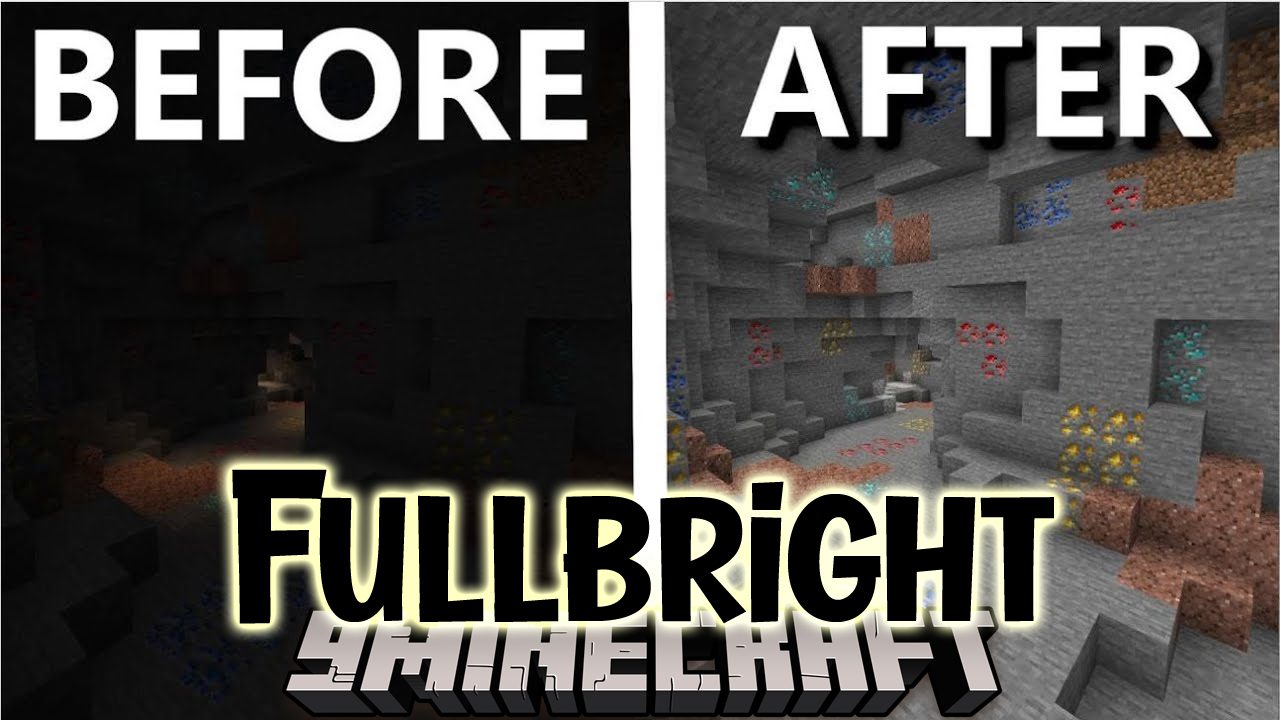

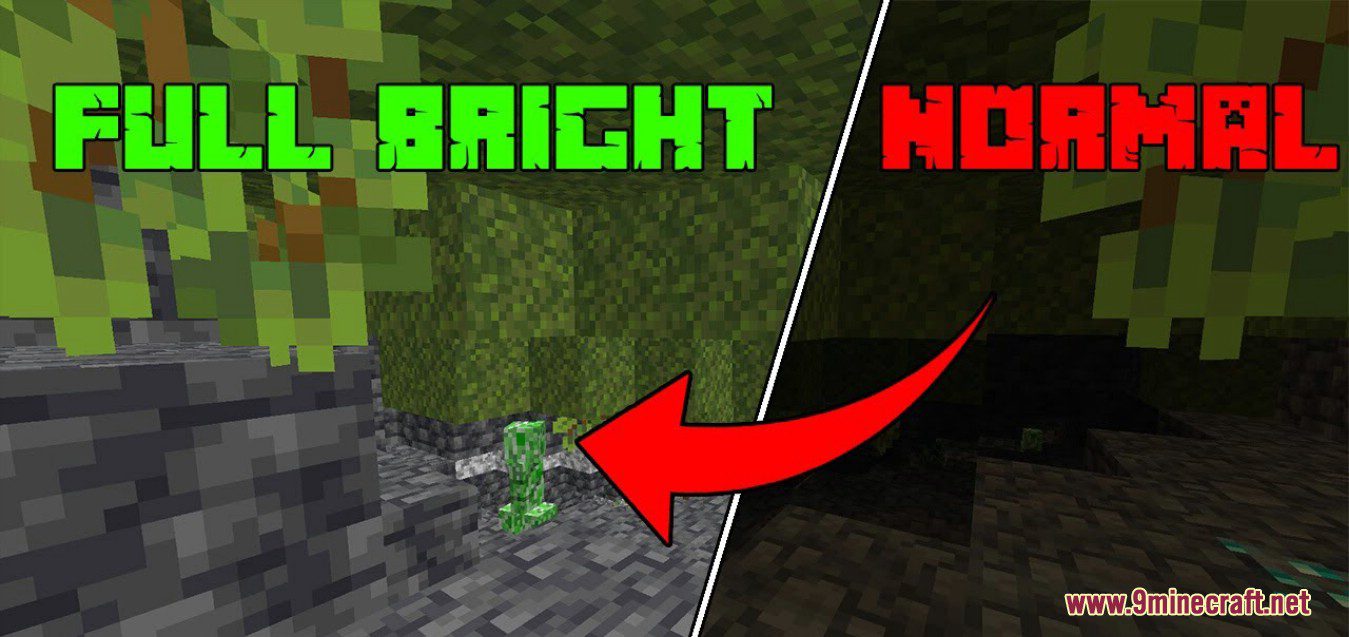
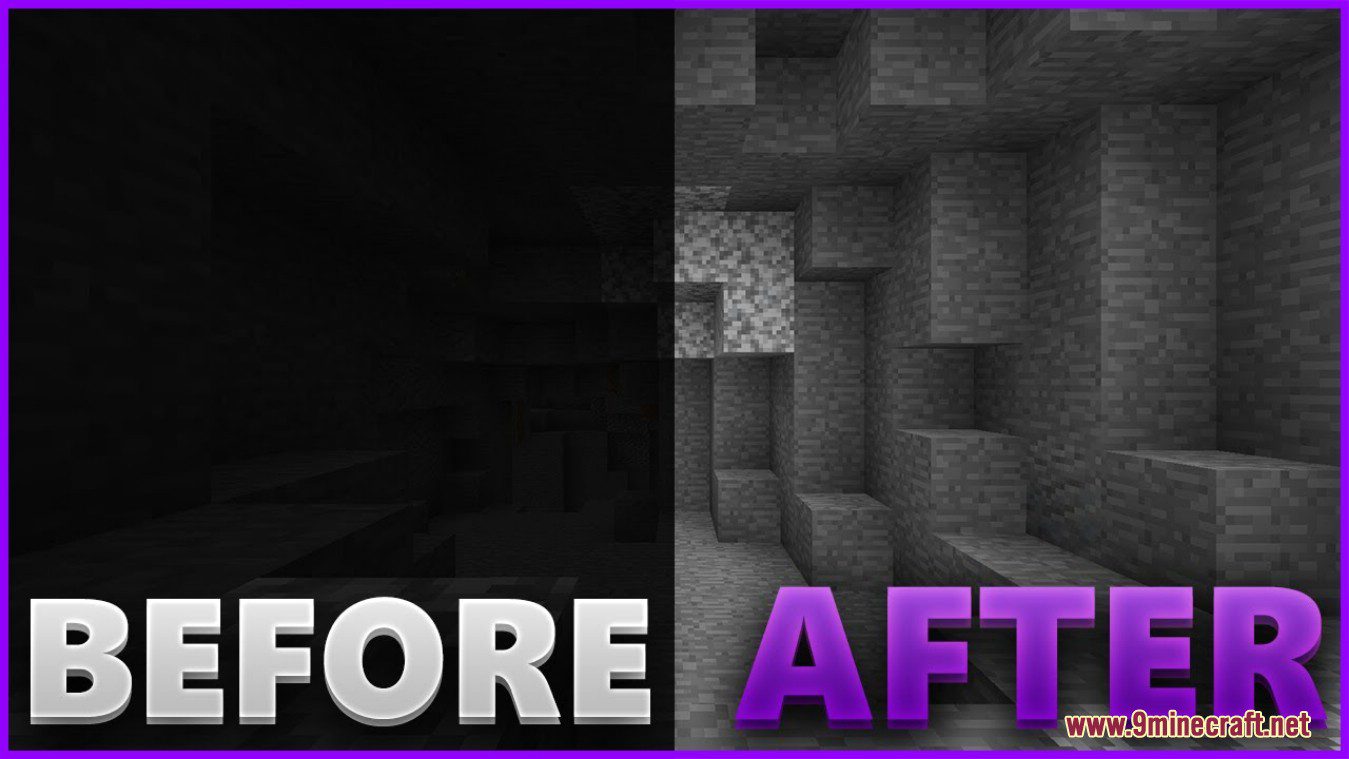

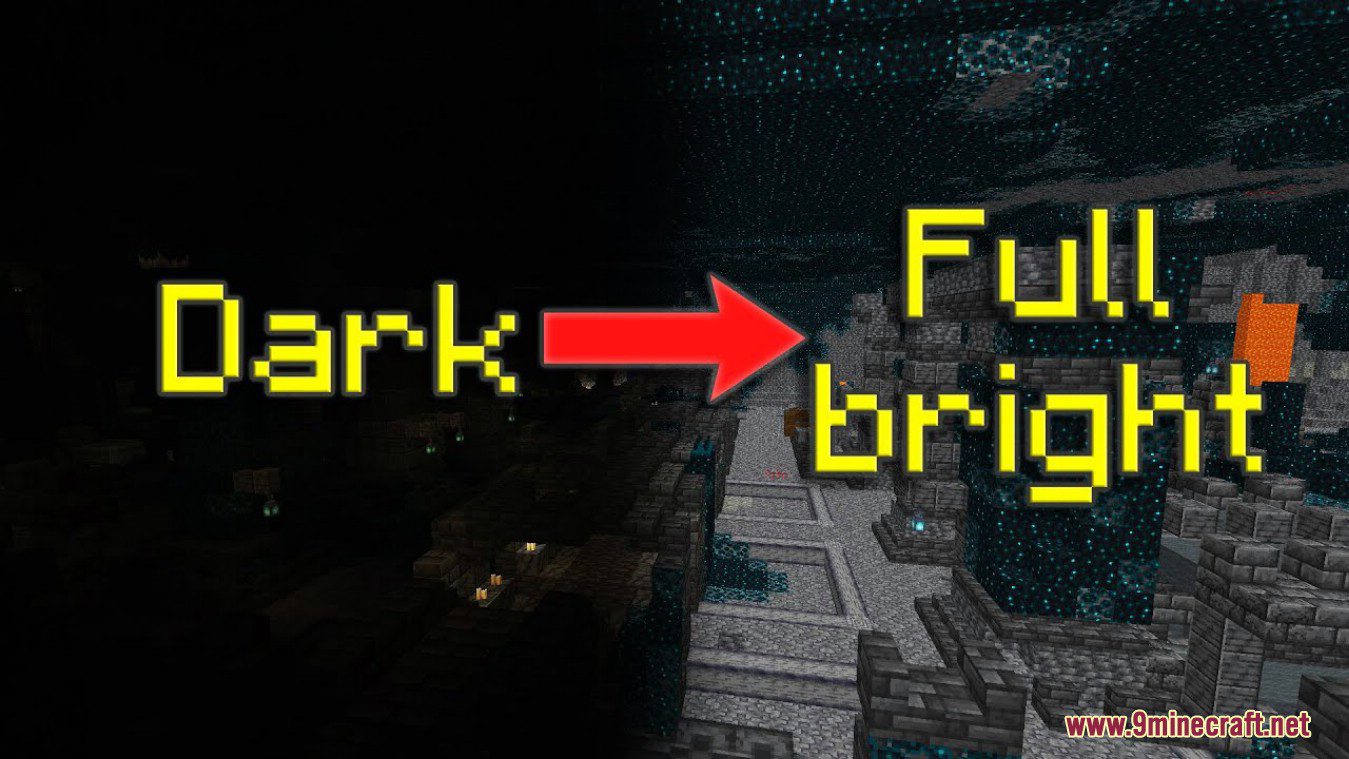
Fullbright Mod allows to toggle fullbright in Minecraft. Fullbright is a feature that allows Minecraft Java to bring the brightness to the maximum so you can see much more. Even Night vision is darker. If you are playing on a server using an old minecraft version consider using ViaFabric Mod to use the latest client version.
Screenshots:
How to use:
- Open the config screen via Mod Menu Mod or execute /fullbright-config.
- Configure the settings to your liking.
- Press the button Save Changes and then Done to save the settings and apply them to the game.
- Press the keybinding to toggle fullbright (Default: B).
- Enjoy.
Fullbright Mod Download Links
Quick facts
- Edition: Minecraft Java
- File type: .jar
- Minecraft version listed: 1.20.1
- How to install: Install the matching mod loader (Forge, Fabric or NeoForge) for your Minecraft version. → Download the .jar. → Put it in the .minecraft/mods folder and launch that loader profile.
- Where to get it: In MC Java Mods, or directly above on this page.
Install steps are the general flow for this file type — How to install Minecraft Java mods & modpacks walks through it step by step.
Verified by MCModsHub
- Downloads as 26549.mcaddon
- Download size: 2.6 MB
- Download link checked 25 Sept 2026 — working
- Mirrored on our own servers — the download does not depend on the original host
These come from our own check of the pack file, not from the source page.