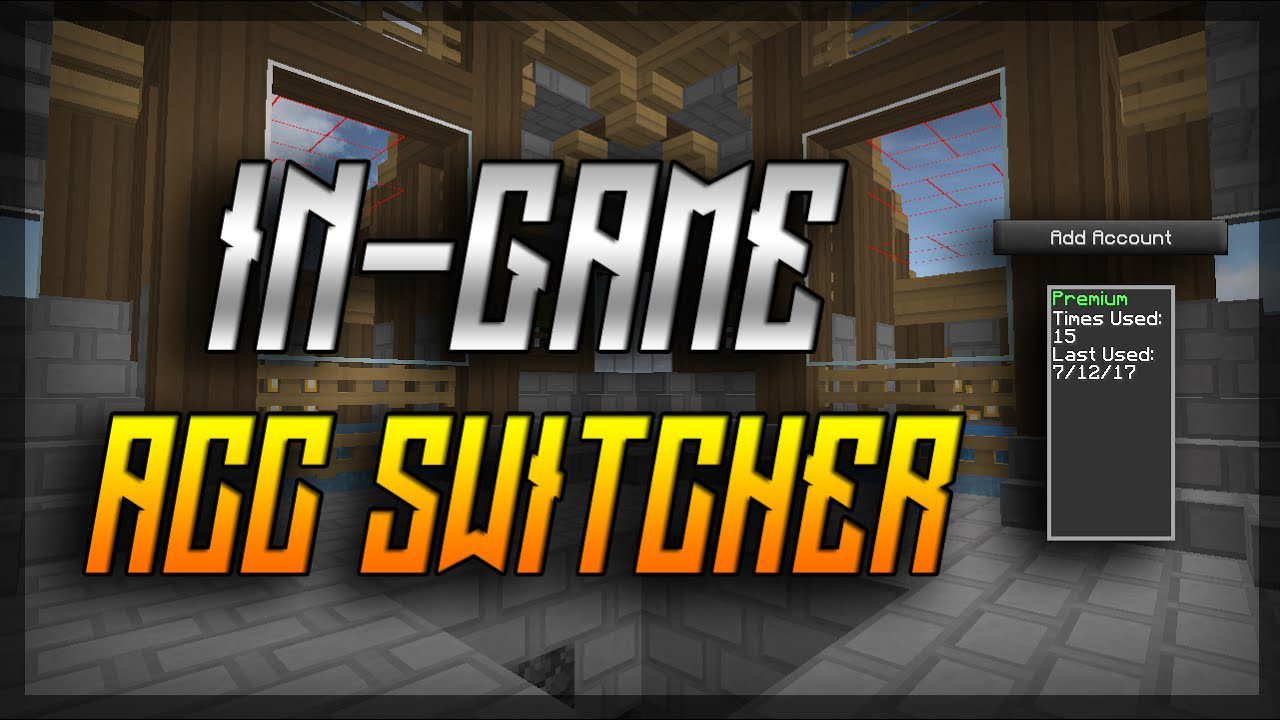
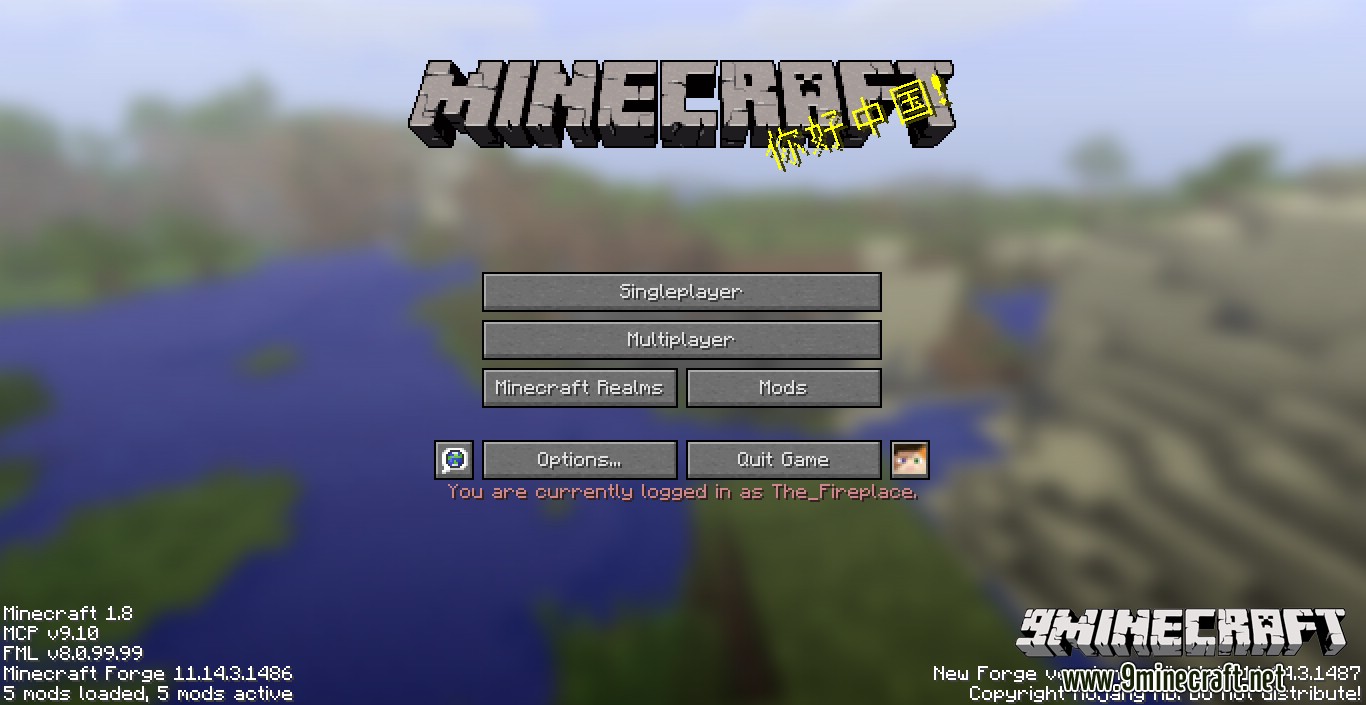
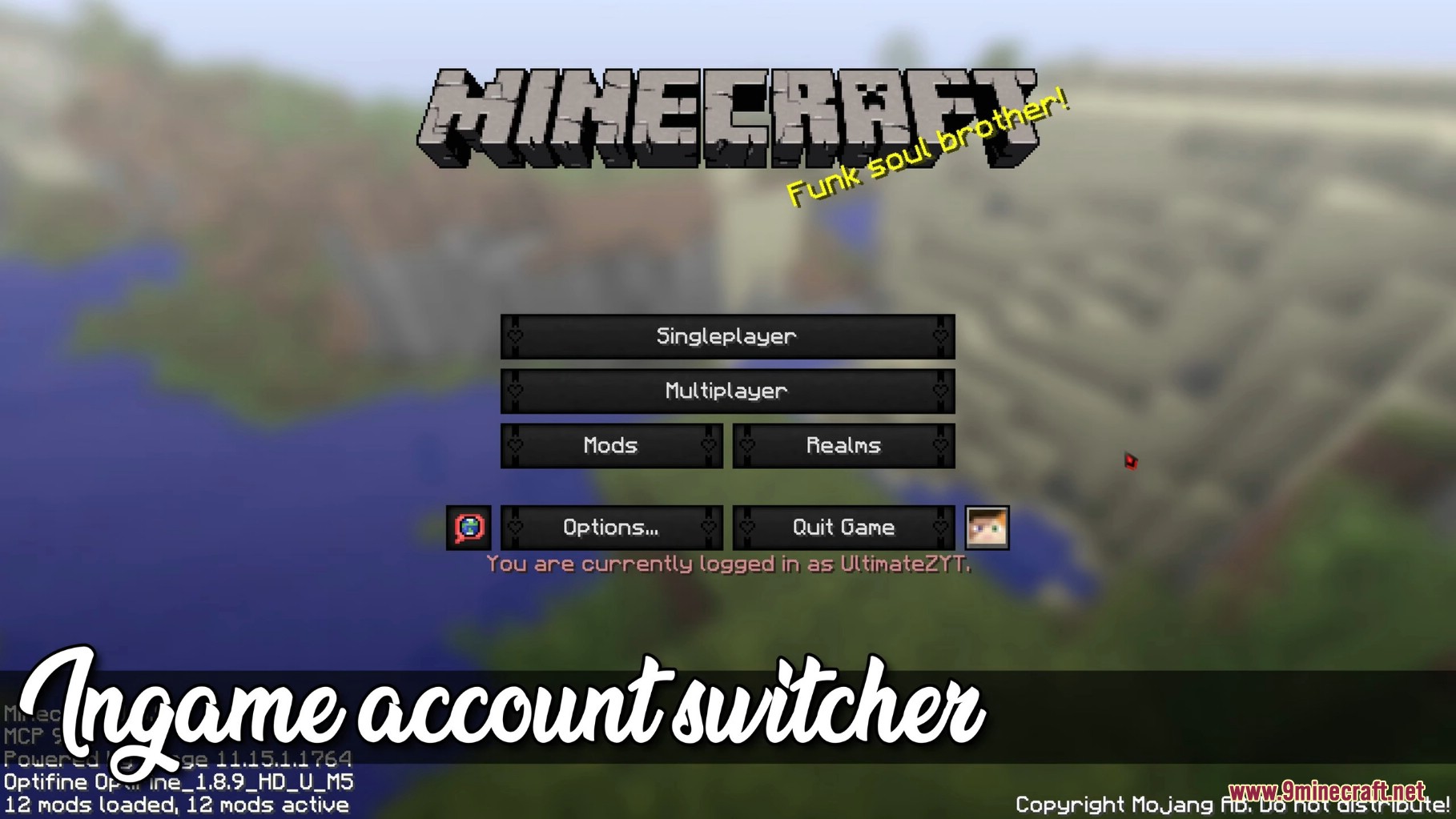
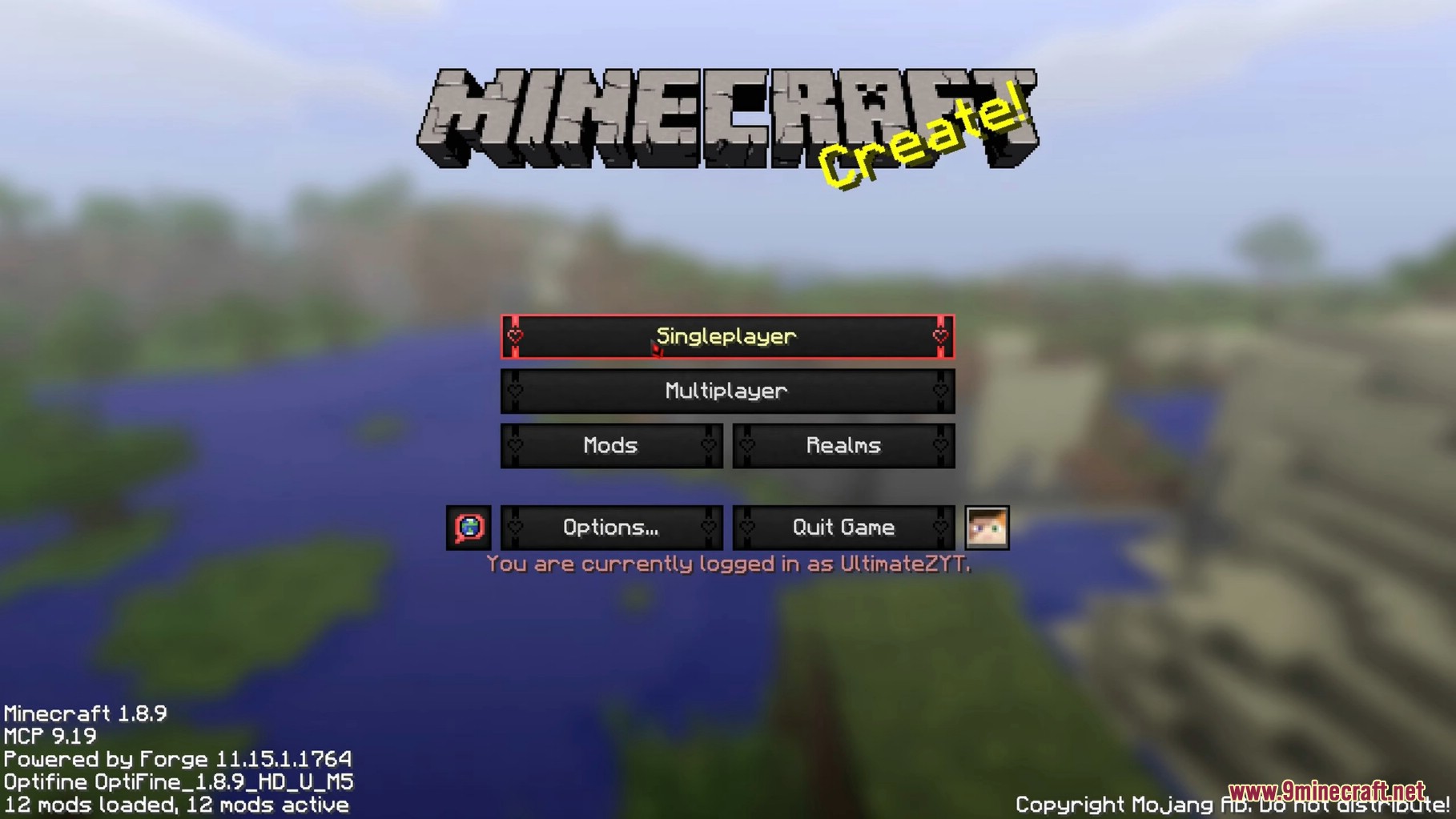
Ingame Account Switcher Mod lets you sign in to a different Minecraft account without shutting the game down and launching it again. A small button next to Options opens an account list where you can add profiles, pick one and log straight in from the title screen or the pause menu. Anyone who juggles a main account and an alt, or shares a launcher with family, saves a restart every single time they swap.
Features:
- Log in to another account from the title screen or the in-game pause menu with no restart.
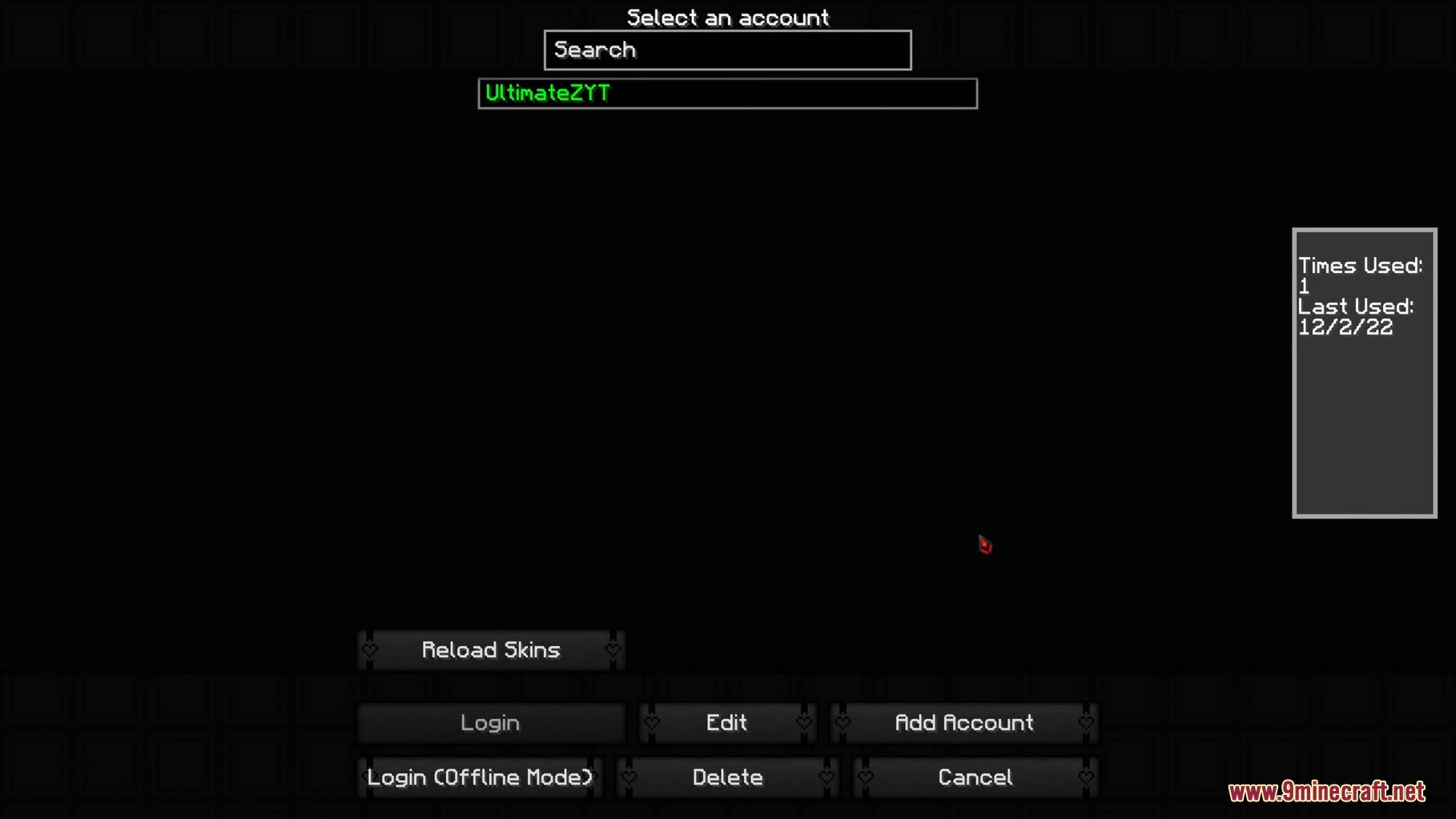
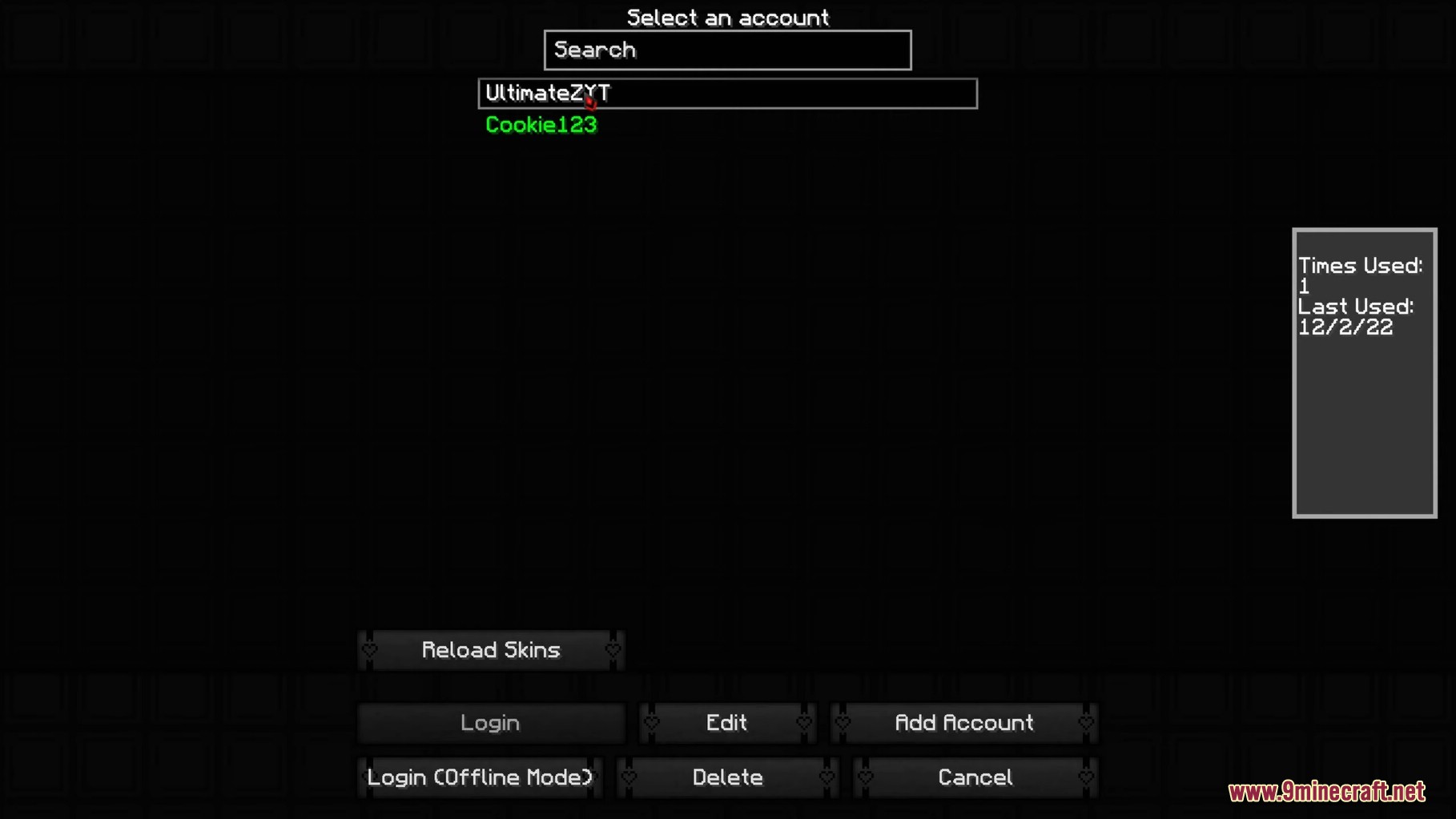
- Saved profiles are kept in a list with a search box, which helps once you have more than a handful.
- The side panel records how many times each account has been used and the date it was last used.
- An offline mode login is there for playing when you cannot reach Mojang’s login servers.
- A Reload Skins button pulls the right skin down after you switch, so you are not left with the default one.
- Saved login details are stored encrypted rather than as plain text on disk.
- Builds are available for Forge, Fabric, NeoForge and Quilt.
- Mod Menu is picked up automatically on Fabric and Quilt if you already have it installed.
How to Use:
- Install the loader you play on. Fabric and Quilt also need Fabric API, while Forge and NeoForge need nothing extra.
- Move the jar into
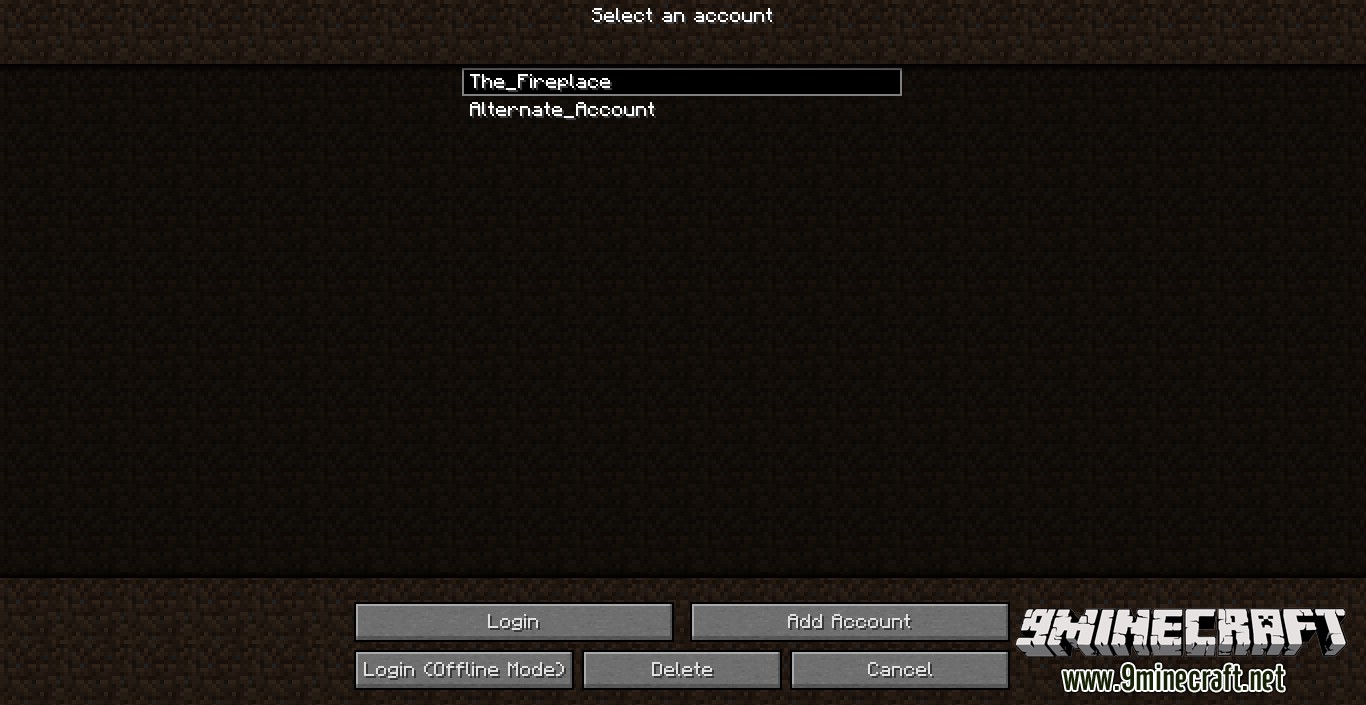
.minecraft/modsand start the game. - On the title screen click the small account button beside Options to open the Select an account list.
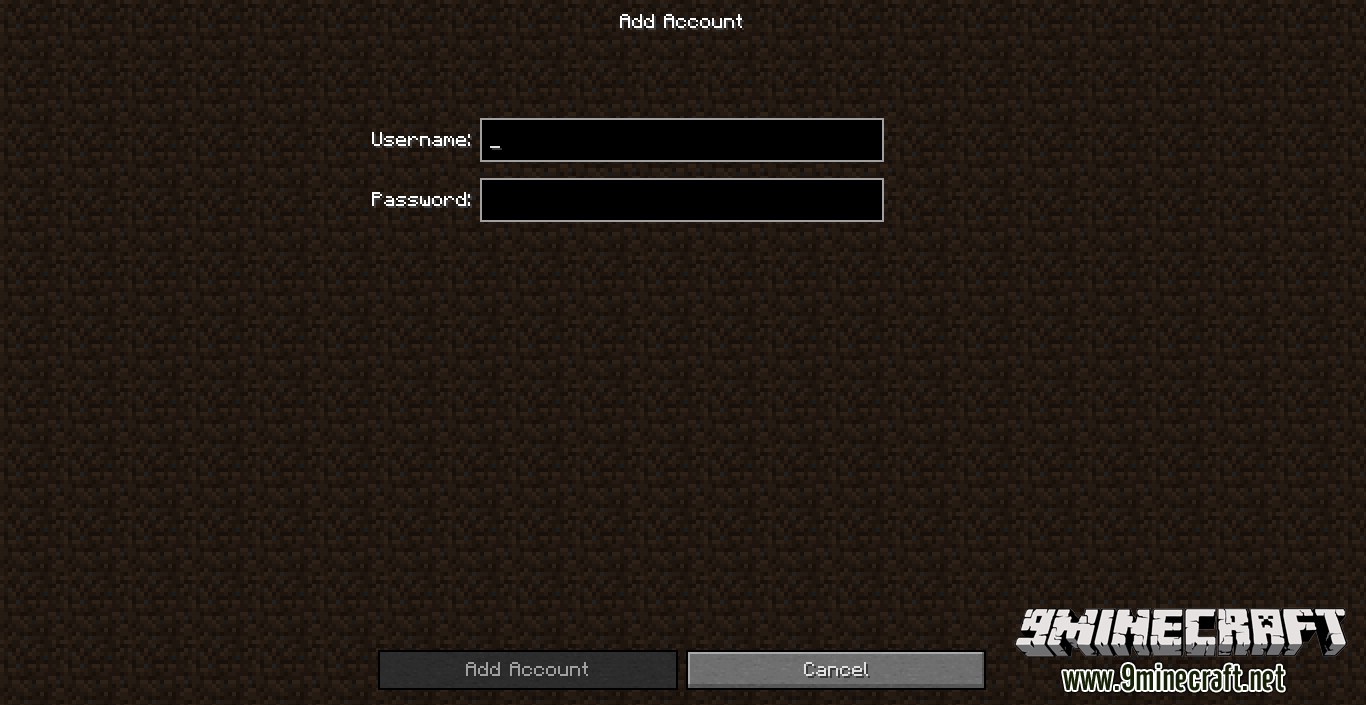
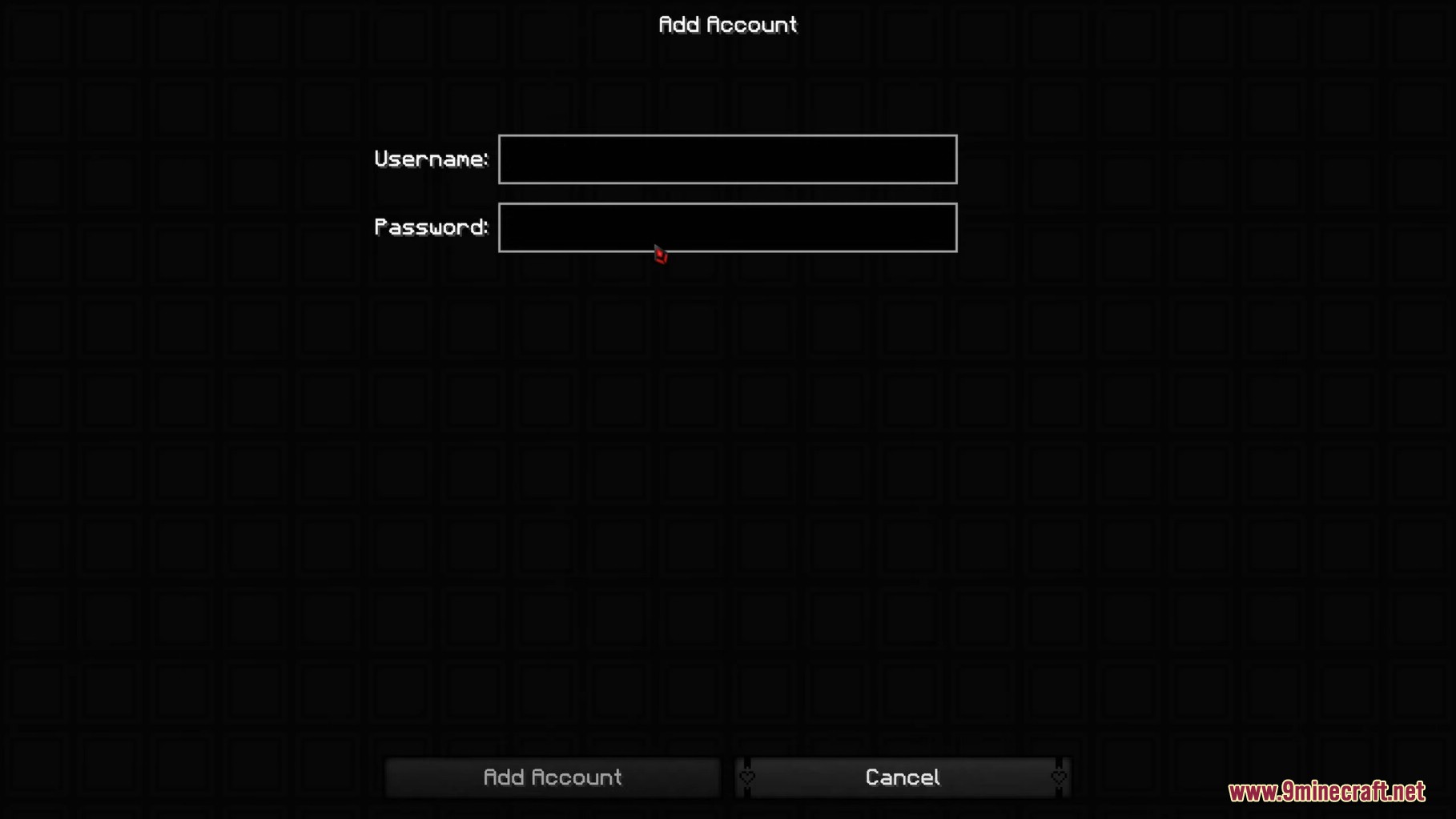
- Press Add Account, type the username and password for the profile you want to keep, then confirm.
- Highlight an account and press Login, or press Login (Offline Mode) if you only need a local name.
- If the skin does not update straight away, press Reload Skins from the same screen.
Screenshots:
Ingame Account Switcher Mod Download Links
Quick facts
- Edition: Minecraft Java
- File type: .jar
- Minecraft version listed: 1.20.1
- How to install: Install the matching mod loader (Forge, Fabric or NeoForge) for your Minecraft version. → Download the .jar. → Put it in the .minecraft/mods folder and launch that loader profile.
- Where to get it: In MC Java Mods, or directly above on this page.
Install steps are the general flow for this file type — How to install Minecraft Java mods & modpacks walks through it step by step.
Verified by MCModsHub
- Downloads as 26550.mcaddon
- Download size: 316 KB
- Download link checked 26 Sept 2026 — working
- Mirrored on our own servers — the download does not depend on the original host
These come from our own check of the pack file, not from the source page.