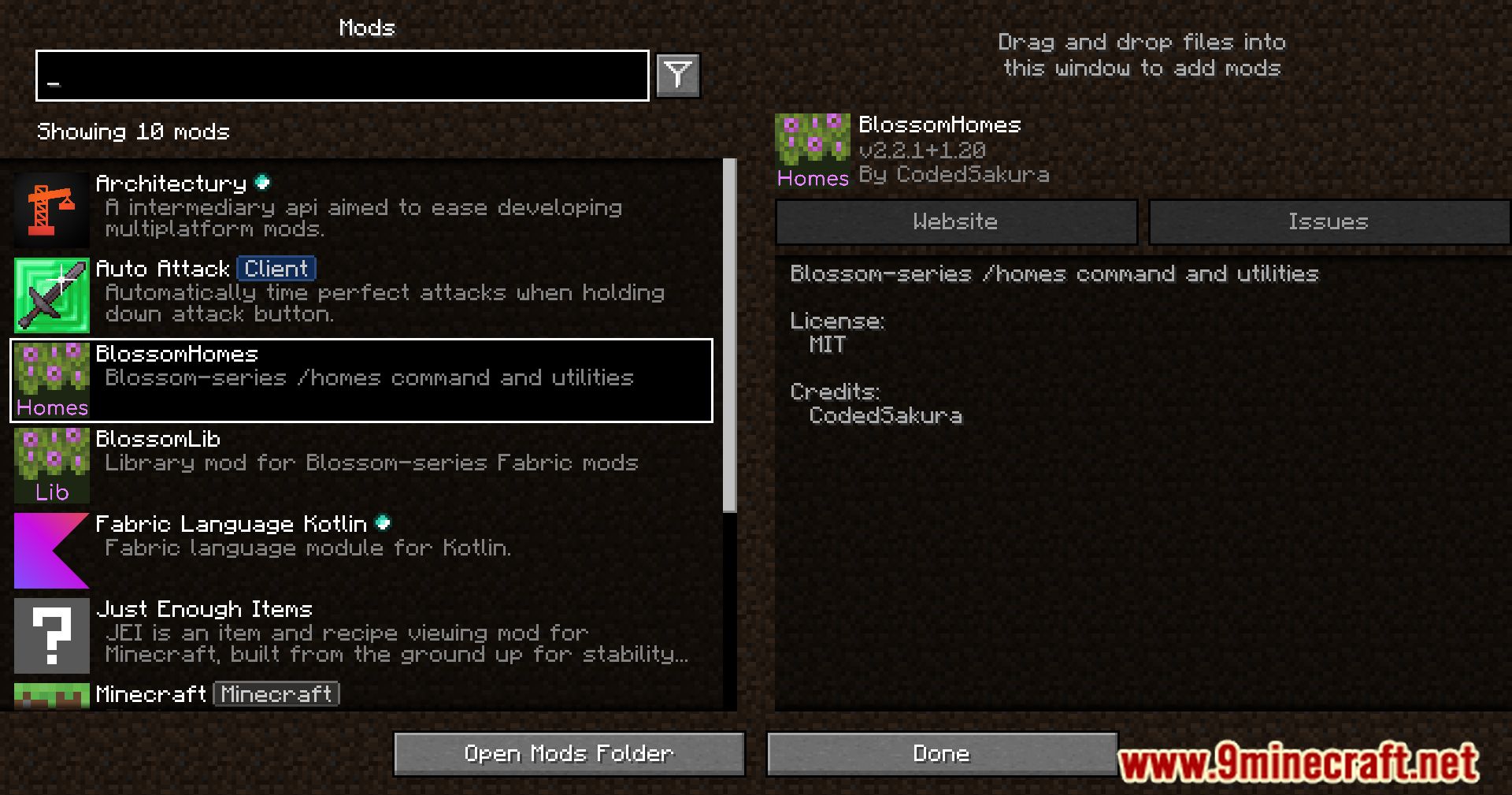
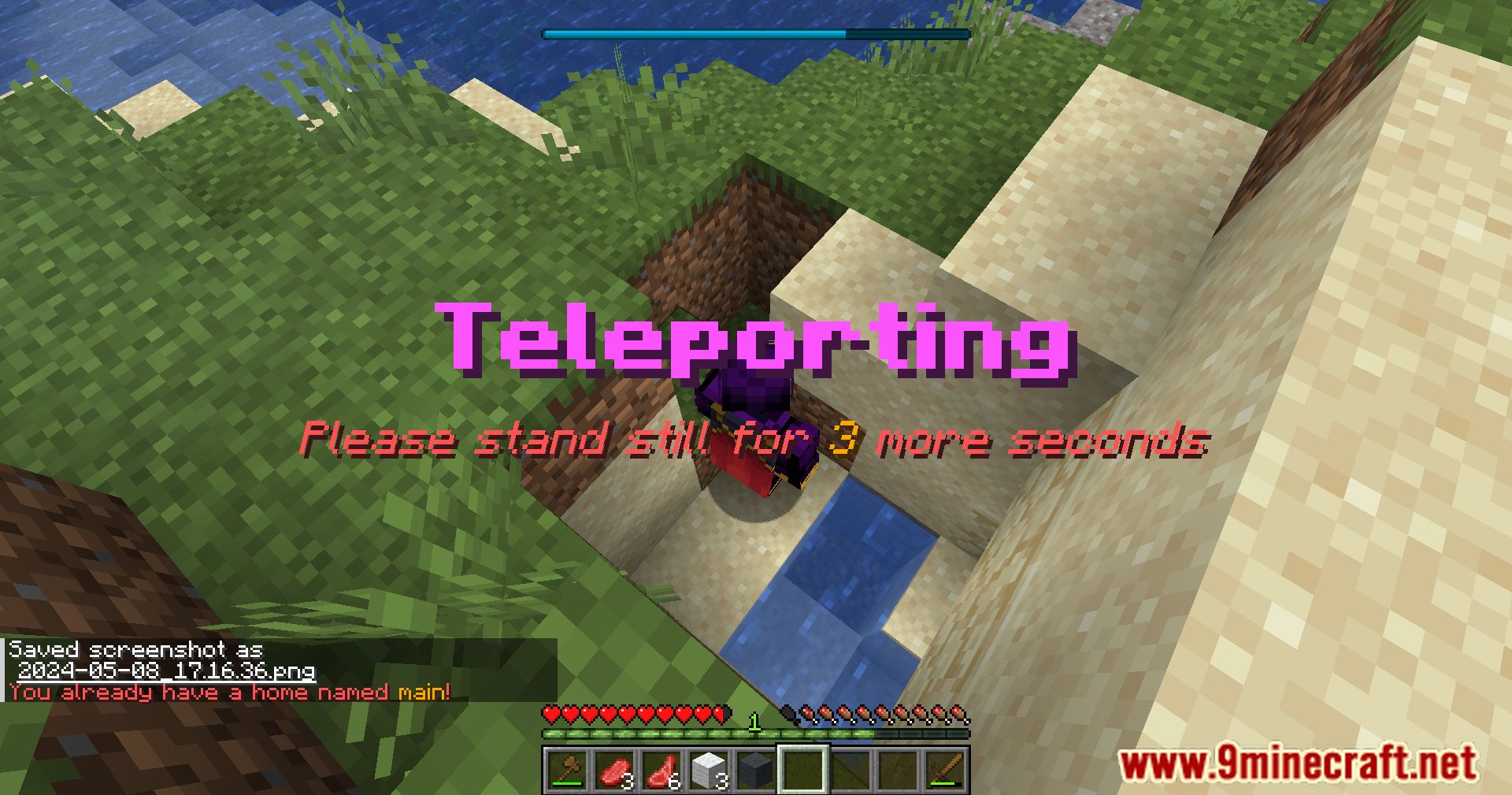
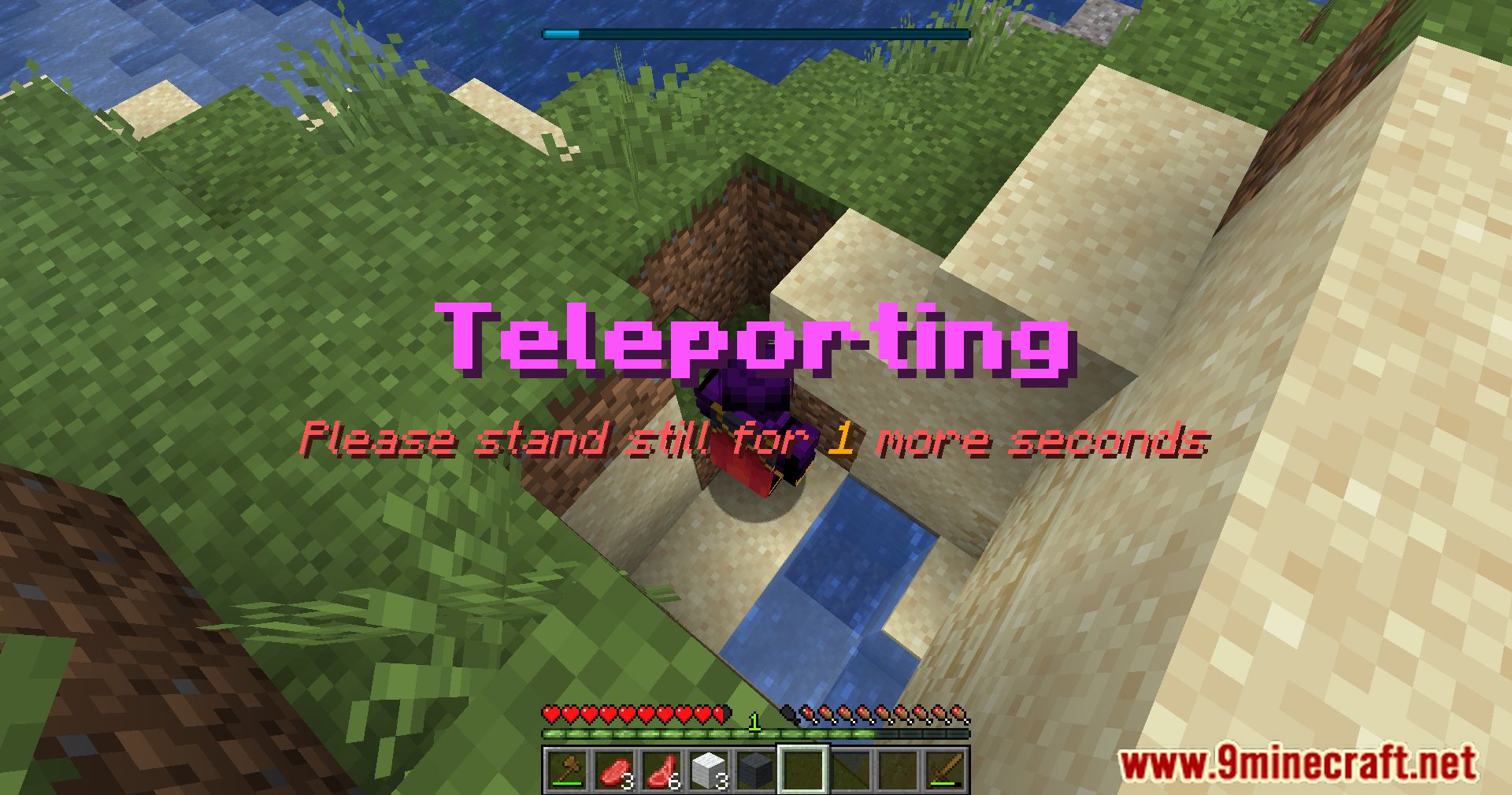
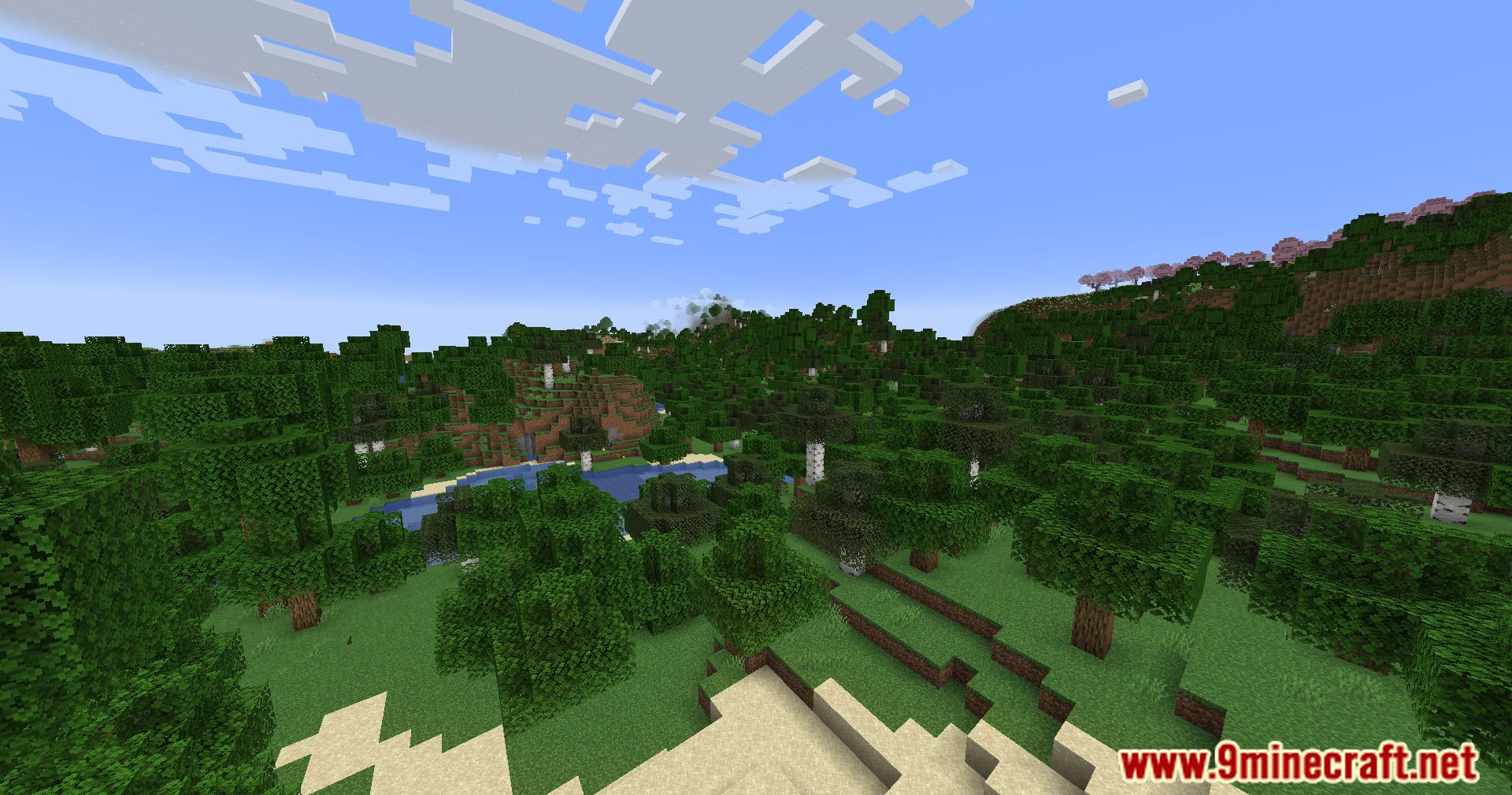
Blossom Homes Mod adds the /home command, letting players set and teleport to custom home points with ease.
Features:
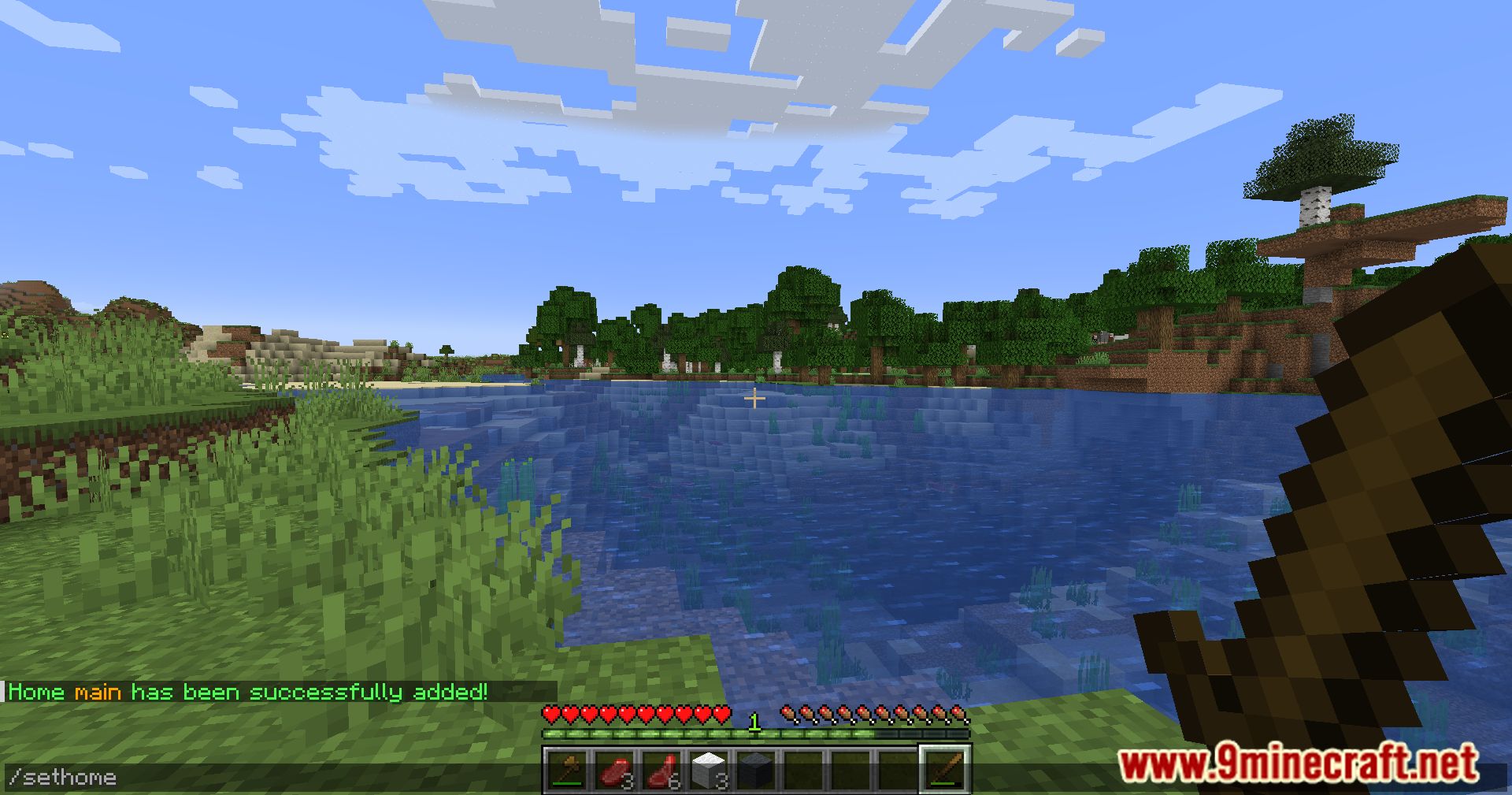
- Use the /home command to set and return to custom locations.
- Simplifies travel and base management.
Teleportation Settings:
- standStill (
int): Time in seconds a player must stand still before teleporting. - cooldown (
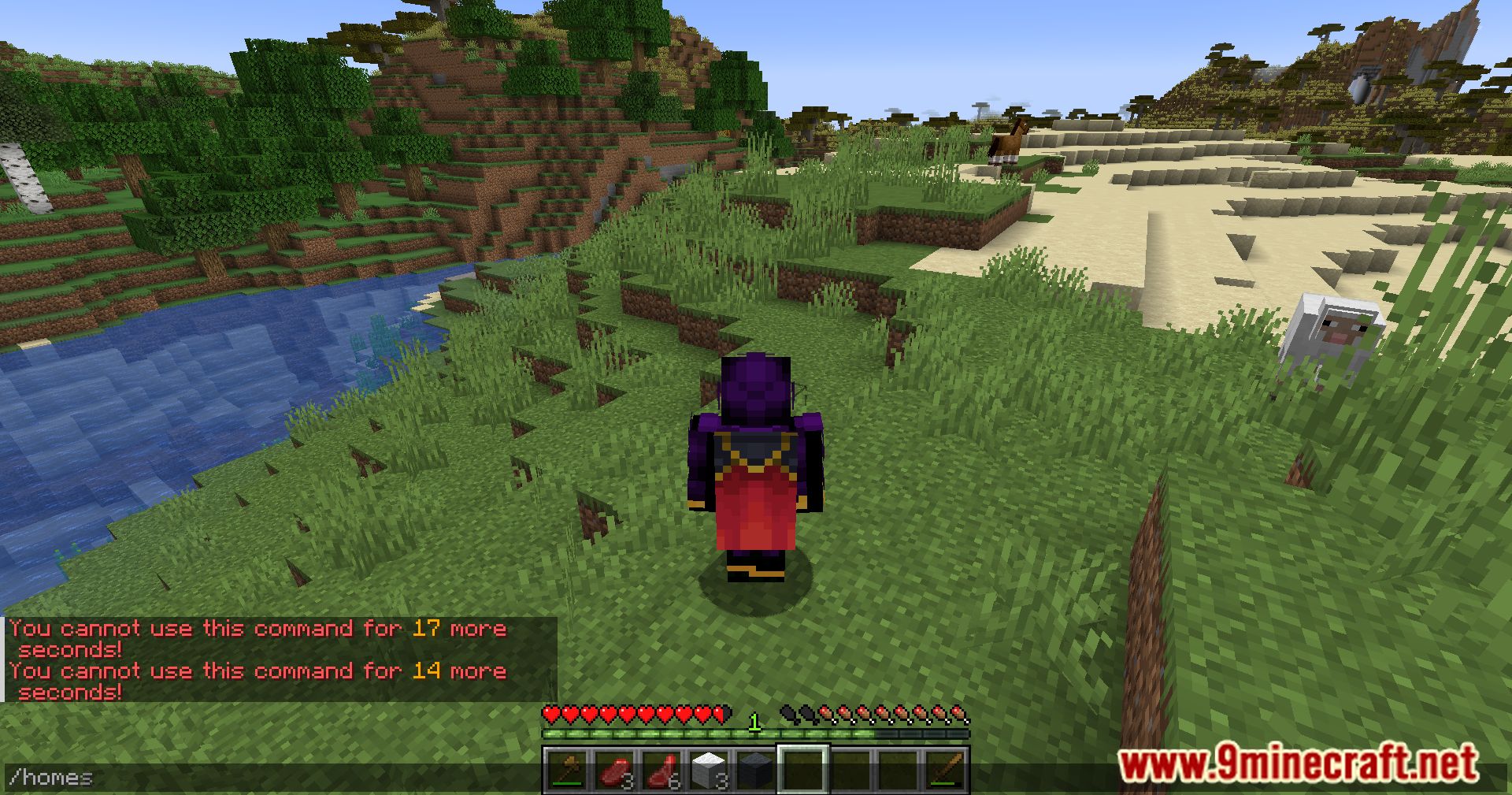
int): Time in seconds a player must wait after teleporting before teleporting again. - defaultHome (
String): Name of the default home. - startHomes (
int): Maximum number of homes a player can start with. - dimensionBlacklist (
String[]): Dimensions where setting a home is not allowed (e.g.,minecraft:the_end). - useBlacklistAsWhitelist (
boolean): Inverts the blacklist to work as a whitelist. - fallbackToPlayerSpawnPoint (
boolean): Uses the player’s spawn point if no default home is set.
Commands & Permissions: (If <name> is omitted, defaultHome is used)
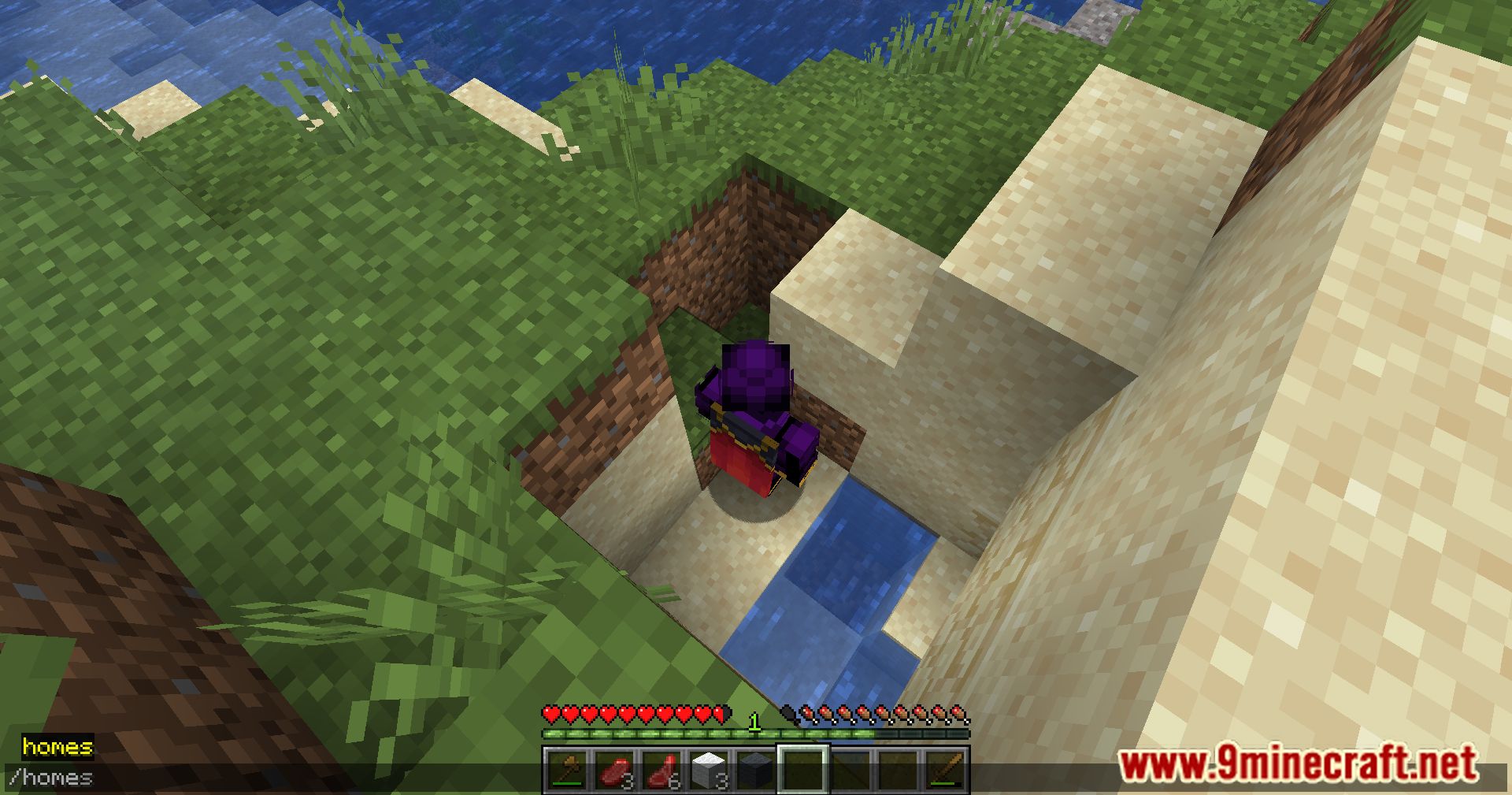
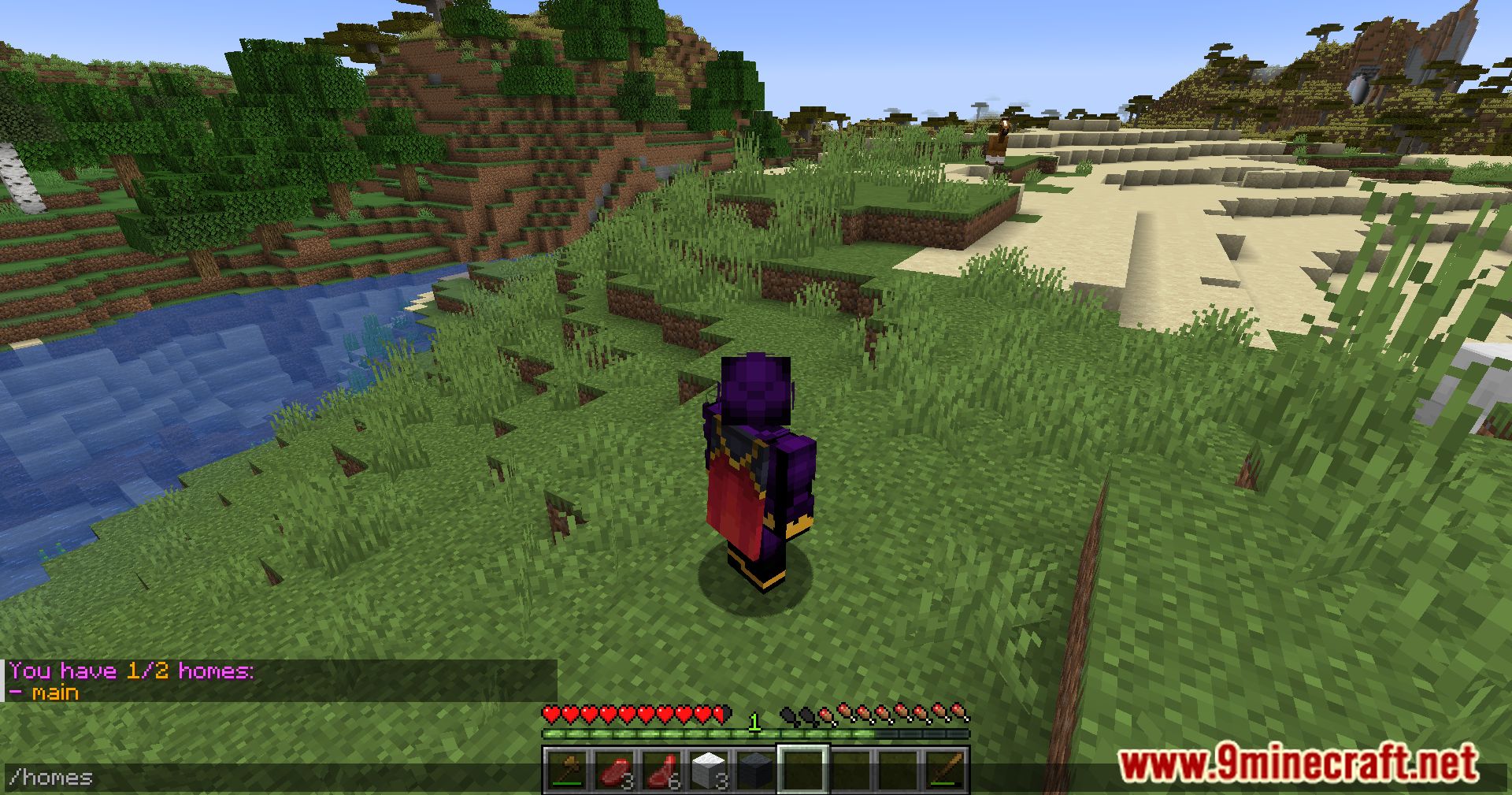
/home [<name>]– Teleport to a home. Permission:blossom.home/sethome [<name>]– Create a home. Permission:blossom.home.set/sethome <name> <position> <rotation>– Create a home at a specific position and rotation. Permission:blossom.home.set.pos/sethome <name> <position> <rotation> <dimension>– Create a home in a specific dimension. Permission:blossom.home.set.dim/delhome [<name>]– Delete a home. Permission:blossom.home.remove/listhomesor/homes– List all homes. Permission:blossom.home.list
Aliases:
/homes list– Same as/listhomes/homes setor/homes add– Same as/sethome/homes deleteor/homes remove– Same as/delhome/homes set-max <new-max> <players>– Set max homes for players. Permission: OP level 2/homes load-legacy [<overwrite>]– Import old FabricHomes homes. Permission: OP level 4
Translation Keys: (used for messages shown to players)
blossom.homes.list.empty– Shown when a player has no homes.blossom.homes.list.header– Shows total homes vs max homes.blossom.homes.list.item– Shows a home name.blossom.homes.list.item.description– Shows home details: name, dimension, coordinates, and rotation.blossom.homes.add– Confirms home addition.blossom.homes.add.failed.max– Shown if max homes reached.blossom.homes.add.failed.name– Shown if home name already exists.blossom.homes.remove– Confirms home removal.blossom.homes.remove.failed– Shown if removing a non-existent home.
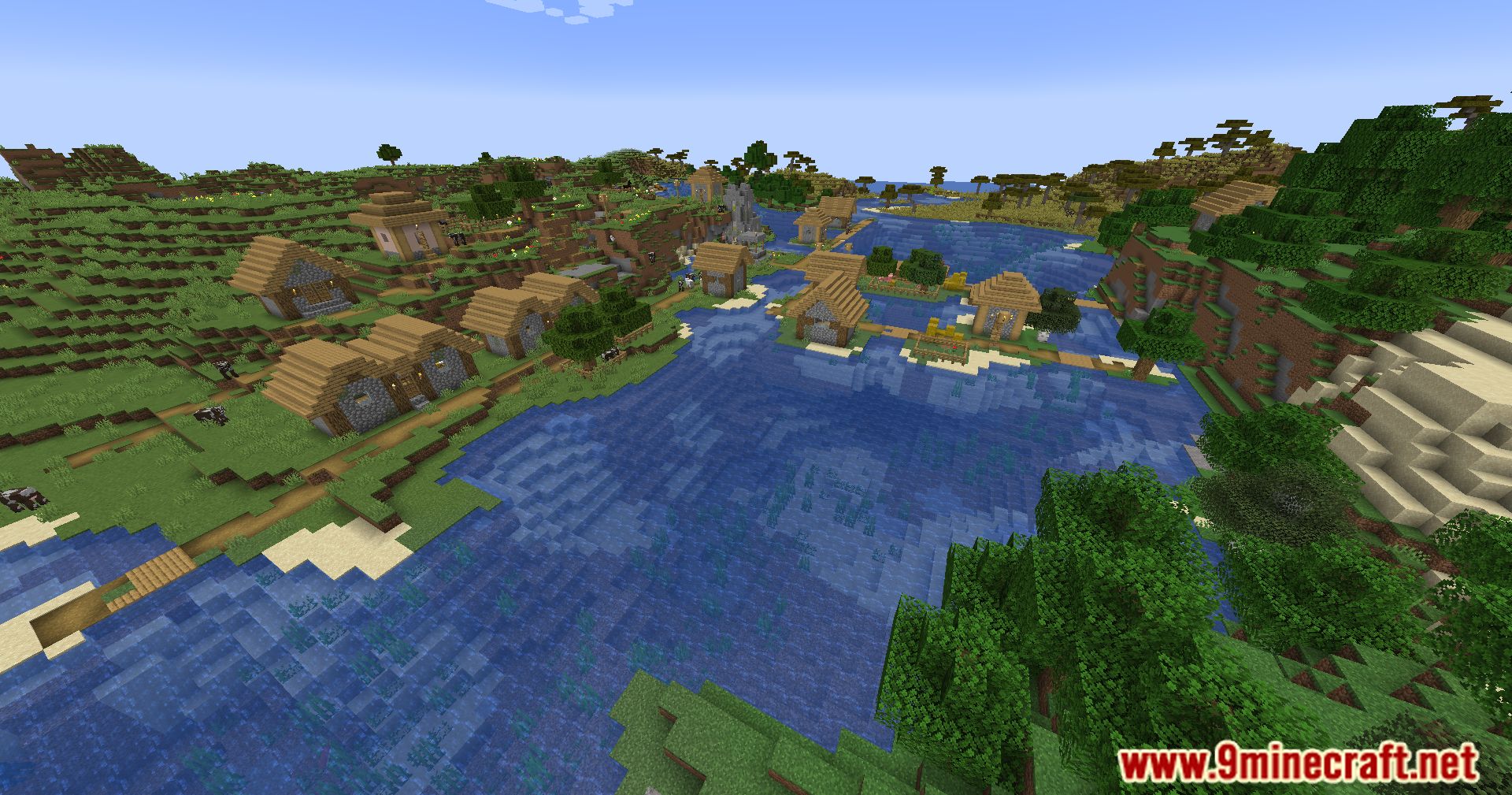
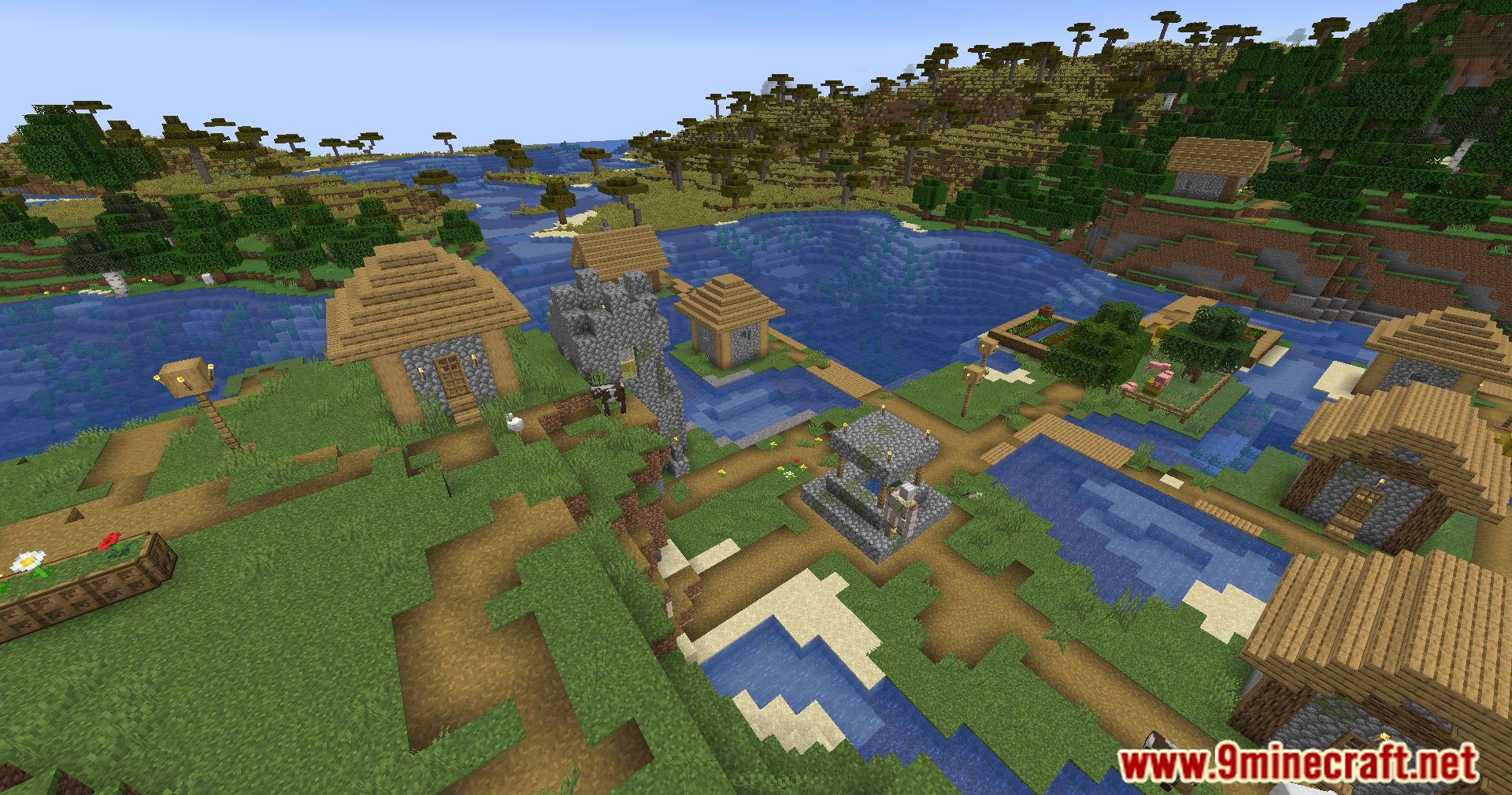
Screenshots:
Blossom Homes Mod Download Links
Quick facts
- Edition: Minecraft Java
- File type: .jar
- Minecraft version listed: 1.20.1
- How to install: Install the matching mod loader (Forge, Fabric or NeoForge) for your Minecraft version. → Download the .jar. → Put it in the .minecraft/mods folder and launch that loader profile.
- Where to get it: In MC Java Mods, or directly above on this page.
Install steps are the general flow for this file type — How to install Minecraft Java mods & modpacks walks through it step by step.
Verified by MCModsHub
- Downloads as 26572.mcaddon
- Download size: 37 KB
- Download link checked 26 Sept 2026 — working
- Mirrored on our own servers — the download does not depend on the original host
These come from our own check of the pack file, not from the source page.