
fStats
Java mod listed for Minecraft 26.x. Downloads from the MC Java Mods app on Android.
I don't know my version or loader
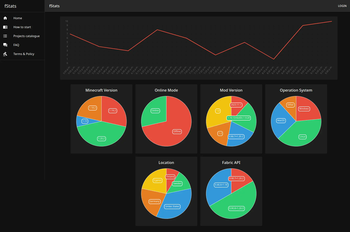









Table of Contents

About The Project
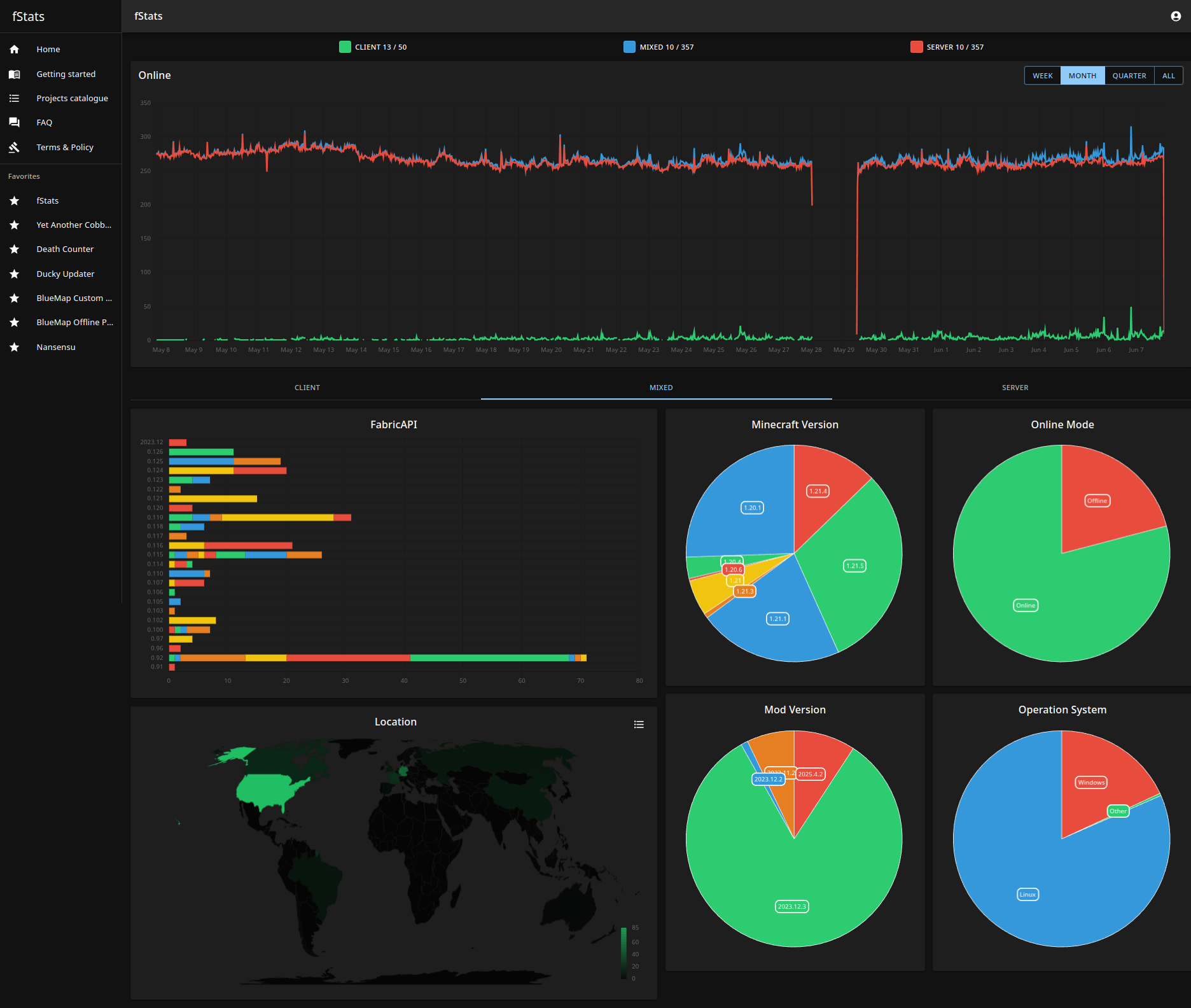
fStats is a 3rd-party metric collection library. The Main idea is help developers to recognize their actual community based on charts
Usage
For user
The mod has a config that allows to turn off a metric collection from the server/client and hiding location
../config/fstats-api/config.json
{
    "enabled": true,      // Enable/Disable collection from our server
    "hideLocation": false // Mod does not collect your IP, only the country name
}
For developers
The first thing that you need to do is register and create a project to get projectId
After that, you are ready to add a library as/to dependency
Java - build.gradlerepositories {
maven {
url "https://api.modrinth.com/maven"
}
}
dependencies {
// Option 1: Include fStats API to project for it to be available within your own jar (IT'S ONLY ~9KB!)
include(modImplementation("maven.modrinth:fstats:<version>")
// Option 2: Depend on fStats API, but require that users install it manually
modImplementation "maven.modrinth:fstats:<version>"
}
repositories {
    maven("https://api.modrinth.com/maven")
}

dependencies {
    // Option 1: Include fStats API to project for it available within your own jar IT'S ONLY ~9KB!
    include(modImplementation("maven.modrinth", "fstats", "<version>"))

    // Option 2: Depend on fStats API, but require that users install it manually
    modImplementation("maven.modrinth", "fstats", "<version>")
}
fabric.mod.json
"suggests": {
    "fstats-api": "*"
}
Setup project
fabric.mod.json
"custom": {
    "fstats": <projectId>
}
Done, now when any server uses your mod, and if they don't disable fStats, you are going to get data about that on website
Also, recommend adding the badge to your project description to notify users that you collect information.
Resize badge to any size that you want
Roadmap
See the open issues for a full list of proposed features (and known issues).
Contributing
Contributions are what make the open source community such an amazing place to learn, inspire, and create. Any contributions you make are greatly appreciated.
If you have a suggestion that would make this better, please fork the repo and create a pull request. You can also simply open an issue with the tag "enhancement". Don't forget to give the project a star! Thanks again!
- Fork the Project
- Create your Feature Branch (
git checkout -b feature/AmazingFeature) - Commit your Changes (
git commit -m 'Add some AmazingFeature') - Push to the Branch (
git push origin feature/AmazingFeature) - Open a Pull Request
- Create your Feature Branch (
License
Distributed under the MIT License. See LICENSE.txt for more information.
- Edition: Minecraft Java
- File type: .jar
- Minecraft versions listed: 26.1, 26.1.1, 26.1.2
- How to install: Install the matching mod loader (Forge, Fabric or NeoForge) for your Minecraft version. → Download the .jar. → Put it in the .minecraft/mods folder and launch that loader profile.
- Where to get it: Opens on Modrinth — not every file is mirrored on our own servers.
Install steps are the general flow for this file type — How to install Minecraft Java mods & modpacks walks through it step by step.
- Ships as fstats-api-2026.3.1.jar — drop this file into the mods folder
- Download size: 51 KB
- Download link checked 11 Oct 2026 — working
These come from our own check of the pack file, not from the source page.