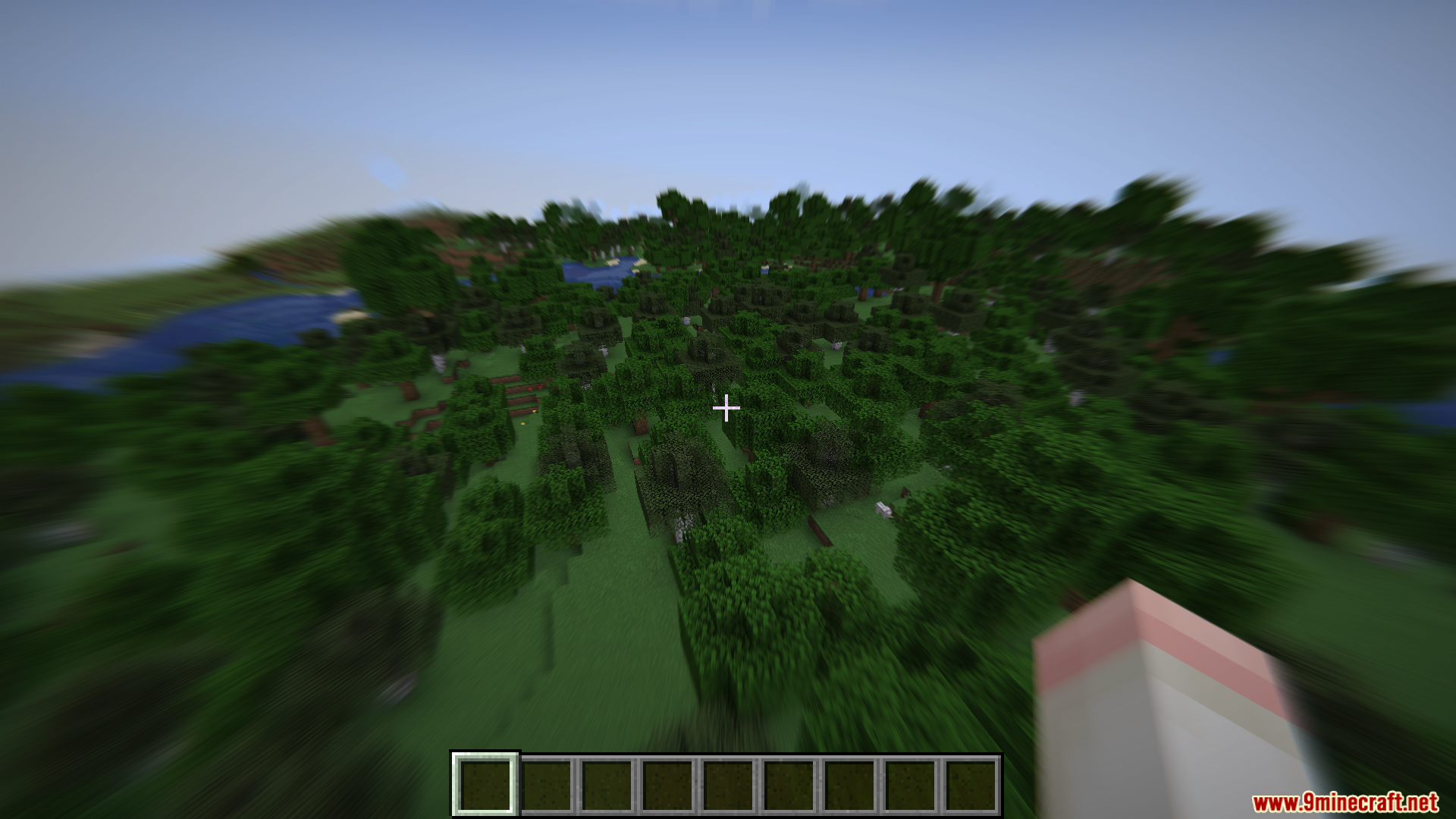
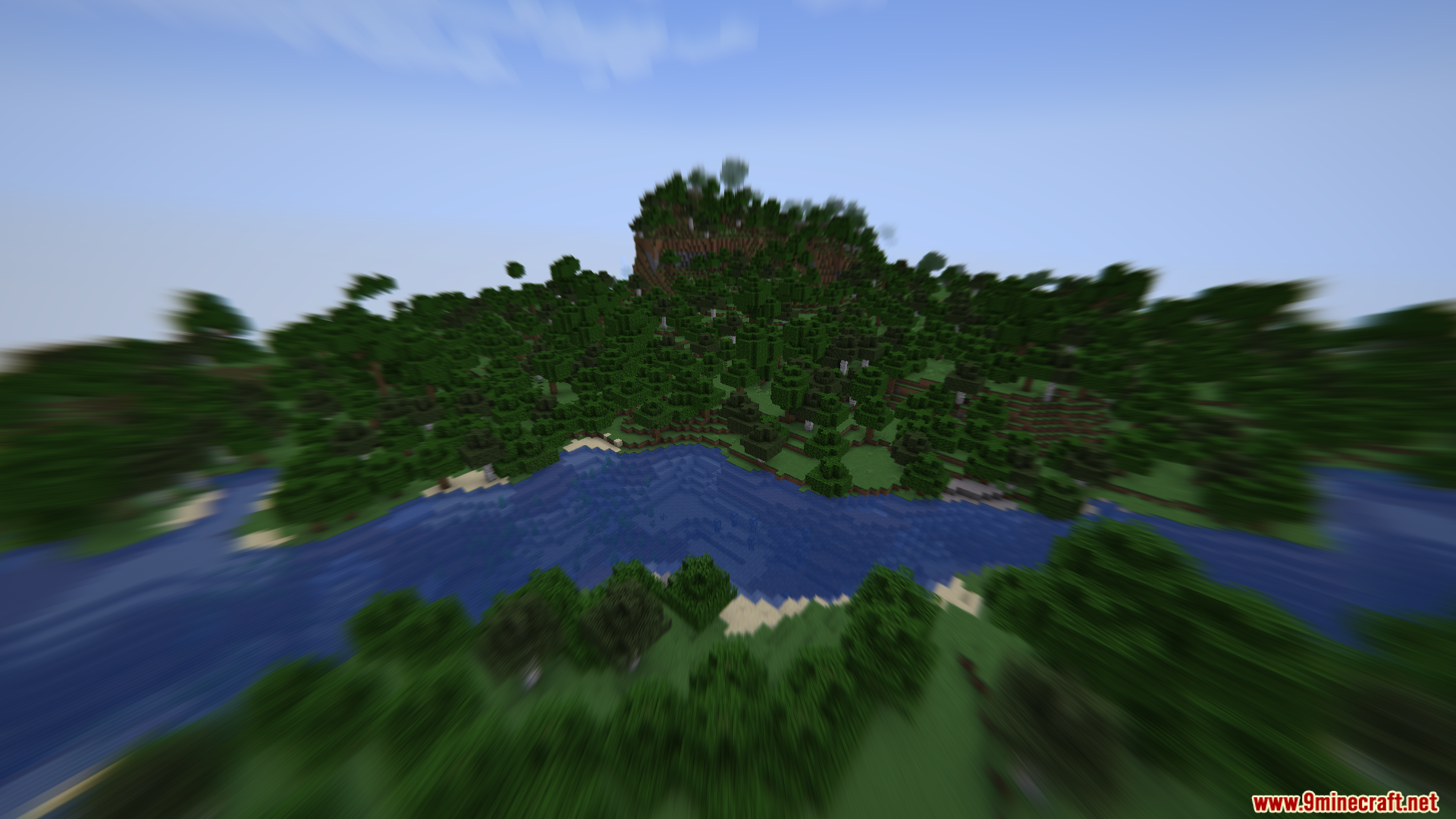
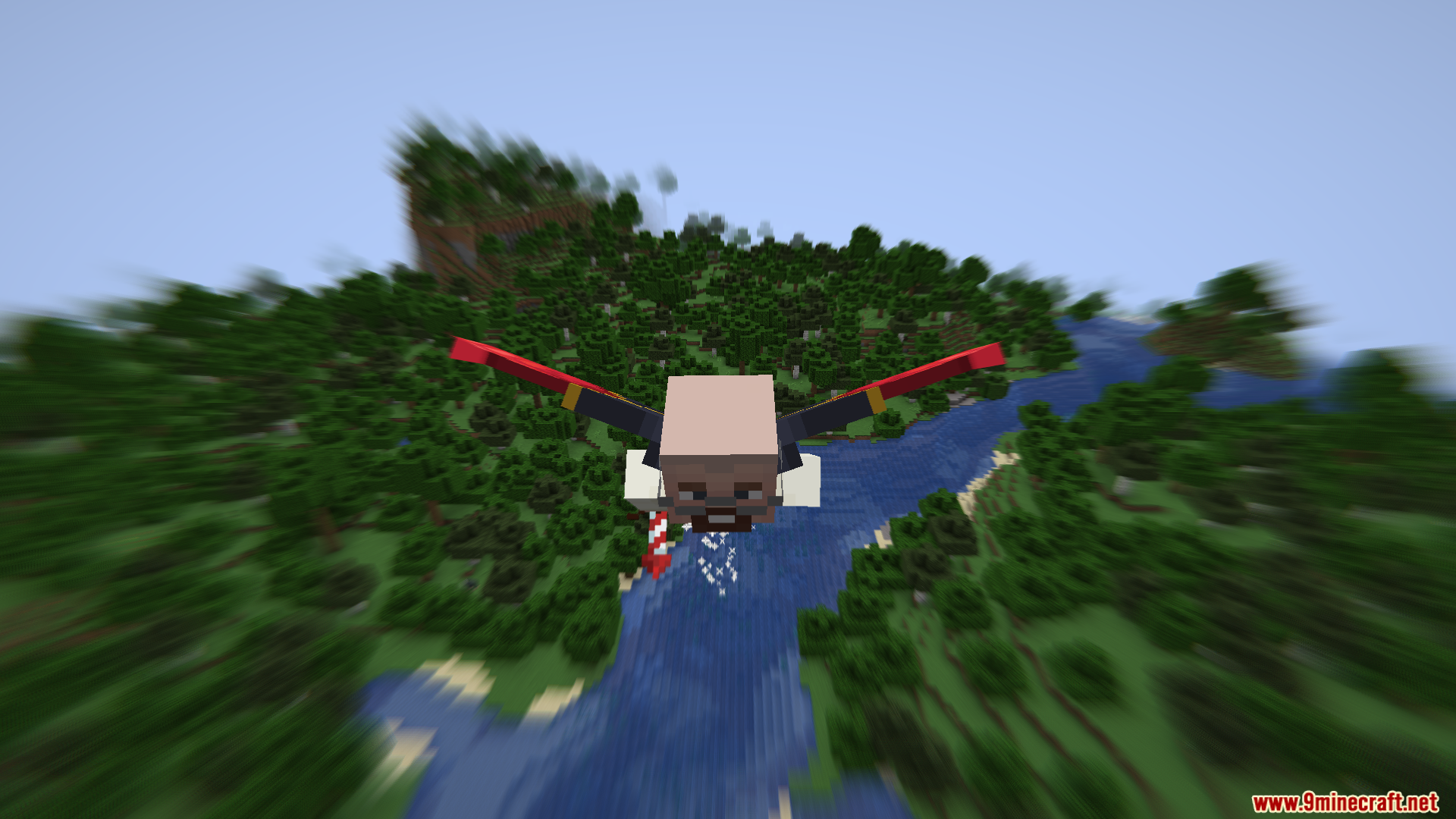
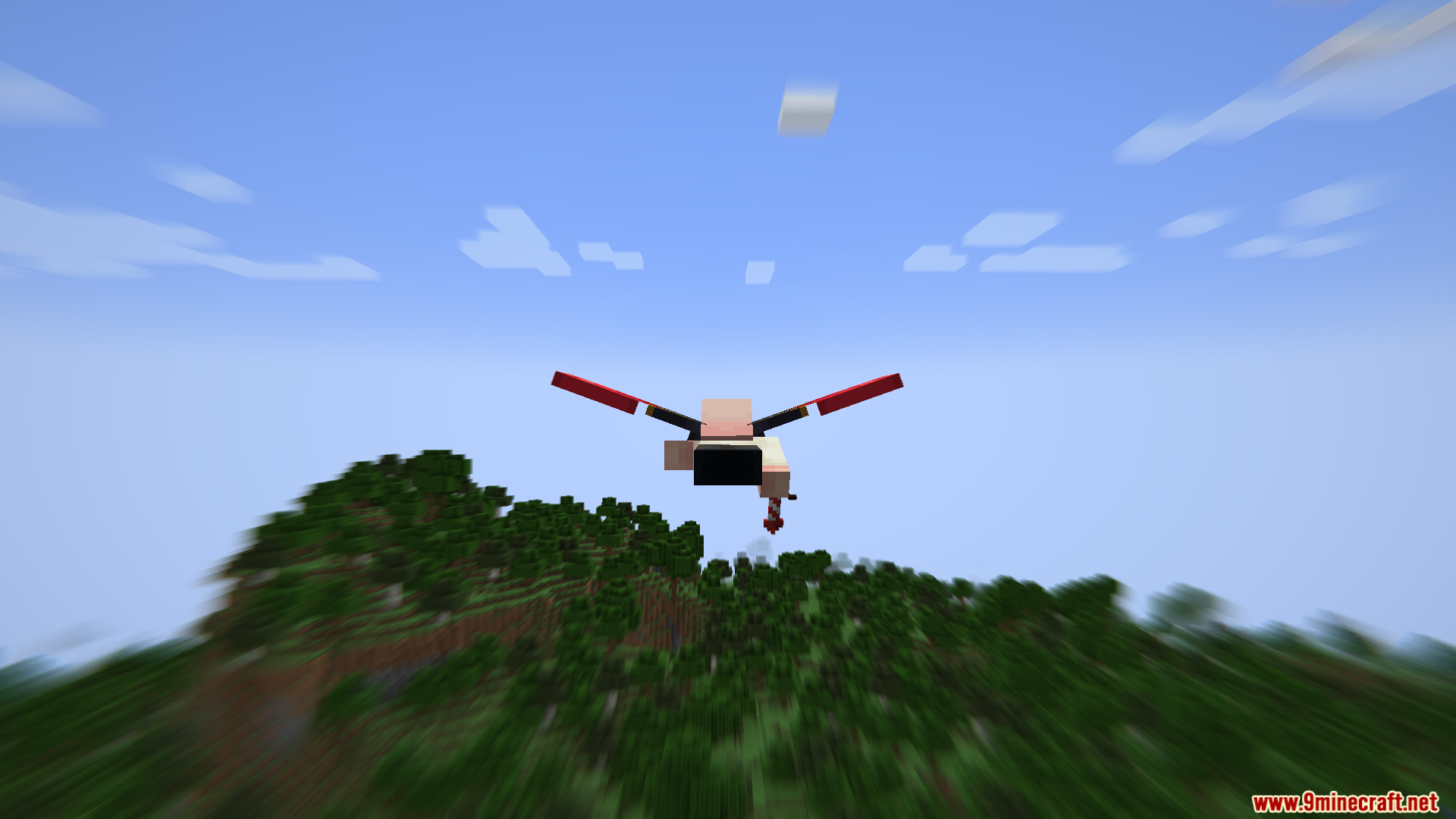
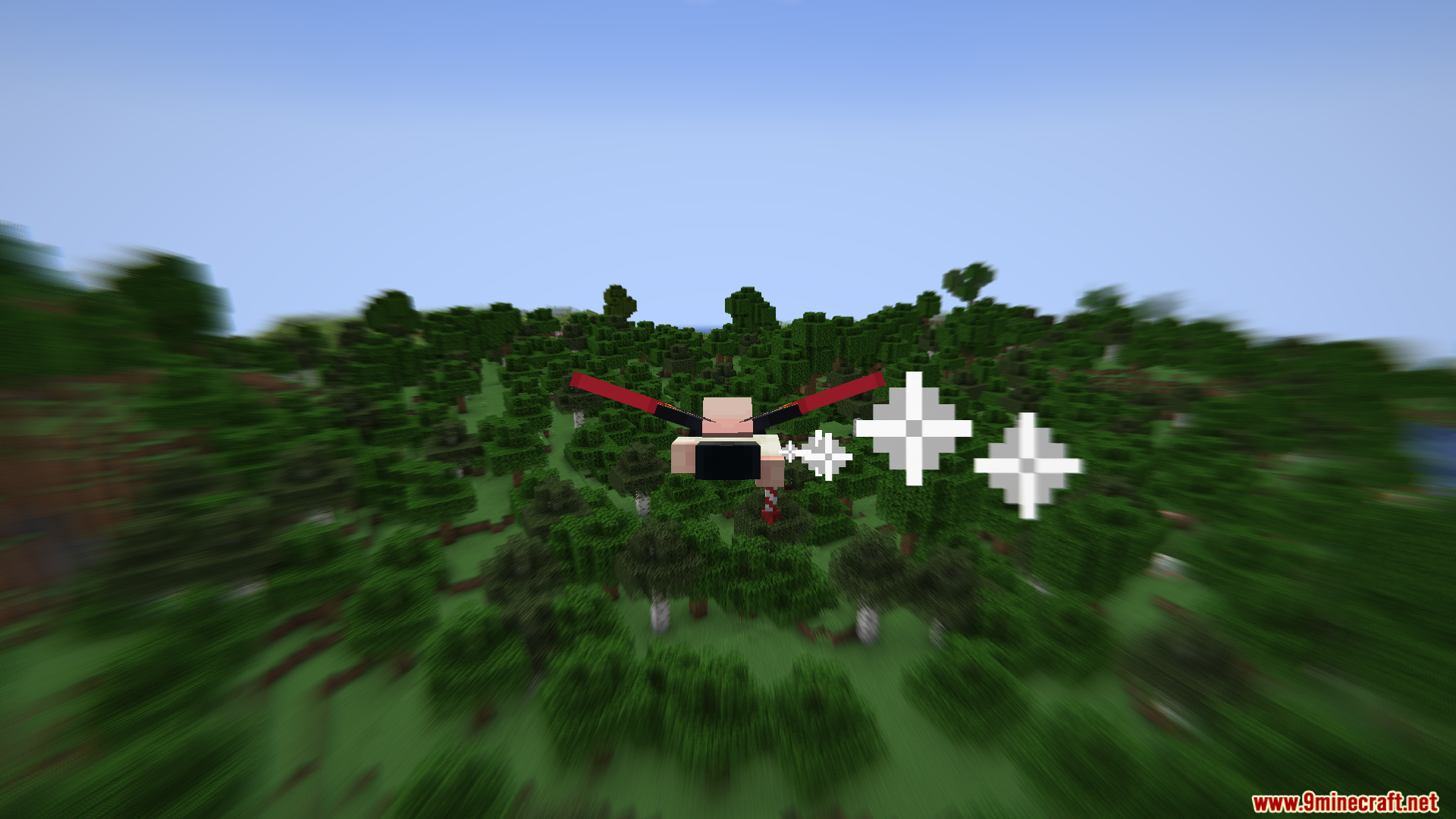
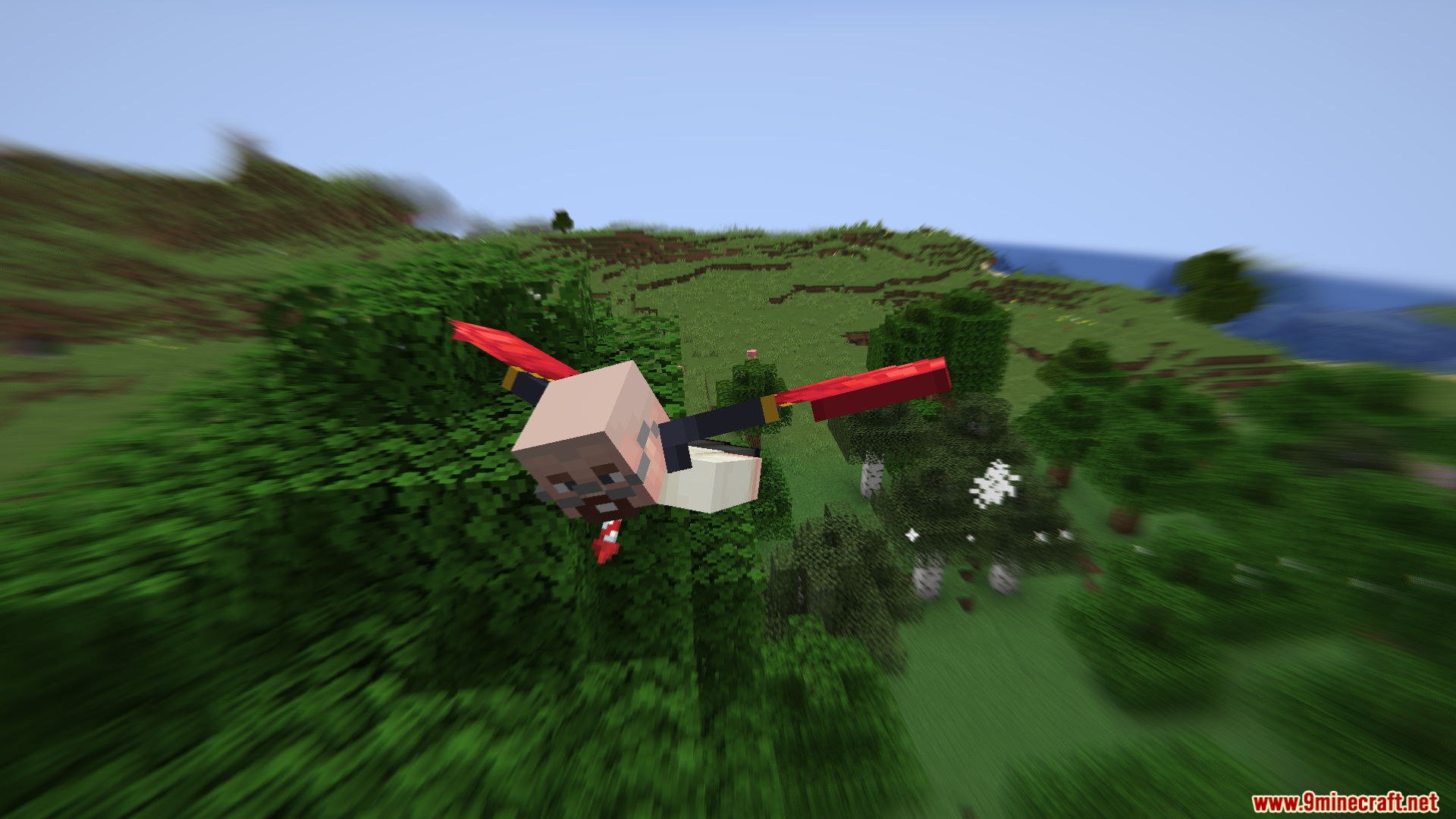
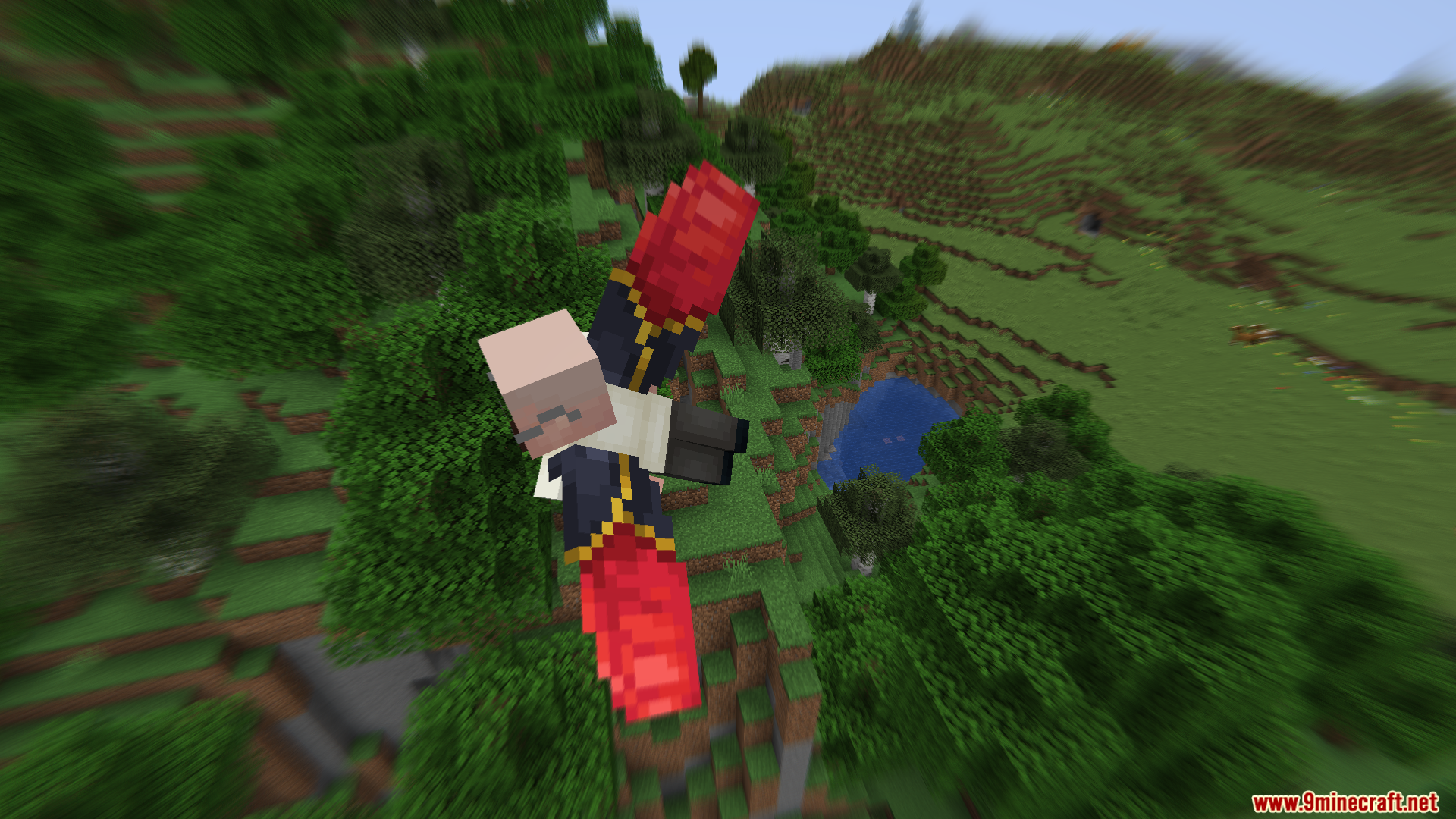
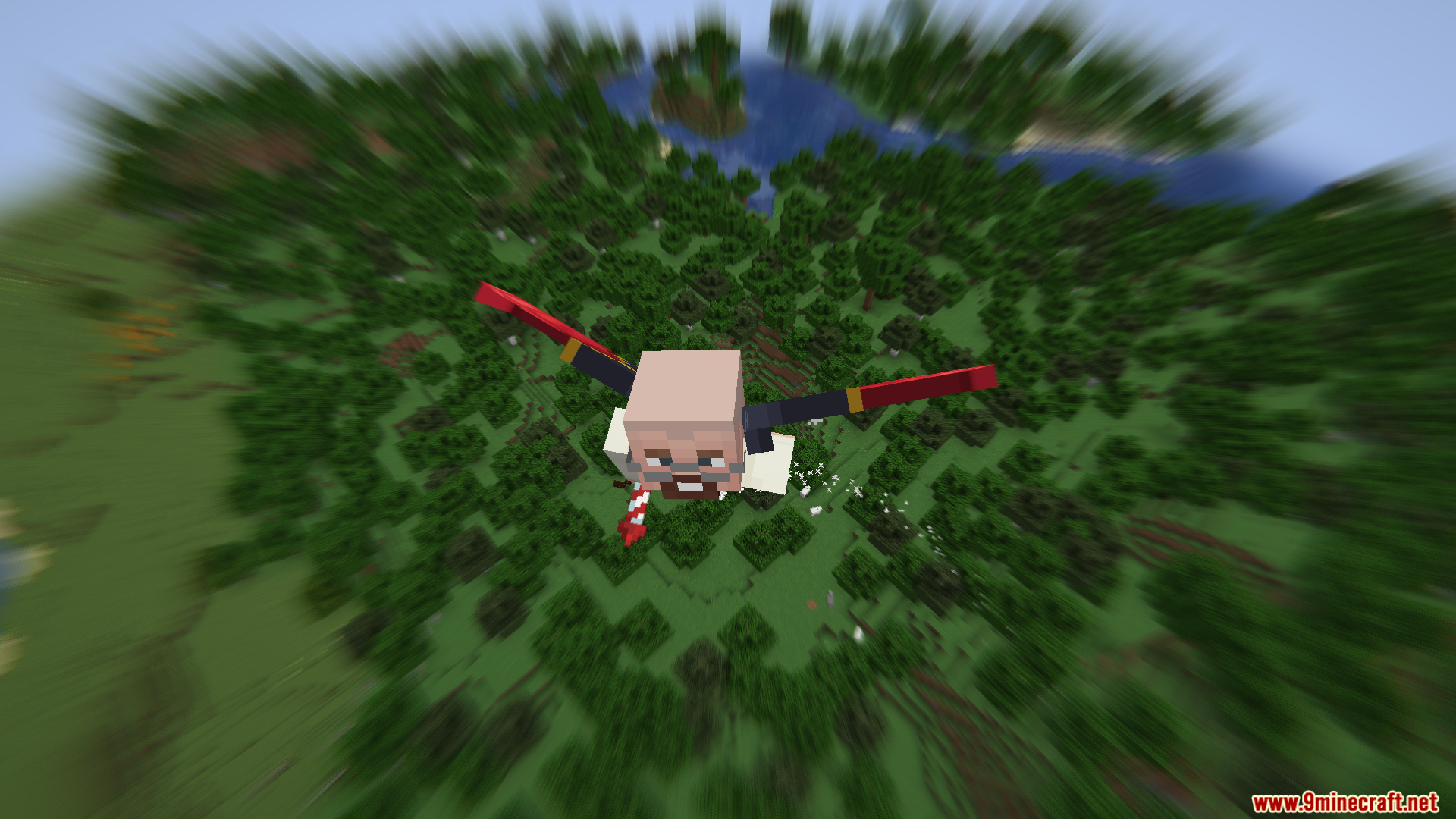
Velocity Blur Mod adds a cool visual effect to your game screen when you move. It makes the edges of your view look blurry when you run fast. The faster your character runs or flies, the stronger this blur becomes. This visual trick makes moving around your world feel much faster. The mod works entirely on your screen without changing anything on the server. You also get a small number box that tells you your exact speed. This makes it a fun addition for players who love running and jumping around.
Features:
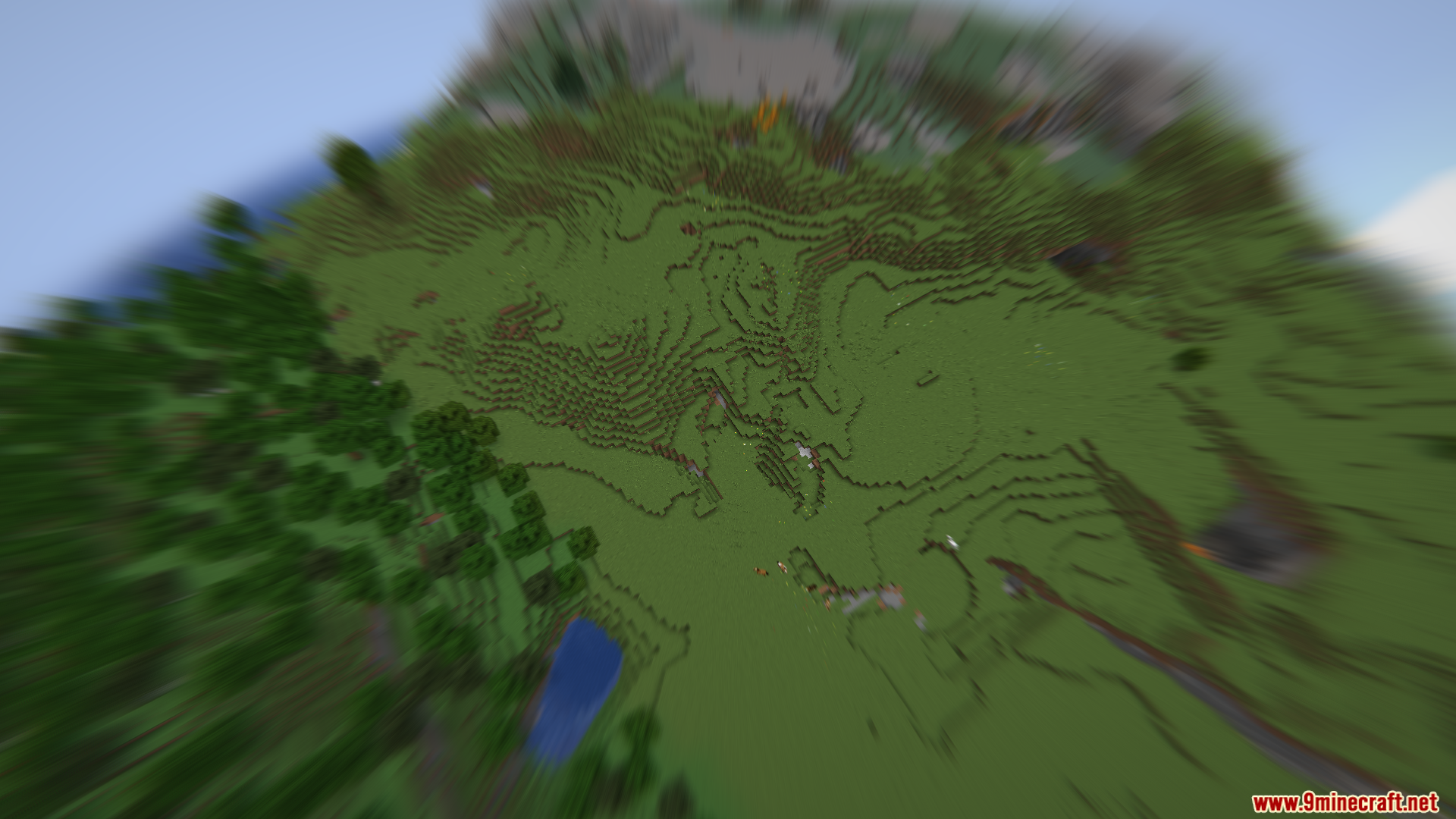
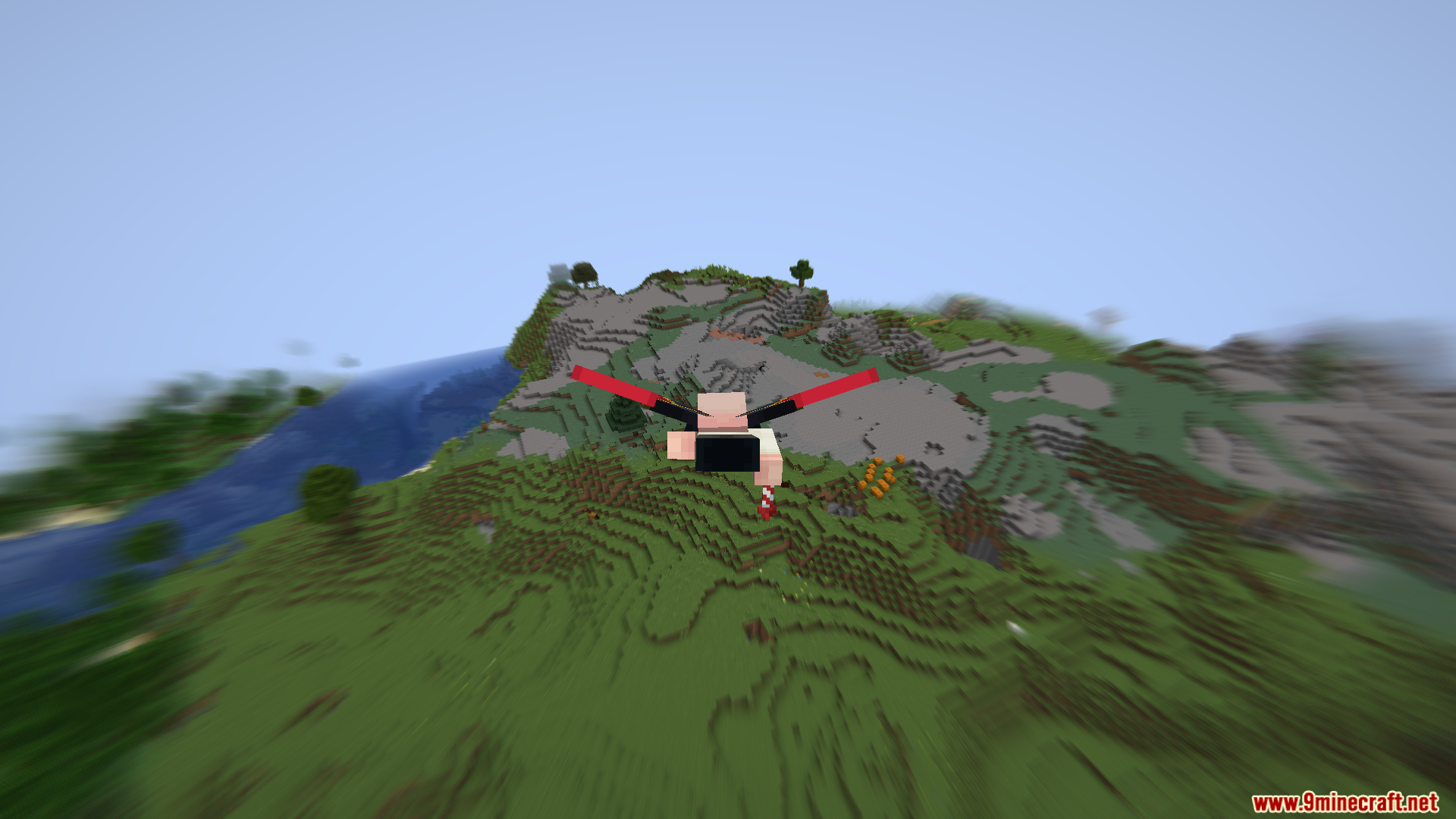
- Speed Blur: The screen gets blurry when you run, and the blur gets stronger as you speed up.
- Speed Counter: A small text box sits in the top right corner of your game.
- Blocks Per Second: The counter tells you exactly how many blocks you pass every second.
- Optional Text: You can turn the speed numbers off if you prefer a clean screen.
- Client Side: The mod only changes your screen, so it works perfectly on multiplayer servers.
Configuration:
- You can turn the speed text on or off in the mod menu.
Screenshots:
Velocity Blur Mod Download Links
Quick facts
- Edition: Minecraft Java
- File type: .jar
- Minecraft version listed: 1.20.1
- How to install: Install the matching mod loader (Forge, Fabric or NeoForge) for your Minecraft version. → Download the .jar. → Put it in the .minecraft/mods folder and launch that loader profile.
- Where to get it: In MC Java Mods, or directly above on this page.
Install steps are the general flow for this file type — How to install Minecraft Java mods & modpacks walks through it step by step.
Verified by MCModsHub
- Downloads as 26582.mcaddon
- Download size: 74 KB
- Download link checked 22 Sept 2026 — working
- Mirrored on our own servers — the download does not depend on the original host
These come from our own check of the pack file, not from the source page.