

Auto Disconnect Mod By I-No-oNe
How to use?
# Install the mod latest version and install midnightLib.
# Press the keybind K on your keyboard to open the GUI.
# Set the conditions for the auto disconnect.
# Turn on/off the settings as you want.
0.4 Version and below
Auto Disconnect Mod By I-No-oNe
How to use?
# Install the latest version and install ImproperUI Library.
# Press the keybind K on your keyboard to open the GUI.
# Set the conditions for the auto disconnect.
# Turn on/off the settings as you want.
Showcase:
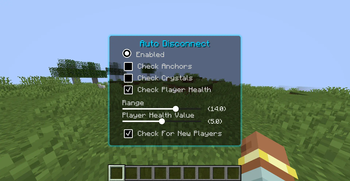
GUI
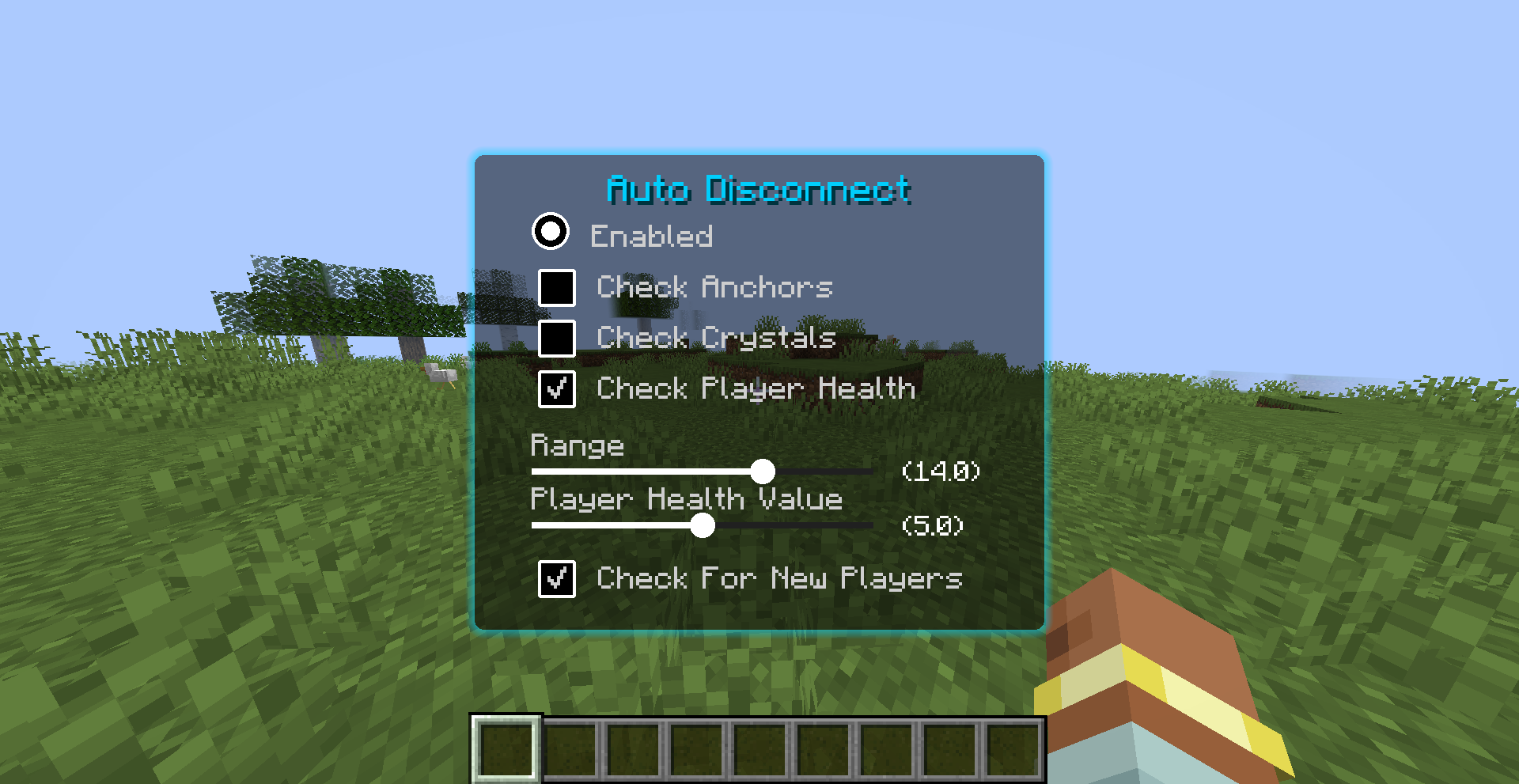
Setting The Keybind

In-game Example:
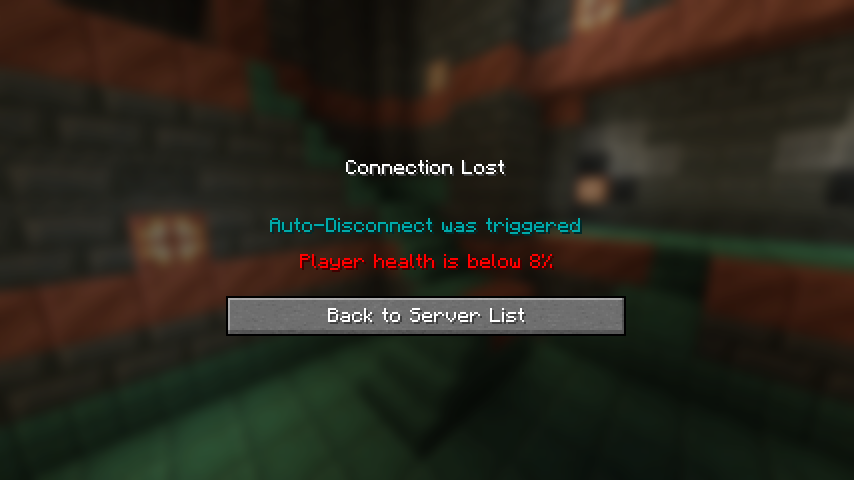
BE AWARE THAT YOU MUST TO DOWNLOAD THE IMPROPER-UI LIBRARY IN ORDER TO THE MOD TO WORK!
tysm for using this mod 🙏
Showcase:
GUI
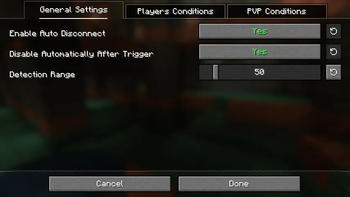
- First Page:
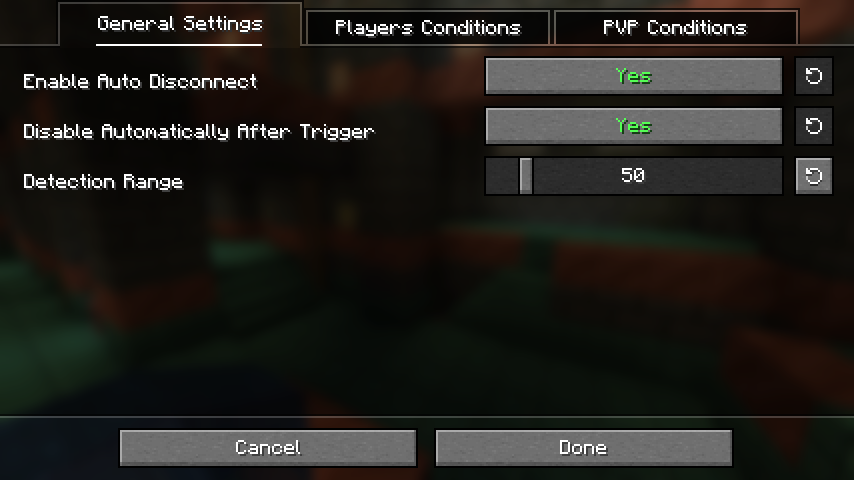
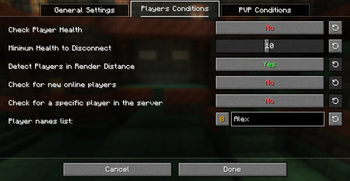
- Second Page:
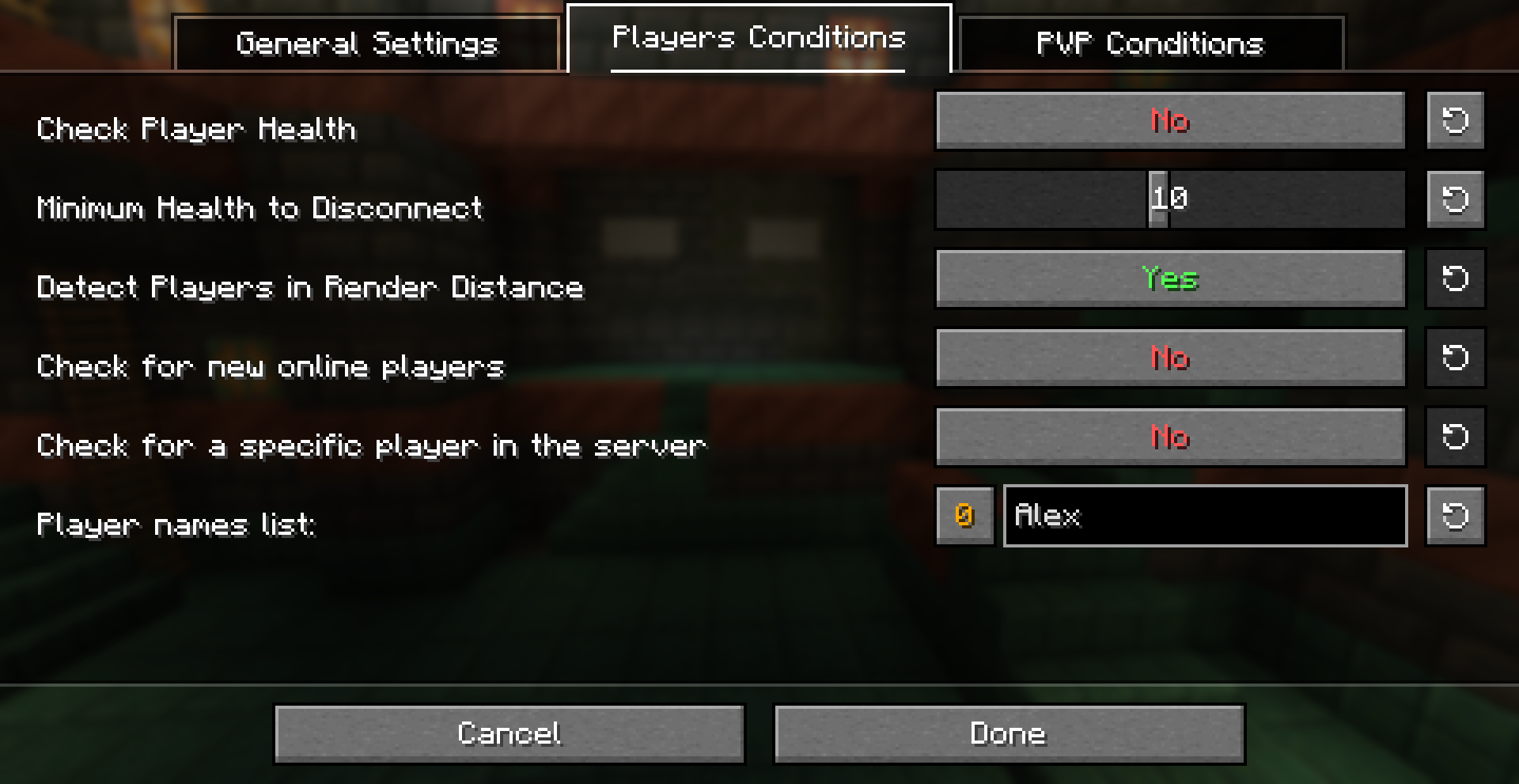
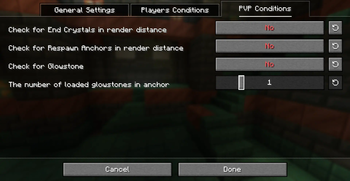
- Third Page:
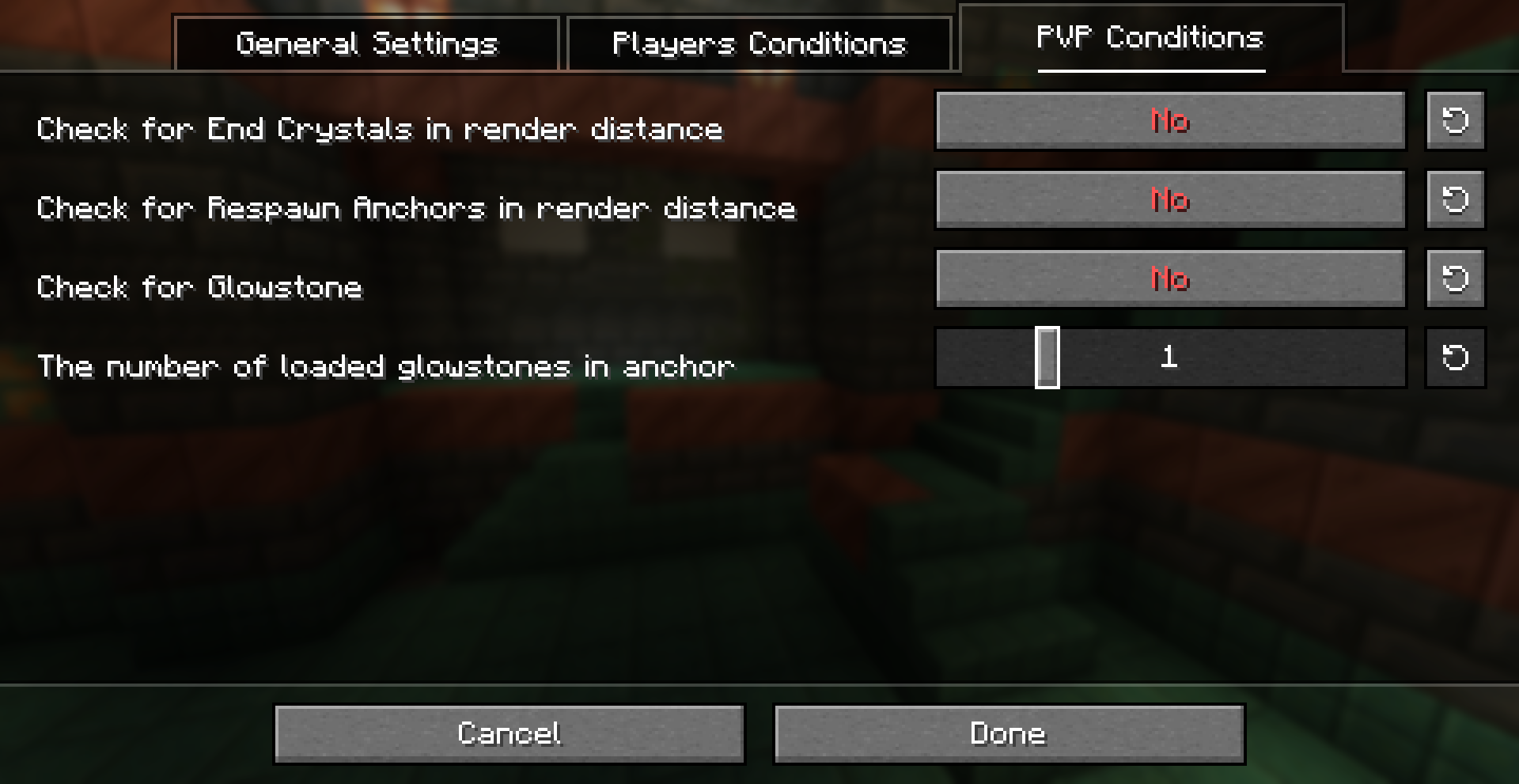
Setting The Keybind

In-game Example:
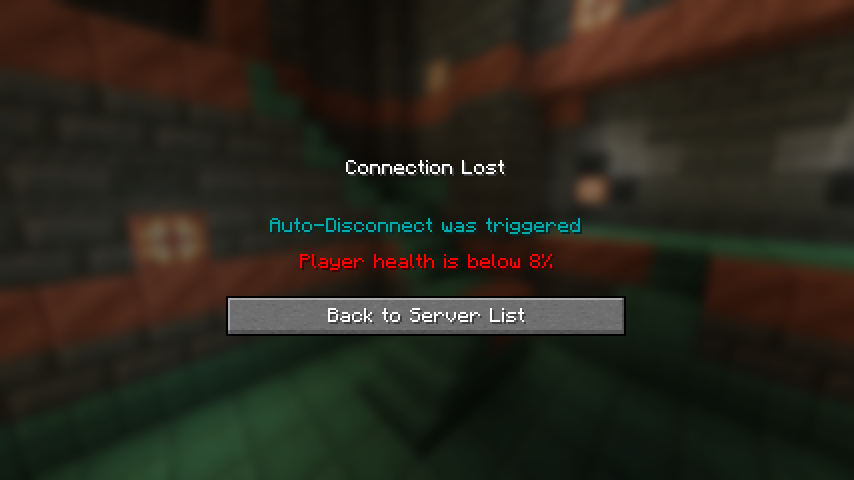
BE AWARE THAT YOU MUST TO DOWNLOAD THE Midnight-LIB LIBRARY IN ORDER TO THE MOD TO WORK!
tysm for using this mod 🙏
Quick facts
- Edition: Minecraft Java
- File type: .jar
- Minecraft version listed: 1.21.11
- How to install: Install the matching mod loader (Forge, Fabric or NeoForge) for your Minecraft version. → Download the .jar. → Put it in the .minecraft/mods folder and launch that loader profile.
- Where to get it: Opens on Modrinth — not every file is mirrored on our own servers.
Install steps are the general flow for this file type — How to install Minecraft Java mods & modpacks walks through it step by step.
Verified by MCModsHub
- Ships as auto-disconnect-0.5-1.21.11-fabric.jar — drop this file into the mods folder
- Download size: 272 KB
- Download link checked 30 Aug 2026 — working
These come from our own check of the pack file, not from the source page.