ModsJava
Super Resolution Mod (26.2, 1.20.1) – Boosts Game FPS And Graphics
Java mod listed for Minecraft 1.20. Download on the author's site.
⬇ Download
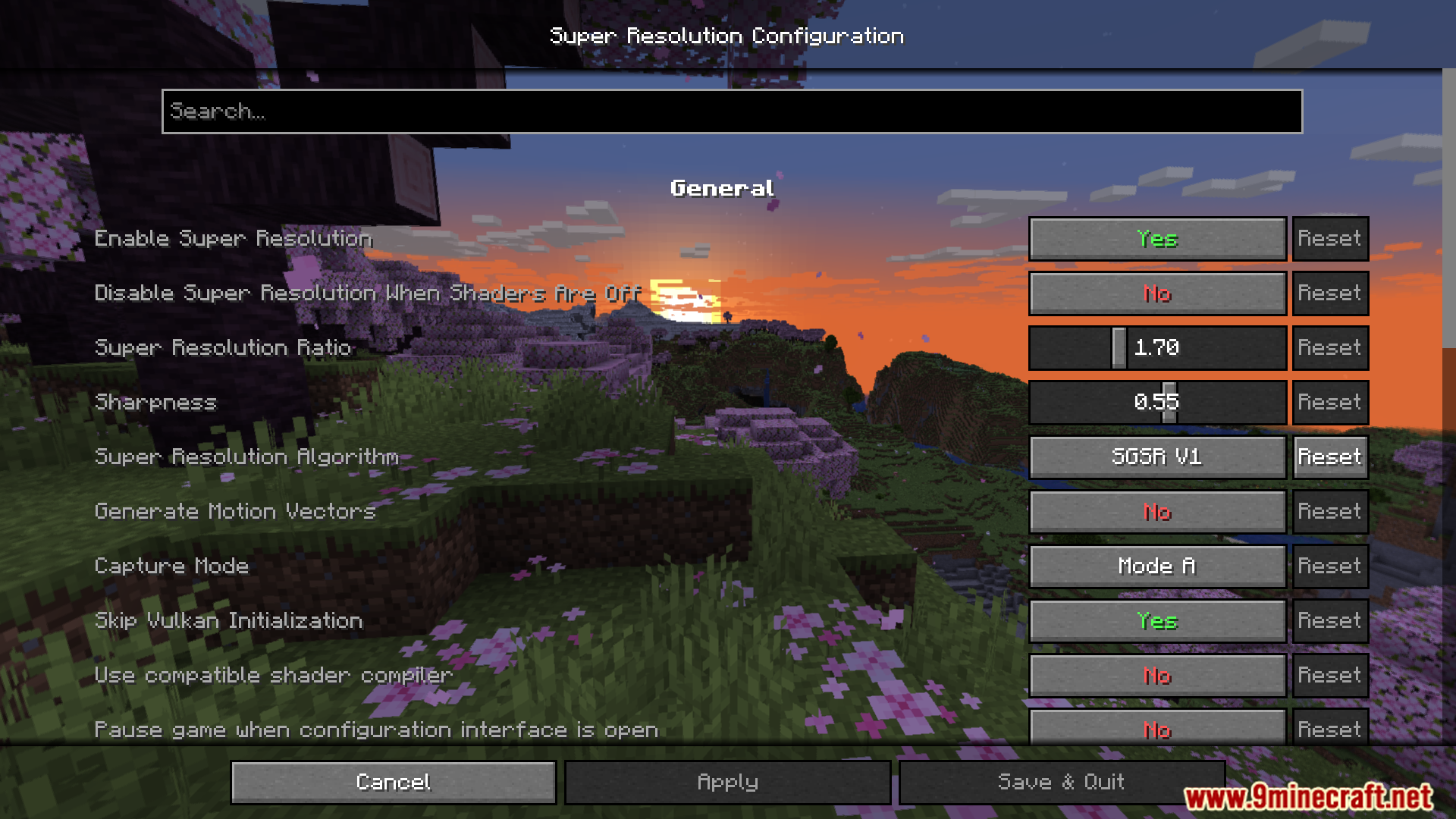
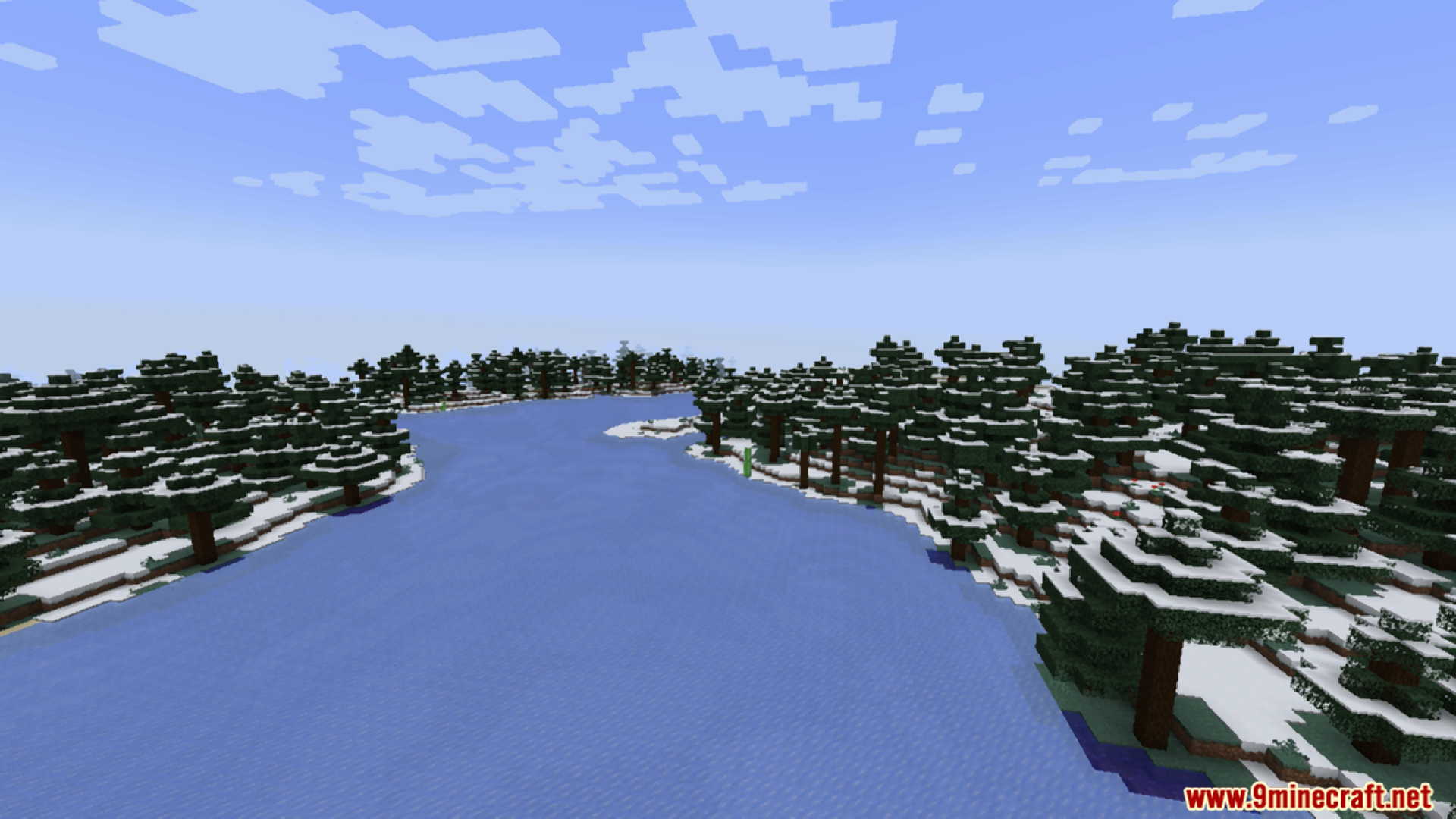
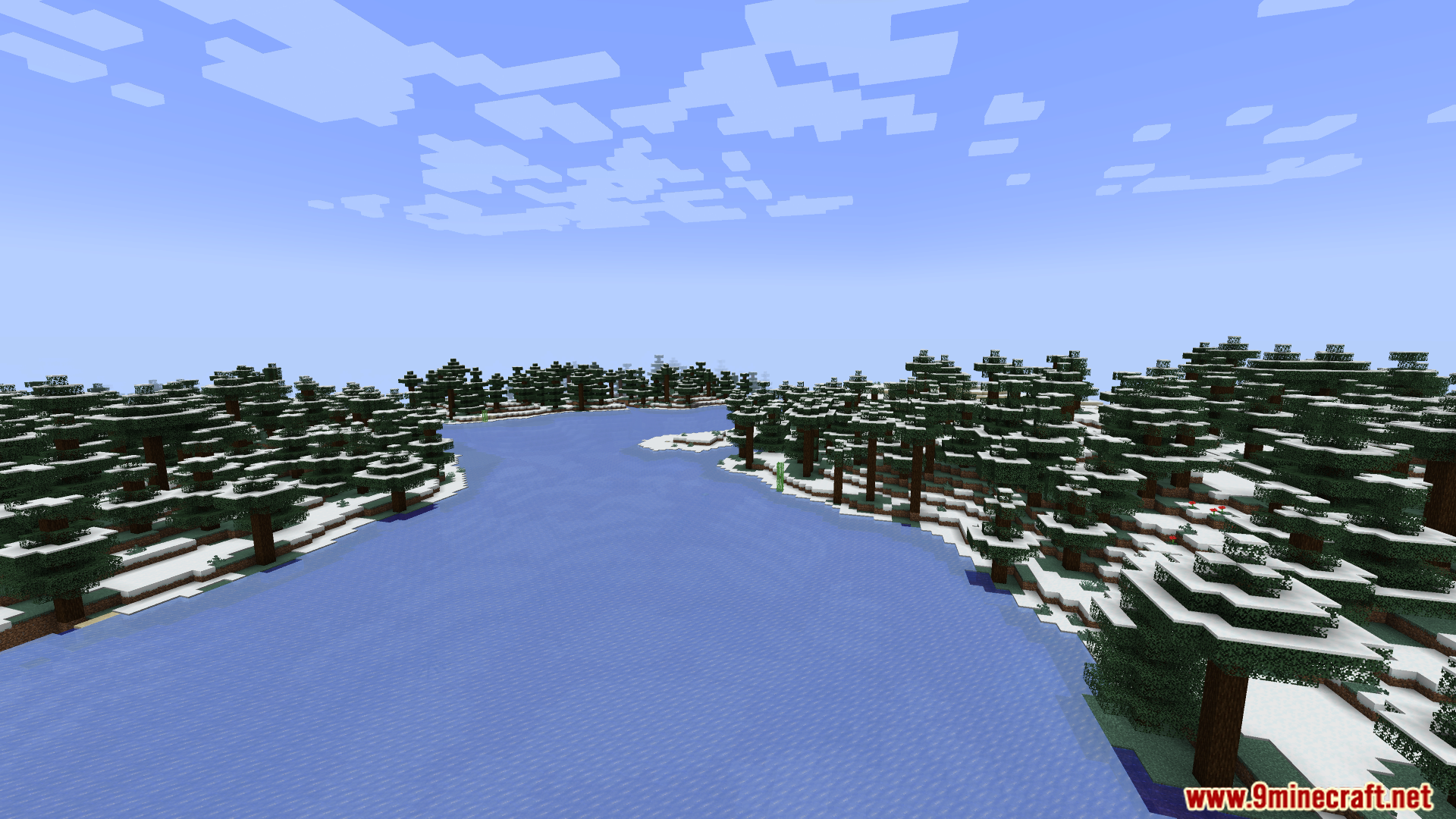
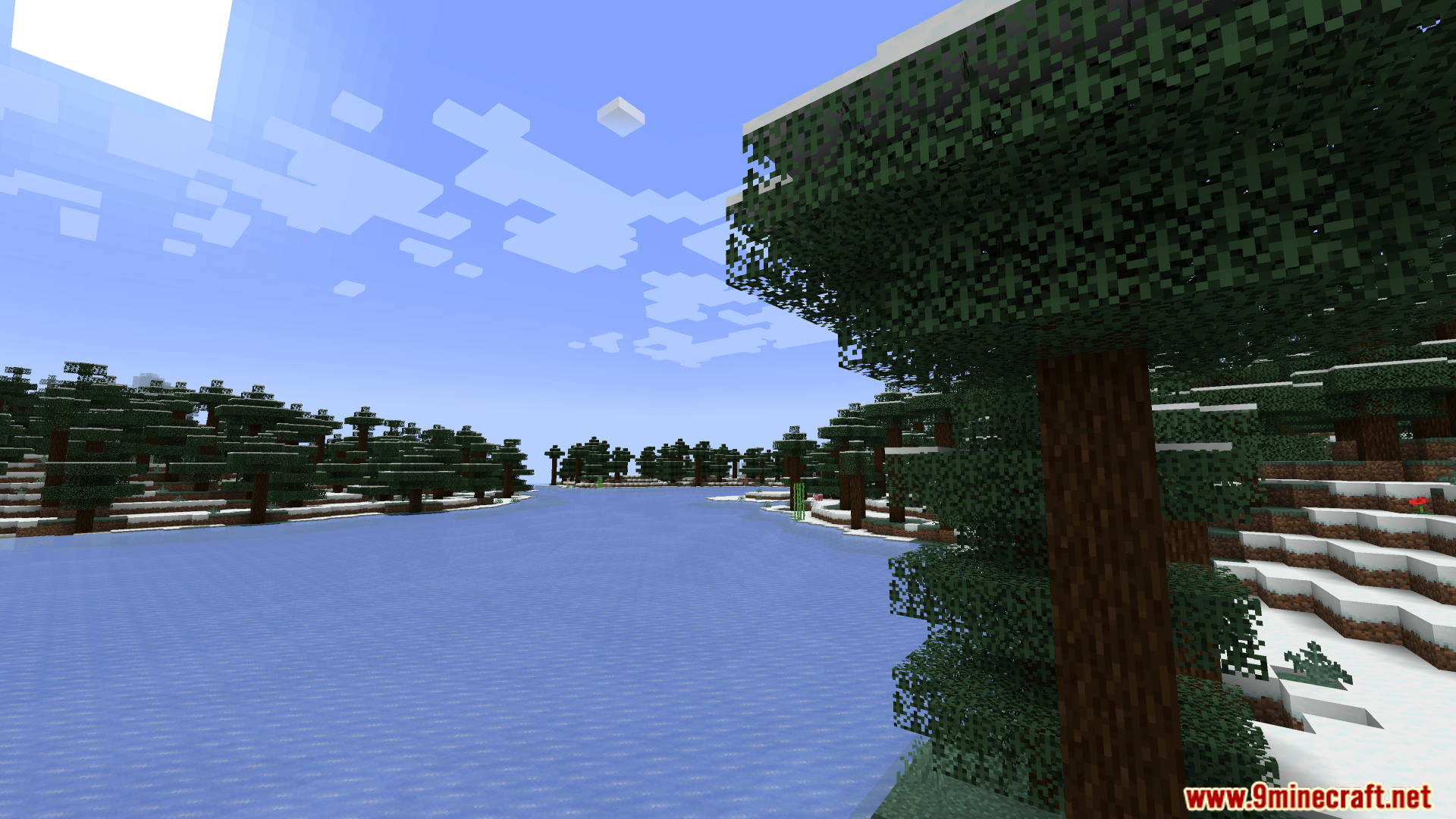
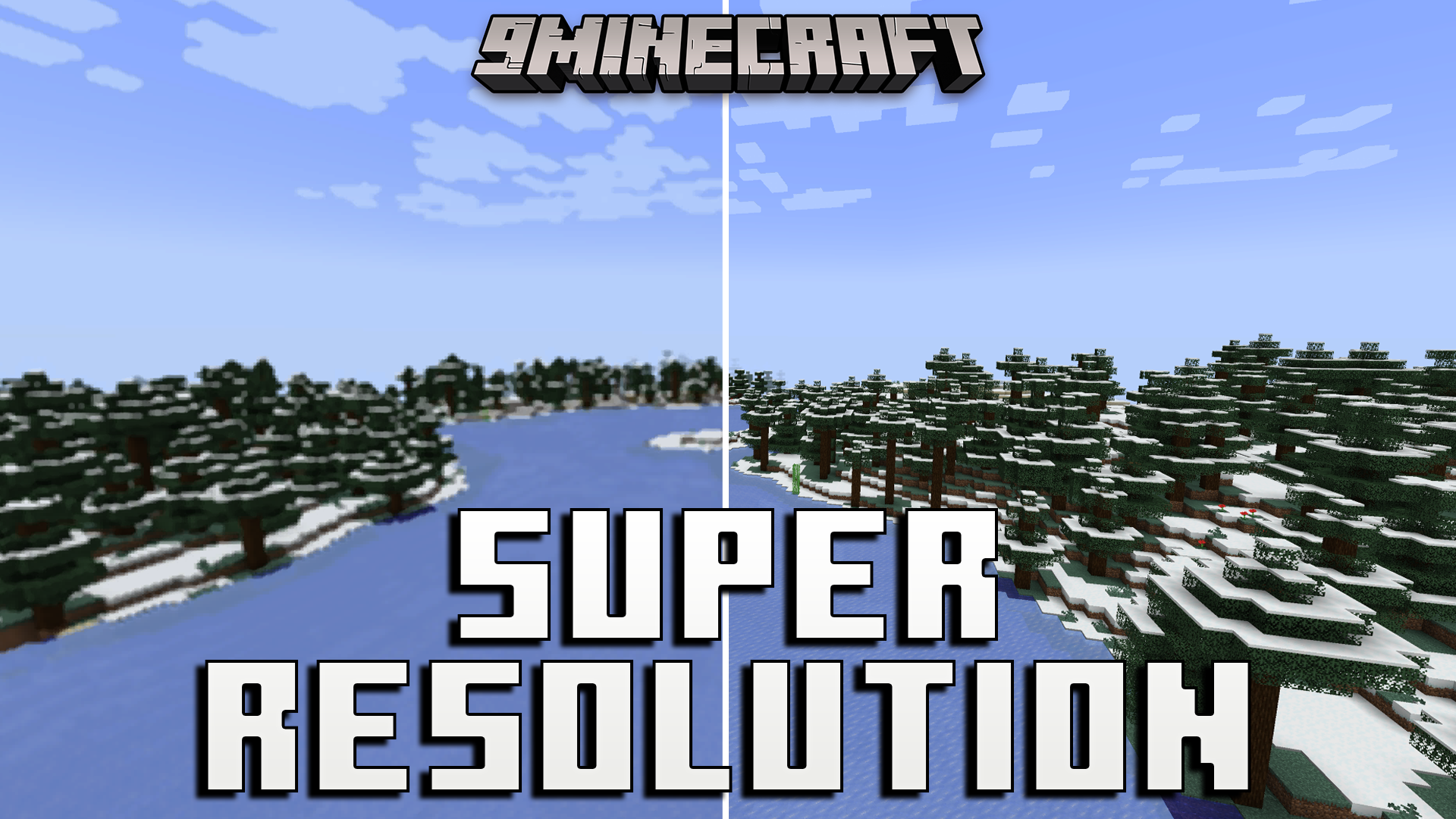
Super Resolution Mod lets you make your game run faster and look better. It adds special tools to help your computer handle the game easily. You can choose to get more frames per second or make the graphics look sharper.
Features:
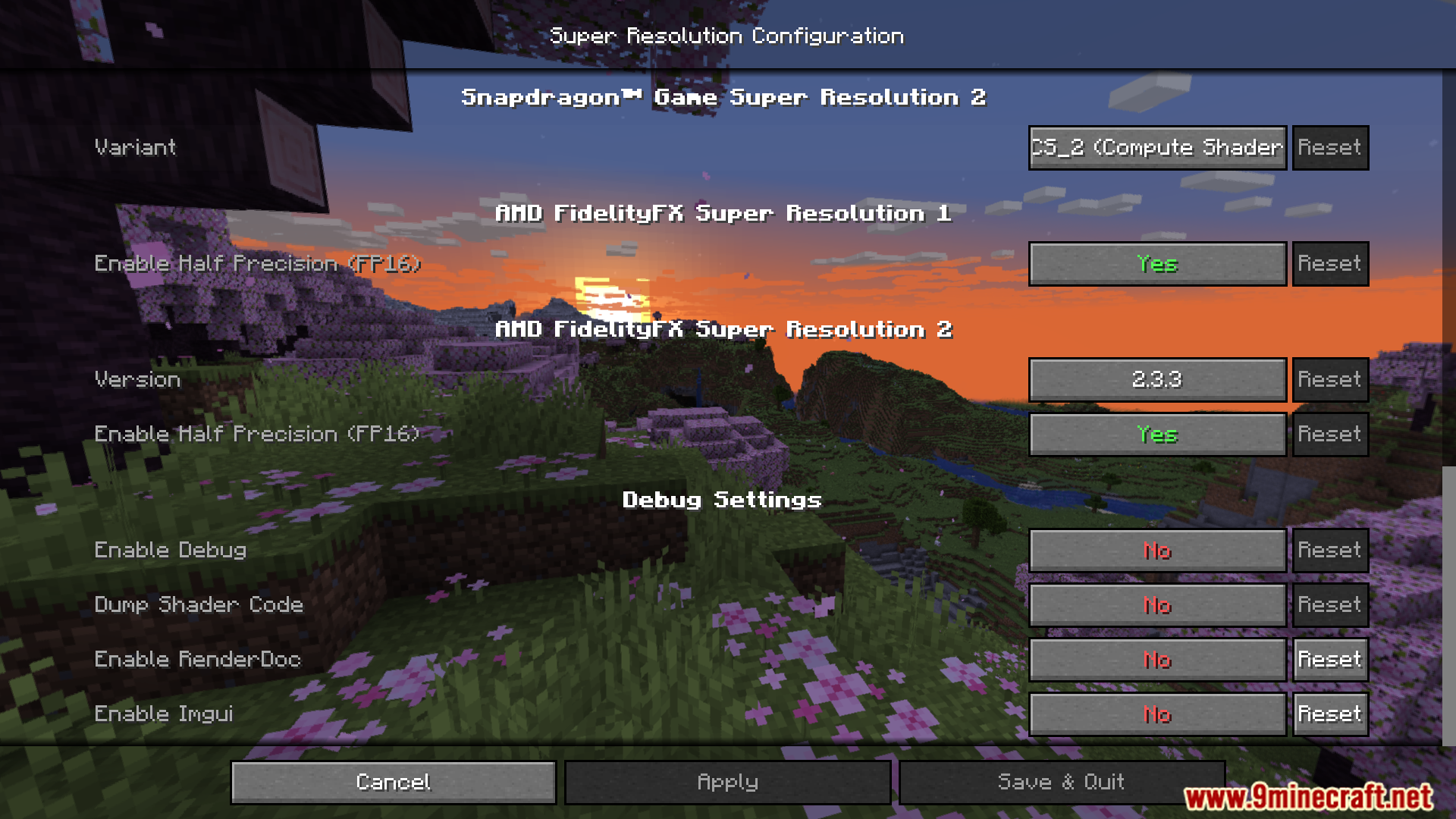
- Contains AMD FSR algorithms: Helps your game run much smoother.
- Includes Snapdragon Game Super Resolution: Another way to boost performance.
- Adds NVIDIA DLSS: A popular tool to get more frames.
- Brings Intel XeSS: Helps Intel graphics cards run the game better.
- Performance mode: Gives you up to three times more FPS.
- Quality mode: Makes the edges of blocks and items look sharper.
- Works well on Windows and Linux computers.
- Supports popular performance mods like Sodium and Iris.
- Helps computers with weak graphics cards play without lag.
- Great for playing with heavy shader packs.
How to Use:
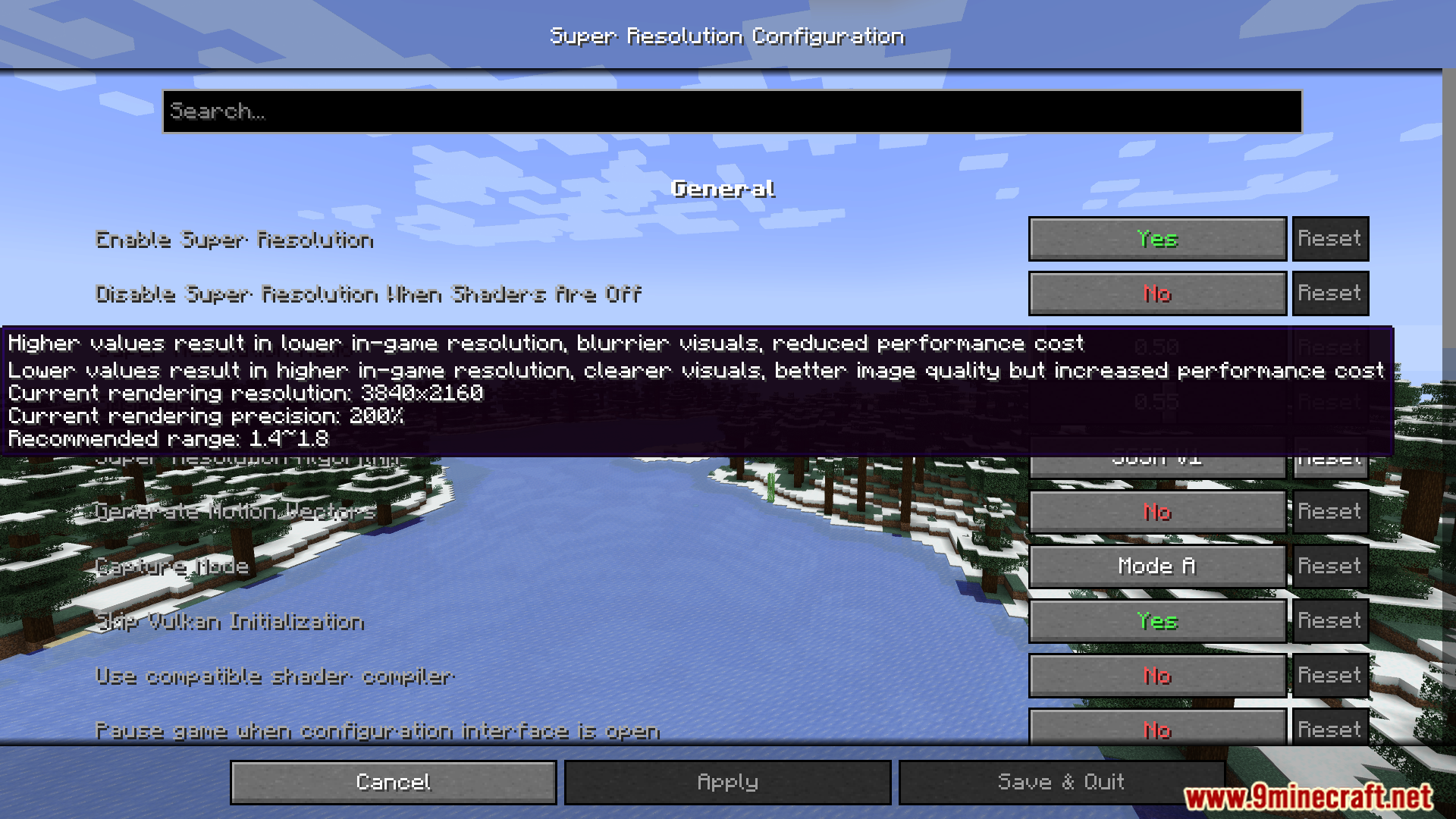
- Find the SR ratio setting in your game.
- Set the ratio above 1.0 for better performance.
- Set the ratio below 1.0 for better graphics quality.
- Keep the ratio above 0.6 to keep the game stable.
Screenshots:
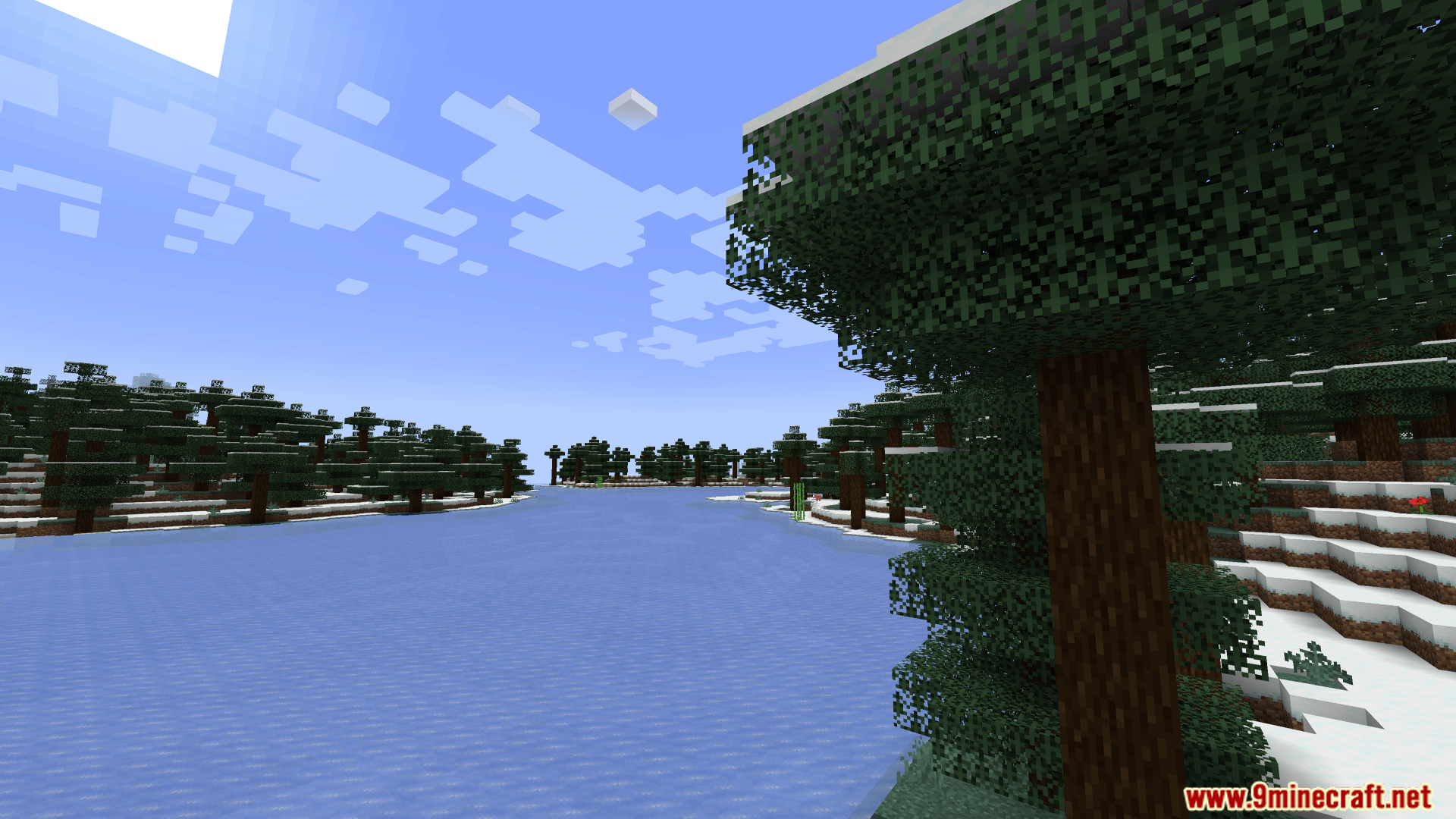
Super Resolution Mod Download Links
Quick facts
- Edition: Minecraft Java
- File type: .jar
- Minecraft version listed: 1.20.1
- How to install: Install the matching mod loader (Forge, Fabric or NeoForge) for your Minecraft version. → Download the .jar. → Put it in the .minecraft/mods folder and launch that loader profile.
- Where to get it: Opens on the file's original source — not every file is mirrored on our own servers.
Install steps are the general flow for this file type — How to install Minecraft Java mods & modpacks walks through it step by step.
Super Resolution Mod (26.2, 1.20.1) – Boosts Game FPS And Graphics is a free Minecraft Java mod. Compatible with Minecraft 1.20.1. Download it and open it directly in the game.