
UTIL HUD
Java mod listed for Minecraft 1.21. Downloads from the MC Java Mods app on Android.
⬇ Download on Modrinth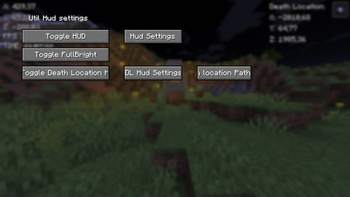
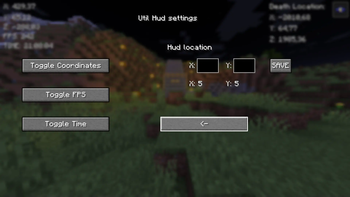
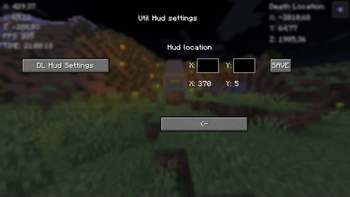
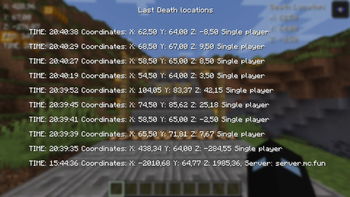
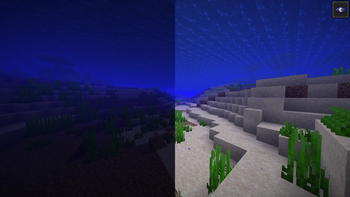
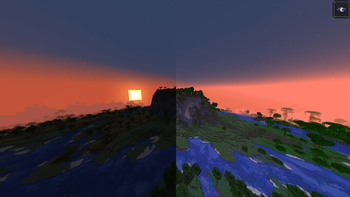

New Fabric mod. I'm going to upgrade this mod regularily.
It has button {B} with it you can Go to GUI (Graphical User Interface) And {G} to copy current coordinates. I will keep this mod up for some time and upgrade it.
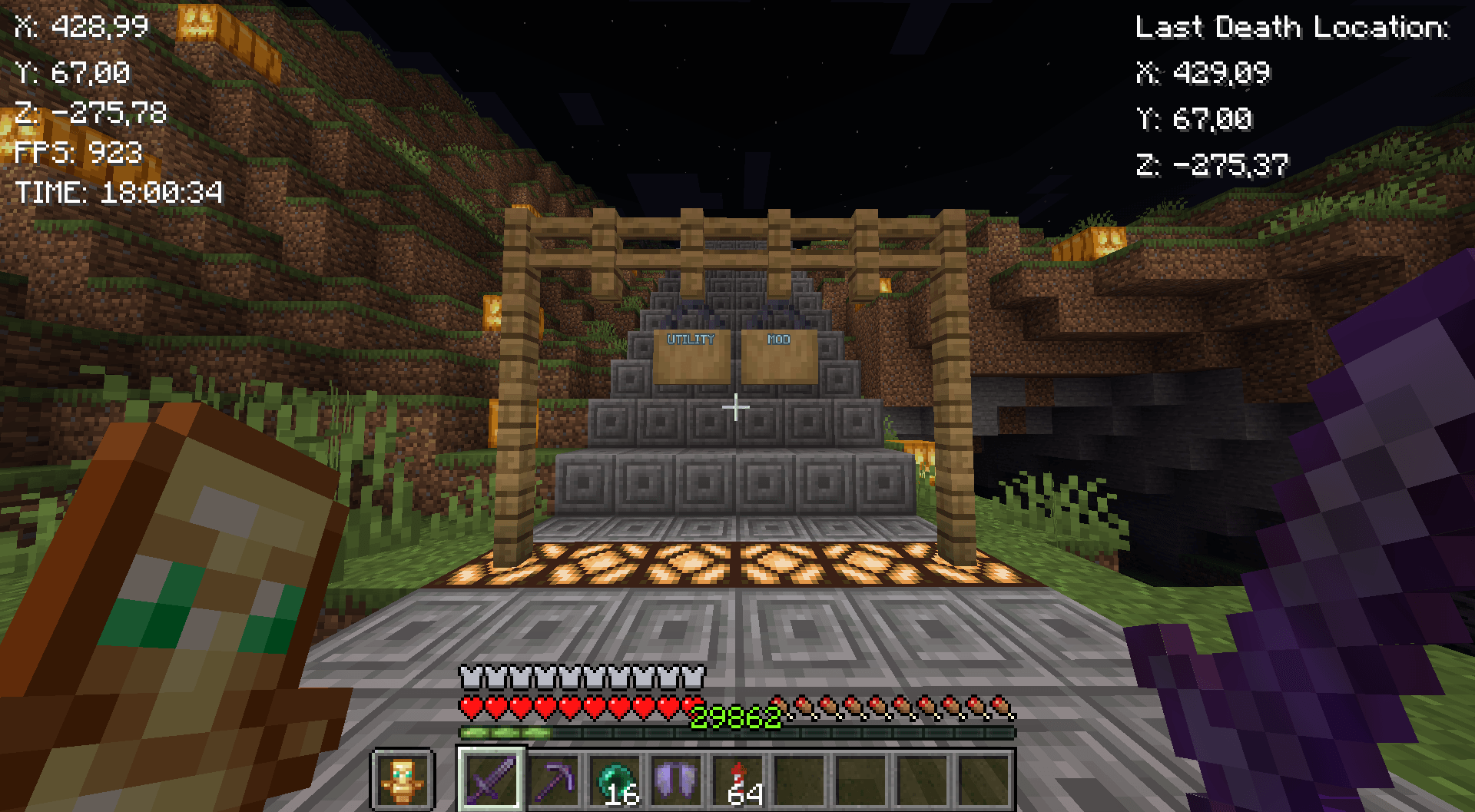
Mod features:
Customizable button {B} Coordinates Copy coordintes {G} 10 last death locations in GUI {L} Fullbright FPS Time GUI
Fabric loader version: 0.16.7 or newer!
Quick guide:
Press B to go to GUI Press the Toggle HUD to turn the hud on Then turn on things you want to see on HUD Lastly configure the positions of the HUDs
Copy your death-coordinates-util-hud.txt path with Button in GUI (Show death locations)
You will have to go then to file explorer and paste the path to search bar or press windows key + R and paste the path there and press enter. You will see the following info:
Tips:
X: 5 & Y: 5 in GUI means the current position of the HUD Be aware of the last death position that If you died in other world it will show you those coordinates I will update this in future! Visit regularily curseforge.com/minecraft/mc-mods/utility-mod to see new updates first
Notice:
If you remove/rename the file called util-hud-config.json, you will have to do things in quick guide again!
-- I will take all feedback and ideas. Fabric mod -- This Mod was programmed by NSI21 --
Support me at: ko-fi.com/nsi21![Util HUD]
- Edition: Minecraft Java
- File type: .jar
- Minecraft versions listed: 1.21, 1.21.1, 1.21.2
- How to install: Install the matching mod loader (Forge, Fabric or NeoForge) for your Minecraft version. → Download the .jar. → Put it in the .minecraft/mods folder and launch that loader profile.
- Where to get it: Opens on Modrinth — not every file is mirrored on our own servers.
Install steps are the general flow for this file type — How to install Minecraft Java mods & modpacks walks through it step by step.
- Ships as minecraft-util-mod-v9-1.21.4.jar — drop this file into the mods folder
- Download size: 269 KB
- Download link checked 1 Nov 2026 — working
These come from our own check of the pack file, not from the source page.