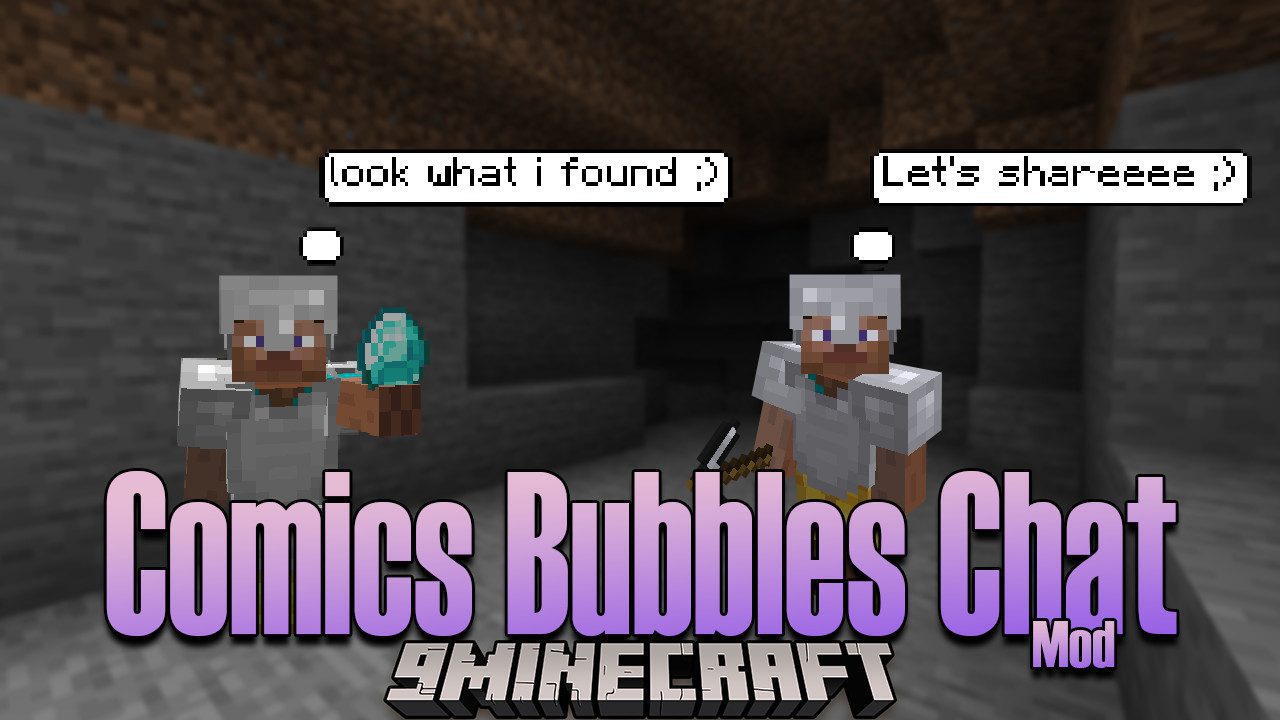
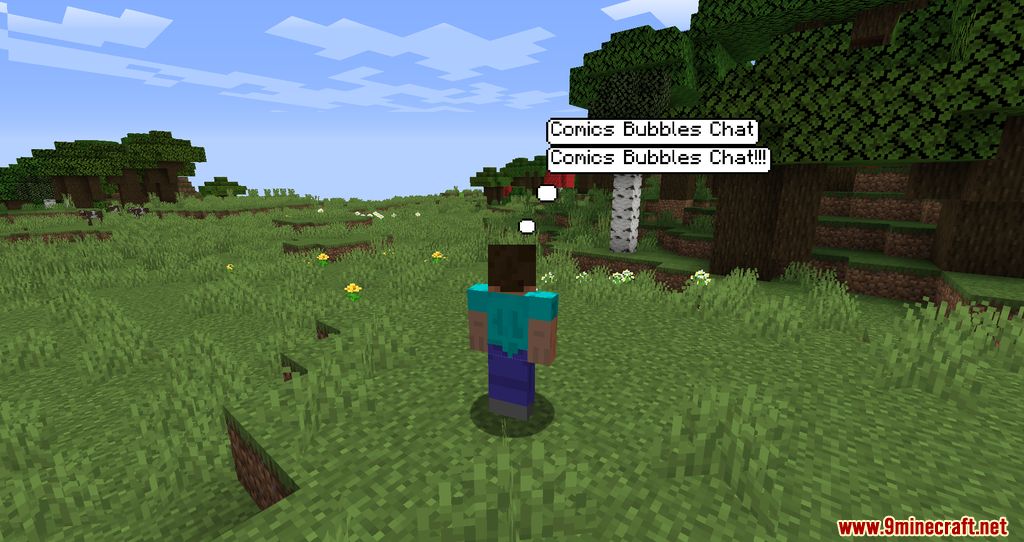
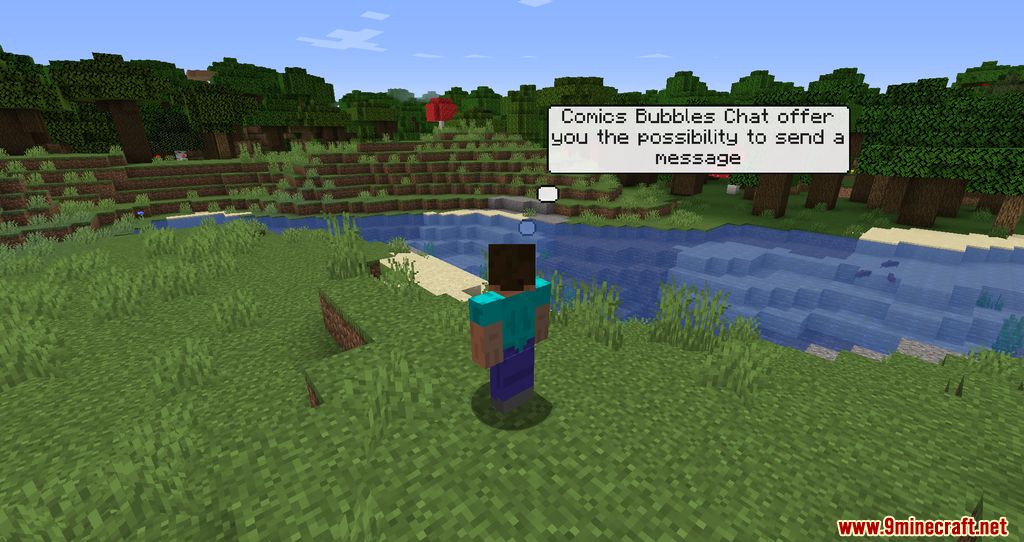
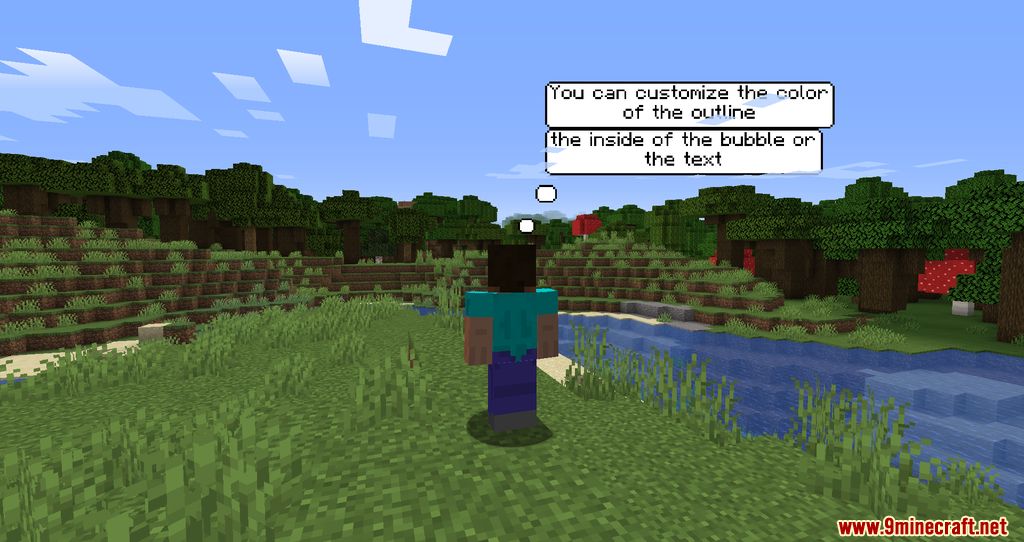
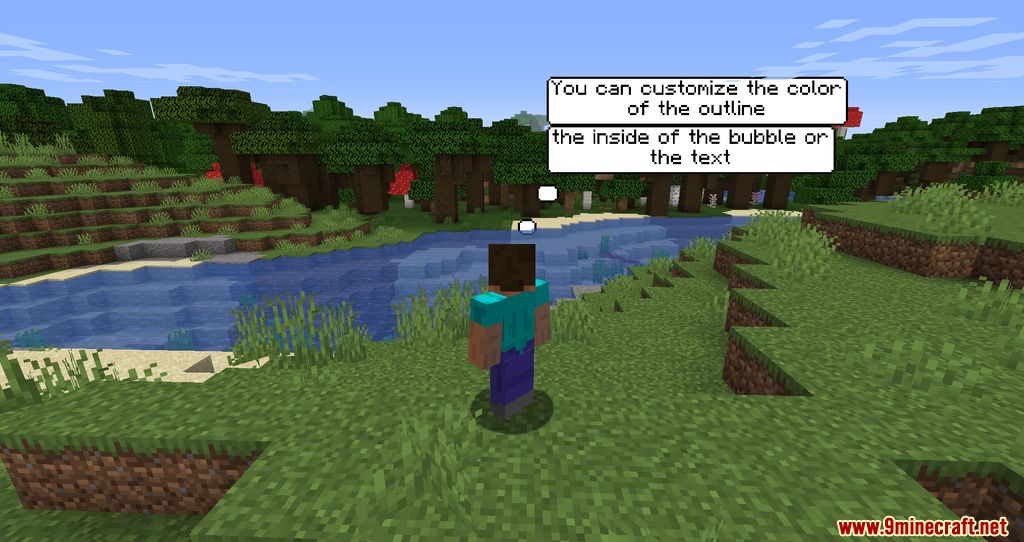
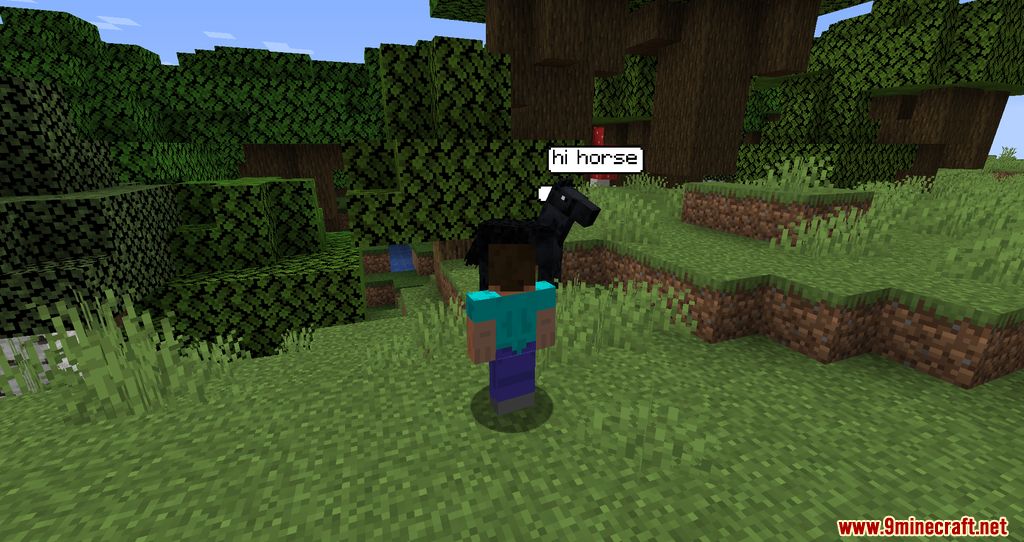
Comics Bubbles Chat Mod adds an interesting way to display player messages above their heads as bubbles, and it can be customized to your liking. The author of the mod was inspired by a similar one called Chat Bubbles.
Features:
- This mod allows players to have their messages written in chat over their heads.
- When the mod is installed on the server, it’s possible to create a customizable command, with a message when it’s executed.
- This mod has been designed to enhance chat immersion, whether for semi-rp, rp or other purposes. (On server side, you can disable render bubbles through blocks.)
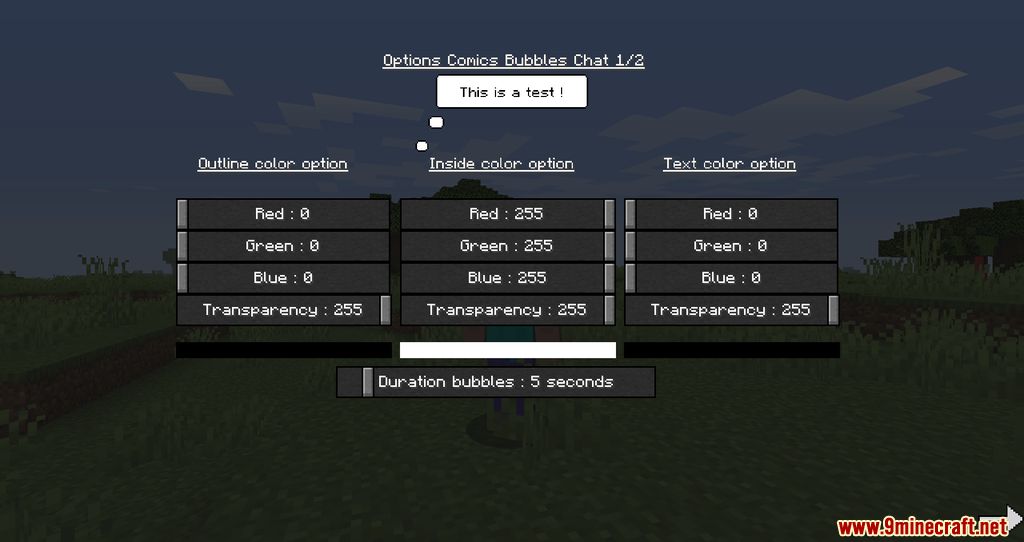
- You can customize bubble colors, sizes, lifetimes, size limits and the maximum number of bubbles visible on a player.
Screenshots:
Comics Bubbles Chat Mod Download Links
Quick facts
- Edition: Minecraft Java
- File type: .jar
- Minecraft version listed: 1.20.1
- How to install: Install the matching mod loader (Forge, Fabric or NeoForge) for your Minecraft version. → Download the .jar. → Put it in the .minecraft/mods folder and launch that loader profile.
- Where to get it: In MC Java Mods, or directly above on this page.
Install steps are the general flow for this file type — How to install Minecraft Java mods & modpacks walks through it step by step.
Verified by MCModsHub
- Downloads as 2664.mcaddon
- Download size: 180 KB
- Download link checked 22 Sept 2026 — working
- Mirrored on our own servers — the download does not depend on the original host
These come from our own check of the pack file, not from the source page.