ModsJava
Cobblemon Snap Mod (1.21.1) – Build a Photo Album of Every Wild Monster
Java mod listed for Minecraft 1.21. Downloads from the MC Java Mods app on Android.
⬇ Download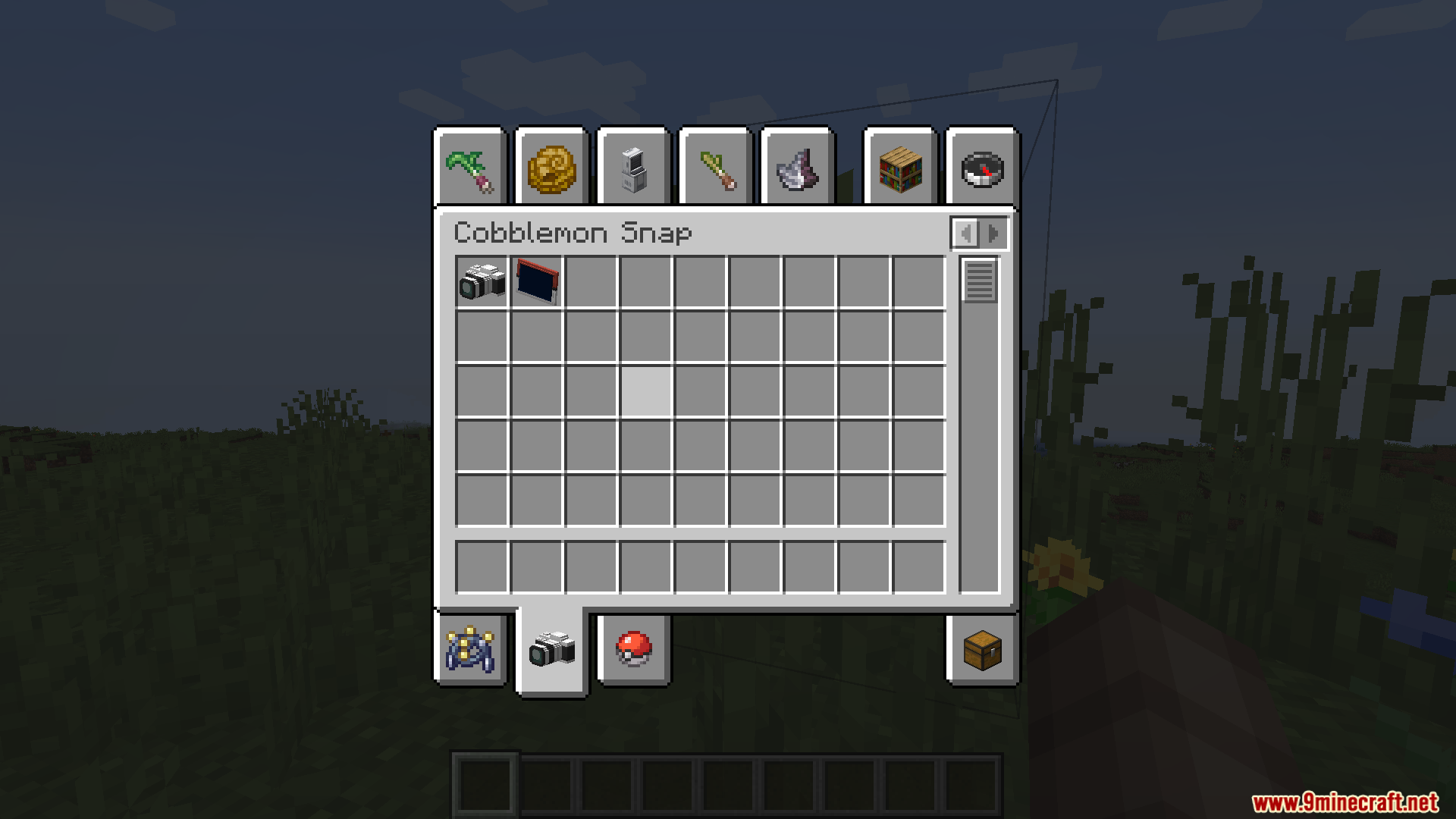
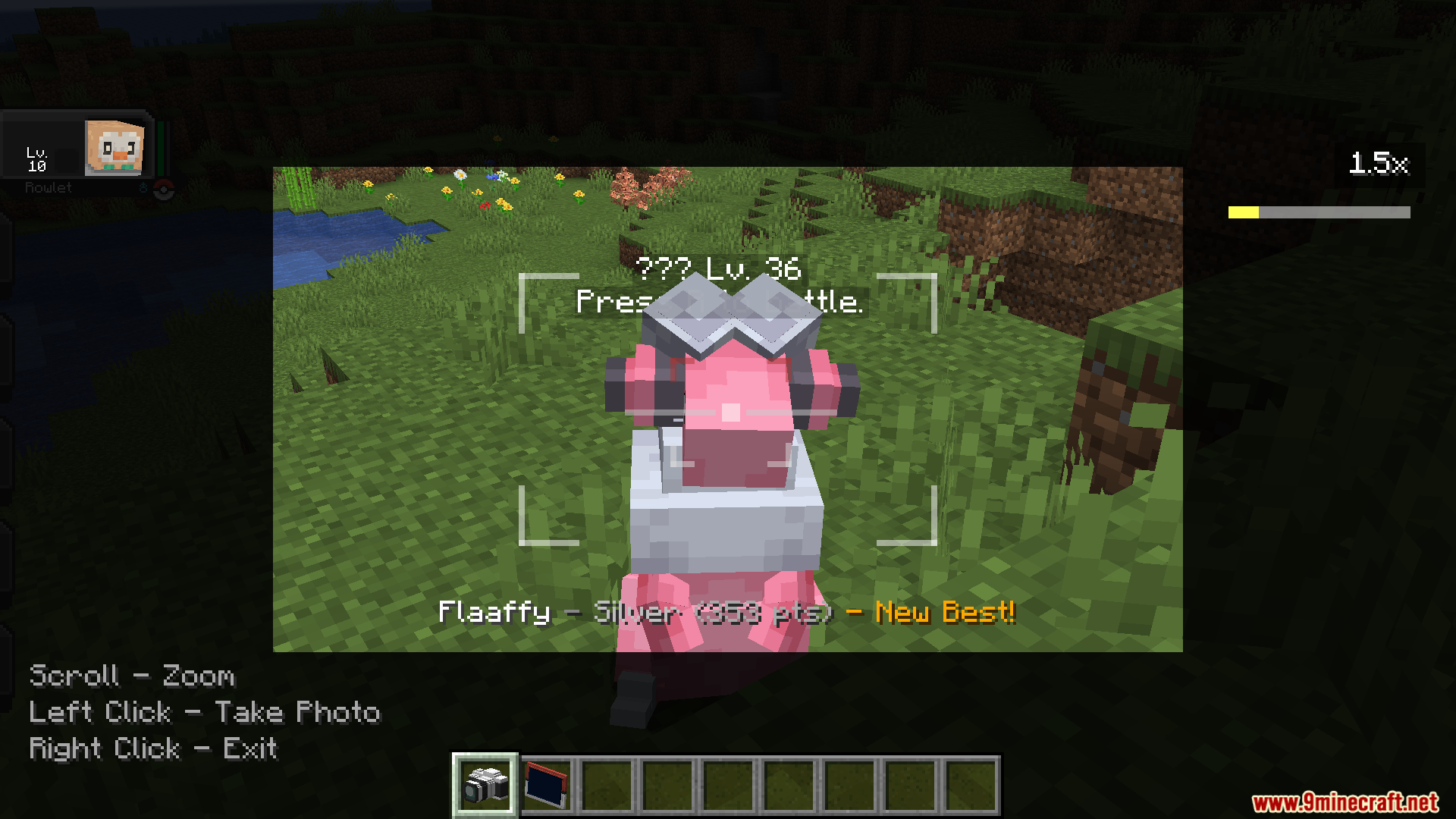
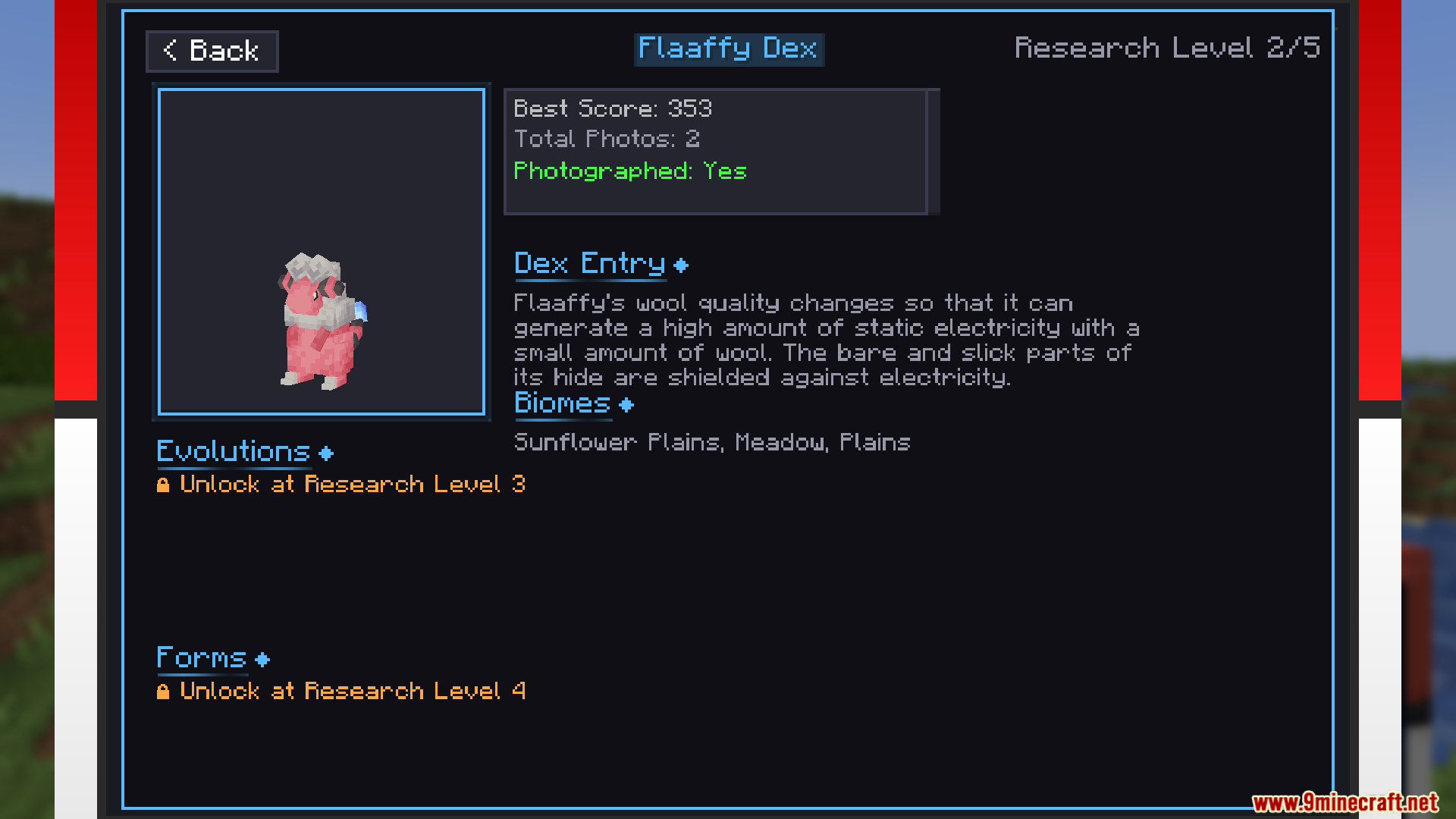
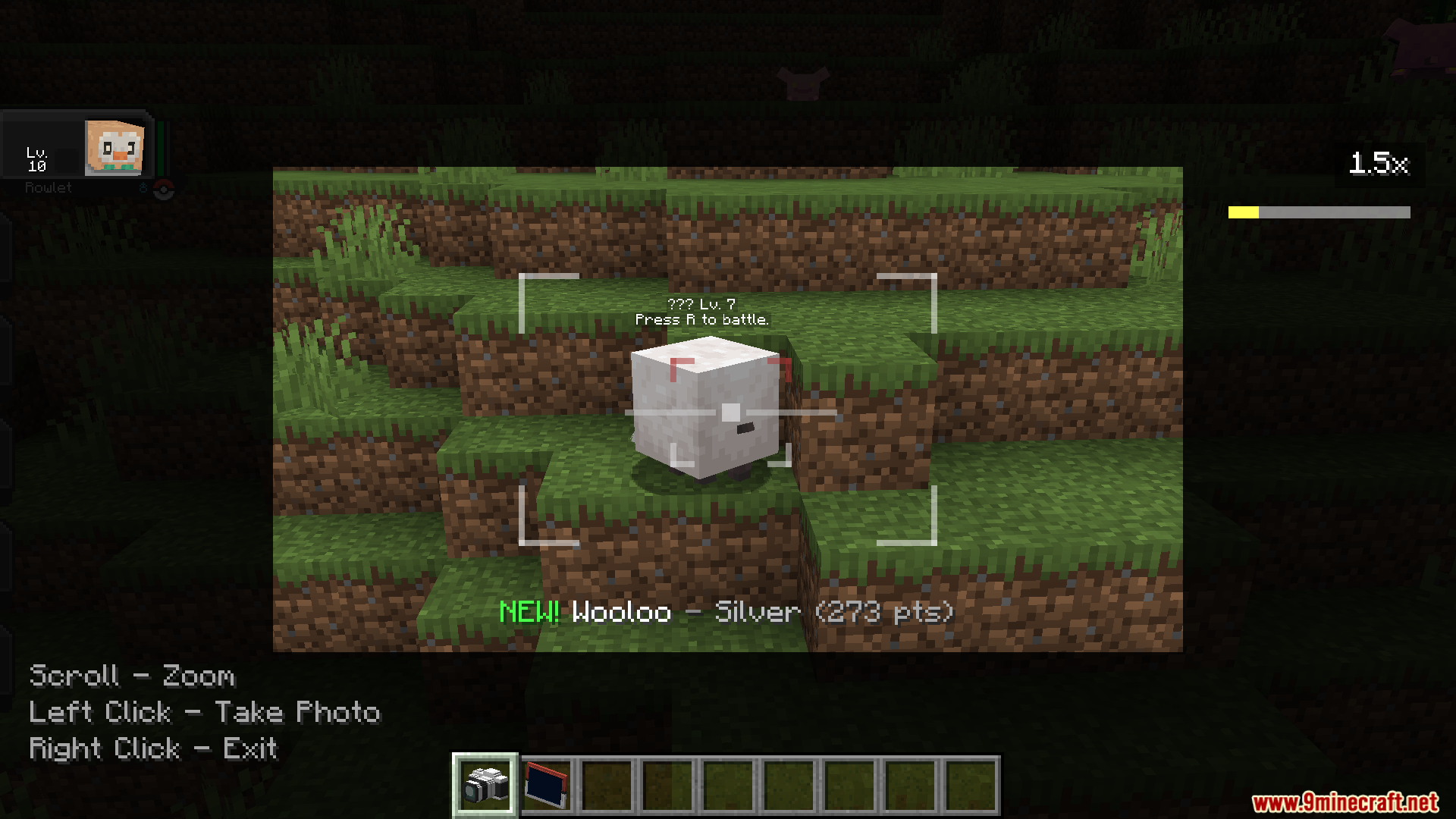
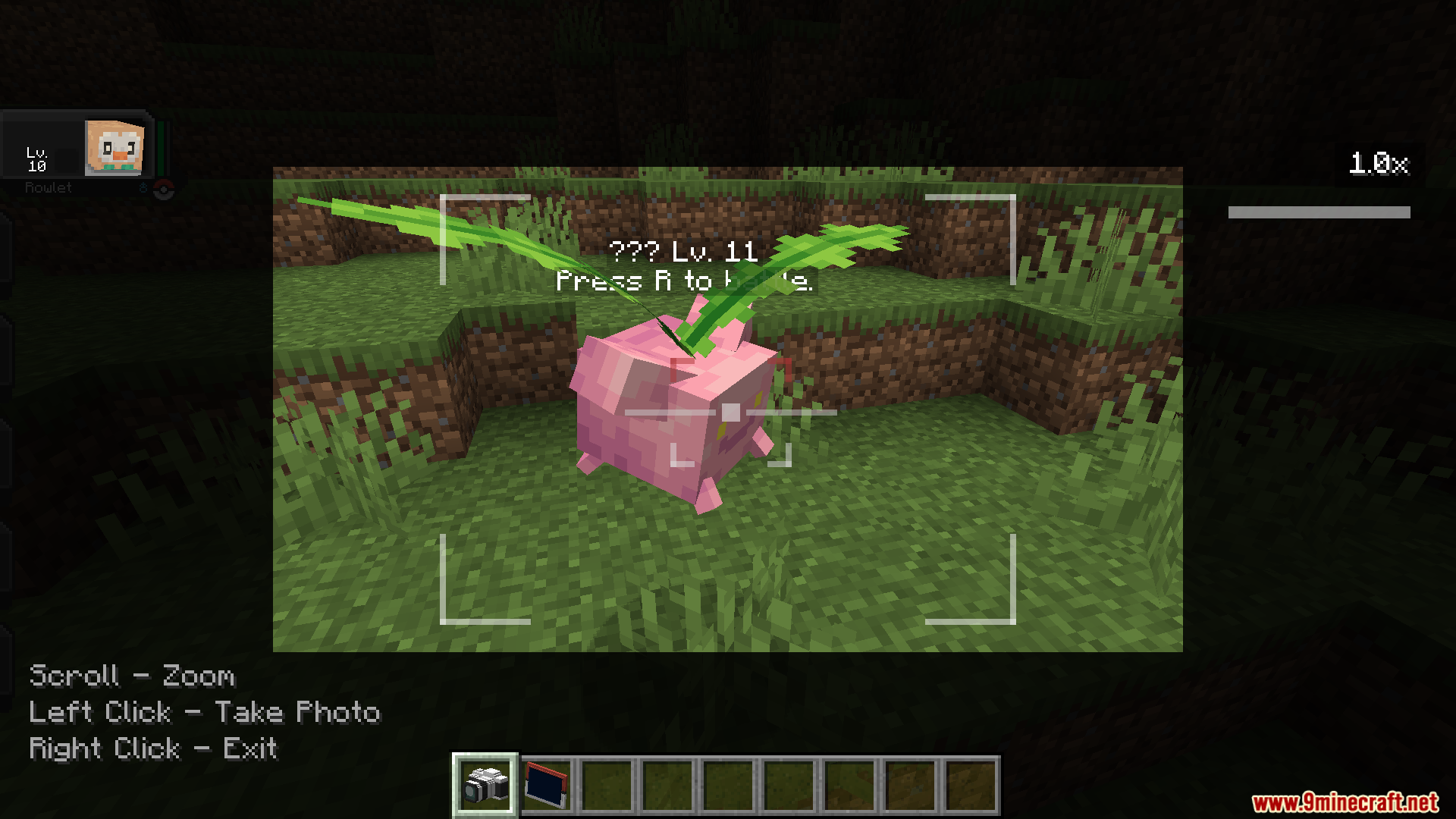
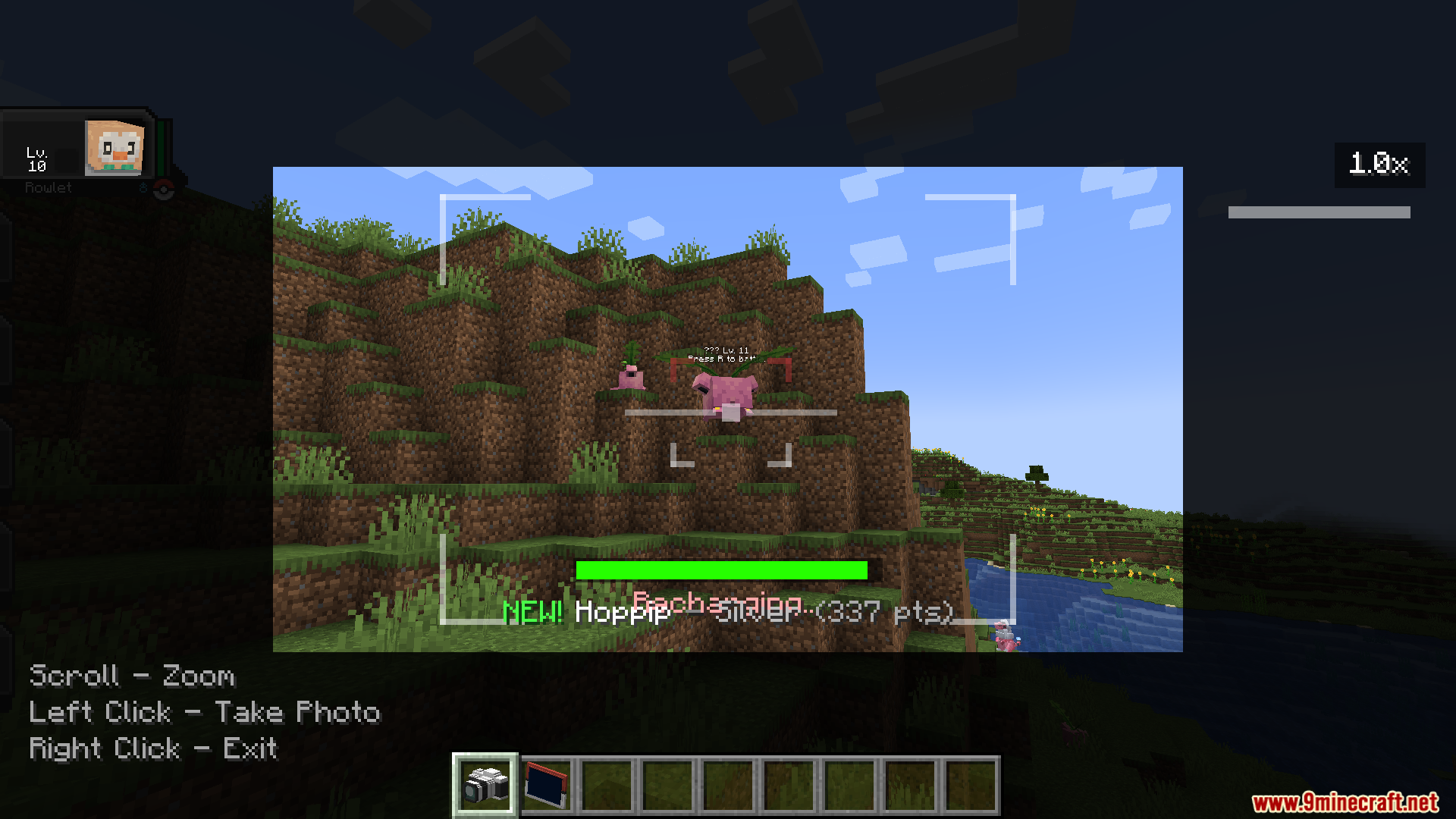
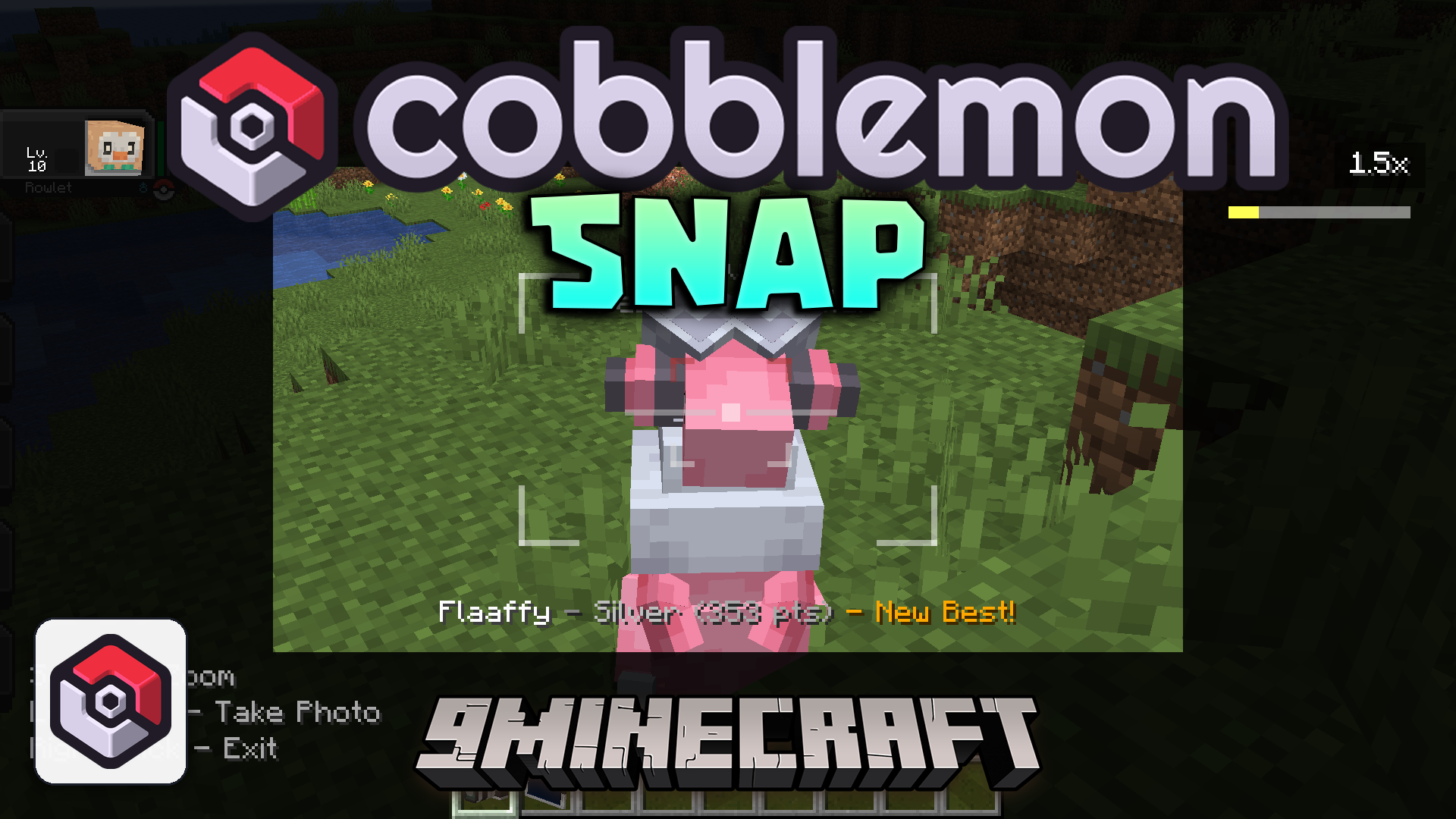
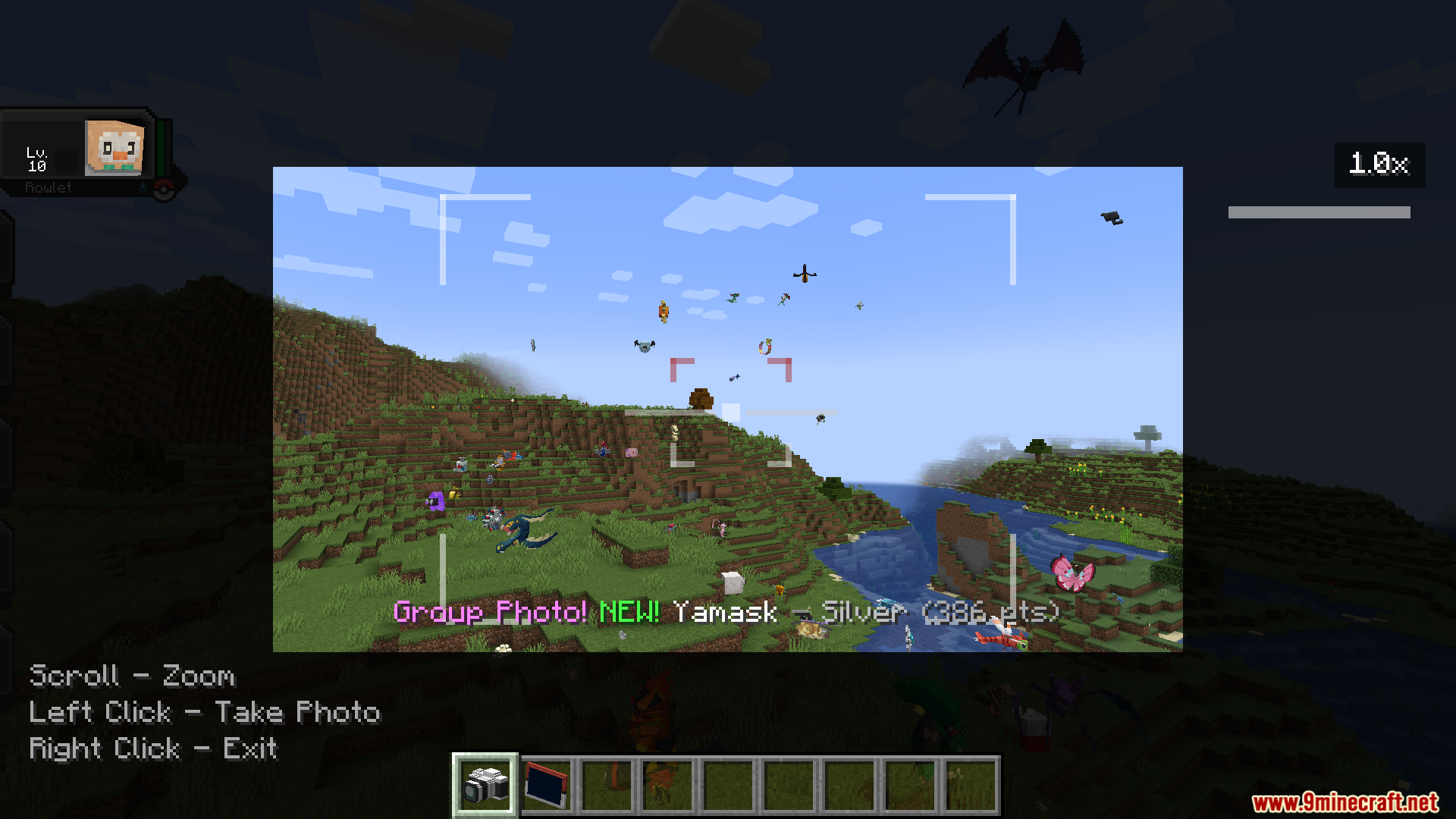
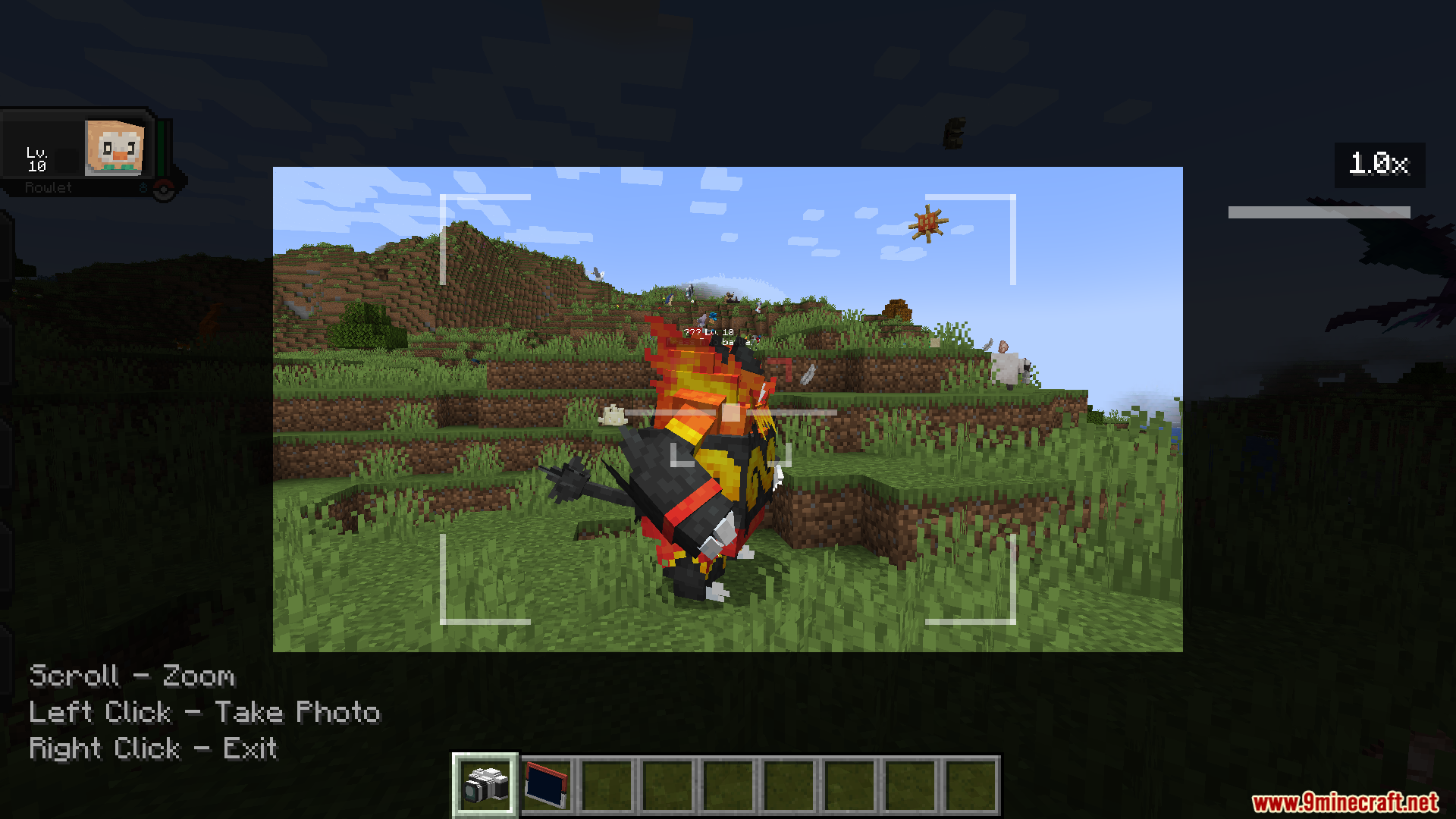
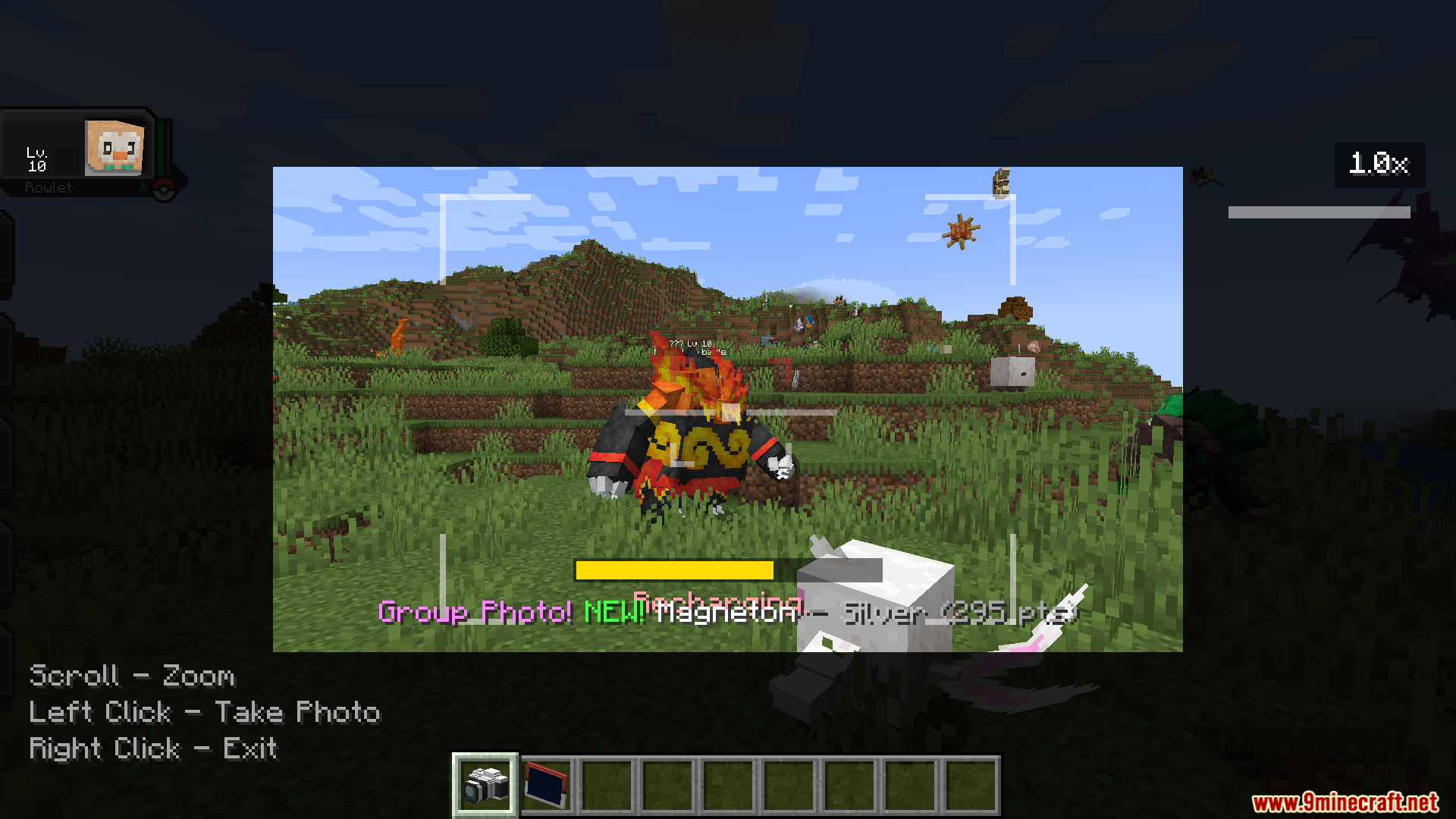
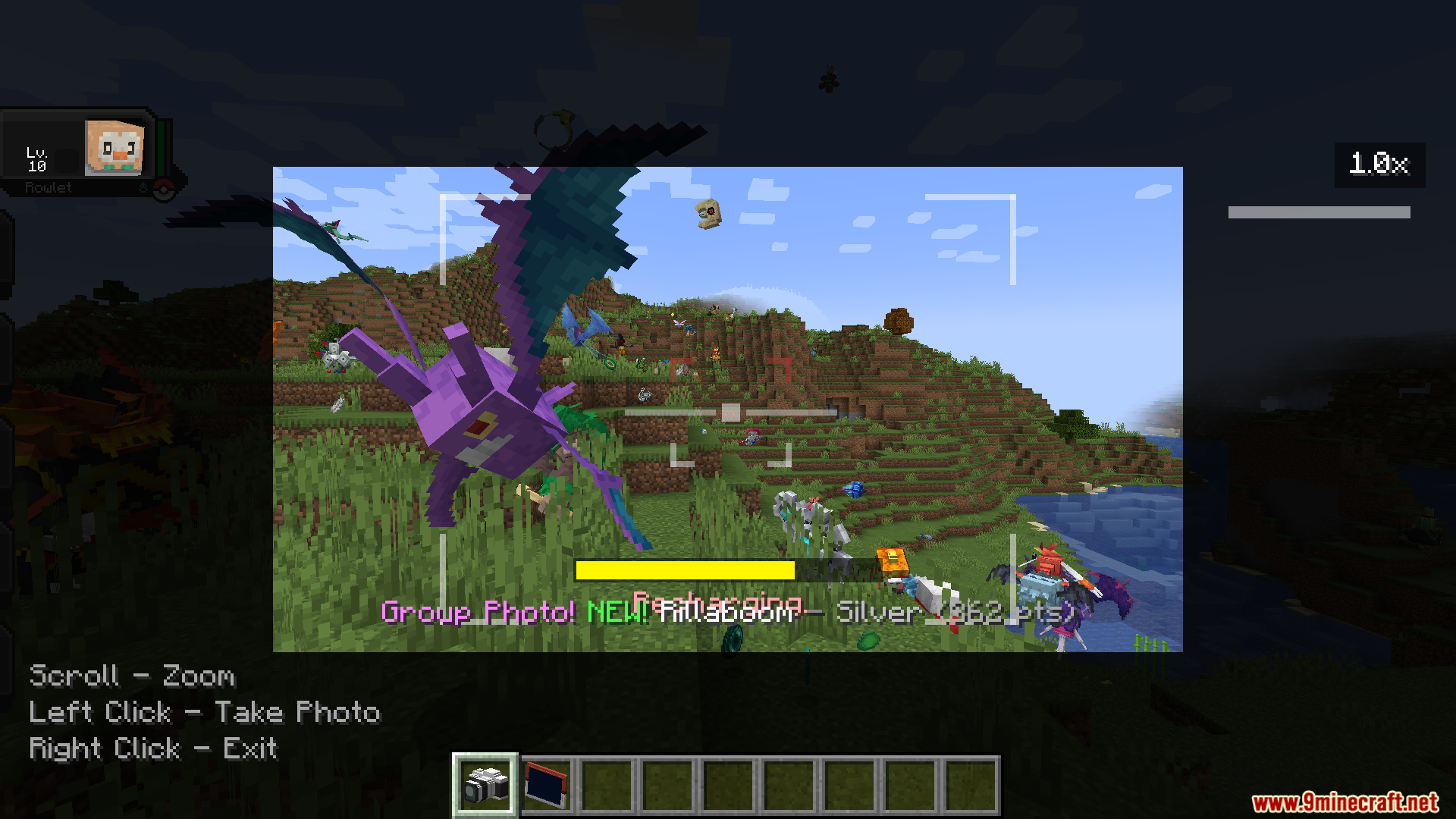
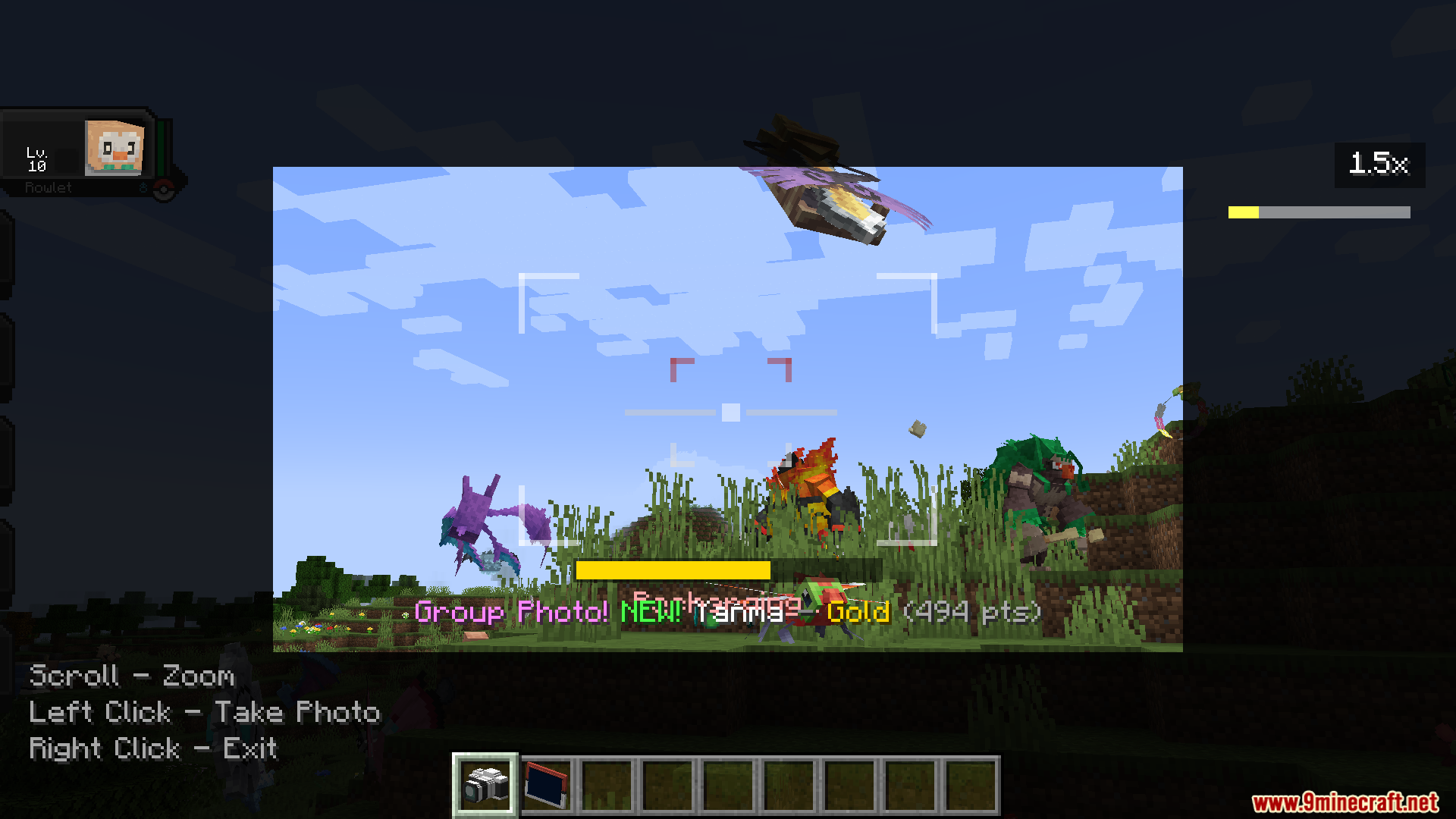
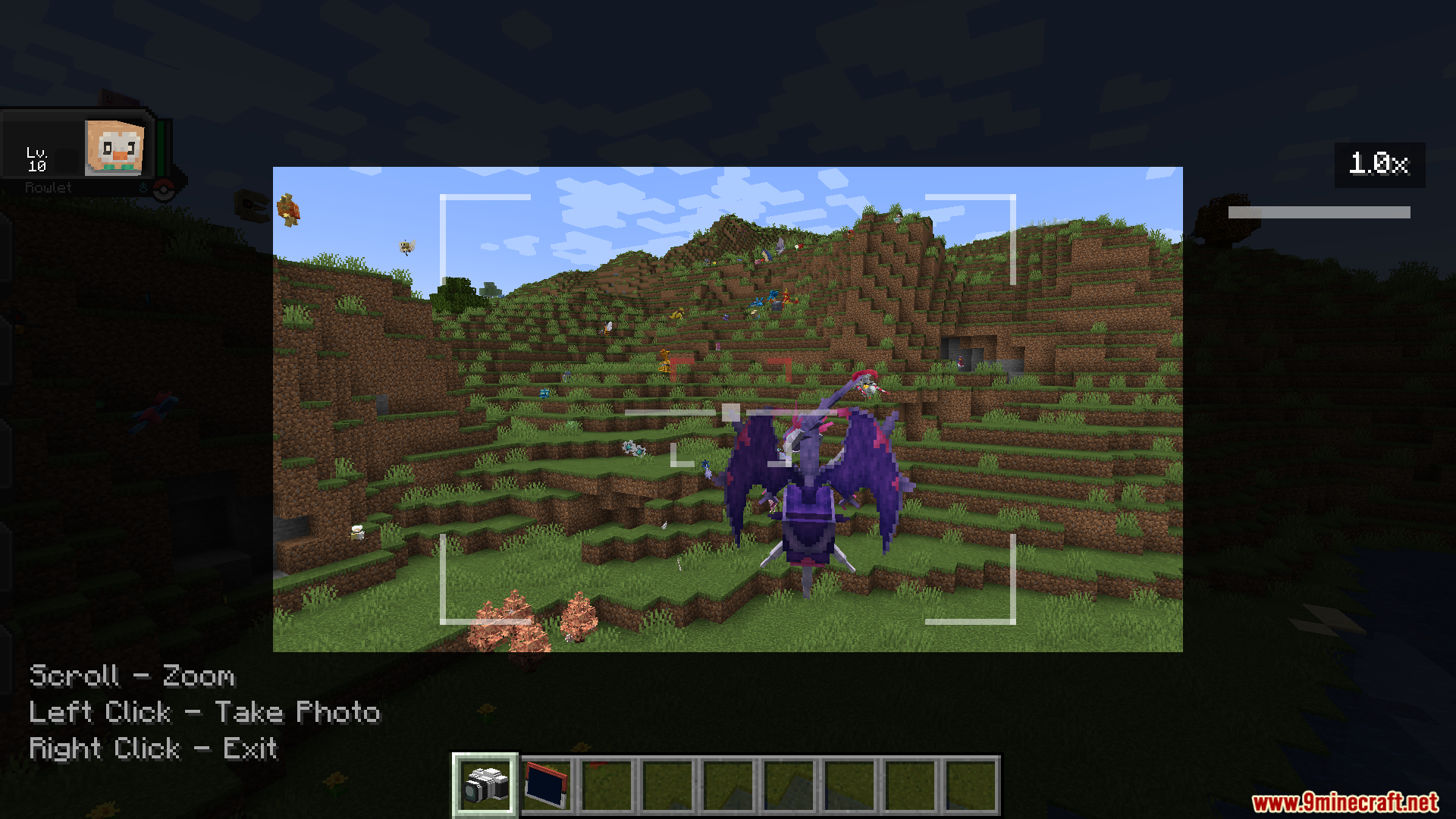
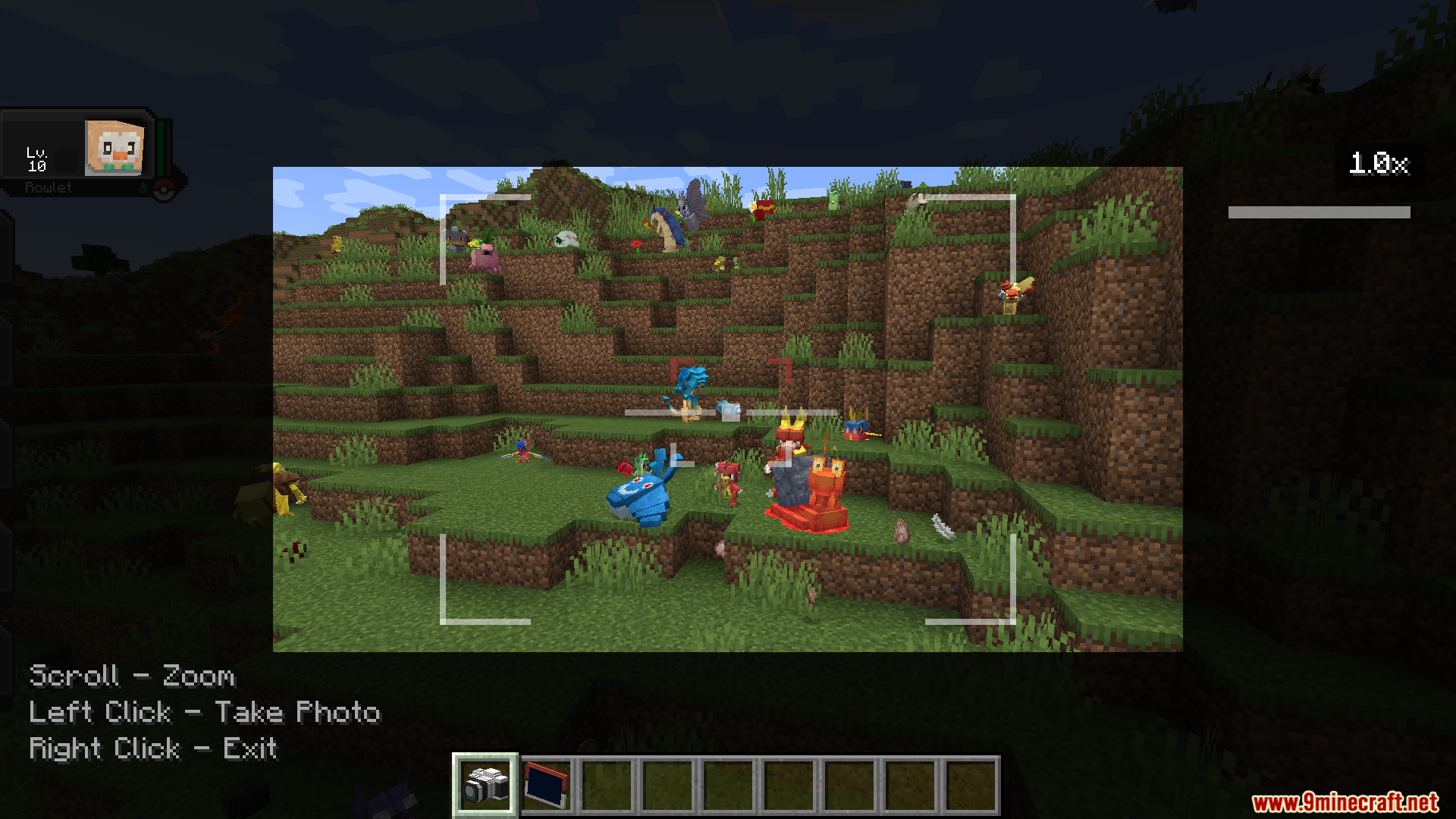
Cobblemon Snap Mod adds a complete photography system for Cobblemon. It equips you with a camera so you can take pictures of wild monsters, score points, and fill up a special photo album.
Features:
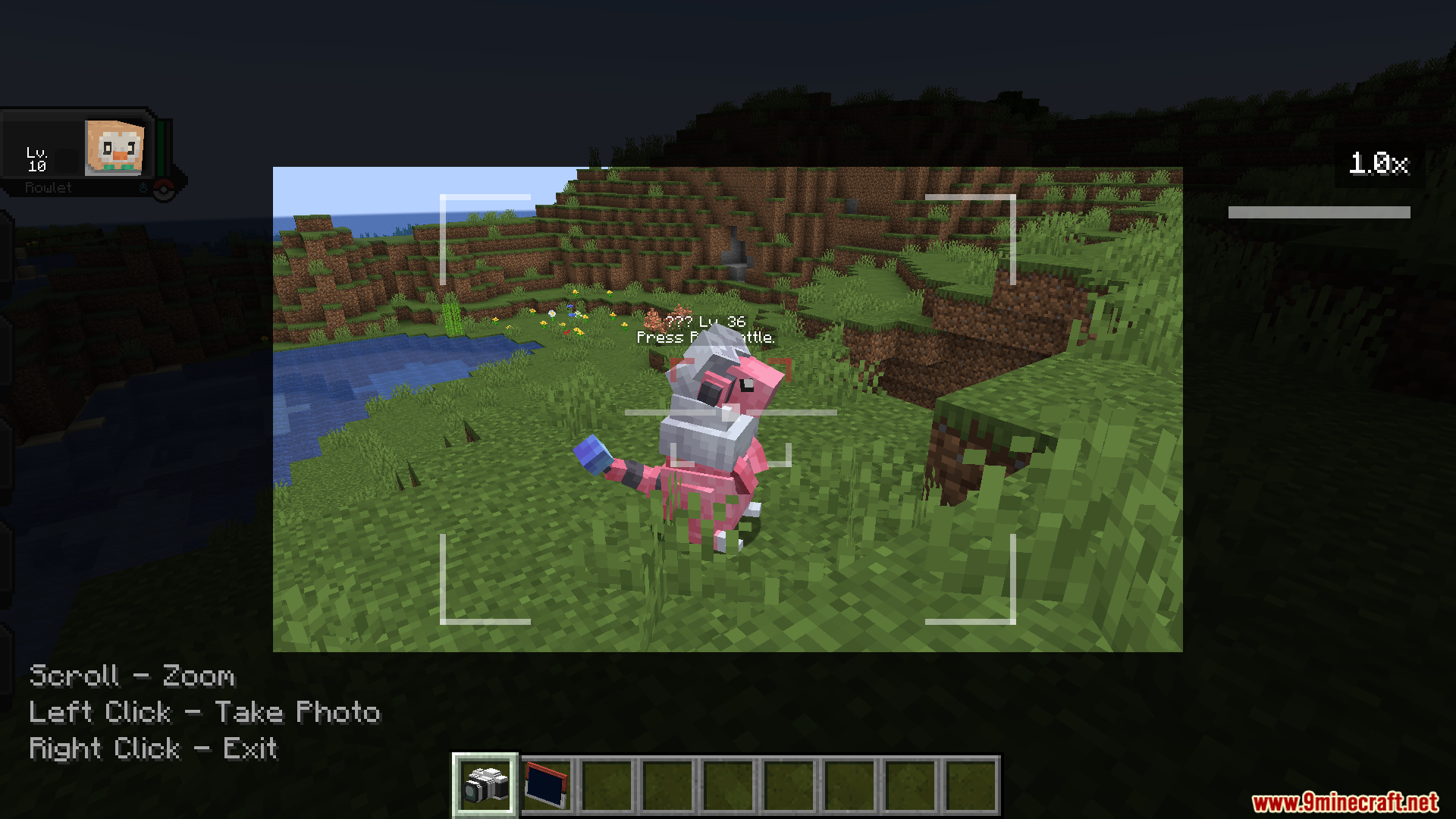
- Camera Mechanics: Lets you zoom in on distant targets and frame your shots perfectly to get the best picture.
- Smart Scoring: Gives you more points if the monster looks right at the camera, does a special pose, or stands in a good spot.
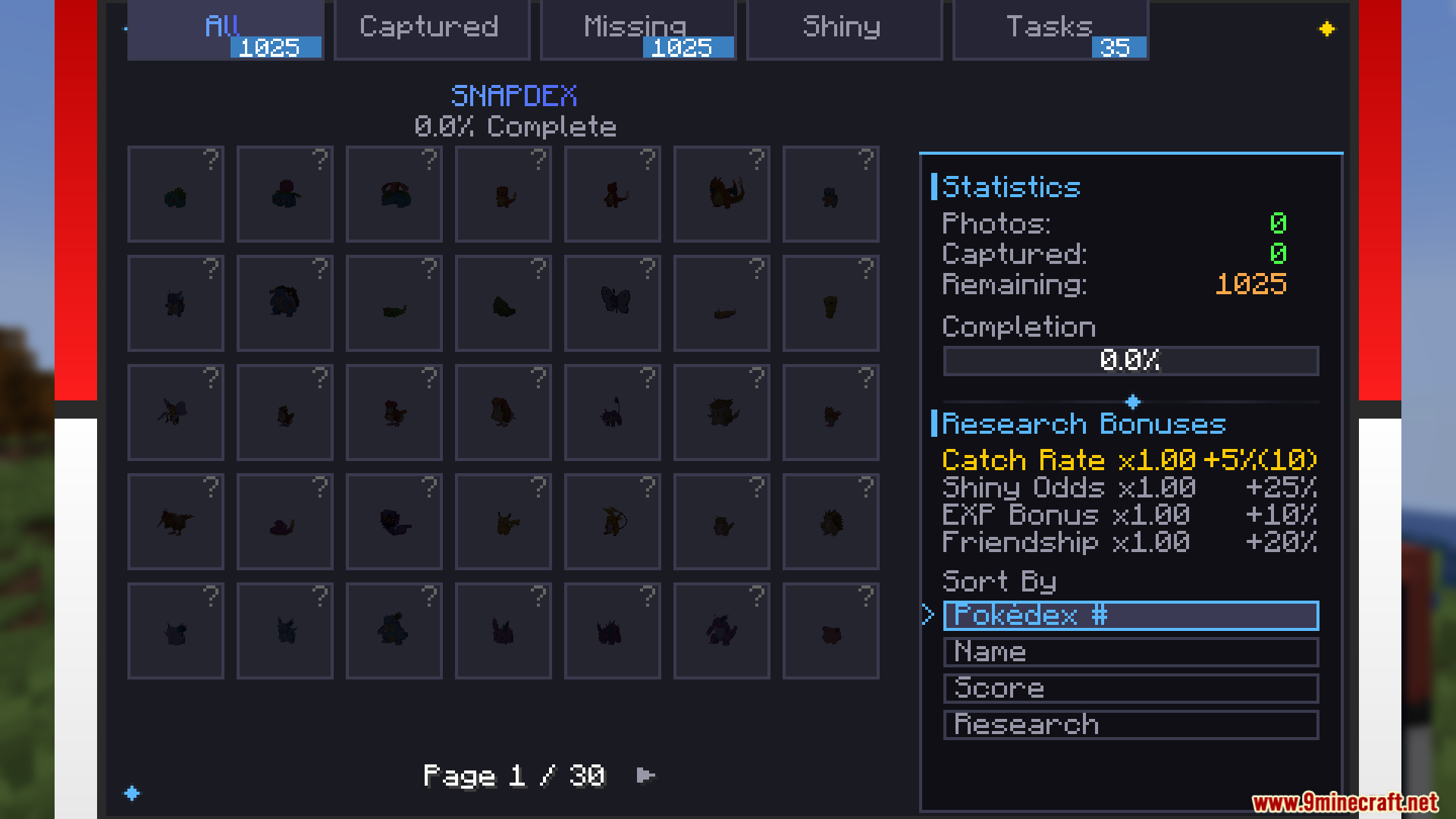
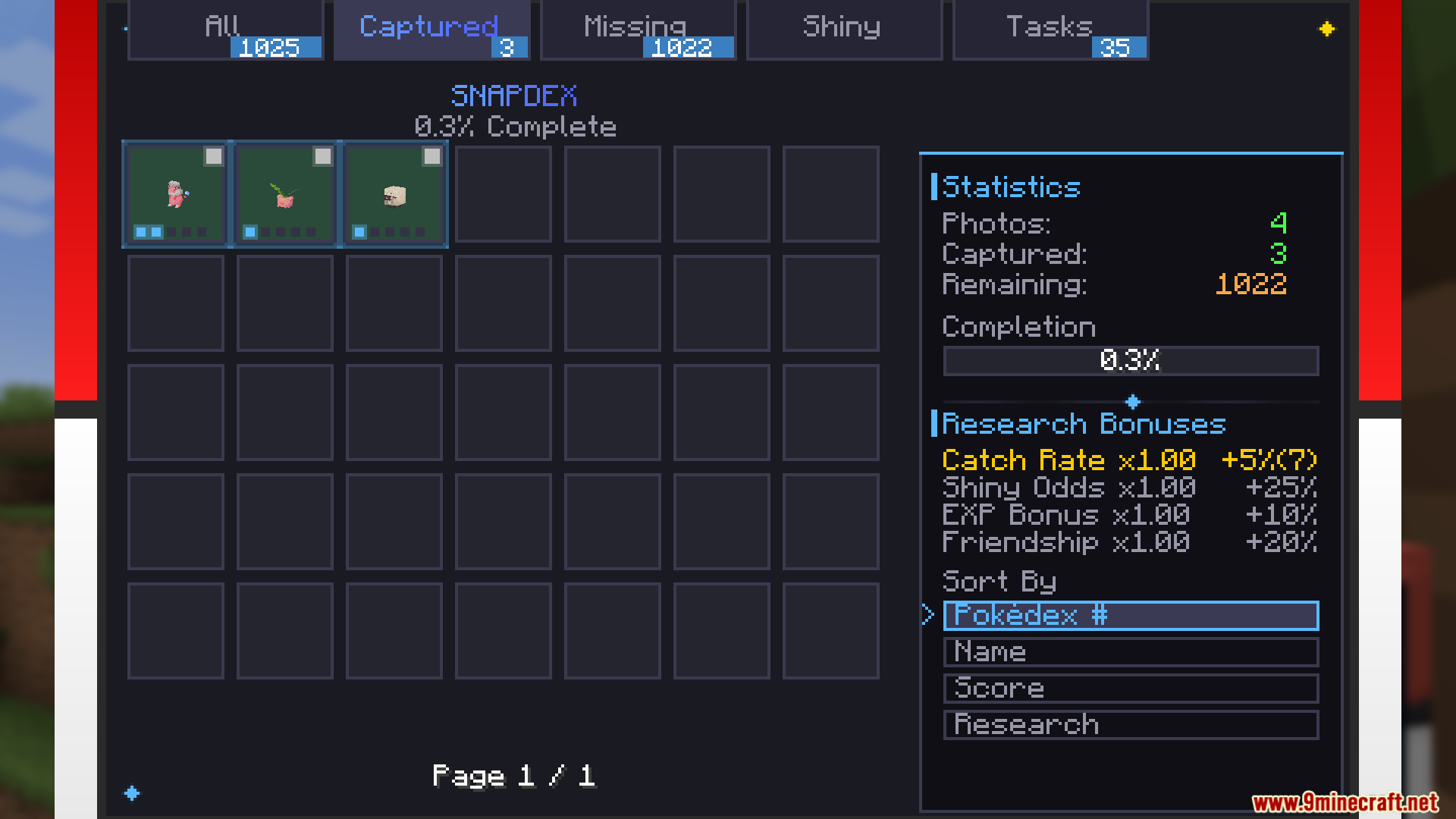
- Snapdex Album: Adds a beautiful book where you can look at 3D models of the monsters you photograph and track your progress.
- Unlocks global bonuses like better catch rates and higher chances to find shiny monsters as you fill up your album.
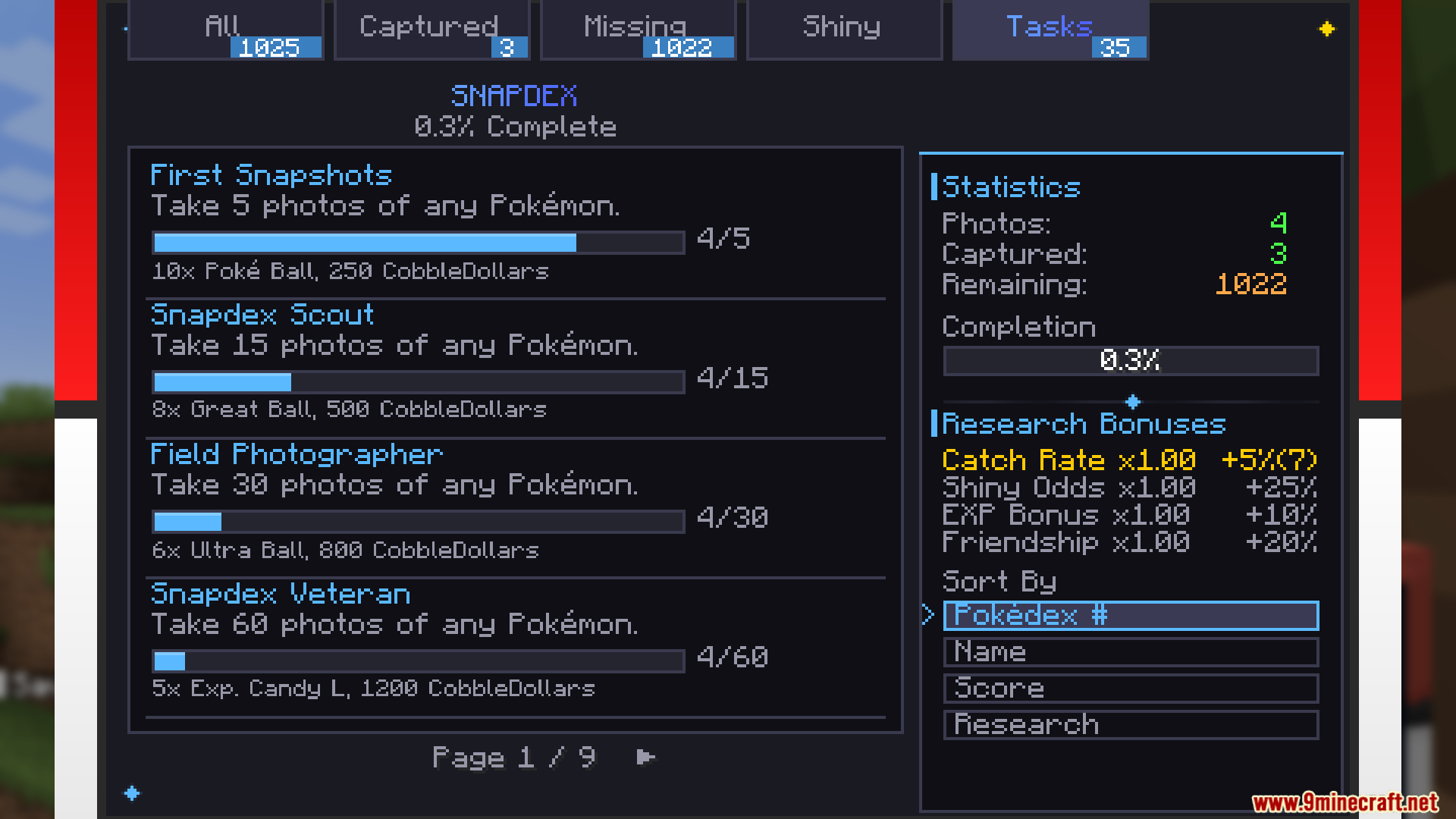
- Includes a built-in task system that gives you items and money when you complete photo challenges.
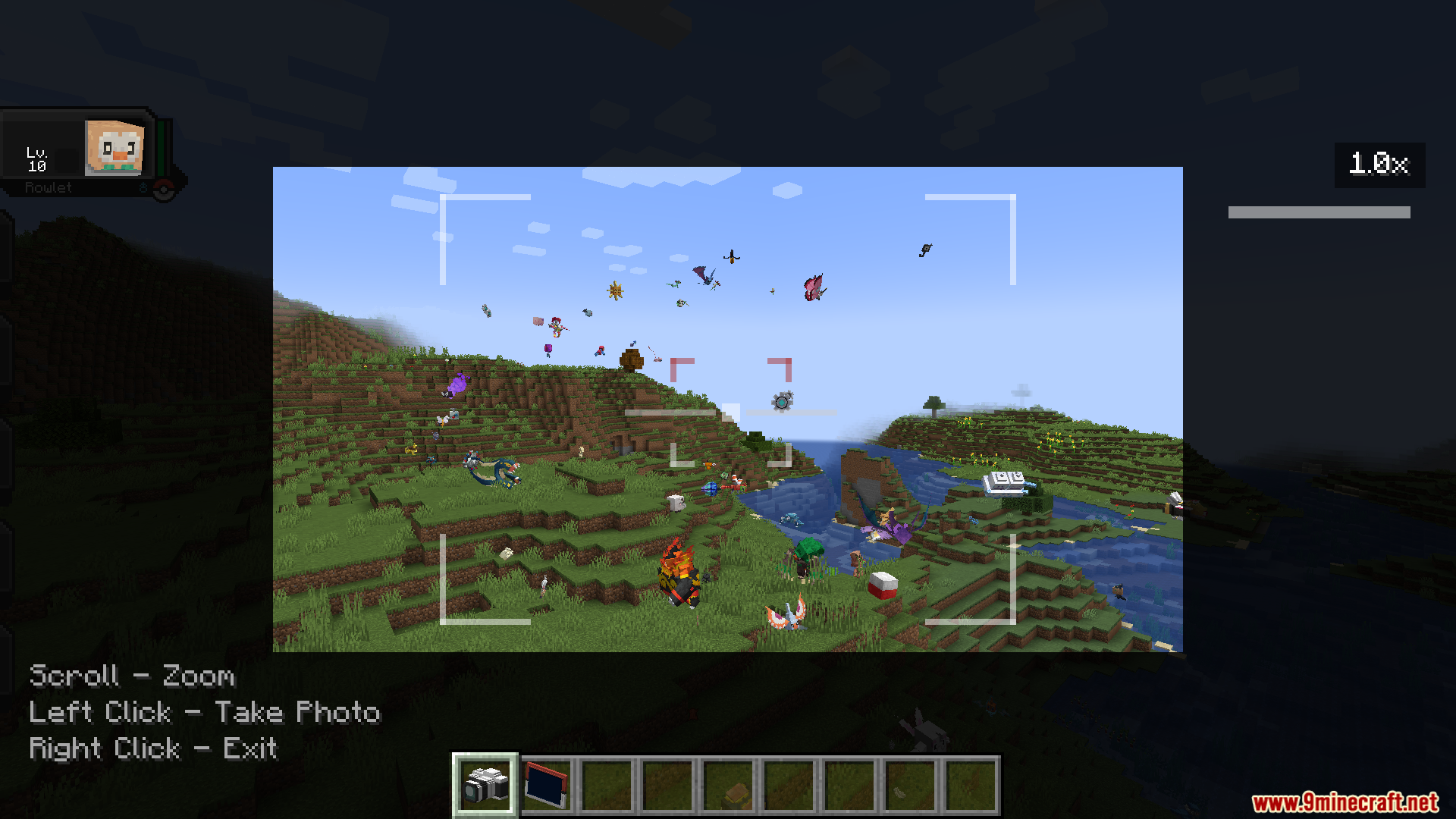
- Lets you take group photos if you spot multiple monsters hanging out together.
- Plays realistic camera sounds and shows a neat screen overlay when you look through the lens.
What Your Album Tracks:
- Records different monster forms and poses.
- Saves the specific biomes where you took the pictures.
- Keeps track of your highest score and total photos taken.
How To Get High Scores:
- Stand at the right distance from the target.
- Wait for the monster to do a special activity like sleeping.
- Make sure nothing blocks the camera view before you click.
Commands:
/snap reload– Updates your custom photo tasks and syncs them with other players on a server.
How to Play:
- Craft a Camera and a Snapdex using the new recipes.
- Hold the Camera and use it to enter photography mode.
- Find wild monsters and take their pictures to earn points.
- Open your Snapdex to look at your photo collection and check your stats.
- Finish specific photo tasks to get helpful item rewards.
Screenshots:
Cobblemon Snap Mod Download Links
Quick facts
- Edition: Minecraft Java
- File type: .jar
- Minecraft version listed: 1.21.1
- How to install: Install the matching mod loader (Forge, Fabric or NeoForge) for your Minecraft version. → Download the .jar. → Put it in the .minecraft/mods folder and launch that loader profile.
- Where to get it: In MC Java Mods, or directly above on this page.
Install steps are the general flow for this file type — How to install Minecraft Java mods & modpacks walks through it step by step.
File checked by MCModsHub
- Downloads as 2668.mcaddon
- Download size: 4.7 MB
- Download link checked 25 Sept 2026 — working
- Mirrored on our own servers — the download does not depend on the original host
These come from our own check of the pack file, not from the source page.