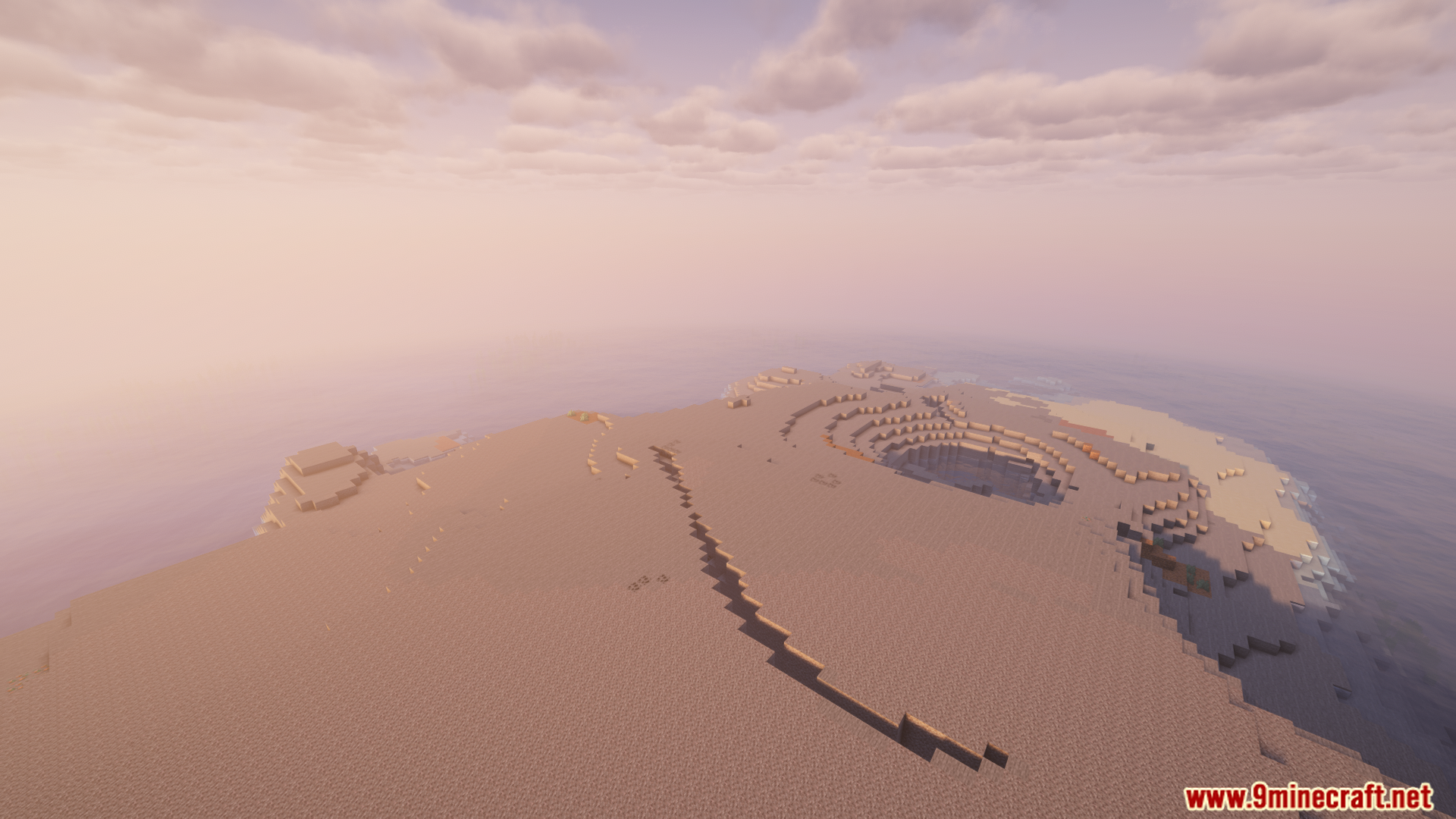
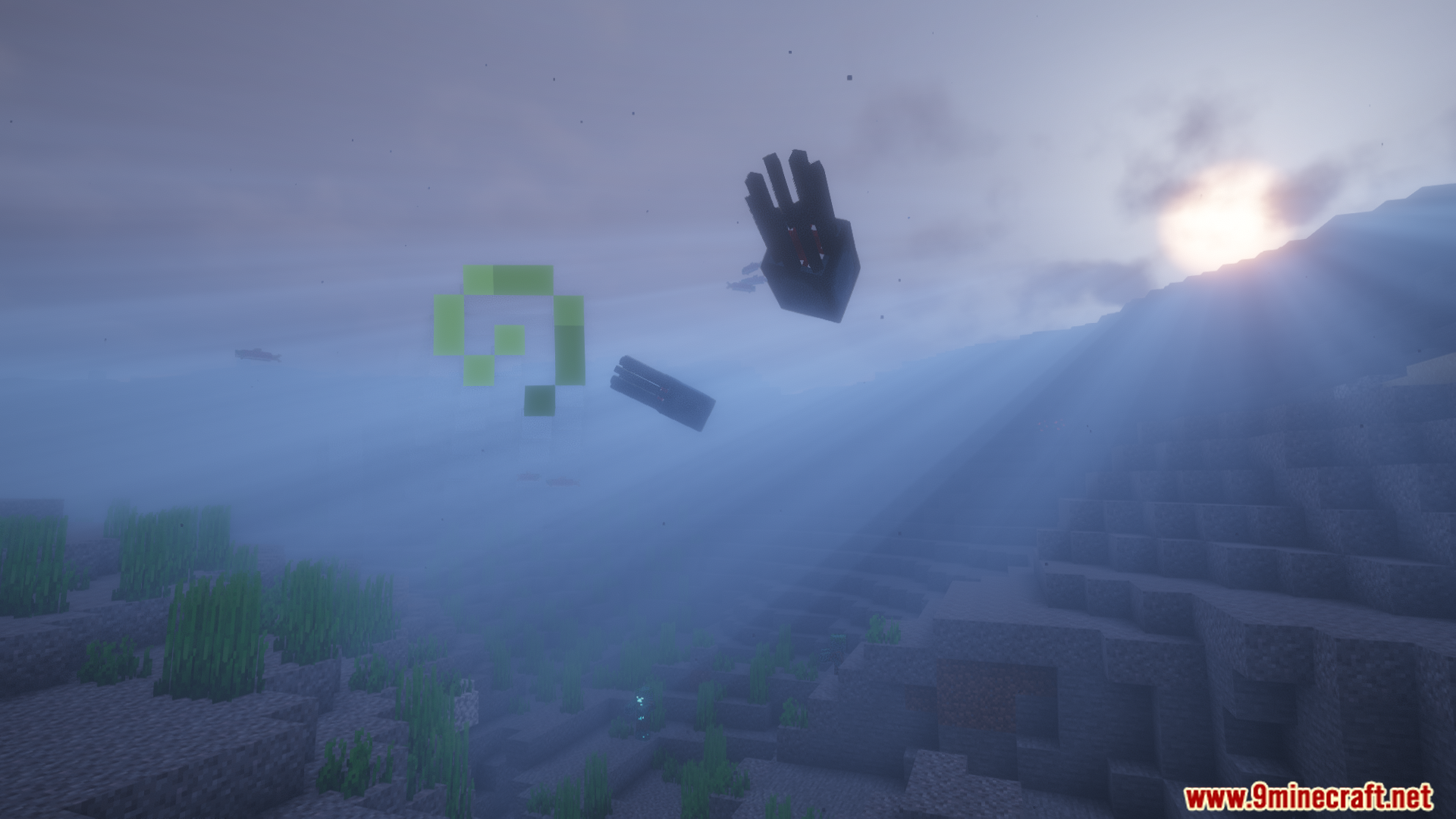
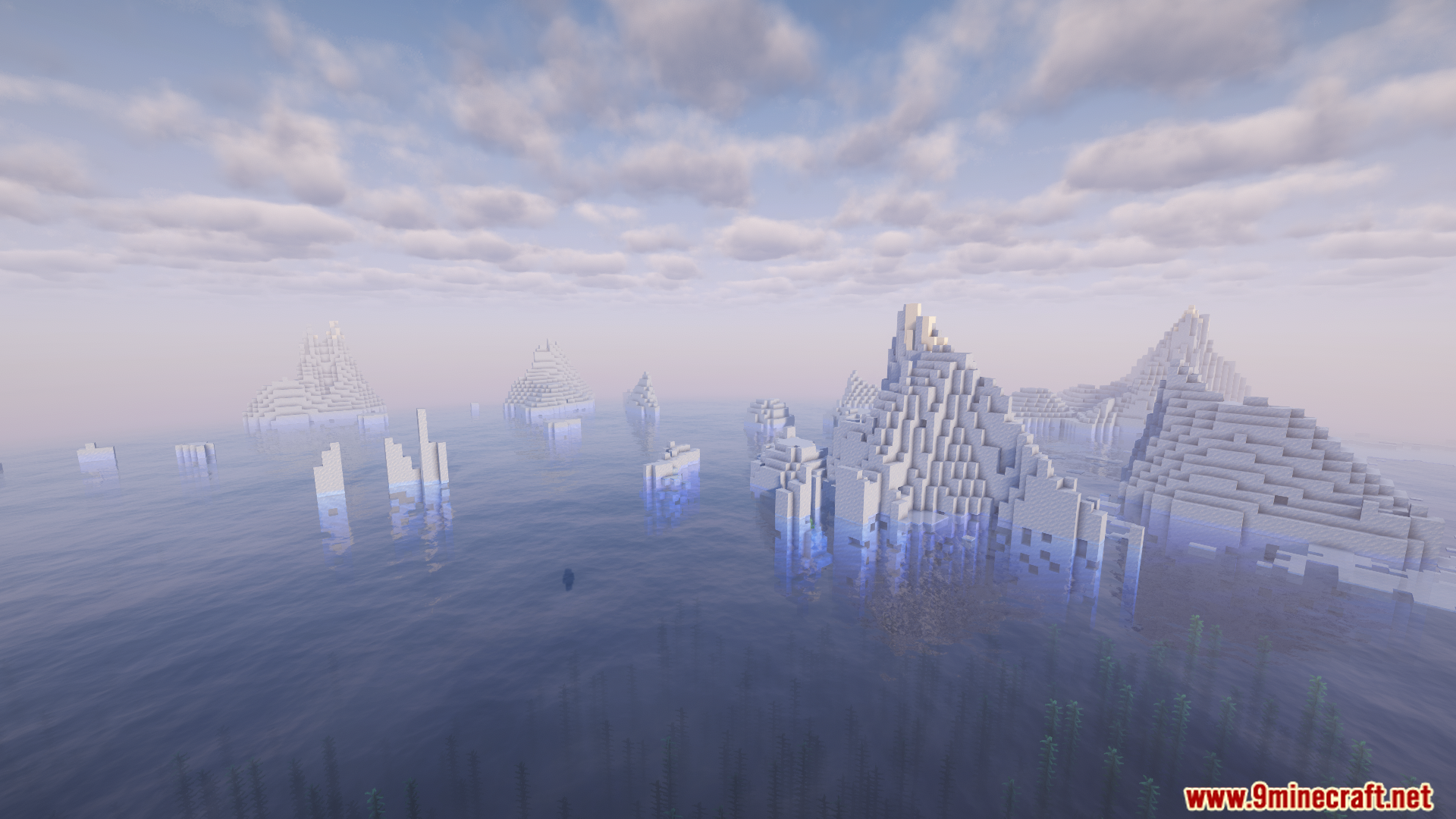
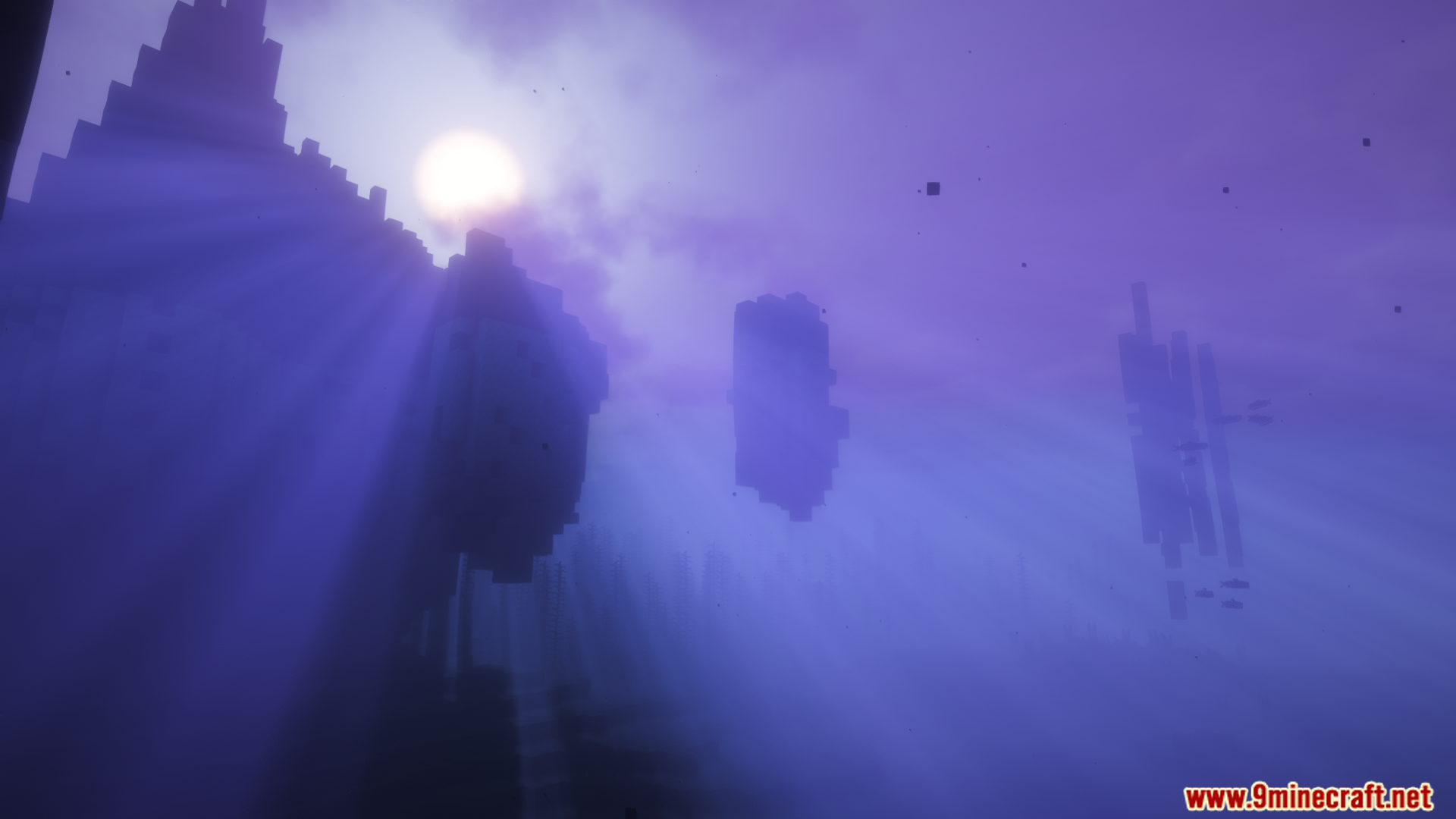
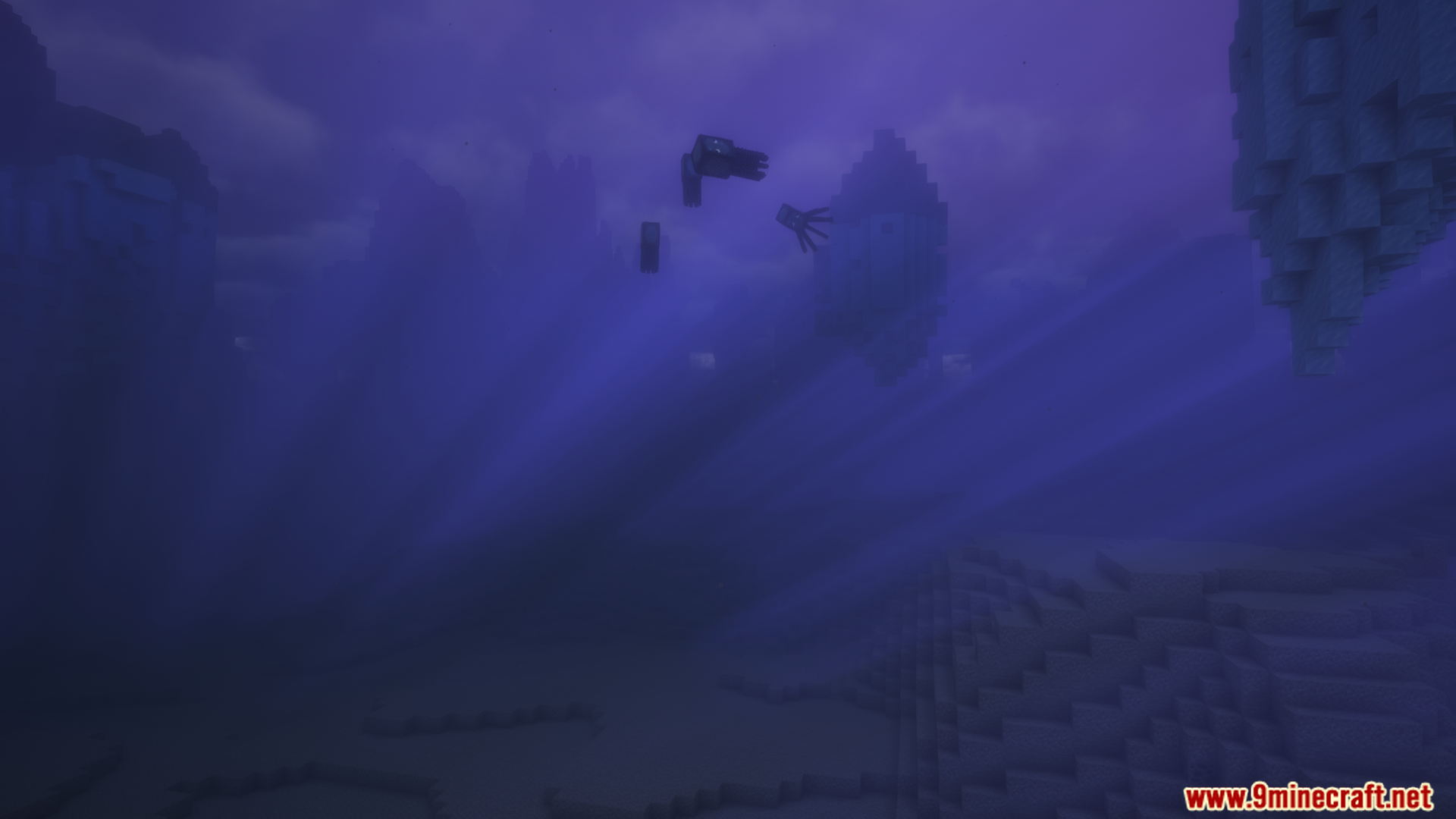
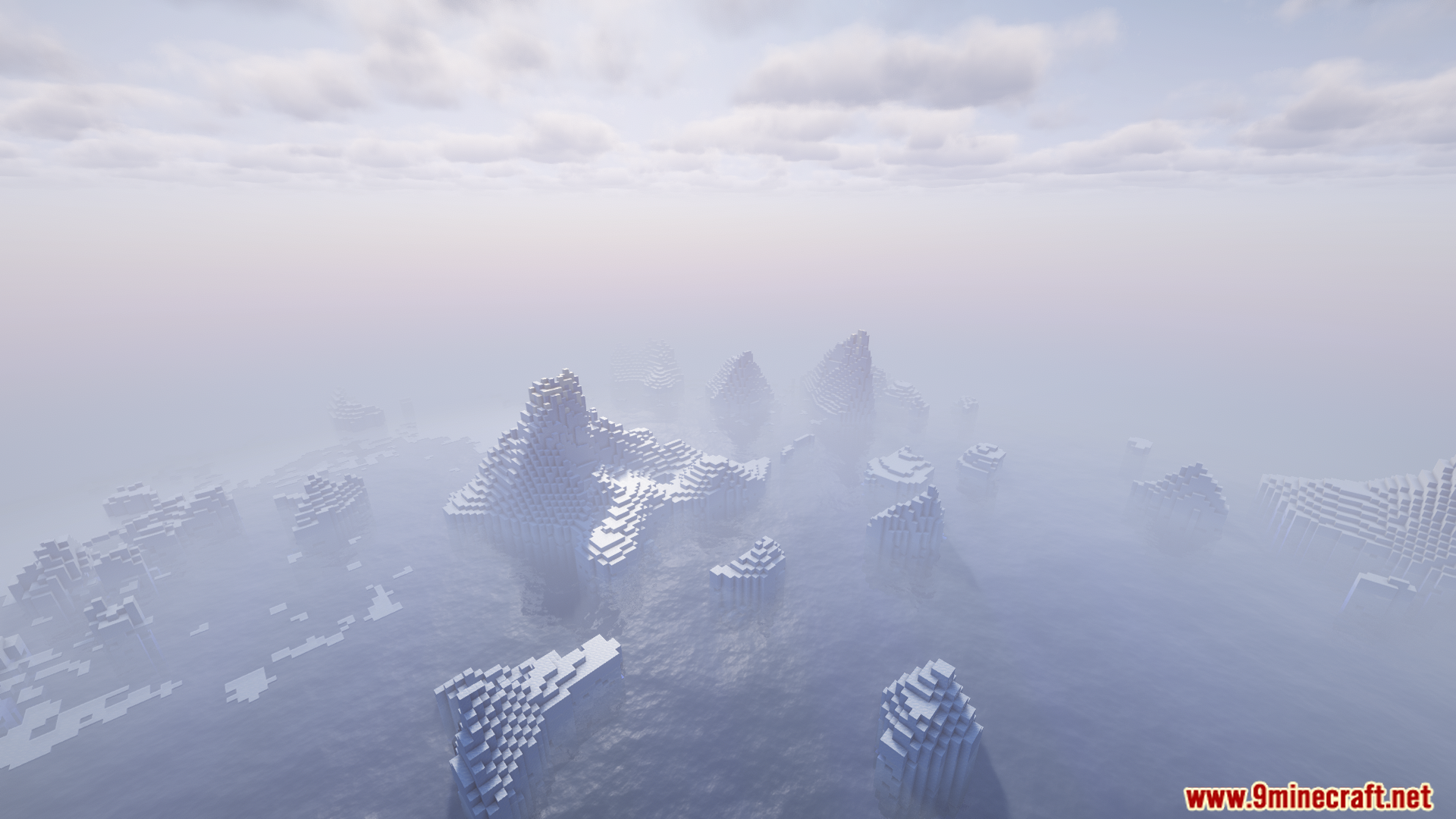
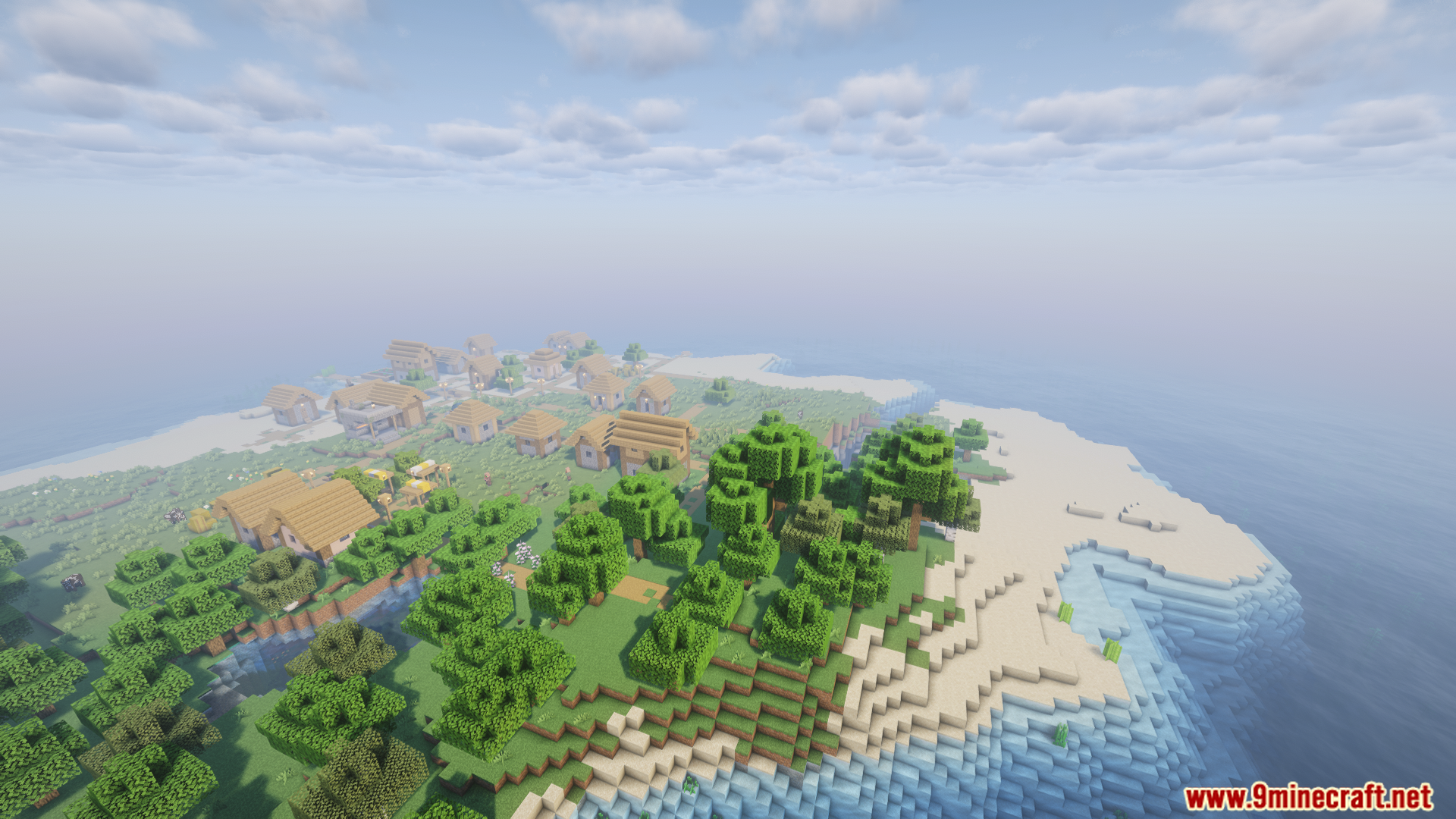
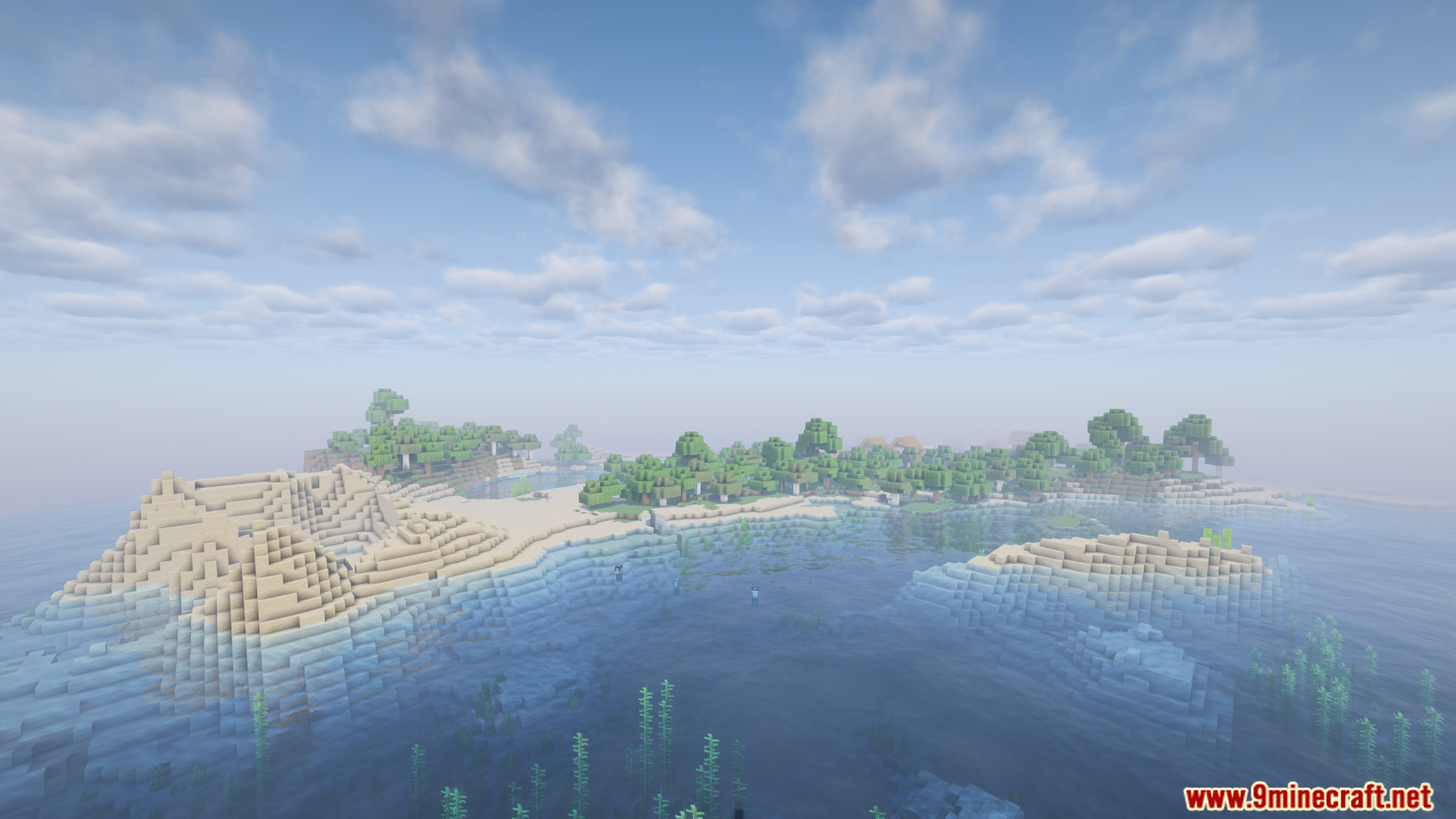
Ocean Core Mod changes how your Minecraft world forms. It turns the normal overworld into a massive, deep ocean. You will find small islands and coastlines scattered across the water. The mod keeps the Nether and the End exactly the same as normal. You can use this to play a fun water survival game. It works best when you start a fresh new world.
Features:
- Ocean World: Changes the main map into a giant, deep sea.
- Scattered Islands: Spawns small pieces of land and archipelagos for you to build on.
- Normal Biomes: Uses the regular Minecraft biomes on the islands so things still look familiar.
- Unchanged Dimensions: Leaves the Nether and the End exactly as they normally are.
- Custom Settings: Lets you change the space between islands, how big they are, and how deep the water gets.
How to Use:
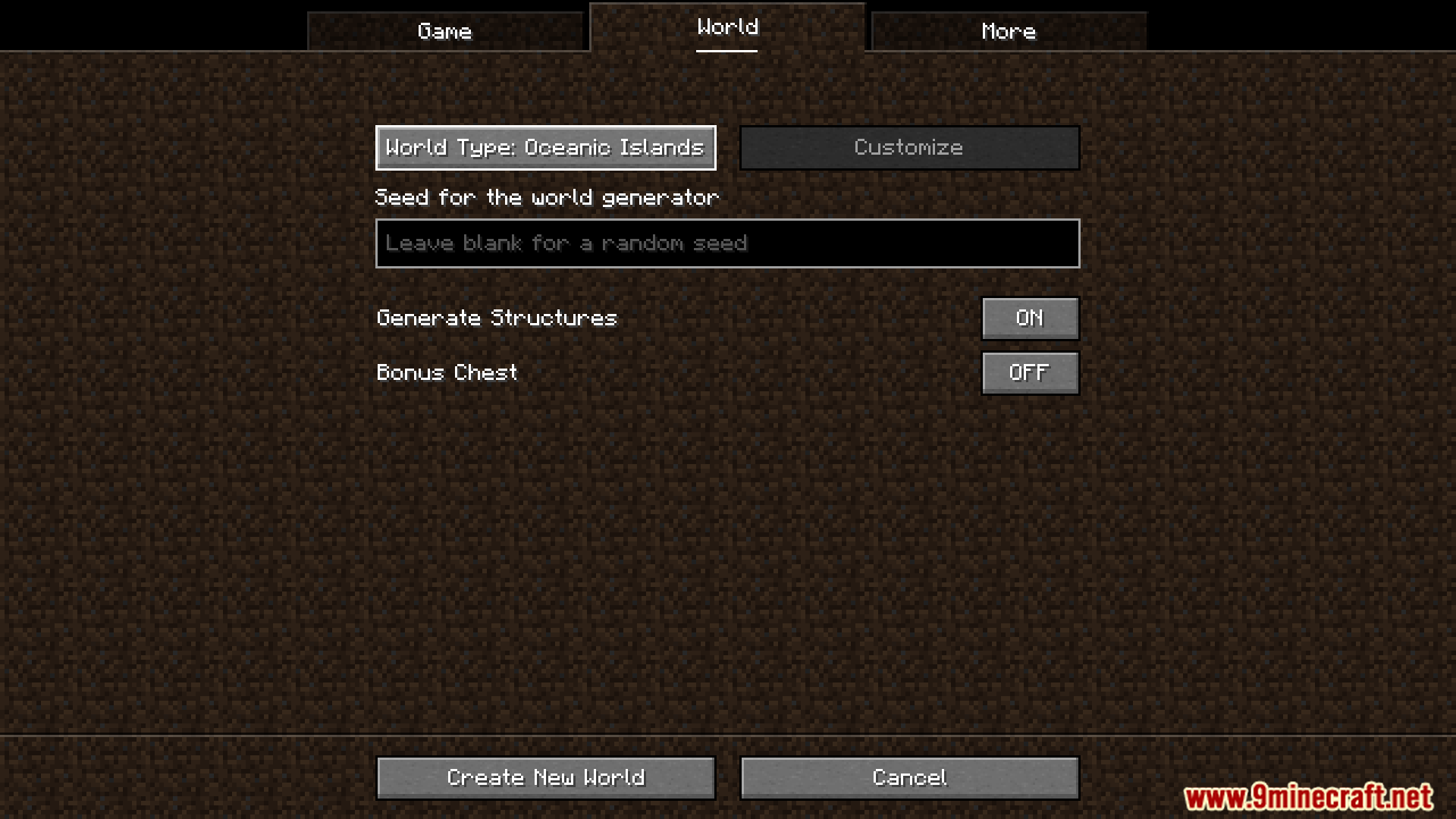
- Open the single-player menu and choose to create a new world.
- Look for the world type options.
- Select the custom preset added by this mod to generate your ocean map.
Screenshots:
Ocean Core Mod Download Links
Quick facts
- Edition: Minecraft Java
- File type: .jar
- Minecraft version listed: 1.20.1
- How to install: Install the matching mod loader (Forge, Fabric or NeoForge) for your Minecraft version. → Download the .jar. → Put it in the .minecraft/mods folder and launch that loader profile.
- Where to get it: In MC Java Mods, or directly above on this page.
Install steps are the general flow for this file type — How to install Minecraft Java mods & modpacks walks through it step by step.
Verified by MCModsHub
- Downloads as 26684.mcaddon
- Download size: 170 KB
- Download link checked 24 Sept 2026 — working
- Mirrored on our own servers — the download does not depend on the original host
These come from our own check of the pack file, not from the source page.