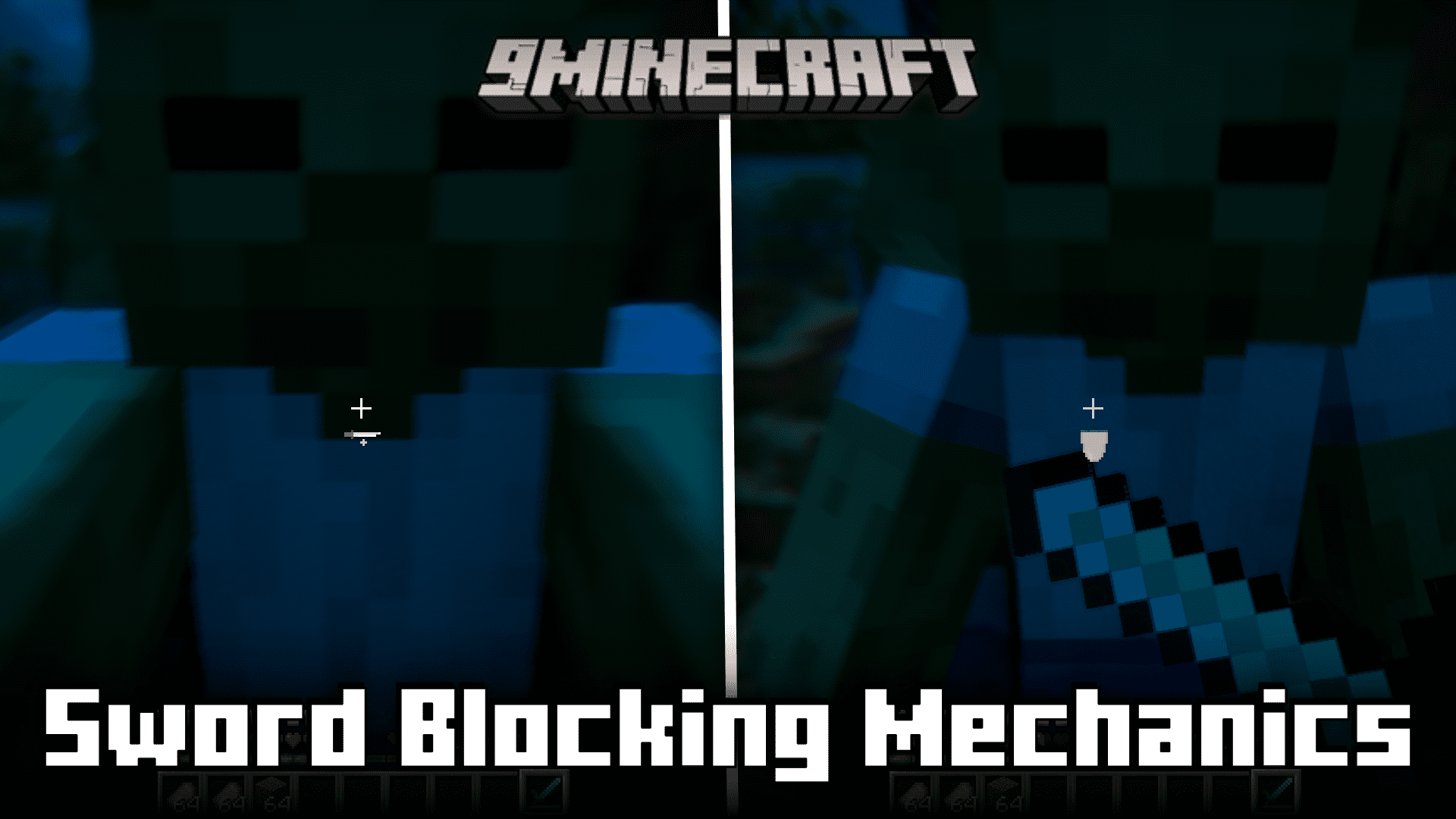
Sword Blocking Mechanics Mod (26.2, 1.20.1) – Sword Blocking From Version 1.8
Java mod listed for Minecraft 1.20. Downloads from the MC Java Mods app on Android.
⬇ Download

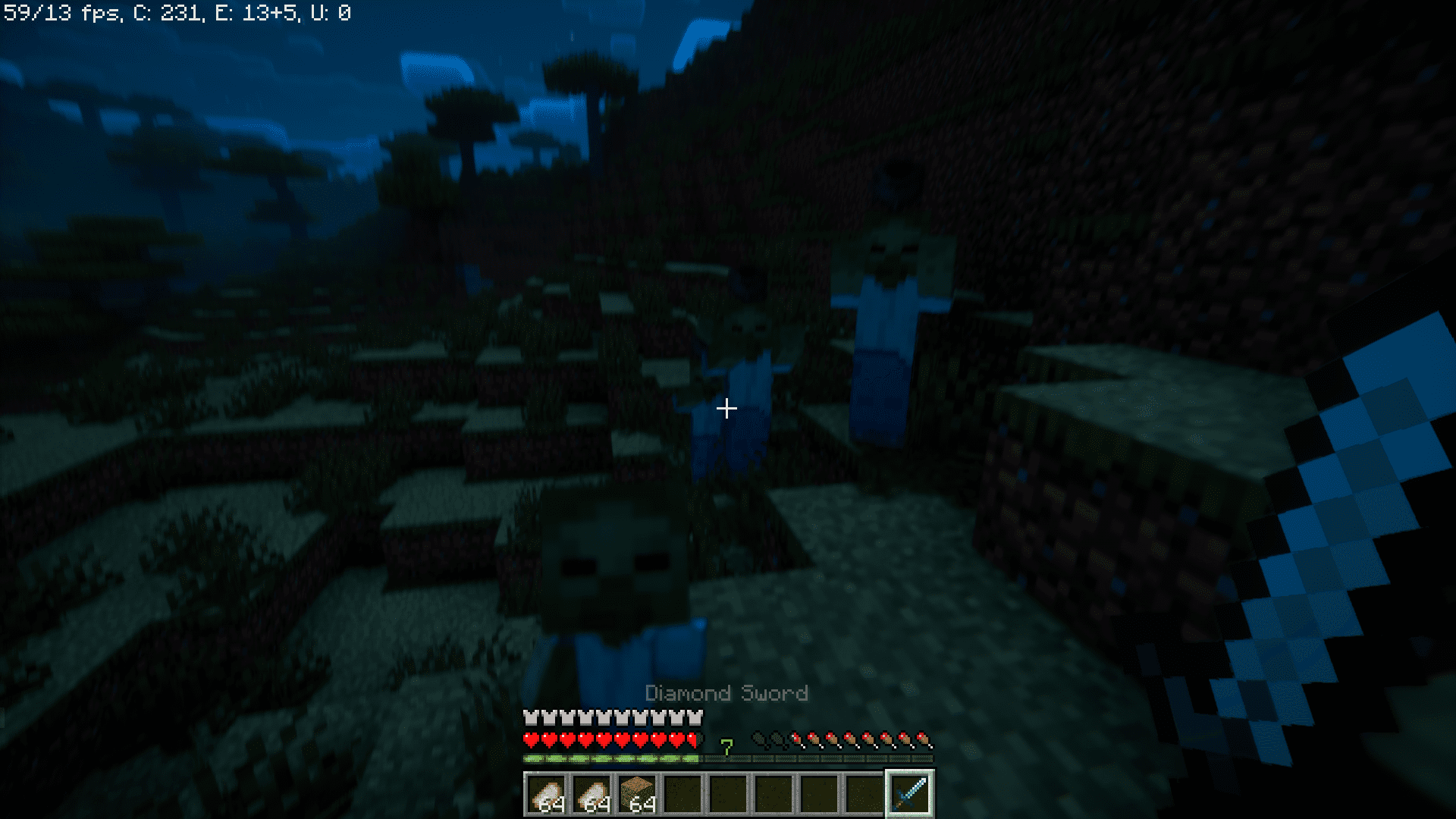
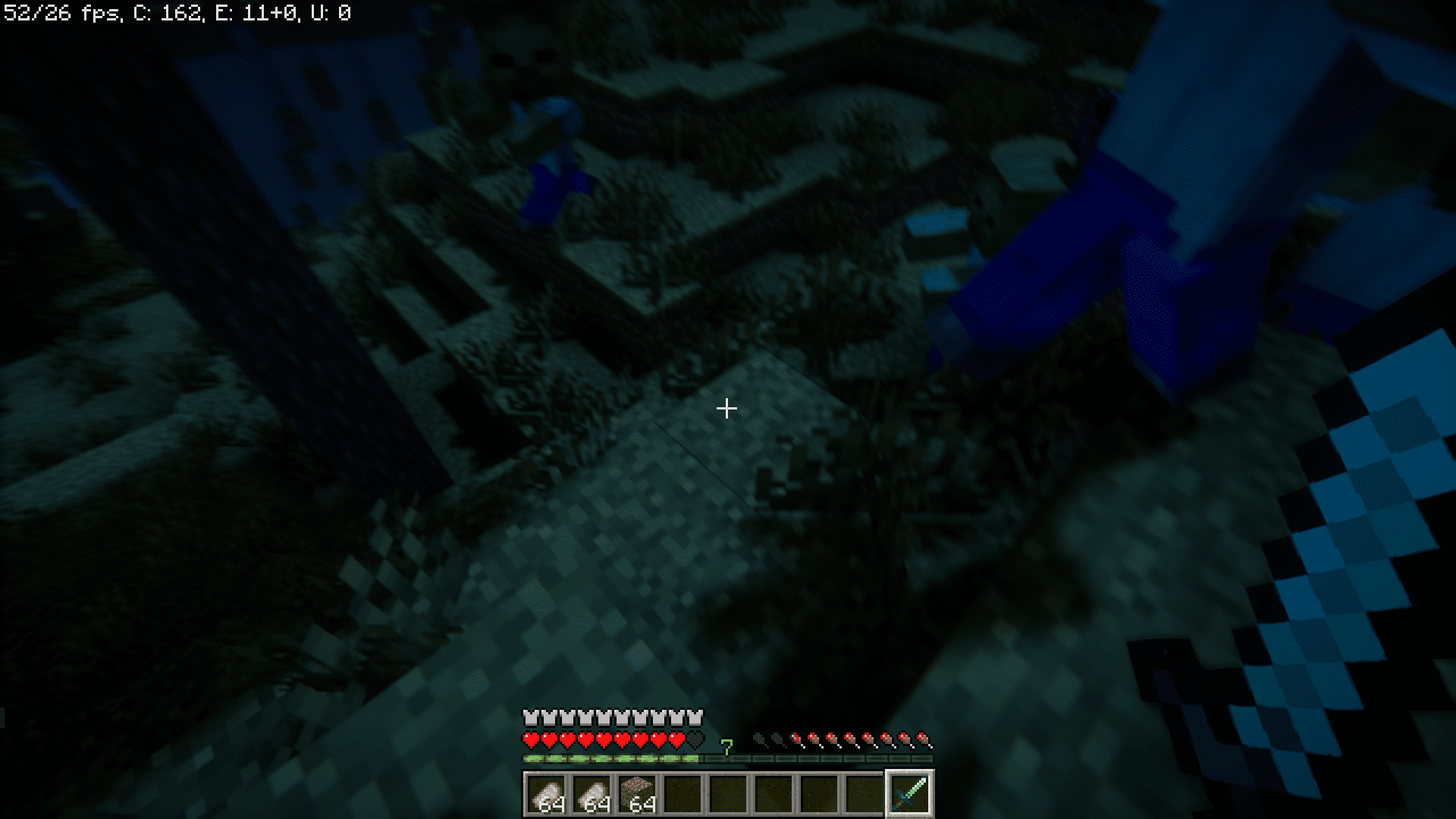



Before shields were introduced, older versions of the game like versions 1.7 and 1.8 allowed you to block incoming attacks by simply blocking it with your sword. This mechanic is very similar to how shields are used. When an attack is expected, right-click to perform a defensive block. The difference is that when an attack is blocked using a sword, 50% of all incoming damage will be blocked. Whereas, a shield can block 100% of the attack damage at times. So if you don’t want to hold a sword at all times and want to block an immediate incoming attack, simply right-click using your sword to perform a block and lessen the damage taken by 50%. Sword Blocking Mechanics Mod brings this mechanic to the newer versions of the game.
Features:
- Brings back sword blocking from versions 1.7 and 1.8.
- Block incoming attacks by right-clicking using a sword.
- This will help reduce the damage taken by 50%.
Screenshots:
Sword Blocking Mechanics Mod Download Links
- Edition: Minecraft Java
- File type: .jar
- Minecraft version listed: 1.20.1
- How to install: Install the matching mod loader (Forge, Fabric or NeoForge) for your Minecraft version. → Download the .jar. → Put it in the .minecraft/mods folder and launch that loader profile.
- Where to get it: In MC Java Mods, or directly above on this page.
Install steps are the general flow for this file type — How to install Minecraft Java mods & modpacks walks through it step by step.
- Downloads as 26685.mcaddon
- Download size: 81 KB
- Download link checked 26 Sept 2026 — working
- Mirrored on our own servers — the download does not depend on the original host
These come from our own check of the pack file, not from the source page.