Button Animations
Java mod listed for Minecraft 1.21. Downloads from the MC Java Mods app on Android.
⬇ Download on ModrinthButton Animations
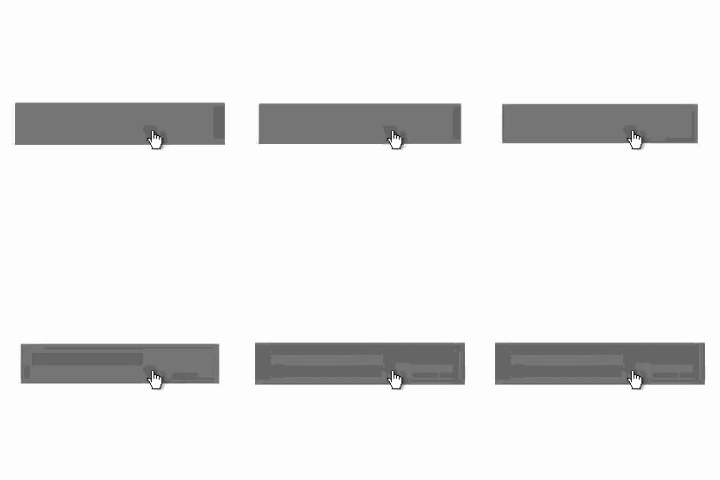
Button Animations is a lightweight client-side mod that improves how Minecraft buttons feel.
Instead of the default hover outline, buttons smoothly scale up when hovered and ease back down when clicked, creating a cleaner and more responsive UI. The result is subtle, satisfying feedback that makes menus feel more polished without changing their layout or functionality.
Features
- Removes the default button hover outline
- Adds a smooth hover grow animation
- Adds a soft click press-and-bounce effect
- Has a config screen
- Works across Minecraft's standard button-based menus
- Client-side only
Why use it?
Minecraft's default buttons are functional, but a little stiff. Button Animations keeps the vanilla look while making interaction feel more modern and tactile. It is designed to be noticeable without being distracting.
Compatibility
- Fabric
- Client-side only
- Button Fix recommended
This mod does not need to be installed on the server.
Notes
Button Animations focuses only on button interaction and visual feedback. It does not add new menus, settings, or gameplay changes. The default keybind for the config is "B".
- Edition: Minecraft Java
- File type: .jar
- Minecraft version listed: 1.21.11
- How to install: Install the matching mod loader (Forge, Fabric or NeoForge) for your Minecraft version. → Download the .jar. → Put it in the .minecraft/mods folder and launch that loader profile.
- Where to get it: Opens on Modrinth — not every file is mirrored on our own servers.
Install steps are the general flow for this file type — How to install Minecraft Java mods & modpacks walks through it step by step.
- Ships as buttonanimations-1.2.0-1.21.11.jar — drop this file into the mods folder
- Download size: 19 KB
- Download link checked 11 Oct 2026 — working
These come from our own check of the pack file, not from the source page.