
ModsJava
Horarium
Java mod listed for Minecraft 1.21. Downloads from the MC Java Mods app on Android.
⬇ Download on Modrinth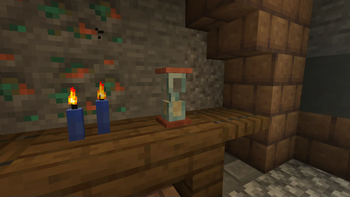
Horarium
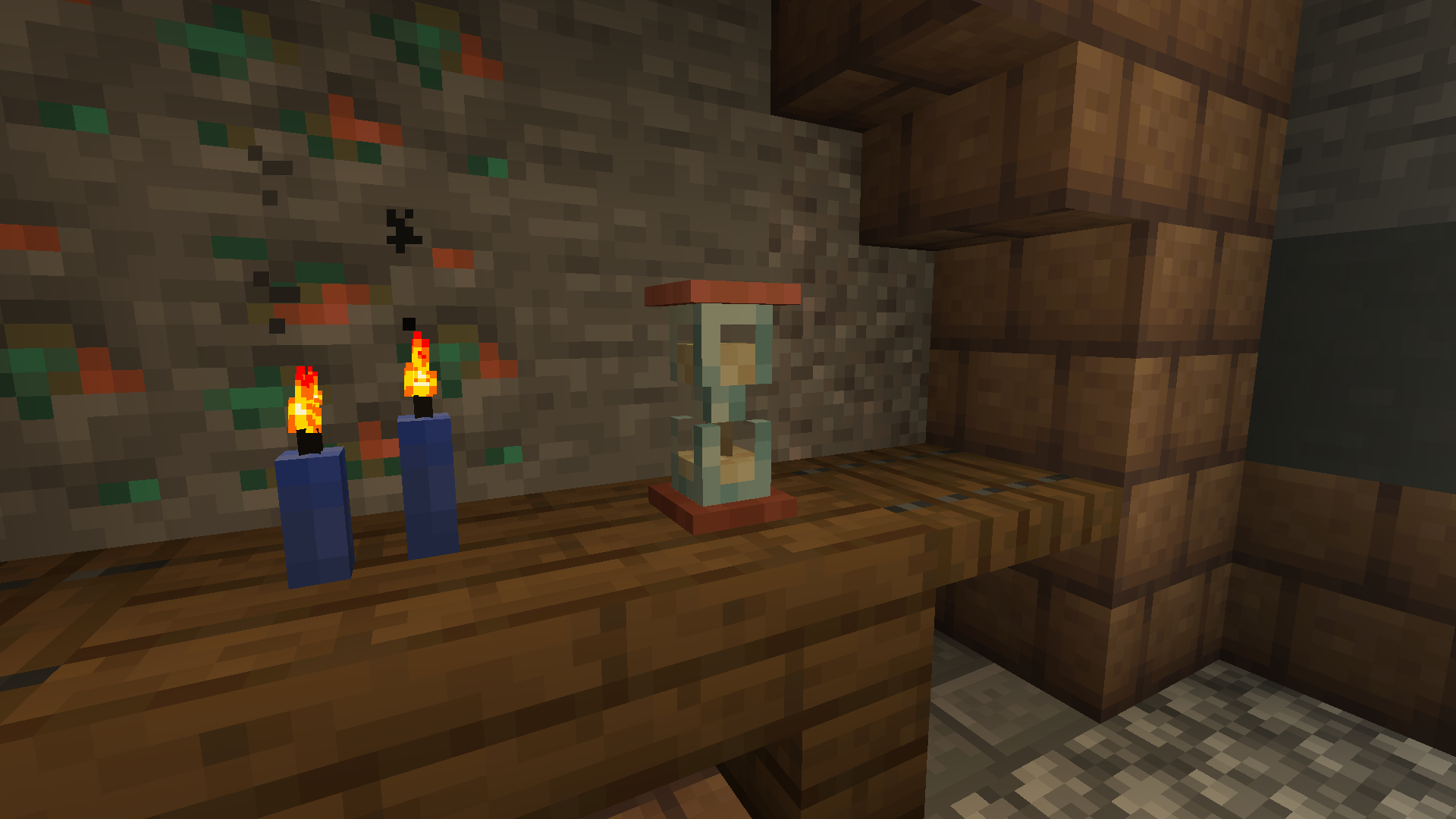
Enhance the passing of time. The hourglass visually displays the seconds on the clock. Bring timekeeping to your world, the cool way.
✅ Features
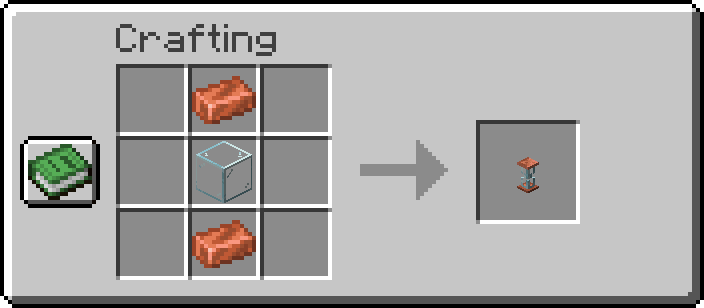
- Crafted using 1 Glass and 2 Copper Ingots
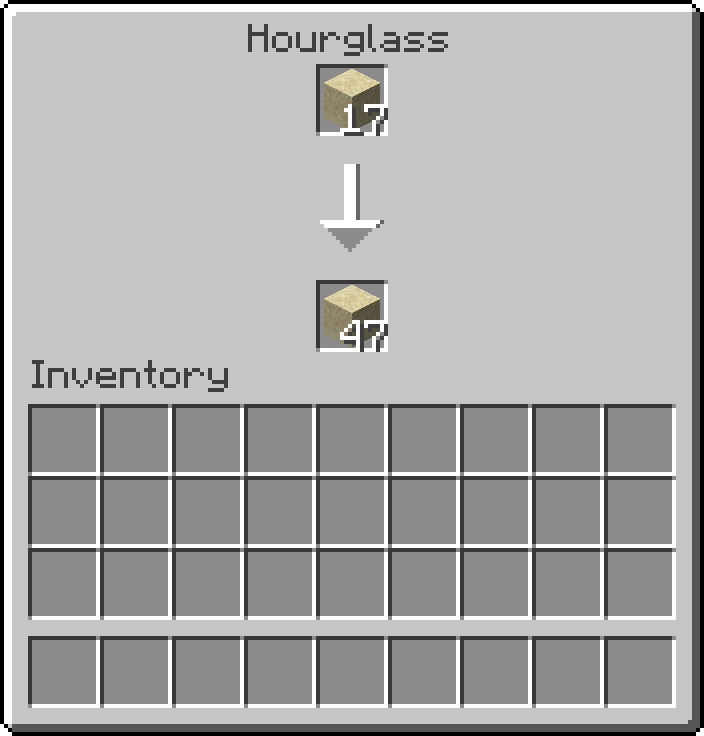
- Deposit Sand into the Hourglass by opening it and placing items in the top slot
- Sand flows from the top slot of the Hourglass to the bottom slot, 1 item per second
- Reset a finished Hourglass by interacting with it, flipping it upside down
- Track time through the visually changing model and the increase in pitch of the noise
- View a detailed report of time by hovering over the arrow in the Hourglass menu
📖 Configuration
Customize which items can be placed inside the hourglass by adding or removing entries in the #horarium:flows_in_hourglass item tag.
📷 Visuals
Quick facts
- Edition: Minecraft Java
- File type: .jar
- Minecraft version listed: 1.21.9
- How to install: Install the matching mod loader (Forge, Fabric or NeoForge) for your Minecraft version. → Download the .jar. → Put it in the .minecraft/mods folder and launch that loader profile.
- Where to get it: Opens on Modrinth — not every file is mirrored on our own servers.
Install steps are the general flow for this file type — How to install Minecraft Java mods & modpacks walks through it step by step.
File checked by MCModsHub
- Ships as horarium-1.1+1.21.9.jar — drop this file into the mods folder
- Download size: 396 KB
- Download link checked 11 Oct 2026 — working
These come from our own check of the pack file, not from the source page.