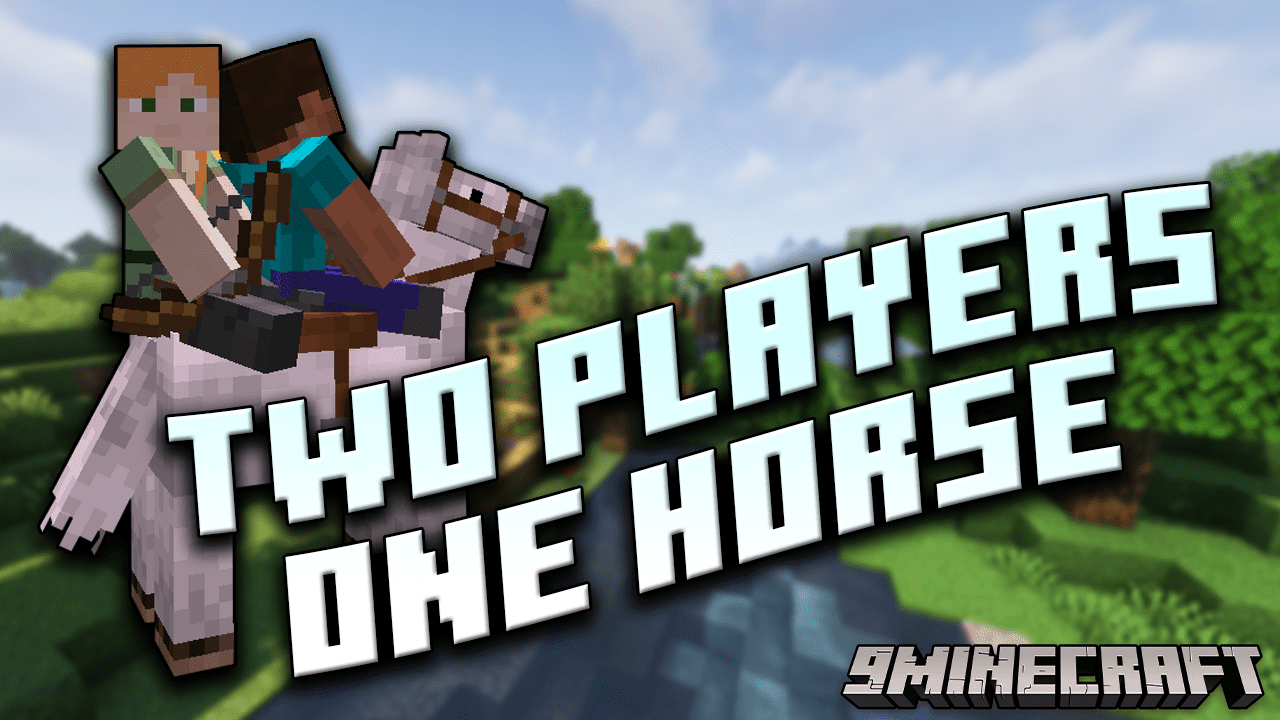
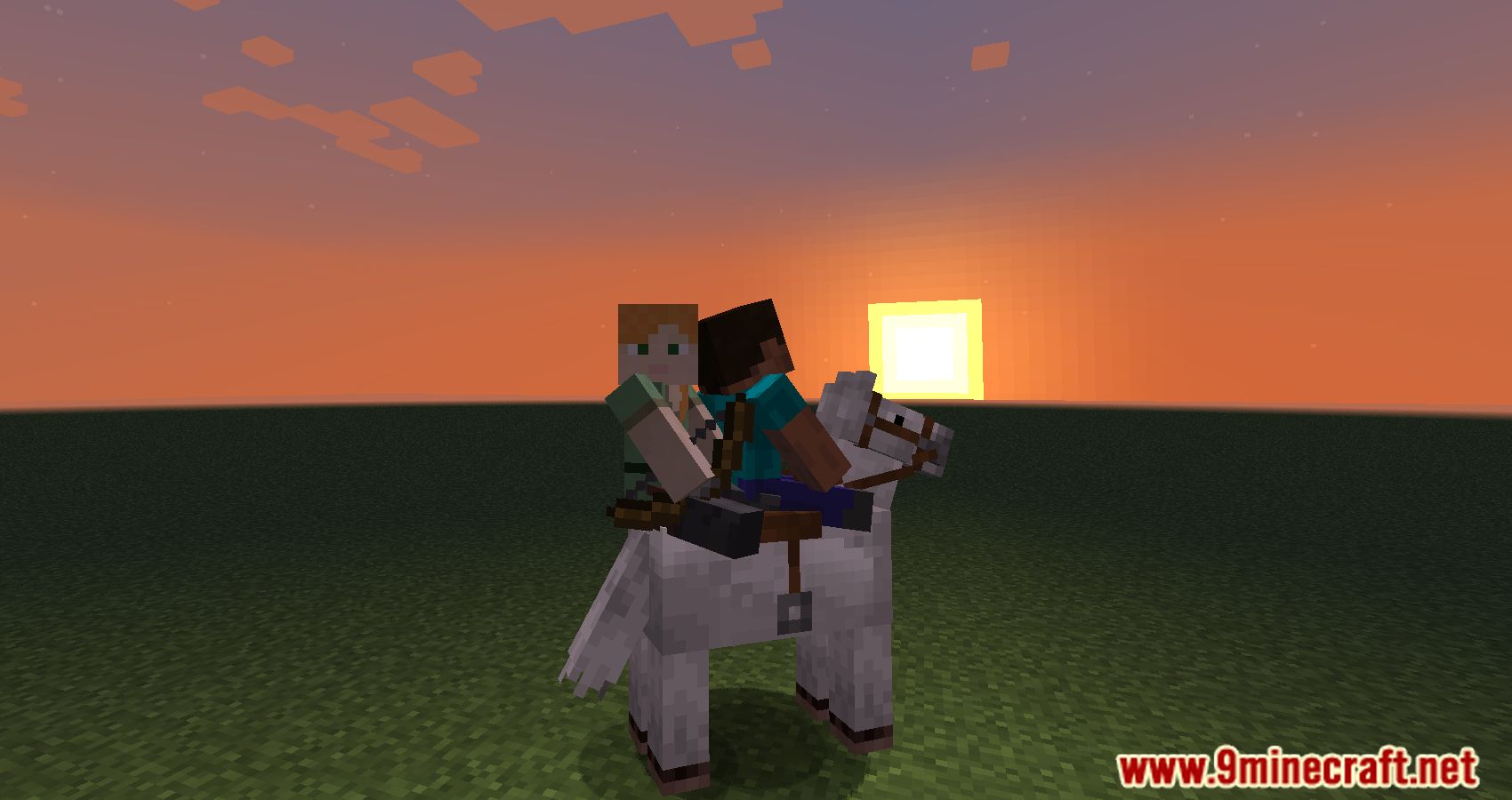
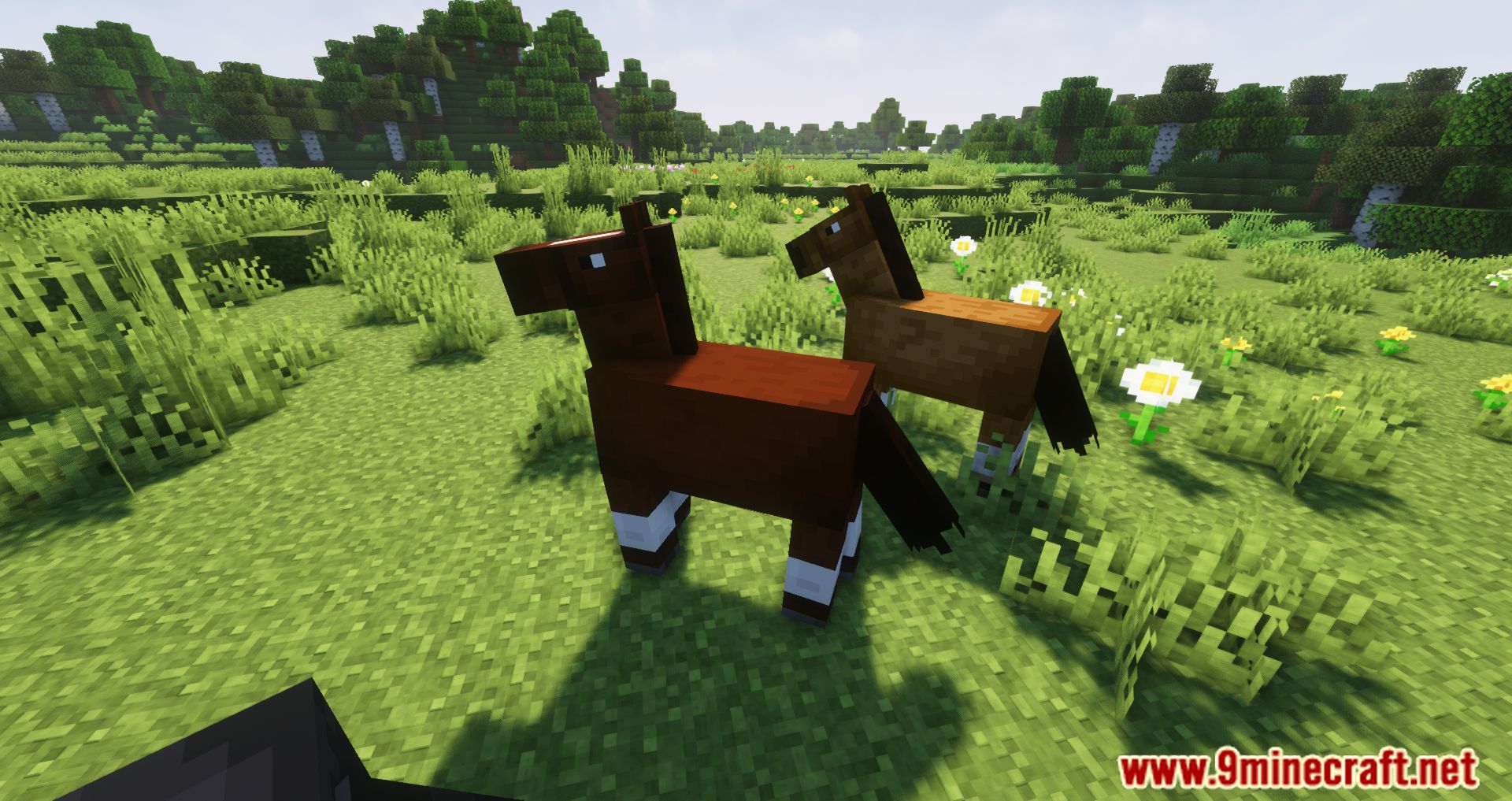
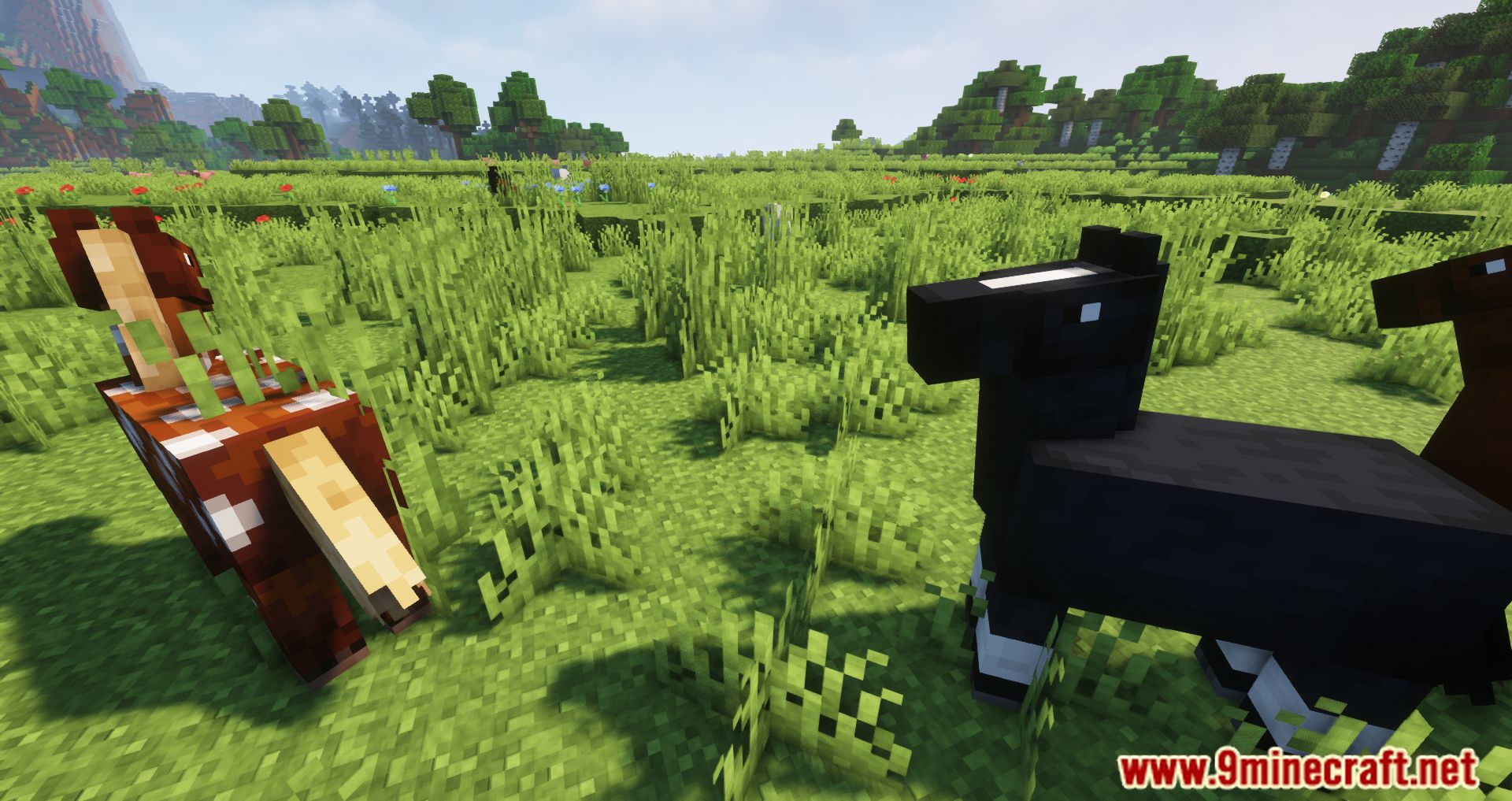
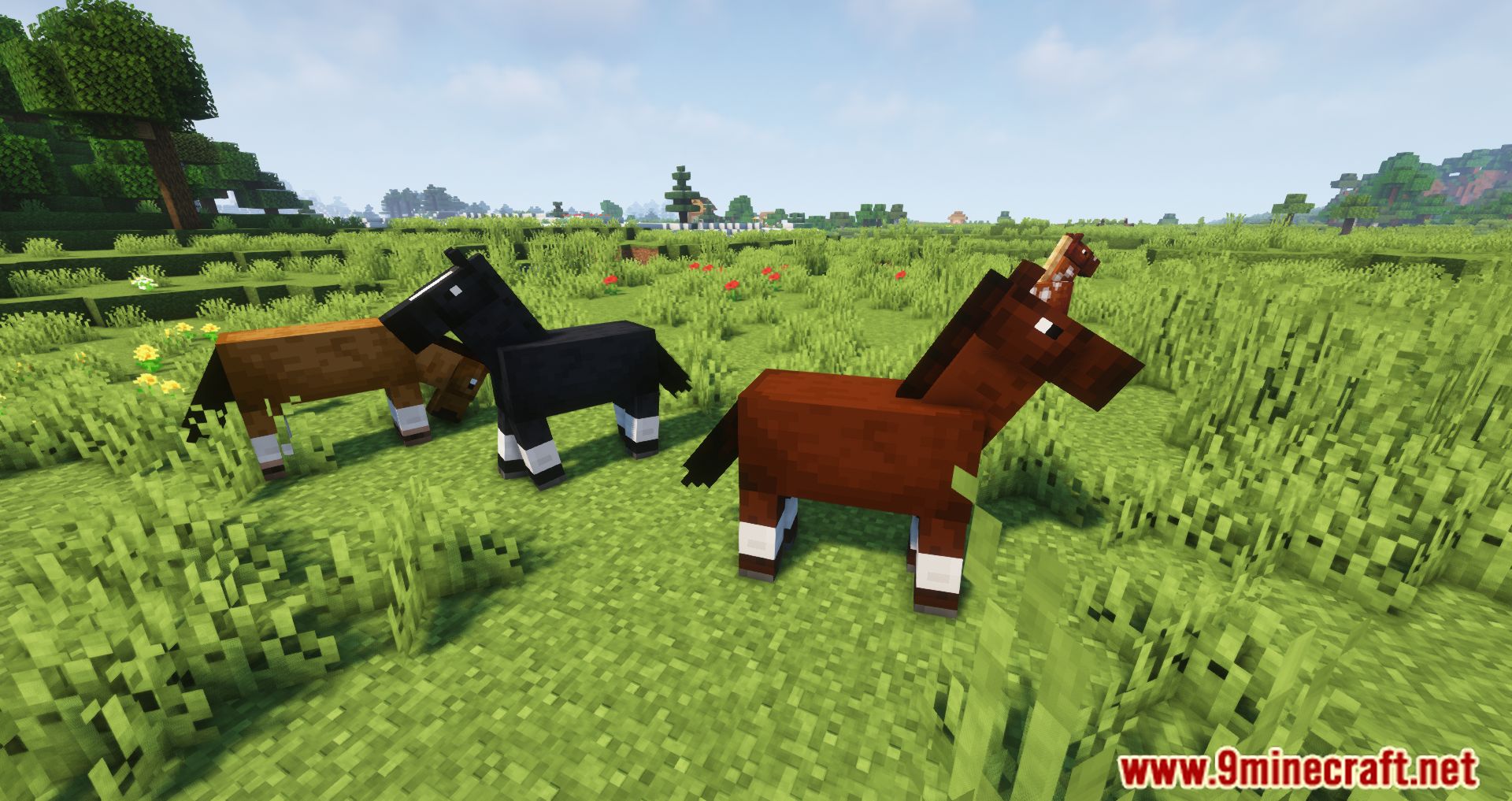
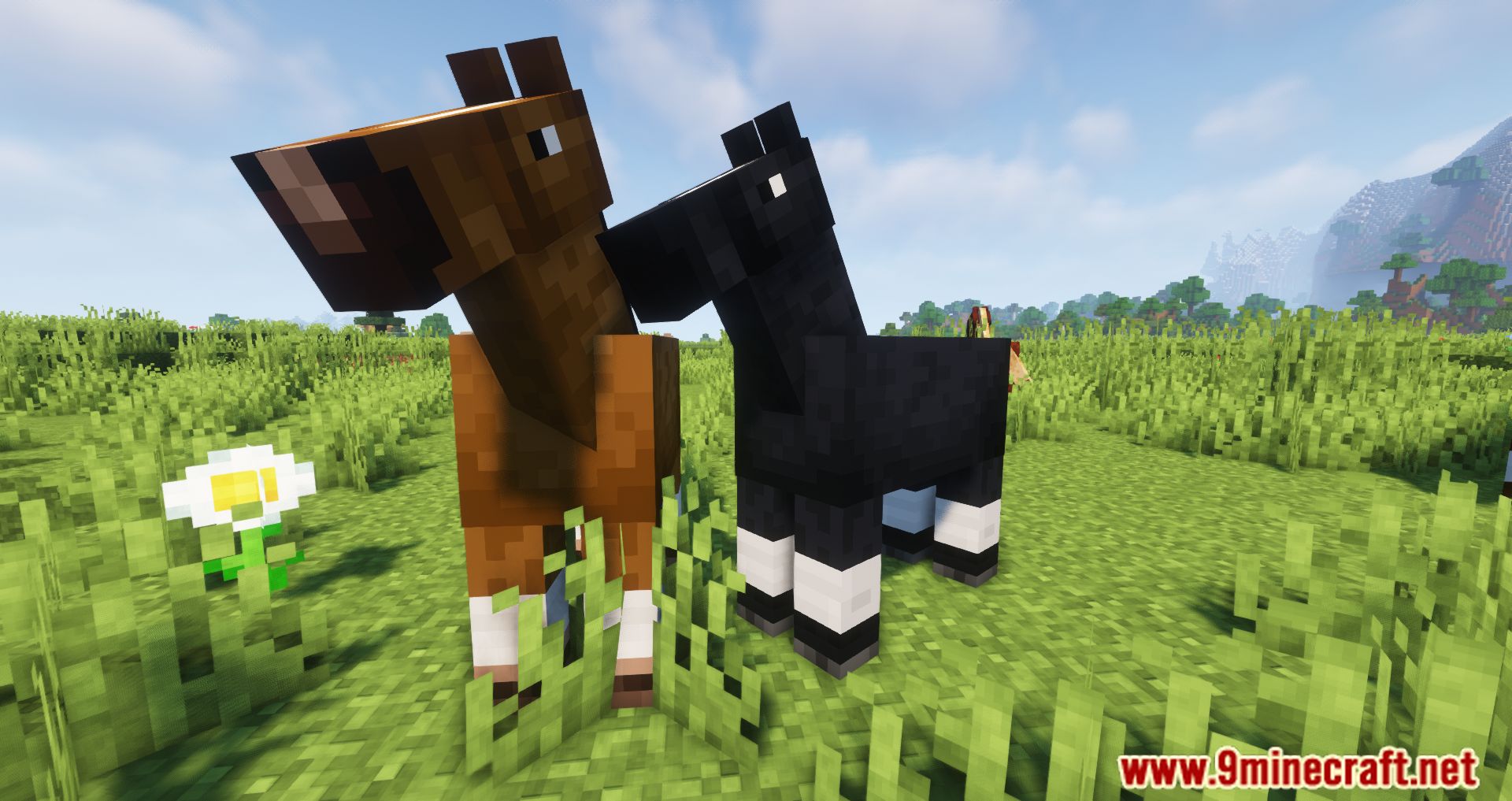
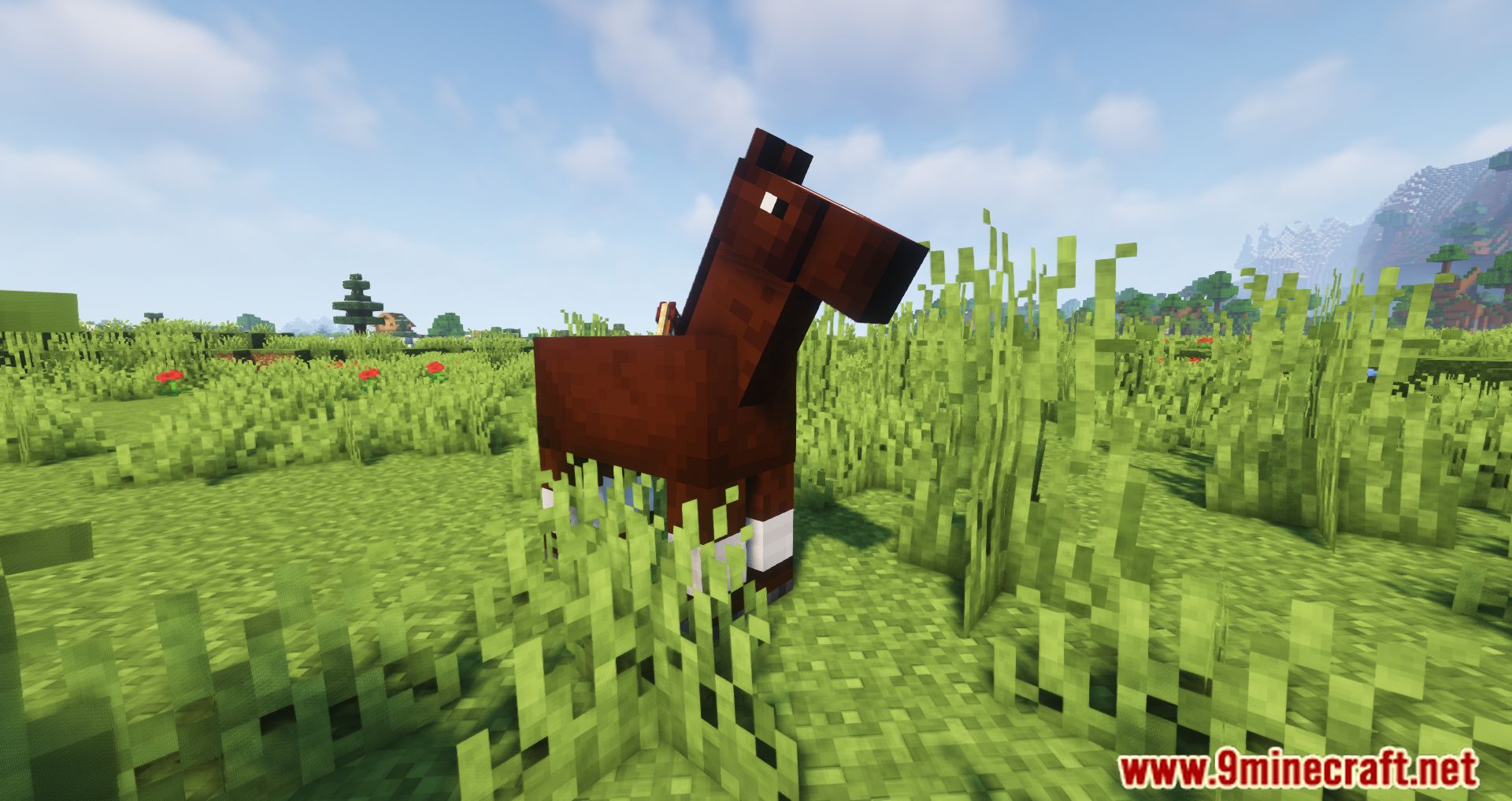
It is now possible for two players to ride a horse together thanks to the Two Players One Horse Mod, which adds this new functionality to the game. If you and a friend wanted to go on an adventure together in the past, you had to ride separate horses. This could cause the two of you to feel less connected to one another than you did in the past. If you are looking for something fresh, something that has never been experienced before, try the Two Players One Horse Mod. The Two Players One Horse Mod will make your journey more unique and exciting by altering the game so that two people can ride a horse together. This will make your adventure more memorable. There will be no more private viewings; instead, you and a companion will be able to ride together on a horse and go on an adventure together.
Features:
- When a player is riding on a horse, a second passenger can now join the ride by right clicking on the same horse.
- Only the player sitting in front has control over the horse movement and is able to open the horse inventory.
- The player sitting behind can freely turn around and open the player inventory, this may prove very handy in battles.
- The player sitting behind is not able to interact with the horse movement, this means you cannot inadvertently stop the horse by hitting the jump key.
- When the first passenger dismounts (or gets killed or…well, you got it) control of the horse is automatically switched to the second passenger.
- The first passenger now looks transparent from the second passenger point of view (only when in first person view). This also works with boats! There is a config option to enable/disable this.
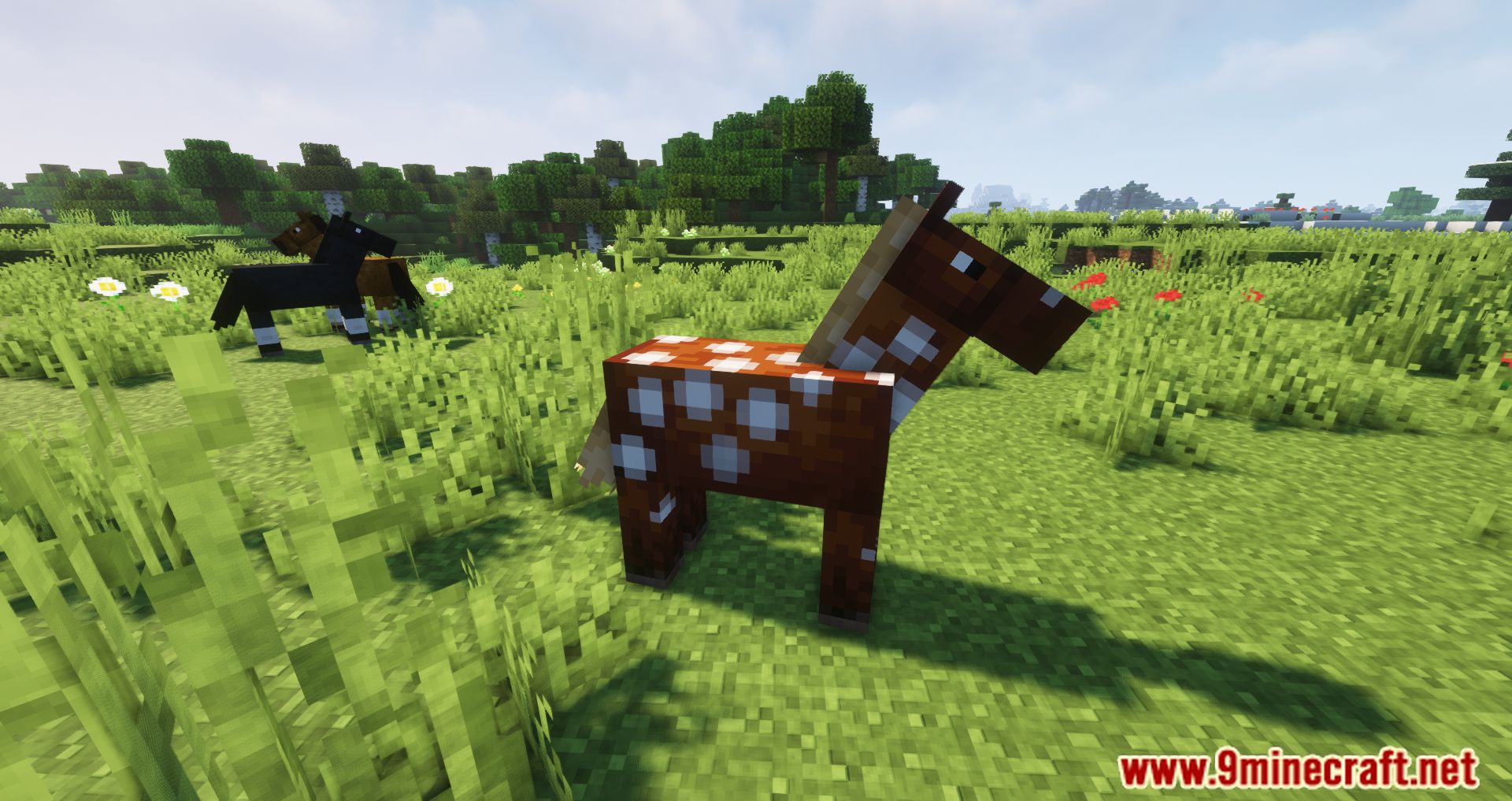
Screenshots:
Two Players One Horse Mod Download Links
- Edition: Minecraft Java
- File type: .jar
- Minecraft versions listed: 1.21.4, 1.20.1
- How to install: Install the matching mod loader (Forge, Fabric or NeoForge) for your Minecraft version. → Download the .jar. → Put it in the .minecraft/mods folder and launch that loader profile.
- Where to get it: In MC Java Mods, or directly above on this page.
Install steps are the general flow for this file type — How to install Minecraft Java mods & modpacks walks through it step by step.
- Downloads as 2669.mcaddon
- Download size: 22 KB
- Download link checked 25 Sept 2026 — working
- Mirrored on our own servers — the download does not depend on the original host
These come from our own check of the pack file, not from the source page.