Lagless FPS Optimizer Mod (1.21.1, 1.20.1) – Play Without Lag on Low-End PCs
Java mod listed for Minecraft 1.20–1.21. File opened and checked on 17 Oct 2026; downloads from the MC Java Mods app on Android.
⬇ Download
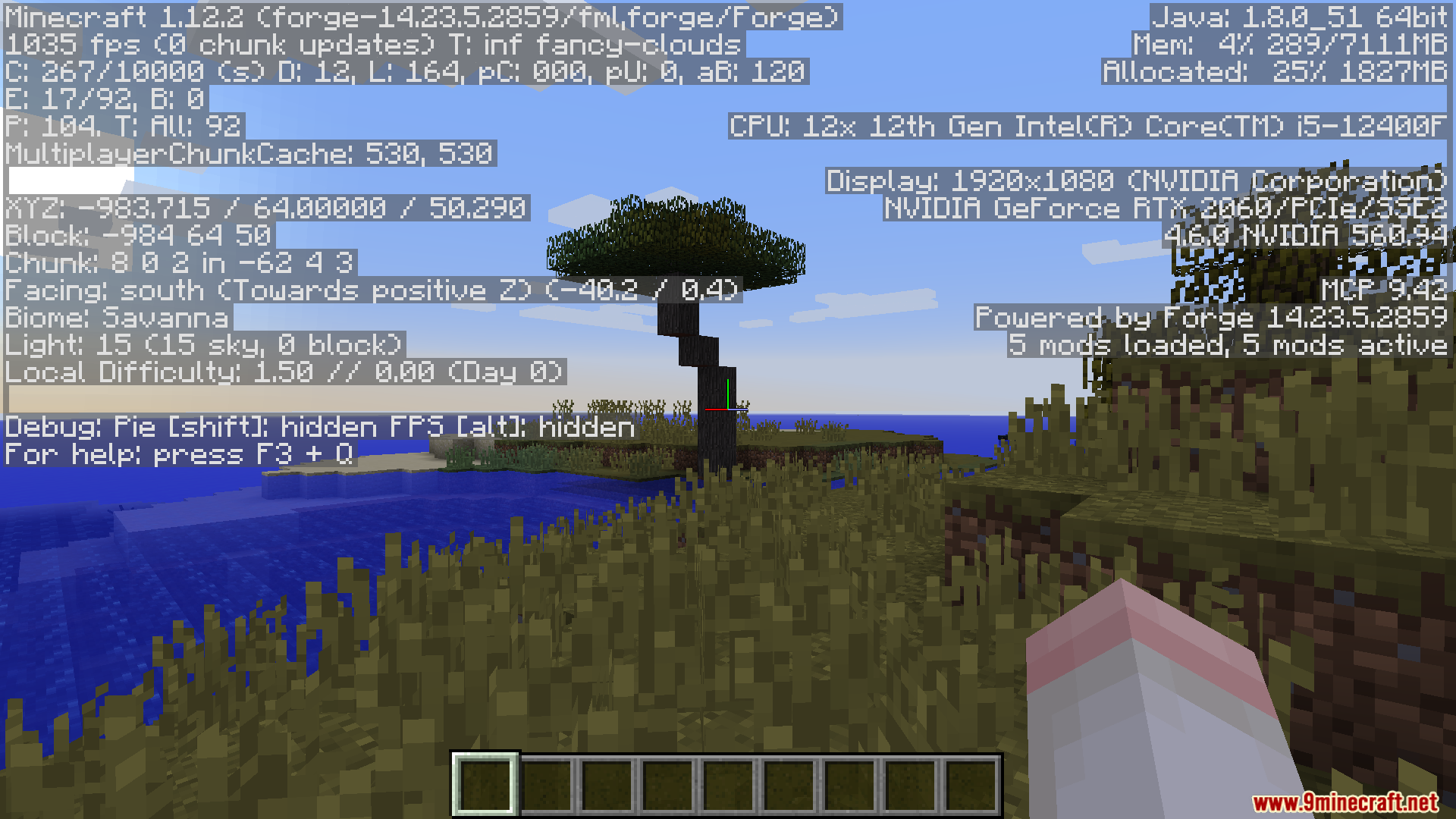
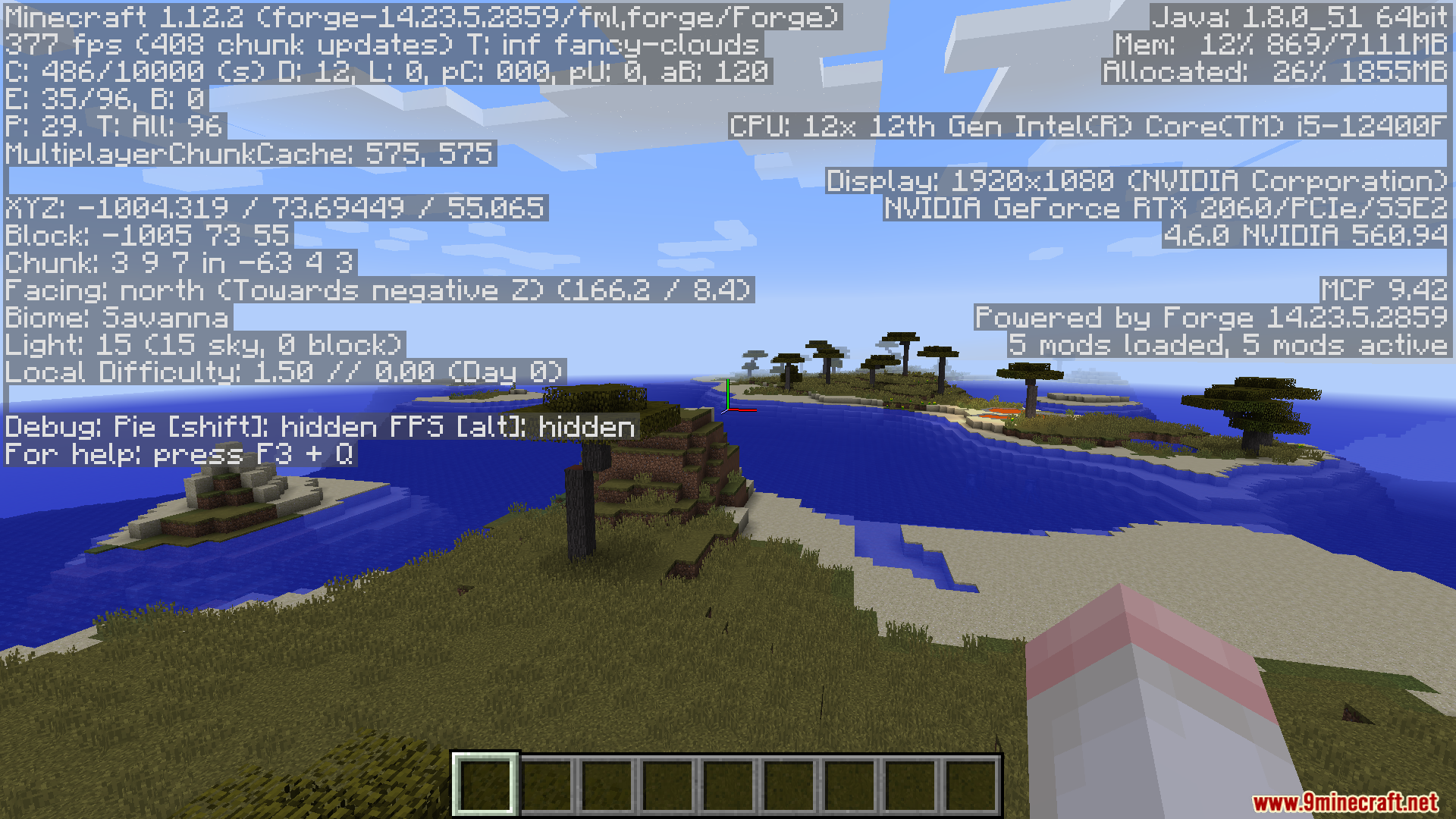
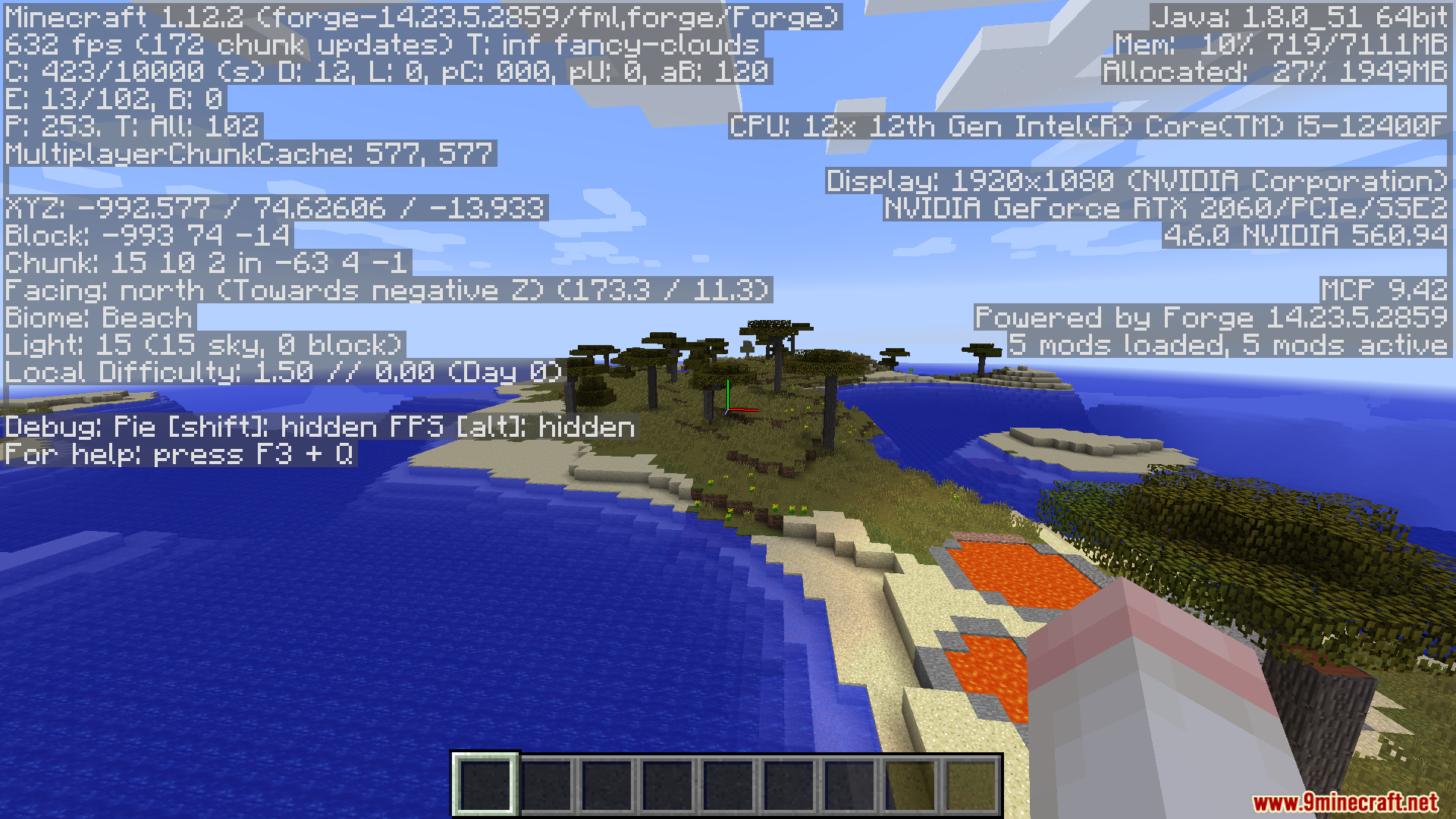
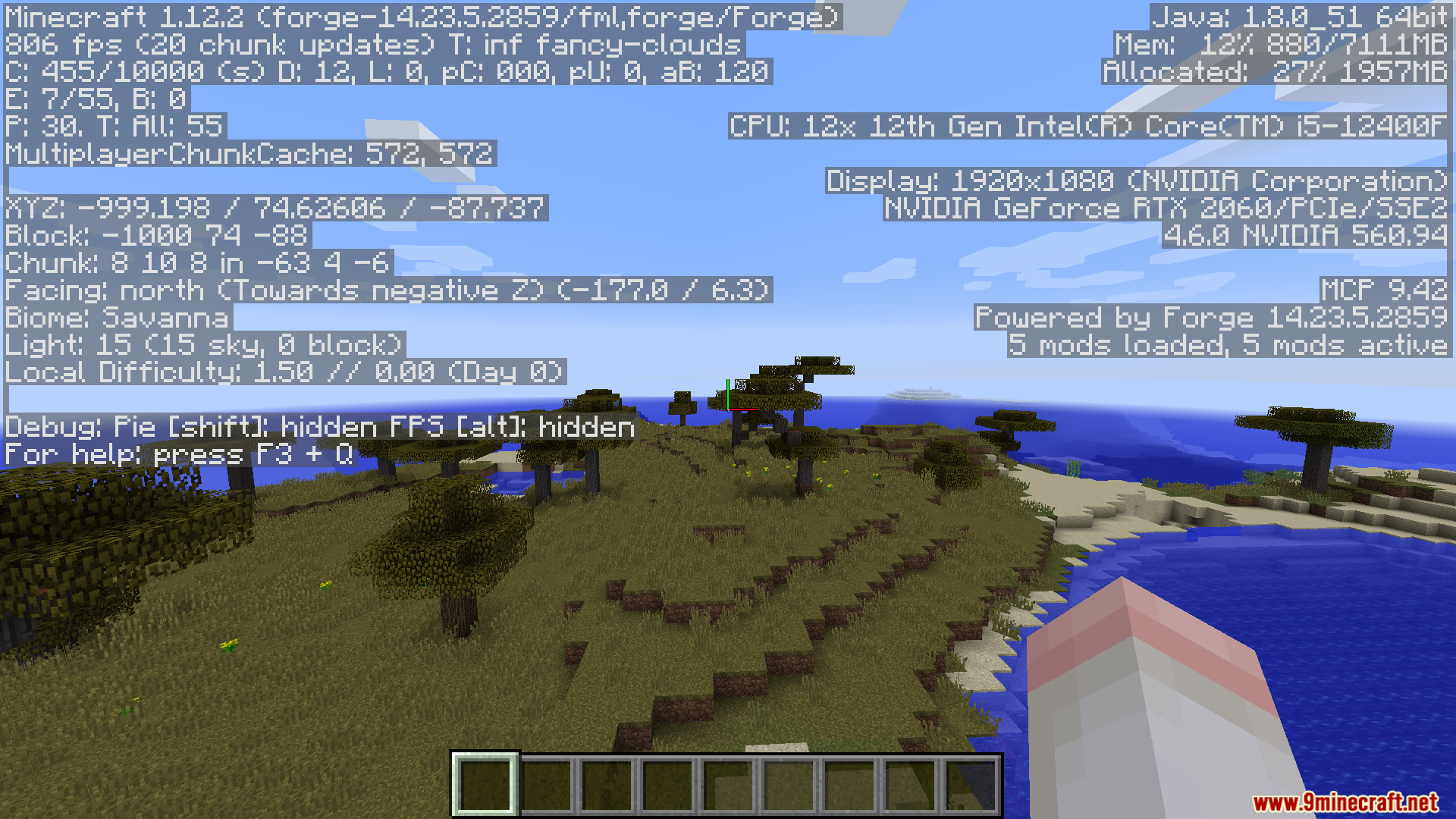
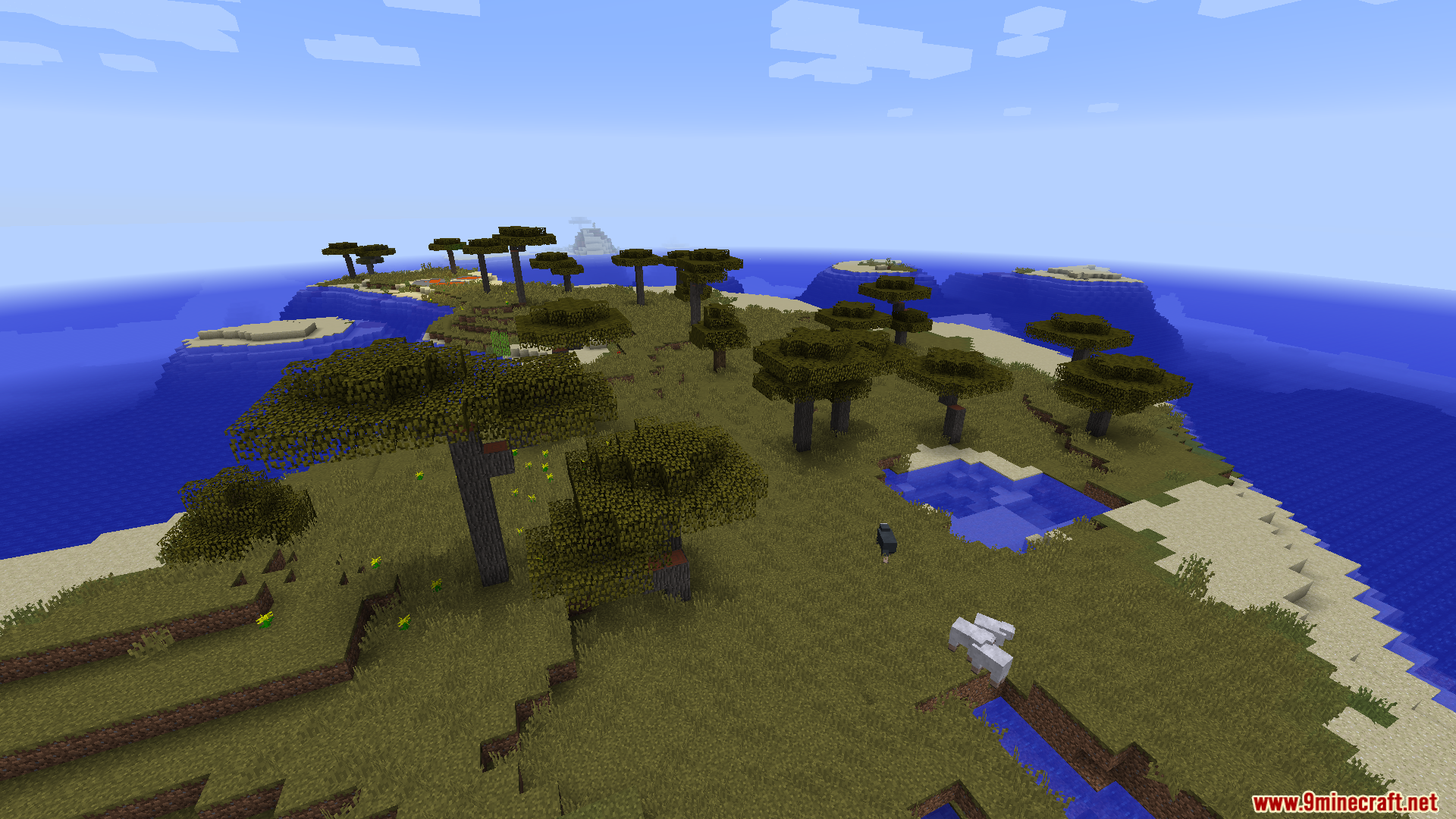
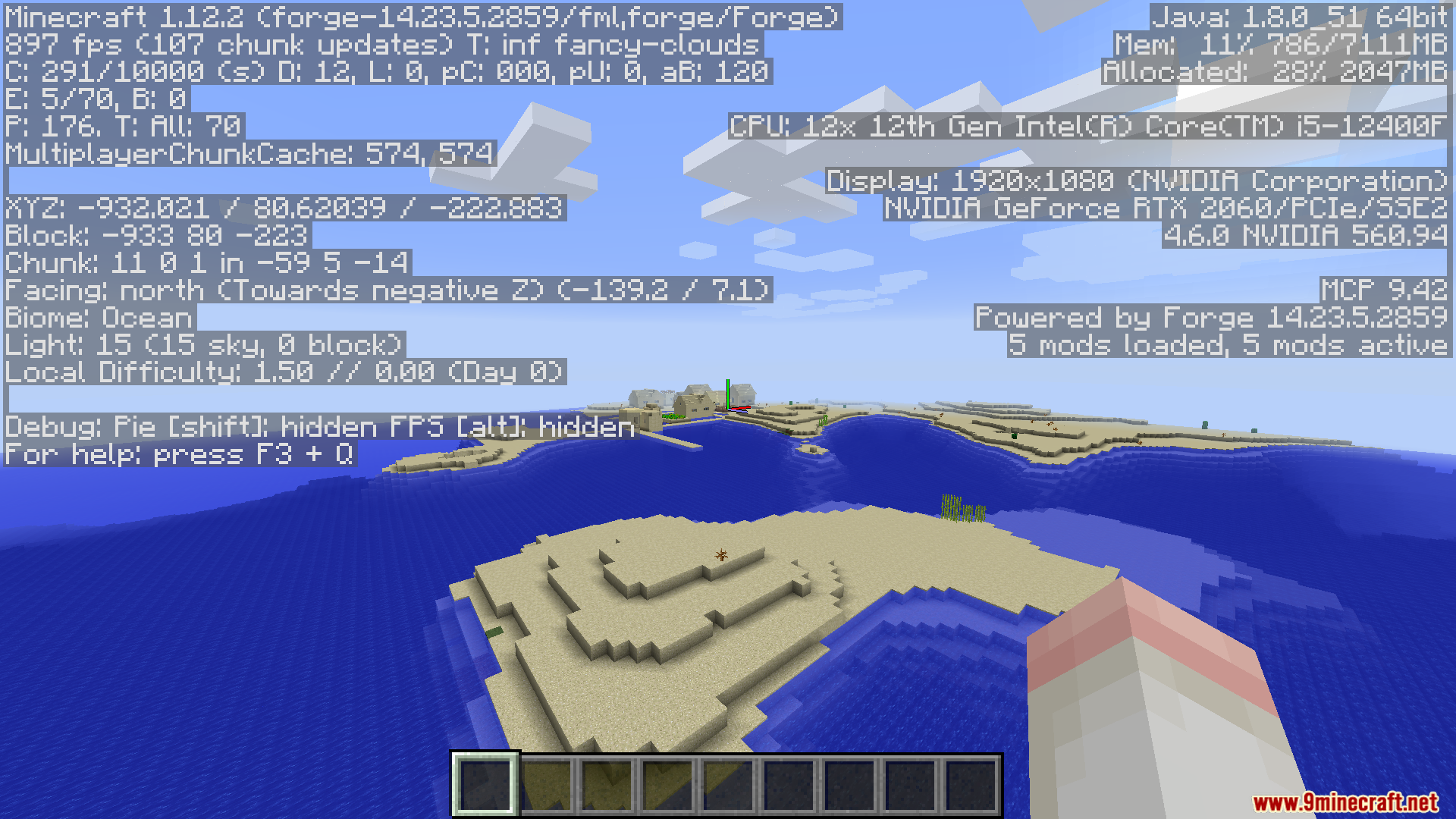
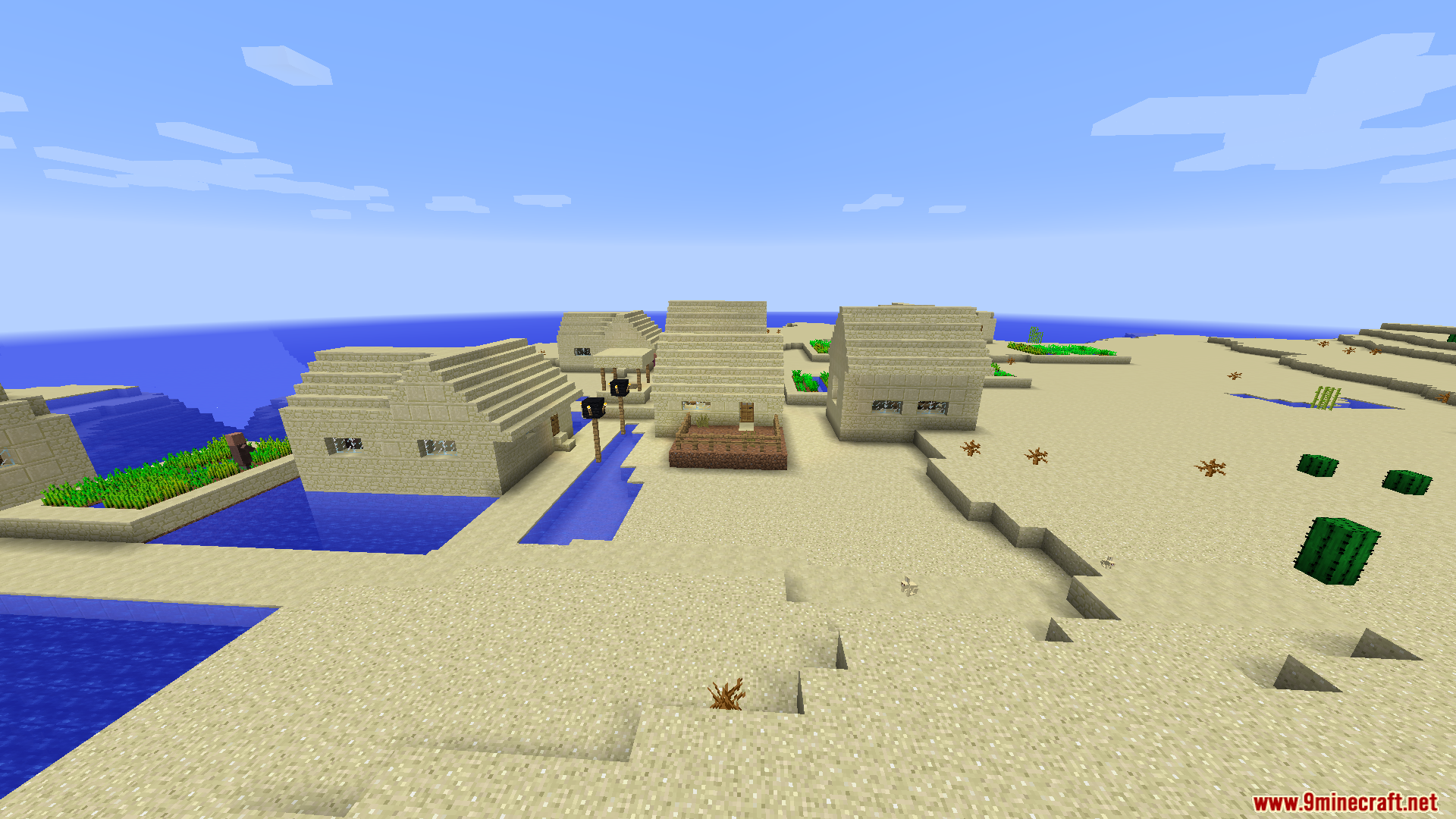
Lagless FPS Optimizer Mod changes how the game processes graphics and calculations to stop lag. This mod helps older or slower computers run the game smoothly. It adds a simple button to your video settings menu. You click this button to switch between three performance modes while you play. The mod stops the game from loading caves and blocks you cannot see. It also cleans up your computer memory automatically to stop random freezes. You get a much higher frame rate without changing complicated settings.
Features:
- Three Performance Profiles: Adds a button in your video settings to switch between Super Fast, Balanced, and Vanilla modes.
- Vertical Culling: Stops loading blocks and deep caves under your feet to save computer power in Super Fast mode.
- Smart Fog System: Uses fog to hide empty spaces when the game stops loading distant areas.
- Aggressive Culling: Cuts the loading distance for mobs and visual effects in half for maximum speed.
- Smart Entity Culling: Stops processing creatures and items that are far away or hidden behind walls in Balanced mode.
- Particle Optimization: Keeps rain, explosions, and redstone dust visible but changes how they load to prevent lag spikes.
- Fast Math: Swaps heavy game calculations with pre-made math tables to speed up background tasks.
- Auto-RAM Cleaner: Clears out unused memory every five minutes to stop the game from freezing.
- Far Particle Deletion: Removes visual effects that are too far away for you to see during storms or fights.
How to Use:
- Open the game menu and go to Options.
- Click on Video Settings.
- Look for the Mode button in the top-right corner.
- Click the button to change between Super Fast, Balanced, and Vanilla profiles.
Screenshots:
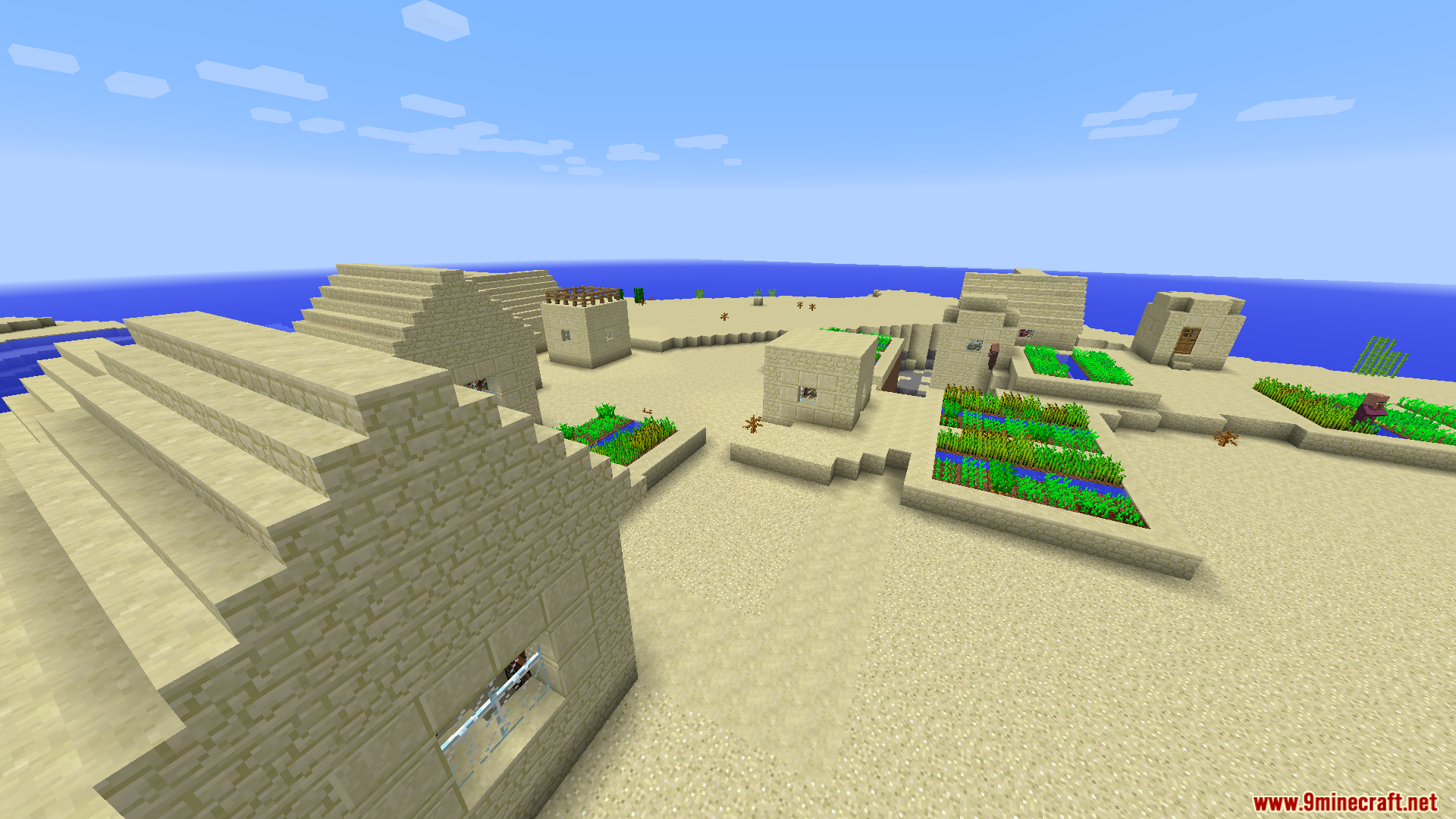
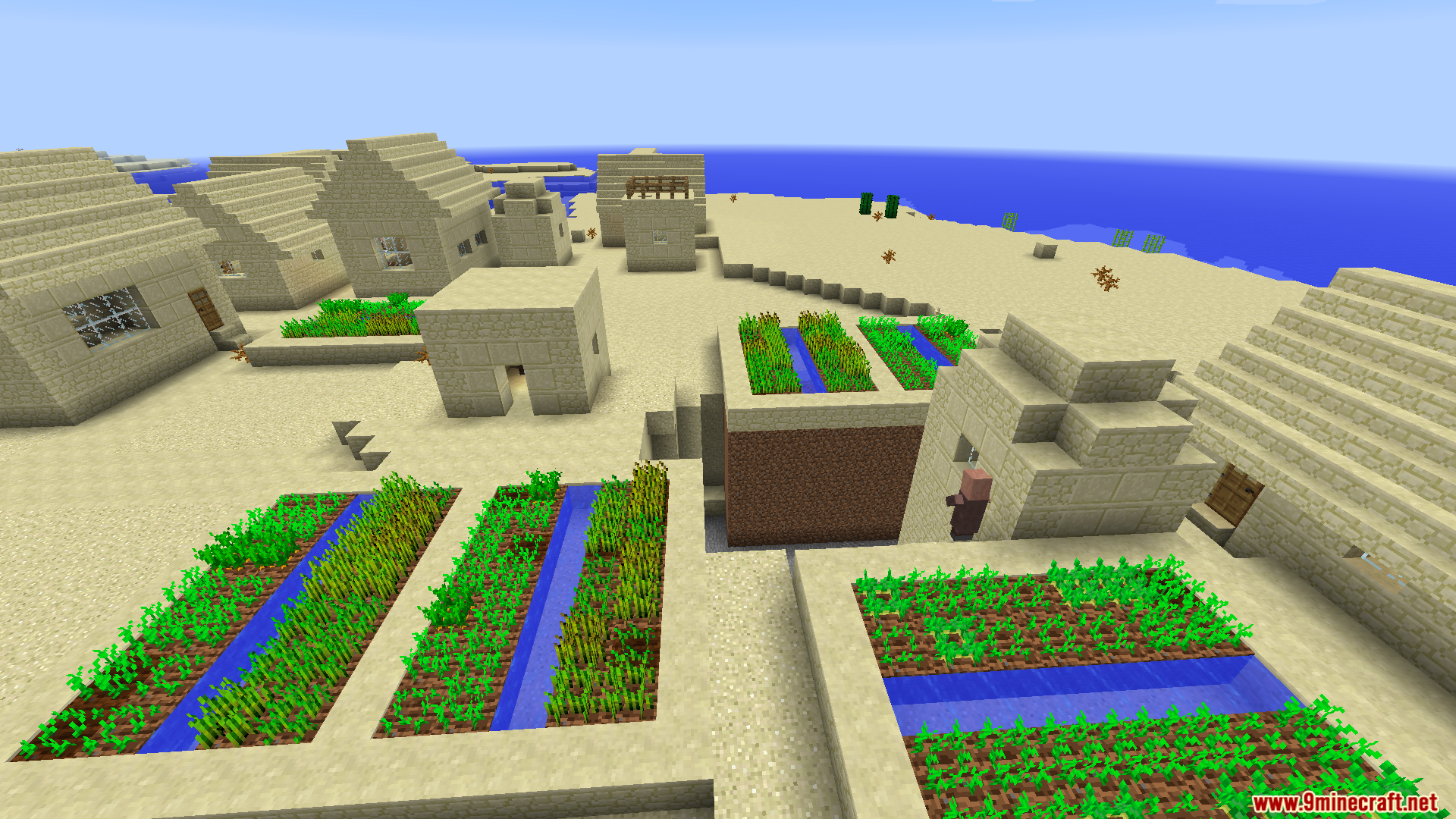
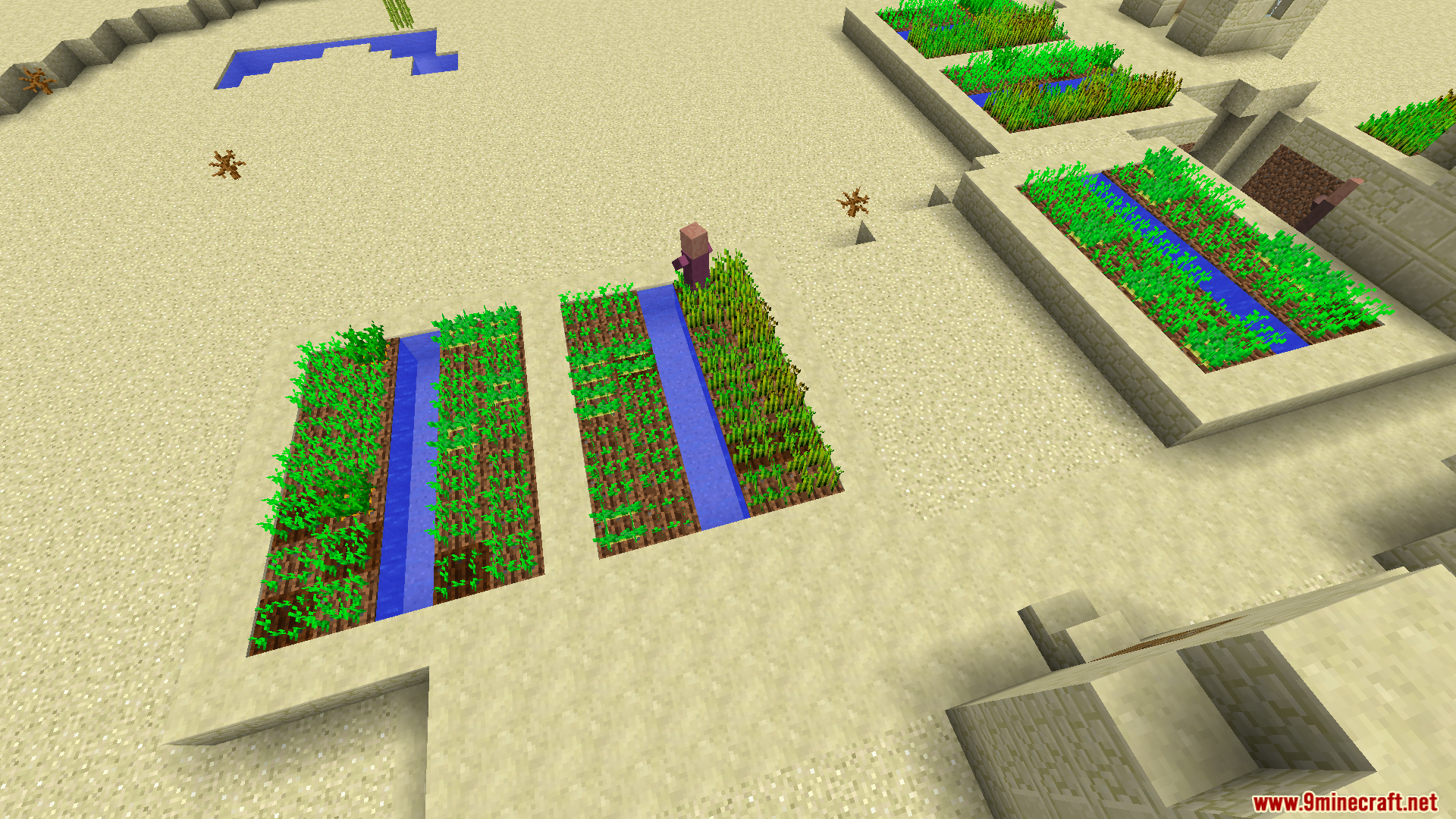
Lagless FPS Optimizer Mod Download Links
- Edition: Minecraft Java
- File type: .jar
- Minecraft versions listed: 1.21.1, 1.20.1
- How to install: Install the matching mod loader (Forge, Fabric or NeoForge) for your Minecraft version. → Download the .jar. → Put it in the .minecraft/mods folder and launch that loader profile.
- Where to get it: In MC Java Mods, or directly above on this page.
Install steps are the general flow for this file type — How to install Minecraft Java mods & modpacks walks through it step by step.
- Downloads as 26706.mcaddon
- Download size: 21 KB
- Download link checked 22 Sept 2026 — working
- Mirrored on our own servers — the download does not depend on the original host
These come from our own check of the pack file, not from the source page.