ModsJava
Nenus Pop Plushies Mod (1.21.1, 1.20.1) – Fill Your Base with Pop Culture
Java mod listed for Minecraft 1.20–1.21. Downloads from the MC Java Mods app on Android.
⬇ Download
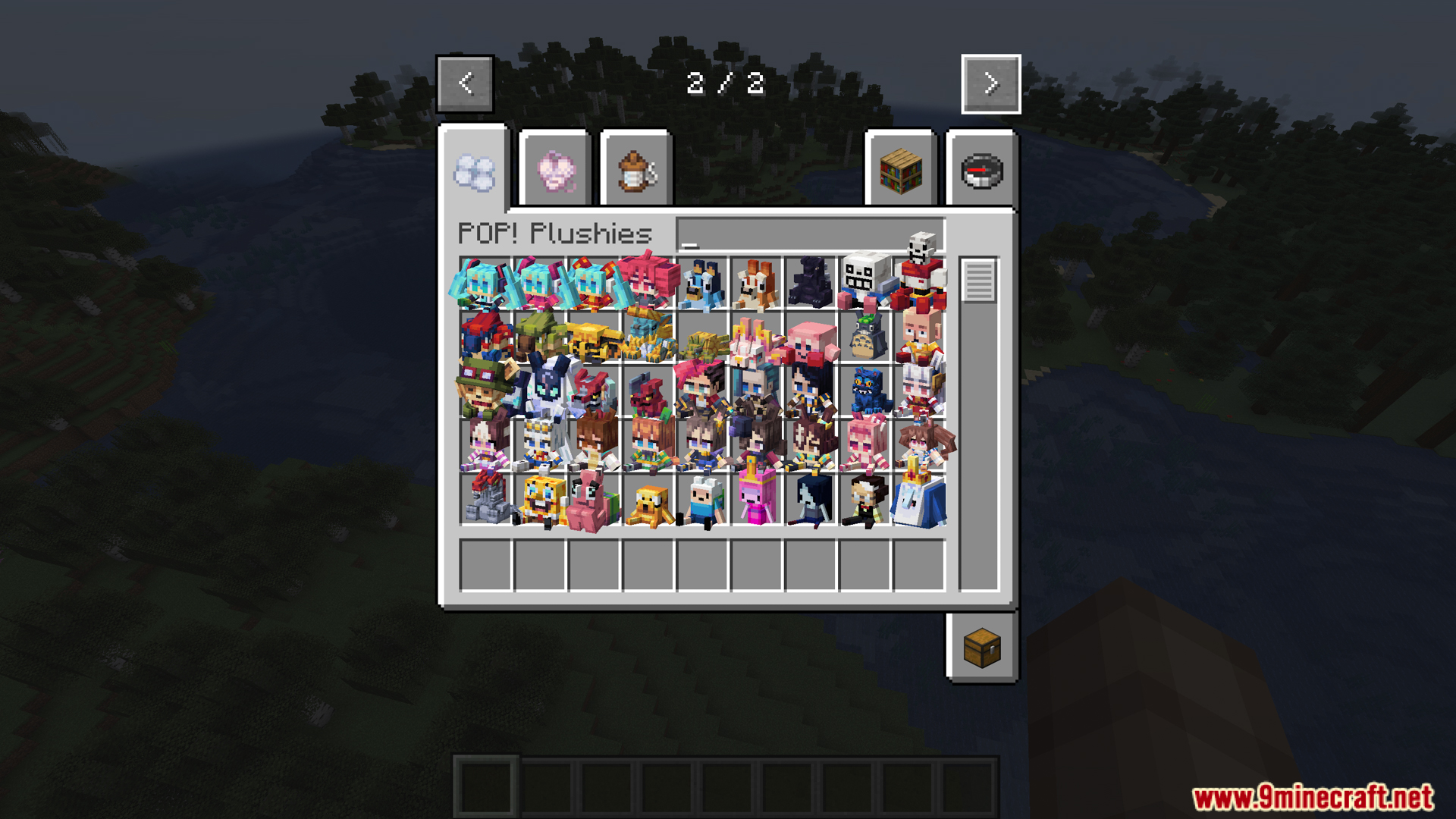
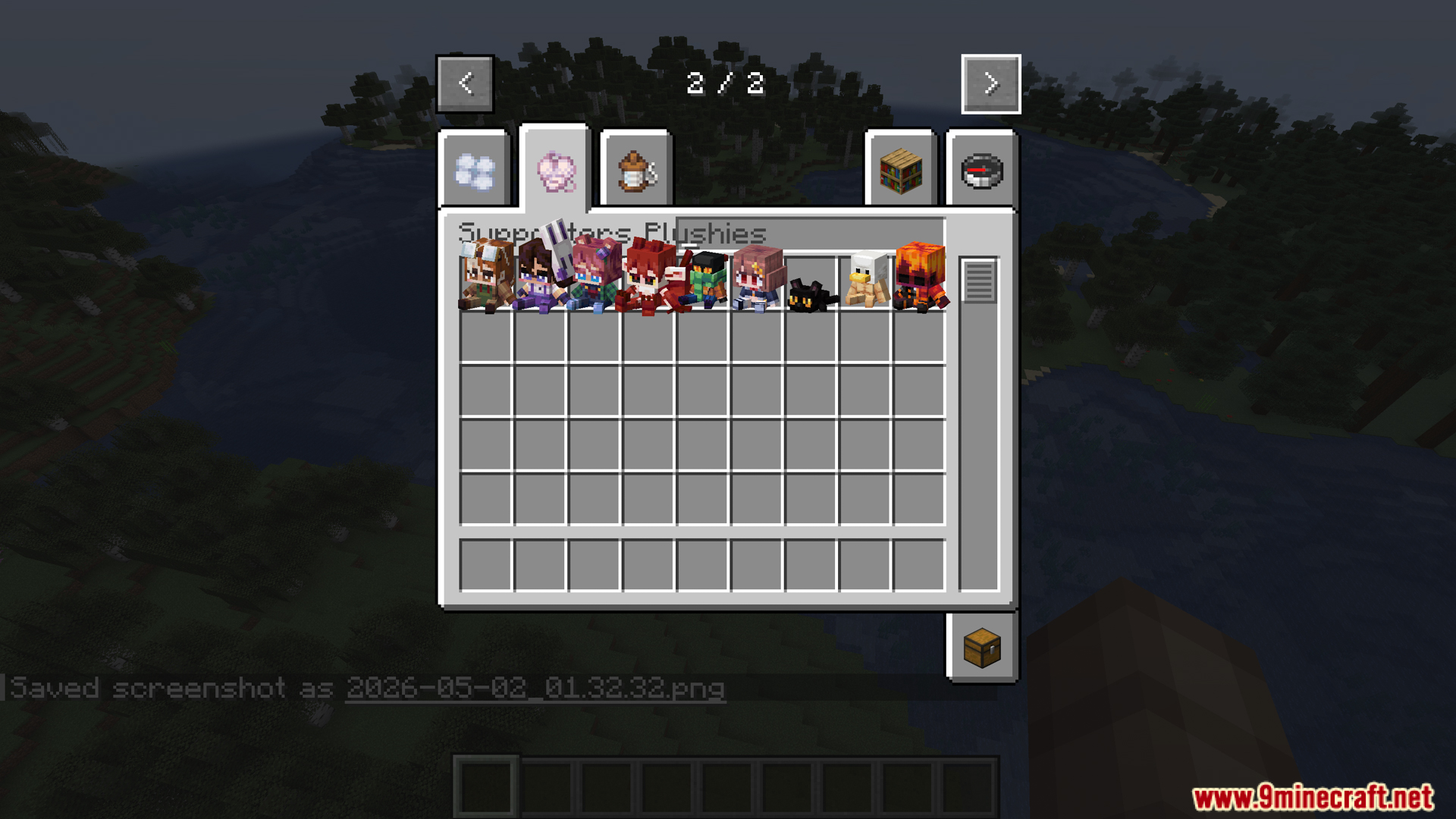
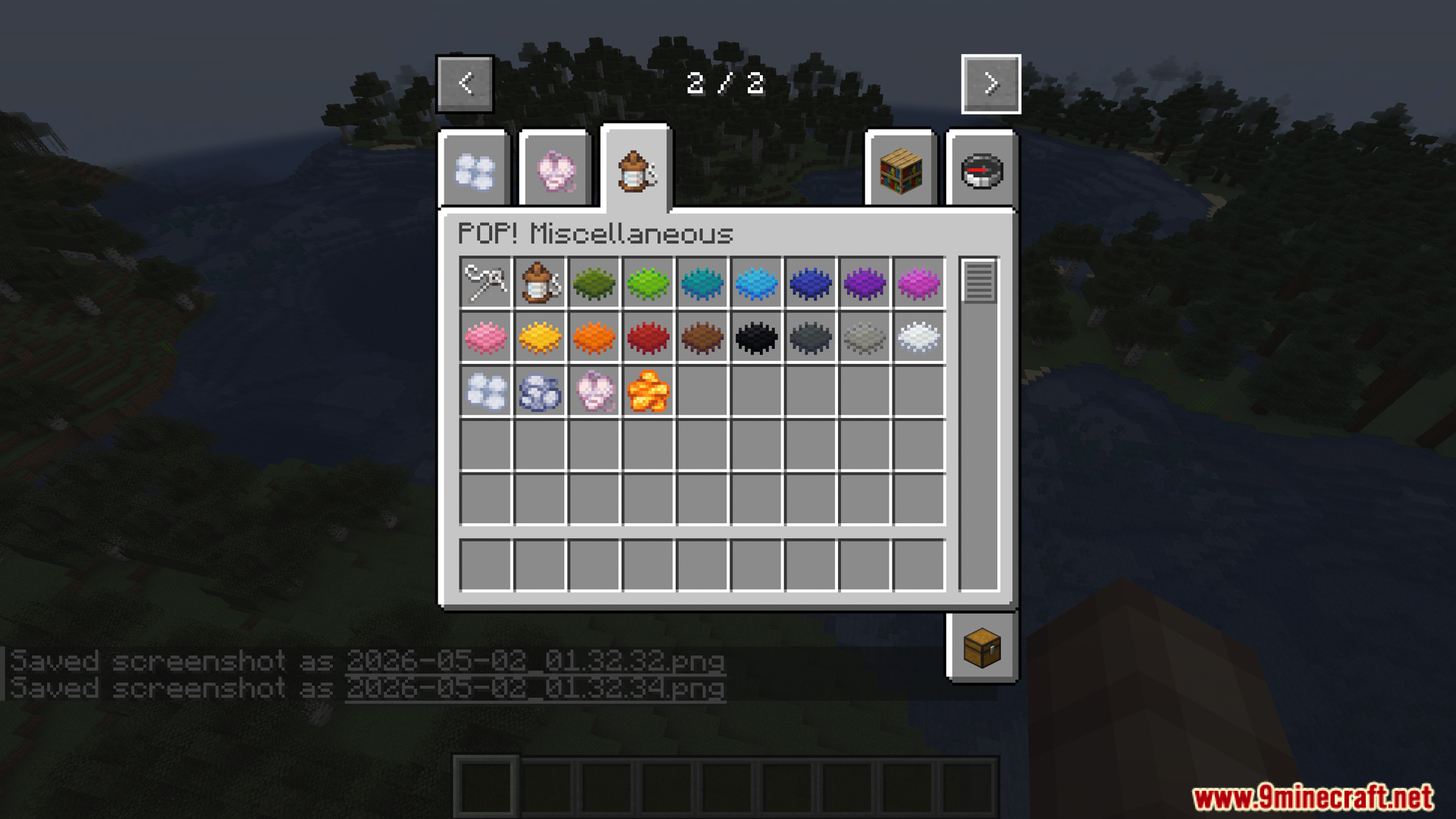
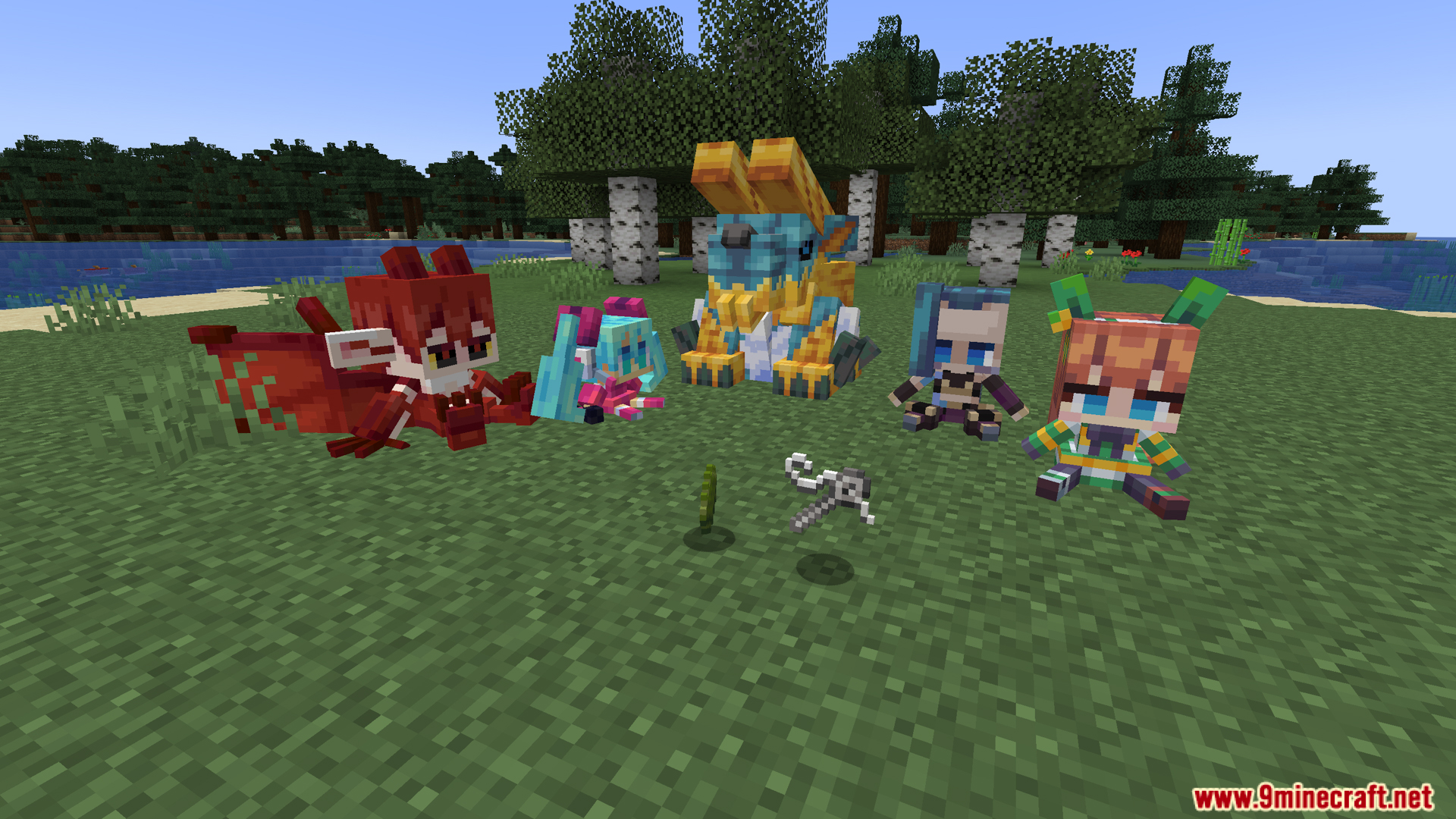
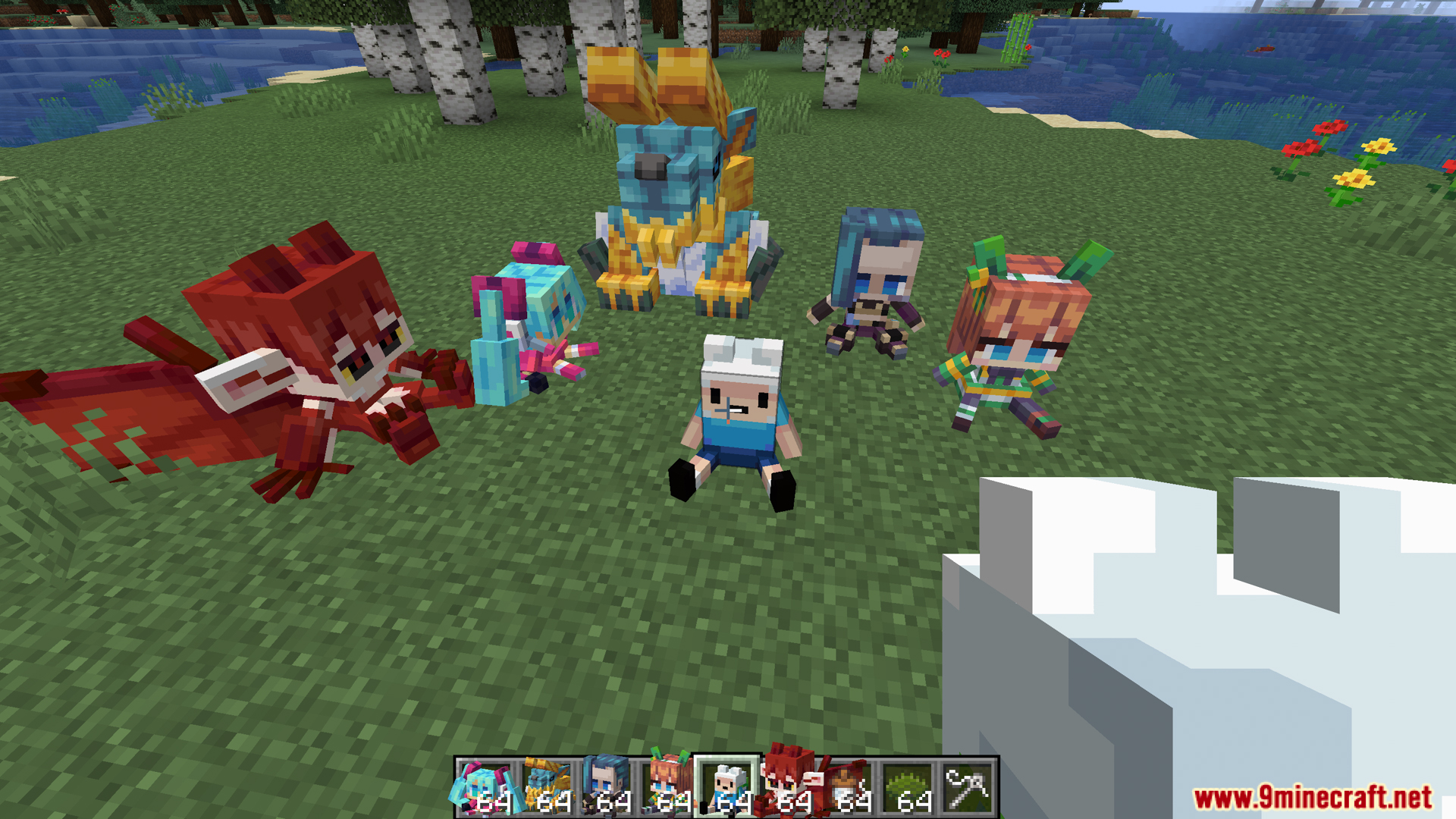
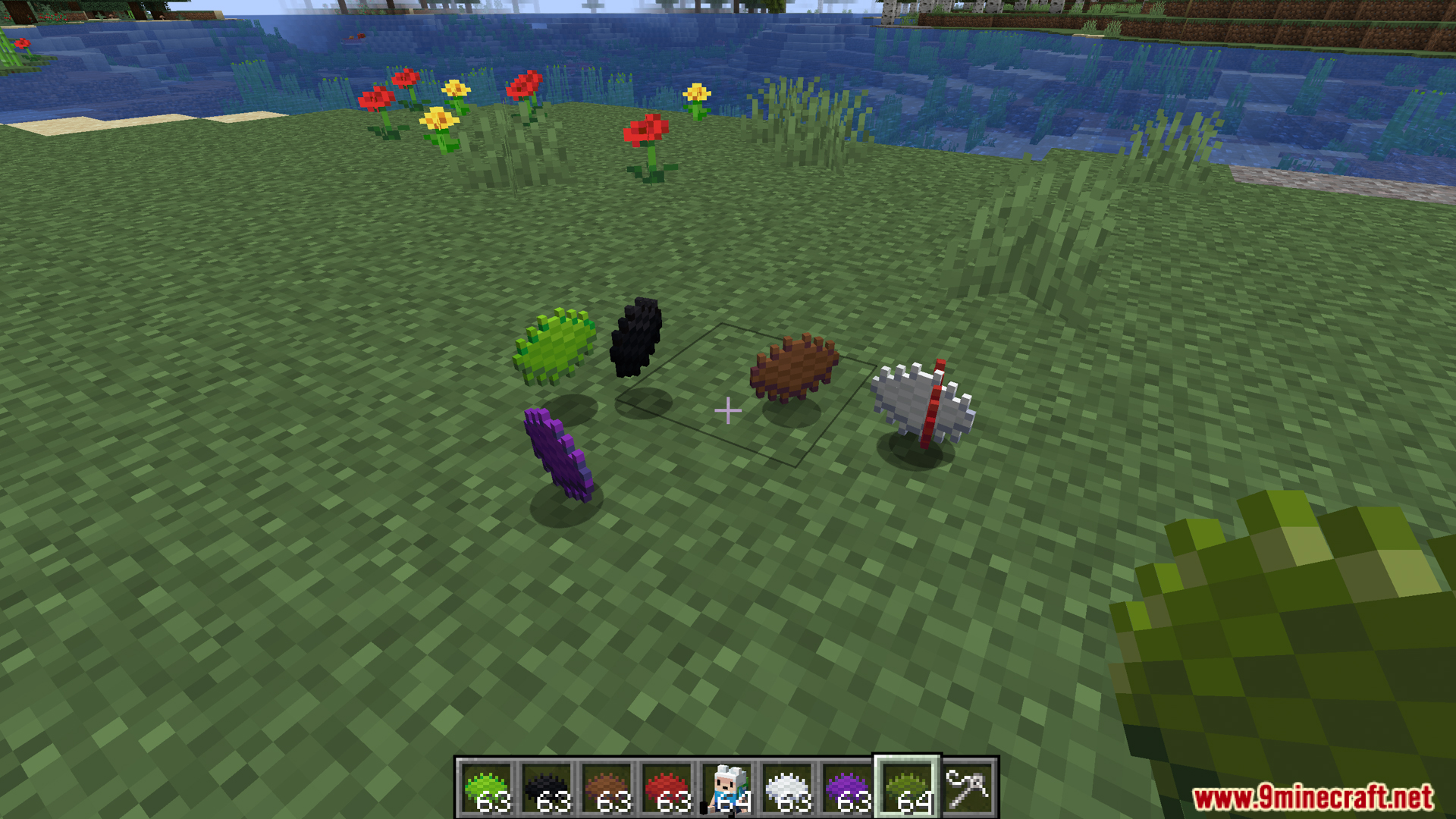
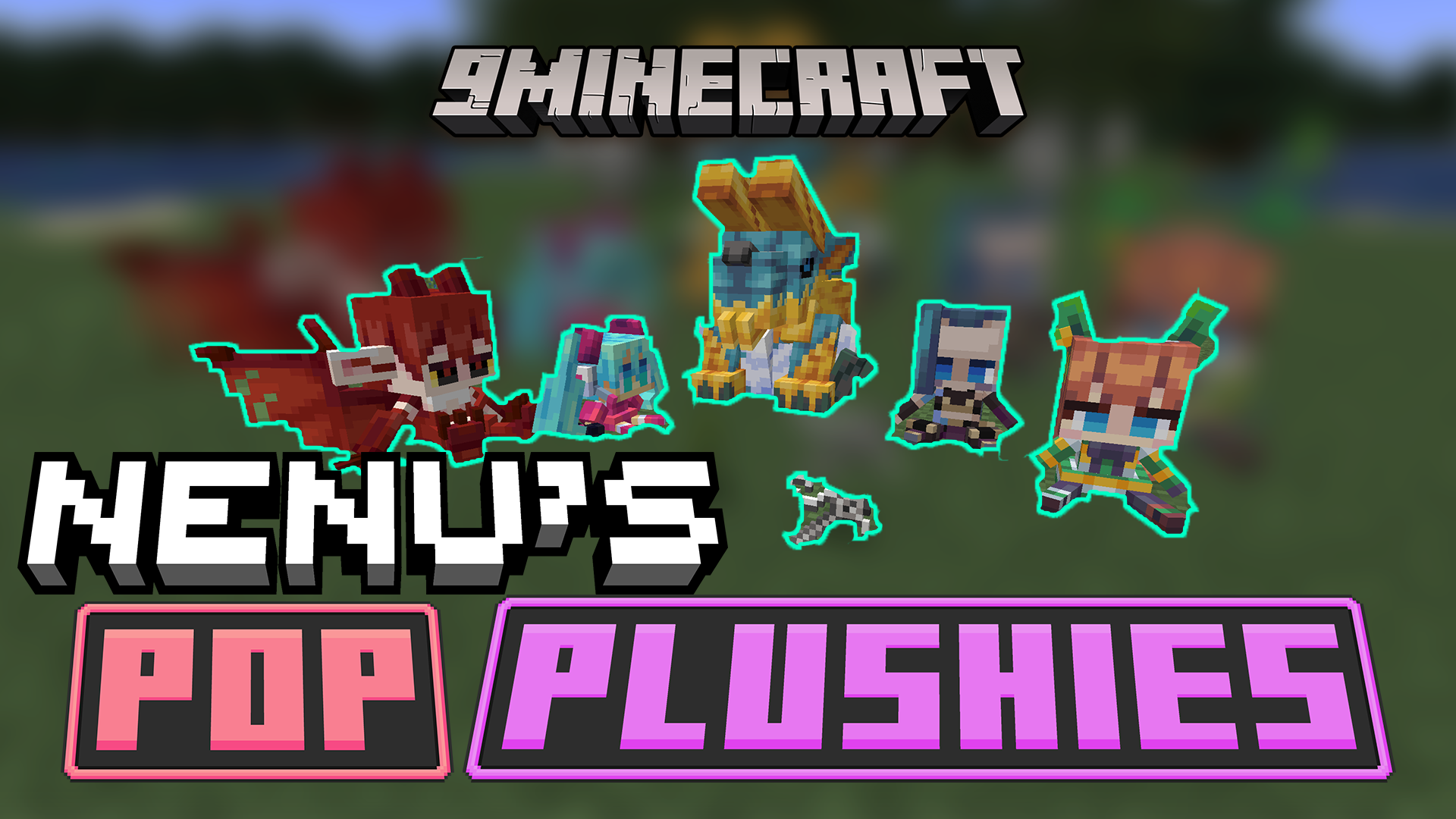
Nenus Pop Plushies Mod adds over 100 toy figures from popular movies, shows, and games into your world. This mod lets you craft small, cute versions of famous characters to place around your base. You get to collect figures from cartoons, anime, and other video games. The mod includes many different styles, from funny internet animals to cool superheroes. It gives you a new way to make your rooms look special with your favorite pop culture icons.
Features:
- Craftable Plushies: Make small toy versions of famous characters using normal items.
- Anime and Manga Figures: Collect characters from shows like JoJo, Jujutsu Kaisen, and Attack on Titan.
- Cartoon Characters: Decorate with familiar faces from Adventure Time, SpongeBob, and Gravity Falls.
- Video Game Icons: Find figures from games like Undertale, Sonic, Doom, and Pokémon.
- Movie Stars: Place tiny versions of Godzilla, Totoro, and characters from Marvel.
- Internet Memes: Get funny toys based on popular internet jokes and animals.
- Holiday Variants: Collect special pink figures for Valentine’s Day or Lunar New Year outfits.
- Special Trades: Talk to villagers to trade for rare and unique plushies.
- Supporter Toys: Find extra community-chosen figures mixed into the game.
- Base Decoration: Put these small items on tables, shelves, or beds to make your house look lived-in.
How to Use:
- Open your crafting table to make regular plushies.
- Place the finished toys on blocks to decorate your rooms.
- Find villagers in the world to look for special trades.
- Trade items with them to get rare plushies that you cannot craft.
Screenshots:
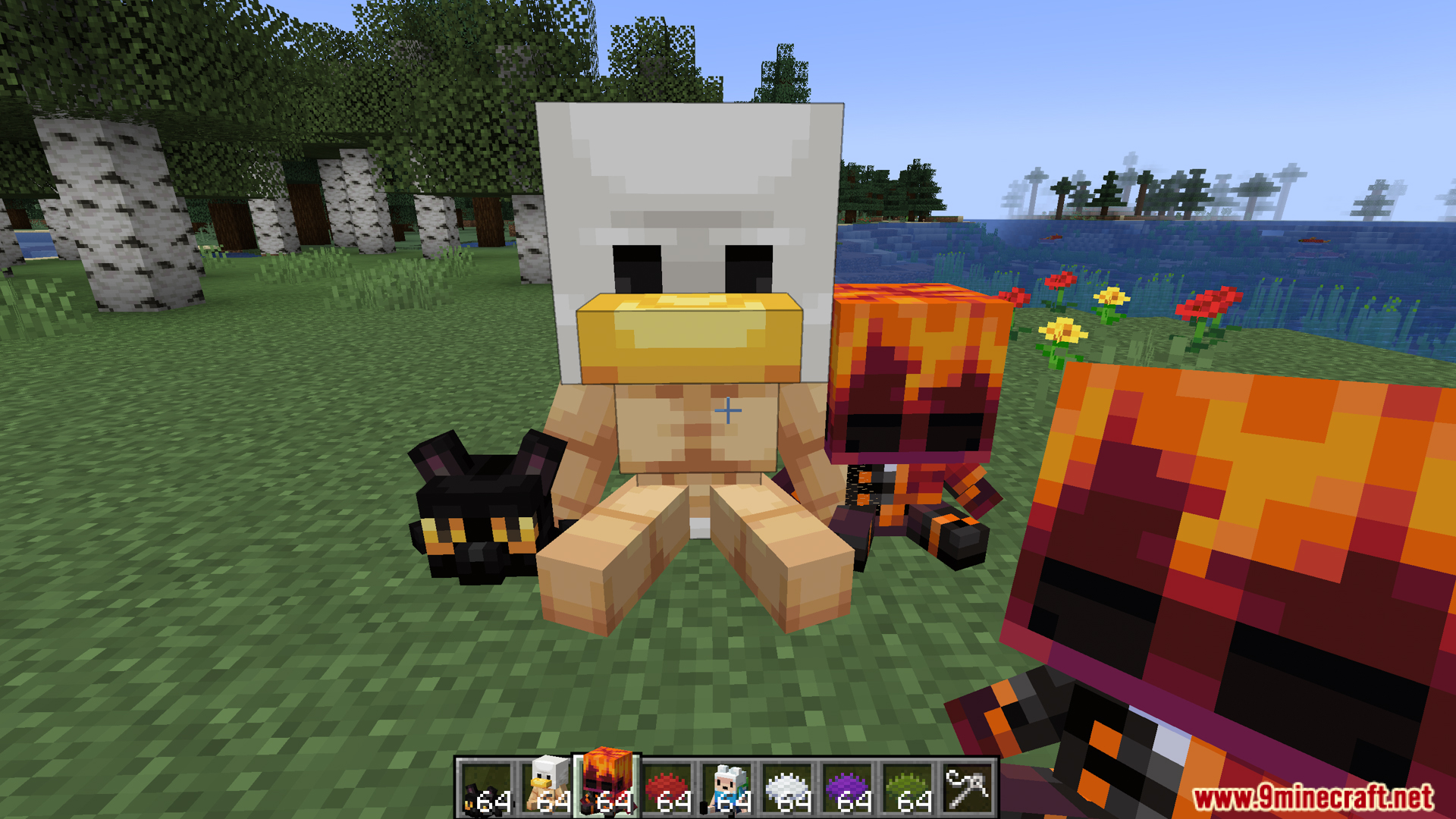
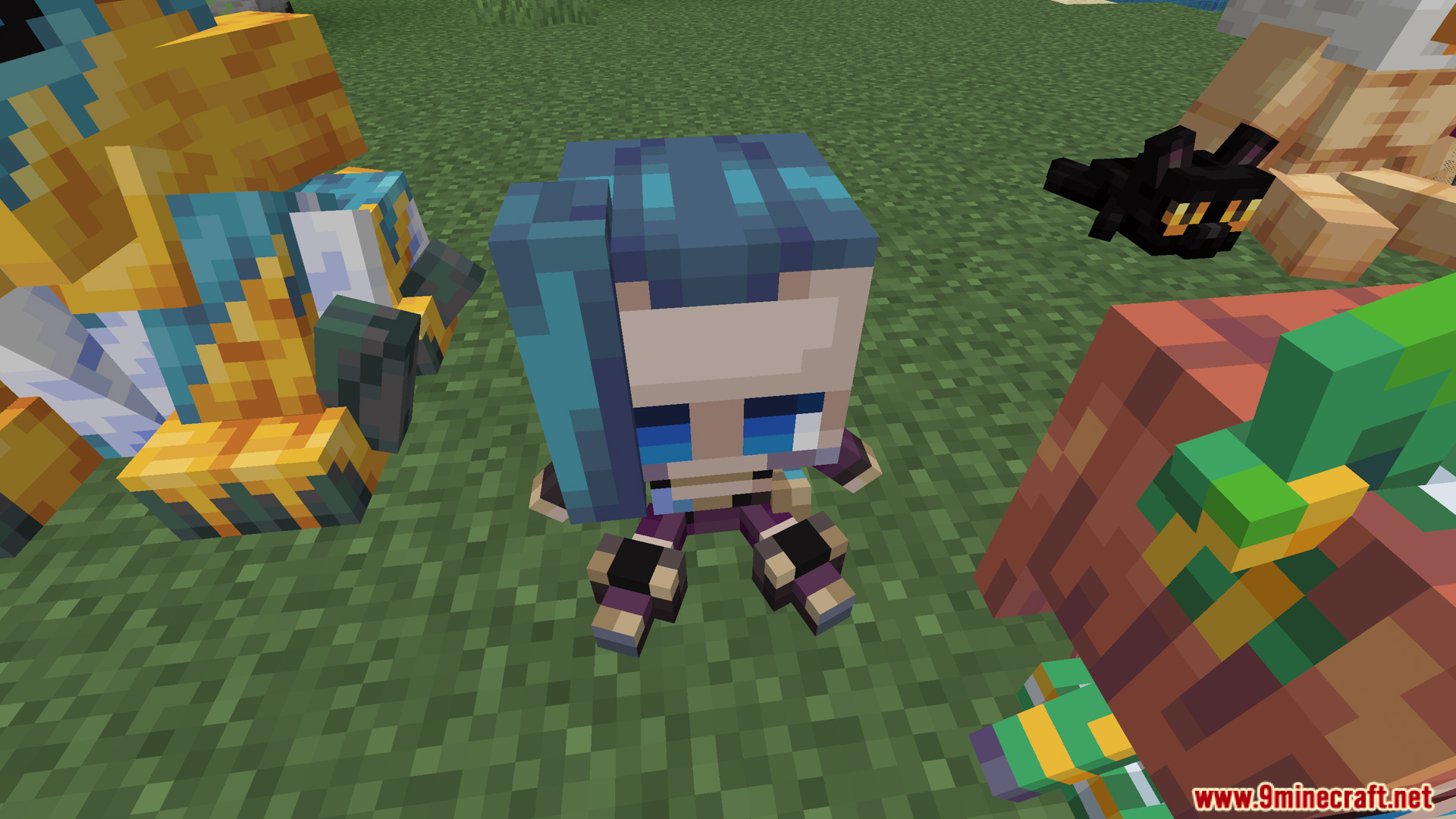
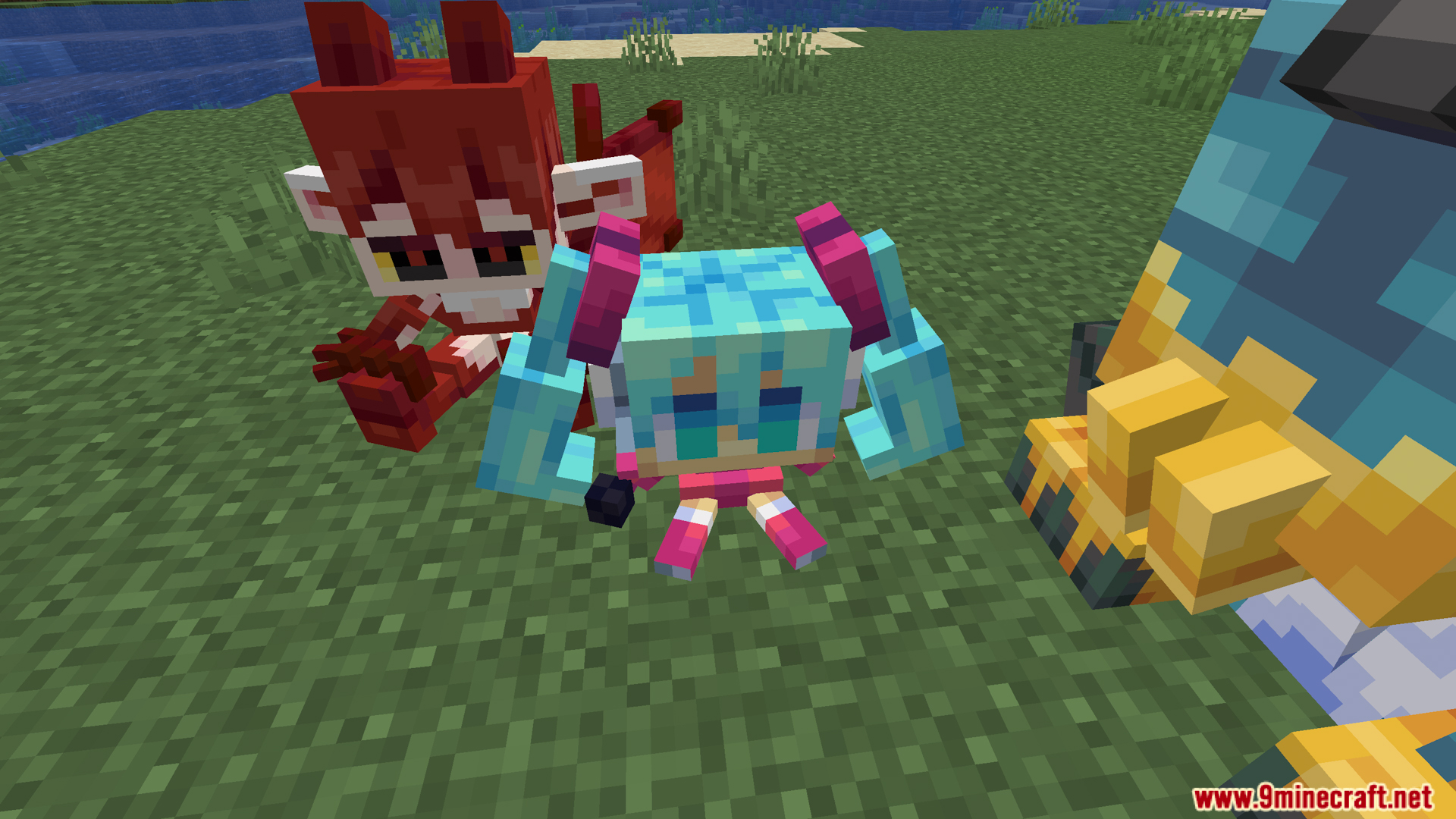
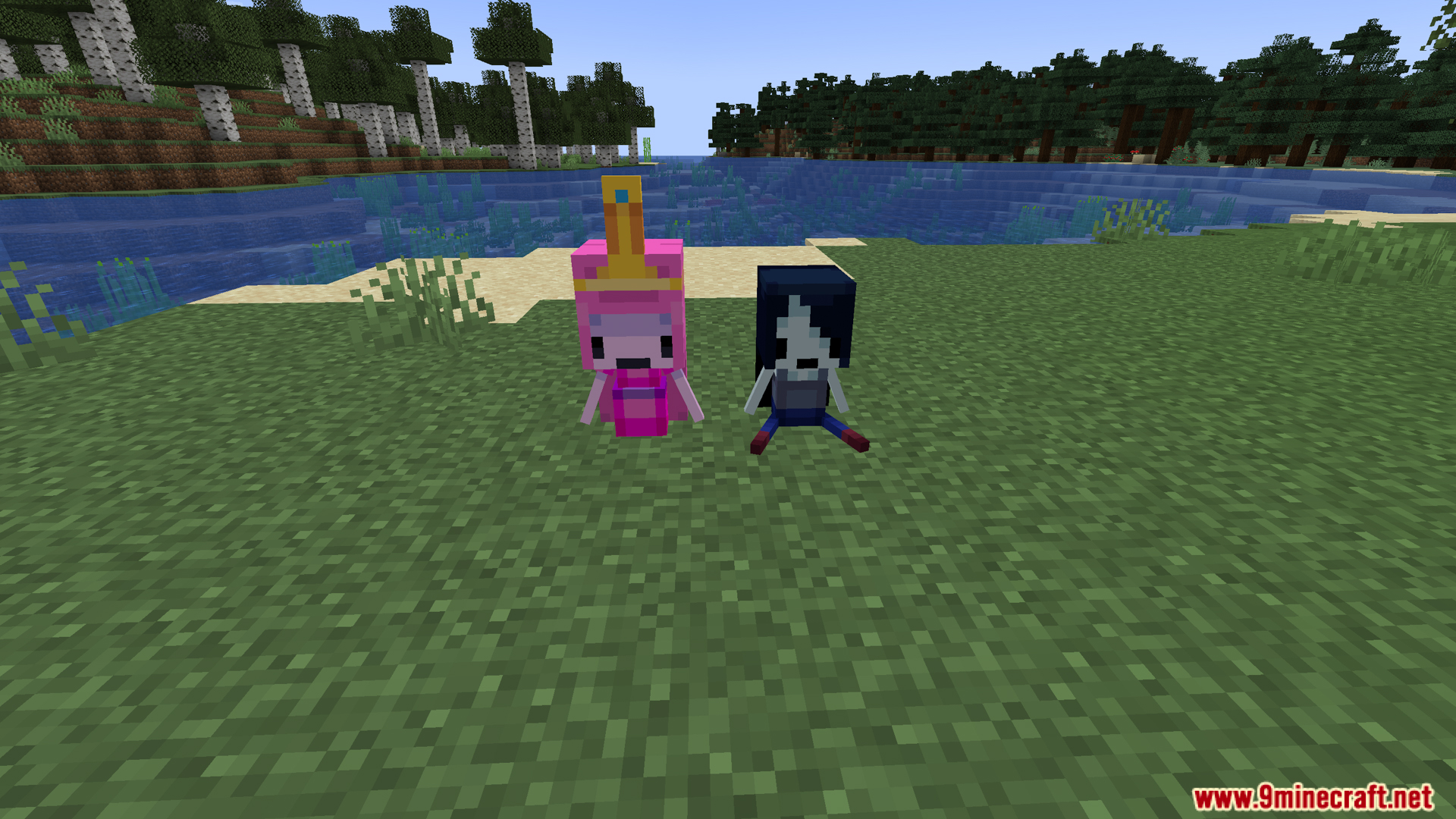
Nenus Pop Plushies Mod Download Links
Quick facts
- Edition: Minecraft Java
- File type: .jar
- Minecraft versions listed: 1.21.1, 1.20.1
- How to install: Install the matching mod loader (Forge, Fabric or NeoForge) for your Minecraft version. → Download the .jar. → Put it in the .minecraft/mods folder and launch that loader profile.
- Where to get it: In MC Java Mods, or directly above on this page.
Install steps are the general flow for this file type — How to install Minecraft Java mods & modpacks walks through it step by step.
File checked by MCModsHub
- Downloads as 26709.mcaddon
- Download size: 2.4 MB
- Download link checked 22 Sept 2026 — working
- Mirrored on our own servers — the download does not depend on the original host
These come from our own check of the pack file, not from the source page.