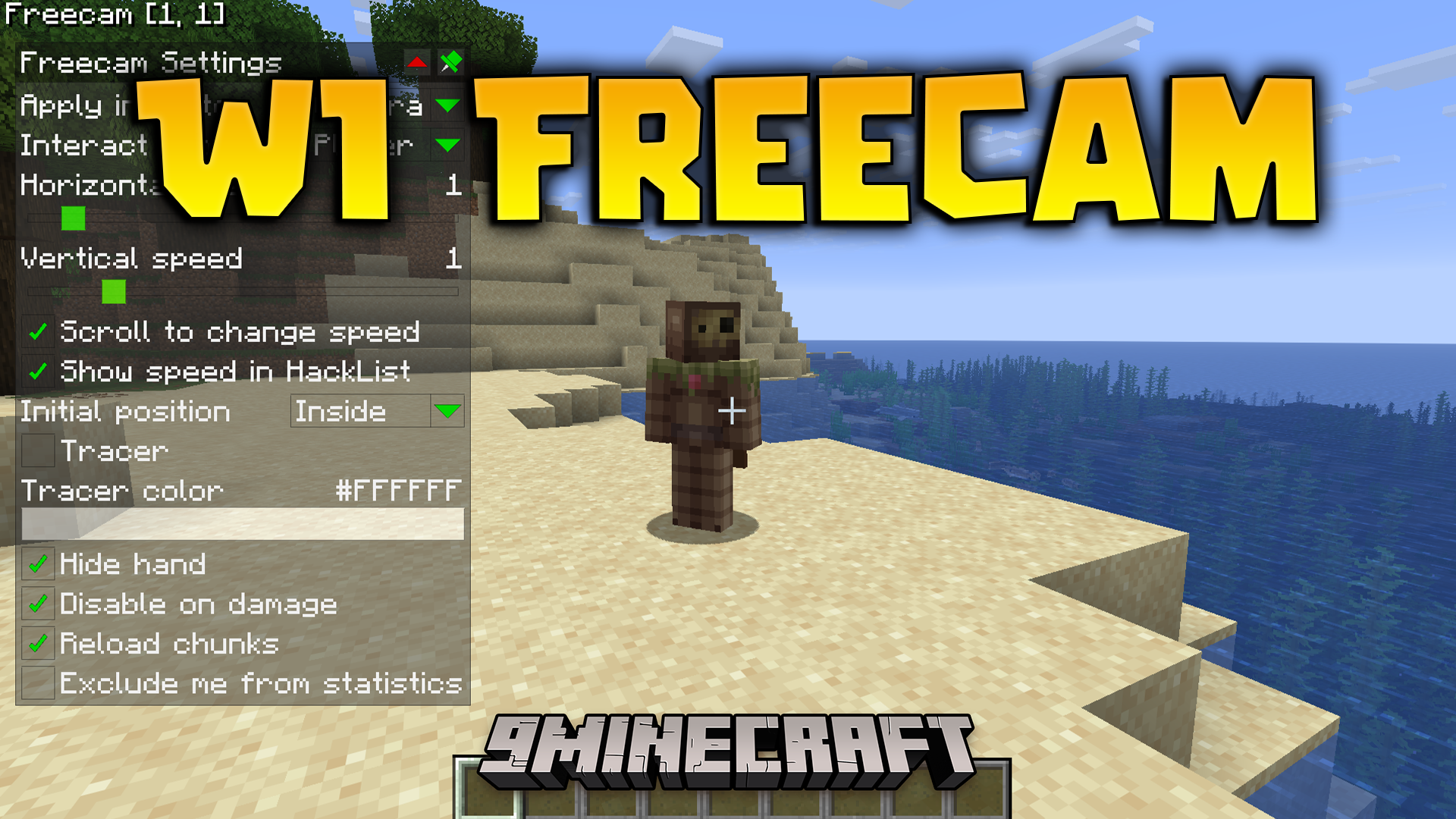
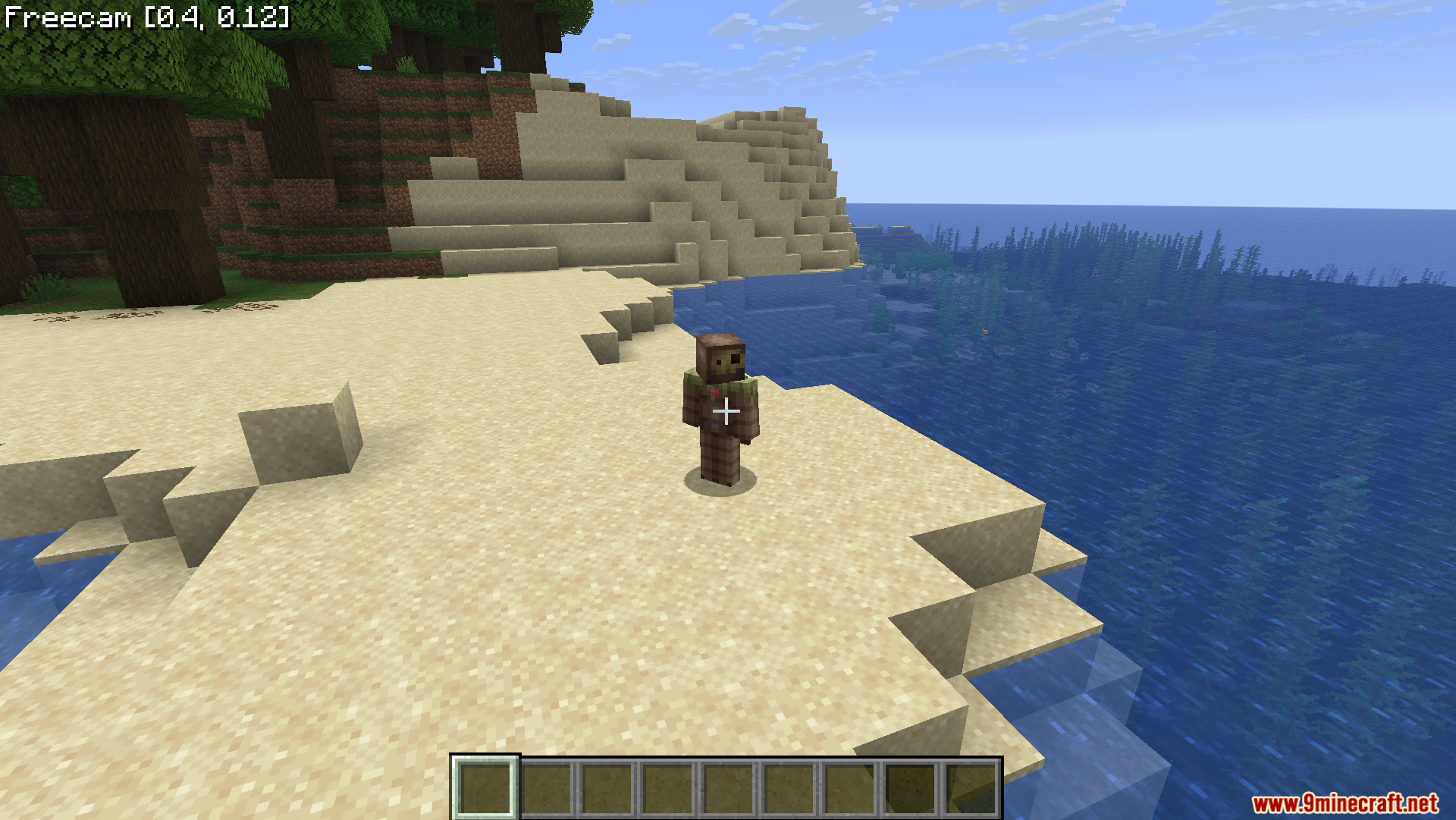
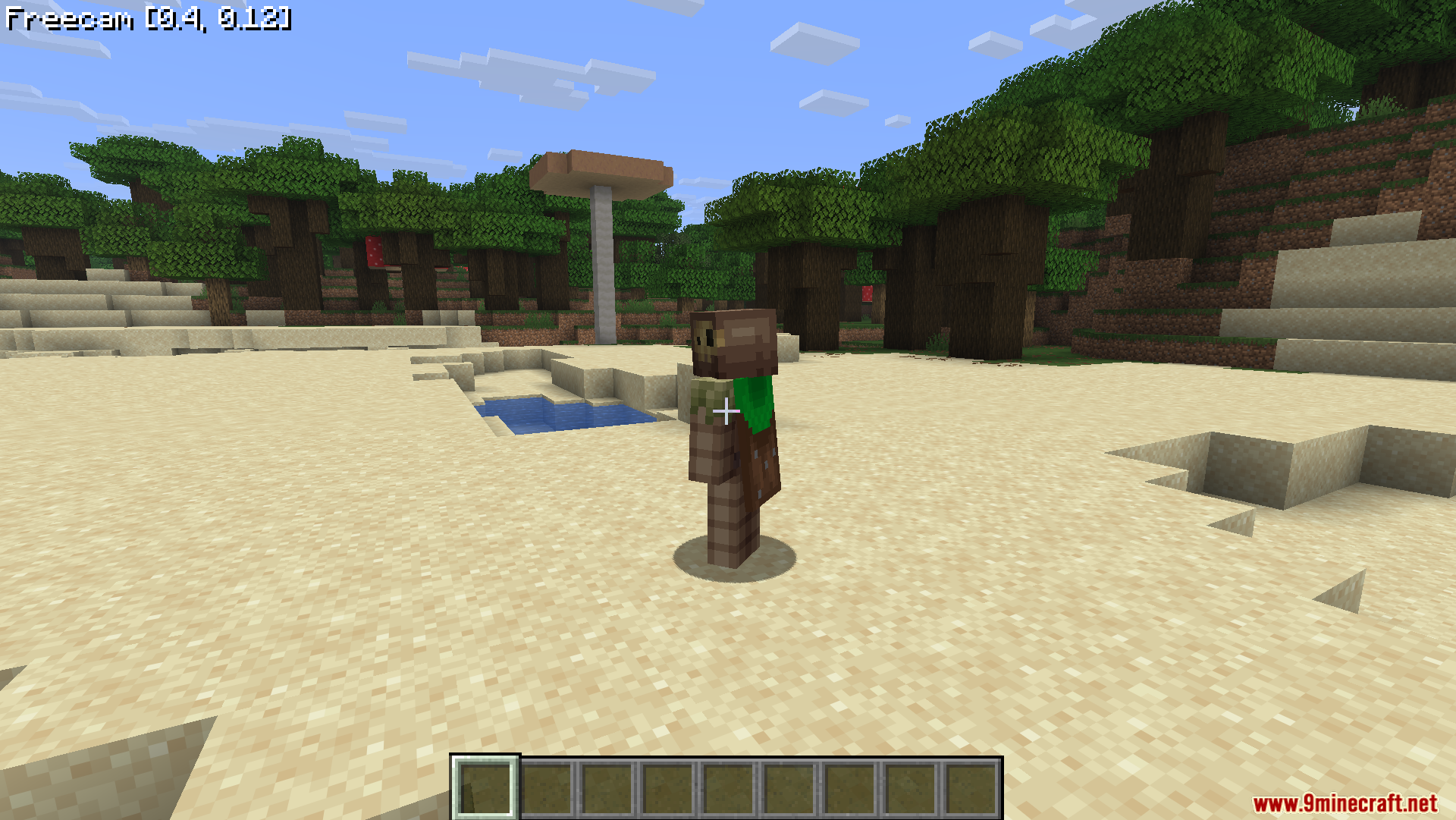
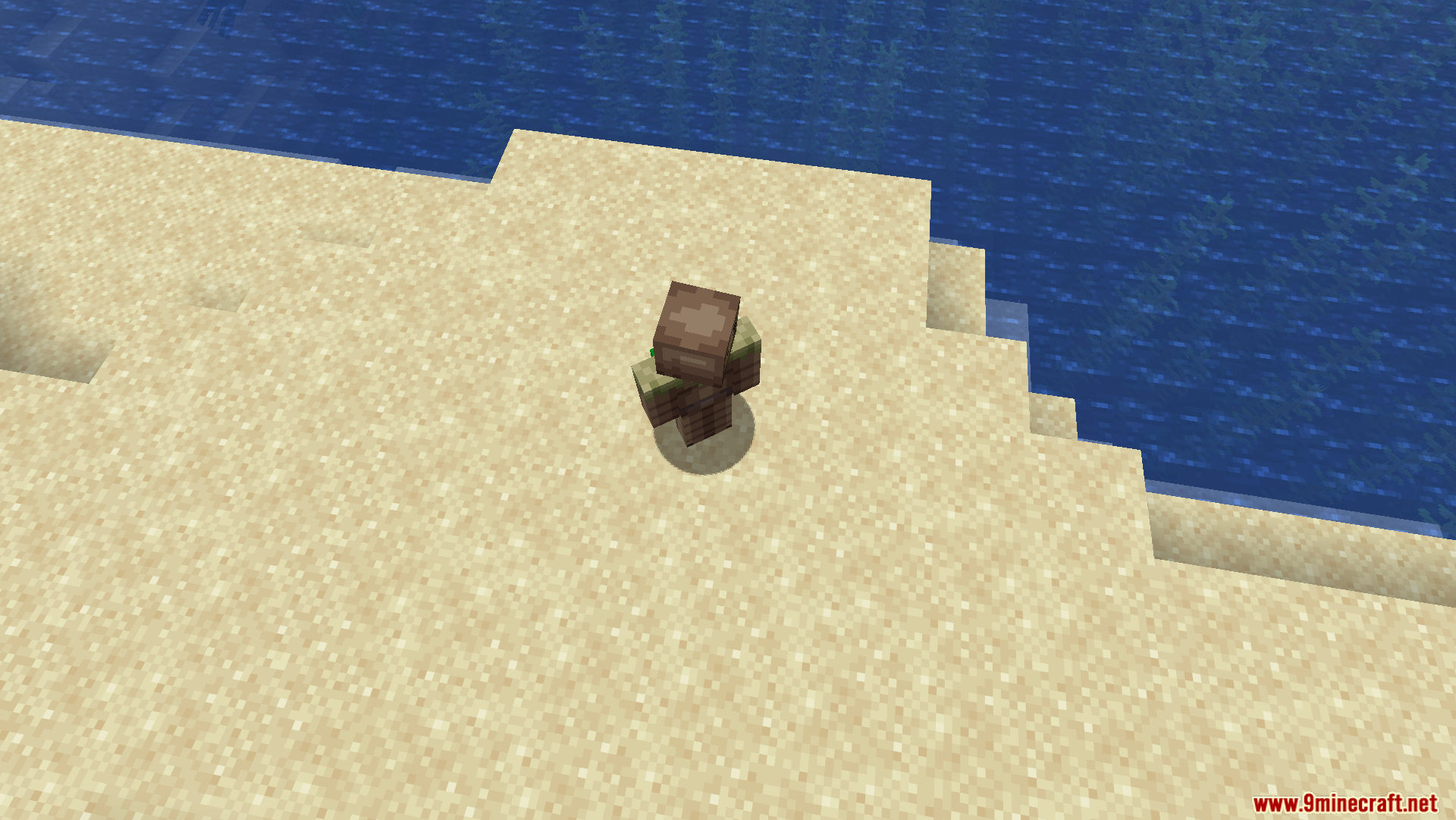
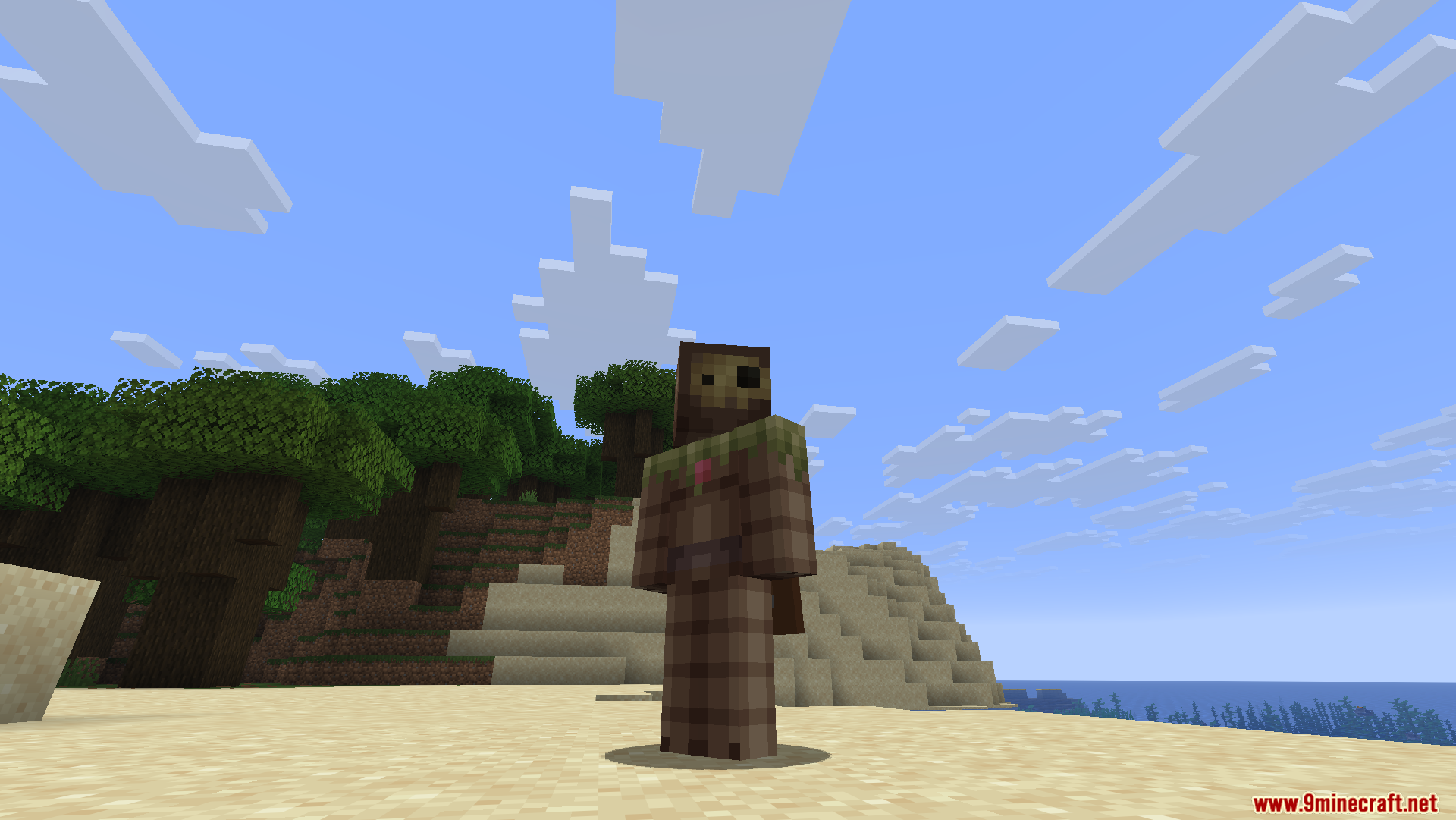
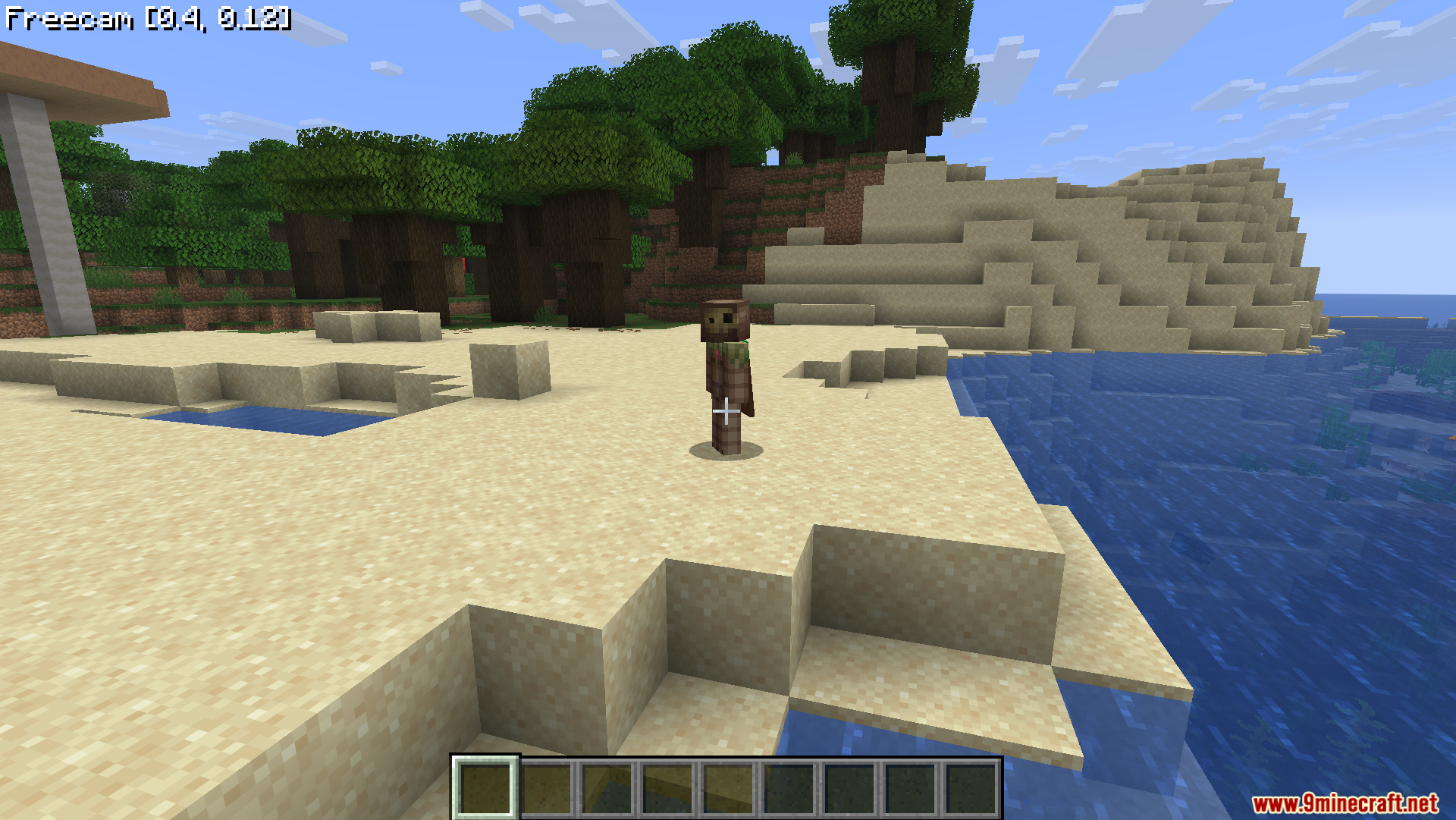
WI Freecam Mod lets you detach your camera and fly around the world while your character stays in one spot. It works just like spectator mode, but your real body never moves. This tool helps you take perfect screenshots, look at tall buildings, or check hidden redstone wiring without placing dirt blocks everywhere. The mod moves the camera purely as a coordinate, so it keeps normal player physics working safely. You can look at your surroundings from any angle on any server.
Features:
- Precise Movement: Uses WASD for flat horizontal moving and Space or Shift for going up and down.
- Instant Stops: Stops the camera exactly when you let go of the keys, without sliding around like ice.
- Lets you change your flying speed by scrolling the mouse wheel.
- Shows your current speed on the screen so you always know how fast you are going.
- Keeps your preferred ratio between horizontal and vertical speeds saved in the settings.
- Allows you to switch control between the camera and your actual character at any time.
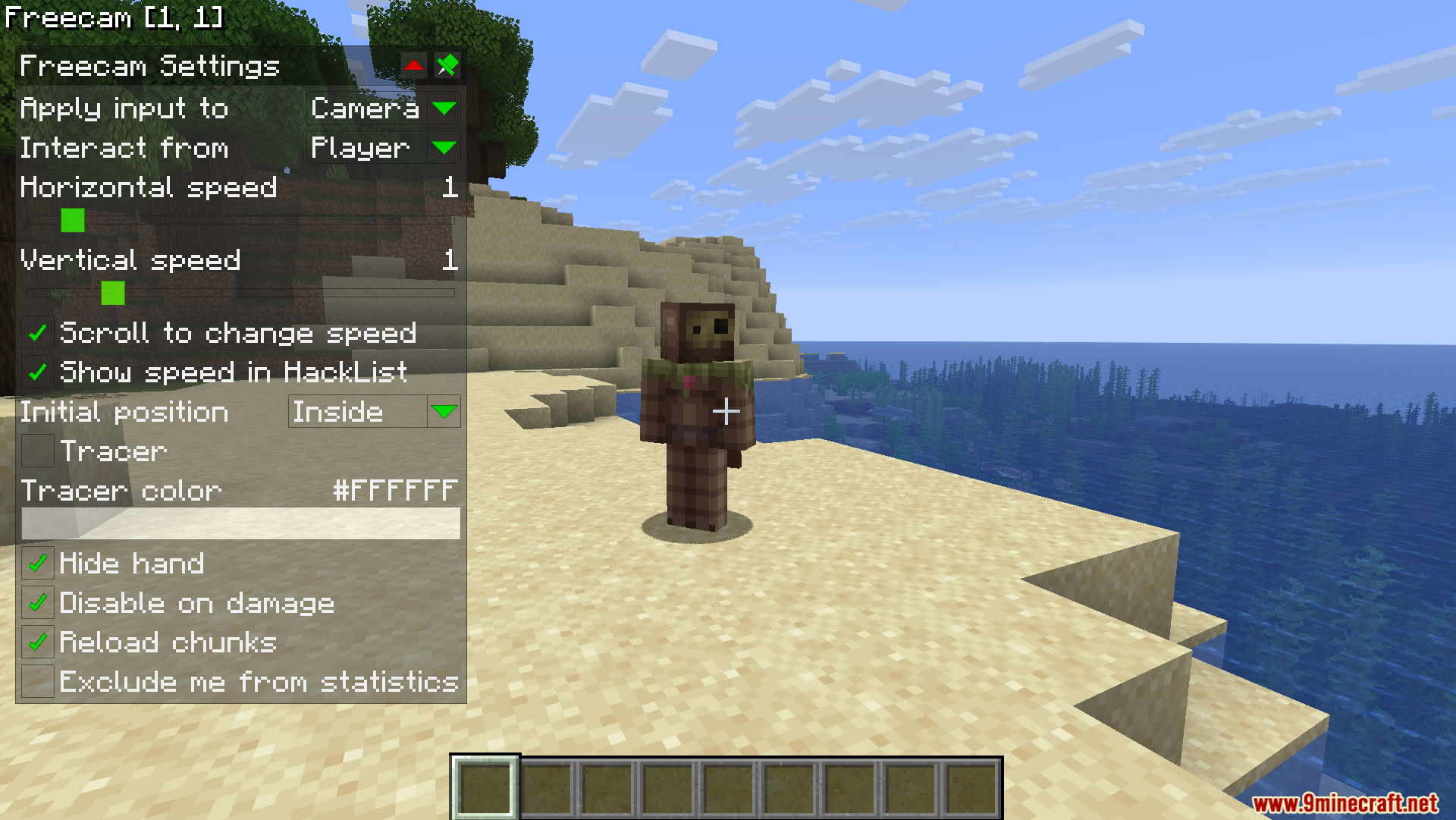
- Draws a helpful line on the screen to show you where your real character is standing.
- Hides your character’s hand automatically when you want to take clean pictures.
- Turns off the free camera automatically if your character takes damage.
- Works cleanly by just moving your viewpoint instead of creating fake players in the world.
Commands:
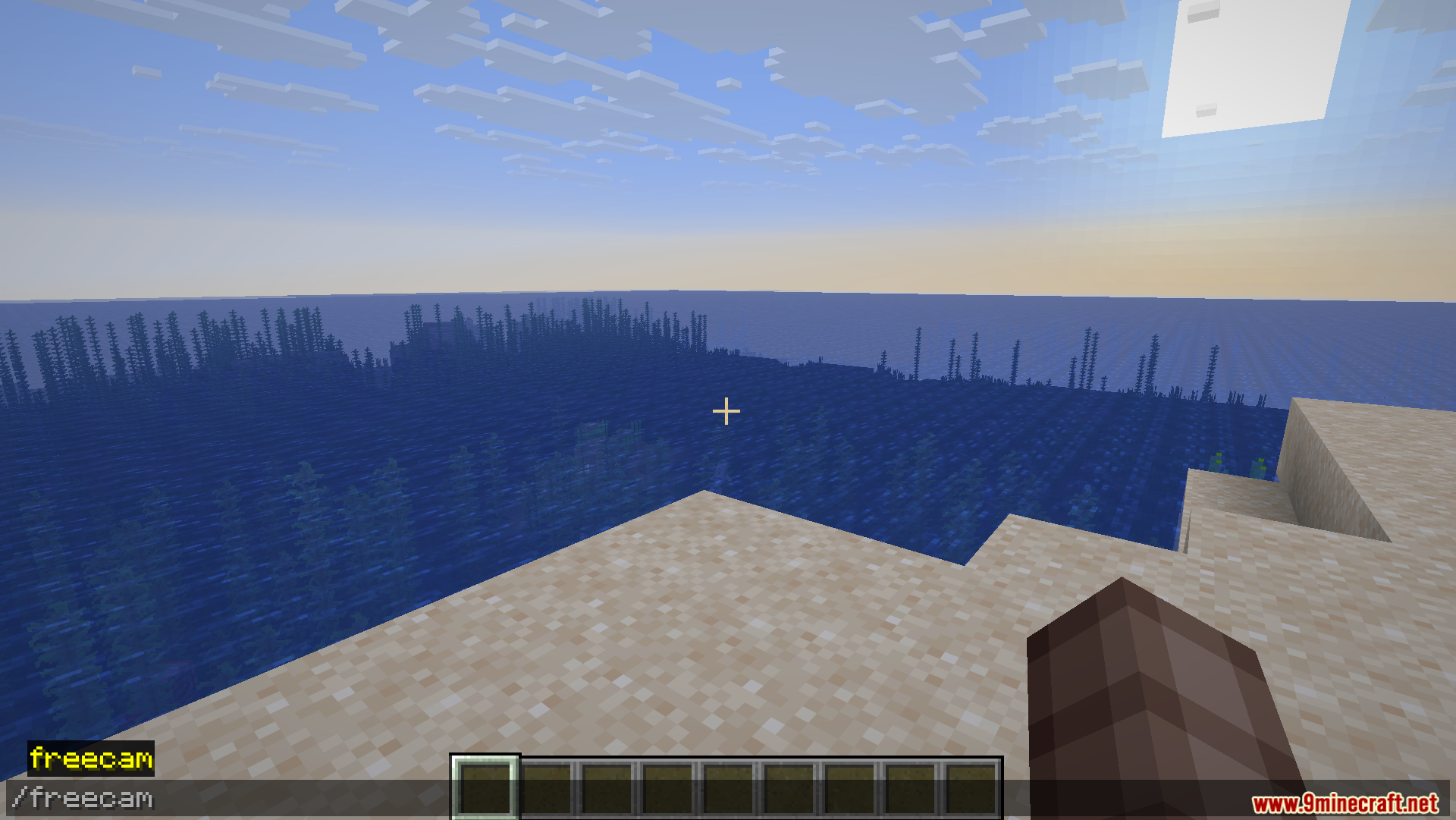
/freecam– Opens the settings menu.
How to Use:
- Press U on your keyboard to turn the free camera on or off.
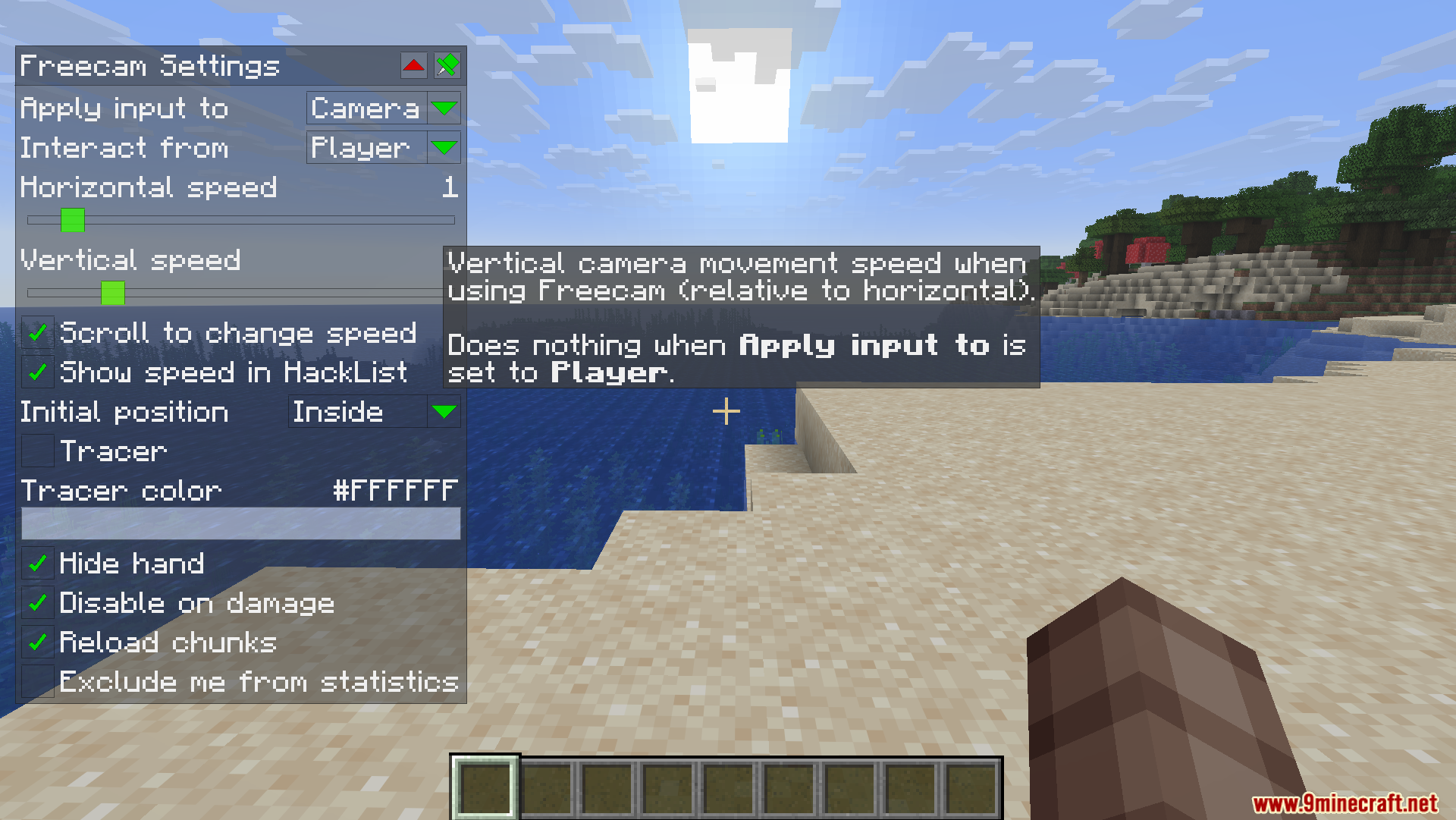
- Press Right CTRL to open the settings menu and change your options.
- Set up a custom keybind in the game controls to switch between moving the camera and moving your character.
- Hold CTRL and click on any slider in the settings to type an exact number.
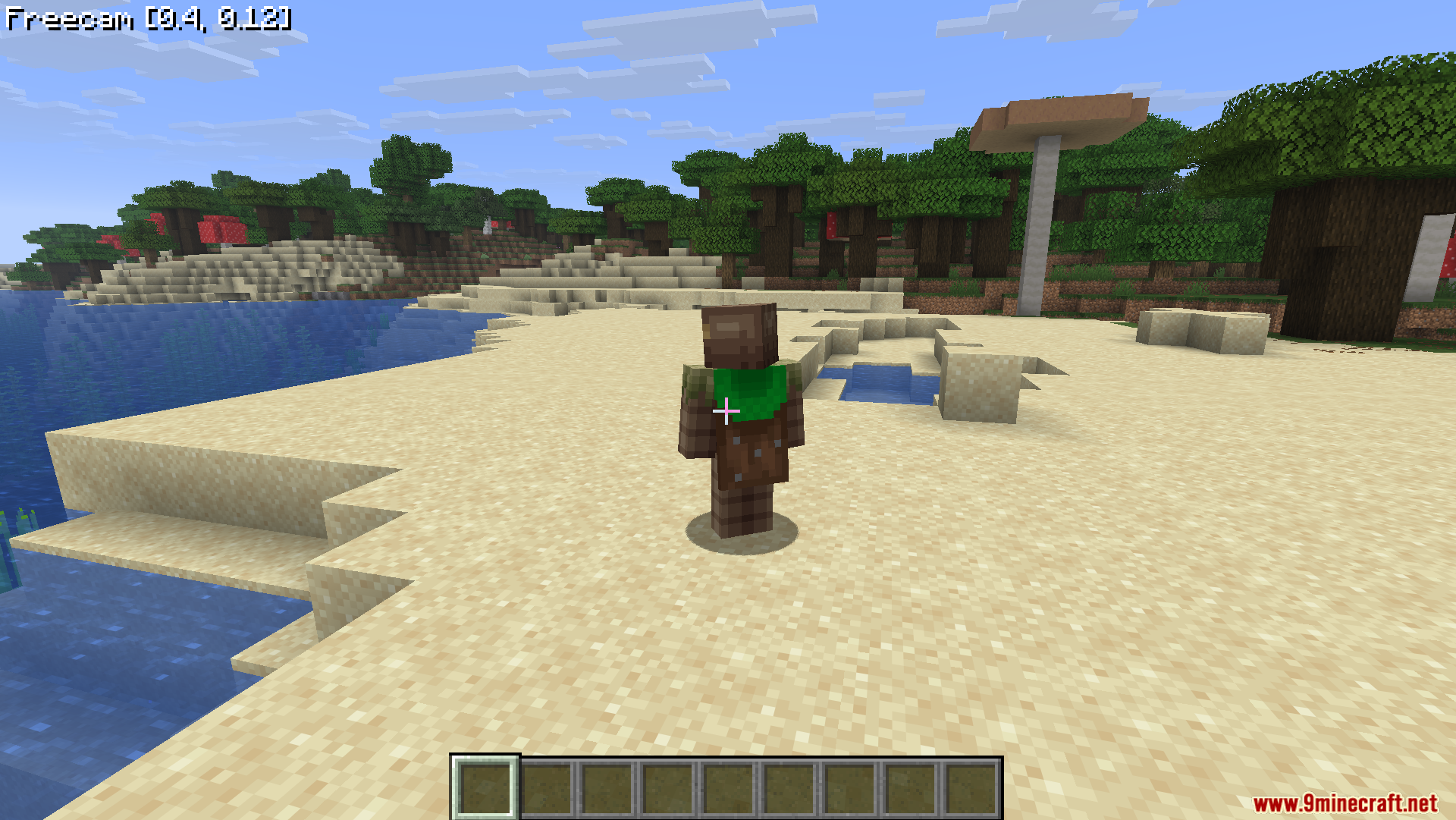
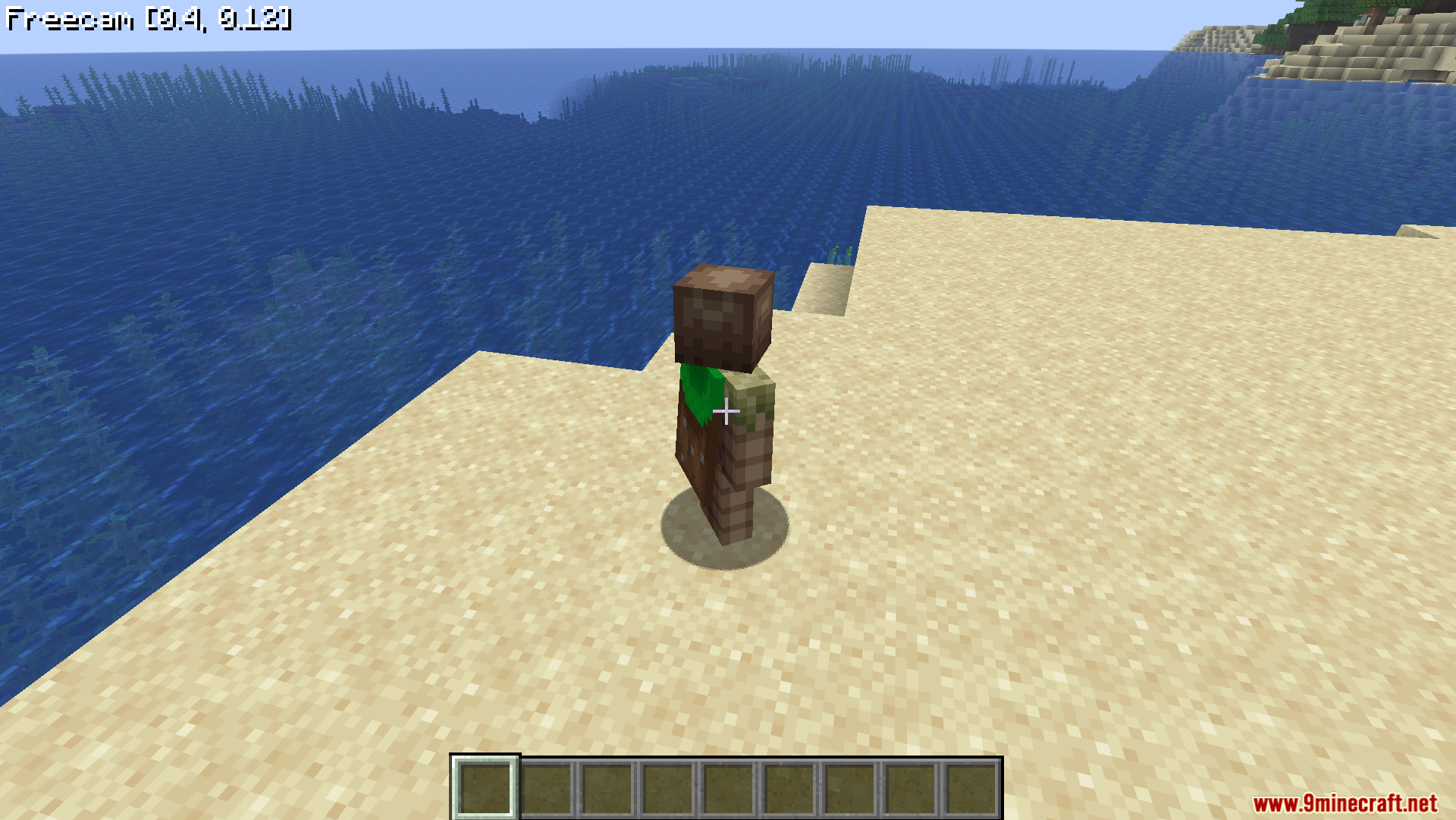
Screenshots:
WI Freecam Mod Download Links
Quick facts
- Edition: Minecraft Java
- File type: .jar
- Minecraft version listed: 1.21.11
- How to install: Install the matching mod loader (Forge, Fabric or NeoForge) for your Minecraft version. → Download the .jar. → Put it in the .minecraft/mods folder and launch that loader profile.
- Where to get it: In MC Java Mods, or directly above on this page.
Install steps are the general flow for this file type — How to install Minecraft Java mods & modpacks walks through it step by step.
Verified by MCModsHub
- Downloads as 2671.mcaddon
- Download size: 248 KB
- Download link checked 26 Sept 2026 — working
- Mirrored on our own servers — the download does not depend on the original host
These come from our own check of the pack file, not from the source page.