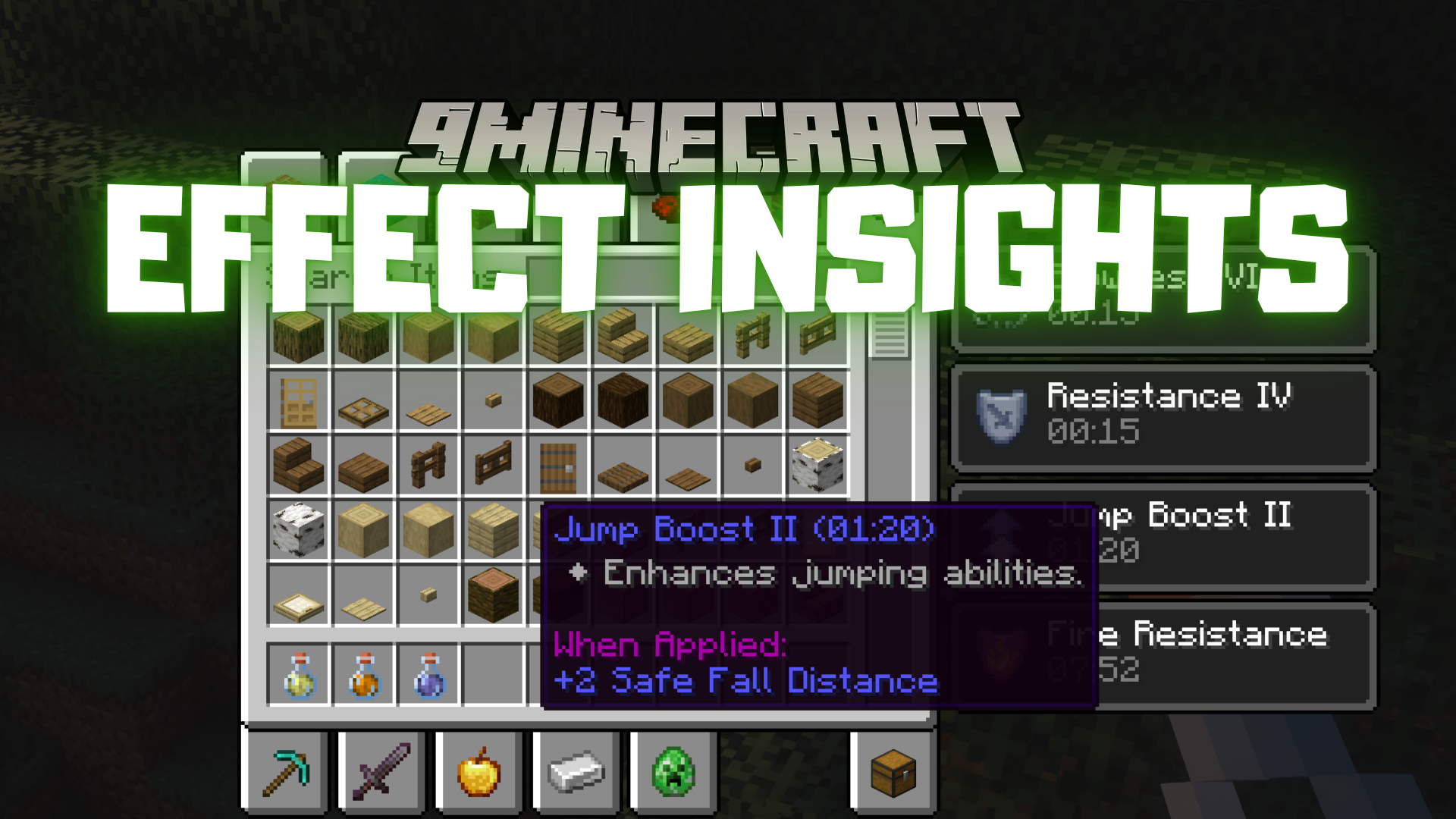
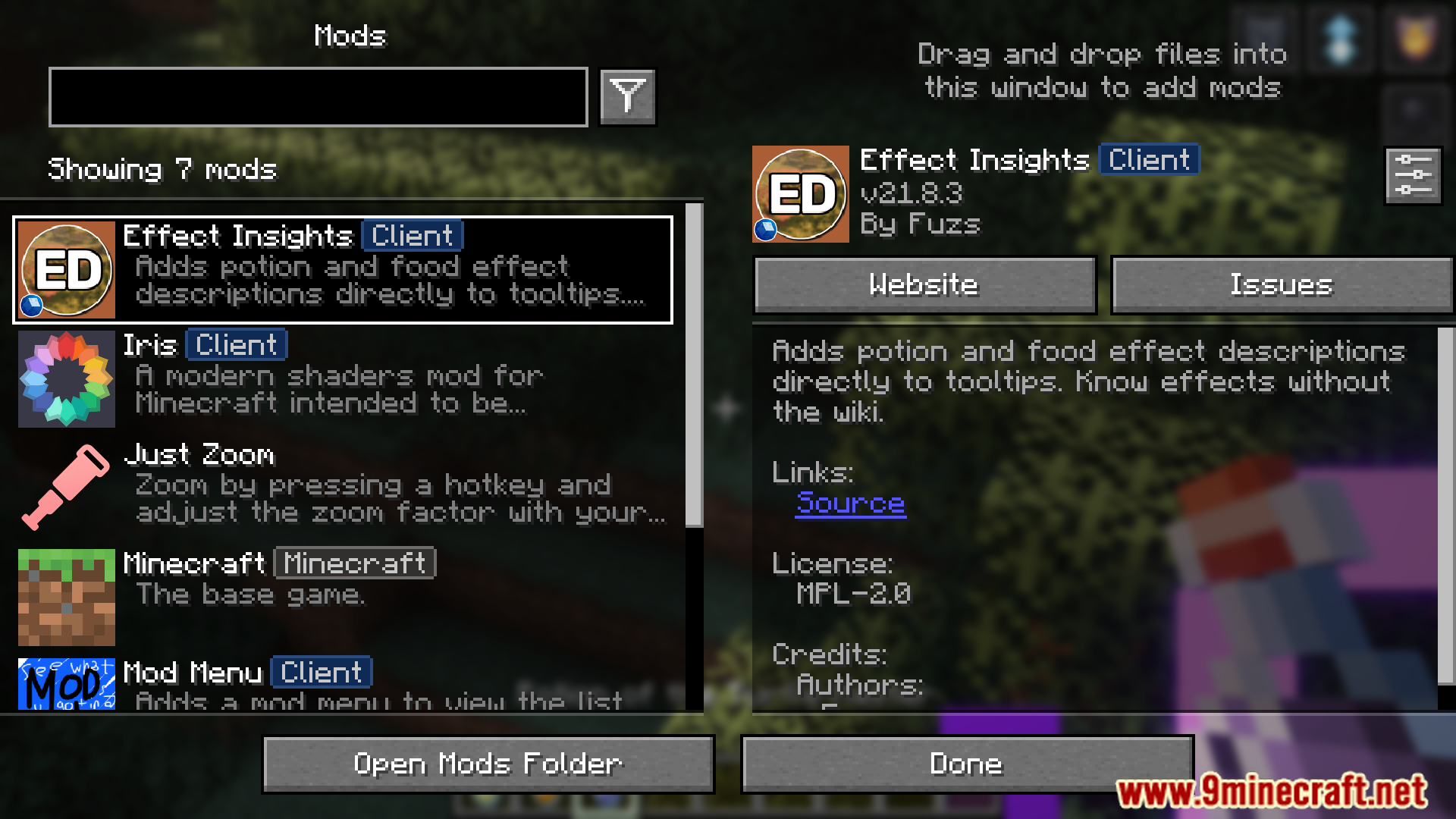
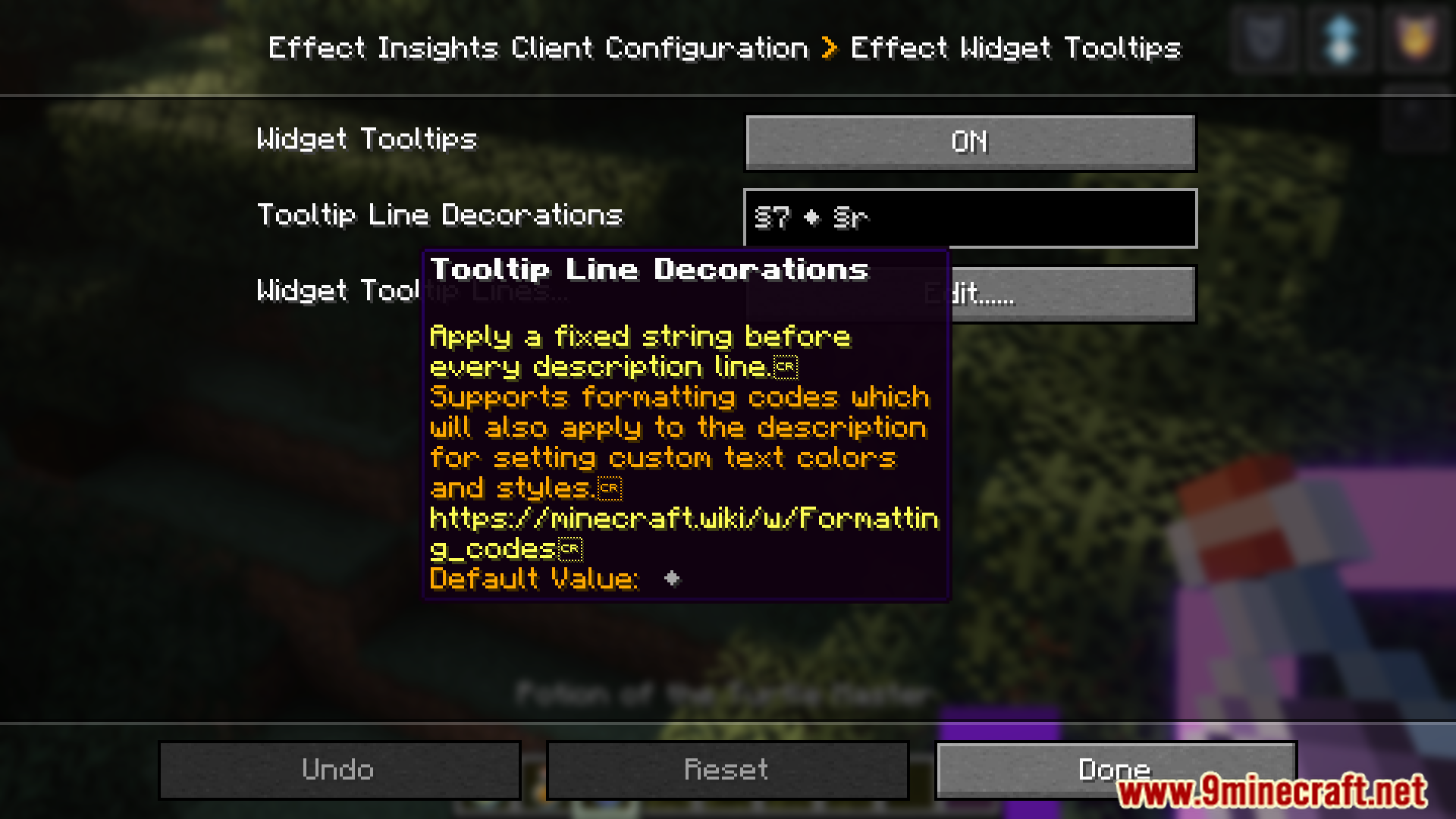
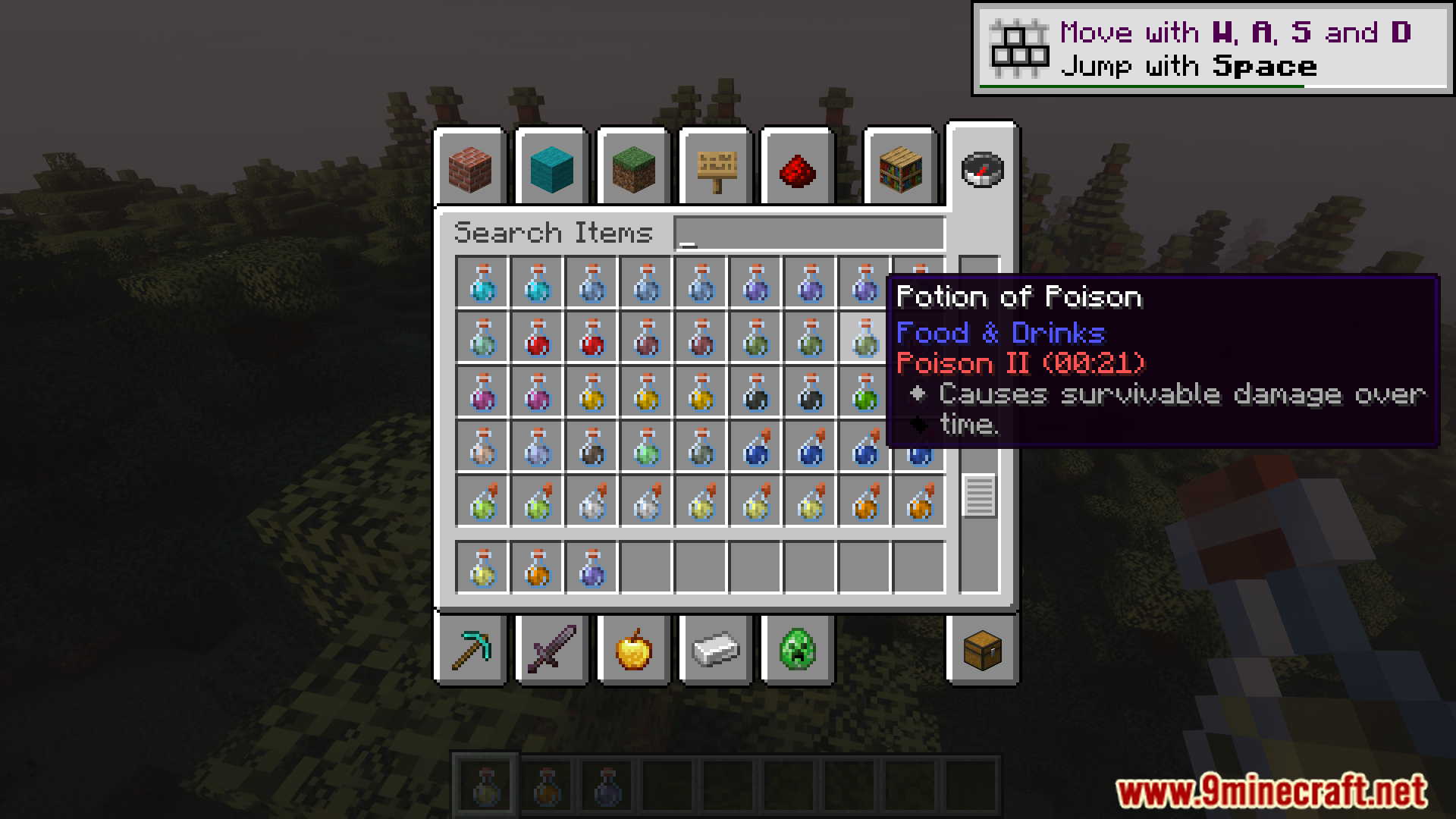
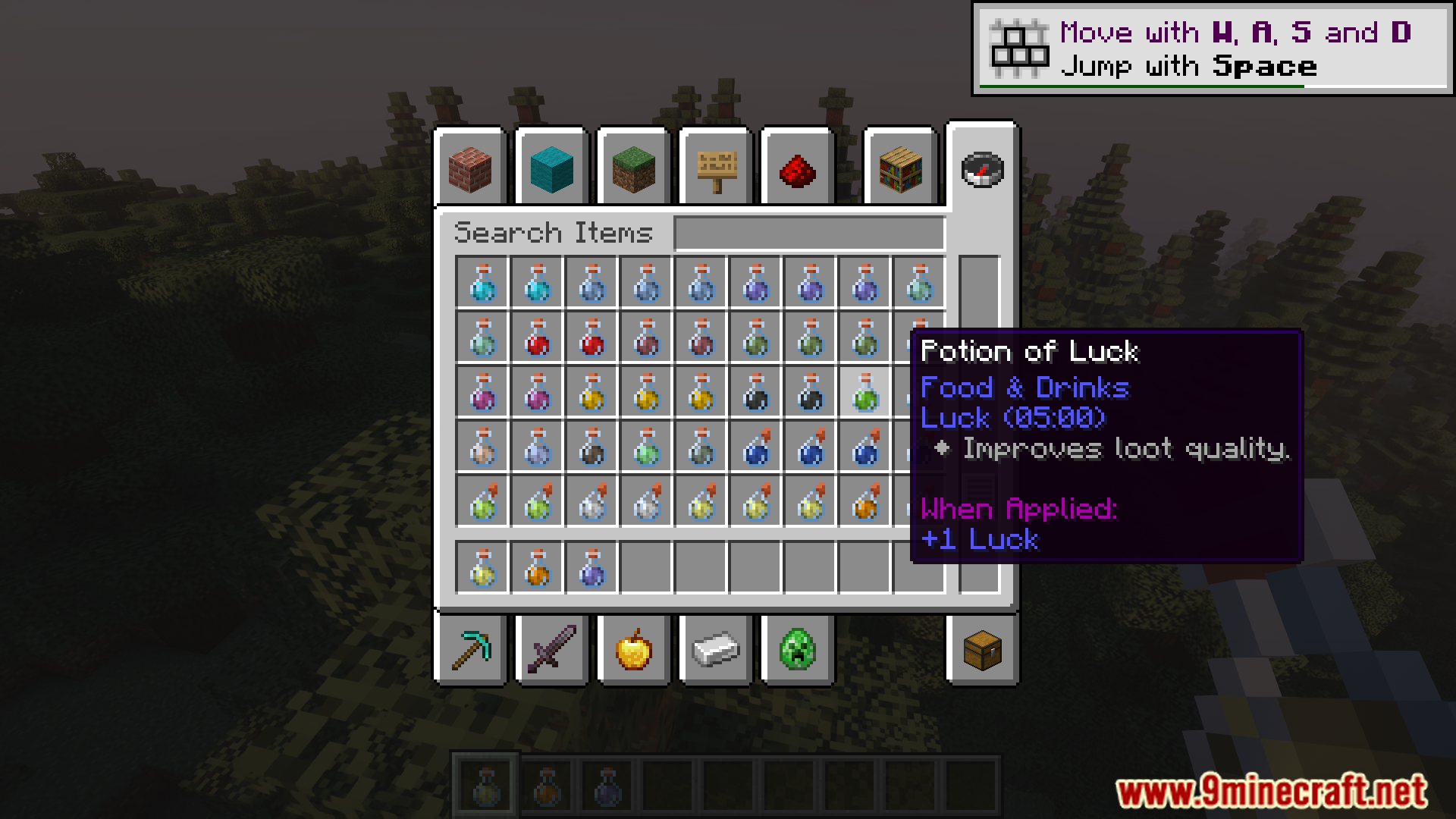
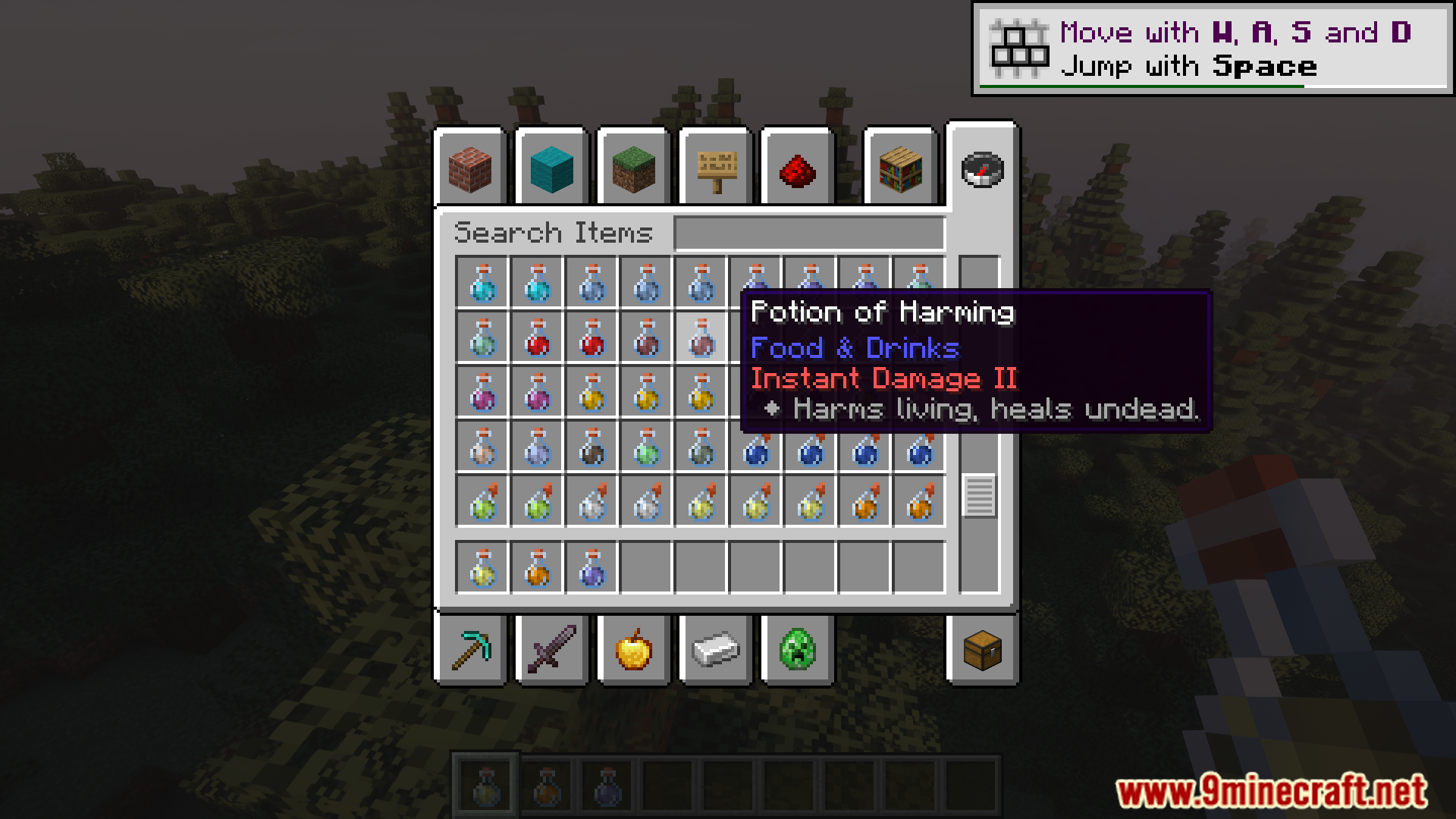
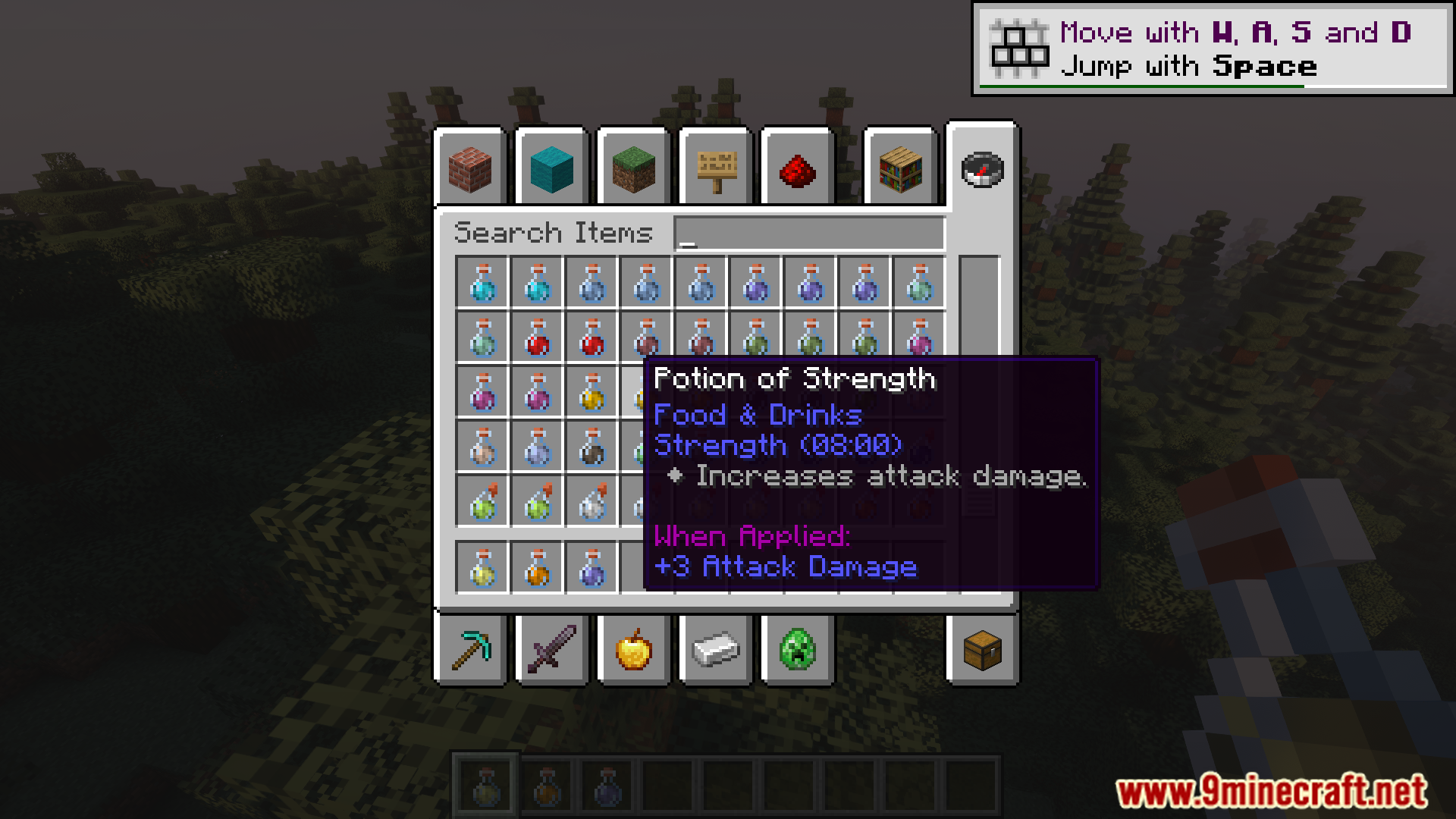
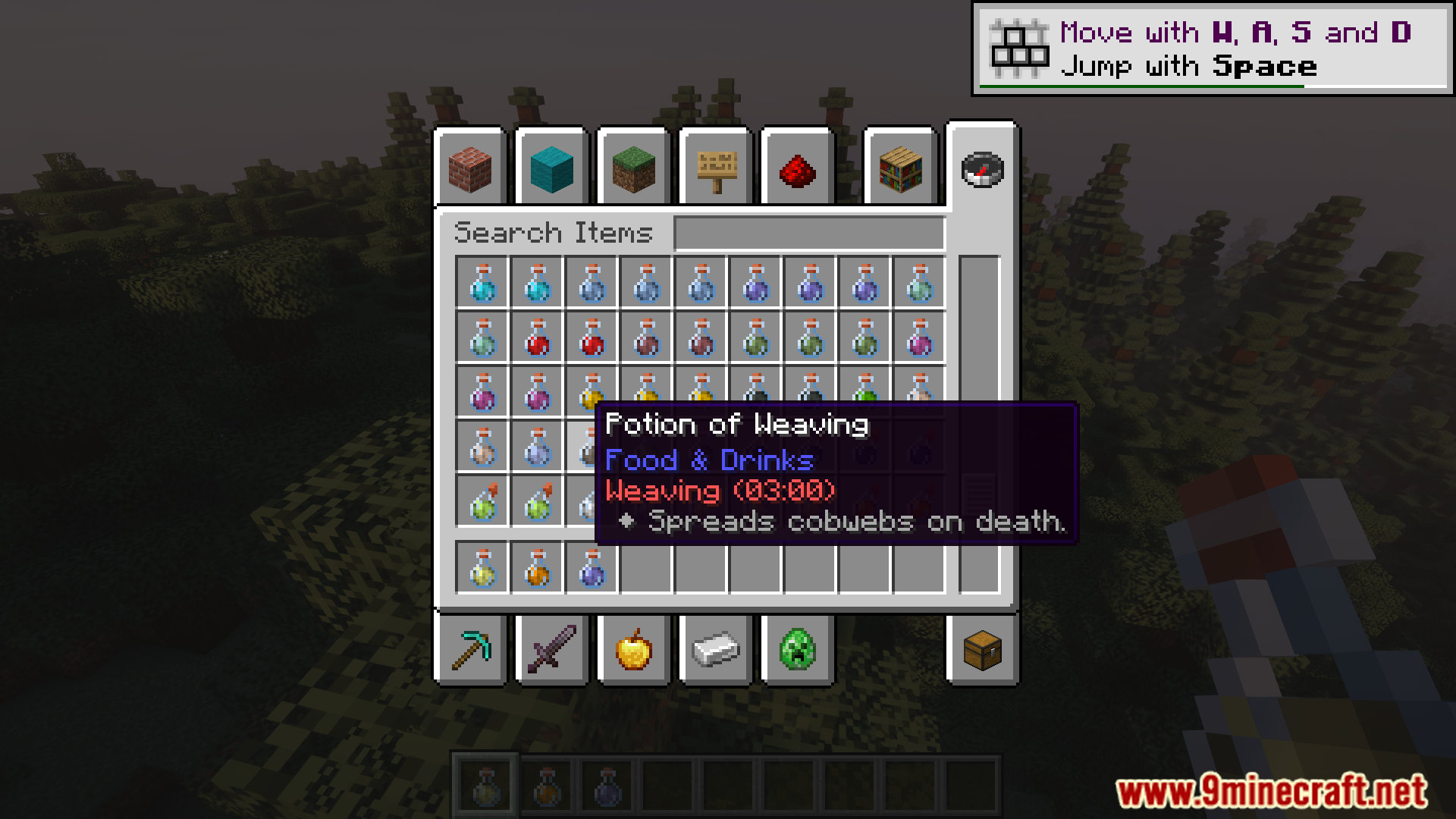
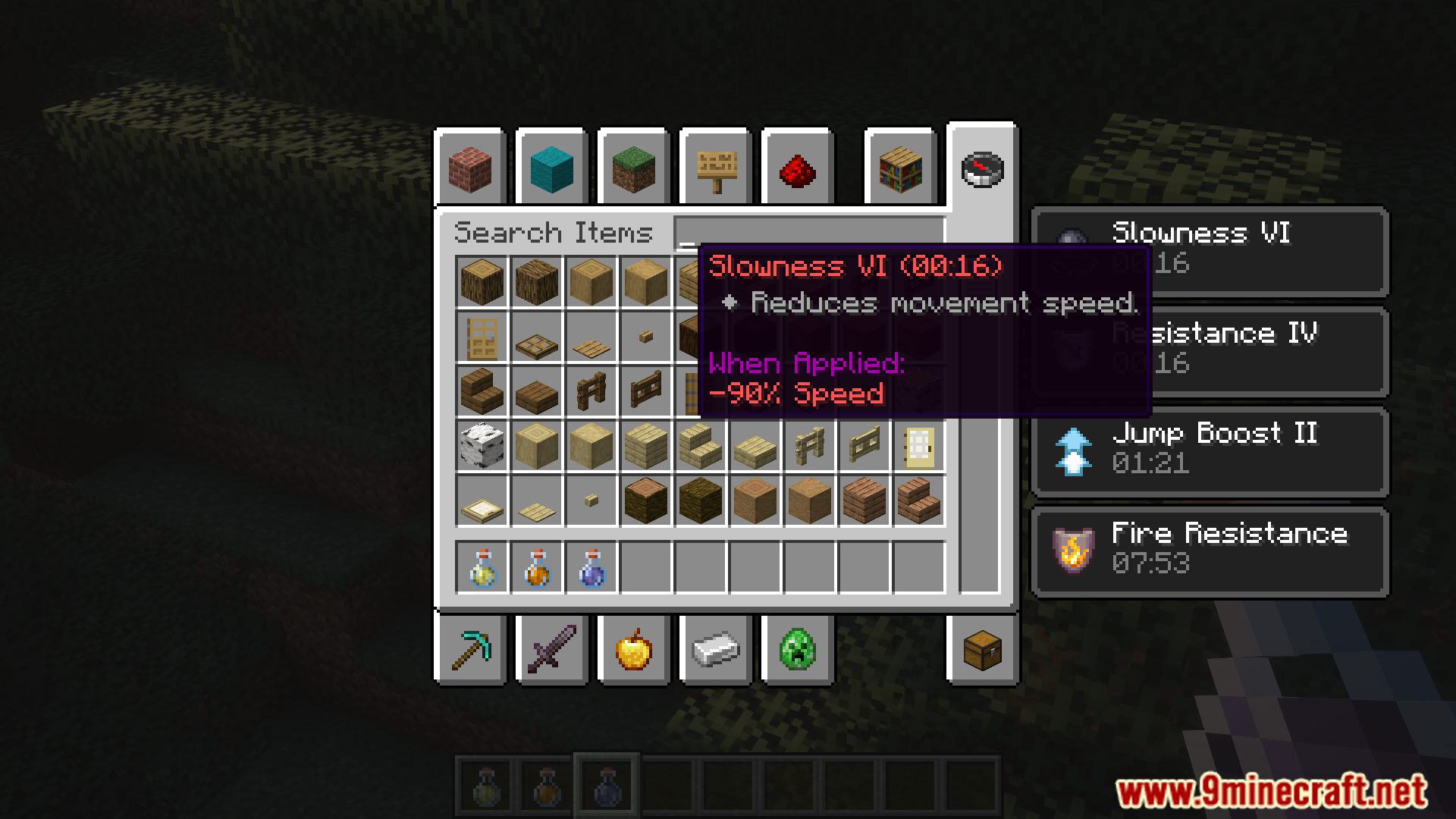
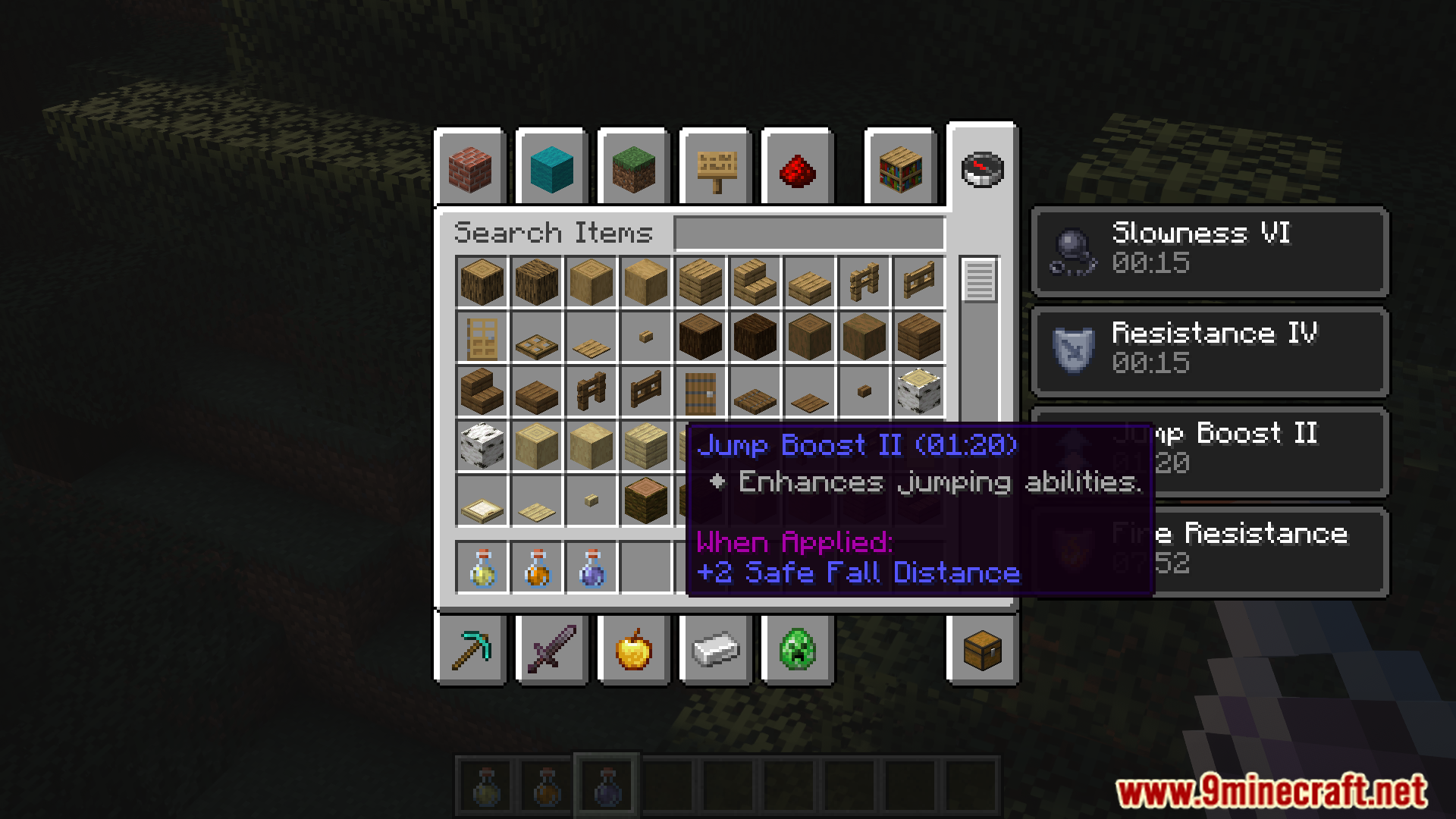
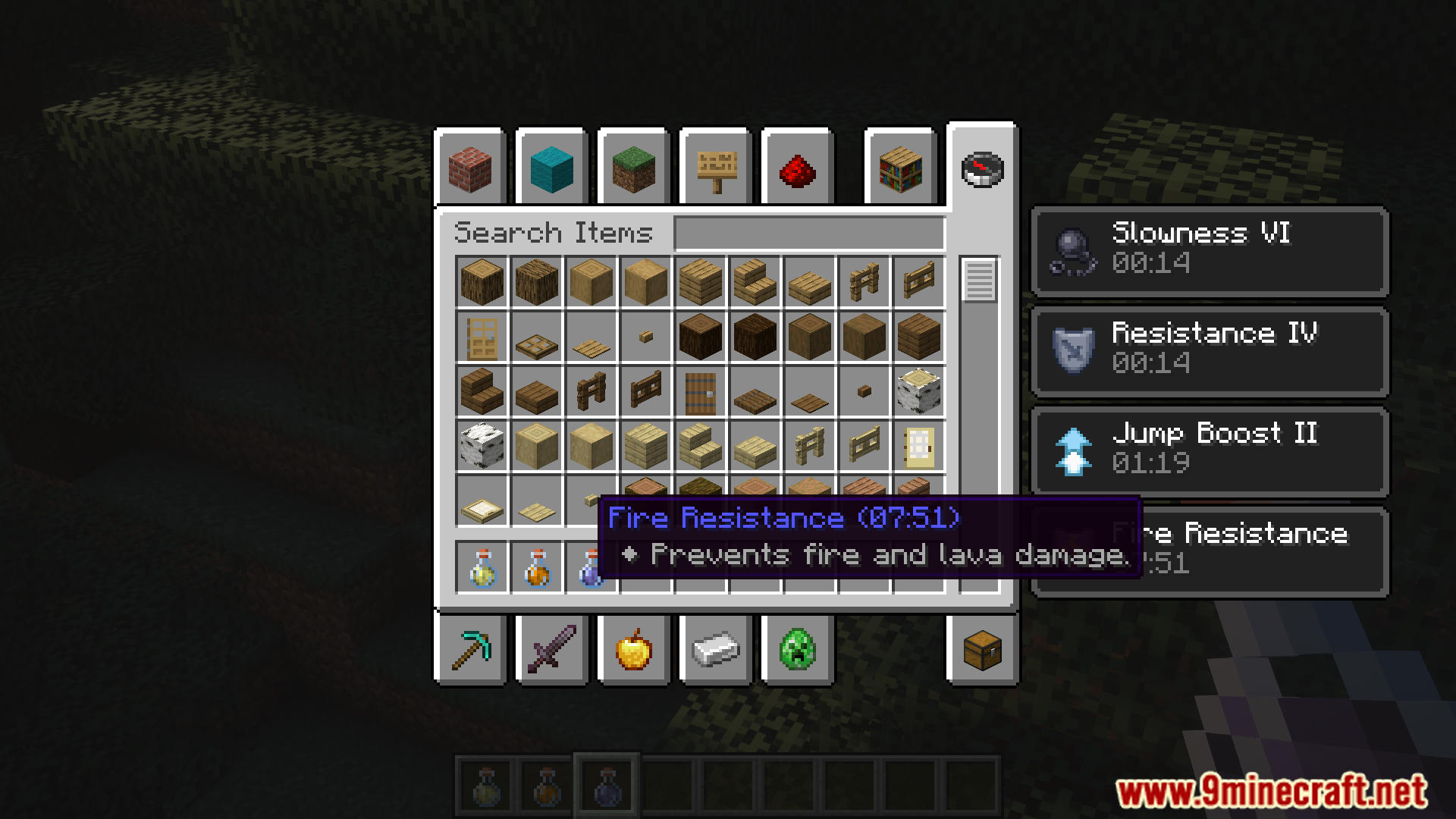
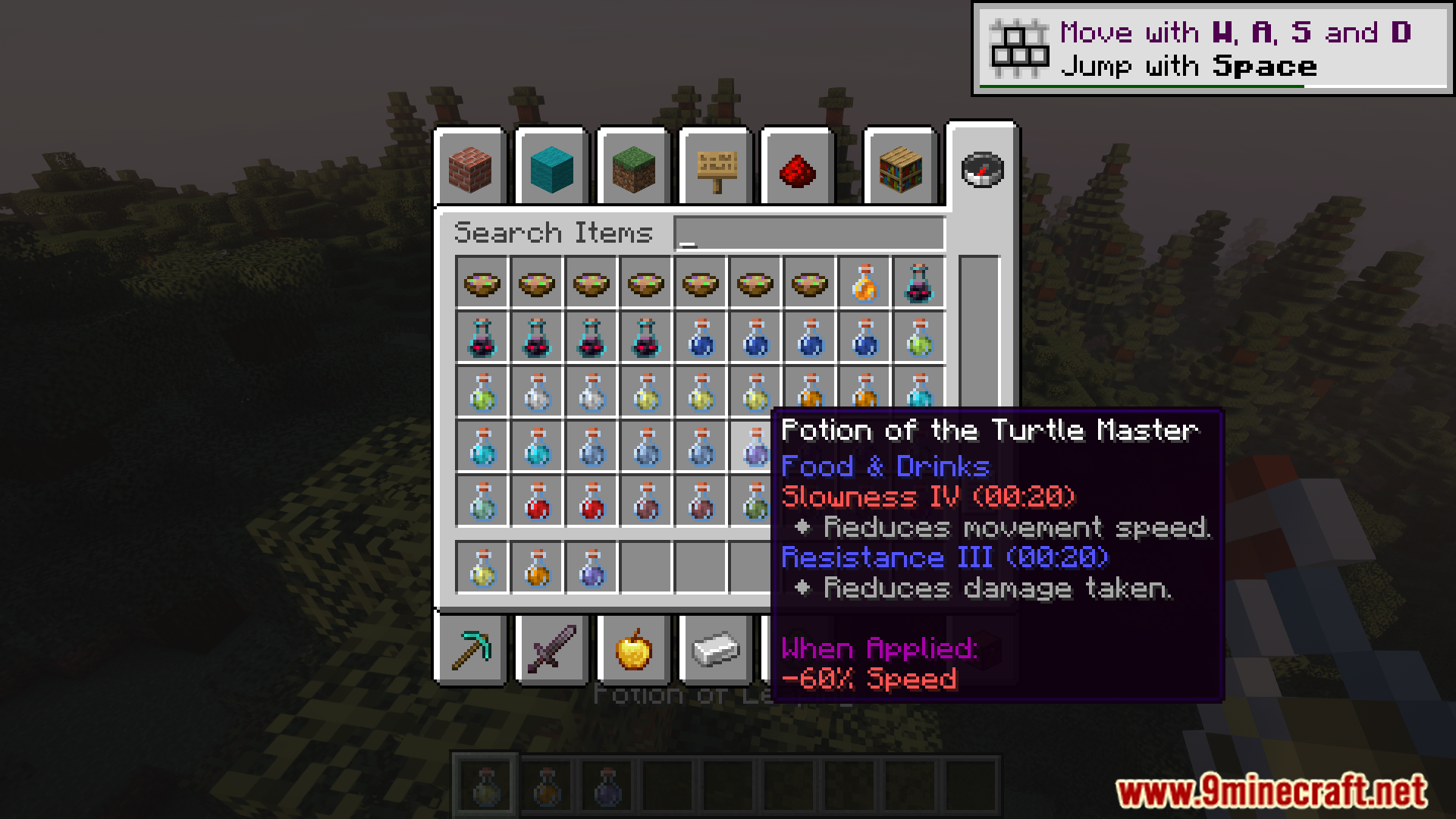
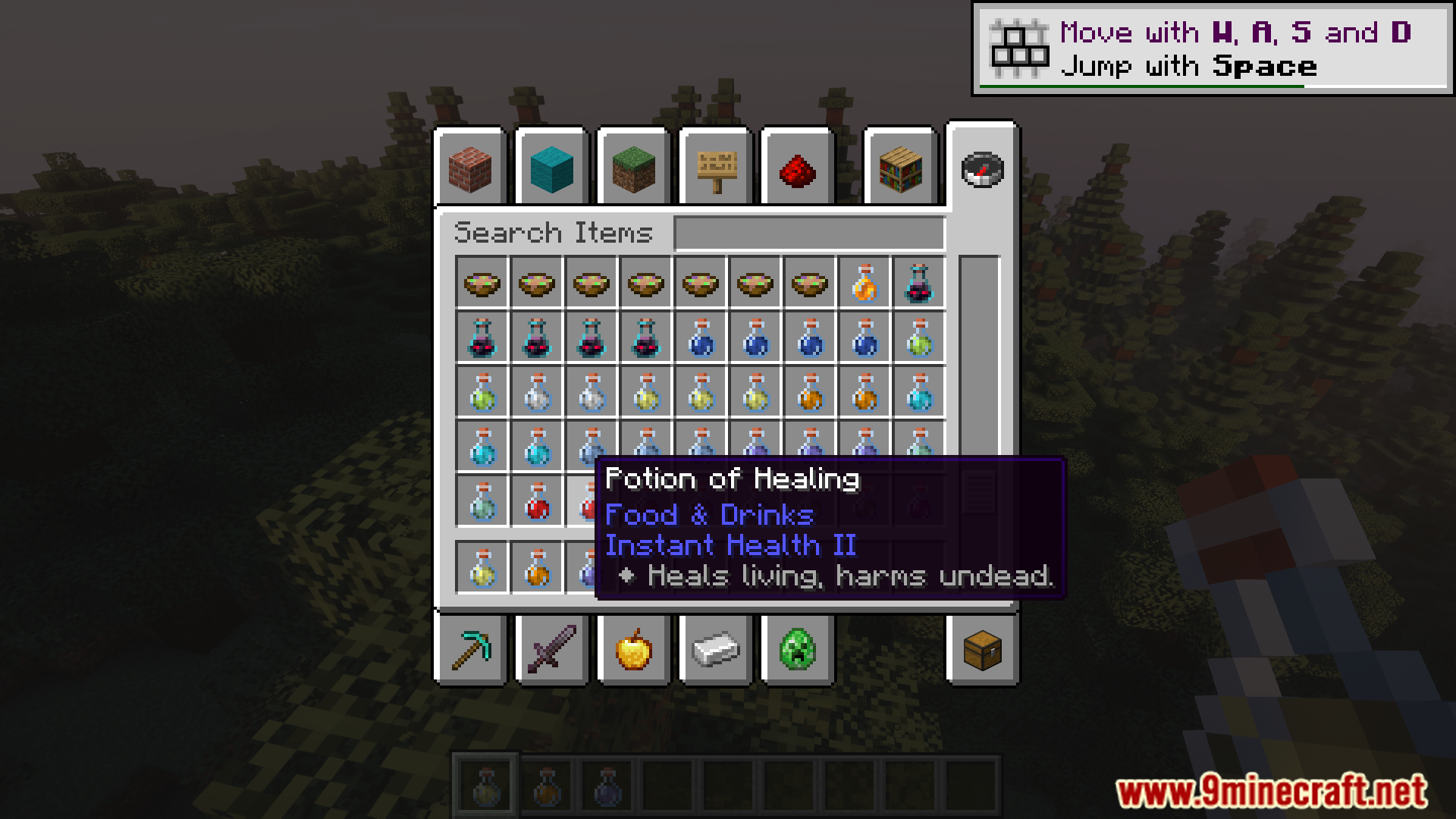
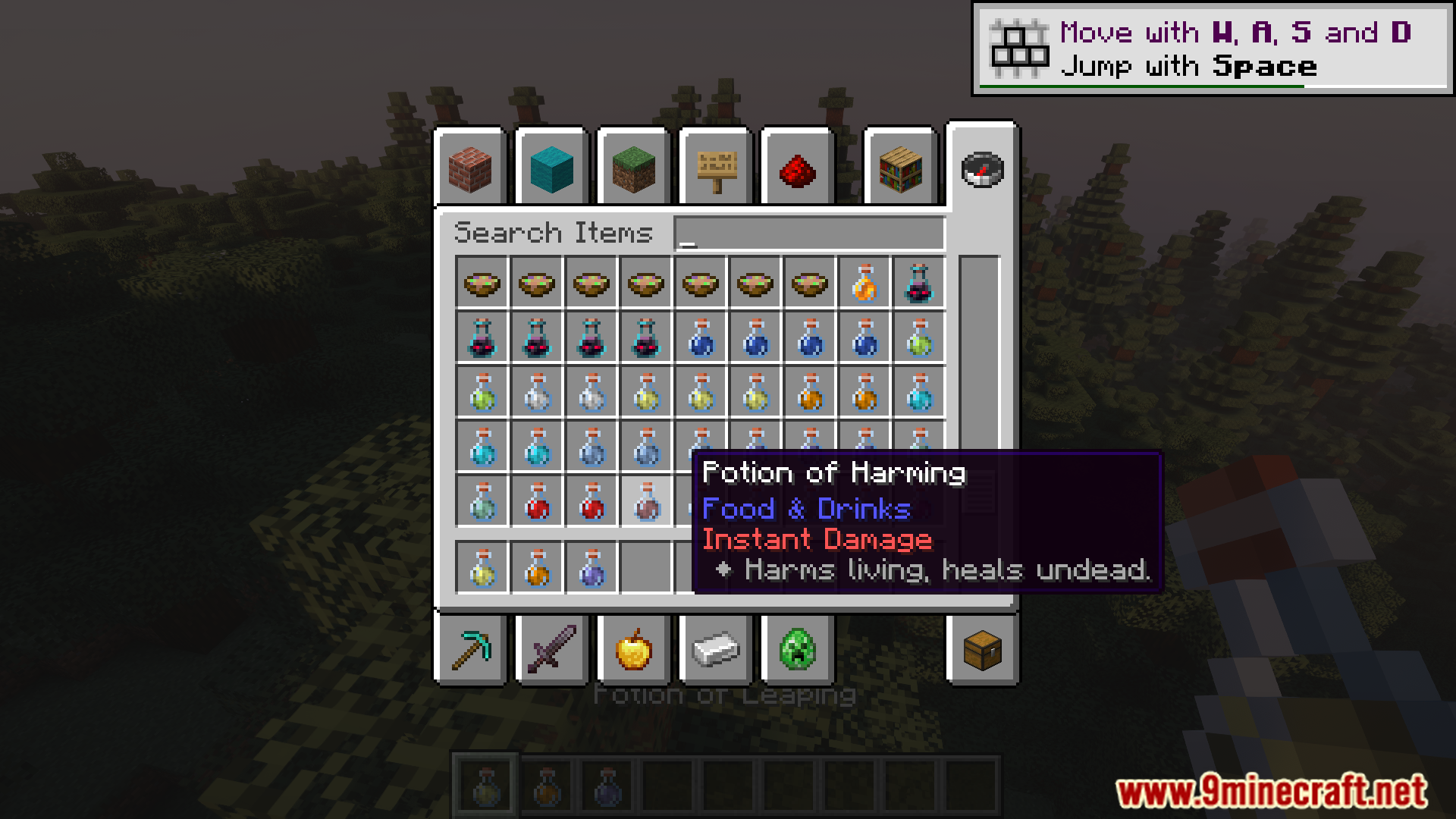
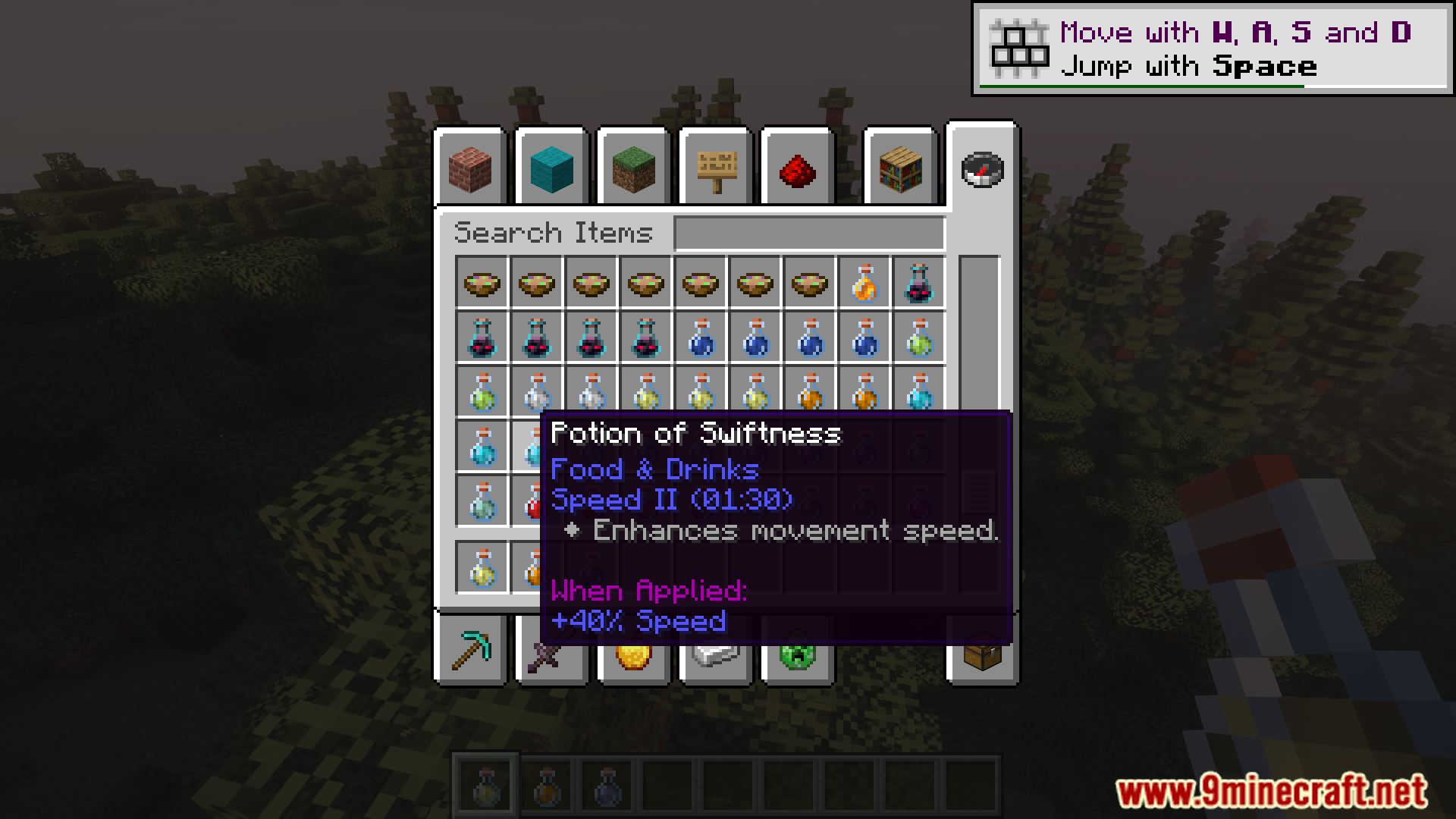
Effect Insights Mod adds descriptions for each potion effect to the item’s tooltip. When a player has an active effect, simply hover over the effect icons in the inventory to view their descriptions. The mod includes descriptions for all effects available in vanilla Minecraft, as well as additional descriptions for effects from other mods.
Features:
- ✨ Effect Explanations: Every potion and food effect includes a simple, readable explanation.
- ️ Hover Details: Hover over effect icons in your inventory to instantly see their details.
- Additional Info: Optionally show the effect’s source mod and effect ID for more context.
- Styled Tooltips: Clean layout and styling make descriptions fit naturally into tooltips.
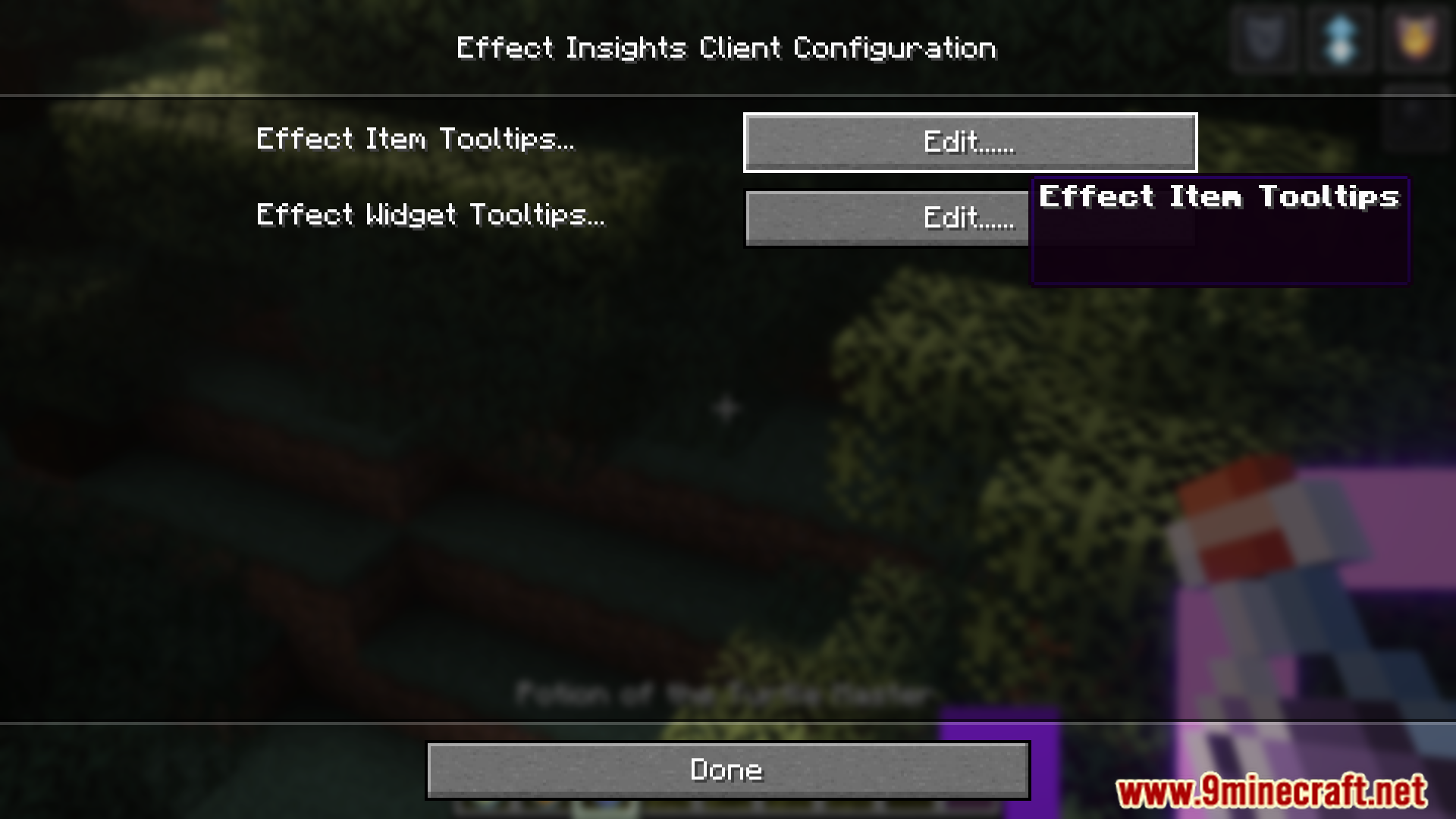
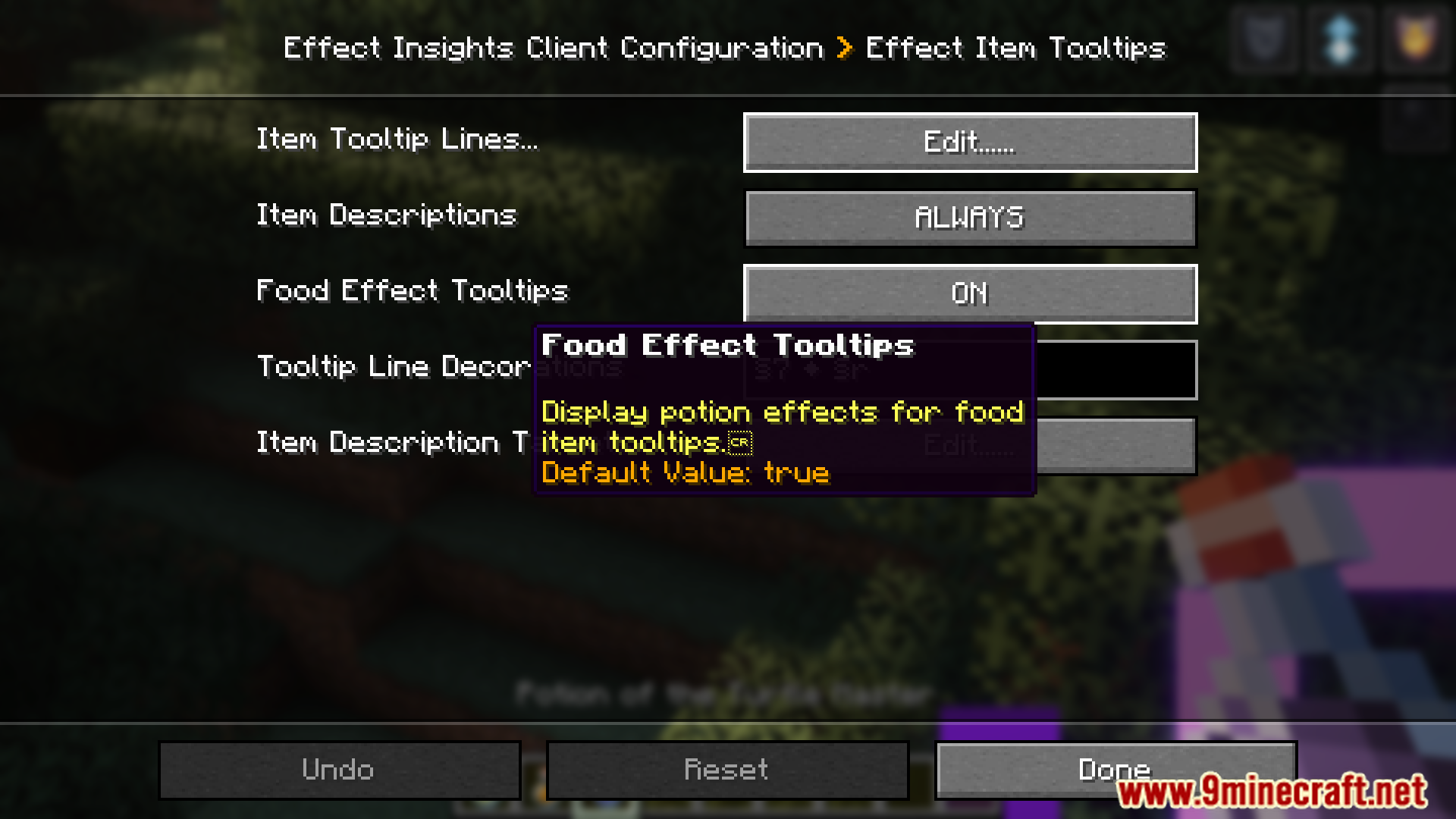
- ⚙️ Flexible Settings: Choose when and where descriptions appear, and customize formatting to your liking.
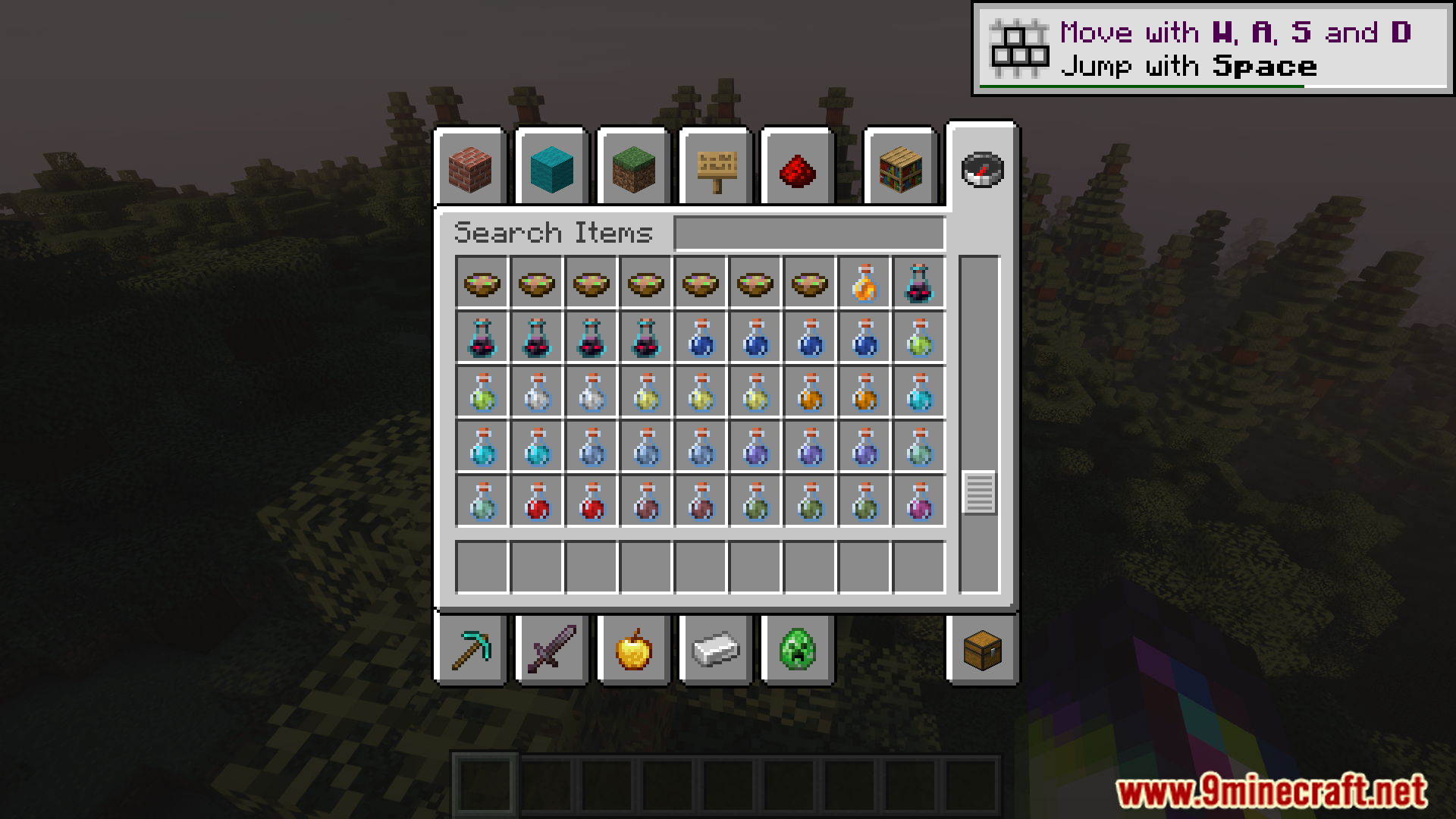
Screenshots:
Effect Insights Mod Download Links
Quick facts
- Edition: Minecraft Java
- File type: .jar
- Minecraft version listed: 1.20.1
- How to install: Install the matching mod loader (Forge, Fabric or NeoForge) for your Minecraft version. → Download the .jar. → Put it in the .minecraft/mods folder and launch that loader profile.
- Where to get it: In MC Java Mods, or directly above on this page.
Install steps are the general flow for this file type — How to install Minecraft Java mods & modpacks walks through it step by step.
Verified by MCModsHub
- Downloads as 26712.mcaddon
- Download size: 111 KB
- Download link checked 23 Sept 2026 — working
- Mirrored on our own servers — the download does not depend on the original host
These come from our own check of the pack file, not from the source page.