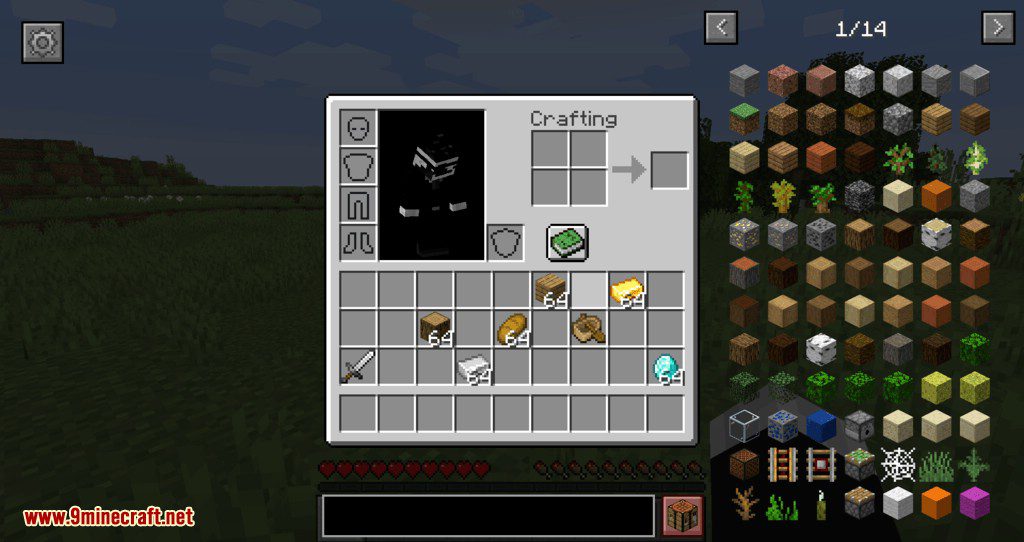
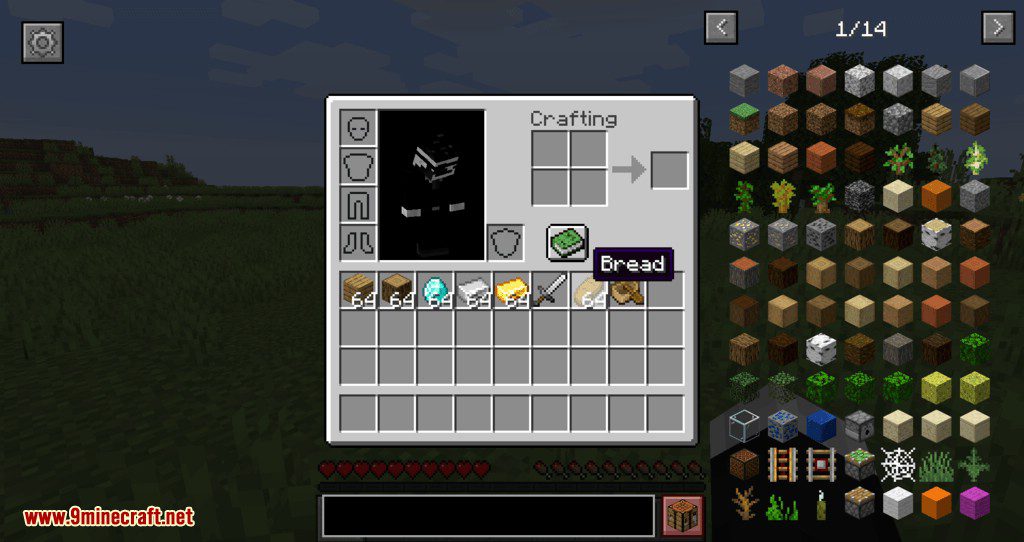
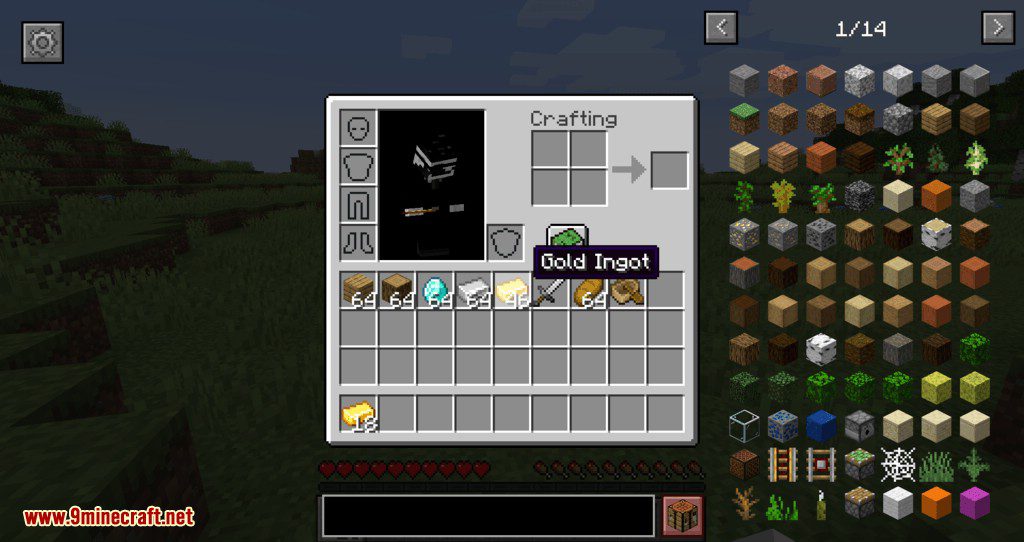
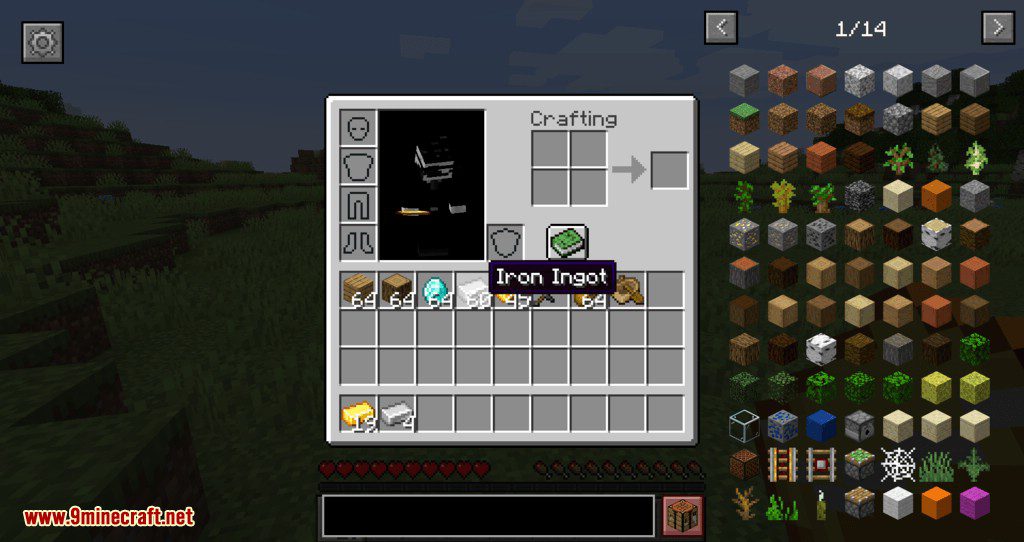
Mouse Wheelie Mod hands your mouse wheel a job inside inventory screens: roll it over a stack and the items move across to the other container, one at a time or by the stack depending on which modifier key you hold. On top of that it sorts containers on a middle click, refills a tool or a food stack from your inventory the moment you use the last one, and scrolls through creative tabs and recipe book pages. It is a Fabric mod and everything it adds can be rebound in the controls menu.
Features:
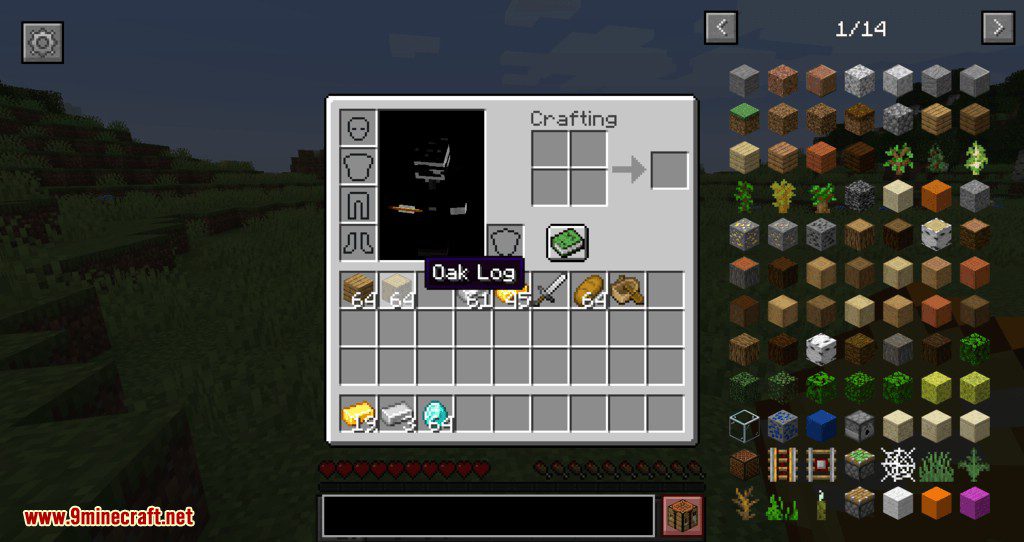
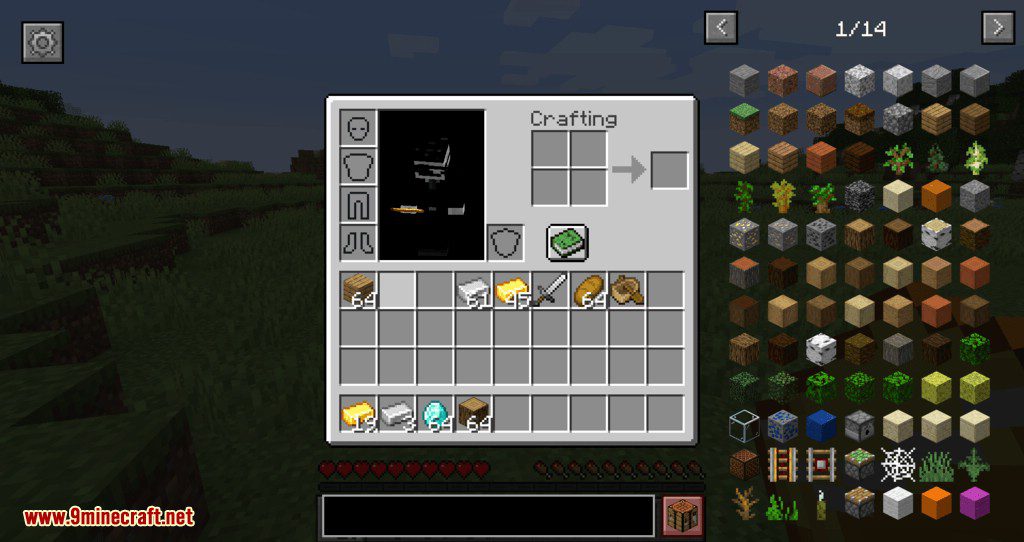
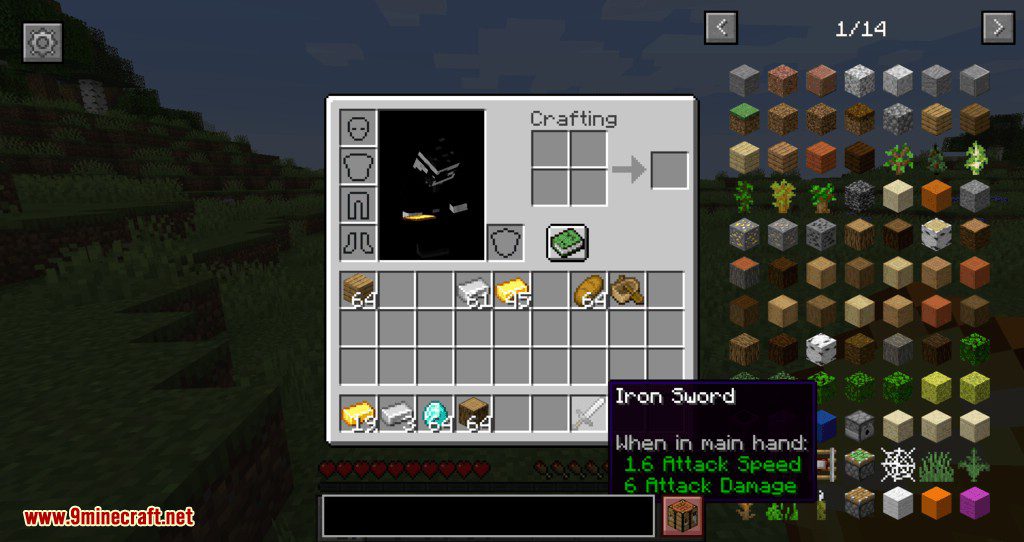
- Scrolling over a stack moves items between the open container and your inventory without any clicking.
- Holding space and left clicking moves everything that already has a match in the other container, which makes unloading a chest quick.
- A middle click sorts the container you are looking at, by name, by quantity or by creative order.
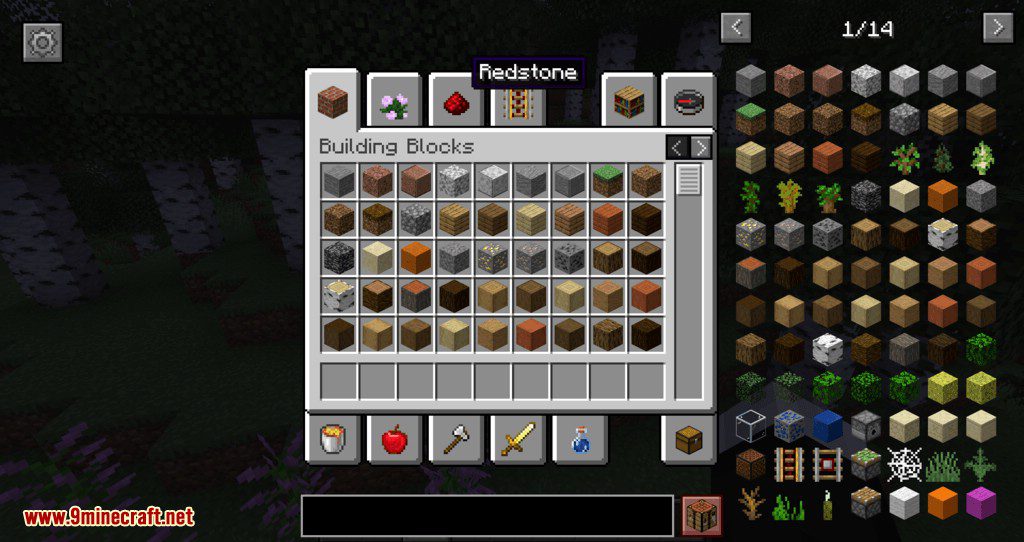
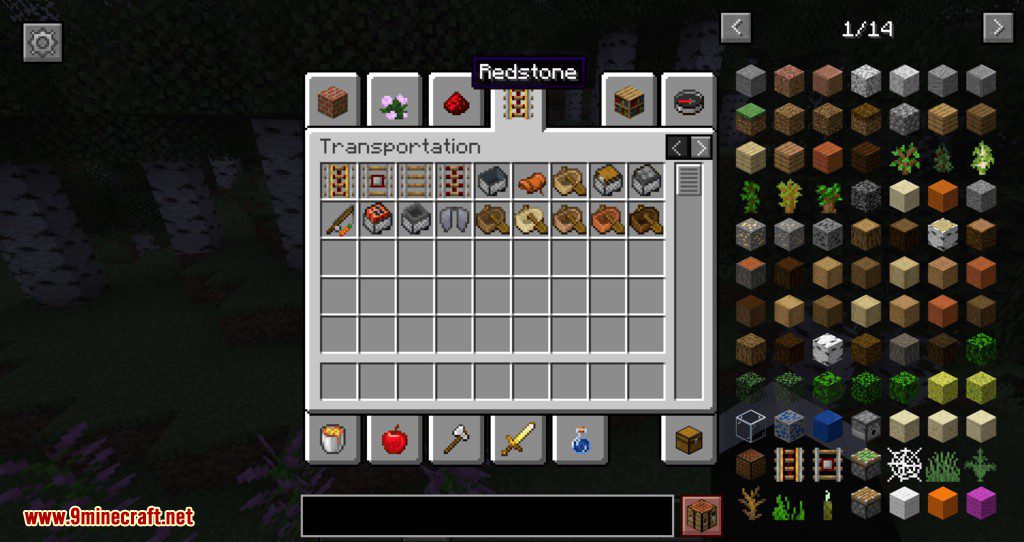
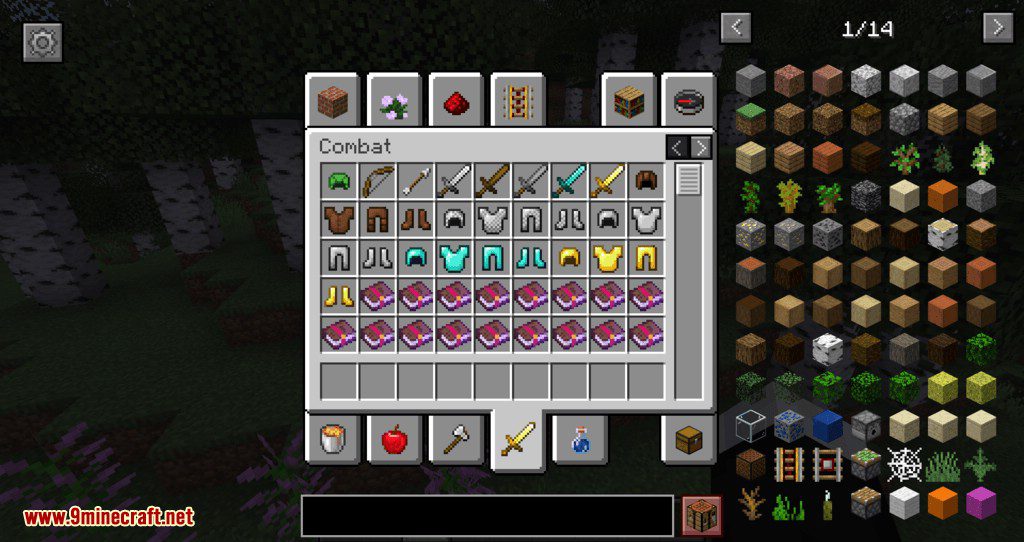
- Scrolling over the creative menu tabs or the recipe book pages flicks through them.
- Tools, food and blocks refill from your inventory as soon as the stack in hand runs out.
- Middle clicking while holding a tool picks the right tool for the block you are pointing at.
- Right clicking a recipe in the recipe book, or a villager trade, runs it straight away.
- Armour pieces in the hotbar swap with what you are wearing on a right click, up to 1.19.4 where vanilla took the idea over.
- Modifier keys change every action:
Shiftfor the whole stack,Ctrlfor all items of that type,Altto drop instead of move. - Sorting is faster when the mod is on the server as well, though it still works in single player either way.
How to Use:
- Install Fabric along with Fabric API, since this mod is Fabric only.
- Drop the jar into
.minecraft/mods, and add Mod Menu too if you want the settings screen. - Open a chest and roll the wheel over a stack to send items across. Hold
Shiftto send the full stack. - Press the middle mouse button inside a container to sort it, holding
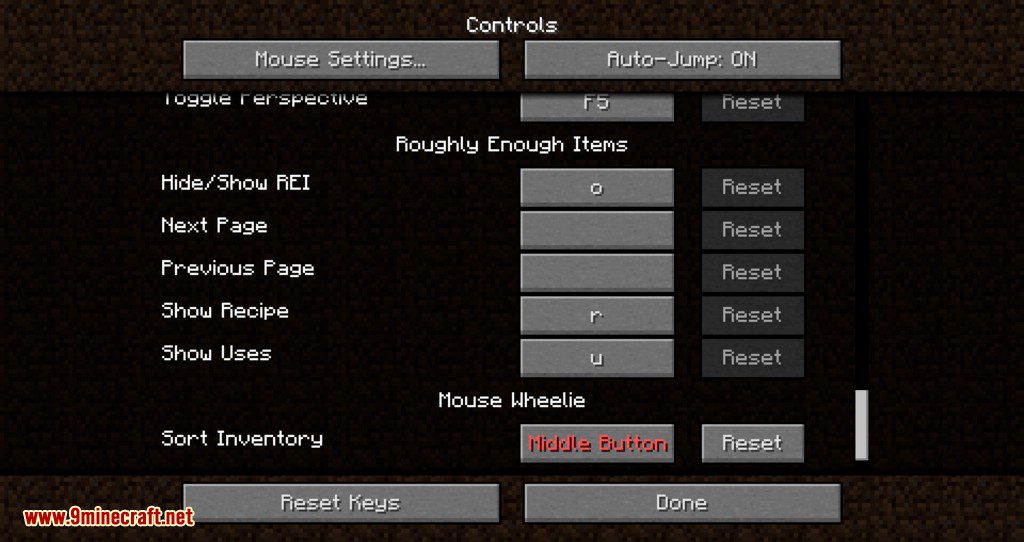
Shiftto sort by quantity instead. - Rebind anything that clashes with another mod from the vanilla controls menu.
- Edit
config/mousewheelie.hjsonif you have no Mod Menu, then restart, since that file is only read at launch.
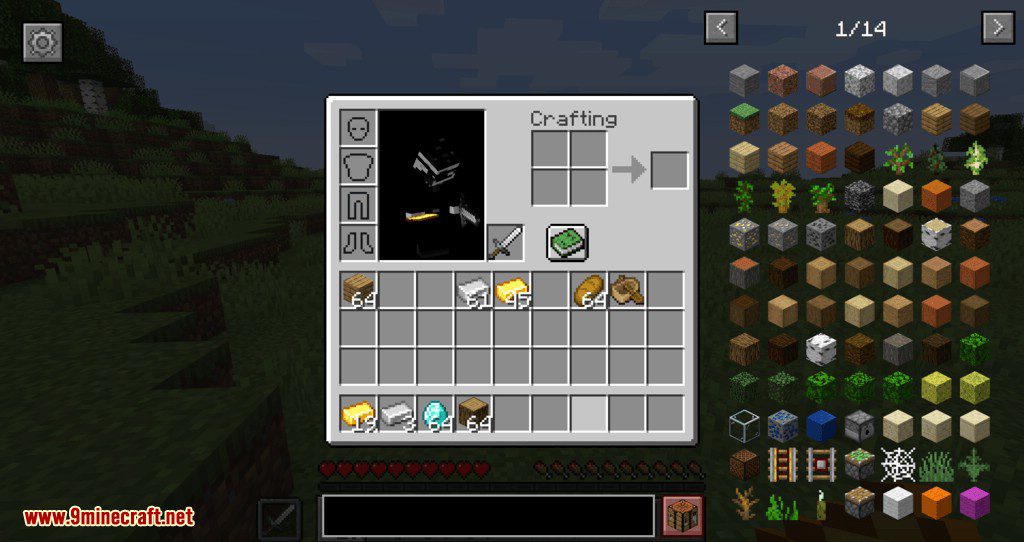
Screenshots:
Mouse Wheelie Mod Download Links
Quick facts
- Edition: Minecraft Java
- File type: .jar
- Minecraft version listed: 1.20.1
- How to install: Install the matching mod loader (Forge, Fabric or NeoForge) for your Minecraft version. → Download the .jar. → Put it in the .minecraft/mods folder and launch that loader profile.
- Where to get it: In MC Java Mods, or directly above on this page.
Install steps are the general flow for this file type — How to install Minecraft Java mods & modpacks walks through it step by step.
Verified by MCModsHub
- Downloads as 26717.mcaddon
- Download size: 1.1 MB
- Download link checked 23 Sept 2026 — working
- Mirrored on our own servers — the download does not depend on the original host
These come from our own check of the pack file, not from the source page.