
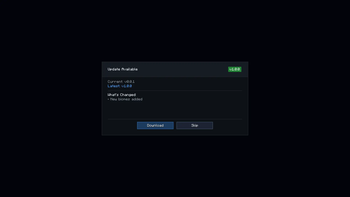
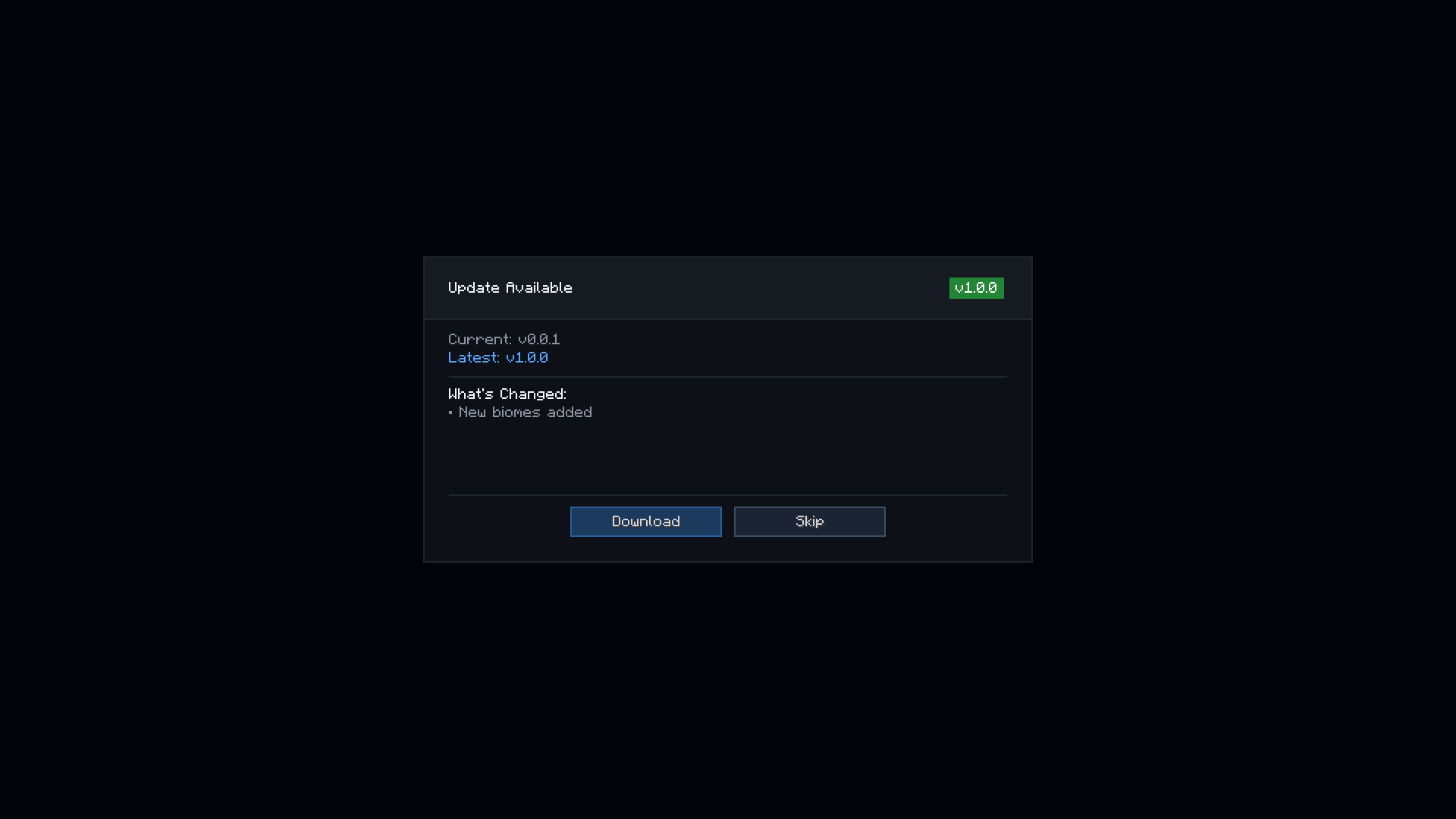
PackPing is a minimal update-checking utility for Minecraft modpacks. It allows a modpack to define its current version and compare it against a remote/latest version source. If a newer version is detected, the player receives a notification in-game. The mod is intended to provide a clean and lightweight update notice system for modpack maintainers
Local Config (config/packping.json)
{
  "updateUrl": "",
  "localVersion": "0.0.1",
  "delay": 3000
}
Server JSON
[
  {
    "minecraft": "1.21",
    "loader": "fabric",
    "version": "1.0.0",
    "download": "https://example.com/modpack-1.0.0.zip",
    "changelog": "New biomes added\nPerformance fixes\nNew mods included",

    "toast": {
      "title": "§eMC 1.21.1 is out!",
      "subtitle": "§7New modpack version coming soon"
    },

    "settings": {
      "notifications": {
        "checkOnStartup": true,
        "showFullscreen": true,
        "showChat": true,
        "showToast": true
      },
      "fullscreen": {
        "title": "Update Available",
        "downloadButton": "Download",
        "skipButton": "Skip",
        "closeGameAfterDownload": false
      },
      "chat": {
        "chatTitle": "§e▶ Modpack update available!",
        "chatVersionText": "§7Version: §f%current% §7→ §a%latest%",
        "chatChangesText": "§7Changes: §f%changelog%",
        "chatDownloadText": "§7Download:",
        "chatLinkText": "§b[Click here]"
      }
    }
  },
]
Quick facts
- Edition: Minecraft Java
- File type: .jar
- Minecraft version listed: 26.2
- How to install: Install the matching mod loader (Forge, Fabric or NeoForge) for your Minecraft version. → Download the .jar. → Put it in the .minecraft/mods folder and launch that loader profile.
- Where to get it: Opens on Modrinth — not every file is mirrored on our own servers.
Install steps are the general flow for this file type — How to install Minecraft Java mods & modpacks walks through it step by step.
Verified by MCModsHub
- Ships as packping-neoforge-1.3.0-mc26.2-release.jar — drop this file into the mods folder
- Download size: 55 KB
- Download link checked 30 Aug 2026 — working
These come from our own check of the pack file, not from the source page.