ModsJava
Bad Mobs Mod (1.21.1, 1.20.1) – Banning Mob Spawning
Java mod listed for Minecraft 1.20–1.21. Downloads from the MC Java Mods app on Android.
⬇ Download
Bad Mobs Mod is a simple mod that helps remove any mobs from your world, including those added by other mods. This feature is useful if you dislike mobs like creepers or annoying ones from other mods.
How to use:
Instructions for Removing Mobs (Version 1.13 and Above):
- Use a text editor to open the file
.minecraftconfigbadmobs-common.toml. - Change the example:
#Spawning options for minecraft:cow
[minecraft.cow]
#Should the entity be allowed to spawn normally?
allowNormalSpawning = true
#Should spawners be able to spawn the entity?
allowSpawners = true
#Should spawn eggs be able to spawn the entity?
allowSpawnEggs = true
#When enabled the entity type will be aggressively removed from worlds. This will bypass all other options.
removeAggressively = false
to:
#Spawning options for minecraft:cow
[minecraft.cow]
#Should the entity be allowed to spawn normally?
allowNormalSpawning = false
#Should spawners be able to spawn the entity?
allowSpawners = false
#Should spawn eggs be able to spawn the entity?
allowSpawnEggs = false
#When enabled the entity type will be aggressively removed from worlds. This will bypass all other options.
removeAggressively = true
Instructions for Removing Mobs (Version 1.12.2 and Below):
- Use a text editor to open the file
.minecraftconfigbadmobs.cfg. - Replace
example1,example2,example3with the names of the mobs, e.g.,minecraft:skeletonorminecraft:squid.
How to Ban Specific Mobs in Minecraft:
- Install the mod, run the game with the mod, and then exit the game.
- Navigate to:
.minecraftconfig. - Open the file
badmobs.cfgusing a text editor (e.g., Notepad or Notepad++). - Enter the names of the banned mobs following the example:
S:bannedMobs <
Zombie
Spider
example3
>
Where to Find Mob Names:
- For standard mobs, you can find them [here] under the column “Savegame ID.”
- For mobs from other mods, use creative mode to find a new block called “book.” Right-click the book on the desired mob, and its Savegame ID will appear in the chat.
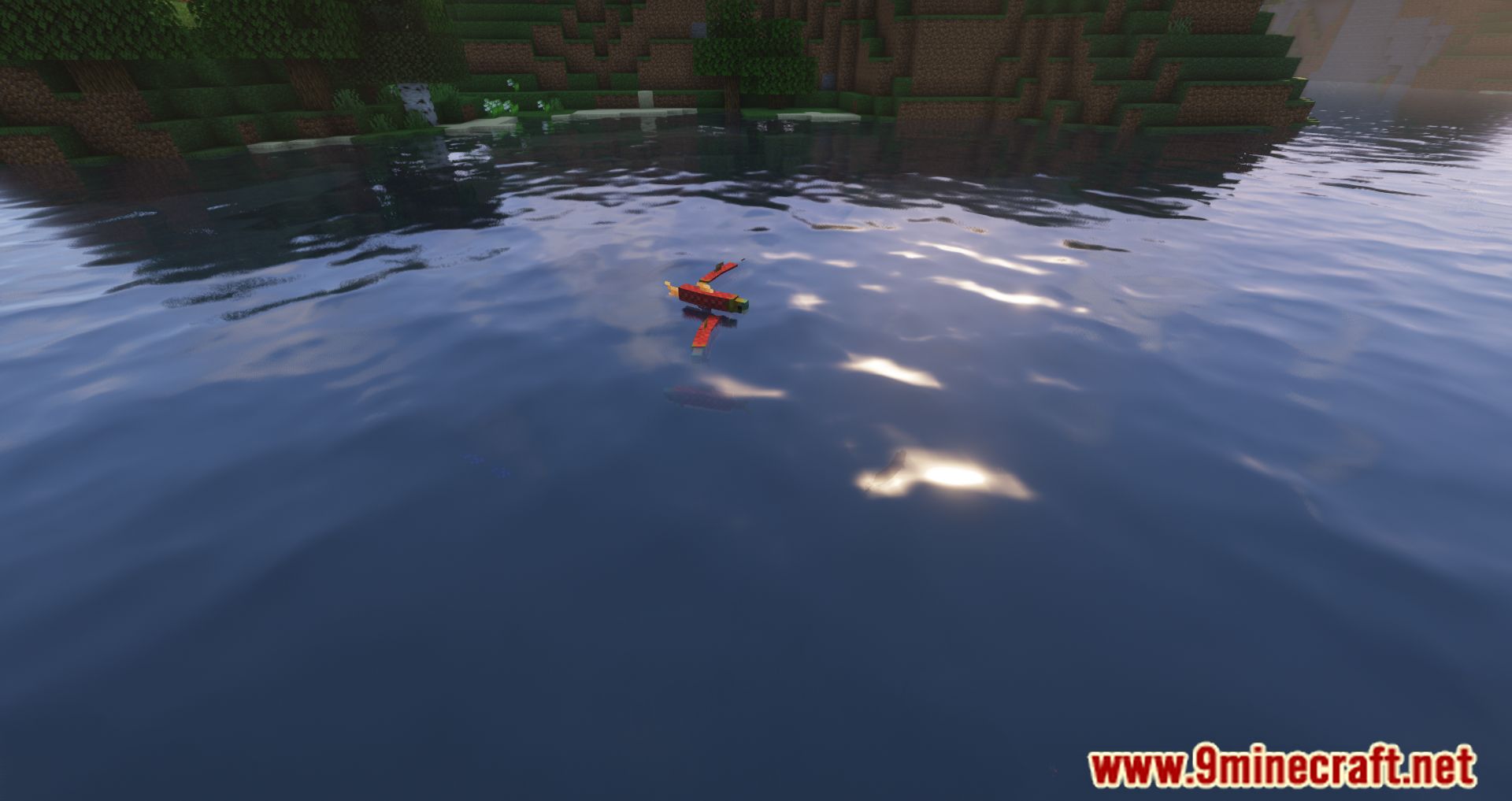
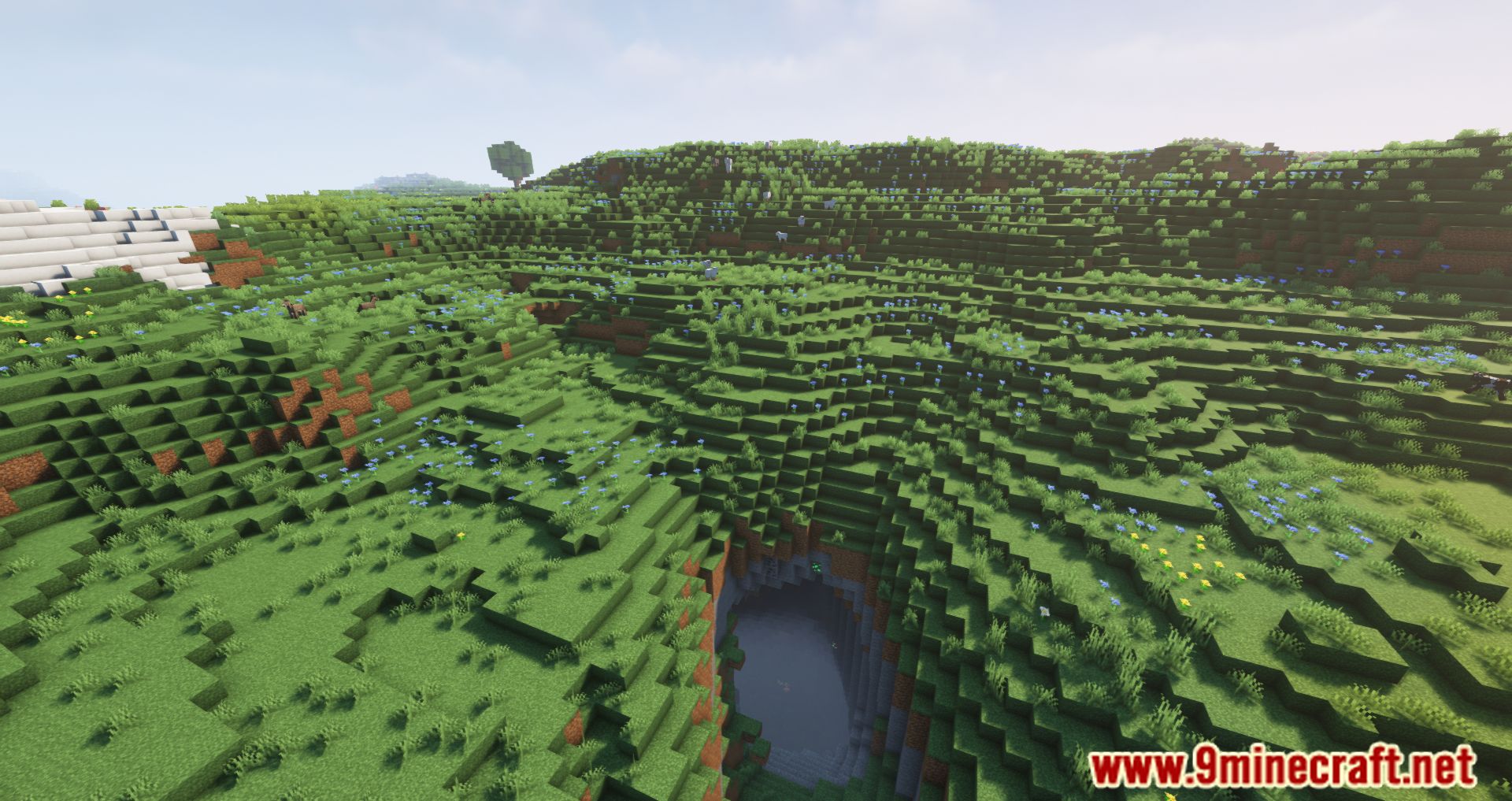
Screenshots:



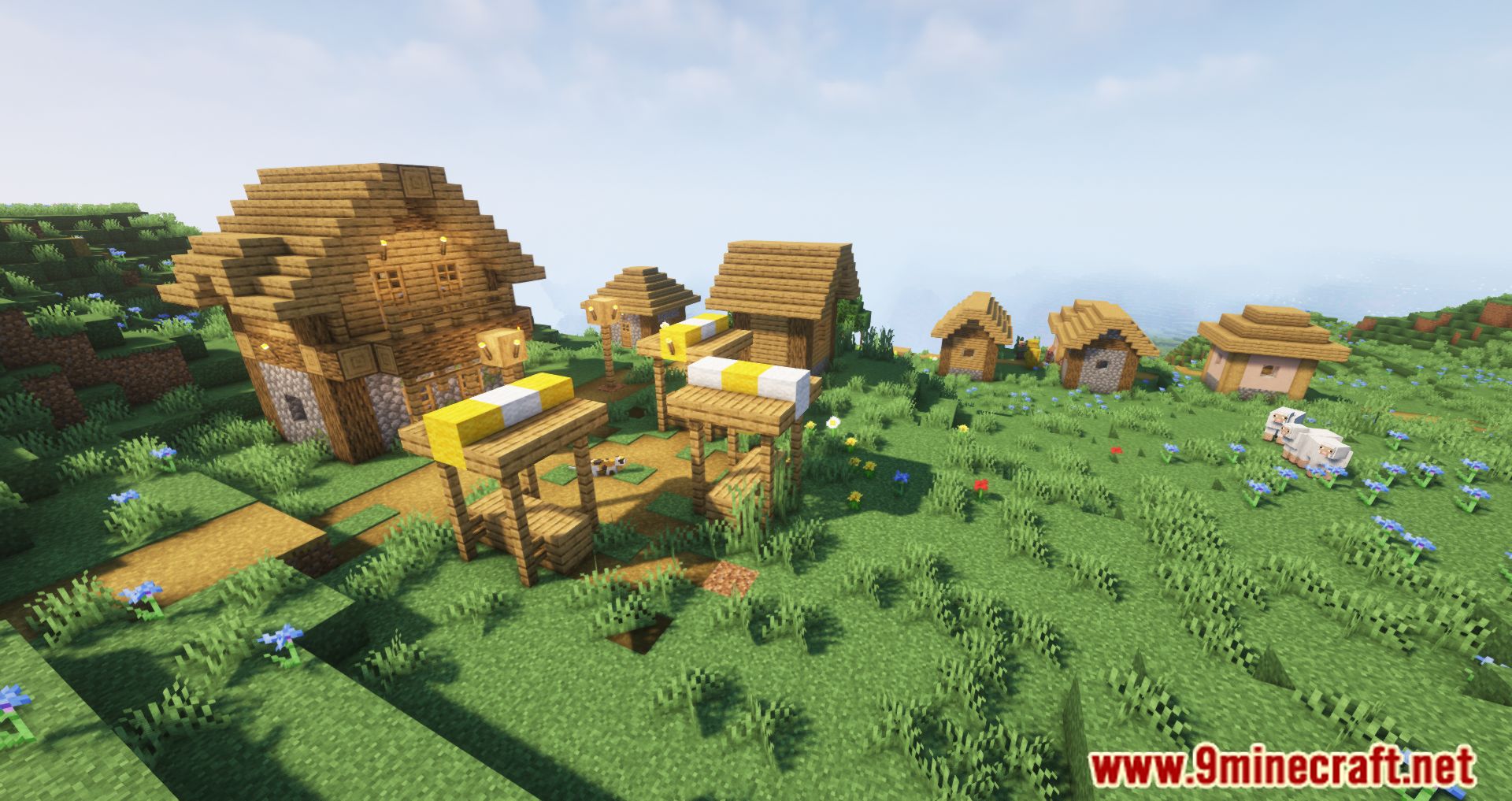
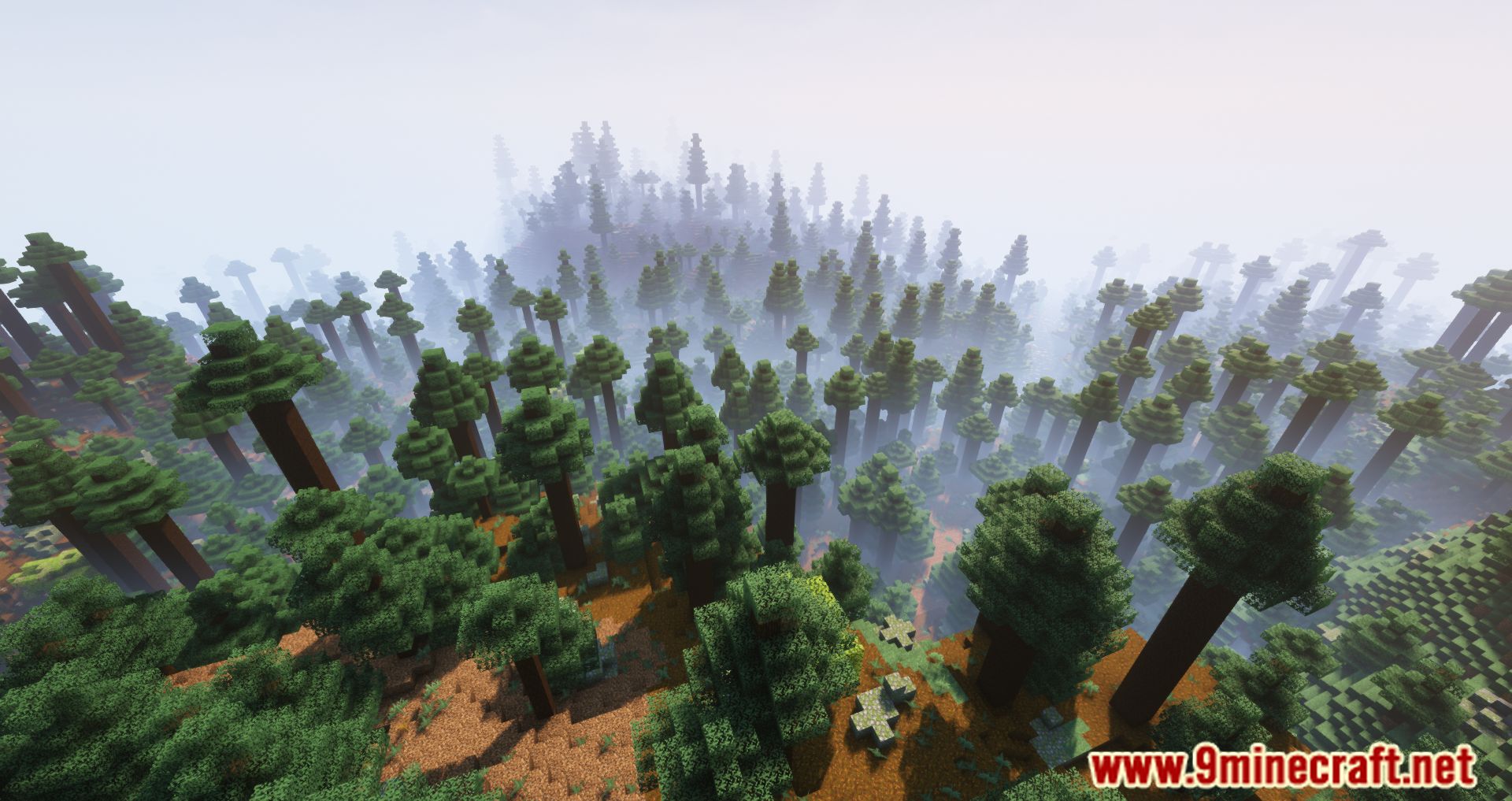
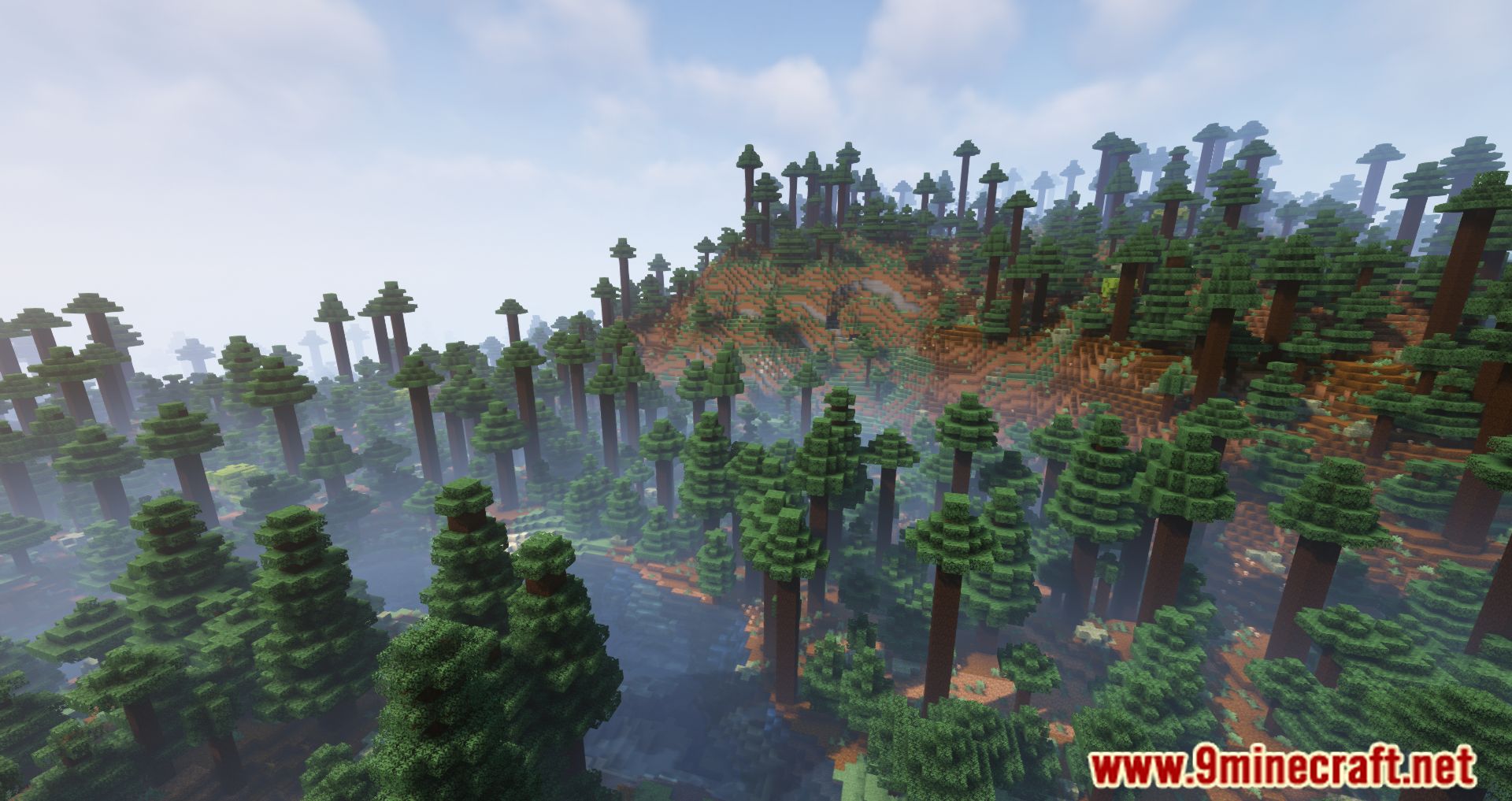
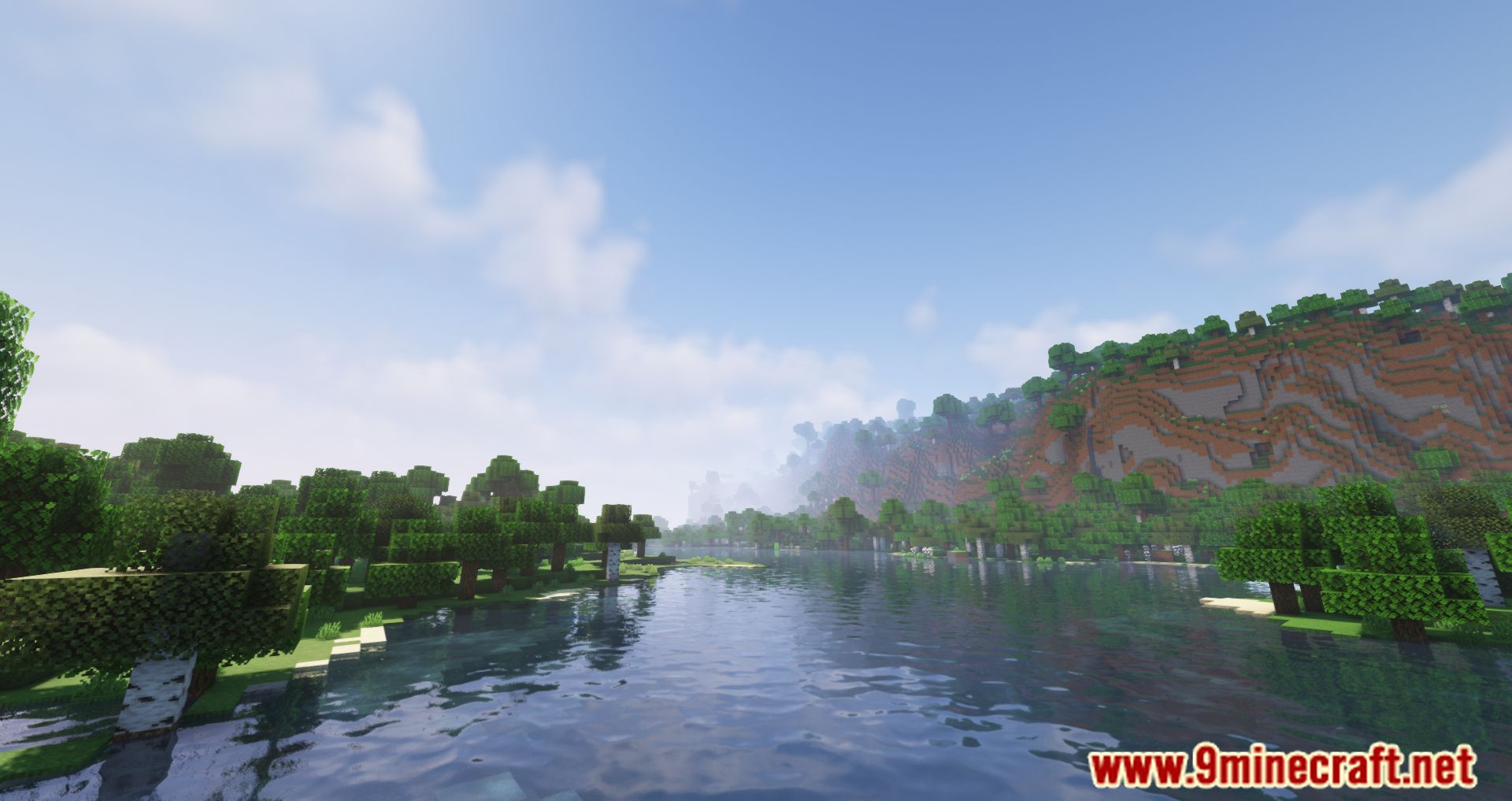
Bad Mobs Mod Download Links
Quick facts
- Edition: Minecraft Java
- File type: .jar
- Minecraft versions listed: 1.21.1, 1.20.1
- How to install: Install the matching mod loader (Forge, Fabric or NeoForge) for your Minecraft version. → Download the .jar. → Put it in the .minecraft/mods folder and launch that loader profile.
- Where to get it: In MC Java Mods, or directly above on this page.
Install steps are the general flow for this file type — How to install Minecraft Java mods & modpacks walks through it step by step.
File checked by MCModsHub
- Downloads as 2673.mcaddon
- Download size: 31 KB
- Download link checked 24 Sept 2026 — working
- Mirrored on our own servers — the download does not depend on the original host
These come from our own check of the pack file, not from the source page.