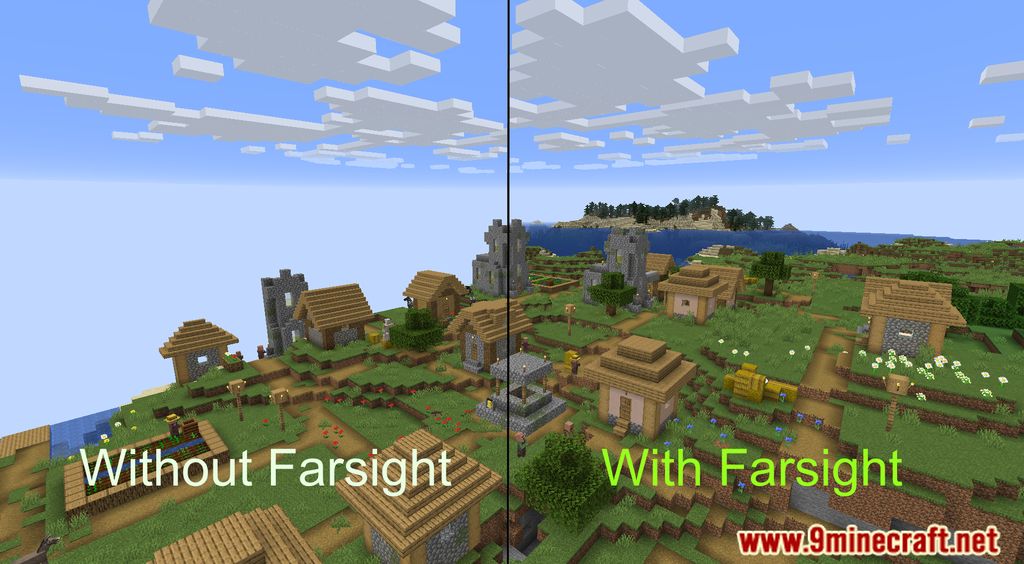
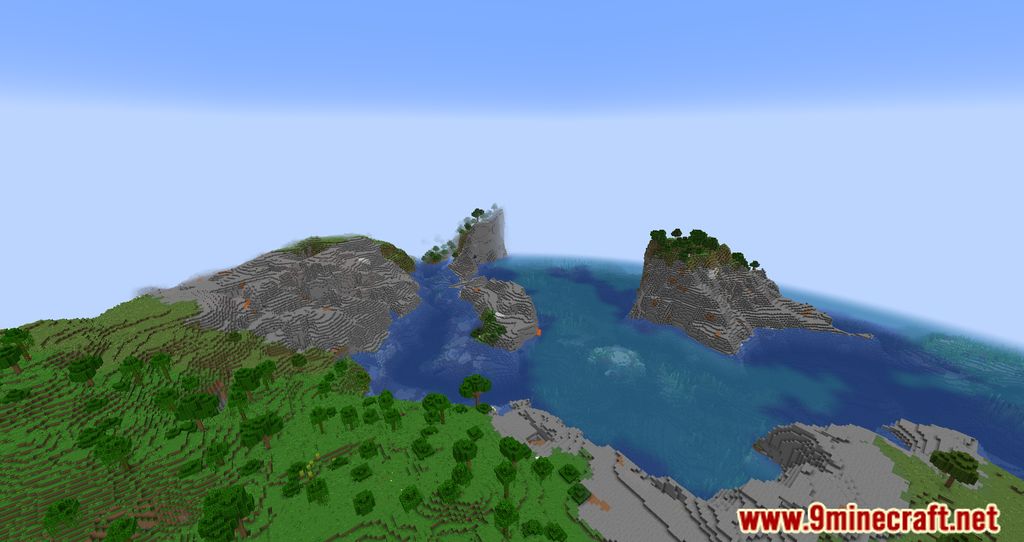
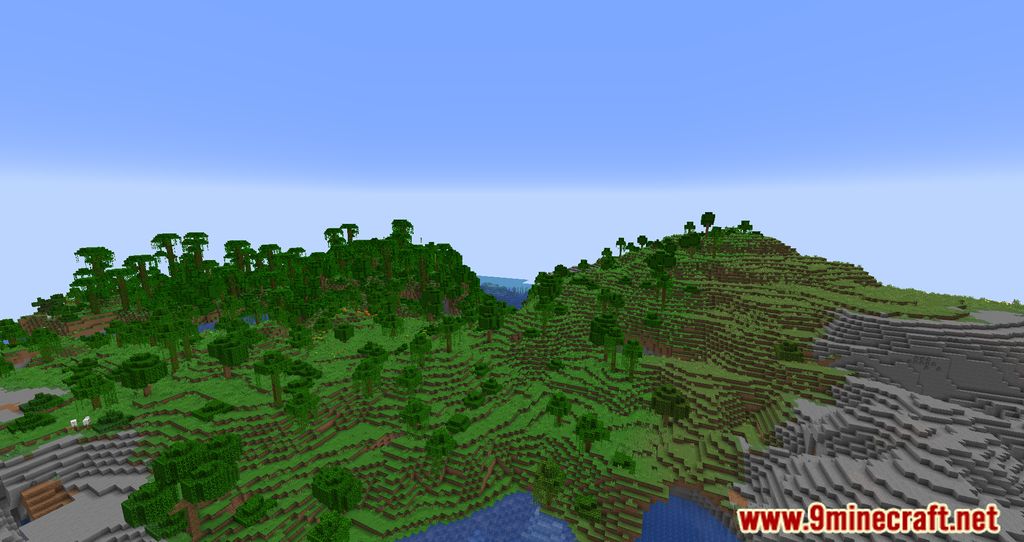
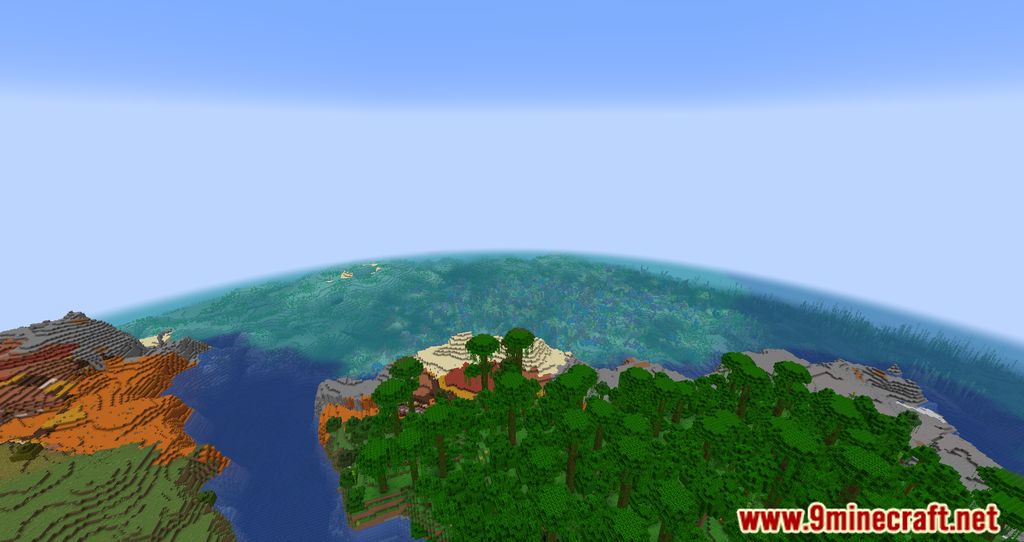
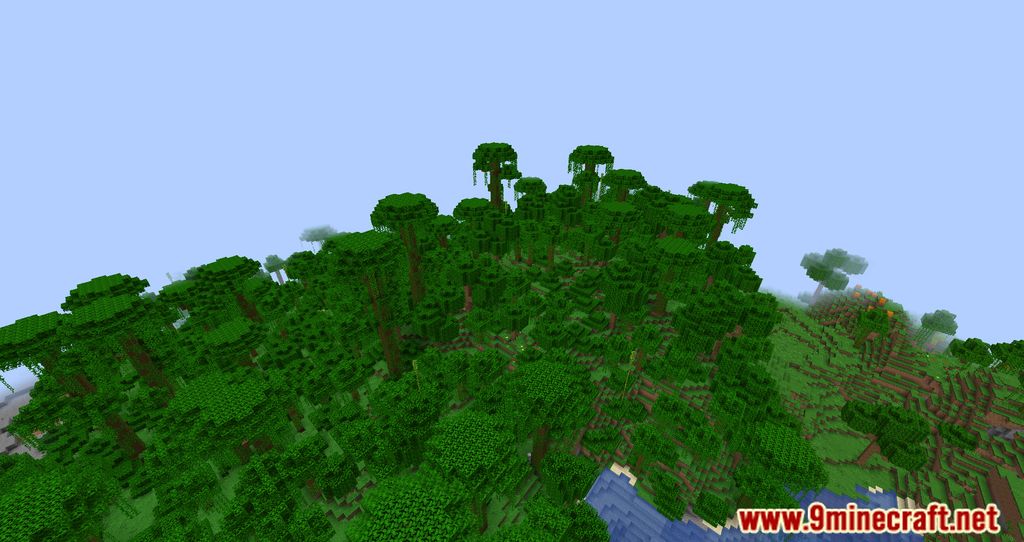
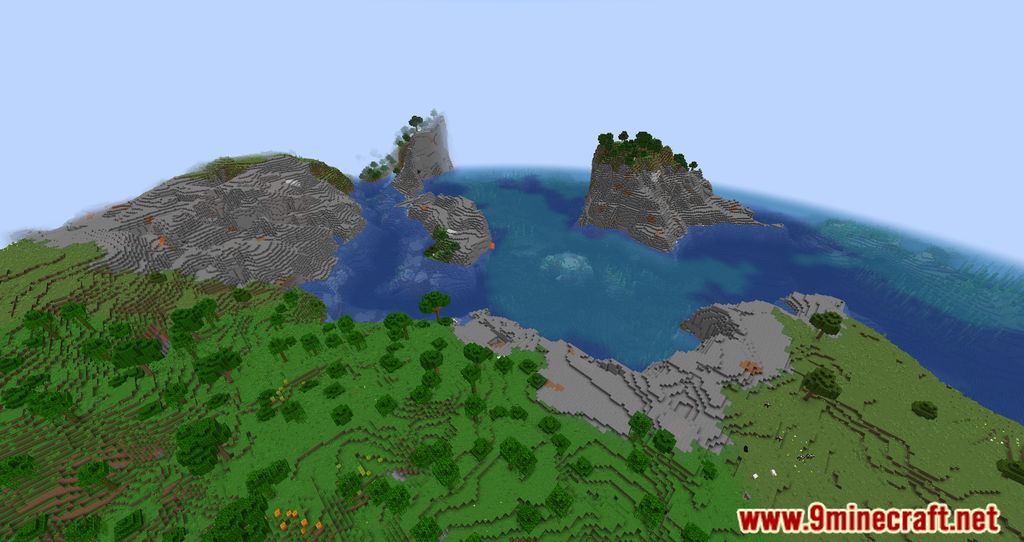
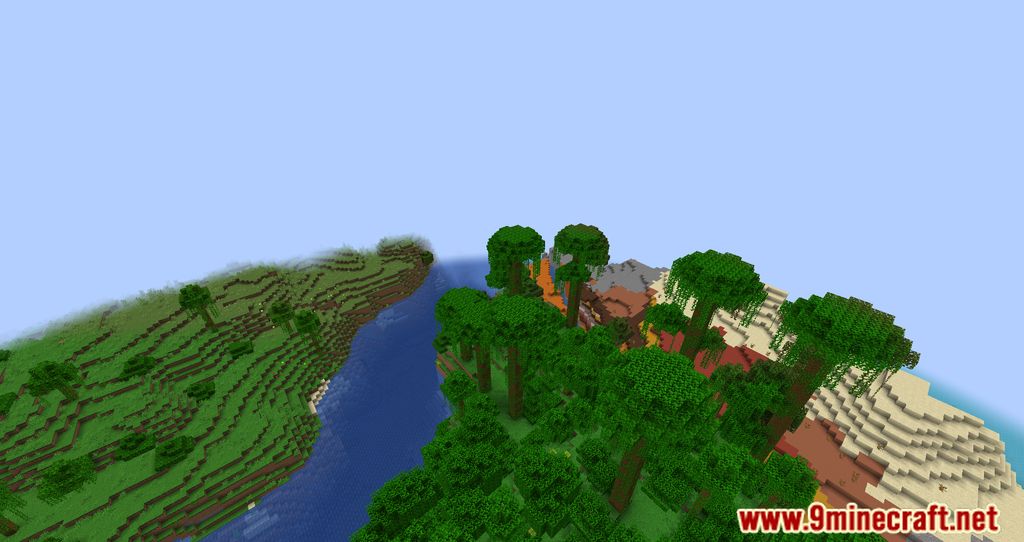
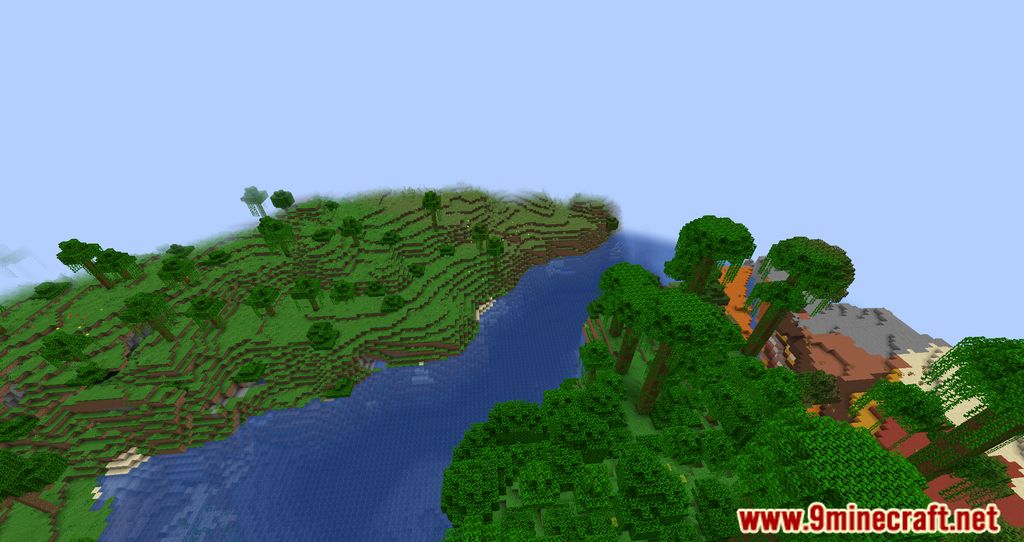
Farsight Mod allows players to increase the render distance of the world regardless of the render distance set on the server. If you have a powerful computer, you can enjoy a greater render distance on servers. It’s worth noting that the mod cannot load the world unless the server provides it. However, once you’ve visited those chunks, your game and the mod will remember the area and display it, even independently of the server. Of course, there are some drawbacks to this, but perhaps it’s better than playing with a low render distance.
Features:
- Allows players to see farther than the server’s set view distance, up to a configurable maximum of 64 chunks.
- Keeps chunks visible on the client side even after the server unloads them.
- Operates entirely on the client side, ensuring compatibility with other mods.
- Provides options to adjust the maximum distance for chunk data retention.
Screenshots:
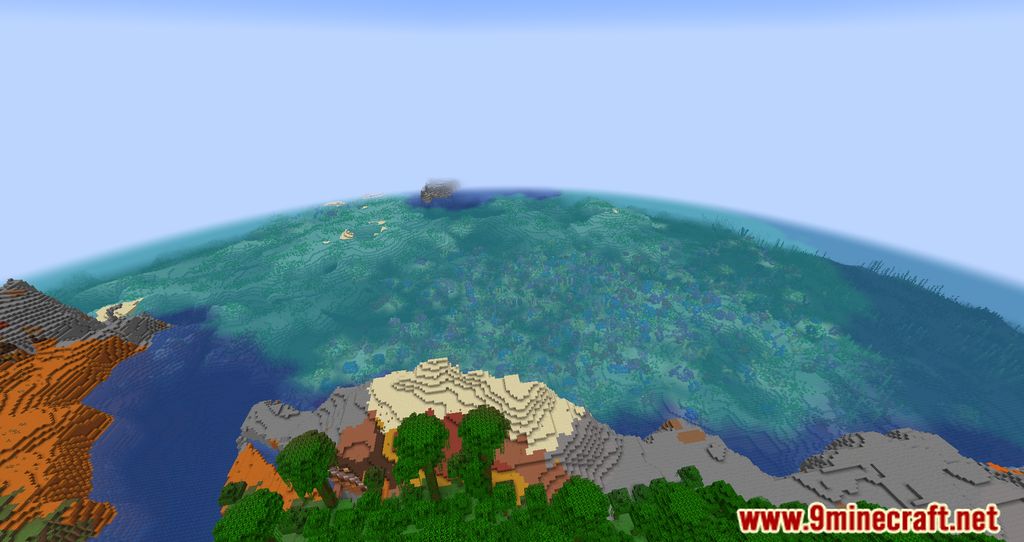
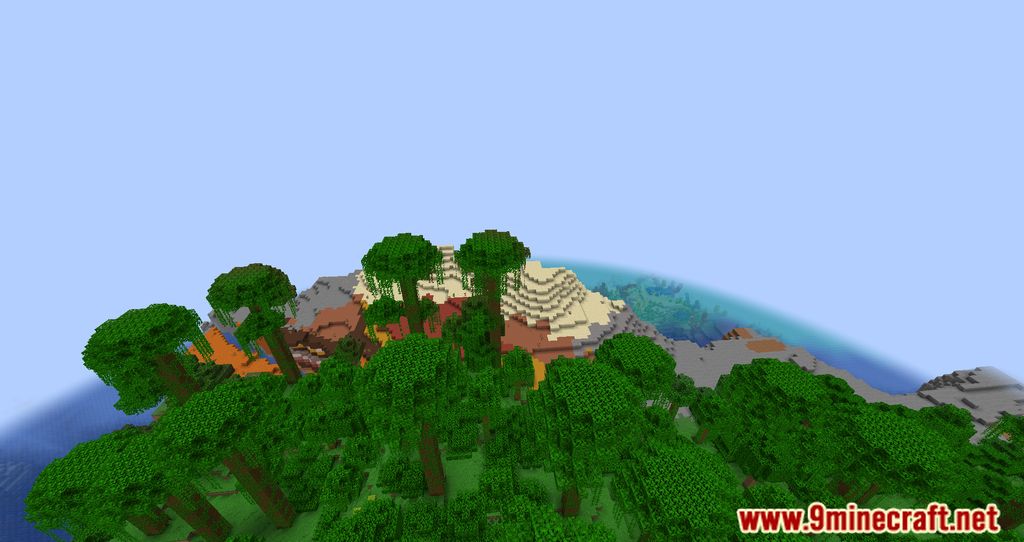
Farsight Mod Download Links
Quick facts
- Edition: Minecraft Java
- File type: .jar
- Minecraft version listed: 1.20.1
- How to install: Install the matching mod loader (Forge, Fabric or NeoForge) for your Minecraft version. → Download the .jar. → Put it in the .minecraft/mods folder and launch that loader profile.
- Where to get it: In MC Java Mods, or directly above on this page.
Install steps are the general flow for this file type — How to install Minecraft Java mods & modpacks walks through it step by step.
Verified by MCModsHub
- Downloads as 26743.mcaddon
- Download size: 27 KB
- Download link checked 23 Sept 2026 — working
- Mirrored on our own servers — the download does not depend on the original host
These come from our own check of the pack file, not from the source page.