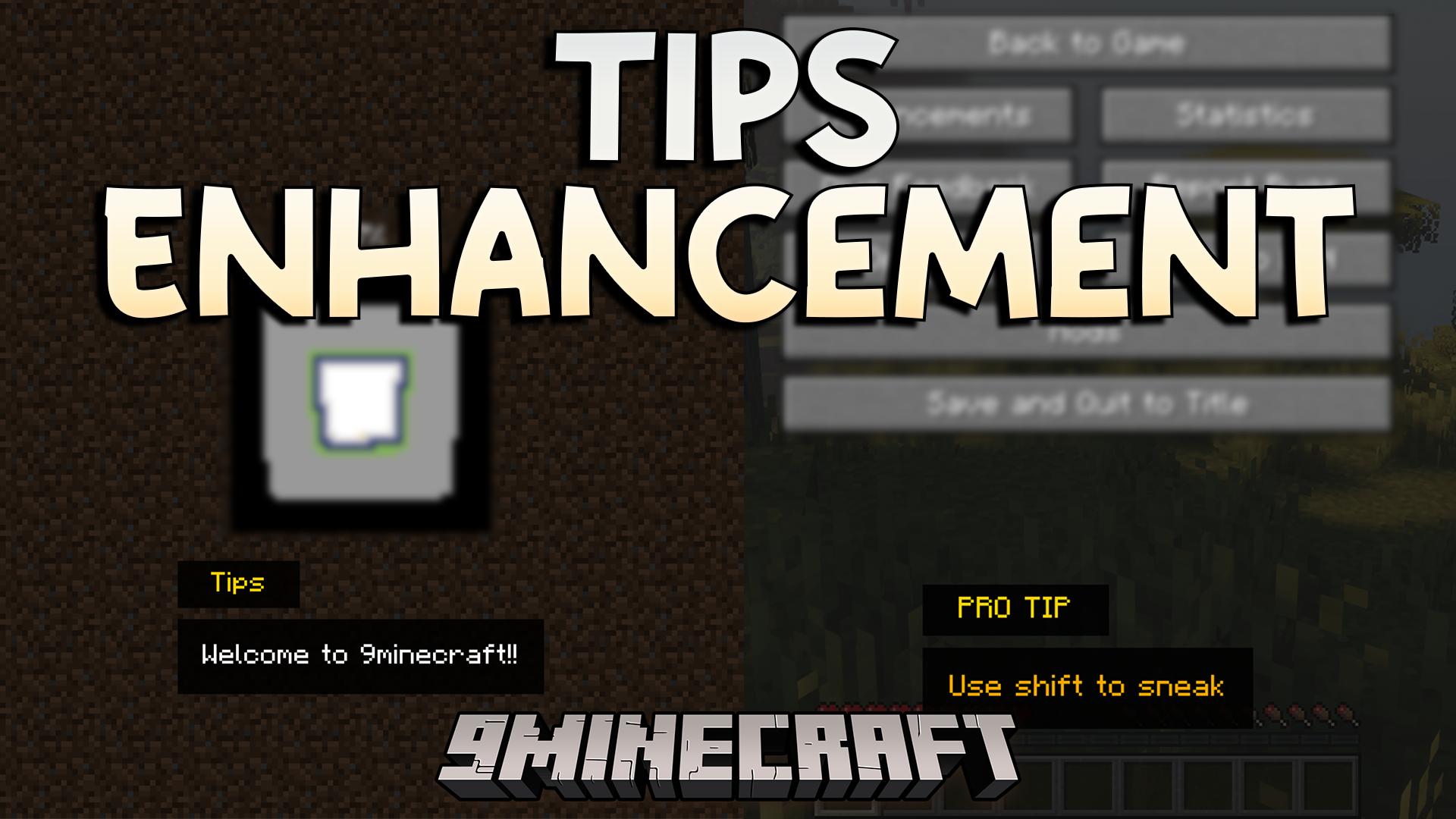
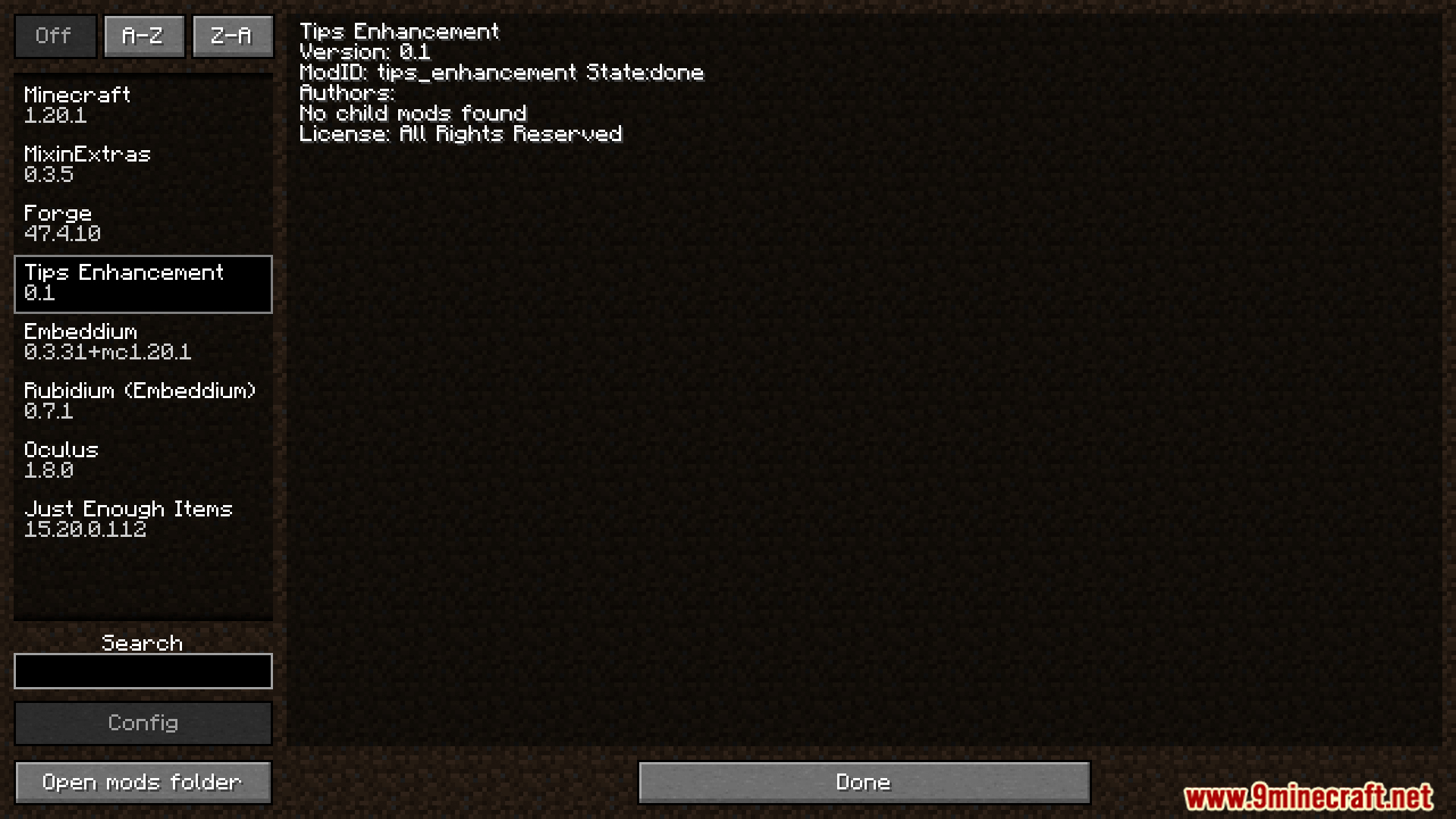
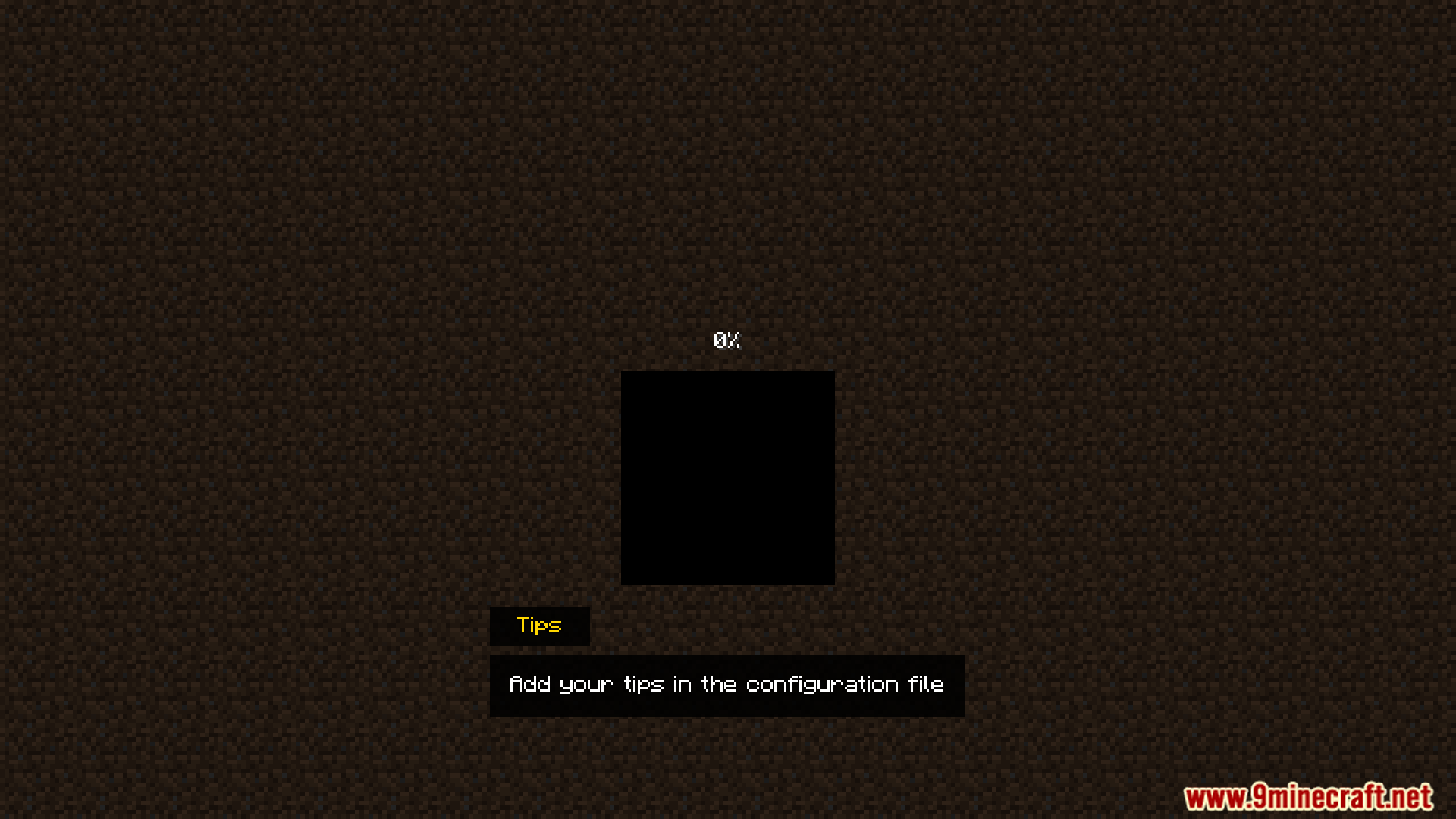
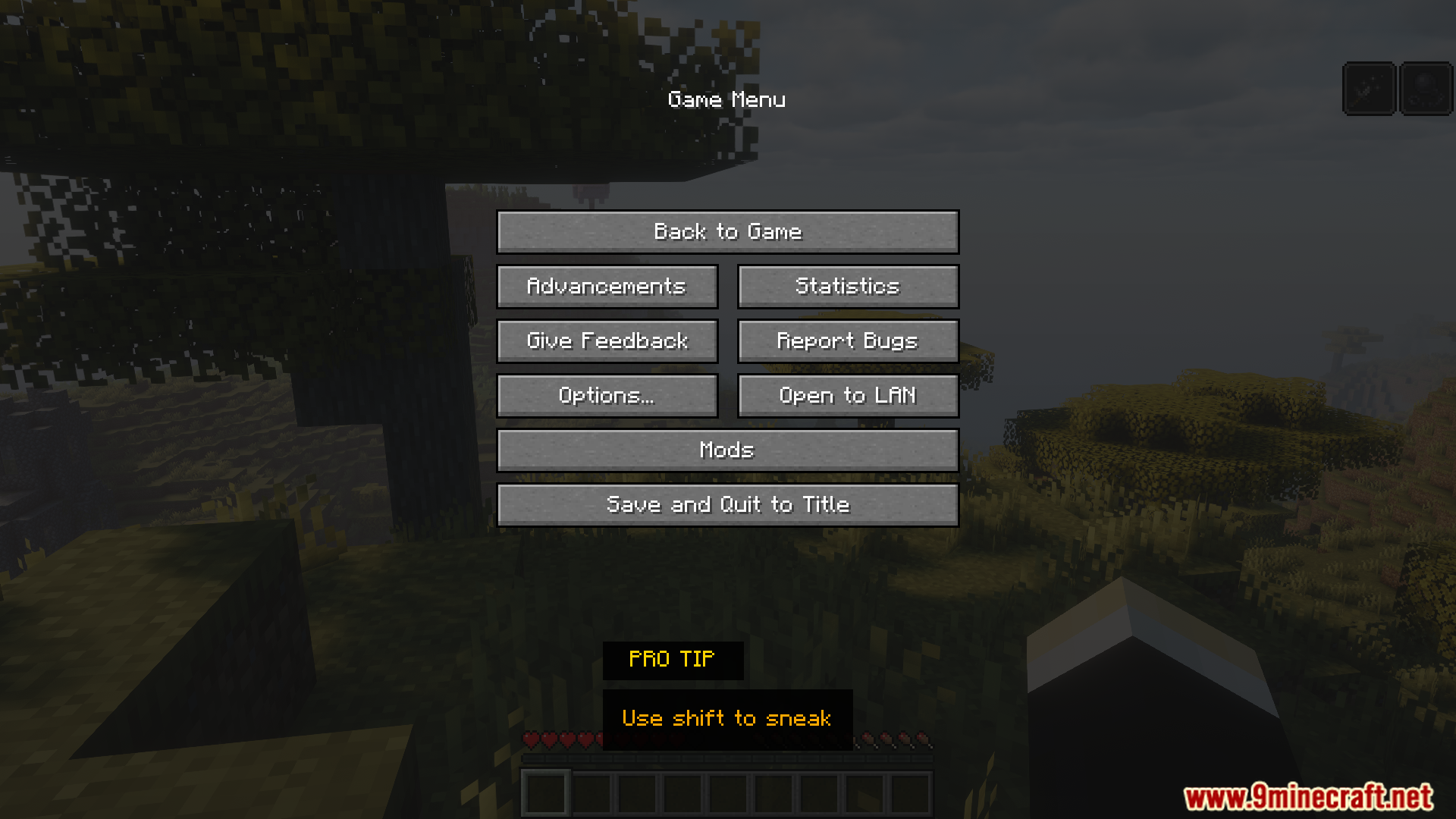
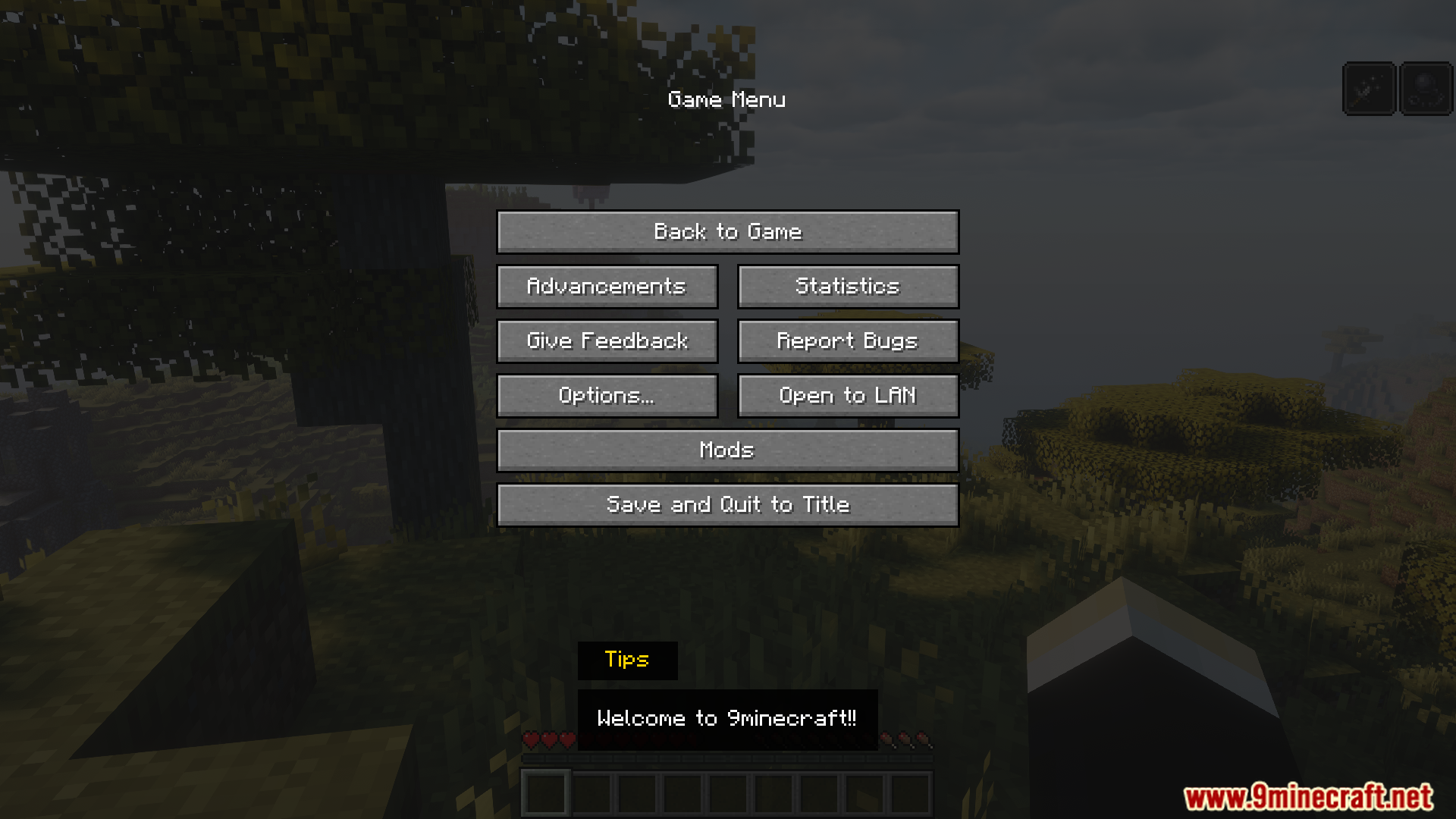
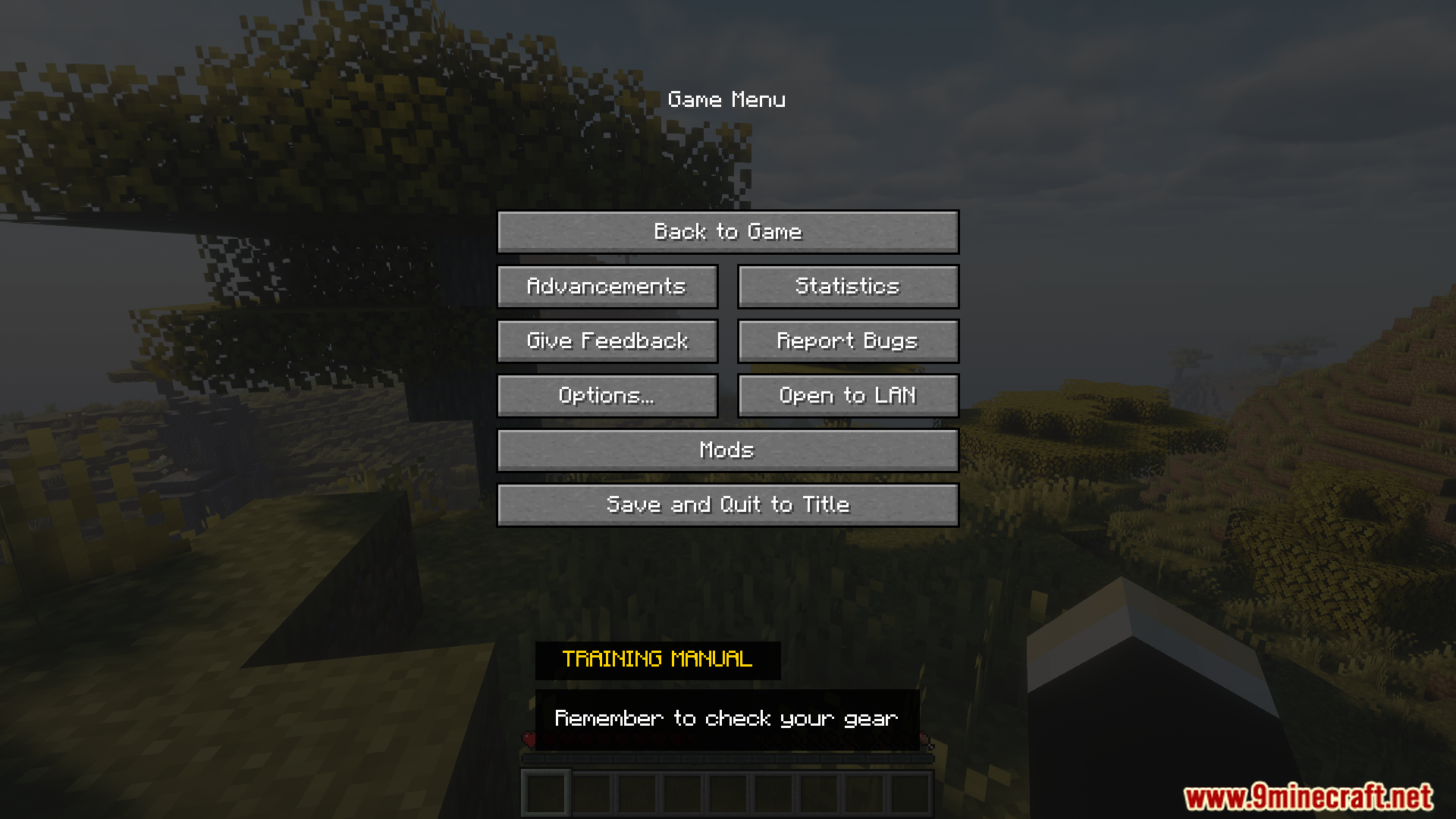
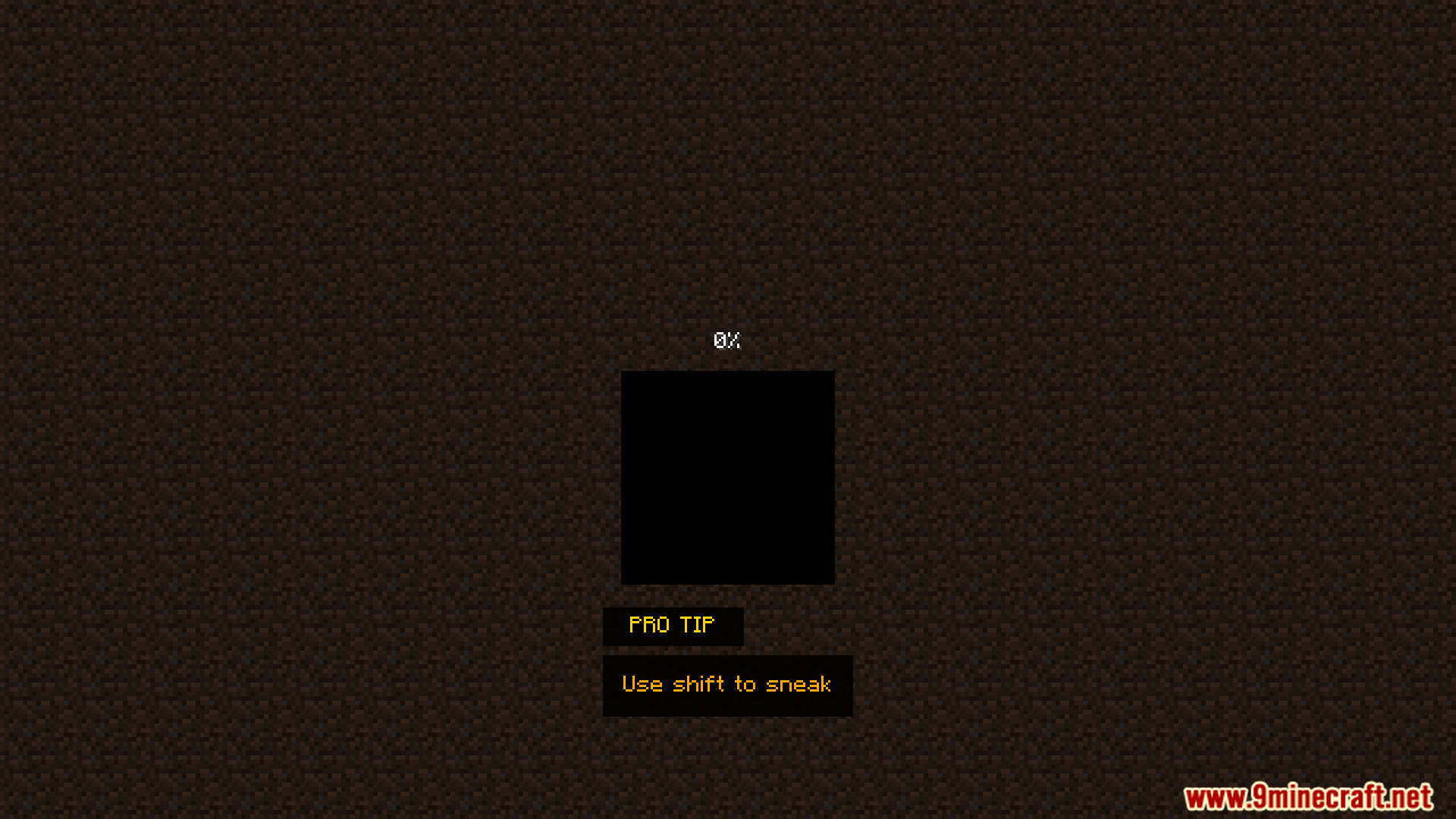
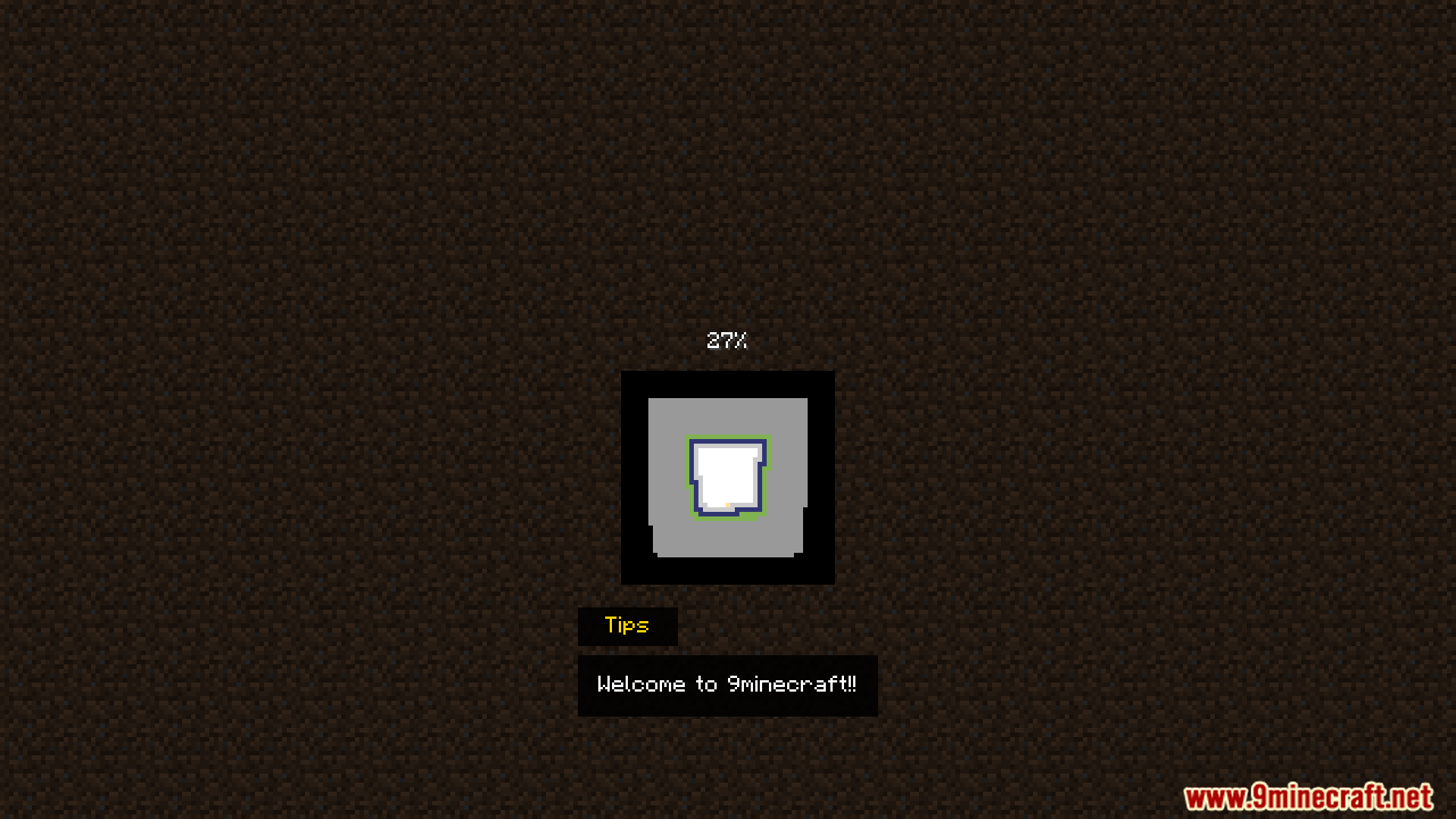
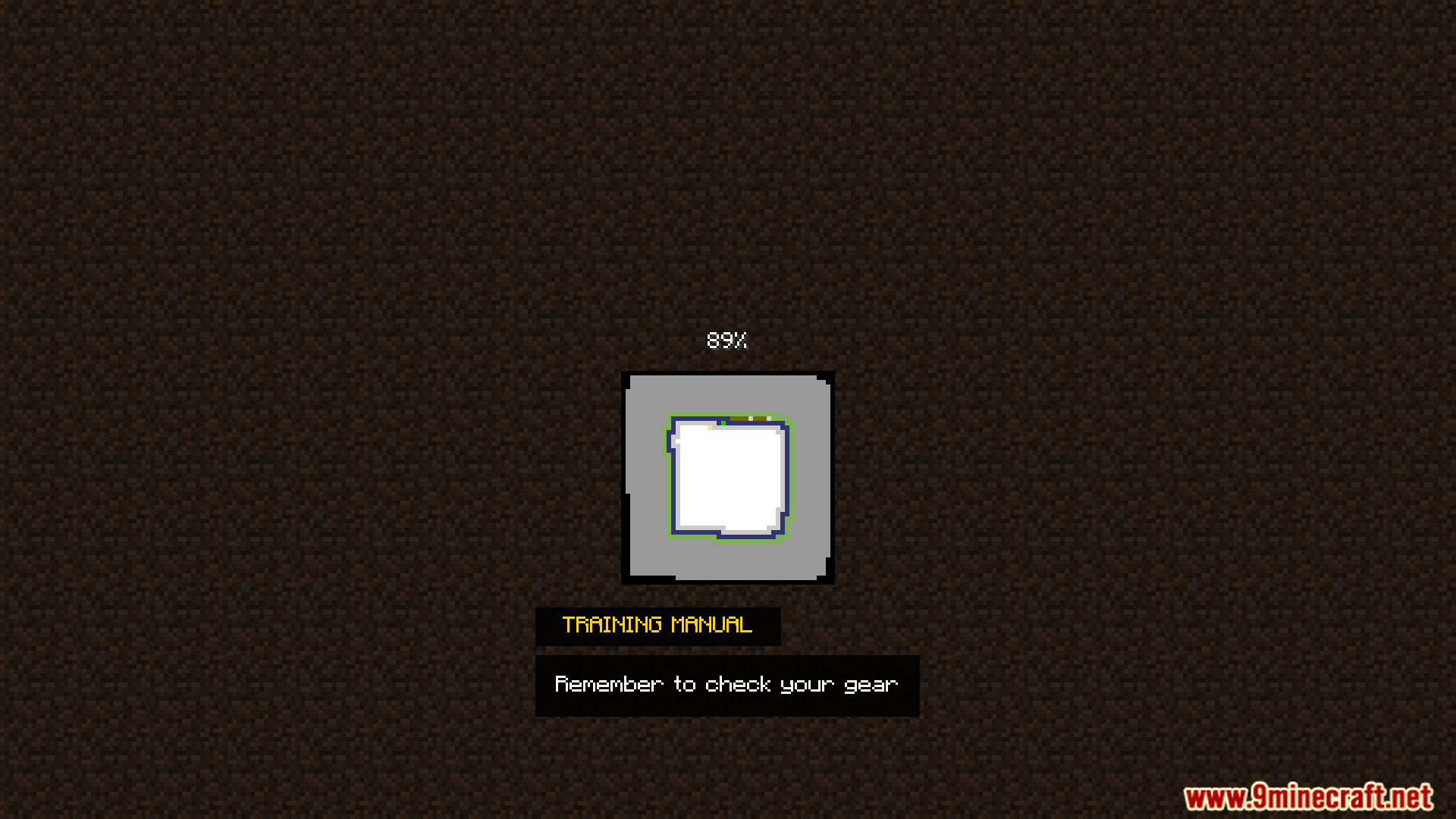
Tips Enhancement Mod adds custom text tips to your game screens. You can write your own helpful hints or fun messages for players to read. It puts those messages on different menus while you play. This mod gives you a simple way to share facts without making things confusing. You have full control over what the text says and how it looks.
Features:
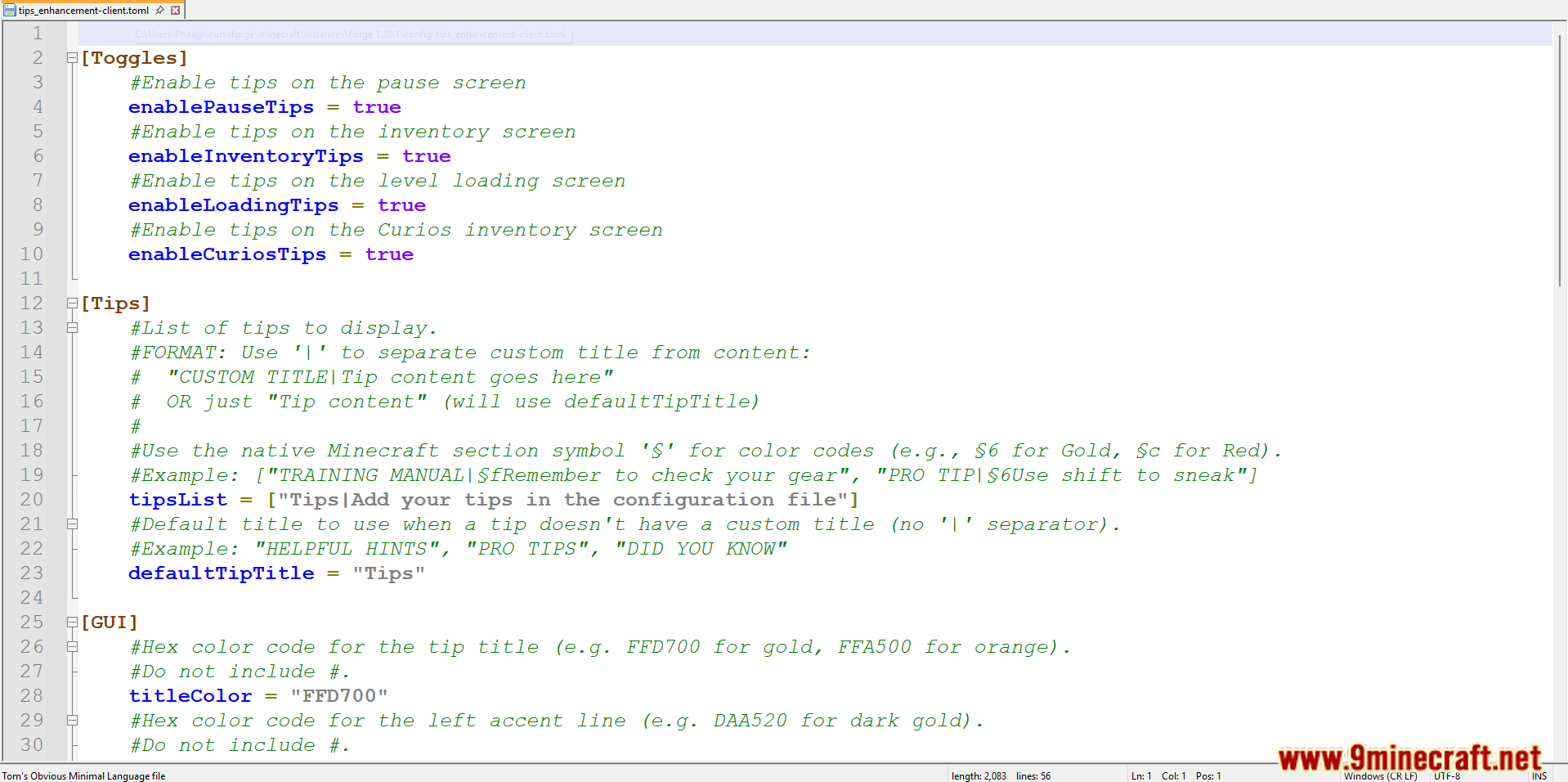
- Custom Text: Write your own hints, rules, or fun facts for the game to show.
- Multiple Screens: Read your messages on the loading screen, the pause menu, and the inventory screen.
- Color Formatting: Pick standard Minecraft color codes like
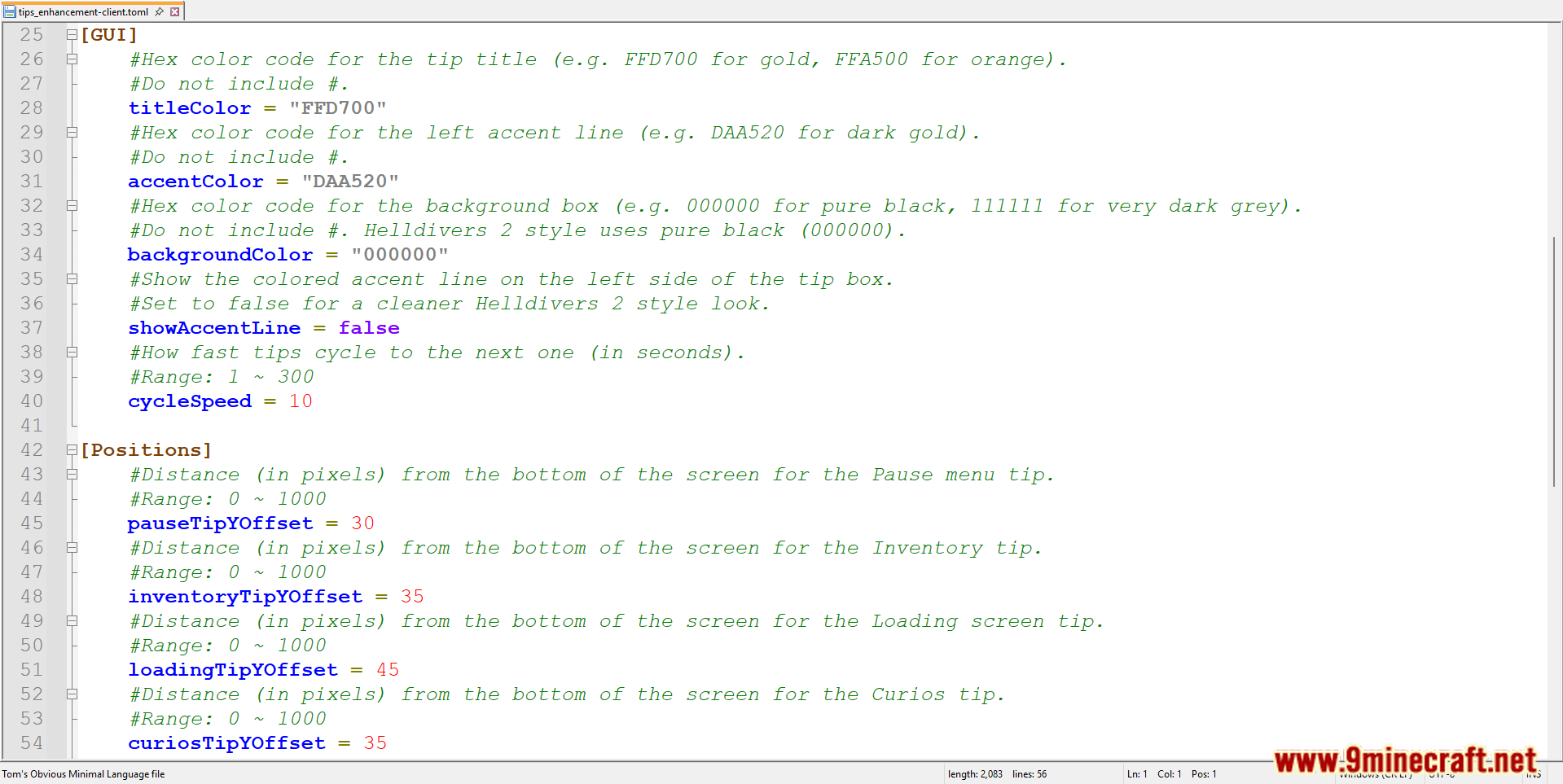
&cor<o paint your text in bright colors. - Fast Setup: Change the text in seconds to get Tips Enhancement Mod working right away.
- Modpack Friendly: Include Tips Enhancement Mod in your custom modpacks to guide other players.
Screenshots:
Tips Enhancement Mod Download Links
Quick facts
- Edition: Minecraft Java
- File type: .jar
- Minecraft version listed: 1.20.1
- How to install: Install the matching mod loader (Forge, Fabric or NeoForge) for your Minecraft version. → Download the .jar. → Put it in the .minecraft/mods folder and launch that loader profile.
- Where to get it: In MC Java Mods, or directly above on this page.
Install steps are the general flow for this file type — How to install Minecraft Java mods & modpacks walks through it step by step.
Verified by MCModsHub
- Downloads as 26745.mcaddon
- Download size: 18 KB
- Download link checked 25 Sept 2026 — working
- Mirrored on our own servers — the download does not depend on the original host
These come from our own check of the pack file, not from the source page.