
Searchable
Makes Minecraft more searchable!
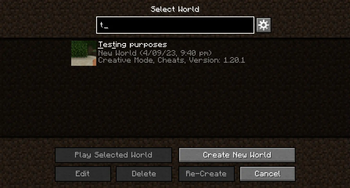
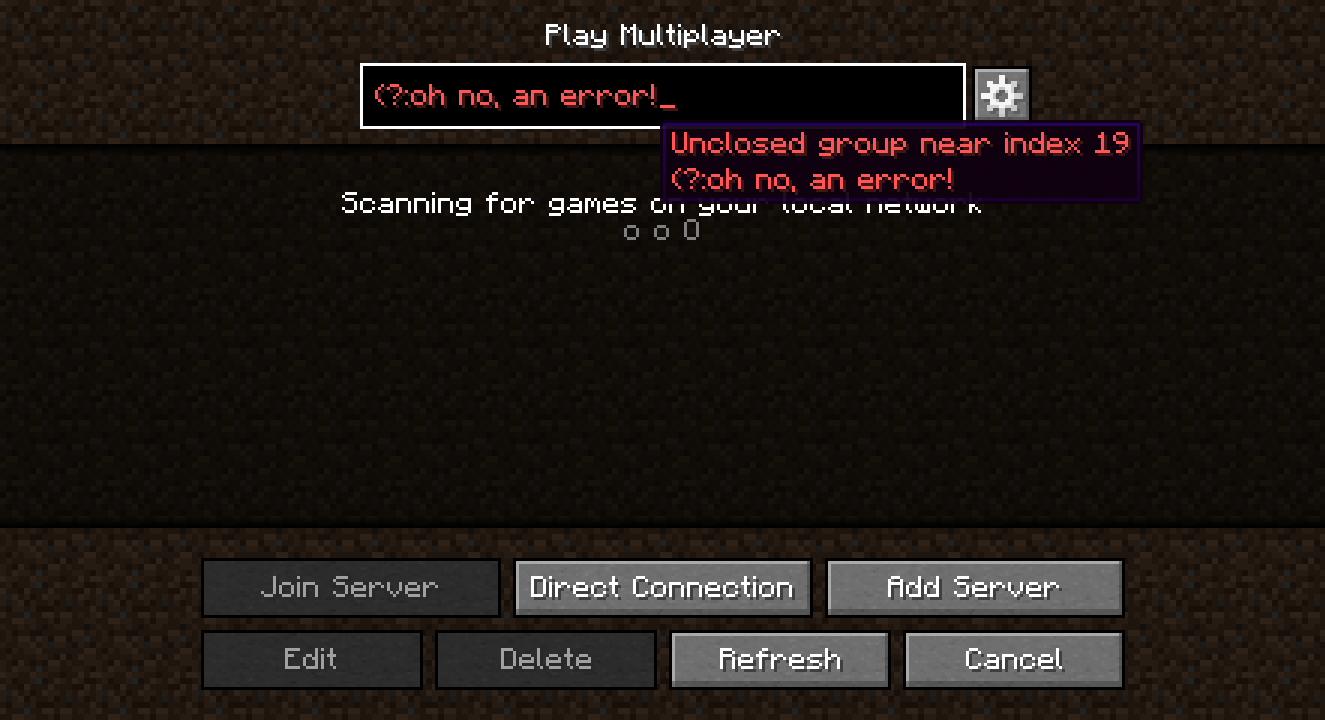
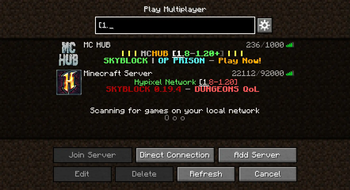
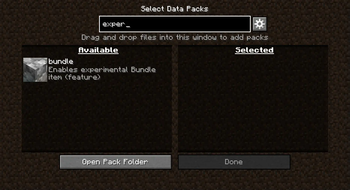
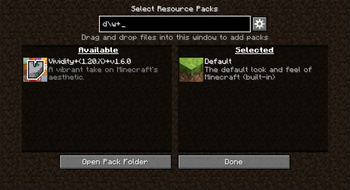
Improves the search functionality of the singleplayer world selection screen and also brings it to:
- the multiplayer server selection screen
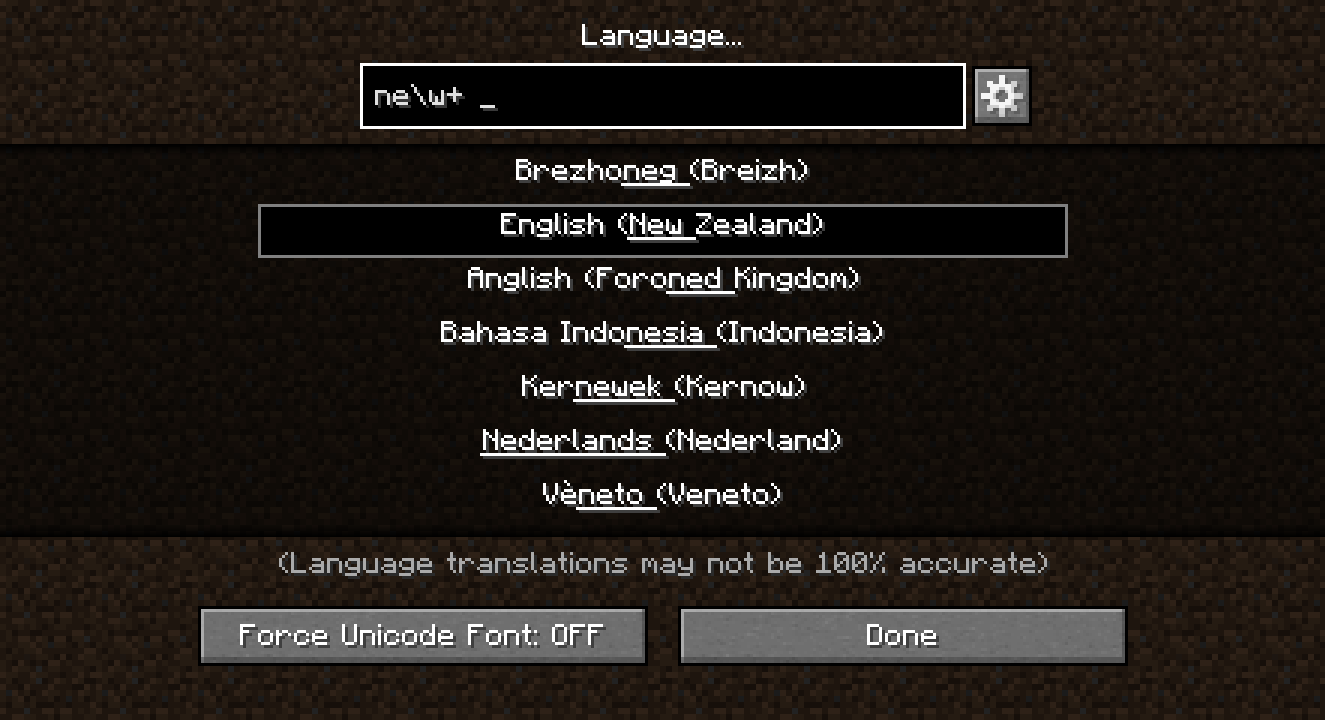
- the languages screen
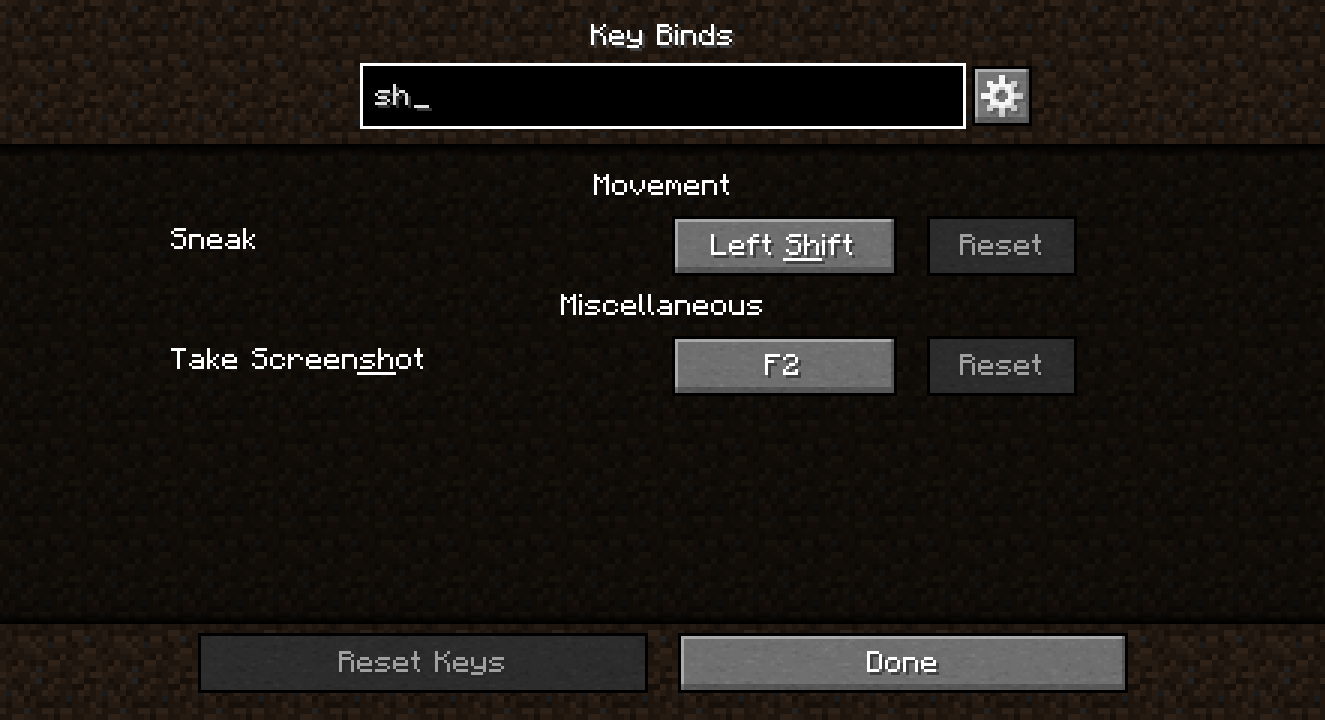
- the key binds screen
- the game rules editing screen
- the resource pack selection screen
- the data pack selection screen
Please make any suggestions or bug reports in the Issues tab on the GitHub repository :)
Why does this exist?
I created this mod initially just to add search to the Languages screen, as I am learning Dutch and I wanted to regularly switch between Dutch and English in the game, but having over 100 languages that all have the same text formatting and no way to filter them was very frustrating. After realising that the world selection screen has its own search box, I figured the best way to go about this was to add that same search to the Languages screen, and then to other GUIs that seemed a bit neglected with their own lack of search.
What changes does this make to the singleplayer world selection screen?
Searchable adds text highlighting, fixes a bug where the "Play Selected World" and other buttons in the GUI wouldn't become greyed out when the selected world is hidden due to a search query change, and adds more options turned off by default to:
- use RegEx expressions for searching
- match world details as well as world names
Searchable also adds a button to open the config next to the search boxes it modifies or adds.
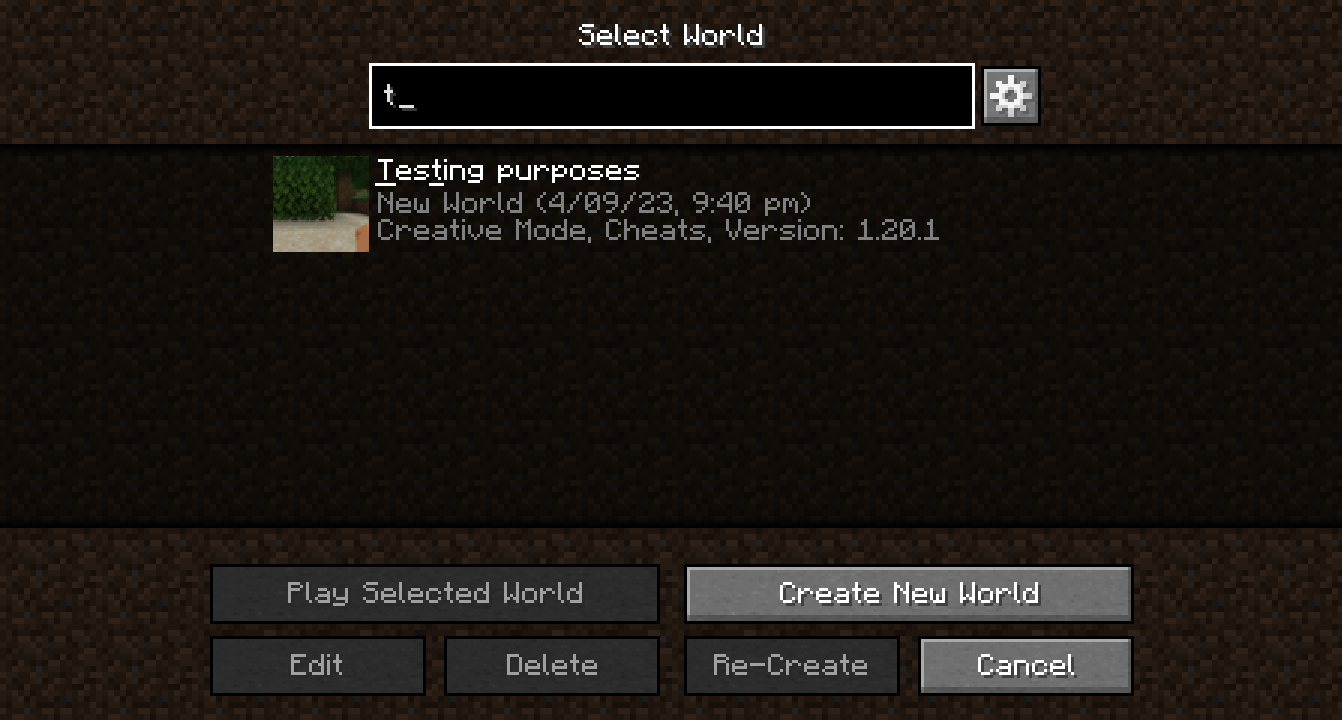
What if I don't want certain changes that the mod makes?
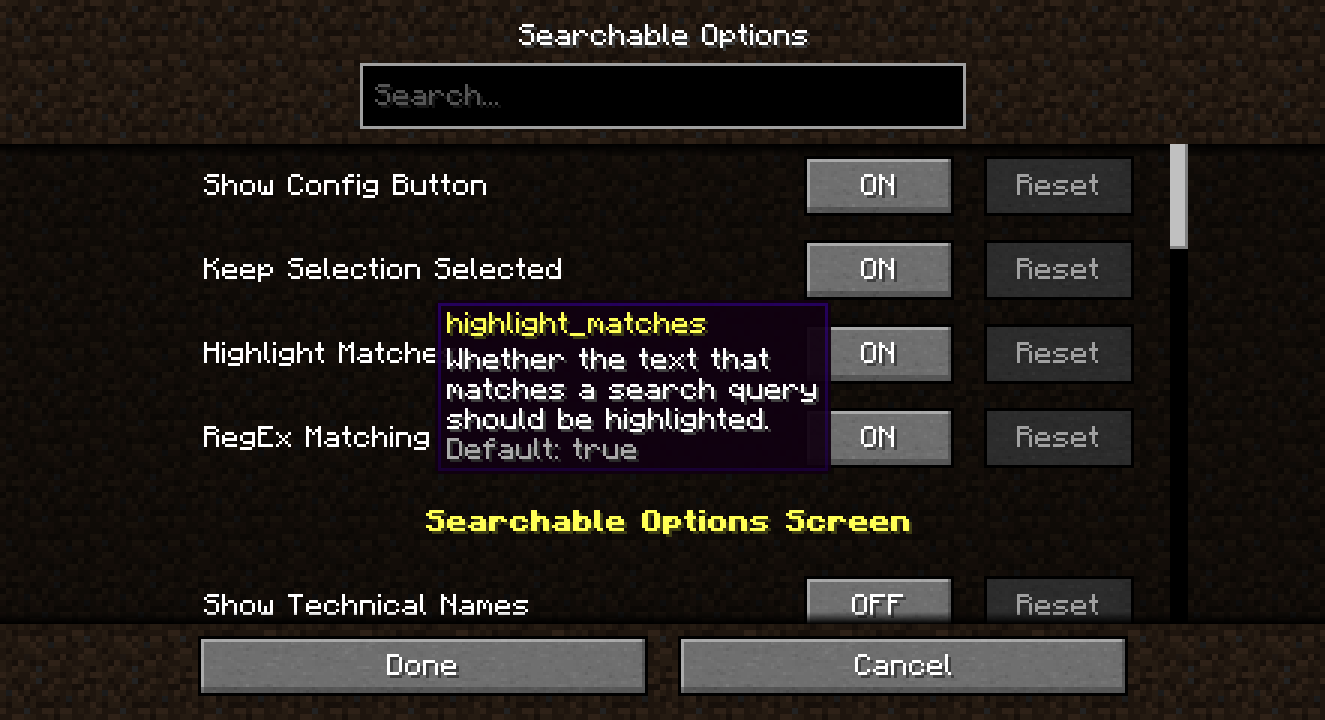
That's totally fine! Pretty much everything in Searchable can be toggled on and off in the config, from highlighting to which screens have search added to whether the 'open config' buttons are added.
The config can be changed with either:
- the in-game GUI, accessible through the 'open config' buttons or Mod Menu if it is installed; or
- the config TOML file found in
.minecraft/config/searchable/searchable.toml.
- Edition: Minecraft Java
- File type: .jar
- Minecraft versions listed: 1.20, 1.20.1
- How to install: Install the matching mod loader (Forge, Fabric or NeoForge) for your Minecraft version. → Download the .jar. → Put it in the .minecraft/mods folder and launch that loader profile.
- Where to get it: Opens on Modrinth — not every file is mirrored on our own servers.
Install steps are the general flow for this file type — How to install Minecraft Java mods & modpacks walks through it step by step.
- Ships as searchable-0.2.3+1.20.1.jar — drop this file into the mods folder
- Download size: 215 KB
- Download link checked 30 Aug 2026 — working
These come from our own check of the pack file, not from the source page.