
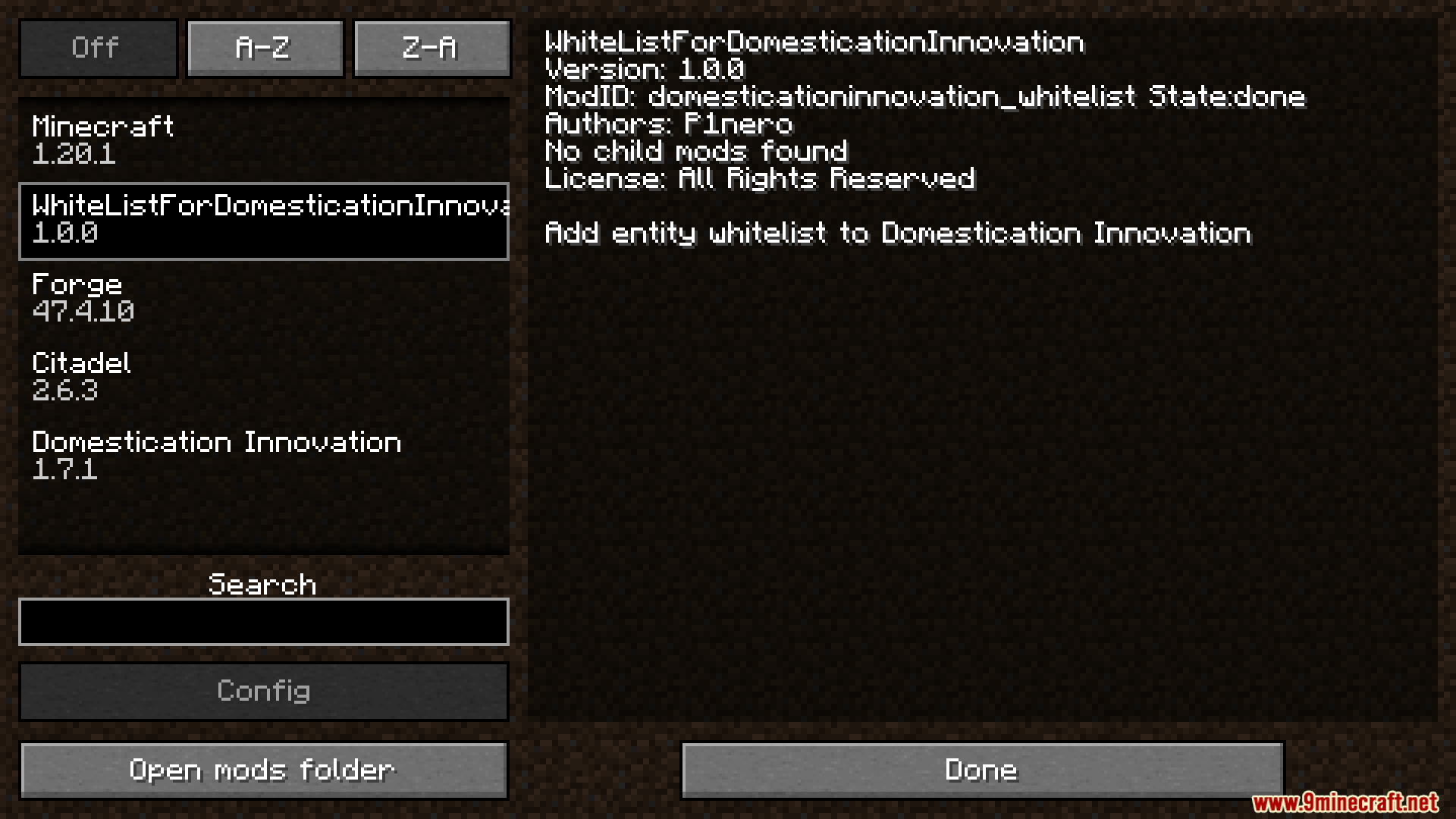
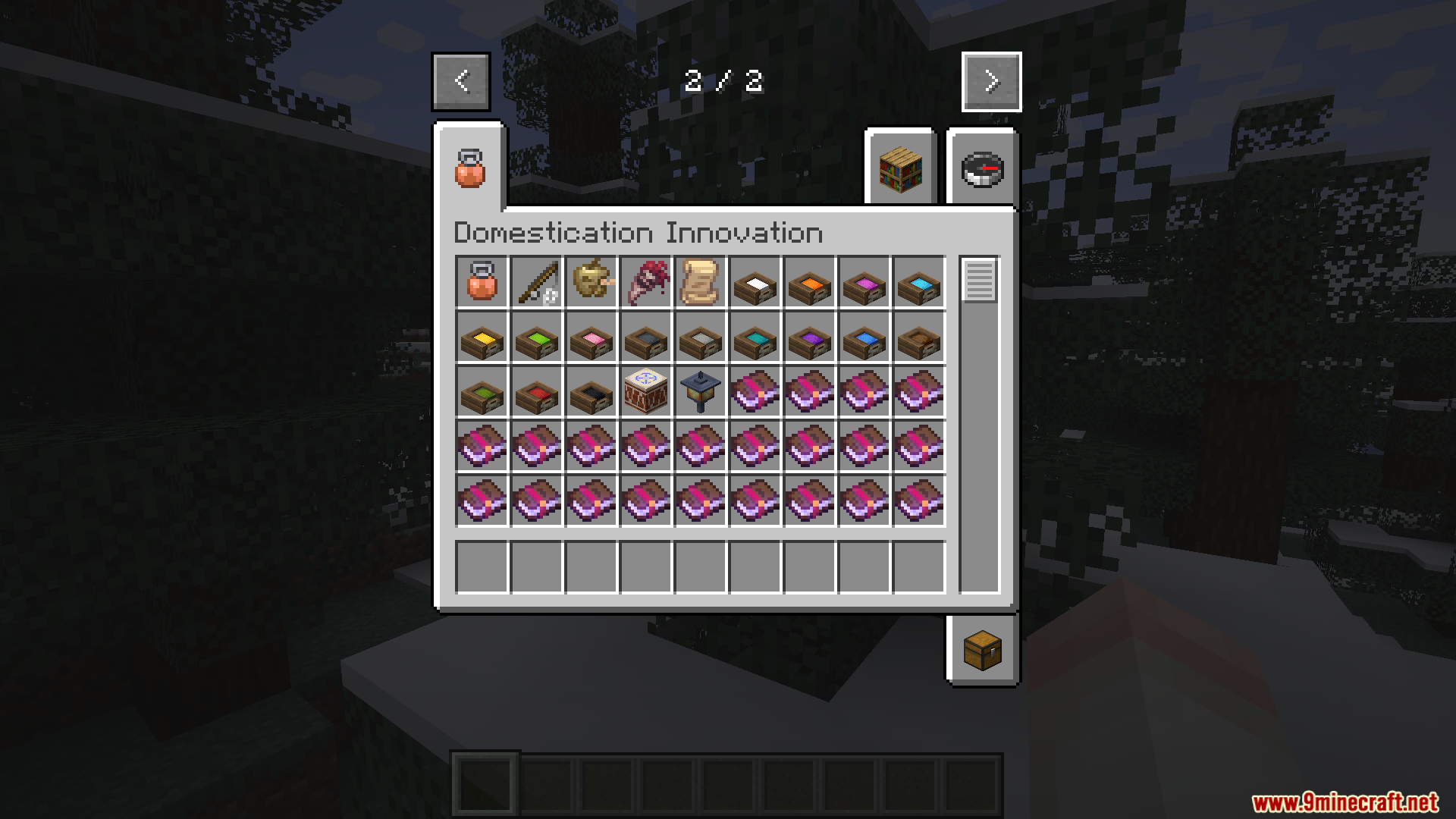
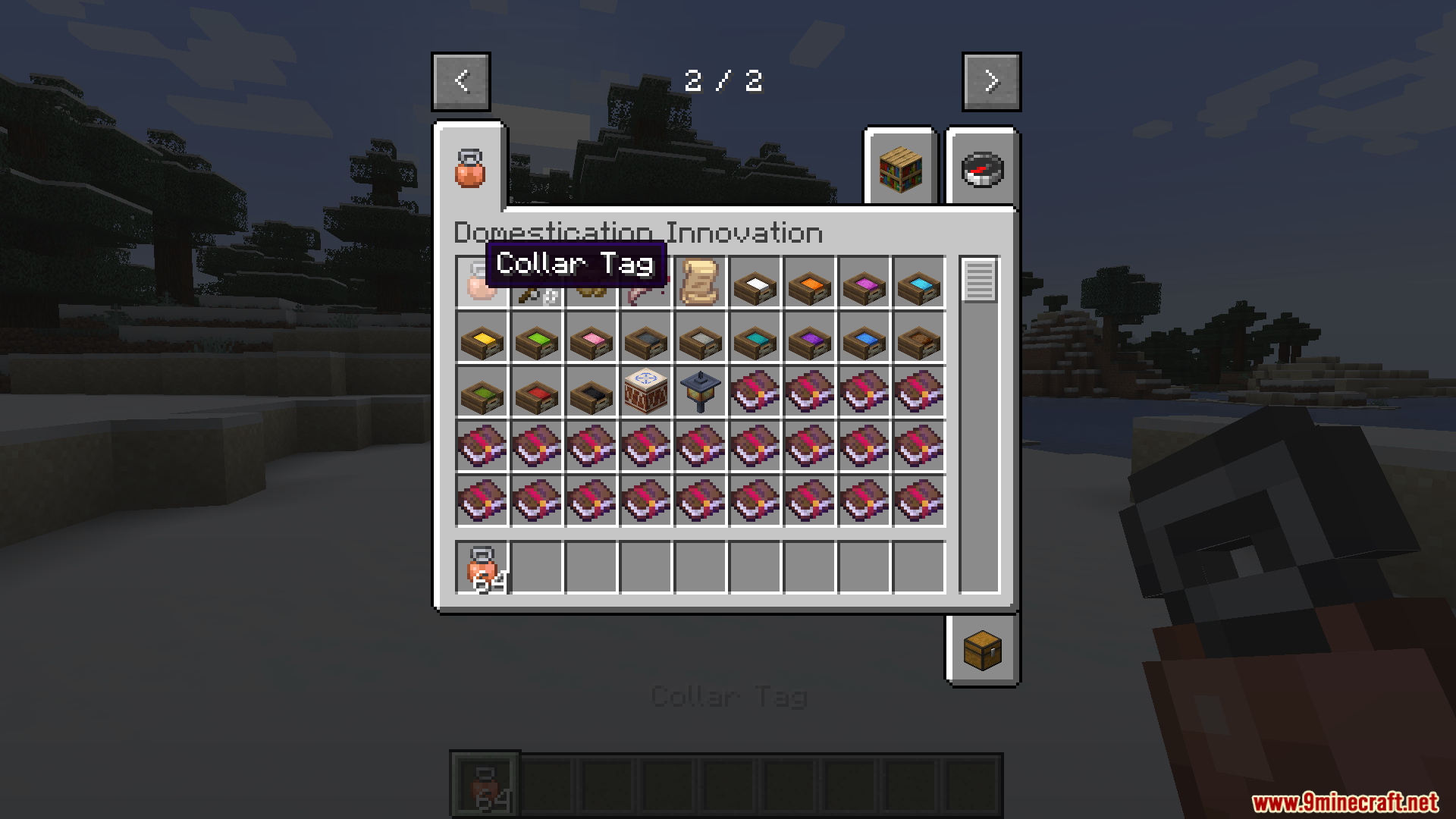
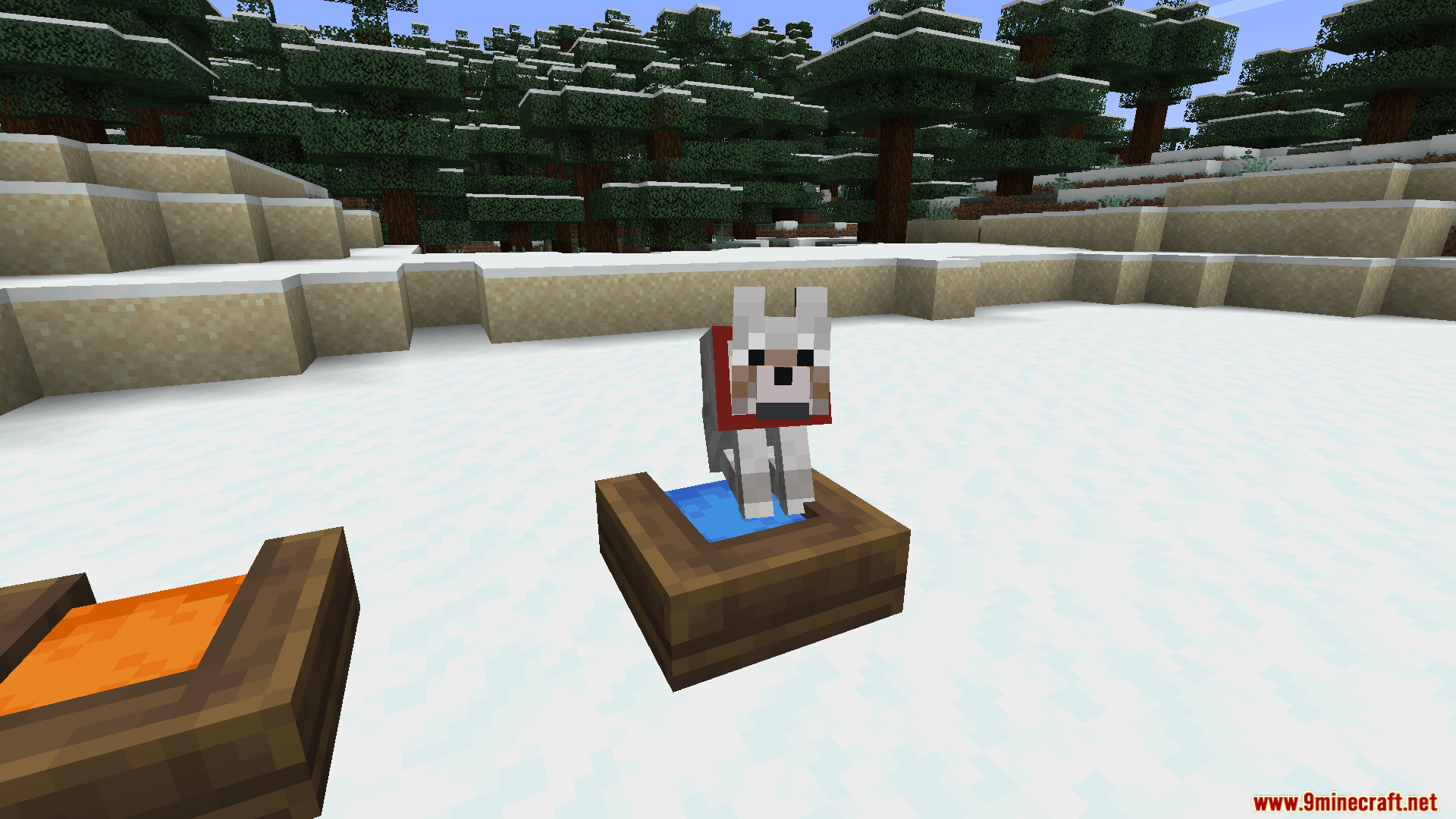
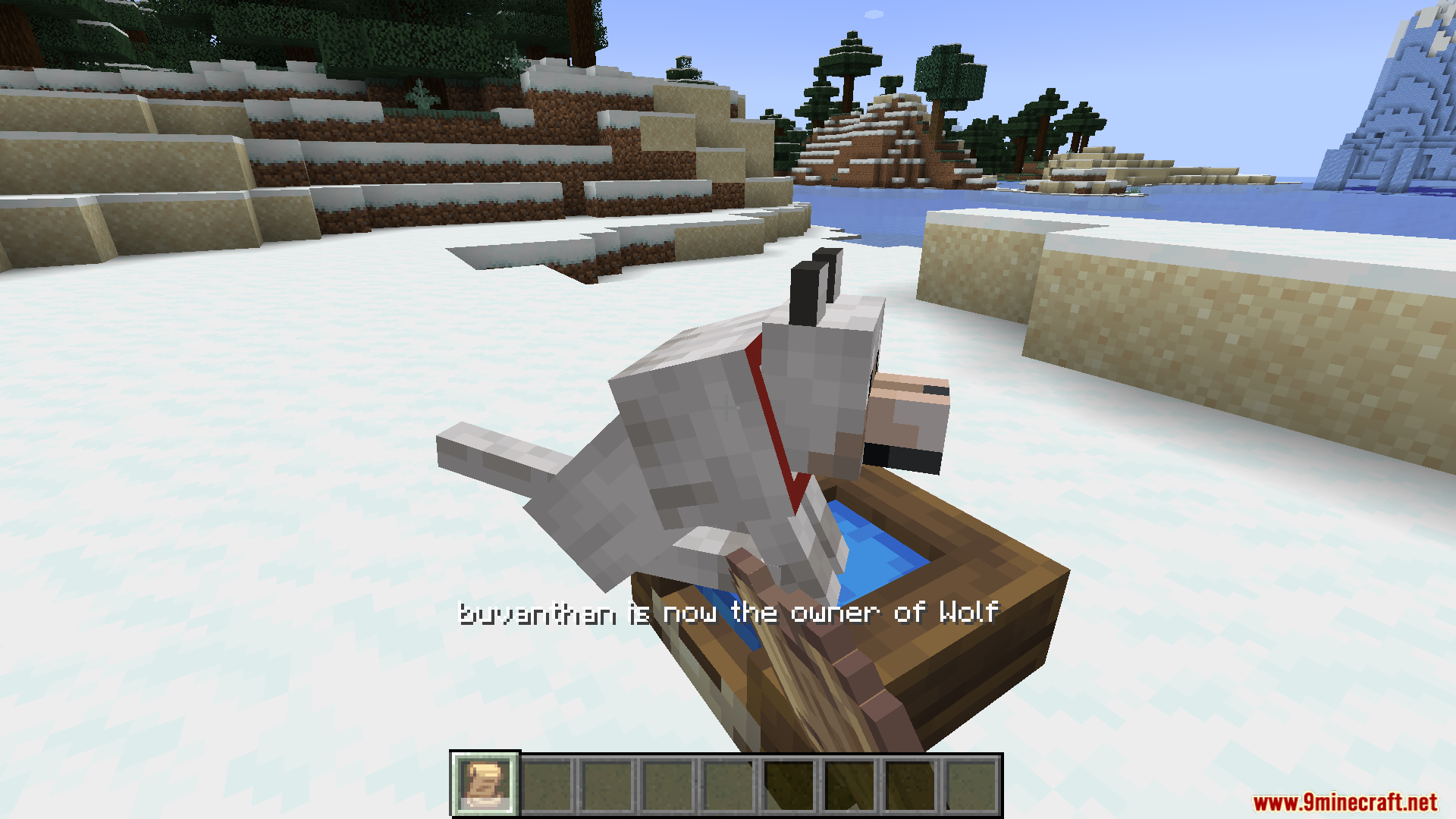
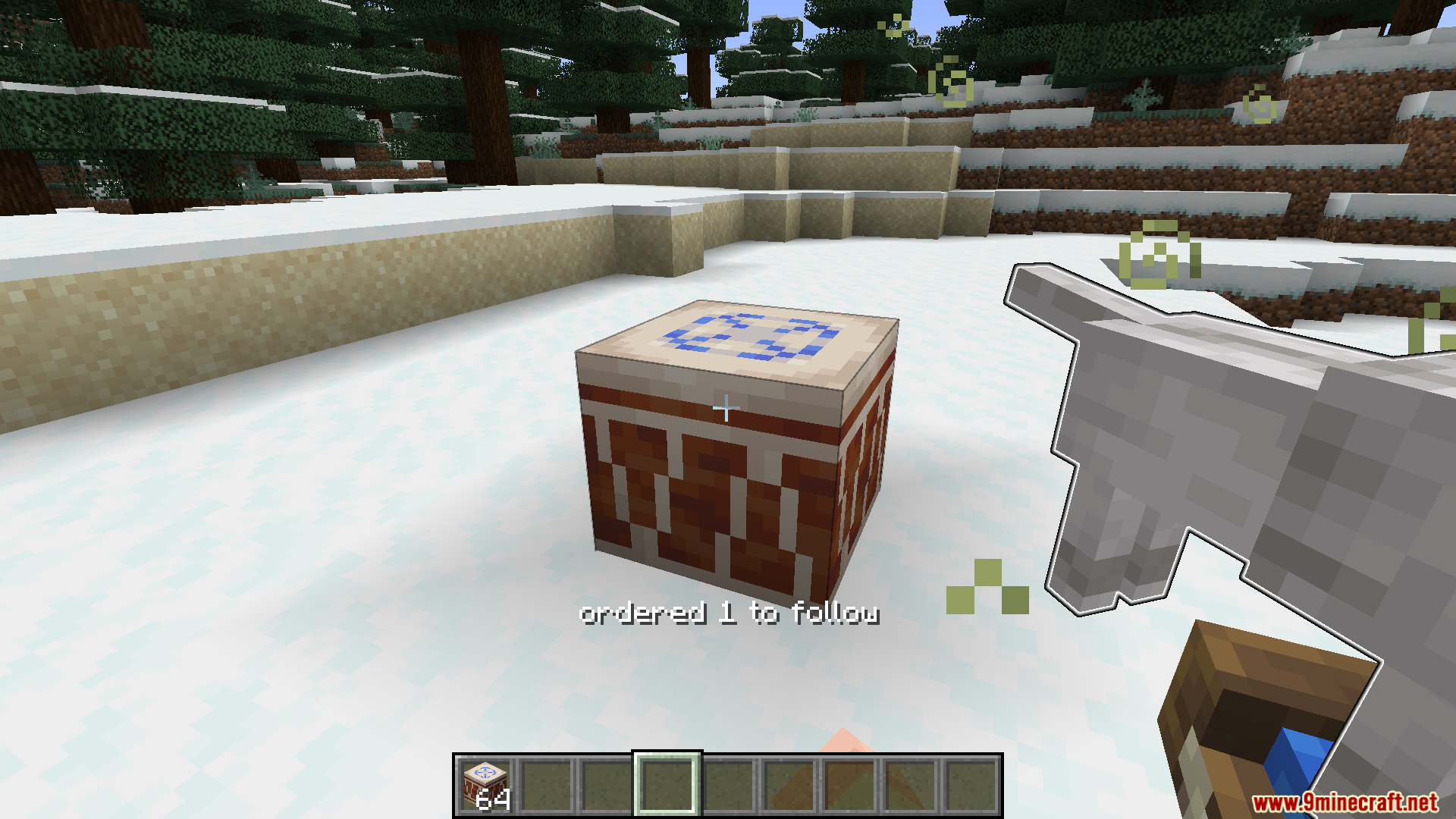
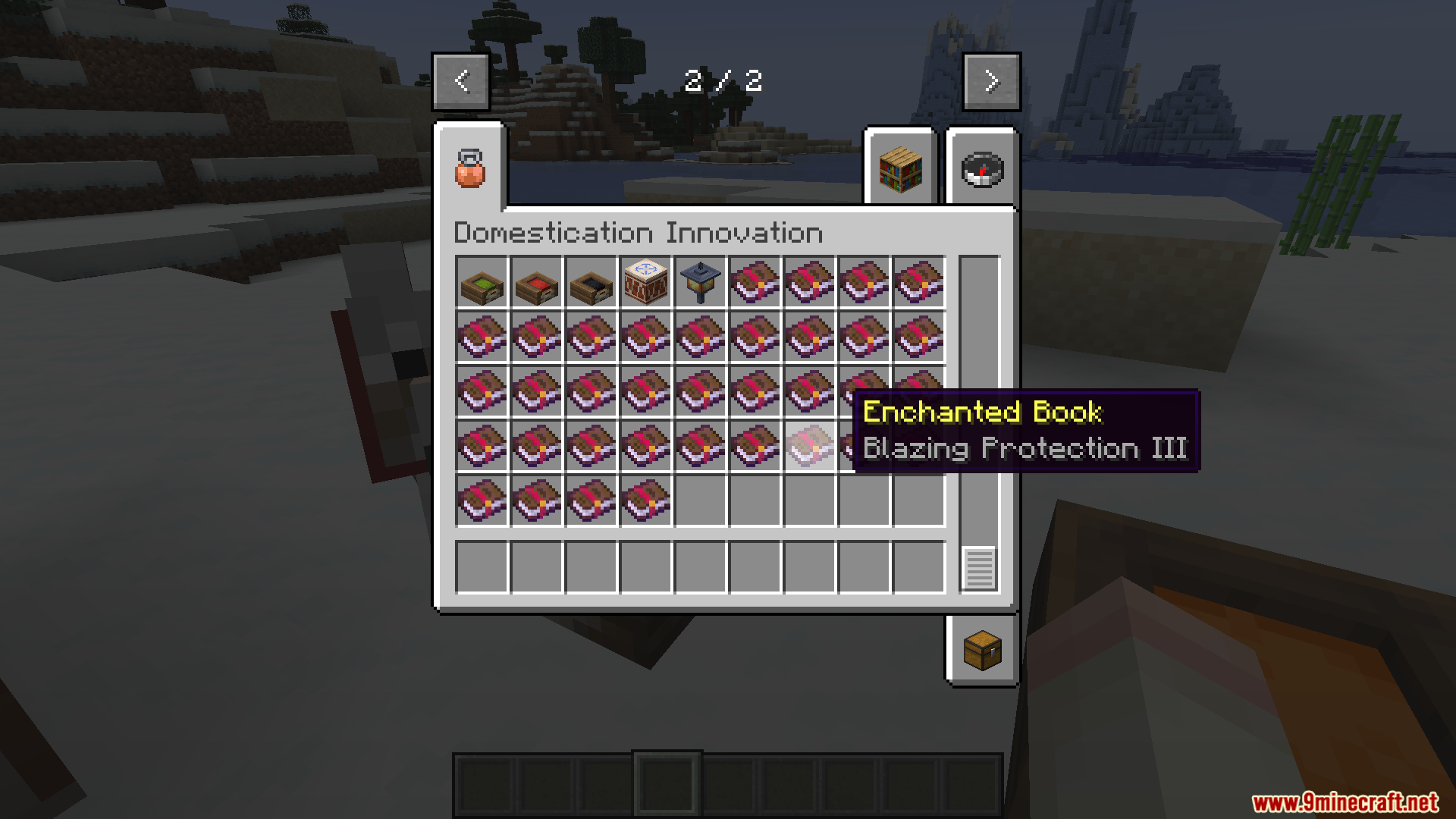

Domestication Innovation Whitelist Mod adds a filtering system for Domestication Innovation. It lets you control exactly which animals can wear the Collar tag item. The main mod only stops certain animals from getting tags. This addon changes that by giving you the option to make a specific list of approved pets. You can easily pick which mobs get to wear collars. Server owners find this helpful to keep pet options balanced.
Features:
- Custom Pet Lists: Create a specific list of animals that can wear the Collar tag.
- Toggle Modes: Switch between a whitelist (only these pets) and a blacklist (everyone except these pets).
- Game Names: Type standard animal names like “minecraft:wolf” to pick your pets.
Configuration:
black_list_mode: Set this tofalseto use your list as an approval list, ortrueto block the animals on your list.entity_types: Type the exact names of the animals you want to control.
How to Use:
- Open the settings file for this mod.
- Add the exact game names of your chosen animals (like “minecraft:cat”) into the
entity_typeslist. - Choose your mode by changing the
black_list_modesetting. - Save the file so only your chosen animals can receive tags.
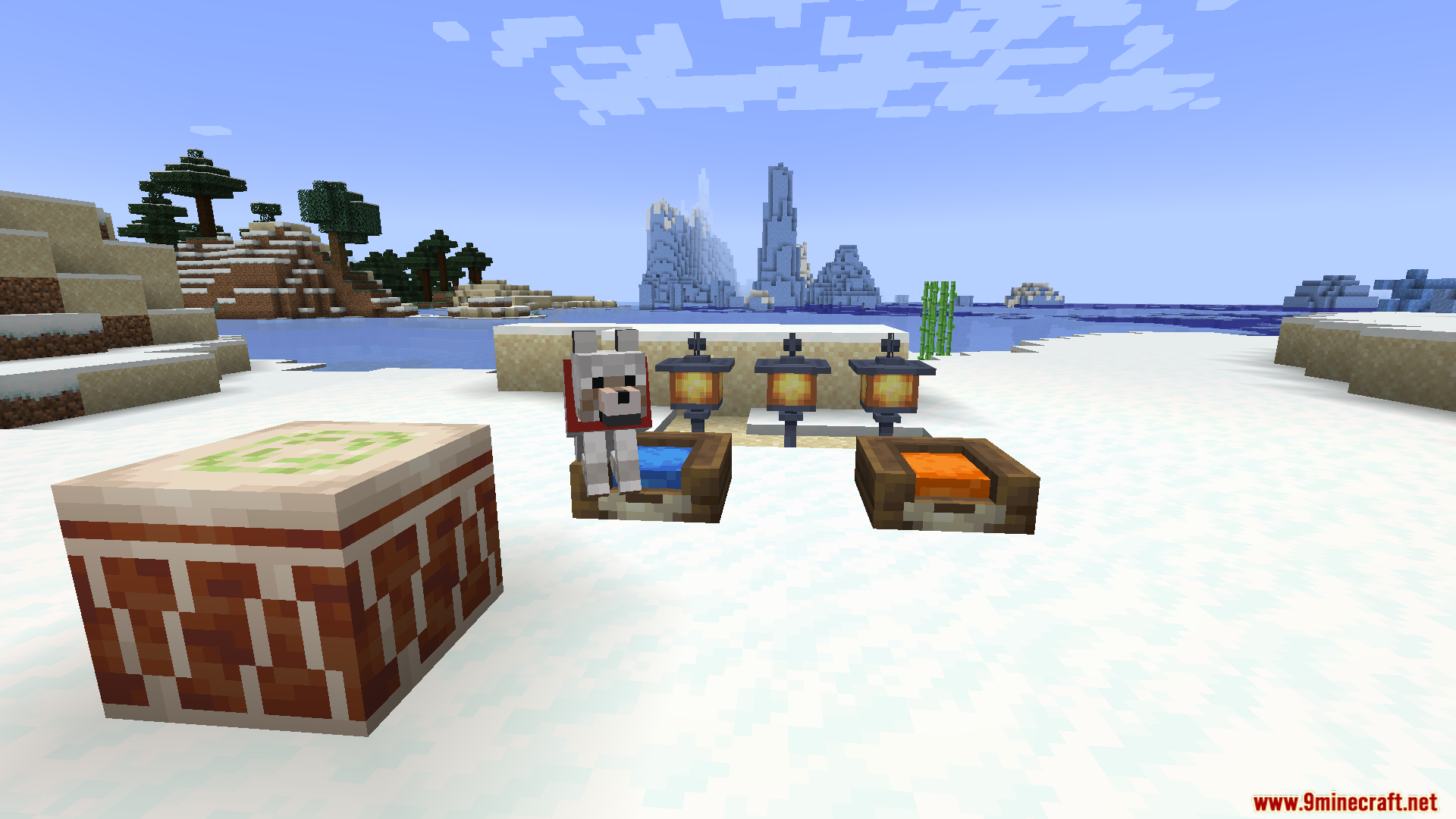
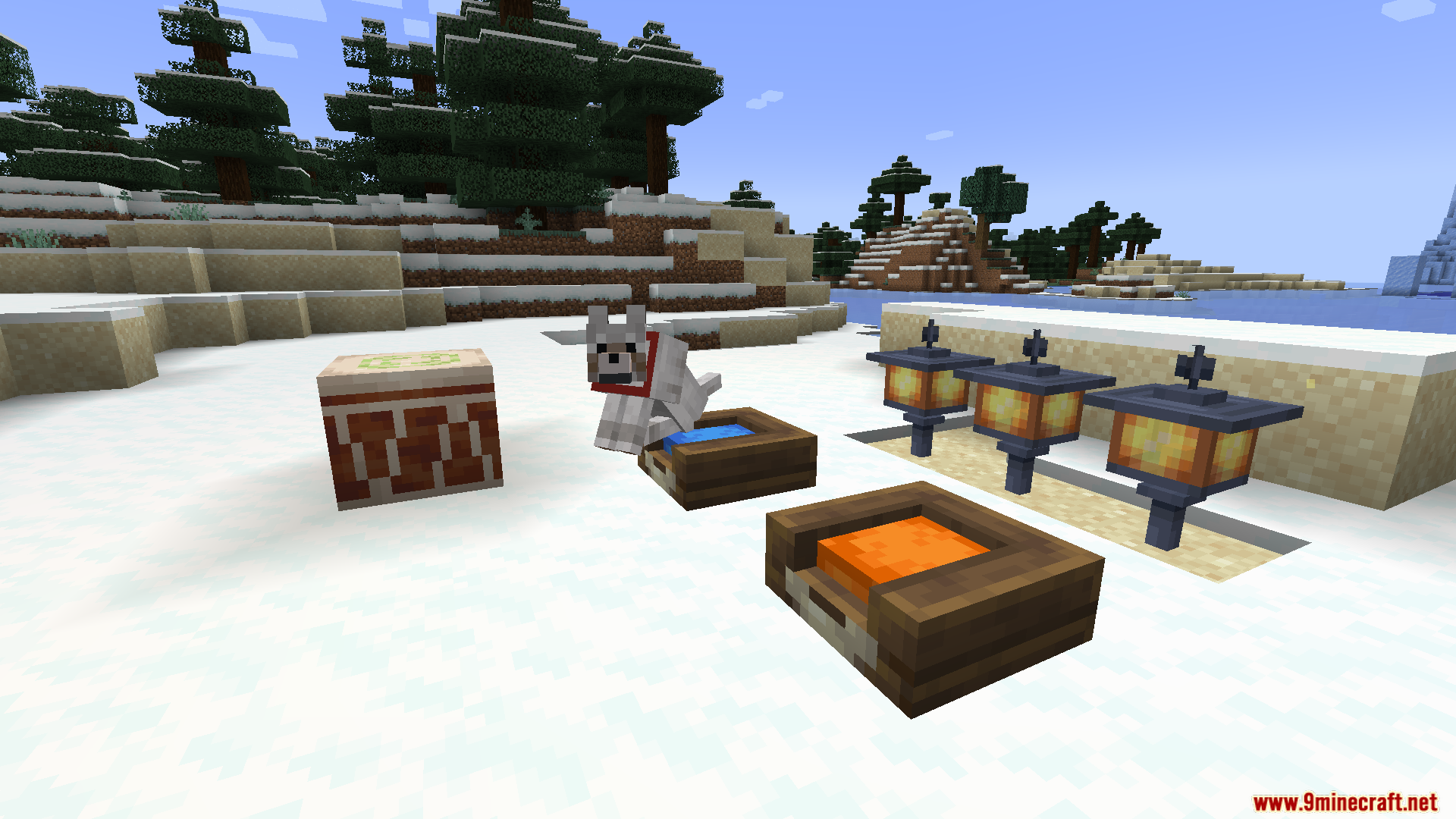
Screenshots:

Domestication Innovation Whitelist Mod Download Links
Quick facts
- Edition: Minecraft Java
- File type: .jar
- Minecraft version listed: 1.20.1
- How to install: Install the matching mod loader (Forge, Fabric or NeoForge) for your Minecraft version. → Download the .jar. → Put it in the .minecraft/mods folder and launch that loader profile.
- Where to get it: Opens on the file's original source — not every file is mirrored on our own servers.
Install steps are the general flow for this file type — How to install Minecraft Java mods & modpacks walks through it step by step.
Domestication Innovation Whitelist Mod (1.20.1) – Control Which Animals Wear is a free Minecraft Java mod. Compatible with Minecraft 1.20.1. Download it and open it directly in the game.