9minecraft OptiFork (26.2, 26.1.2) – The Next Generation of OptiFine
Minecraft Java mod. Downloads from the MC Java Mods app on Android.
⭐ New & recommended: Try OptiFine HD 9minecraft – an all-in-one pack that combines high-FPS performance, shaders, and OptiFine-style features (zoom…
⬇ Download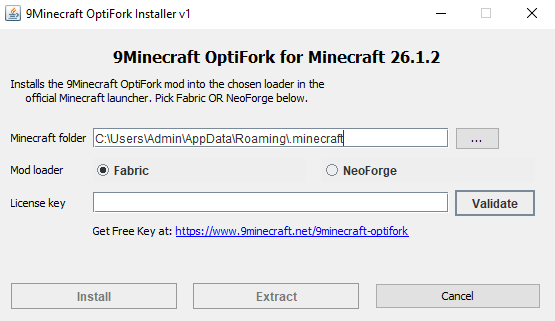

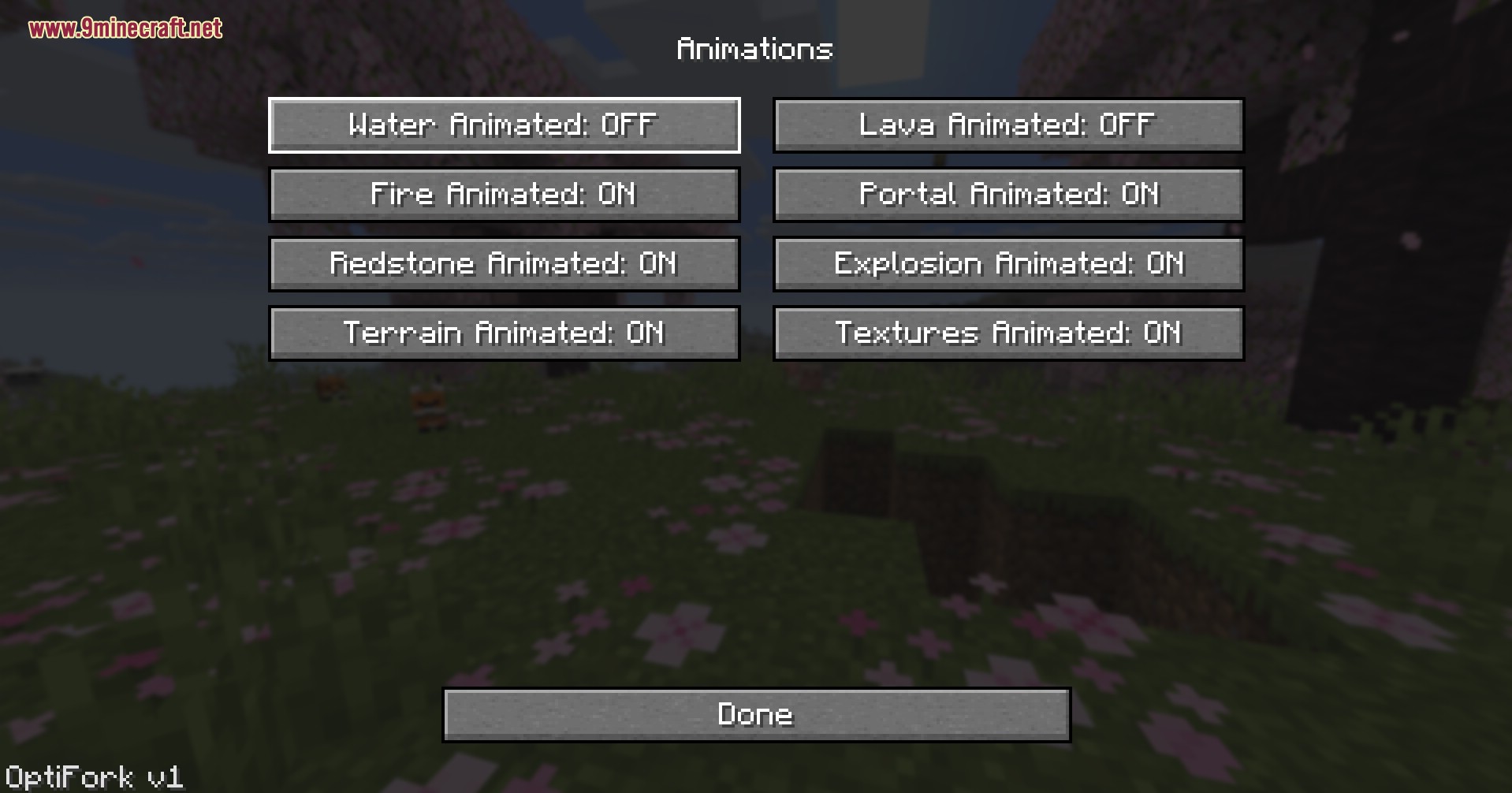
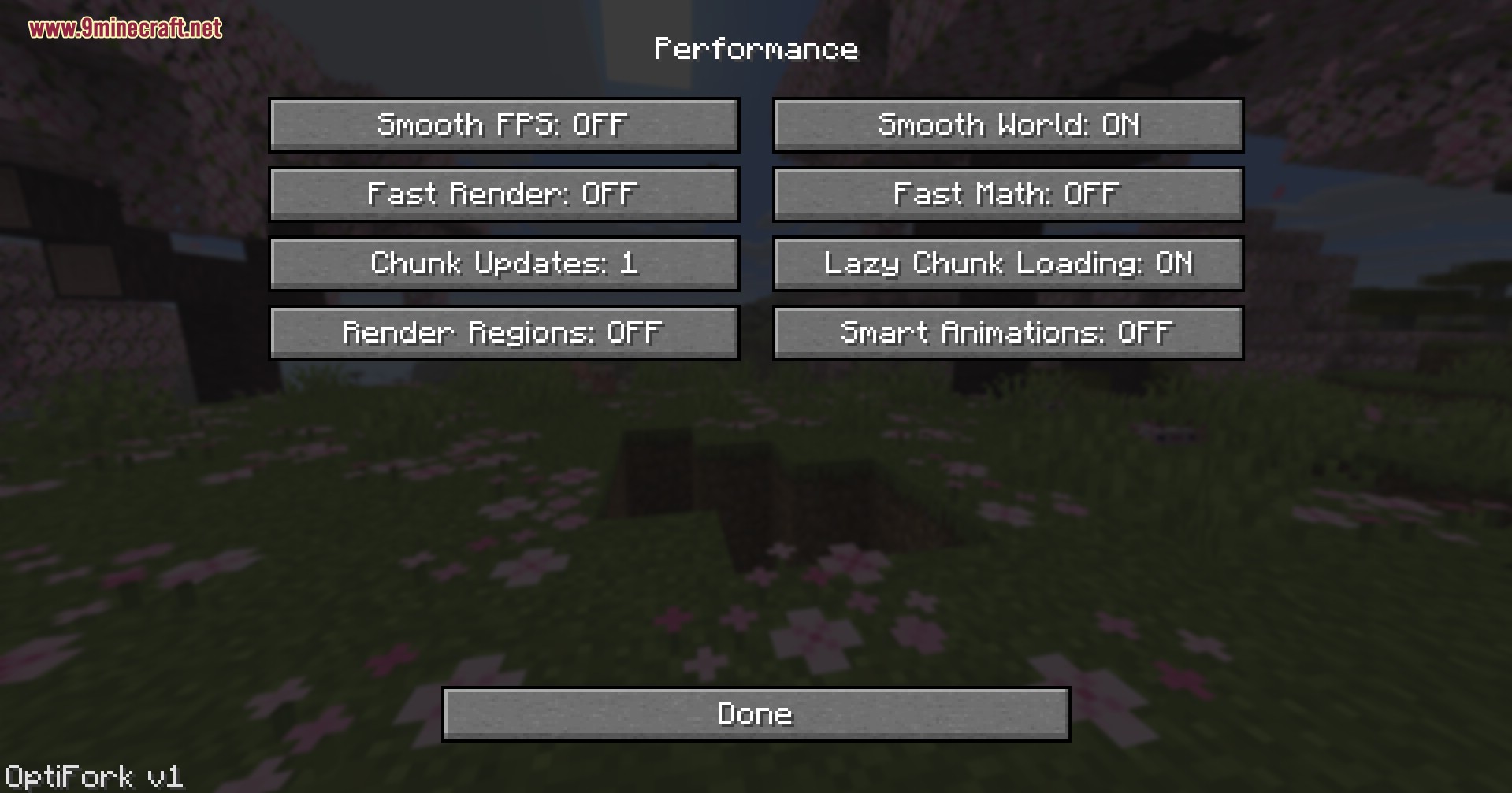
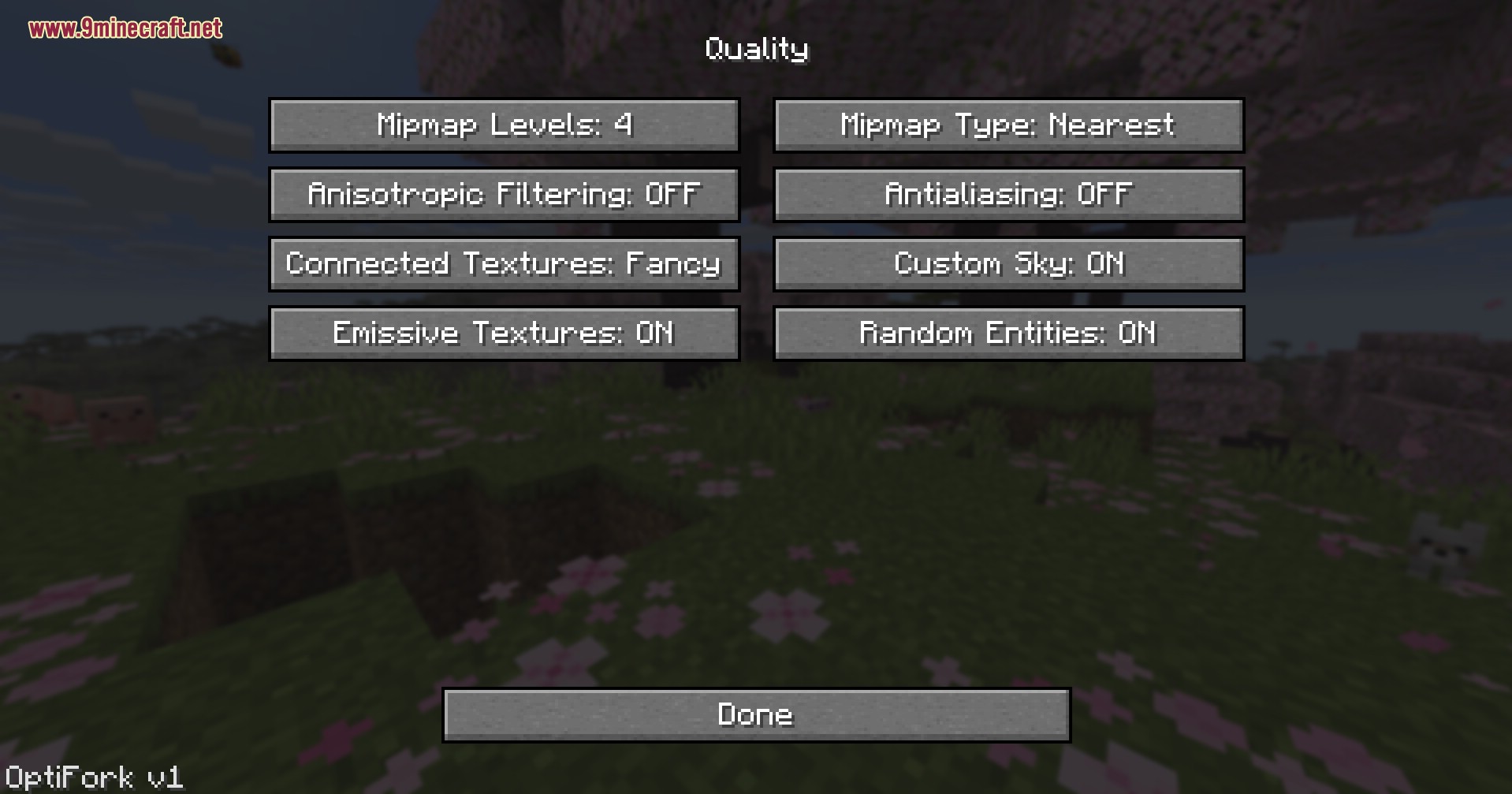
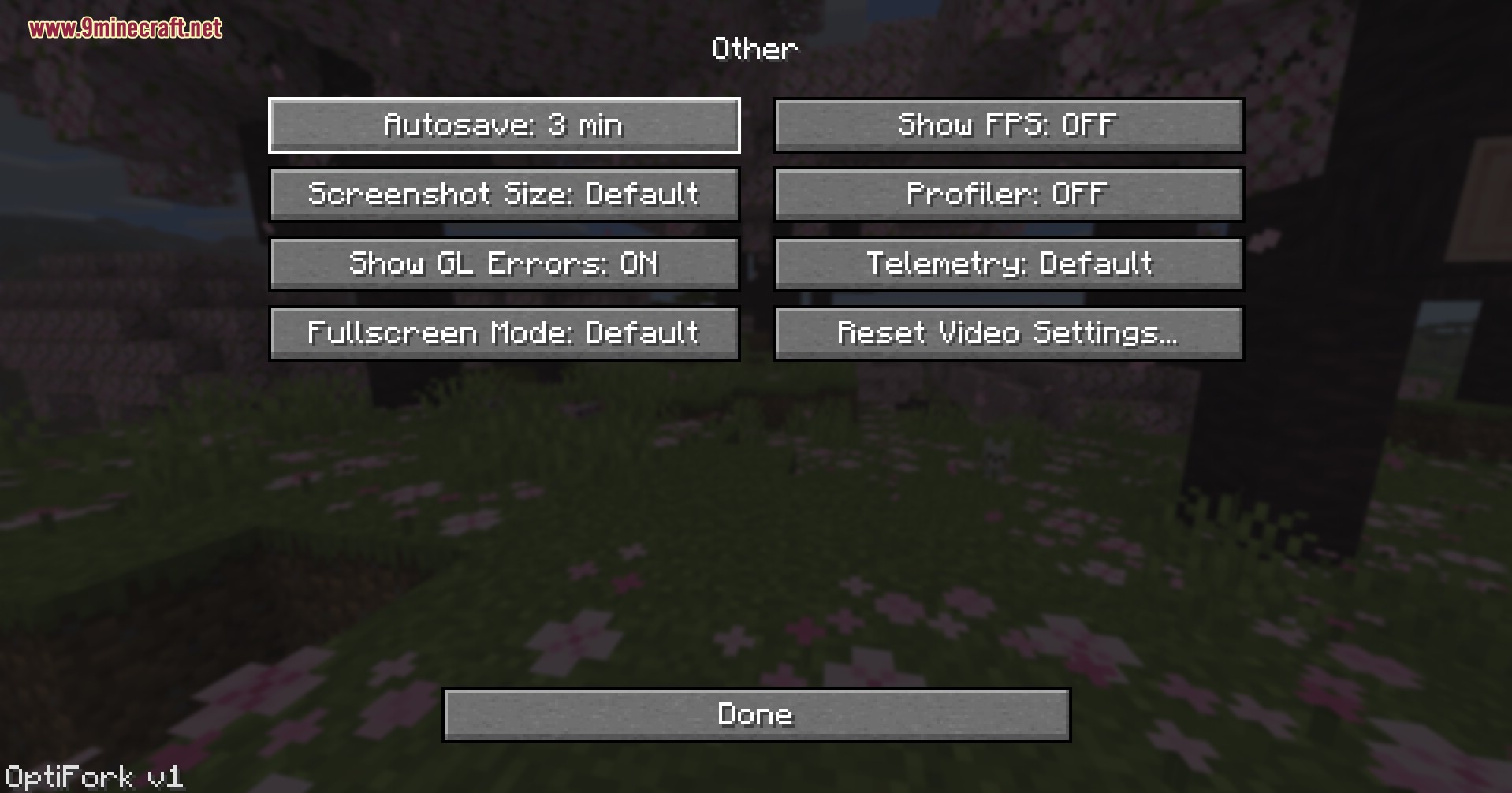
9minecraft OptiFork is the next generation of OptiFine – a from-scratch rebuild for the modern Fabric and NeoForge loaders that finally brings OptiFine’s signature performance tweaks, connected textures, and Dynamic Lights to modern Minecraft. OptiFine itself has slowed to a crawl, often making the community wait 2-3 months after a Minecraft release before a compatible build appears. OptiFork is built to fix that gap. We commit to shipping an updated build within one week of every new Minecraft release, and we are actively expanding the feature set far beyond the original mod – with shader support, smarter performance tools, and a long roadmap of new options coming in future updates.
Features:
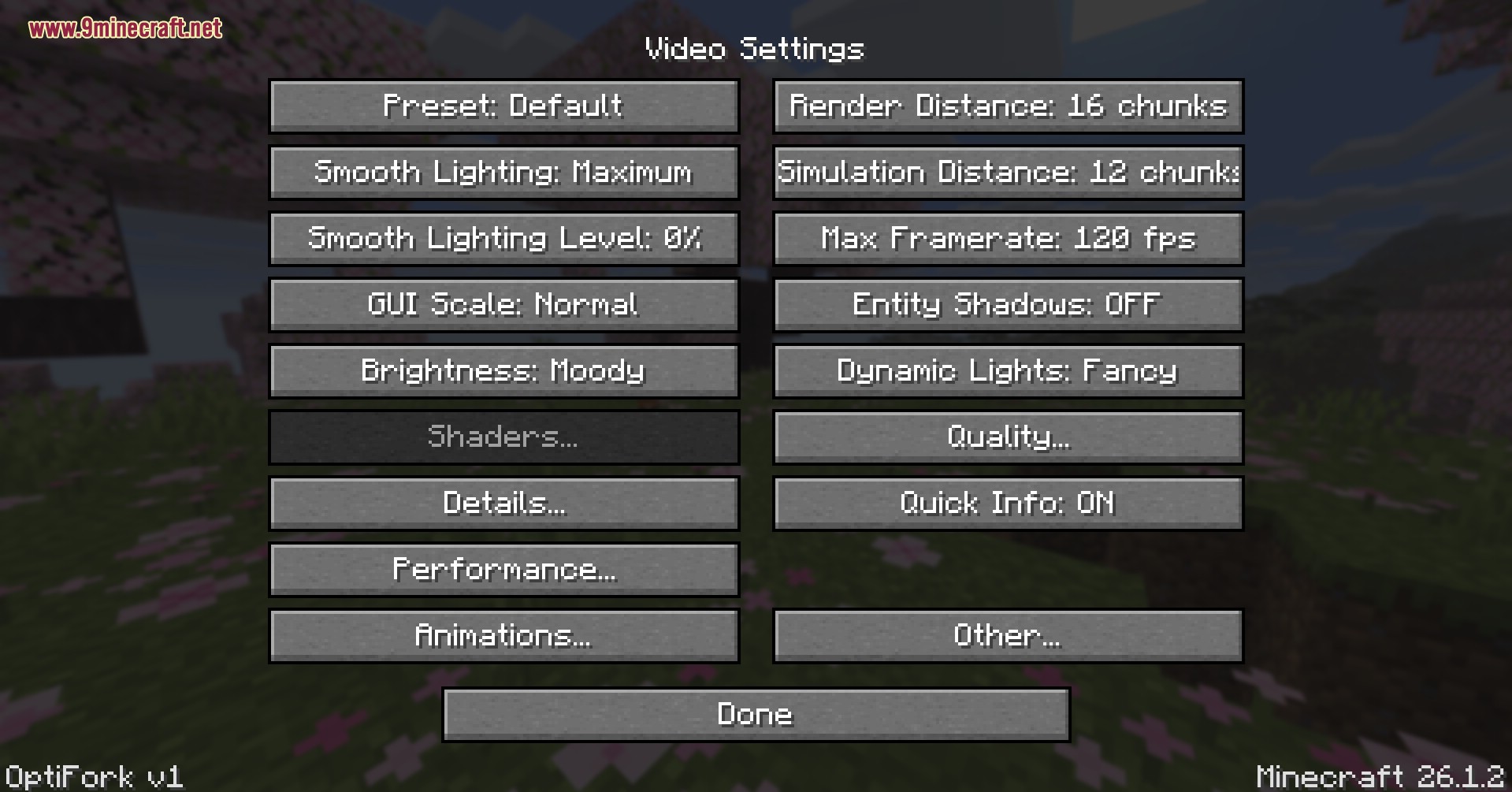
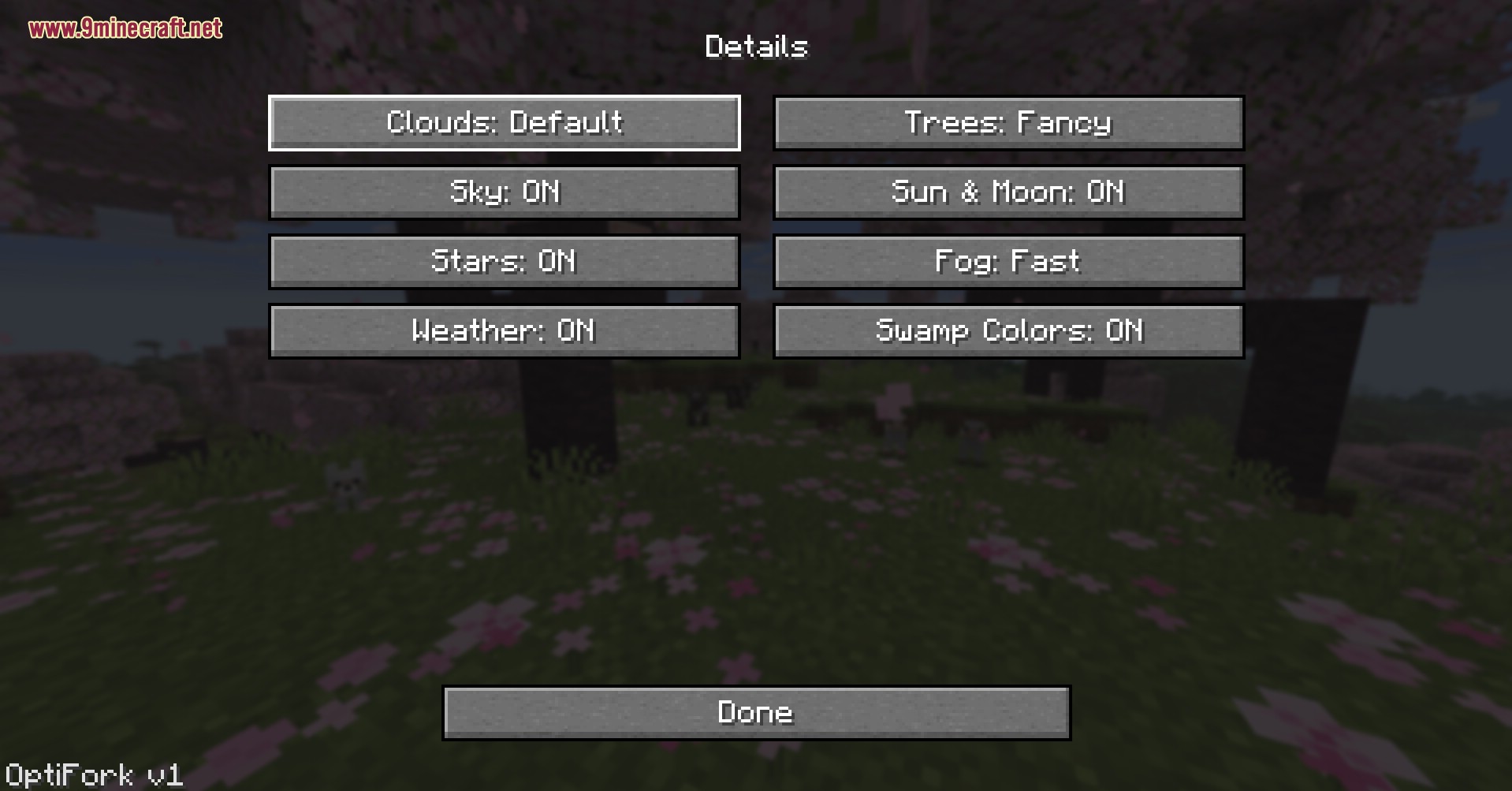
- OptiFine Core Rebuilt: All the classic Video Settings, Performance, Quality, Animations, and Details menus are back.
- Dynamic Lights: Hand-held torches, glowstone, and lava buckets now cast real light on the world around your player.
- Shader Support: Native OptiFine-style shader pack integration is in active development and will arrive in an upcoming update.
- Adds Connected Textures with Fancy mode so glass, bookshelves, and custom resource packs blend seamlessly across faces.
- Brings back Custom Sky, Emissive Textures, and Random Entities to keep classic OptiFine resource packs fully working.
- Runs both Fabric and NeoForge builds from a single installer so you can switch loaders without re-downloading anything.
- Includes Lazy Chunk Loading, Smart Animations, Fast Render, and Fast Math toggles to squeeze extra frames out of low-end hardware.
- Lets you cap Max Framerate up to 260 FPS and adjust Render Distance and Simulation Distance independently.
- Shows a Quick Info HUD on screen with FPS, biome, coordinates, and direction at a glance.
- Installs safely into its own profile and never modifies your vanilla launcher or other modded profiles.
How to Use:
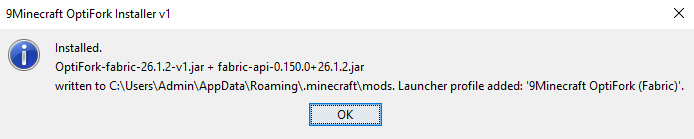
- Run the installer, enter your license key ⬇, pick Fabric or NeoForge, then click install.
- Open the official Minecraft launcher and pick the new 9Minecraft OptiFork (Fabric) or 9Minecraft OptiFork (NeoForge) profile from the list.
- Launch the game and open Options → Video Settings to see the new OptiFork panel.
- Click Shaders… to open the shader picker and drop your shader packs into the shaderpacks folder.
- Open the Performance menu and turn on Smooth World, Lazy Chunk Loading, and Fast Render for low-end machines.
- Open the Quality menu to enable Connected Textures, Emissive Textures, and Custom Sky for resource packs.
- Toggle Dynamic Lights: Fancy in the main Video Settings page to let held items light up caves.
- Press Esc → Options → Video Settings → Other… to tweak Fog, Show Capes, Show FPS, and Quick Info anytime in game.
⬇ Jump to Key Generator
Screenshots:
Generate Your License Key
Click the button to get a license key for 9Minecraft OptiFork. Click the key to copy, then paste it into the installer's License field and click Validate.
9minecraft OptiFork Download Links
- Edition: Minecraft Java
- File type: .jar
- How to install: Install the matching mod loader (Forge, Fabric or NeoForge) for your Minecraft version. → Download the .jar. → Put it in the .minecraft/mods folder and launch that loader profile.
- Where to get it: In MC Java Mods, or directly above on this page.
Install steps are the general flow for this file type — How to install Minecraft Java mods & modpacks walks through it step by step.
- Downloads as 2675.mcaddon
- Download size: 6.2 MB
- Download link checked 22 Sept 2026 — working
- Mirrored on our own servers — the download does not depend on the original host
These come from our own check of the pack file, not from the source page.