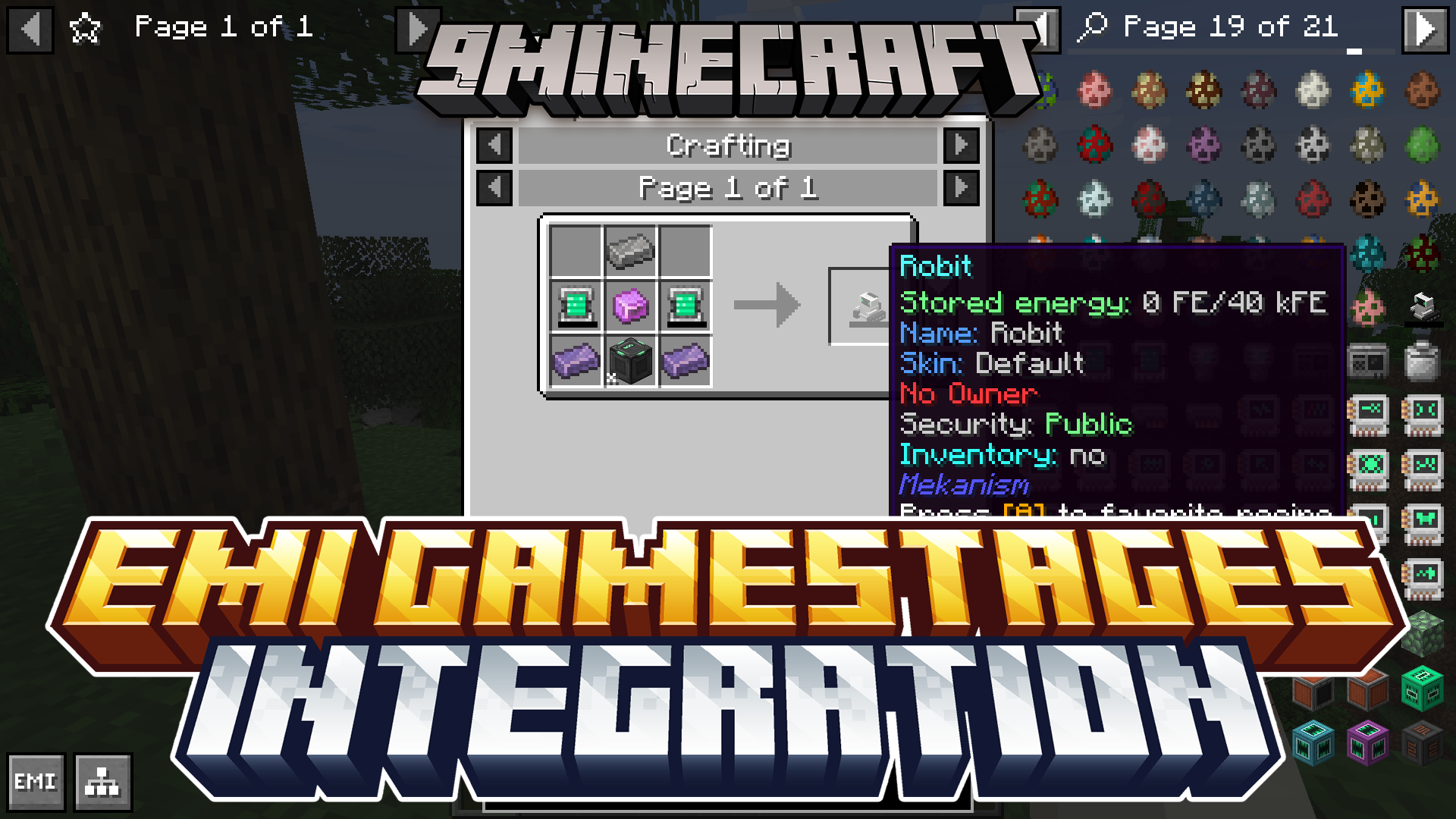
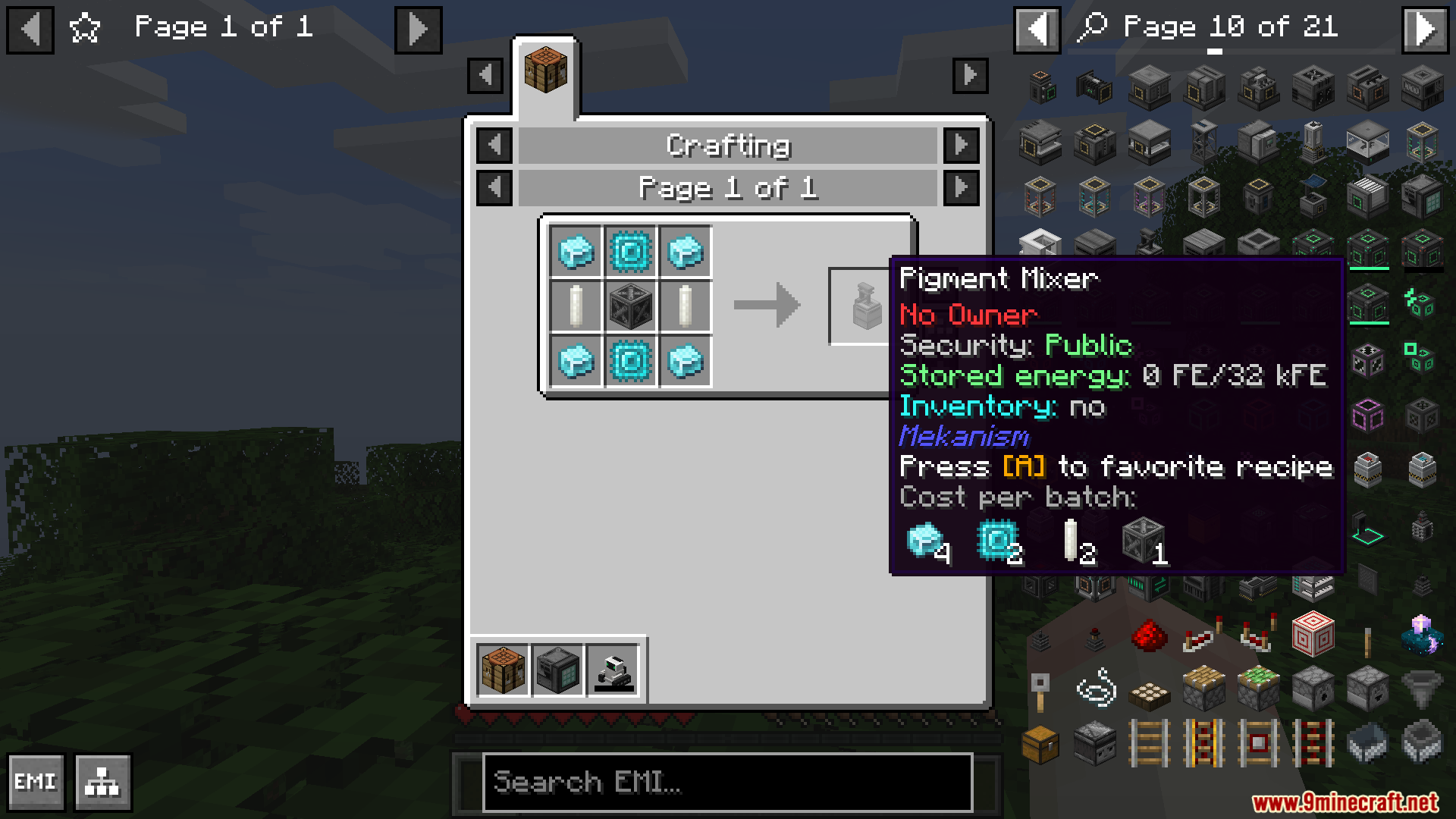
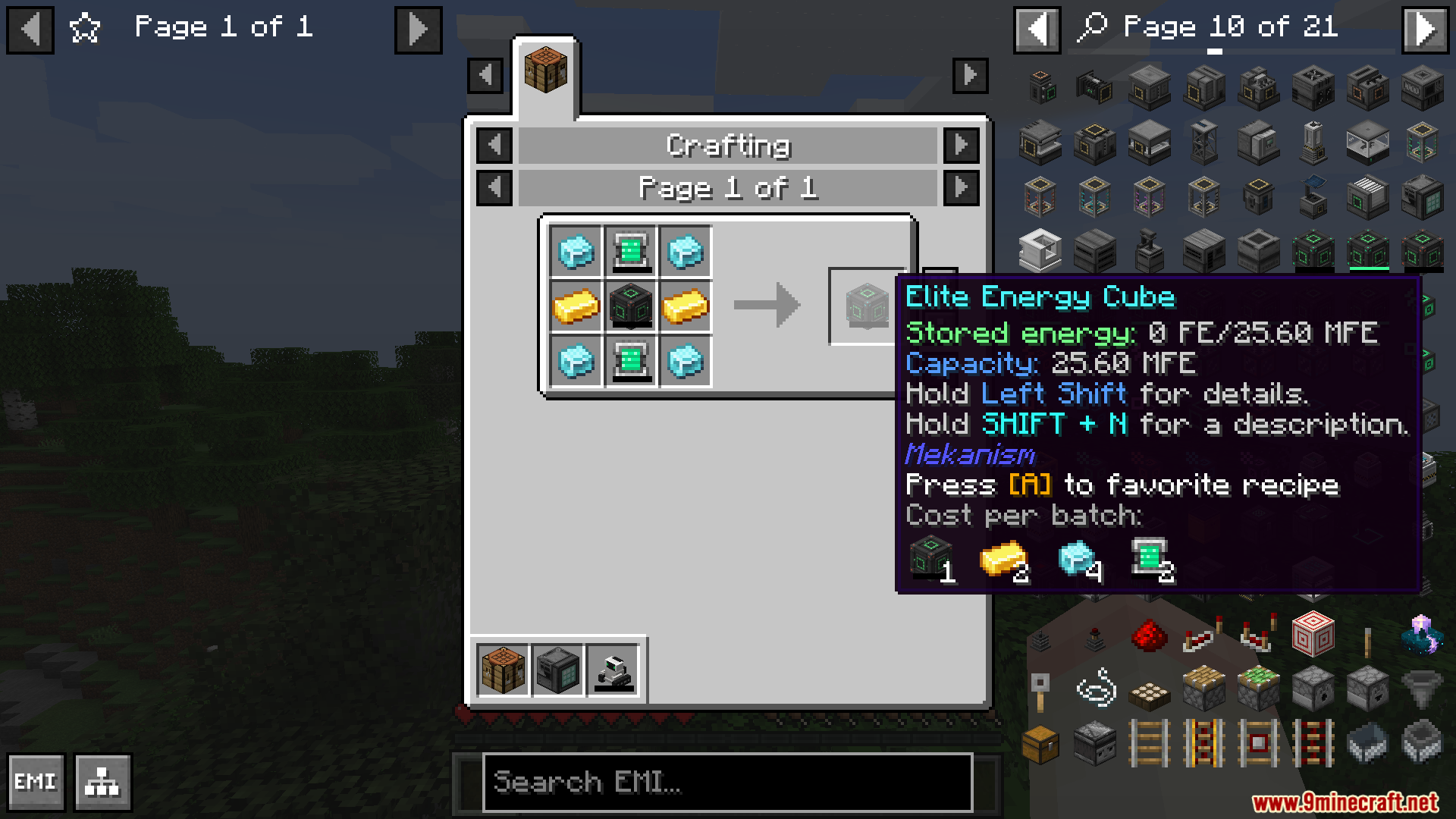
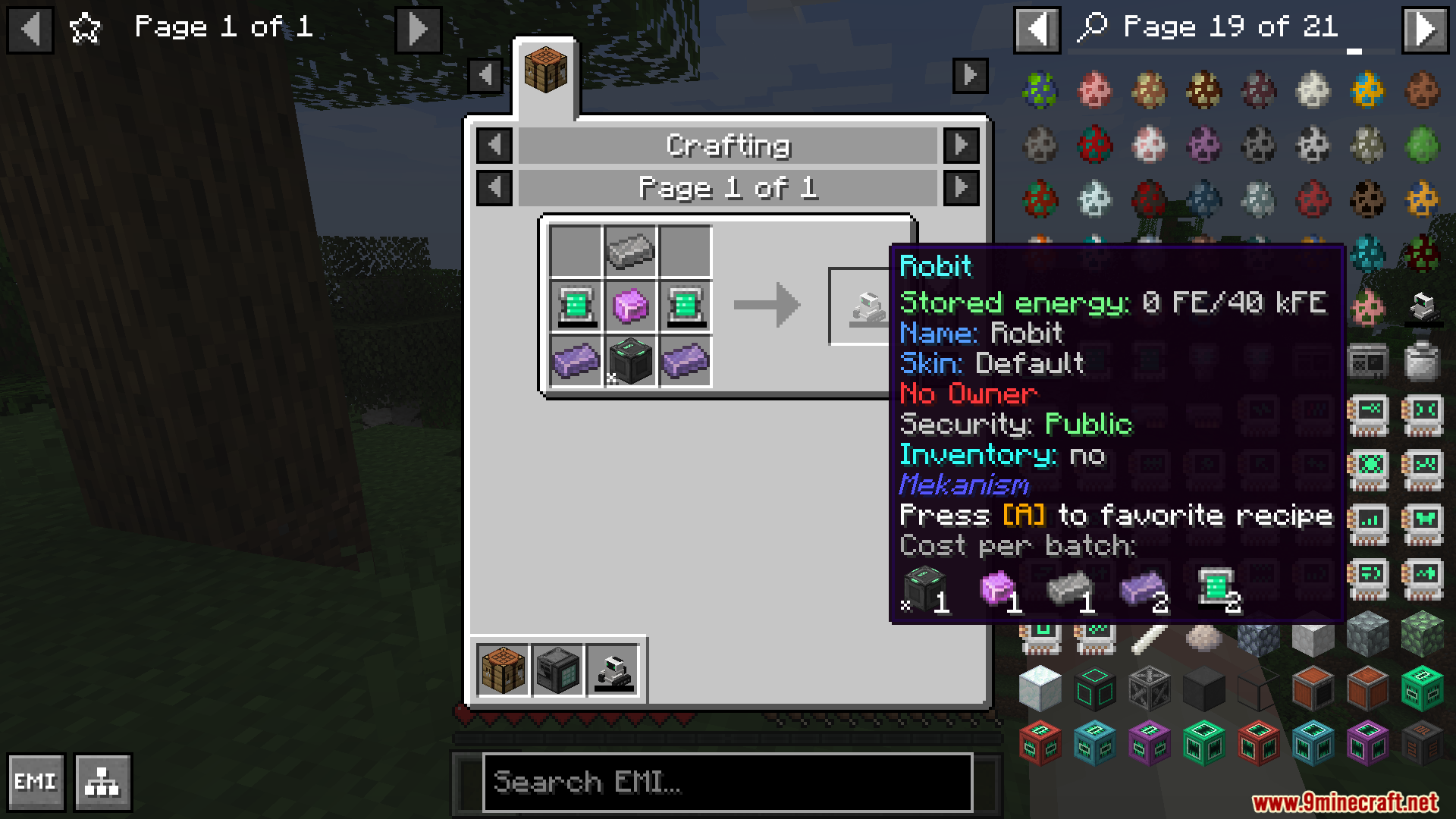



EMI Gamestages Integration Mod adds clear visual locks for GameStages directly into the EMI recipe viewer. It shows you exactly which items and recipes require a specific stage to unlock. You no longer have to guess why a certain recipe does not work. The mod puts a small lock icon over items you cannot craft yet. It also adds helpful text boxes that tell you the exact stage name you need to reach.
Features:
- Automatic Item Detection: EMI Gamestages Integration Mod finds locked items on its own without extra setup.
- Automatic Recipe Detection: It spots locked recipes instantly.
- Lock Icons: A small lock picture appears over items you cannot get yet.
- Stage Labels: Text above a recipe tells you exactly which stage you need.
- Tooltip Details: Hovering your mouse over an item shows the required stage.
- Colored Highlights: The mod changes the background color of locked output slots.
- Search Panel Icons: Lock symbols show up in the main item list on the side of your screen.
- Manual Setup: You can manually lock specific items with EMI Gamestages Integration Mod if you want more control.
Screenshots:
EMI Gamestages Integration Mod Download Links
Quick facts
- Edition: Minecraft Java
- File type: .jar
- Minecraft version listed: 1.20.1
- How to install: Install the matching mod loader (Forge, Fabric or NeoForge) for your Minecraft version. → Download the .jar. → Put it in the .minecraft/mods folder and launch that loader profile.
- Where to get it: In MC Java Mods, or directly above on this page.
Install steps are the general flow for this file type — How to install Minecraft Java mods & modpacks walks through it step by step.
Verified by MCModsHub
- Downloads as 26750.mcaddon
- Download size: 66 KB
- Download link checked 23 Sept 2026 — working
- Mirrored on our own servers — the download does not depend on the original host
These come from our own check of the pack file, not from the source page.