
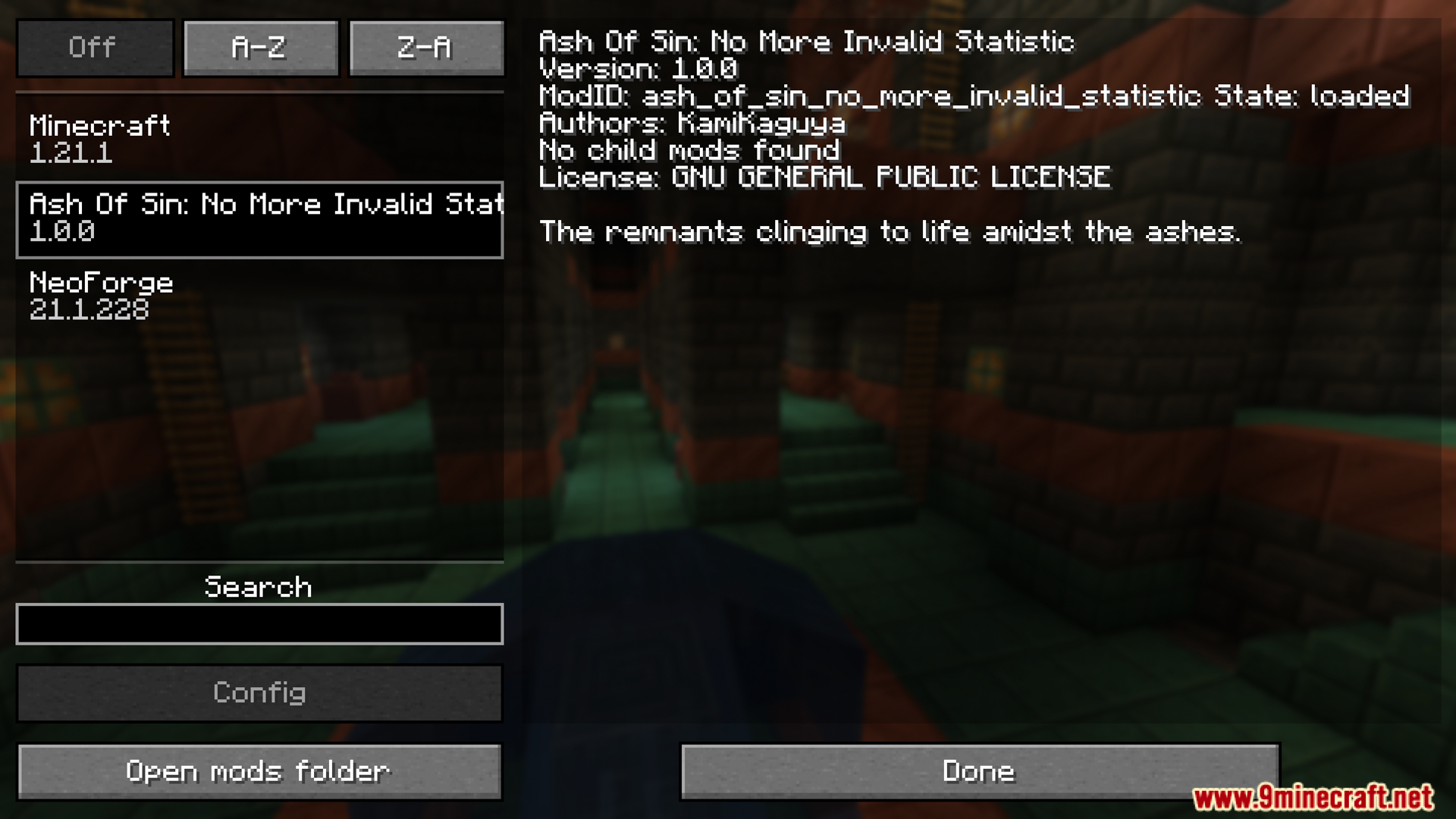






Ash of Sin No More Invalid Statistic Mod patches annoying console warnings on your server. When you remove other mods from your game, old player stats stay behind in your world files. These leftover stats cause your console to fill up with errors every time the server starts or a player joins. This mod scans your files and deletes those broken entries automatically. It cleans up data for items, blocks, and custom stats that no longer exist. This keeps your server logs neat and easy to read.
Features:
- Automatic Cleanup: The mod scans your world files and removes broken stat entries on its own.
- Fixes Console Spam: It stops the warning messages from filling up your server logs.
- Clears Old Items: It deletes leftover stats for items from mods you no longer play with.
- Removes Block Data: Old block stats from deleted mods disappear from your files.
- Entity Stat Fix: It cleans up leftover data about animals or monsters from removed mods.
- Custom Stat Removal: Any special stats added by old mods get wiped clean.
- File Target: It targets and cleans the files located in your world’s stats folder.
Screenshots:


Ash of Sin No More Invalid Statistic Mod Download Links
Quick facts
- Edition: Minecraft Java
- File type: .jar
- Minecraft versions listed: 1.21.1, 1.20.1
- How to install: Install the matching mod loader (Forge, Fabric or NeoForge) for your Minecraft version. → Download the .jar. → Put it in the .minecraft/mods folder and launch that loader profile.
- Where to get it: In MC Java Mods, or directly above on this page.
Install steps are the general flow for this file type — How to install Minecraft Java mods & modpacks walks through it step by step.
Verified by MCModsHub
- Downloads as 26755.mcaddon
- Download size: 63 KB
- Download link checked 25 Sept 2026 — working
- Mirrored on our own servers — the download does not depend on the original host
These come from our own check of the pack file, not from the source page.