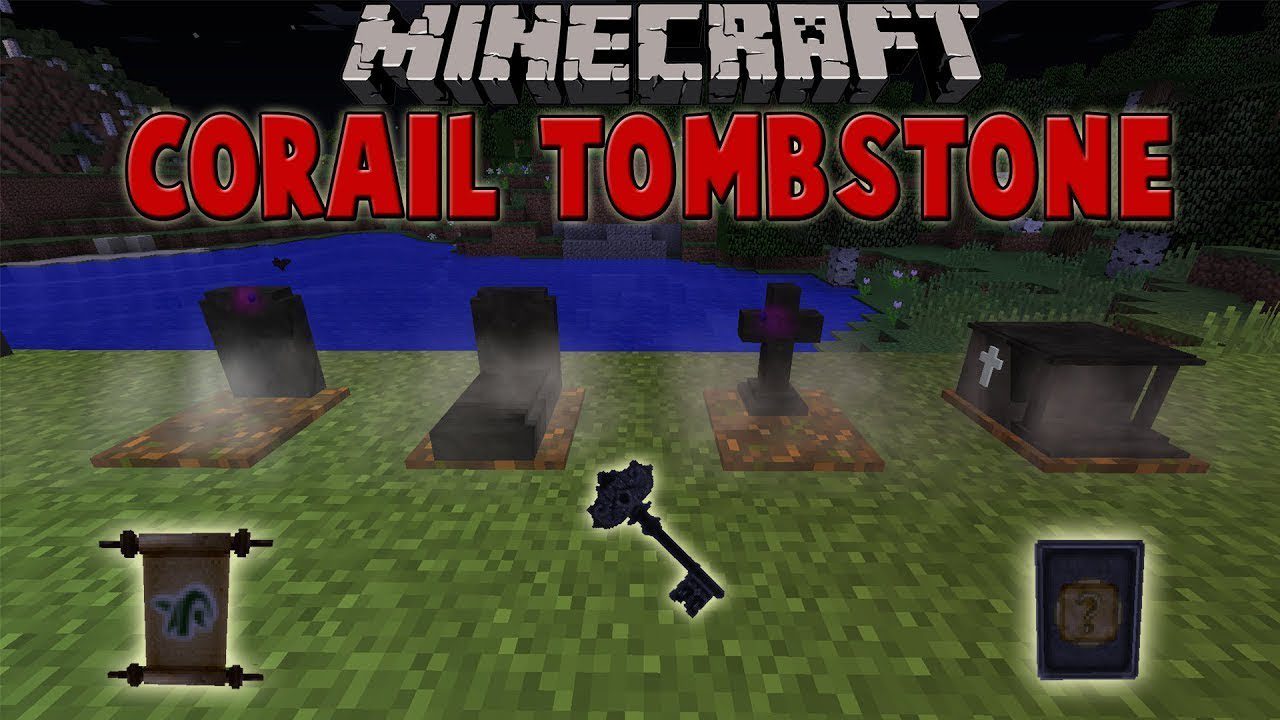
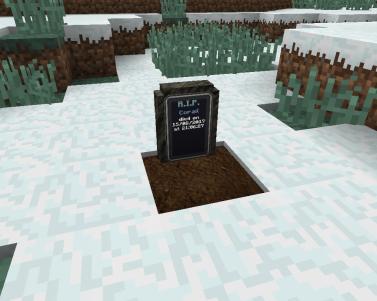
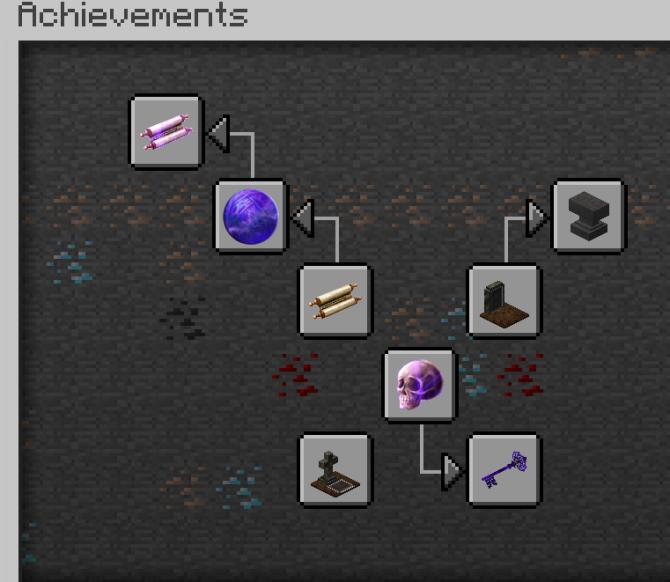
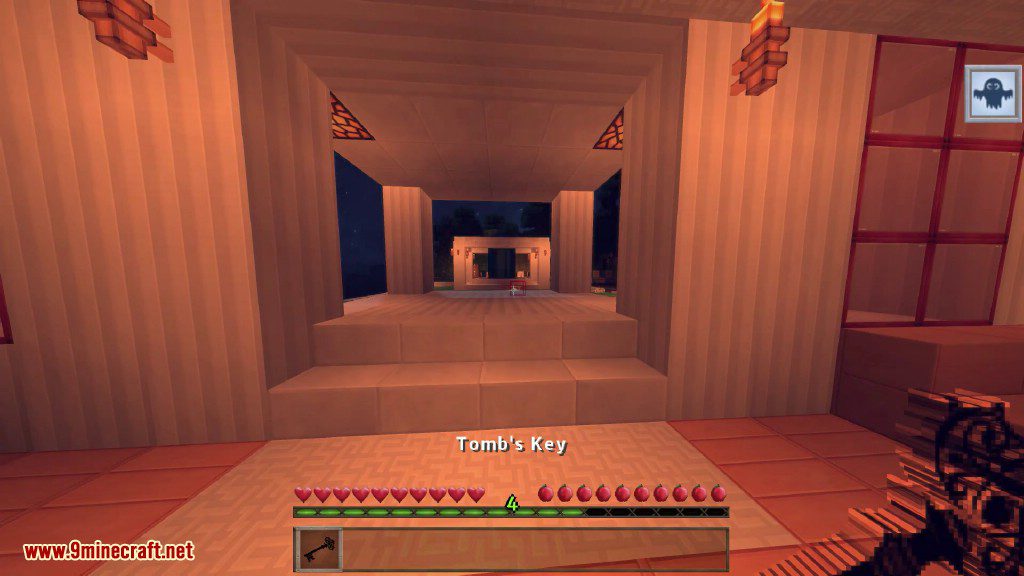
Corail Tombstone Mod keeps your items safe when you die by placing them in a grave. This prevents you from losing your belongings. After dying, you get a grave key that shows you the way back to your items. This key can be upgraded to teleport you directly to your grave. The mod also adds a magic system with scrolls and souls that you can find, creating a medieval fantasy feel.
Features:
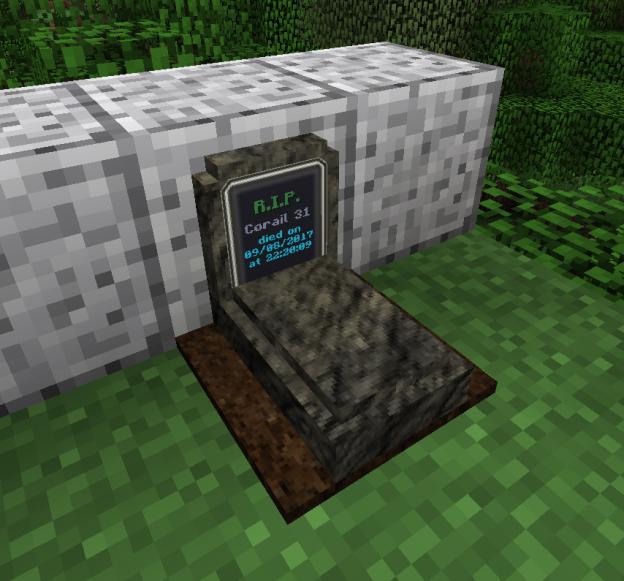
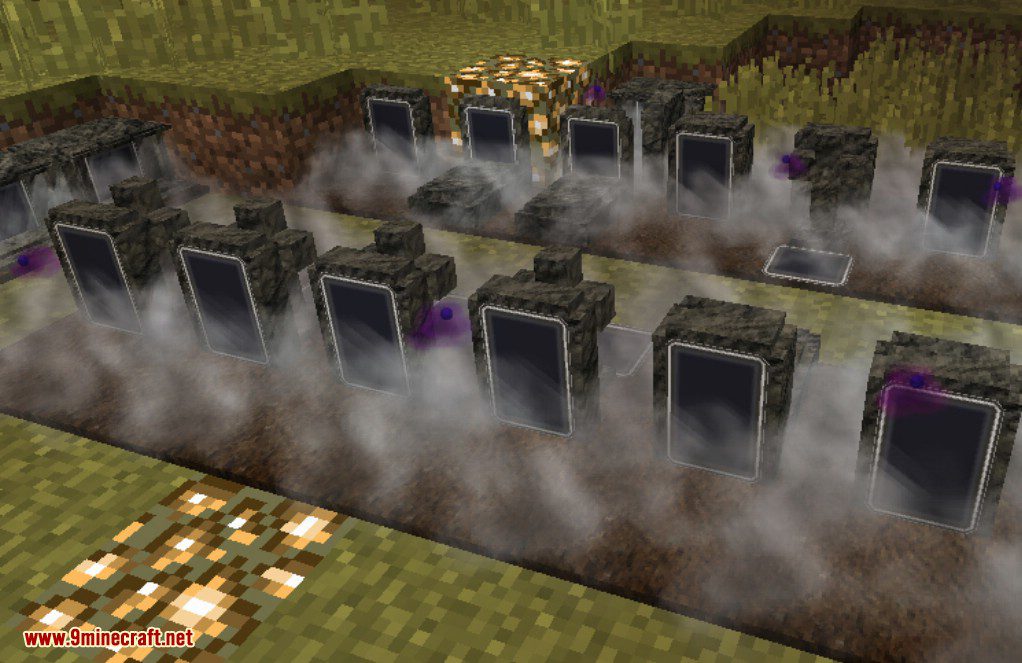
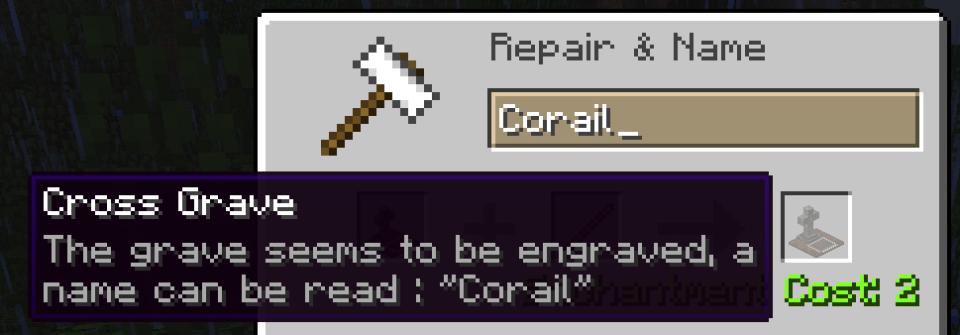
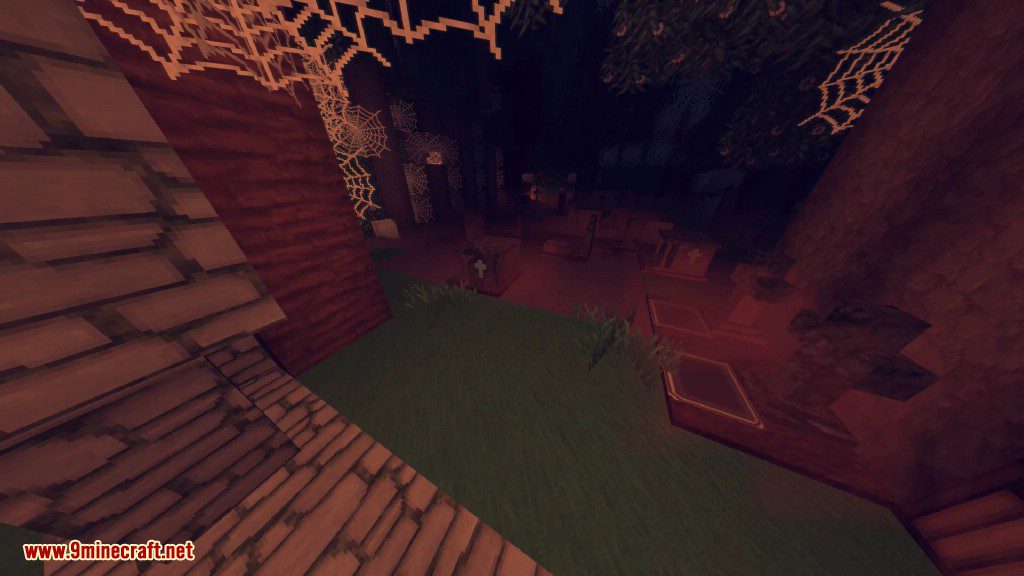
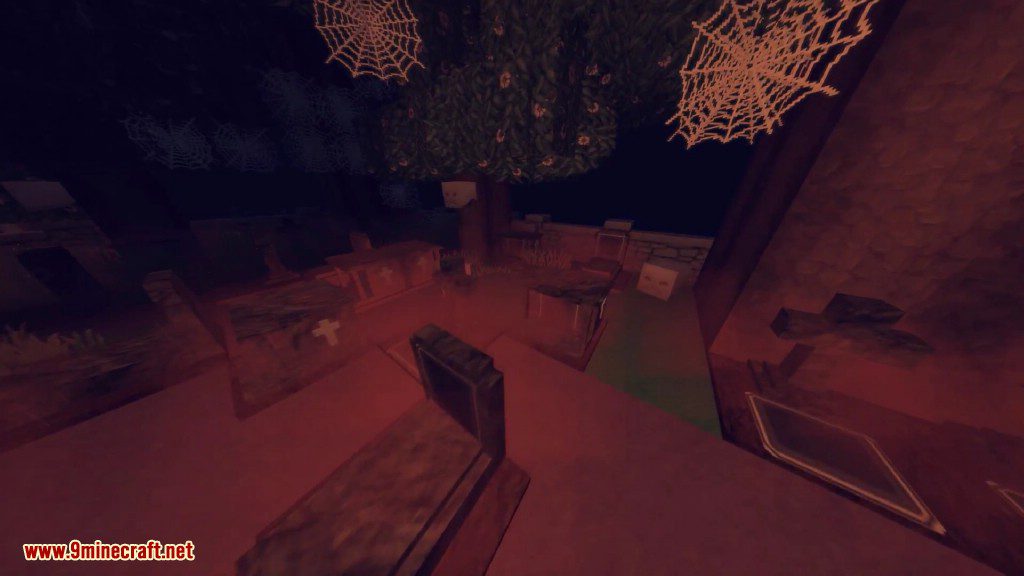
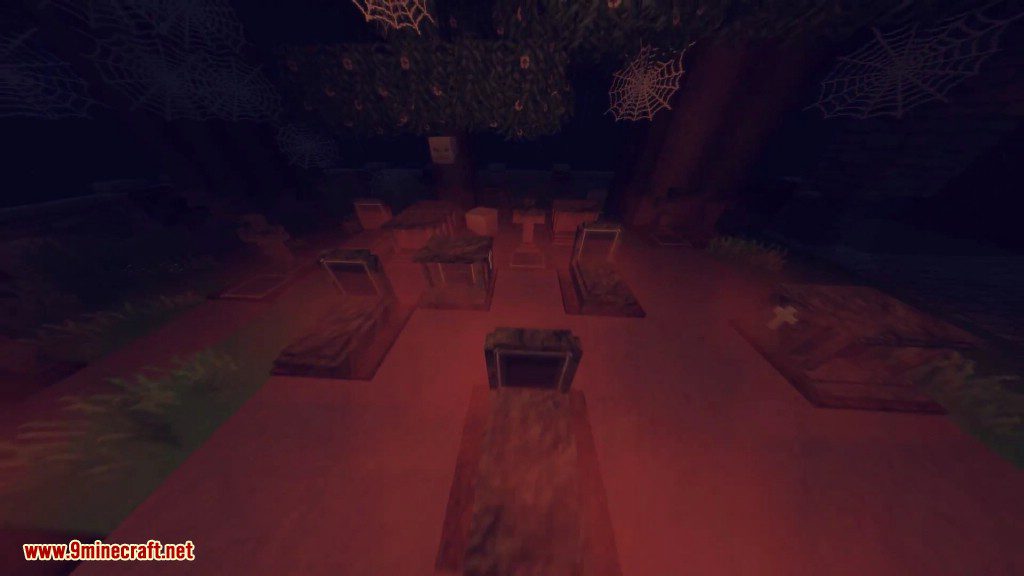
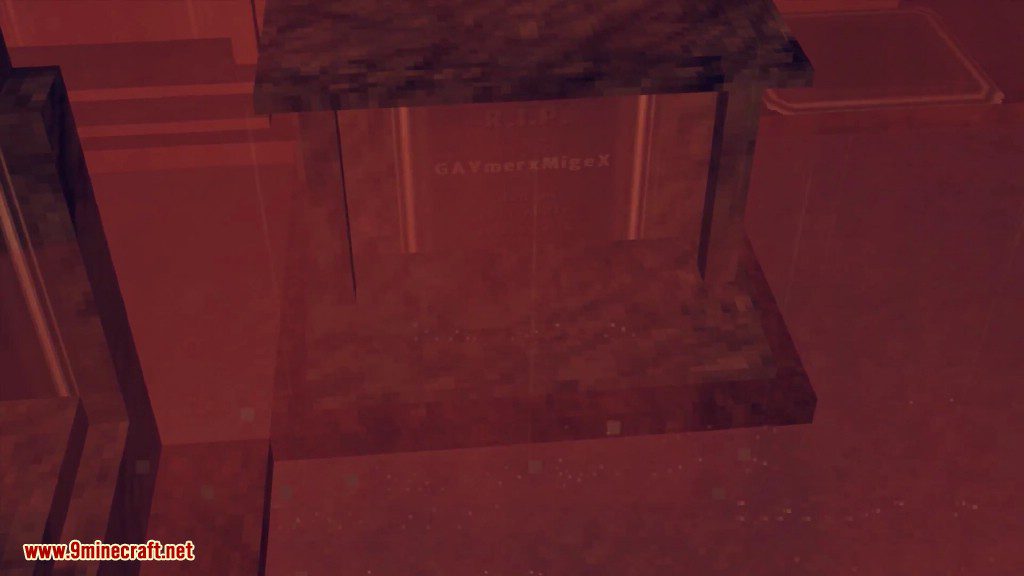
- Decorative Graves: Find or craft special graves that have a fog particle effect at night. These can be engraved with a custom name using an anvil.
- Haunted Souls: Decorative graves can sometimes be haunted by a soul. You can use these souls to enchant items or upgrade your grave key.
- Ghostly Shape Effect: After you die, you get a temporary effect that stops monsters from attacking you. The effect goes away if you attack a mob.
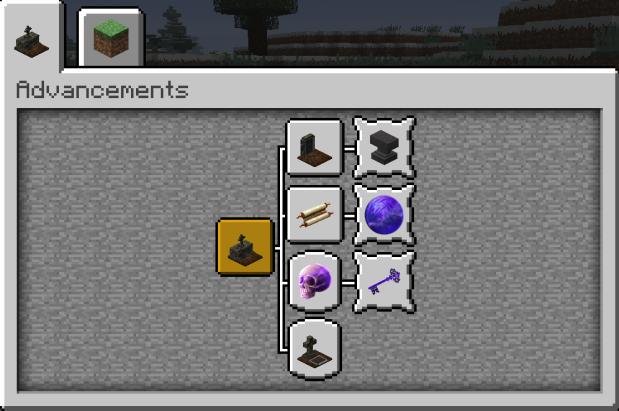
- Knowledge of Death: Earn knowledge points by using souls, praying at graves, or completing advancements. Spend these points to unlock special perks.
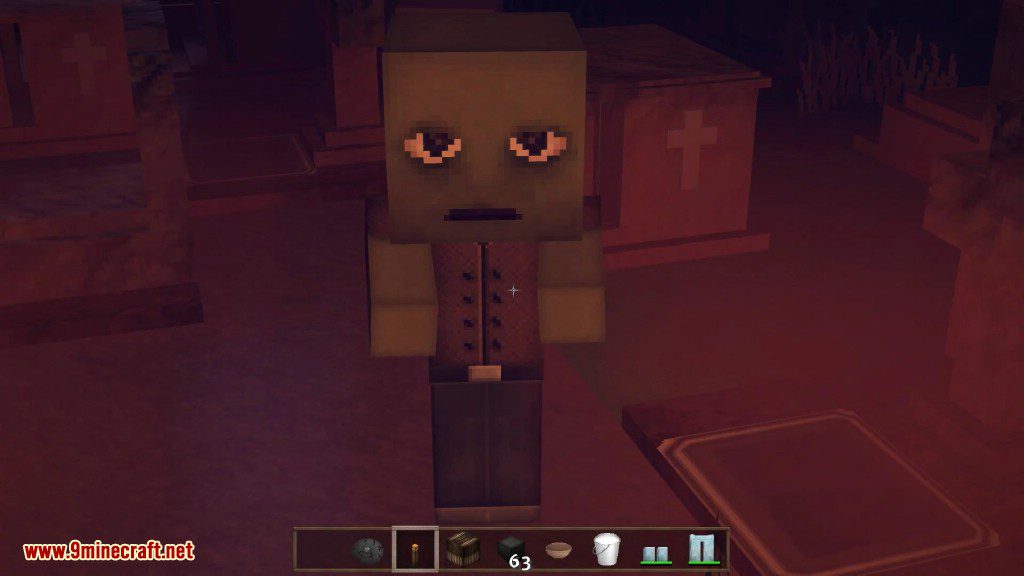
- Grave Guardian: A friendly mob that can appear near decorative graves. It protects the area from hostile mobs and offers special trades.
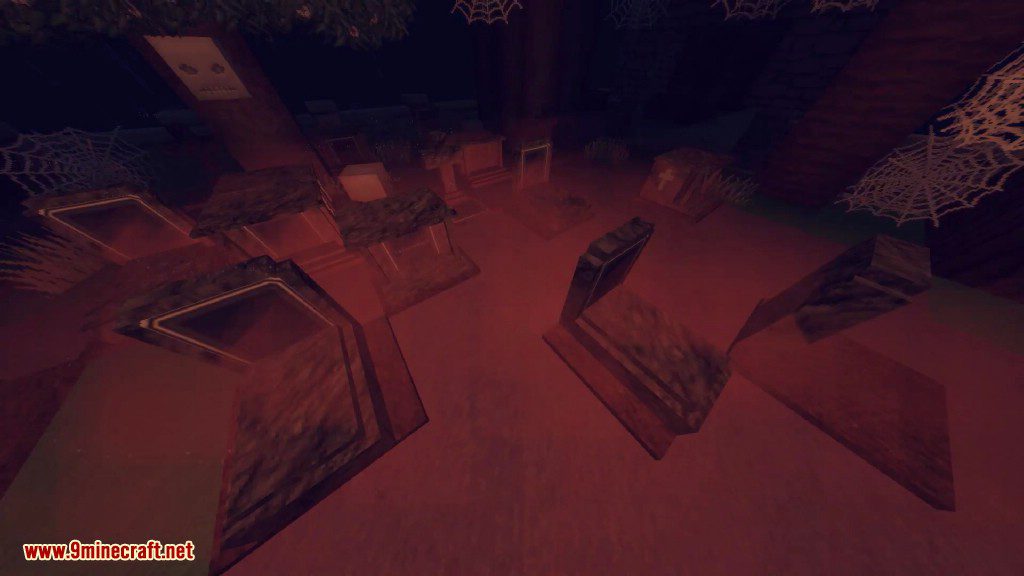
- Abandoned Graves: Discover lootable graves that generate naturally on the surface and in oceans.
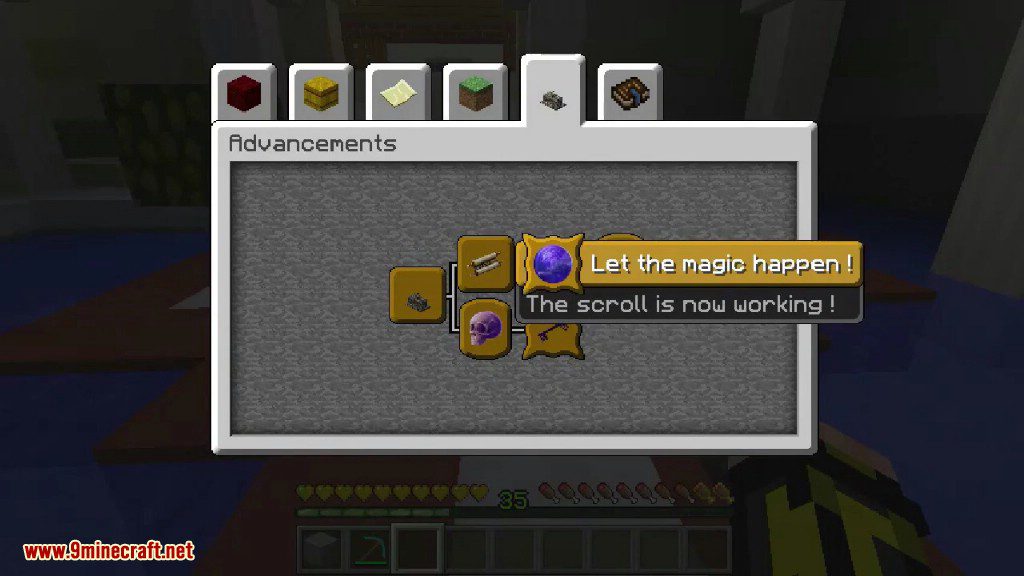
- Forgotten Knowledge: Find and read mysterious scrolls that contain riddles. Solving them can unlock new abilities, like an affinity with undead mobs.
- In-Game Guide: Access a Compendium in the mod’s menu to read about all its features.
New Enchantments:
- Soulbound: Prevents an item from being dropped on death.
- Shadow Step: Makes you harder for mobs to detect in the dark.
- Magic Siphon: Steals good effects from enemies you hit.
- Plague Bringer: Applies bad effects to enemies you hit.
Commands:
/tbgui: Opens the in-game screens for this mod./TBTeleport: Teleports you to different locations like your last grave, your respawn point, or a specific biome./TBBind: Saves your current location so you can teleport back later./TBShowLastGrave: Shows the coordinates of your last grave./TBRestoreInventory: Lets you get your items back from your grave from a distance./TBRequestTeleport: Sends a request to another player to teleport to them.
How to Use:
- To change settings, you can edit the configuration files located in your game’s ‘config’ folder.
- For client-side options, type the command
/tbguiin chat to open the mod’s menu directly in the game. - You can also set a keybind in the controls menu to open the GUI instead of using the command.
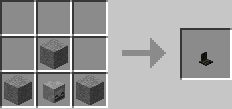
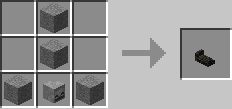
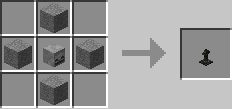
Crafting Recipes:
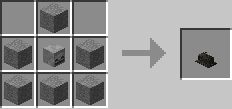
Simple Grave
Normal Grave
Cross Grave
Tombstone
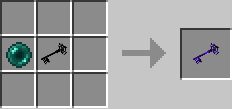
Upgraded Grave Key
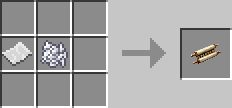
Scroll of Recall
Screenshots:
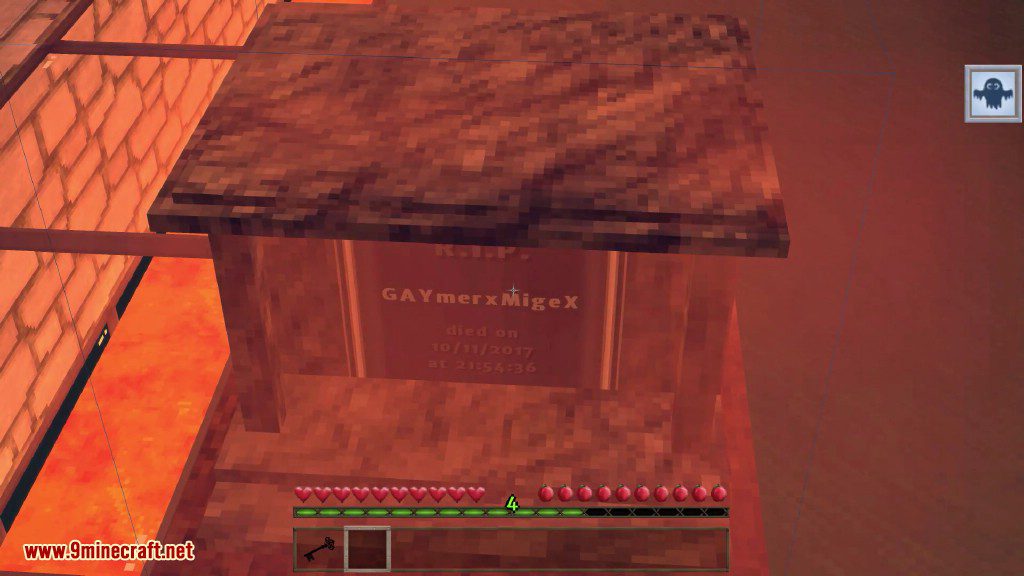
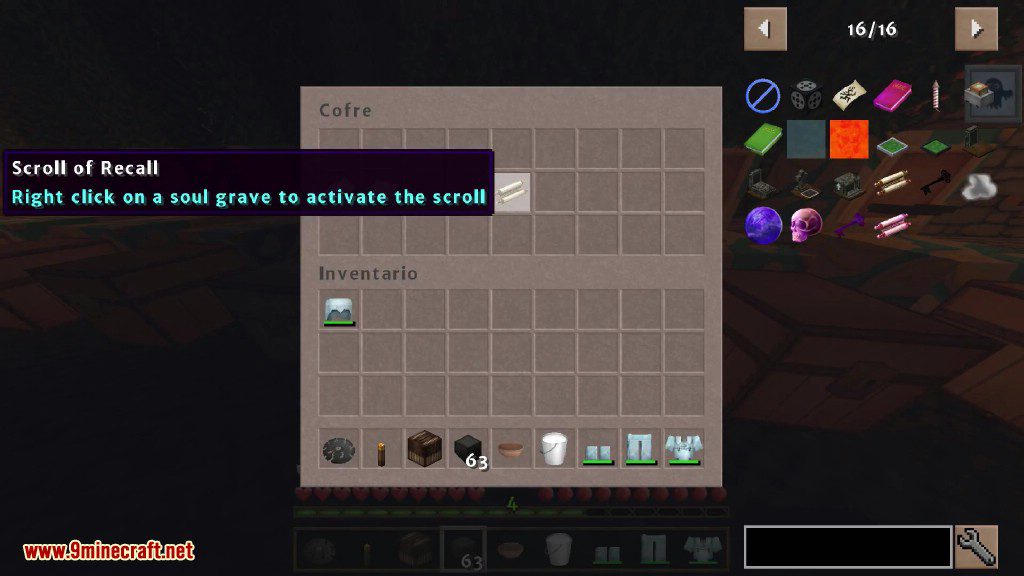
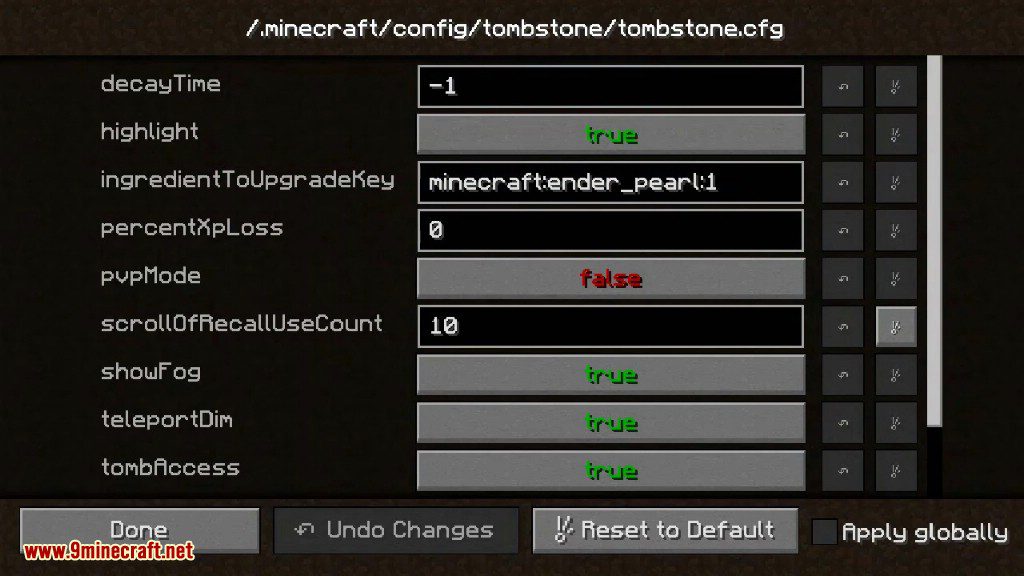
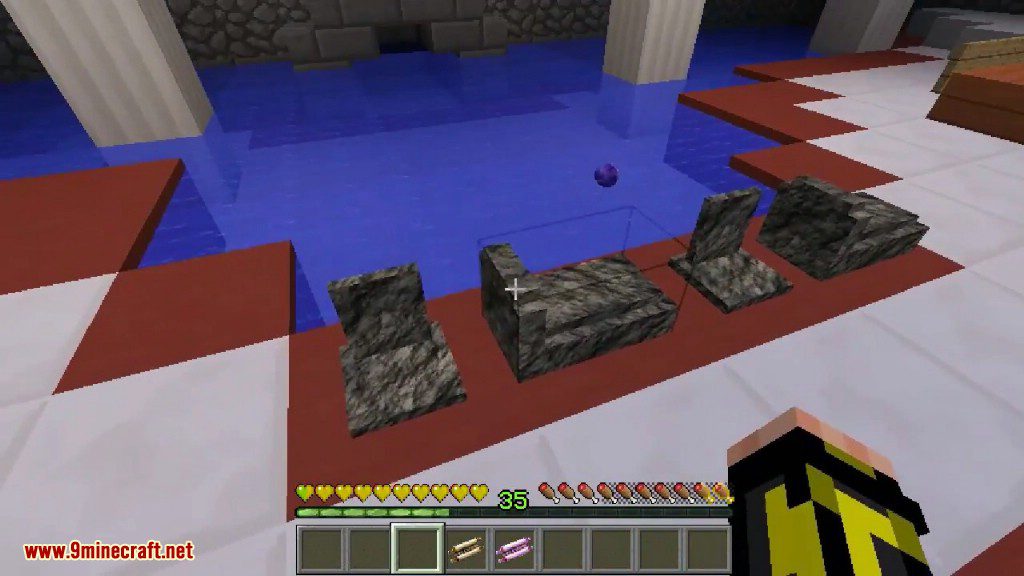
Corail Tombstone Mod Download Links
Quick facts
- Edition: Minecraft Java
- File type: .jar
- Minecraft version listed: 1.20.1
- How to install: Install the matching mod loader (Forge, Fabric or NeoForge) for your Minecraft version. → Download the .jar. → Put it in the .minecraft/mods folder and launch that loader profile.
- Where to get it: In MC Java Mods, or directly above on this page.
Install steps are the general flow for this file type — How to install Minecraft Java mods & modpacks walks through it step by step.
Verified by MCModsHub
- Downloads as 2676.mcaddon
- Download size: 2.3 MB
- Download link checked 24 Sept 2026 — working
- Mirrored on our own servers — the download does not depend on the original host
These come from our own check of the pack file, not from the source page.