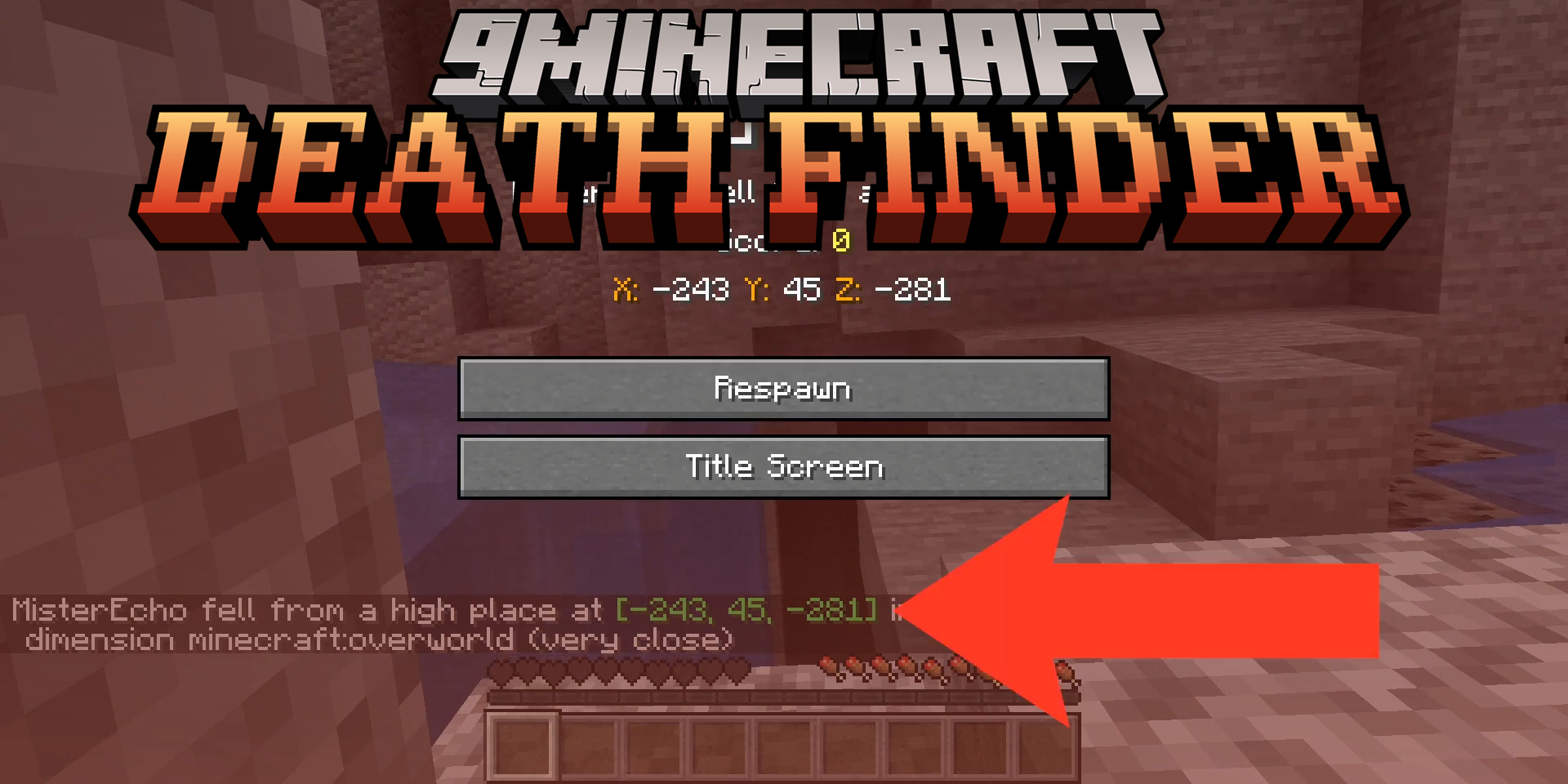
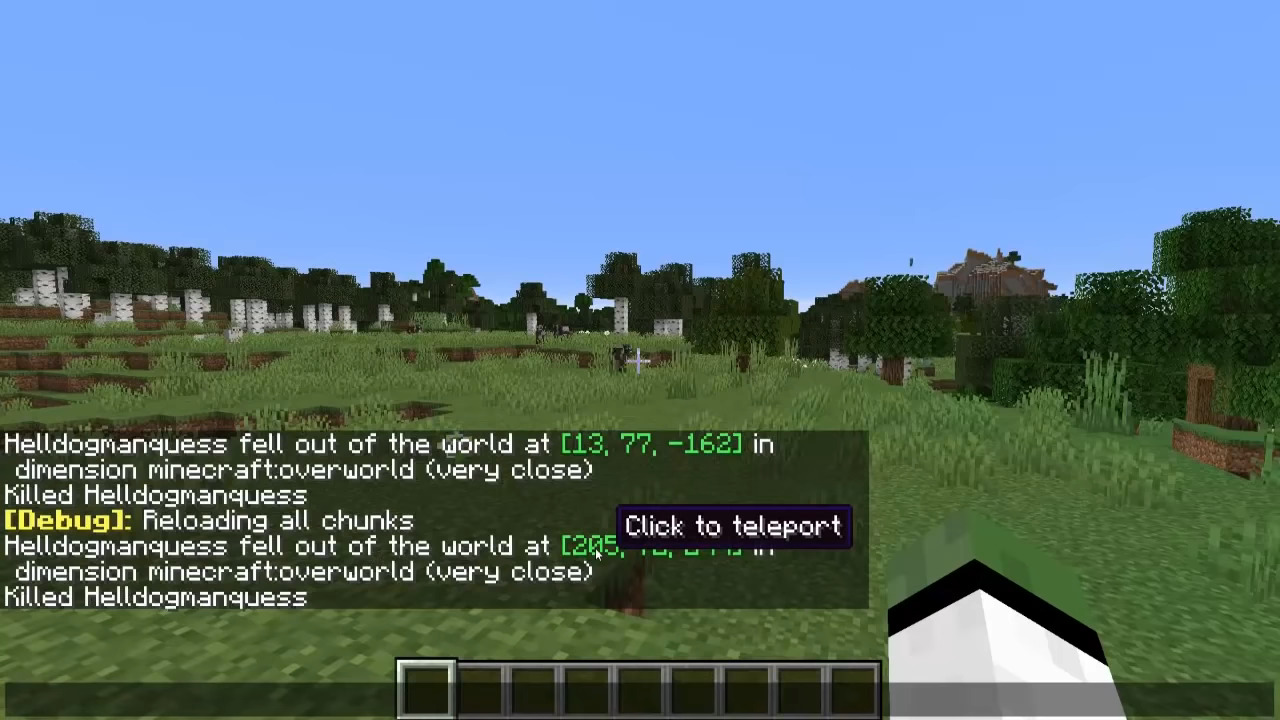
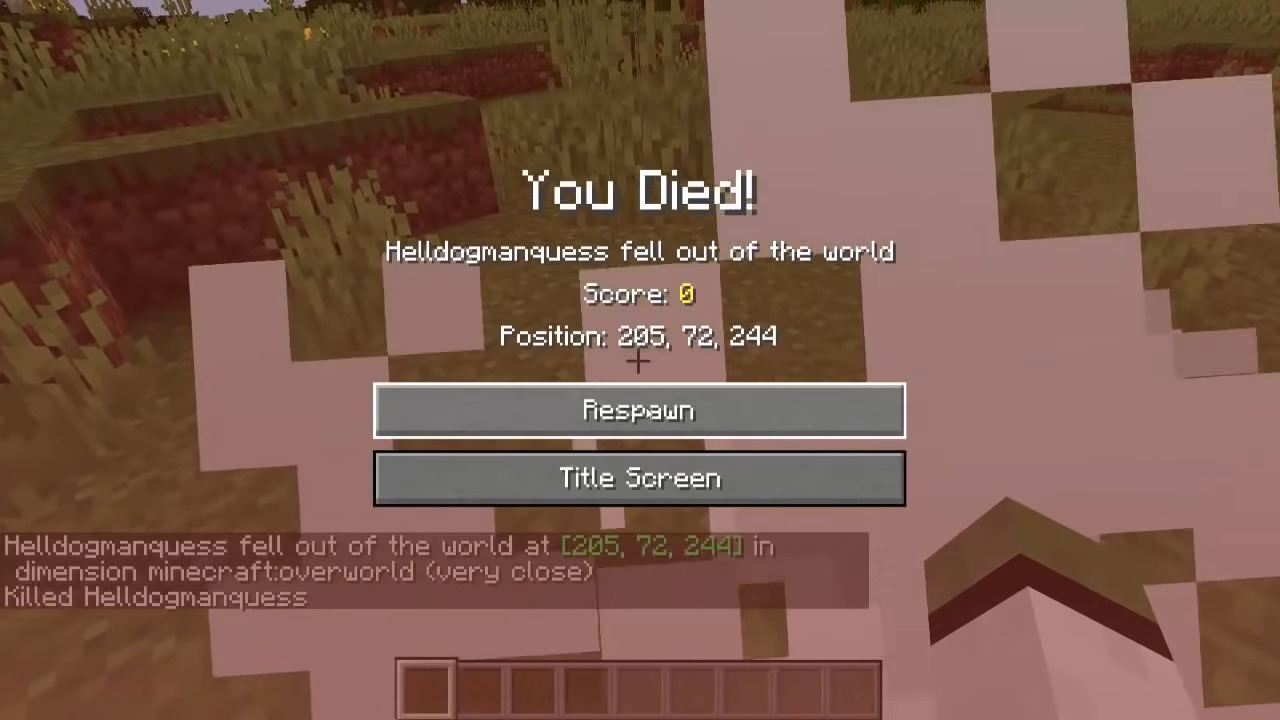
Death Finder Mod adds the exact position of every death to the death screen as well as the death message, so you know exactly where to go looking for your items. Never waste time searching for your items ever again.
Features:
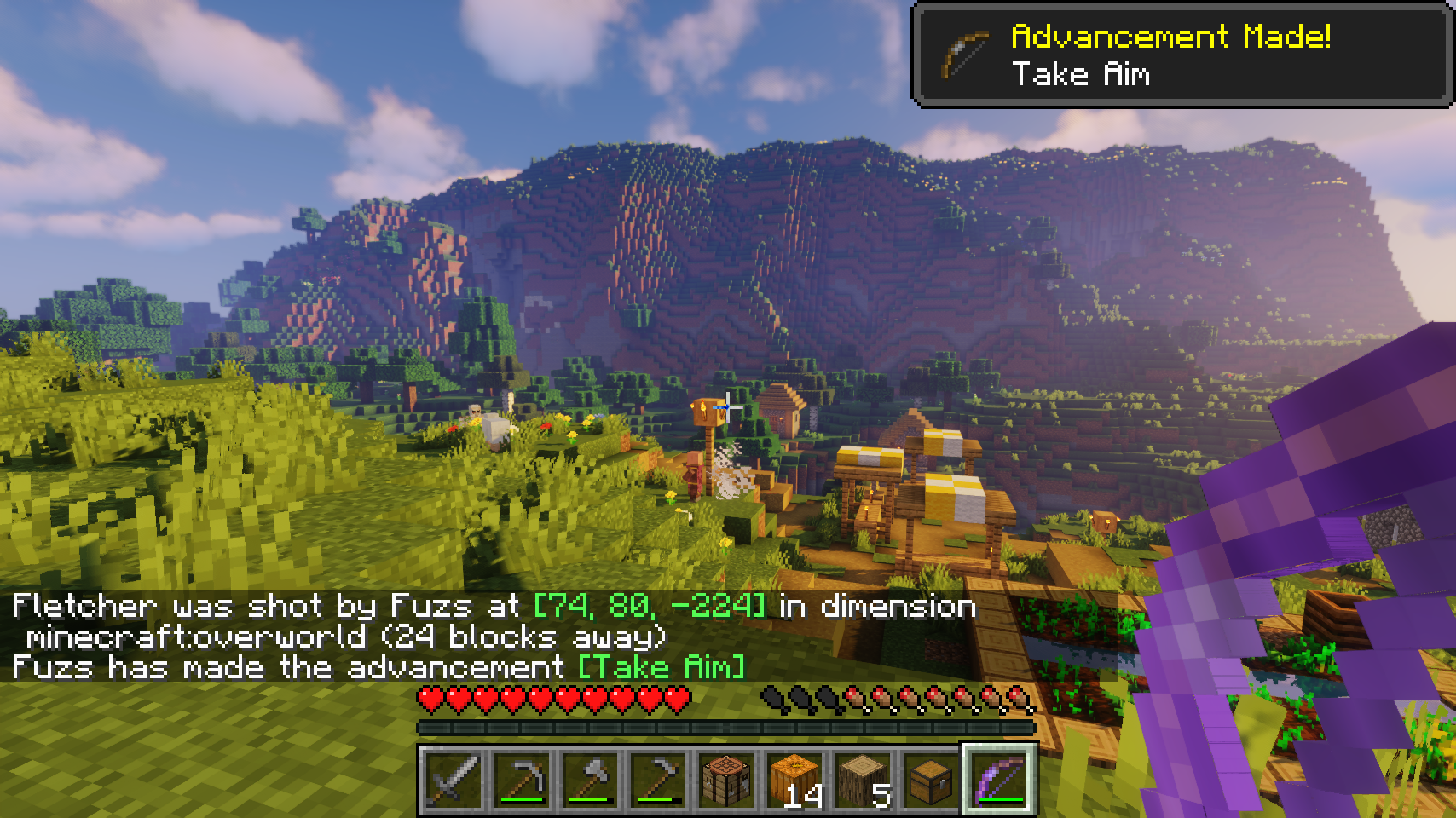
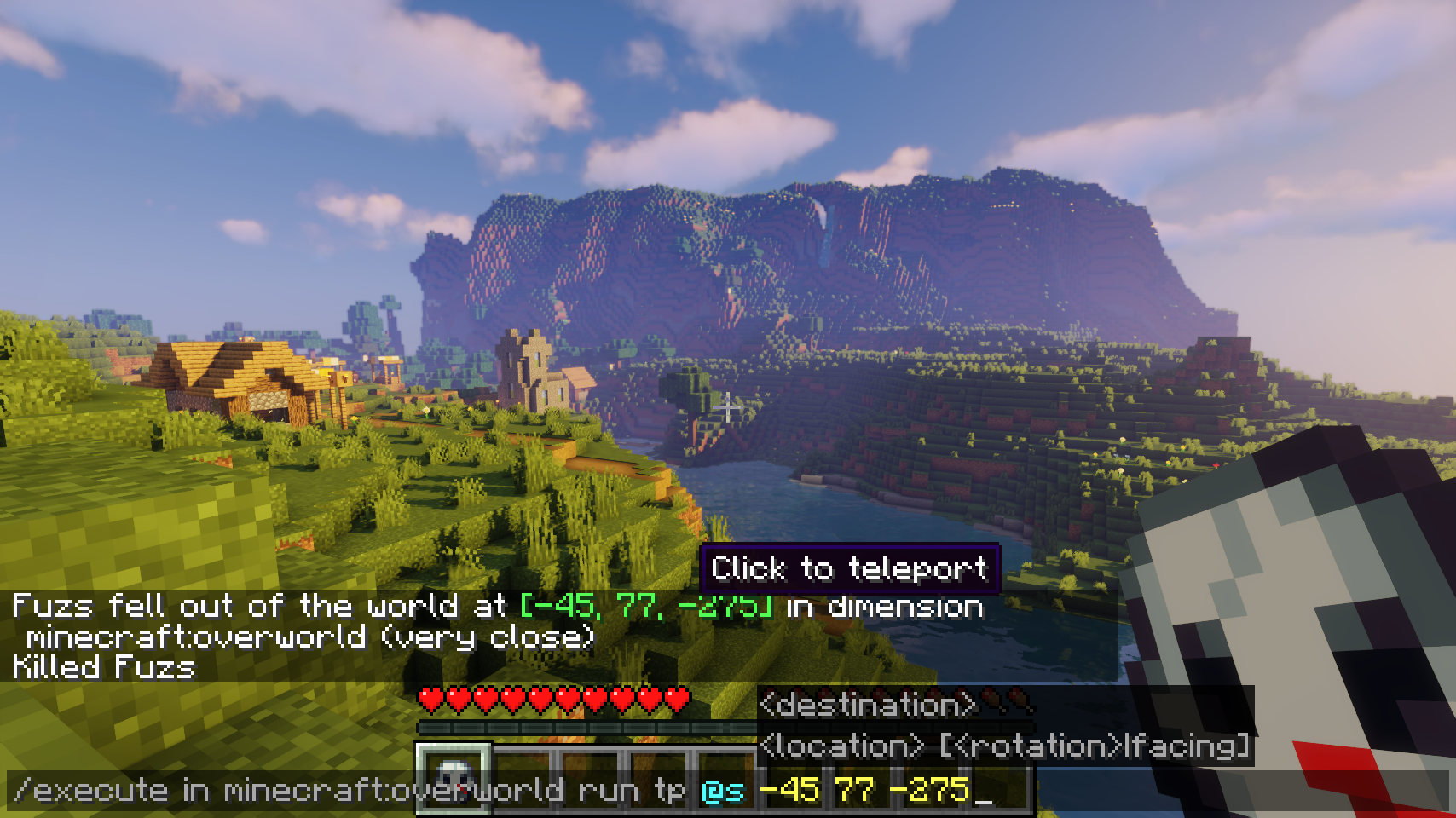
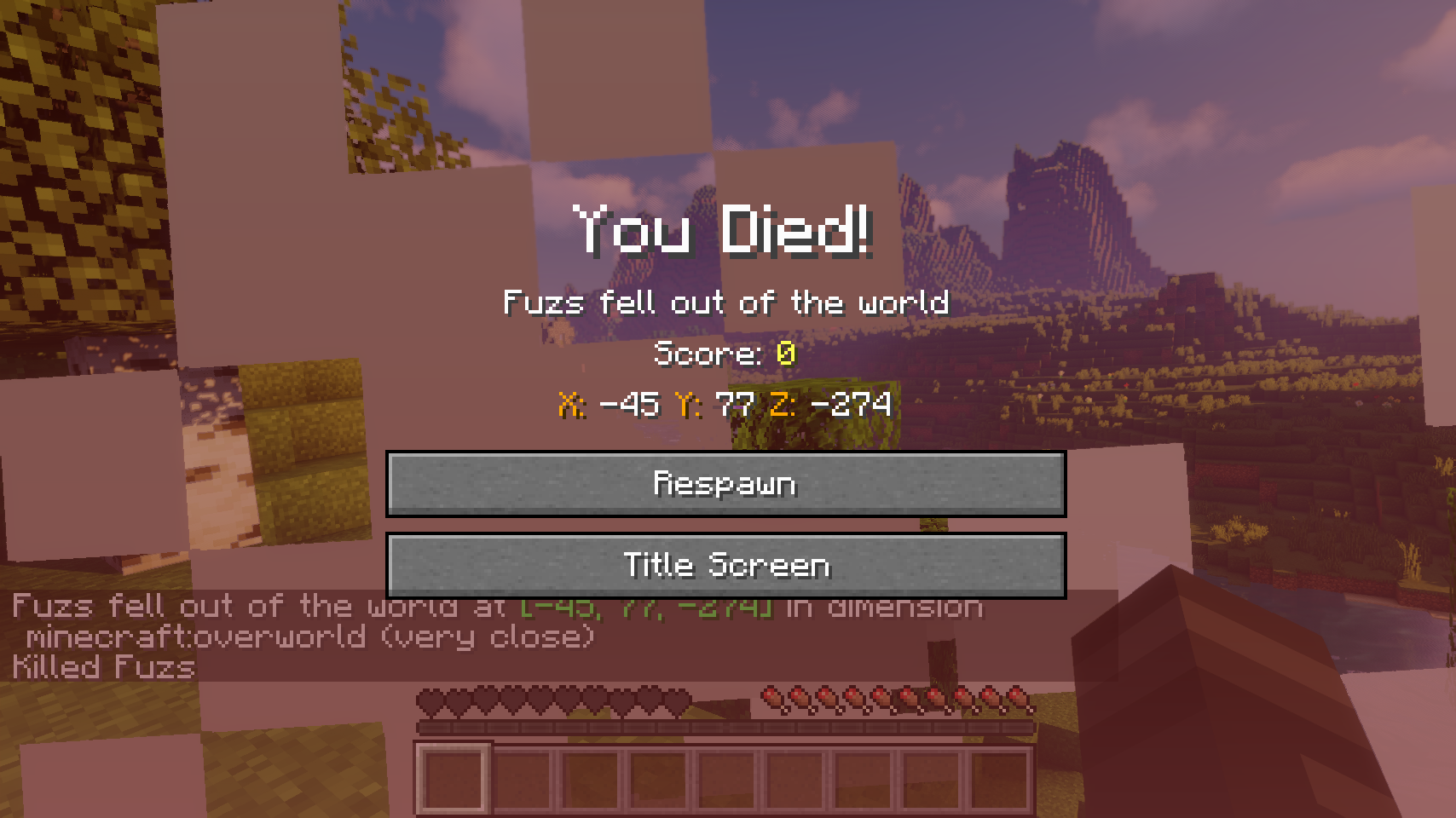
- The death position is added to the death screen. Also coordinates, the dimension, as well as your current distance from the death point are added to every death message. Server operators can even click the coordinates in the death message to easily teleport to the death point. This feature can also be enabled for all players, but with a few restrictions: teleporting only works within the next 5 minutes after dying, and it’s only available for your own most recent death point.
- Also a death message is shown whenever a villager or named entity dies. There also is an option to send out a death message for any entity death, which is disabled by default. This option comes together with a blacklist and whitelist. Additionally vanilla death messages sent out by players and pets can be separately toggled.
Screenshots:
Coordinates are added to all death messages
Quickly teleport to the death point with a simple click
Coordinates are displayed on the death screen
Death Finder Mod Download Links
Quick facts
- Edition: Minecraft Java
- File type: .jar
- Minecraft version listed: 1.20.1
- How to install: Install the matching mod loader (Forge, Fabric or NeoForge) for your Minecraft version. → Download the .jar. → Put it in the .minecraft/mods folder and launch that loader profile.
- Where to get it: In MC Java Mods, or directly above on this page.
Install steps are the general flow for this file type — How to install Minecraft Java mods & modpacks walks through it step by step.
Verified by MCModsHub
- Downloads as 26773.mcaddon
- Download size: 65 KB
- Download link checked 22 Sept 2026 — working
- Mirrored on our own servers — the download does not depend on the original host
These come from our own check of the pack file, not from the source page.