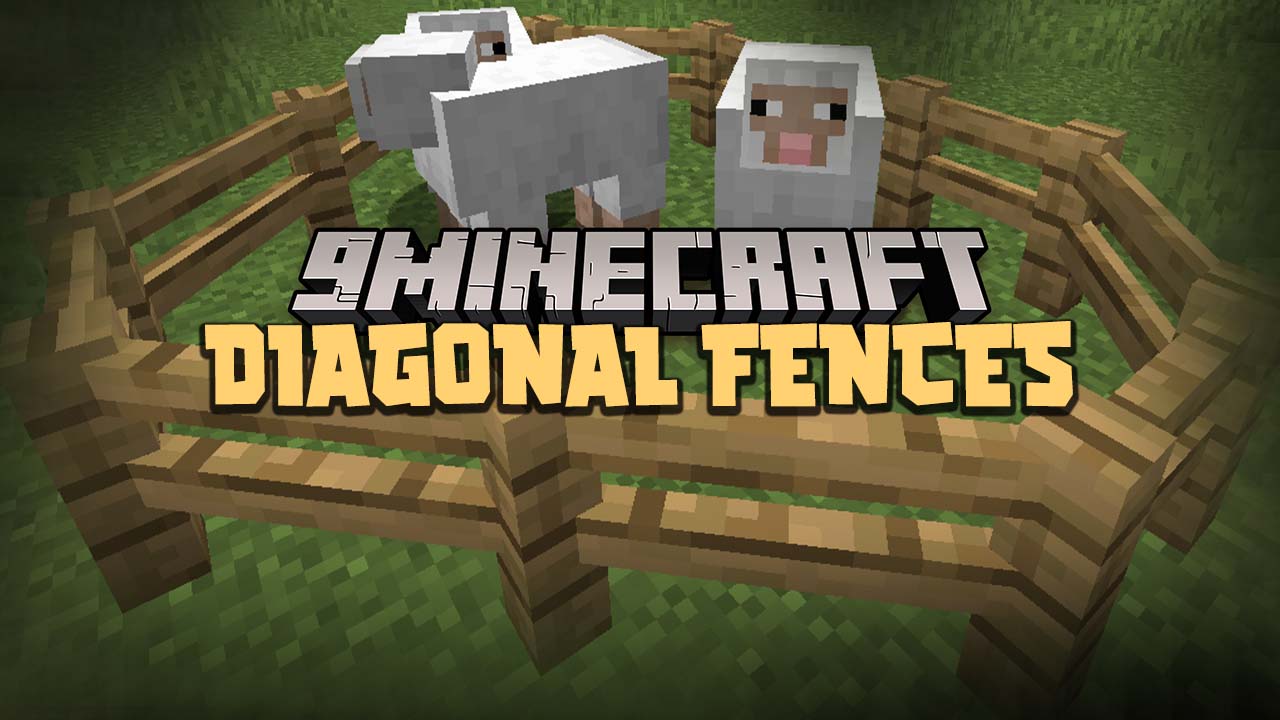
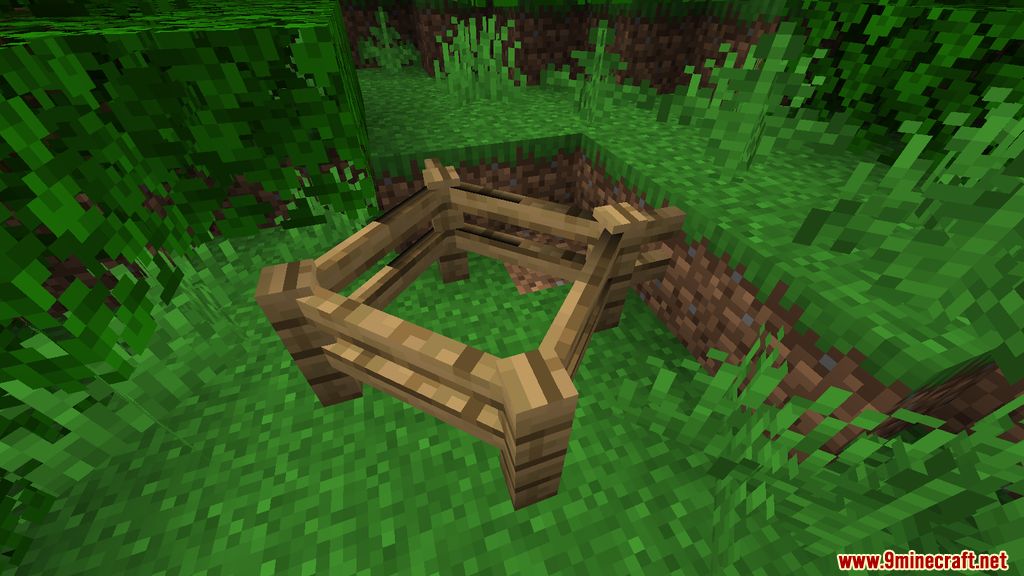
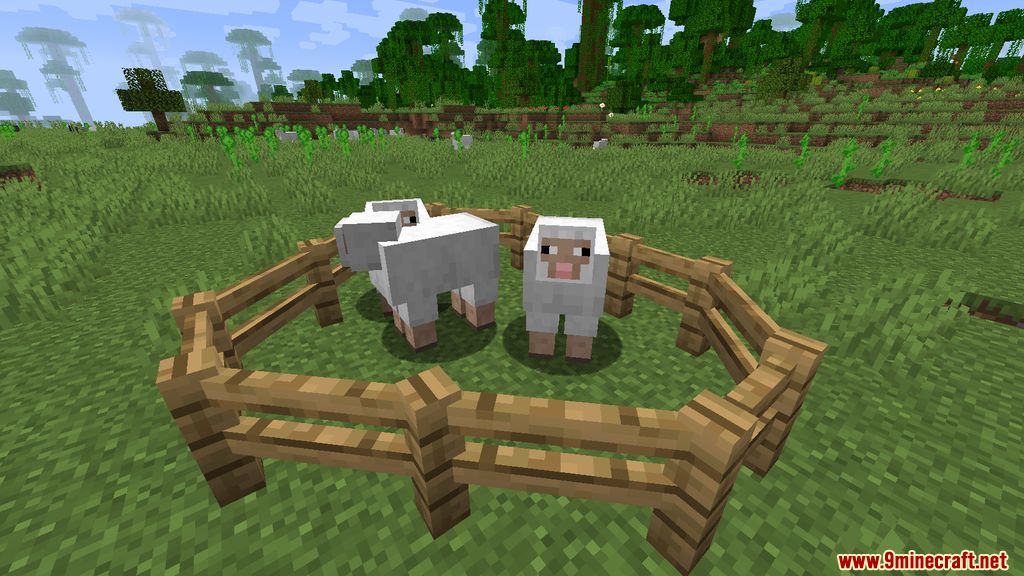
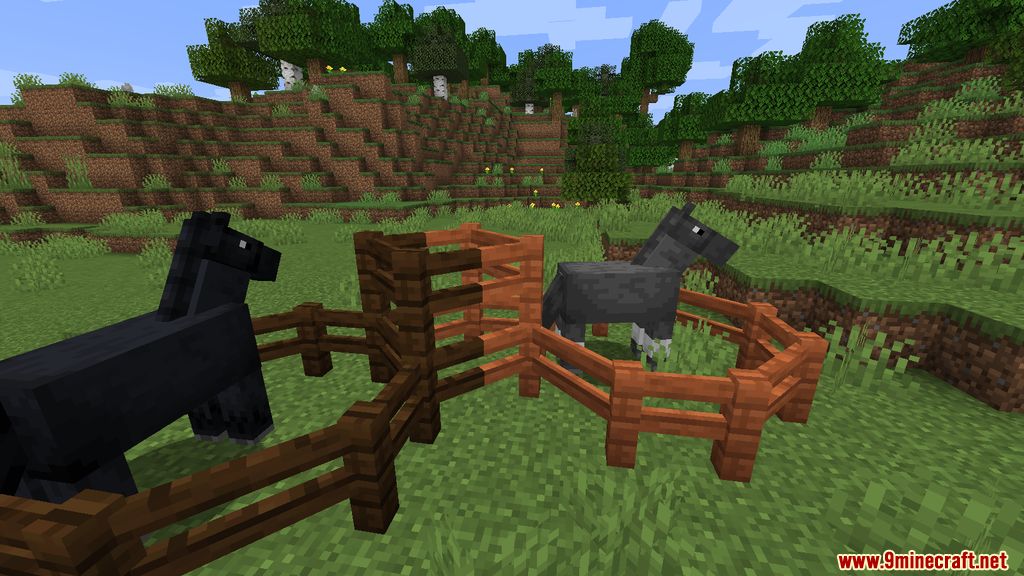
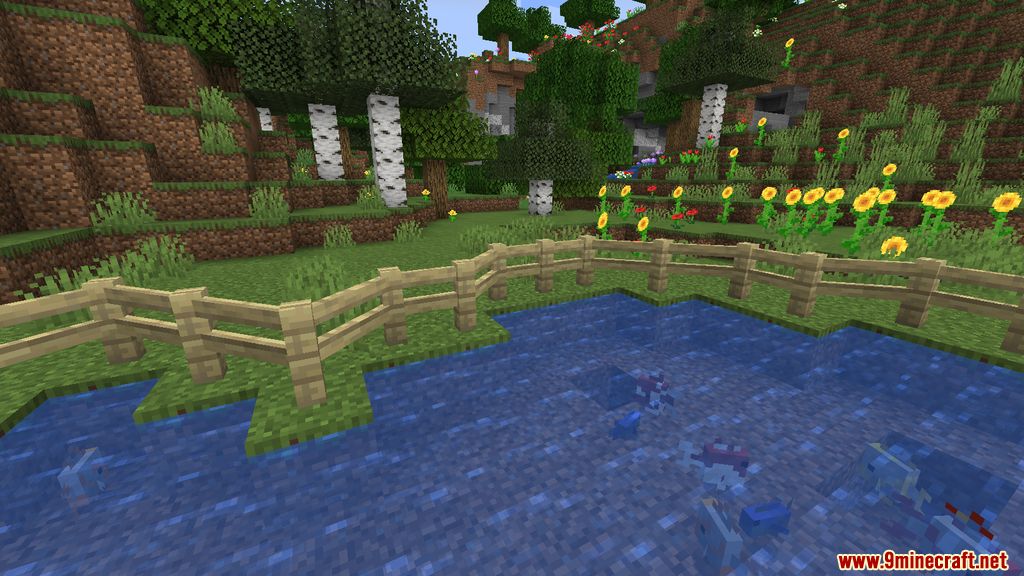
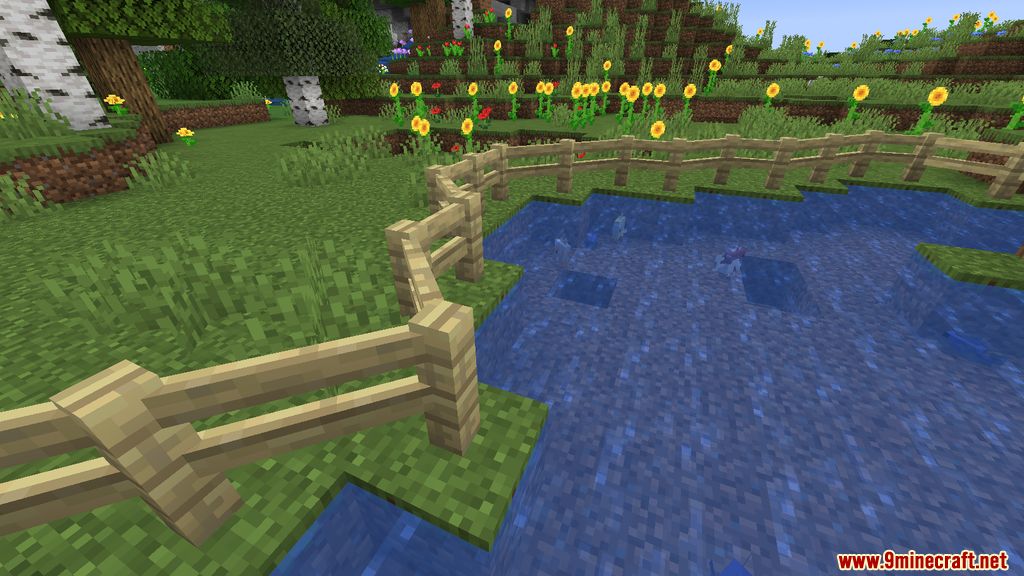
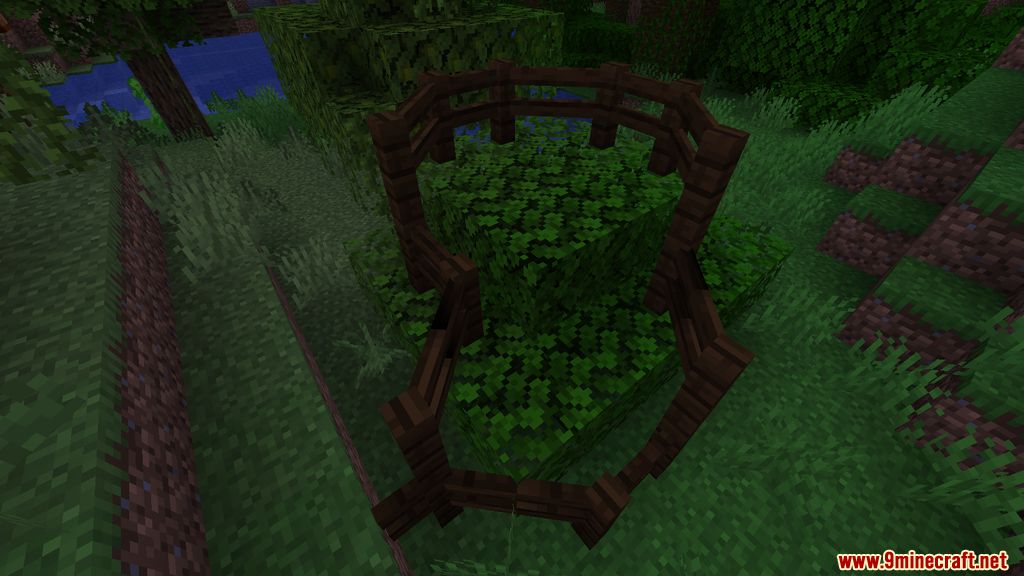
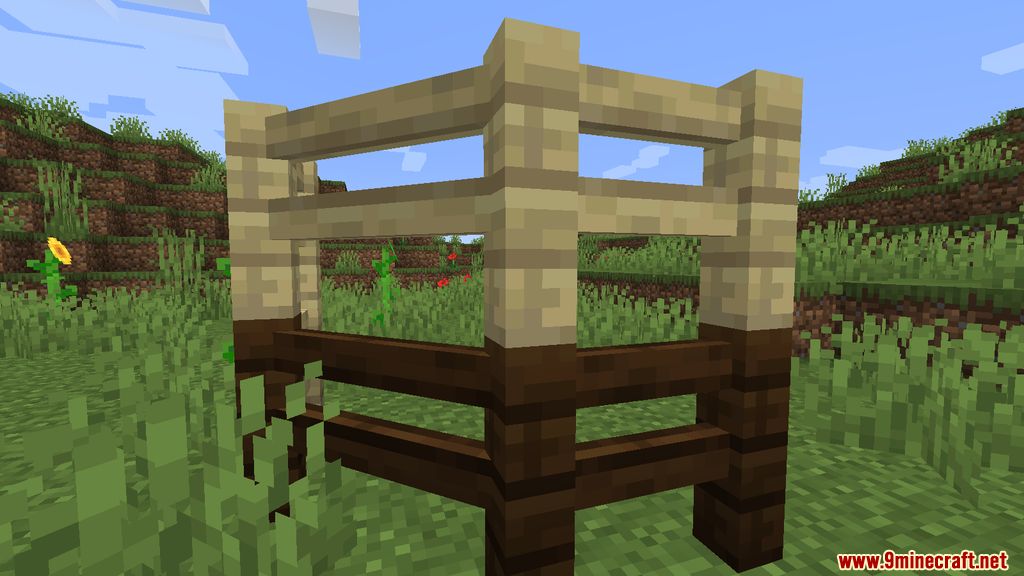
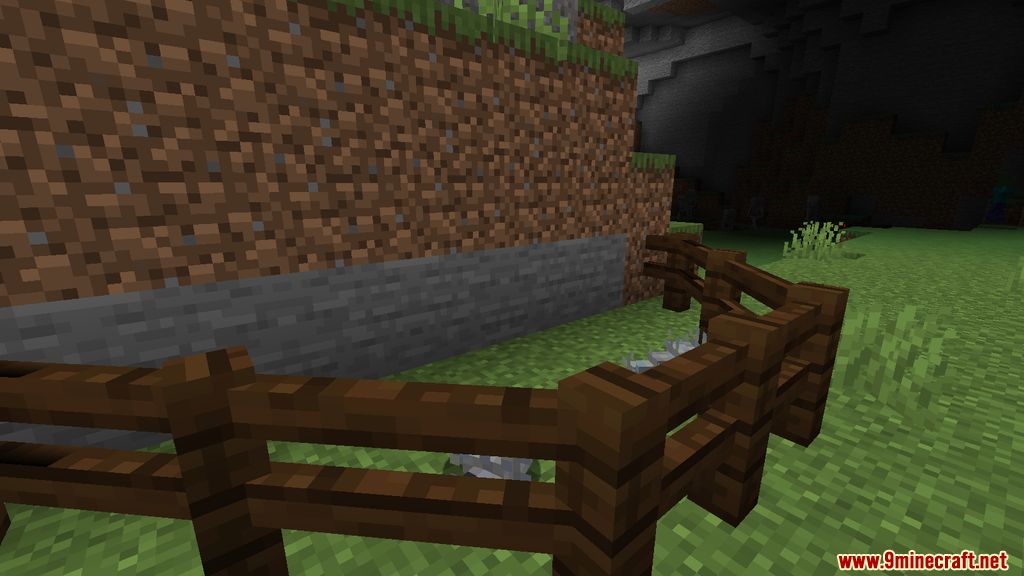
Diagonal Fences Mod is a mod that literally offers what its name indicates. That is, we can continue using the same wooden fences as always, but now they can be placed diagonally, not just creating ninety-degree angles. It is worth noting that this is not a new type of fence but rather the same fences can connect to each other to create angles of one hundred thirty-five degrees. This means we can combine fences with ninety-degree angles and fences with one hundred thirty-five-degree angles within the same fenced area. The collision boxes, or hitboxes, will match the shape of the fence, whether connected at ninety or one hundred thirty-five-degree angles. This functionality can be used not only for default fences but also for any fences added to the game by other mods.
If you’d like to apply this interesting functionality to other elements of the game, like glass panes and iron bars, check out the Diagonal Windows Mod.
Features:
- Fences can now connect diagonally, allowing for more creative and flexible designs.
- The collision boxes (hitboxes) align perfectly with the diagonal fence shapes, maintaining gameplay accuracy.
- Supports both 90-degree and 135-degree angles, enabling intricate fence layouts.
Screenshots:
Diagonal Fences Mod Download Links
- Edition: Minecraft Java
- File type: .jar
- Minecraft version listed: 1.20.1
- How to install: Install the matching mod loader (Forge, Fabric or NeoForge) for your Minecraft version. → Download the .jar. → Put it in the .minecraft/mods folder and launch that loader profile.
- Where to get it: In MC Java Mods, or directly above on this page.
Install steps are the general flow for this file type — How to install Minecraft Java mods & modpacks walks through it step by step.
- Downloads as 26775.mcaddon
- Download size: 125 KB
- Download link checked 24 Sept 2026 — working
- Mirrored on our own servers — the download does not depend on the original host
These come from our own check of the pack file, not from the source page.