
Crazy Painting
Java mod listed for Minecraft 26.x. Downloads from the MC Java Mods app on Android.
⬇ Download on Modrinth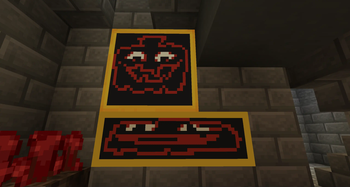
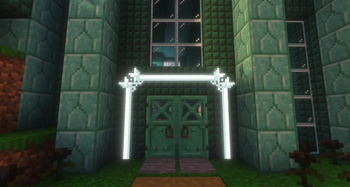
Welcome to Crazy Painting! The mod allows players to create and show off art in-game through paintings!
First of all, before anything, huge shoutout to Xerca's Joy of Painting mod. That mod is what inspired me to create my own version with features I wanted to see, on a newer version of the game. Some concepts used from this project are derived from their project.
With that aside...
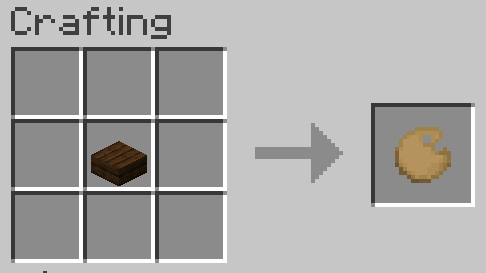
Craft a palette, using one of any wooden slab,
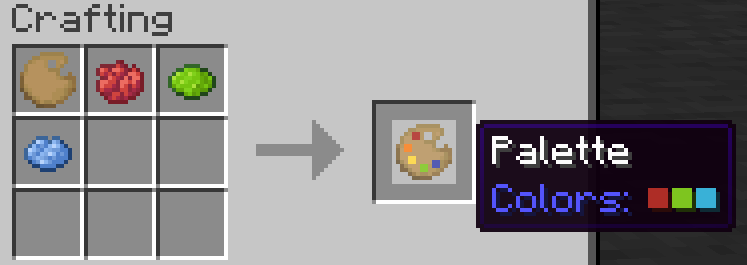
Add some colors to your palette using dyes,
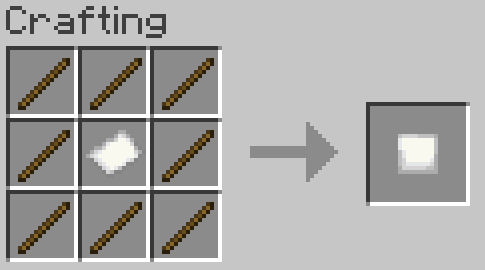
Make a canvas and easel,
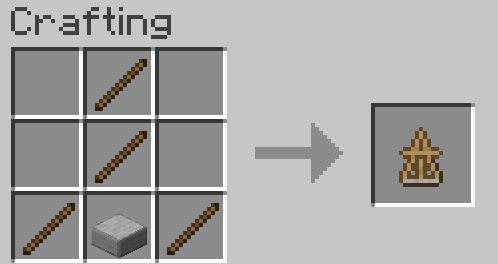
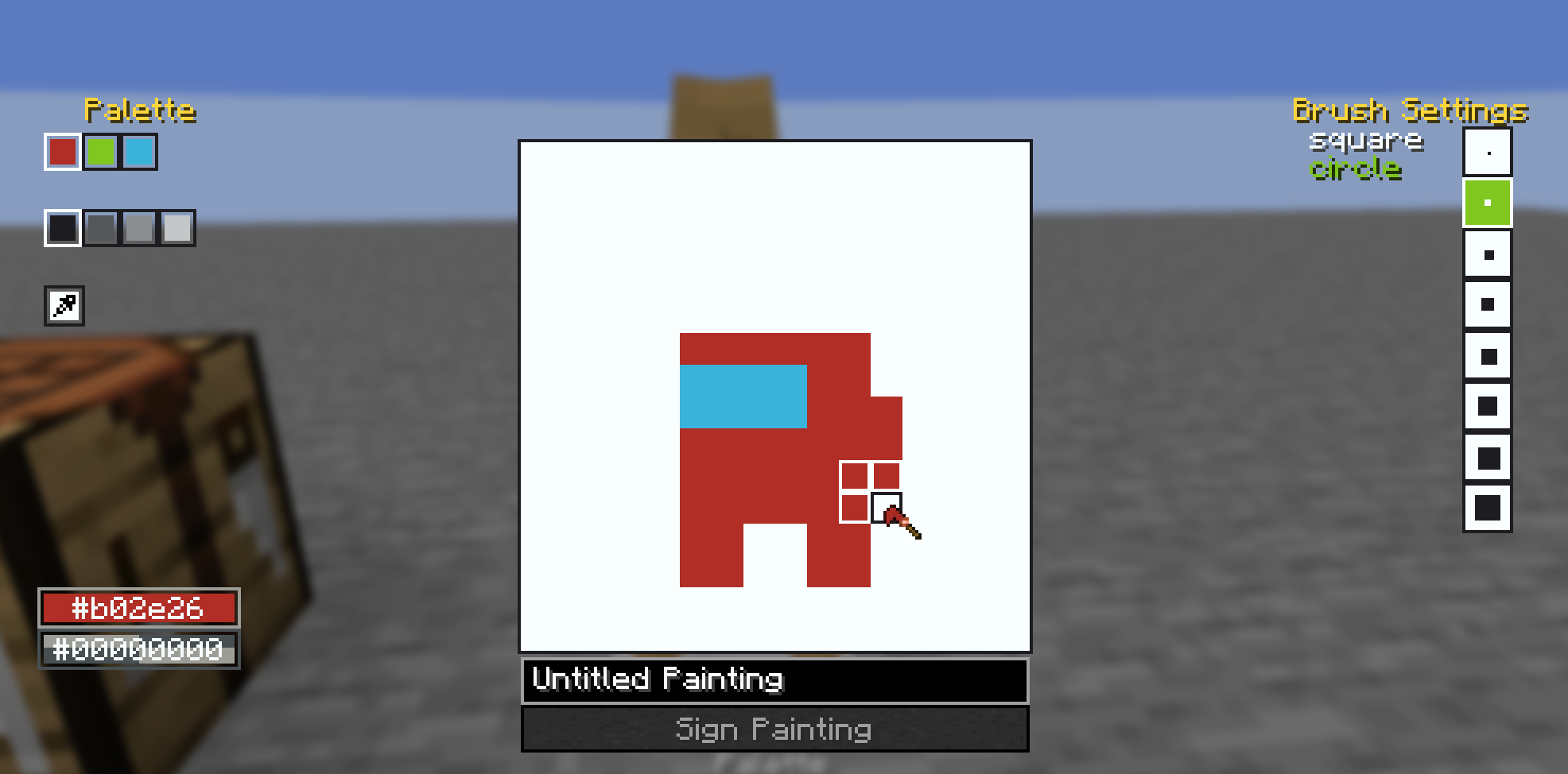
And start painting!
You can also craft larger canvases by combining multiple smaller canvas into a large one in the crafting table, the recipe book can help you with this.
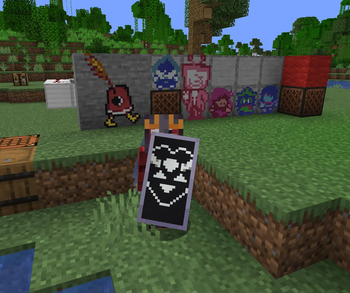
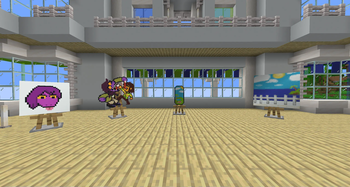
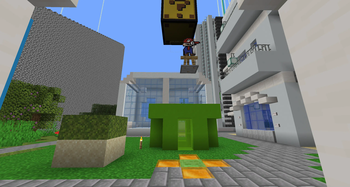
Once you've finished your painting, you can display them on an easel, as well as walls, floors, ceilings, and even shields! See the gallery for examples. You may also combine your finished painting with an empty canvas of the same size to create a copy. Copies are treated the same way as written books are in vanilla, where each subsequent copy of a copy gets older until you cannot create copies anymore.
Also, the editor comes with a built-in help button in the top left of the screen, which goes over the controls and features of the editor in more detail.
Also also, this mod's brushes are data driven! They are stored as .qoi files under assets/crazypainting/brushes/(category_name)/(brush_name).qoi
To actually load these brushes into the game, you need to define them in a json file at the location assets/crazypainting/brushes/brushes.json. For specifics on the formatting, see here. After that, you can load up your resource pack and enjoy your custom brushes!
- Edition: Minecraft Java
- File type: .jar
- Minecraft version listed: 26.1.2
- How to install: Install the matching mod loader (Forge, Fabric or NeoForge) for your Minecraft version. → Download the .jar. → Put it in the .minecraft/mods folder and launch that loader profile.
- Where to get it: Opens on Modrinth — not every file is mirrored on our own servers.
Install steps are the general flow for this file type — How to install Minecraft Java mods & modpacks walks through it step by step.
- Ships as crazypainting-1.3.7.3.jar — drop this file into the mods folder
- Download size: 318 KB
- Download link checked 11 Oct 2026 — working
These come from our own check of the pack file, not from the source page.