
Minor Audio Inconvenience
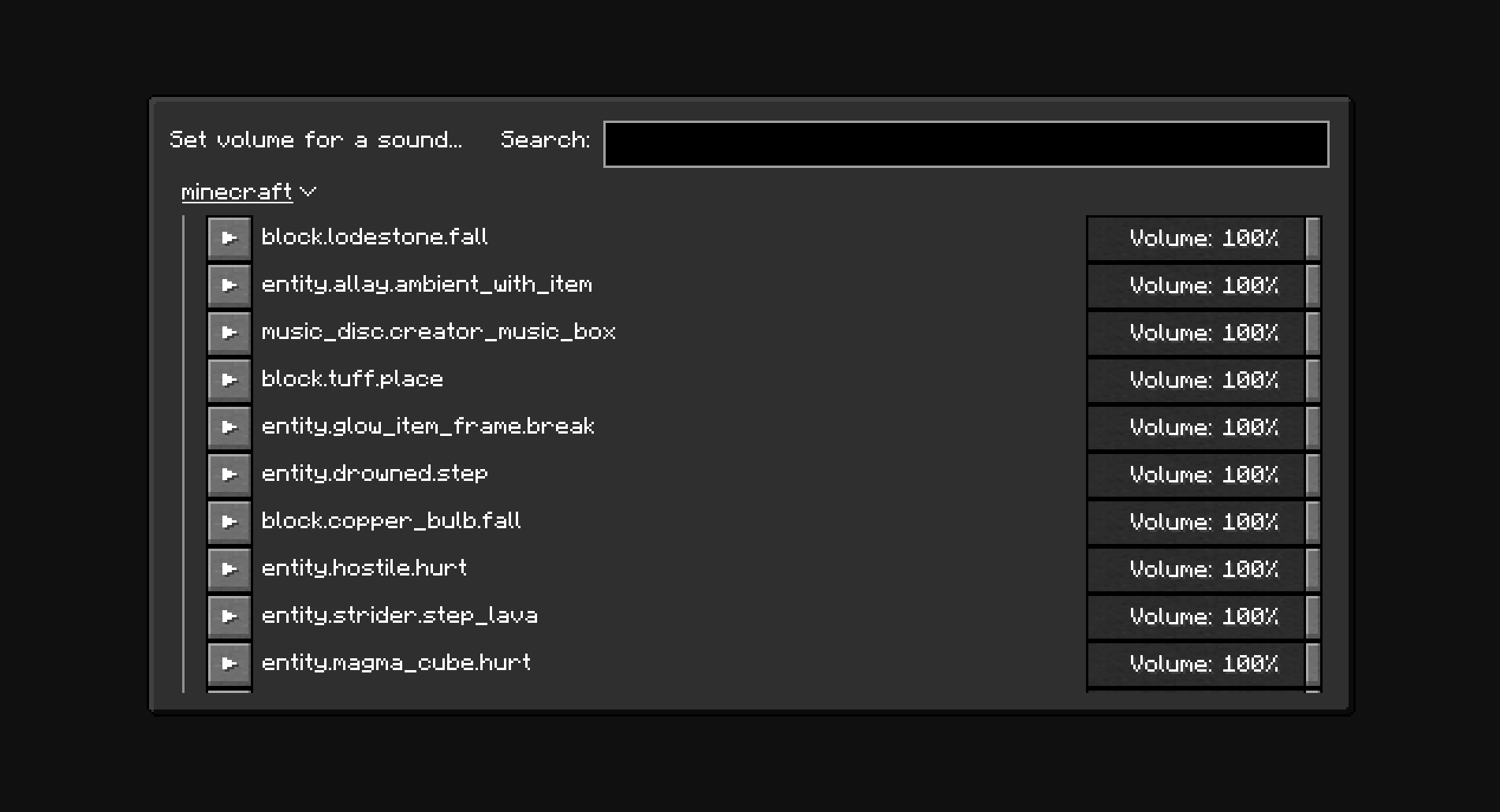
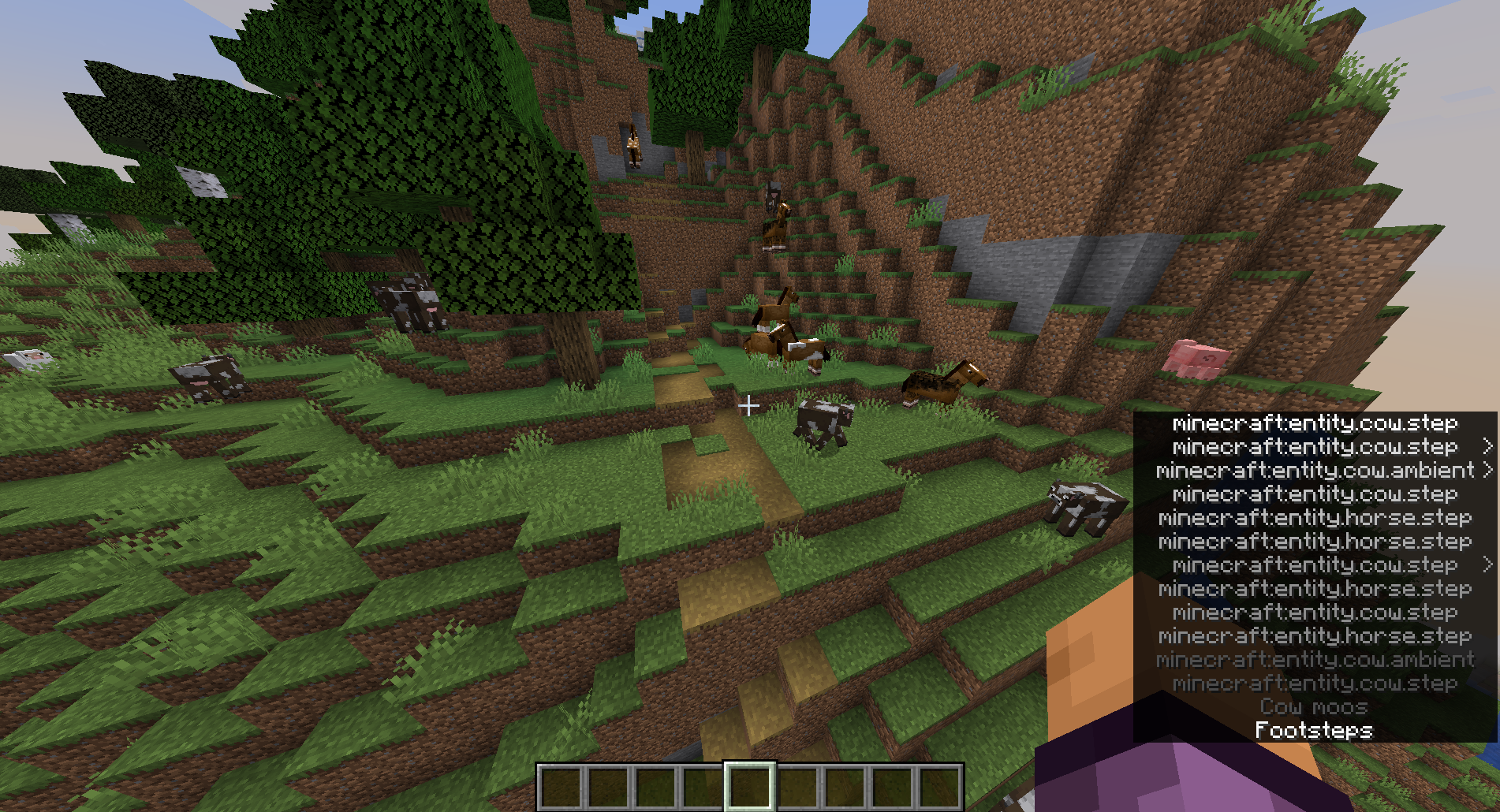
Set volume for individual sounds.
Usage
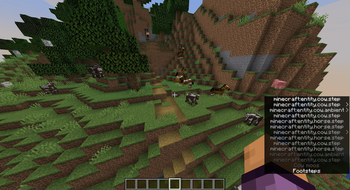
The minecraft:weather.rain sound is disabled by default. New sounds can be added to the configuration manually through the config screen (With Mod Menu: Mods -> Minor Audio Inconvenience, Without Mod Menu: /owo-config minor-audio-inconvenience) or using the "Set volume for a sound..." menu (Options... -> Music & Sounds... -> Set sound volume)
Note
The NeoForge version of the mod only works in Singleplayer.
Screenshots
Dependencies
The mod depends on owo-lib for configuration and UI. If you don't have the library already installed, you will be prompted to install it automatically. You will still need to install owo-lib manually on NeoForge.
- Edition: Minecraft Java
- File type: .jar
- Minecraft version listed: 1.21.4
- How to install: Install the matching mod loader (Forge, Fabric or NeoForge) for your Minecraft version. → Download the .jar. → Put it in the .minecraft/mods folder and launch that loader profile.
- Where to get it: Opens on Modrinth — not every file is mirrored on our own servers.
Install steps are the general flow for this file type — How to install Minecraft Java mods & modpacks walks through it step by step.
- Ships as minoraudioinconvenience-0.2.4-neoforge+1.21.4.jar — drop this file into the mods folder
- Download size: 19 KB
- Download link checked 31 Aug 2026 — working
These come from our own check of the pack file, not from the source page.