
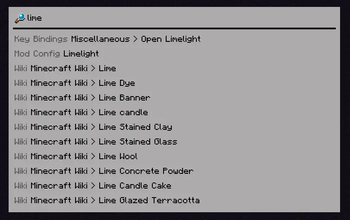
Ever used Spotlight from macOS, KDE's KRunner or Visual Studio Code's Command Palette? Did you ever wish that Minecraft had a similar feature? Anybody?
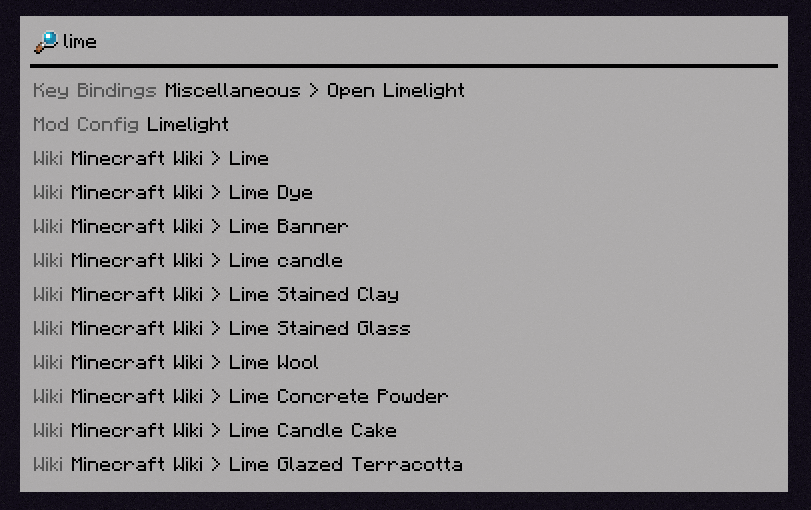
Limelight is a mod meant to add a command palette similar in design to macOS's Spotlight. Just press the [ key (configurable via keybind) and start typing!
Features
Invoke Keybinds
Similar in spirit to Too Many Binds, you can search for key bindings (even unbound ones) and run them from the command palette.

Open Mod Configs
If you have Mod Menu installed, you can search for mods' names to open their respective config screens.

Calculator
Limelight includes a basic calculator that can be used to do quick math without leaving Minecraft.

Open Lavender Entries
If you have any mod's Lavender book in your inventory, you can search for any entry from that book and immediately open it.
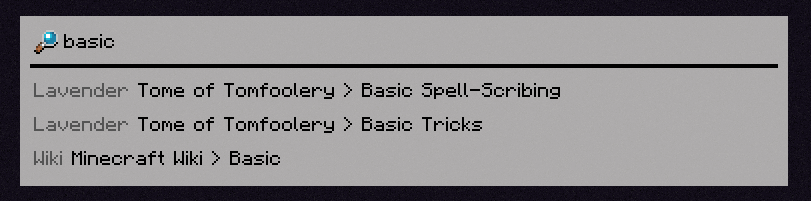
Query Wikis
You can search through the Minecraft Wiki (and any wikis you manually add with a resource pack).
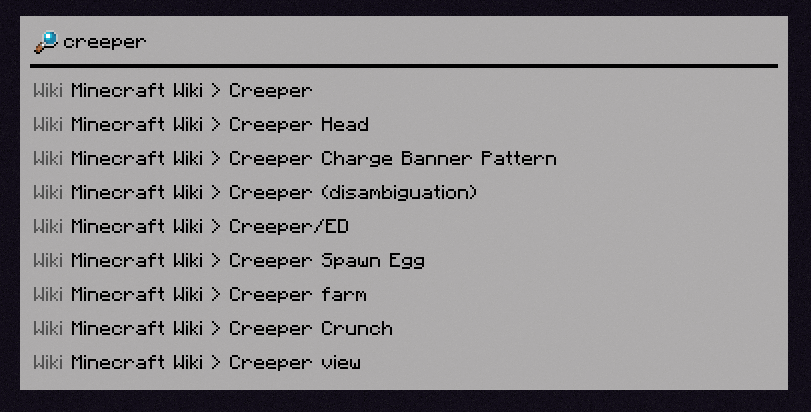
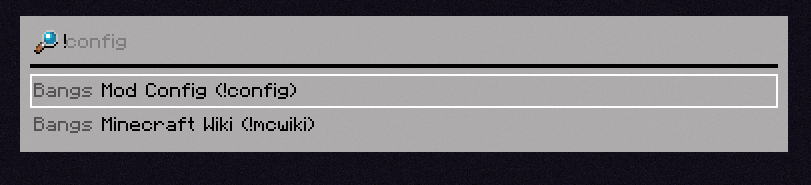
Bangs
You can specify what specifically you want to search for with a !bang, a feature borrowed from DuckDuckGo.
[INSERT FEATURE HERE]
Limelight includes an API for making extensions (which the aforementioned built-in extensions use themselves), which you can use in your mod to add compatibility or write a full-fledged Limelight addon.
- Edition: Minecraft Java
- File type: .jar
- Minecraft version listed: 1.21.5
- How to install: Install the matching mod loader (Forge, Fabric or NeoForge) for your Minecraft version. → Download the .jar. → Put it in the .minecraft/mods folder and launch that loader profile.
- Where to get it: Opens on Modrinth — not every file is mirrored on our own servers.
Install steps are the general flow for this file type — How to install Minecraft Java mods & modpacks walks through it step by step.
- Ships as limelight-0.1.2+1.21.5.jar — drop this file into the mods folder
- Download size: 179 KB
- Download link checked 31 Aug 2026 — working
These come from our own check of the pack file, not from the source page.