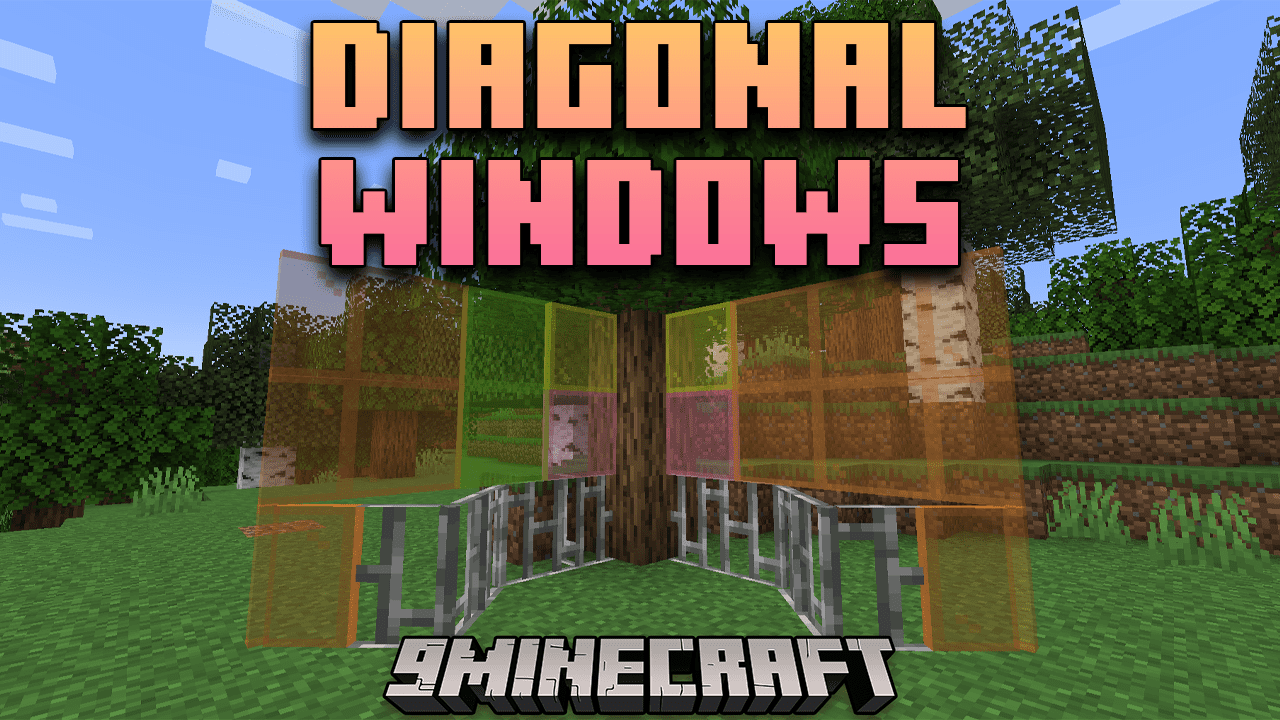
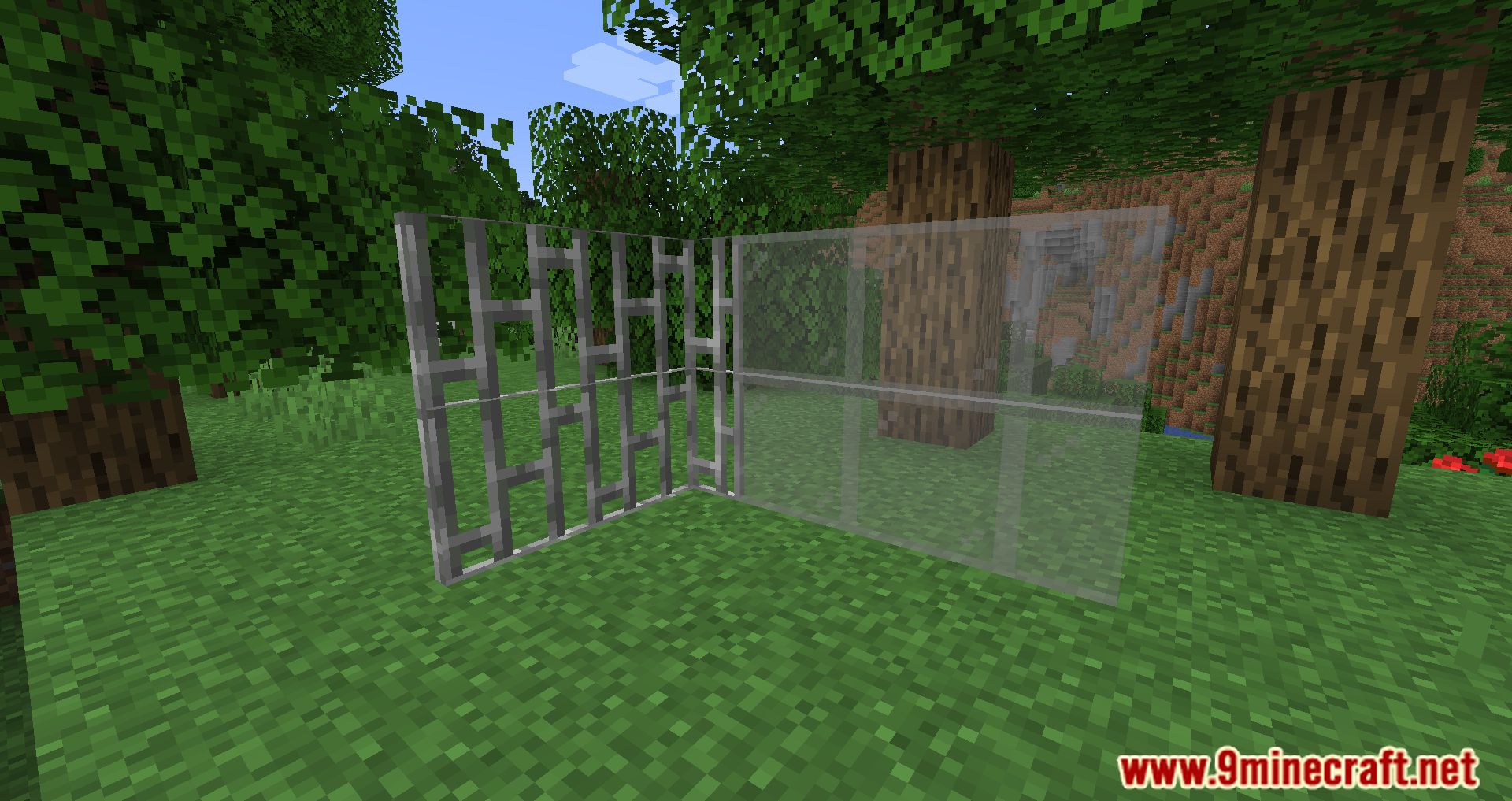
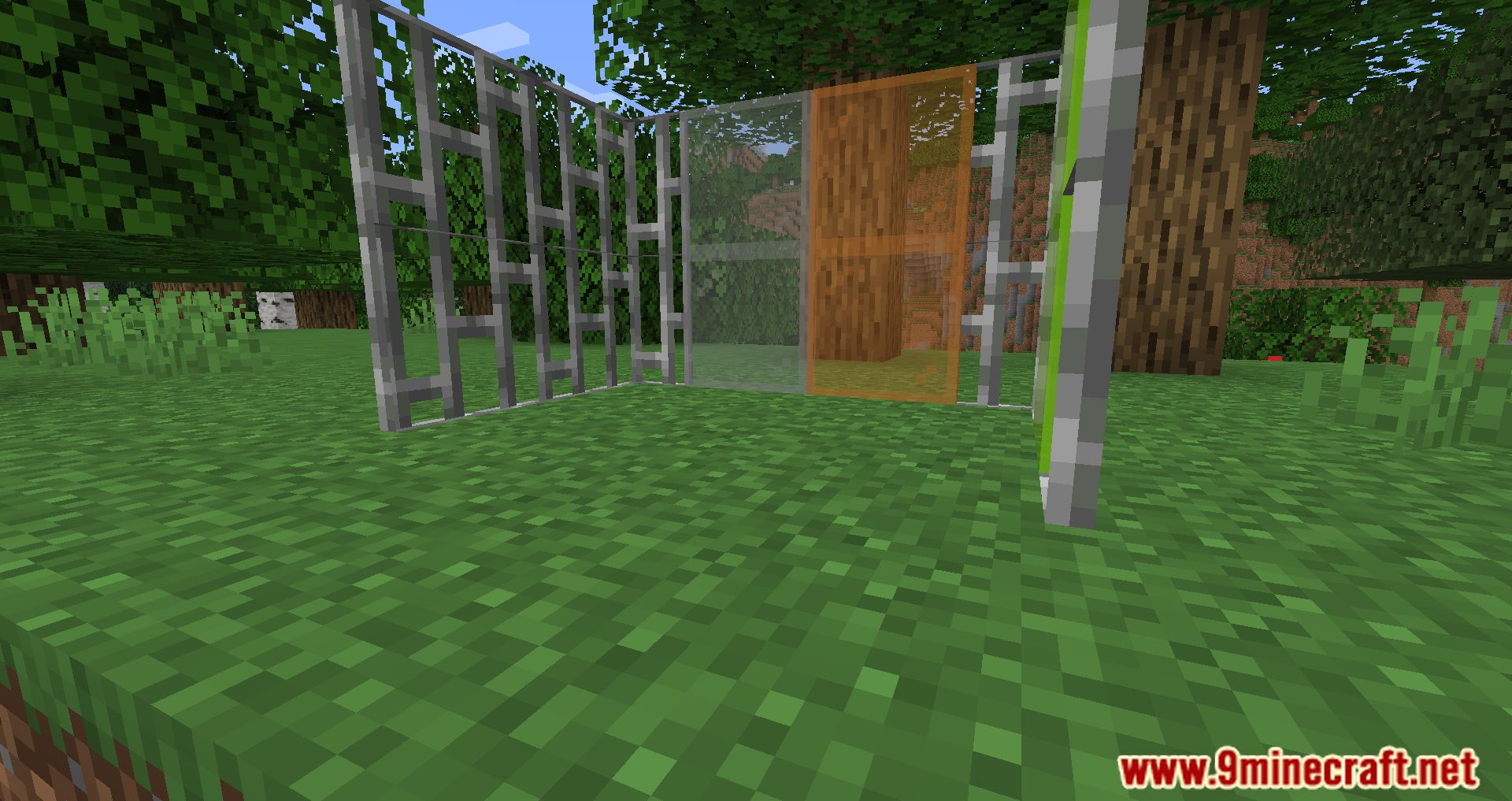
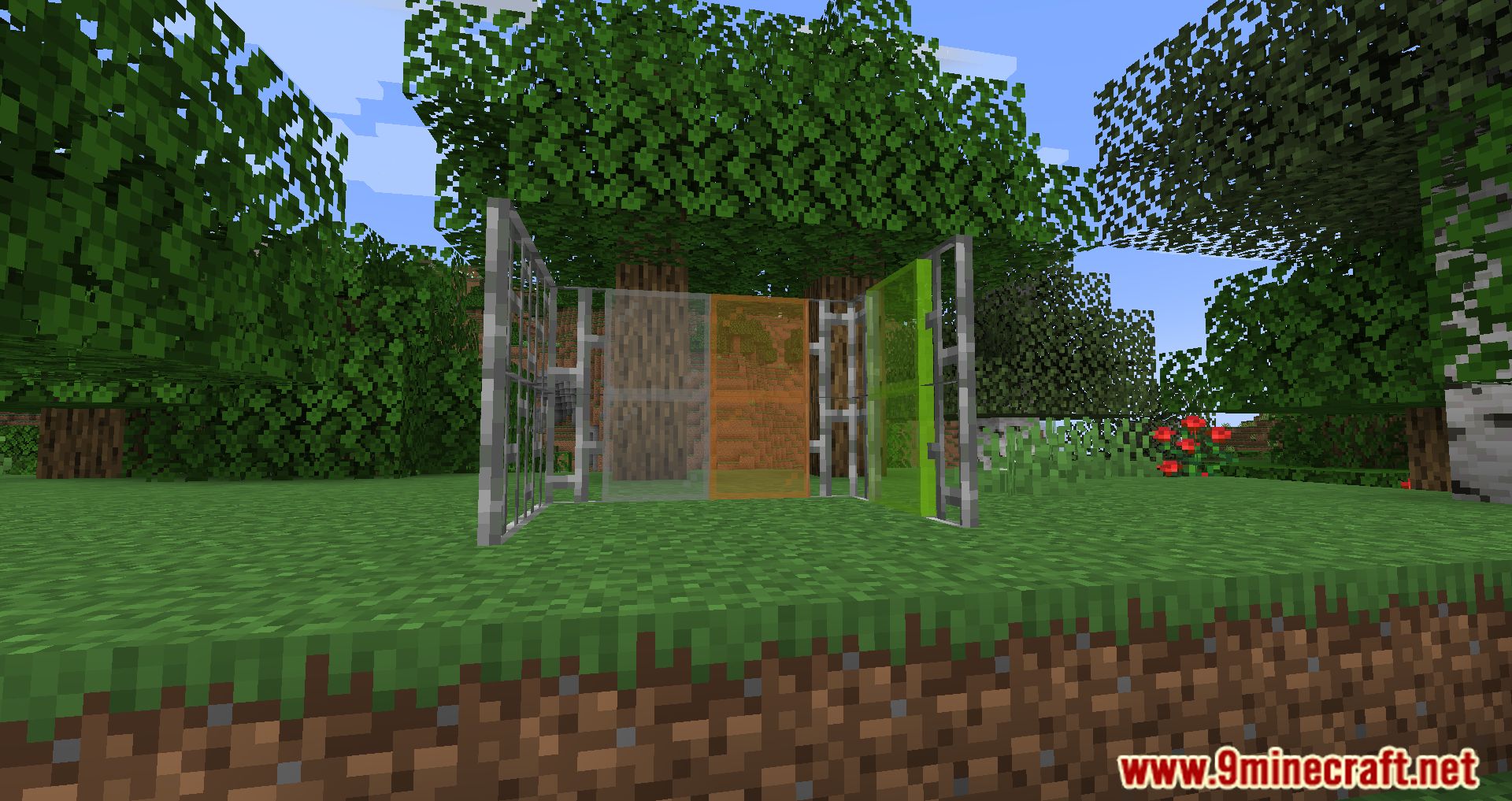
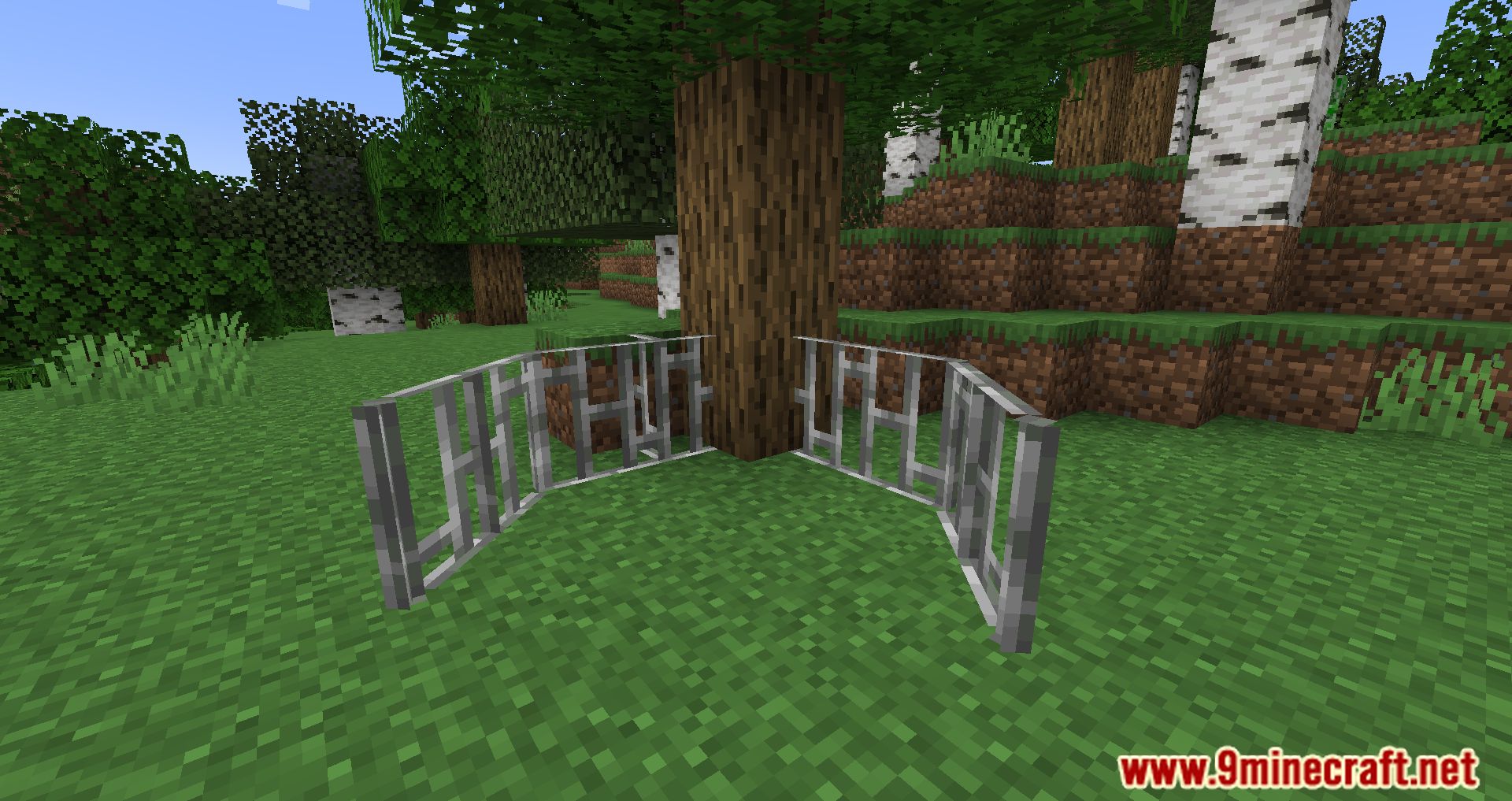
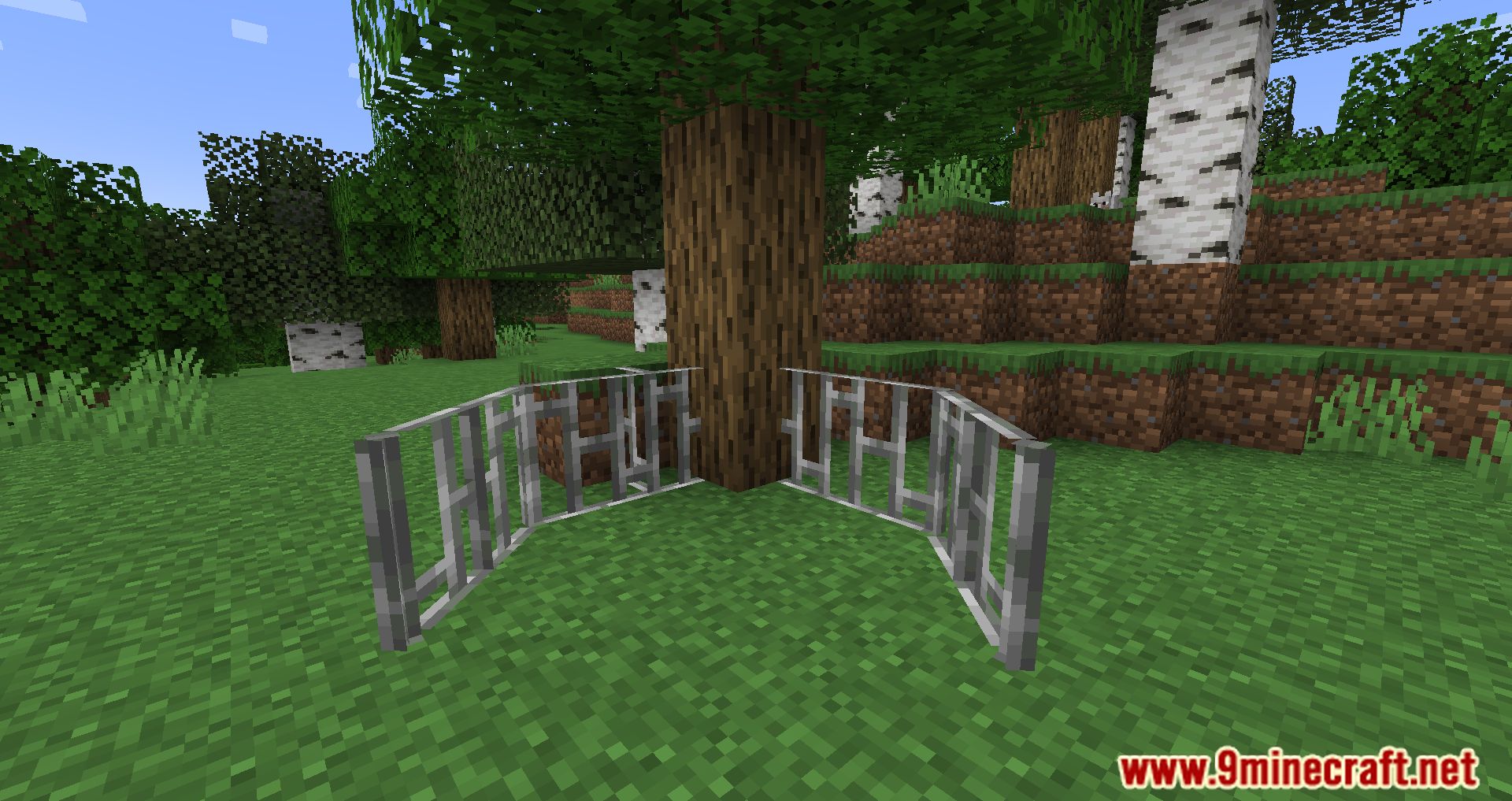
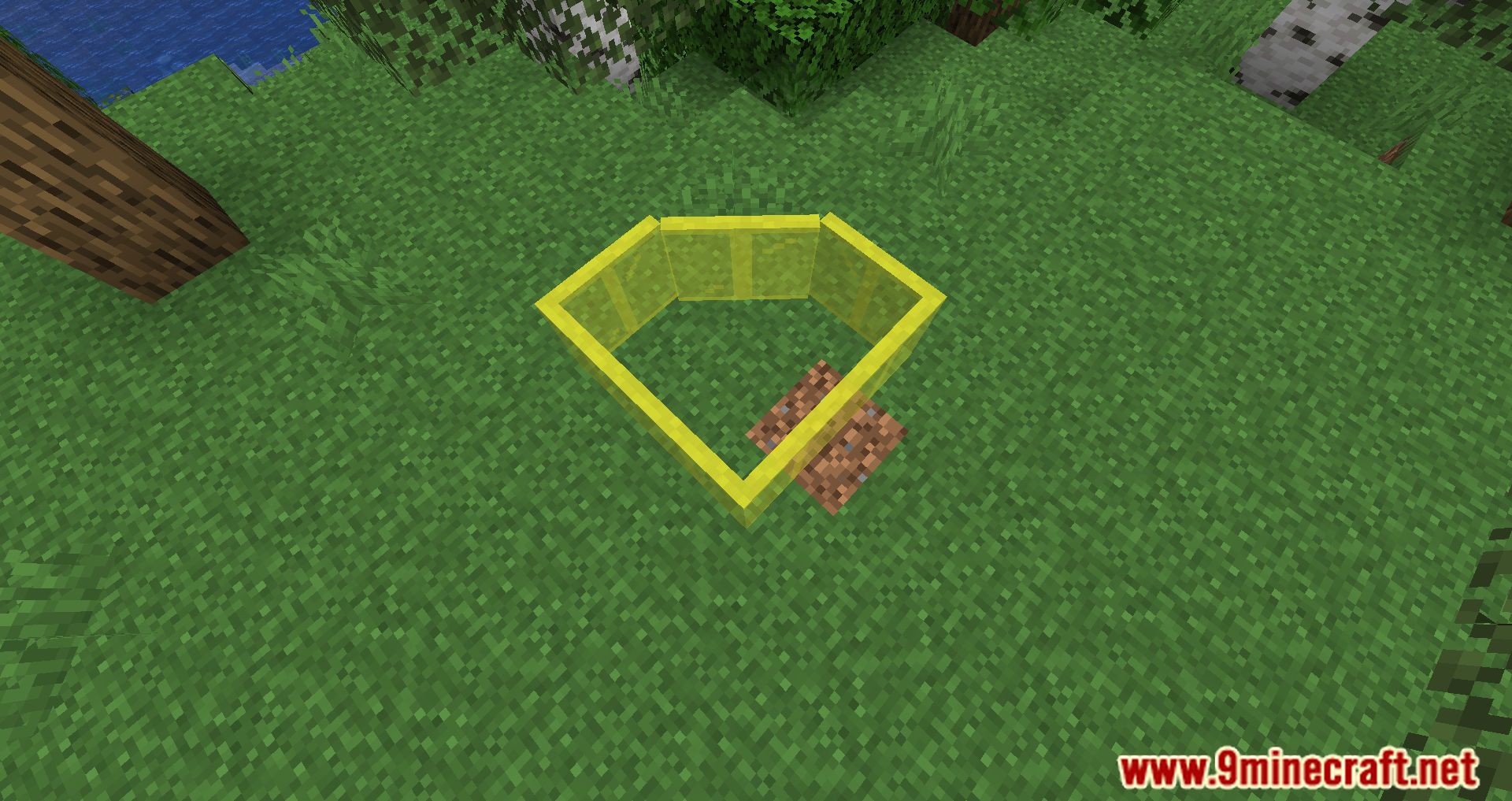
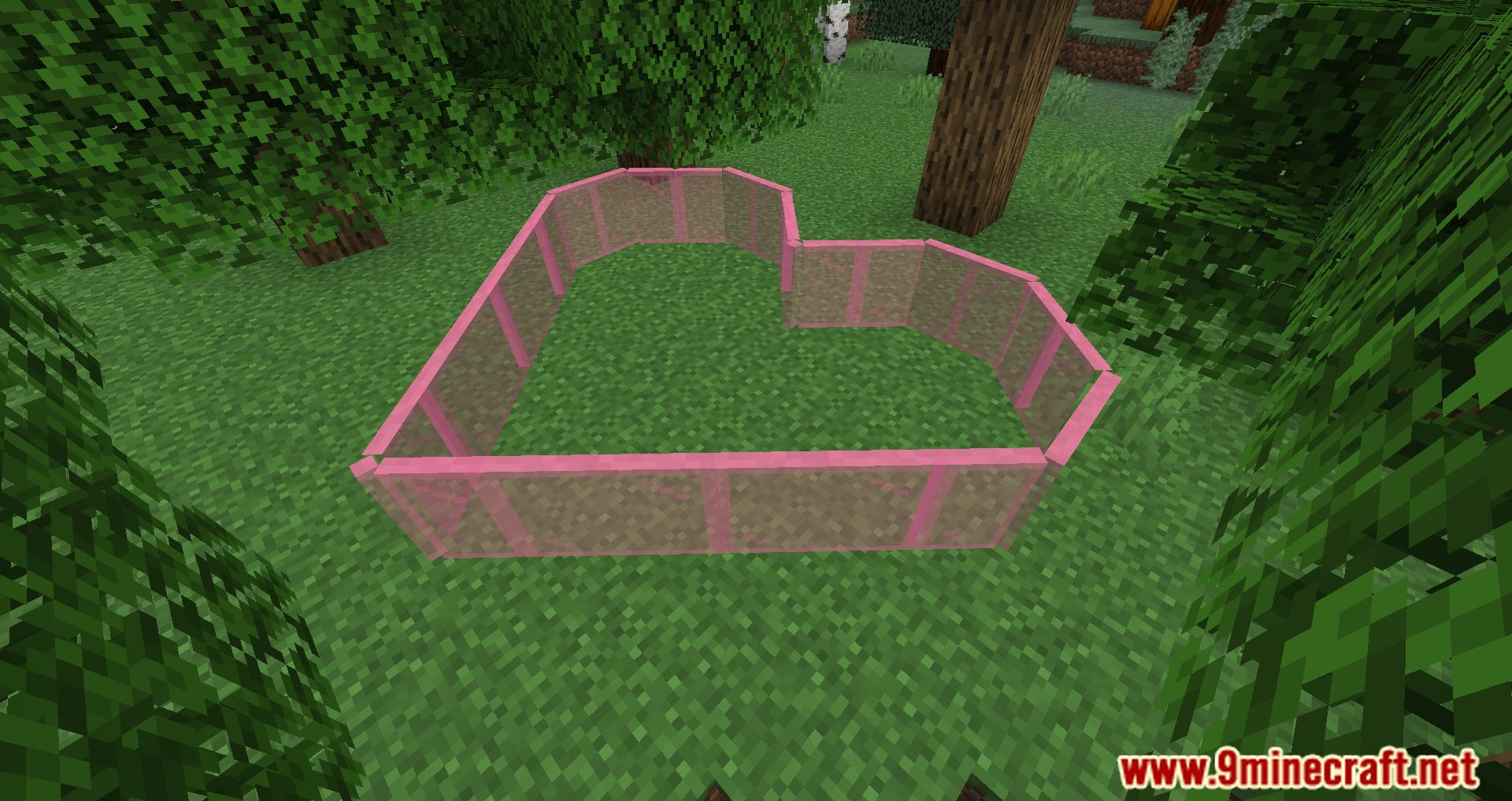
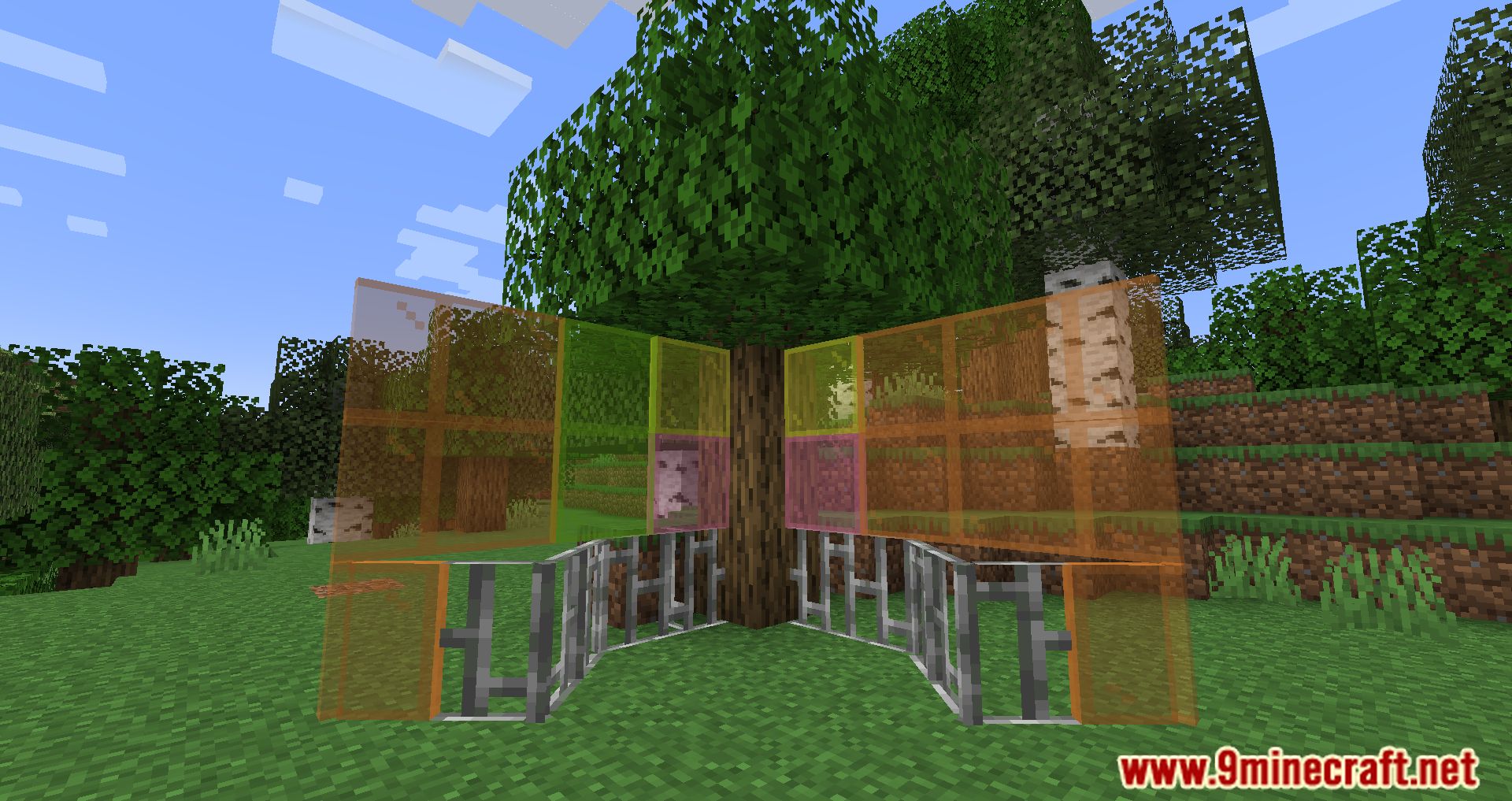
Diagonal Windows Mod is a mod that, just as its name suggests, allows you to place glass panes diagonally within a block. That means no more awkward corner builds-just place them diagonally and you’re good to go. As shown in the image below (not included here), you can place glass panes of any color in a diagonal position. Although the mod’s name highlights glass panes, you can do the same with iron bars-placing them diagonally inside blocks as well.
Features:
- Glass panes and iron bars can now connect diagonally, eliminating awkward corner adjustments.
- Blocks that are unintentionally affected can be excluded using a specific block tag.
Screenshots:
Diagonal Windows Mod Download Links
- Edition: Minecraft Java
- File type: .jar
- Minecraft version listed: 1.20.1
- How to install: Install the matching mod loader (Forge, Fabric or NeoForge) for your Minecraft version. → Download the .jar. → Put it in the .minecraft/mods folder and launch that loader profile.
- Where to get it: Opens on the file's original source — not every file is mirrored on our own servers.
Install steps are the general flow for this file type — How to install Minecraft Java mods & modpacks walks through it step by step.
Diagonal Windows Mod (26.2, 1.20.1) – Place Glass Panes Diagonally with Ease is a free Minecraft Java mod. Compatible with Minecraft 1.20.1. Download it and open it directly in the game.