
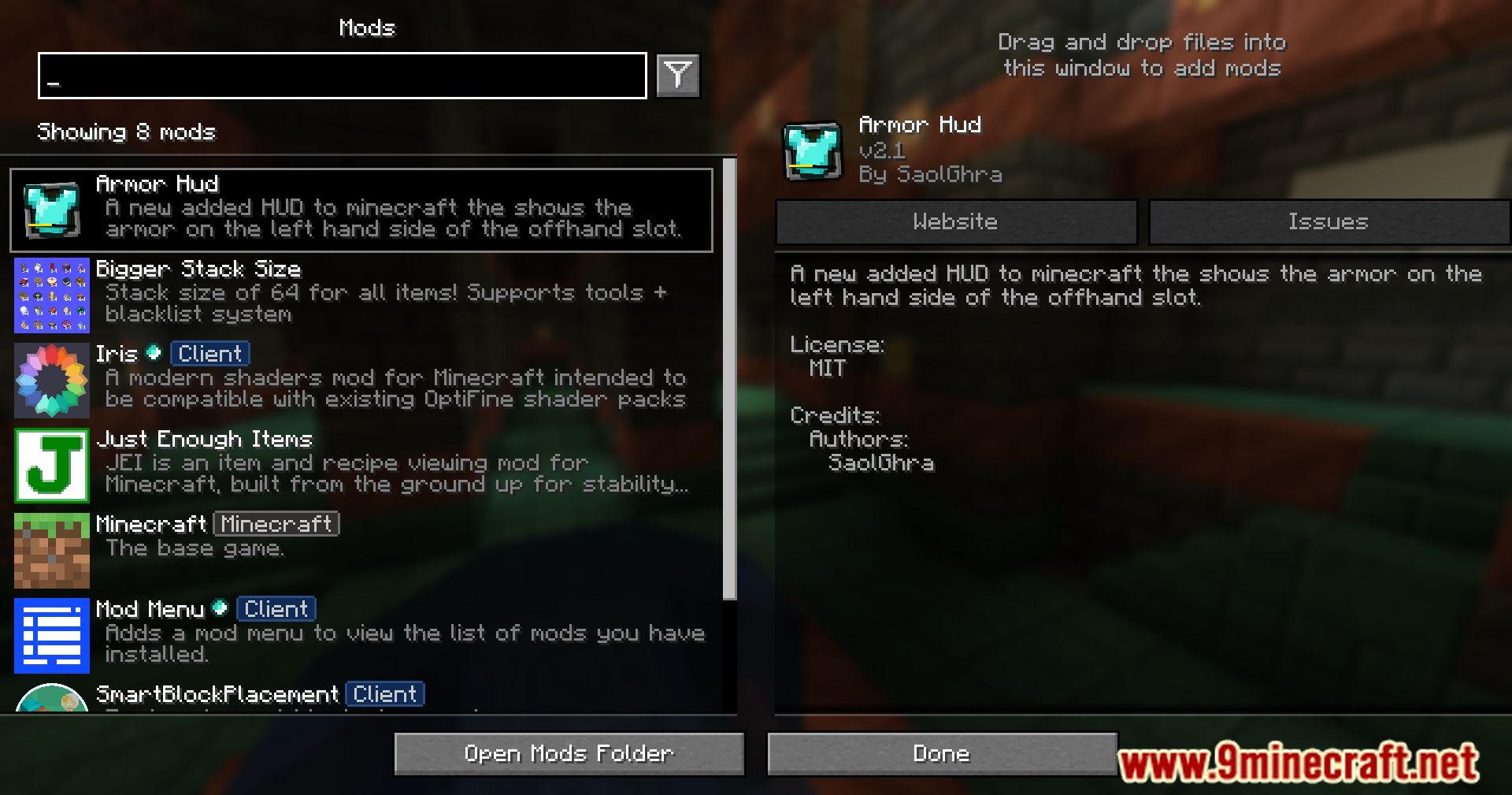
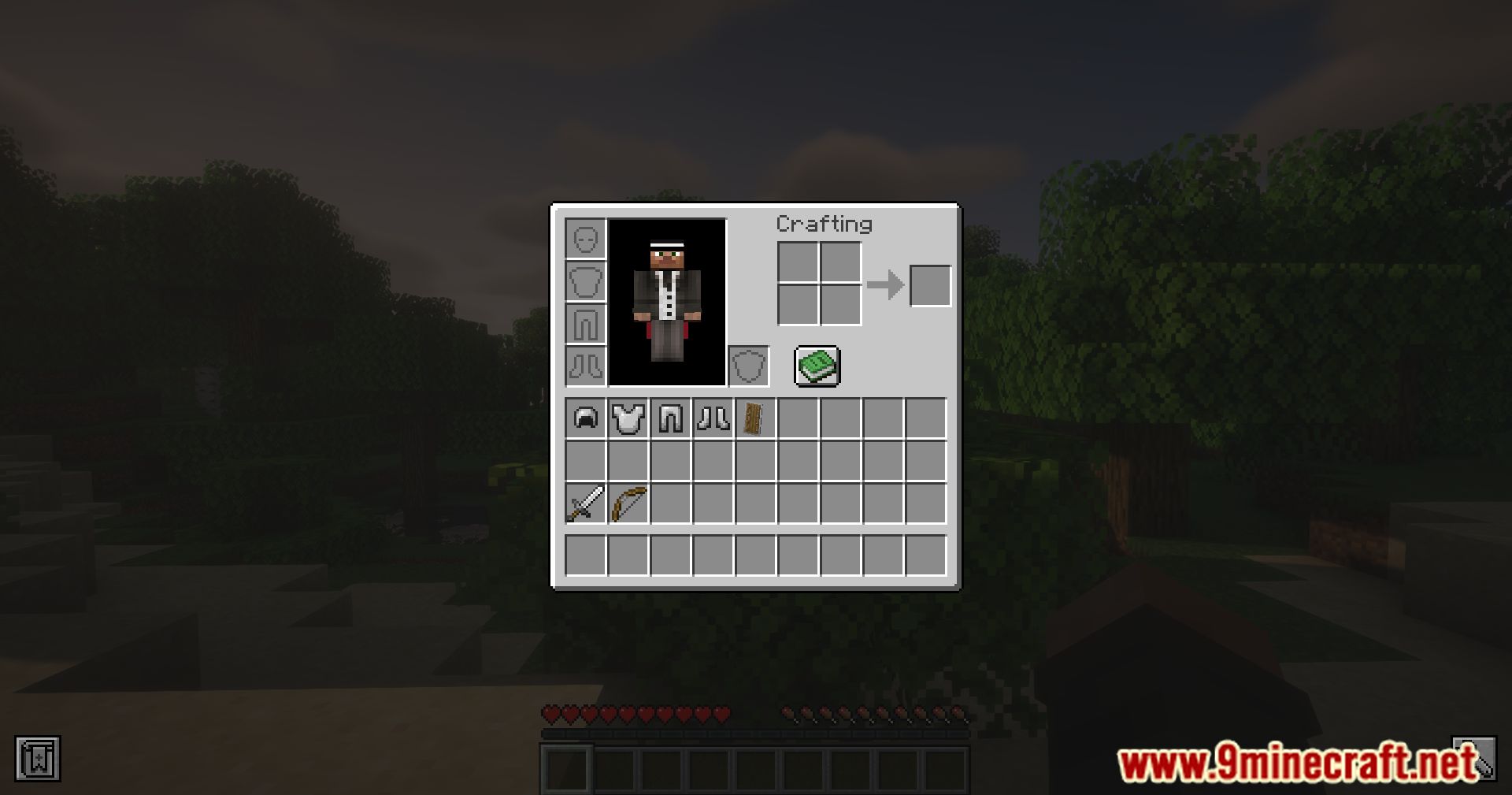
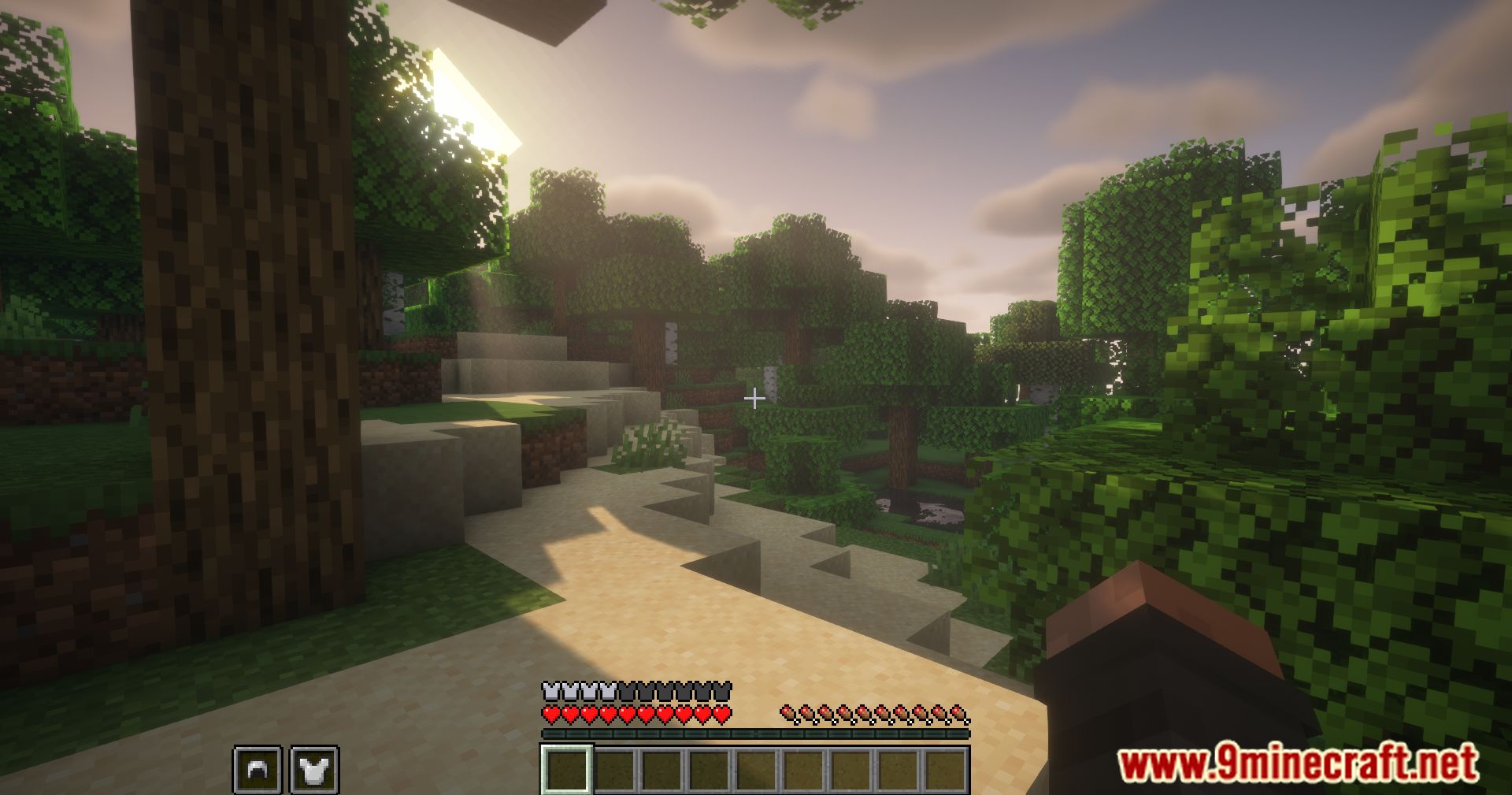
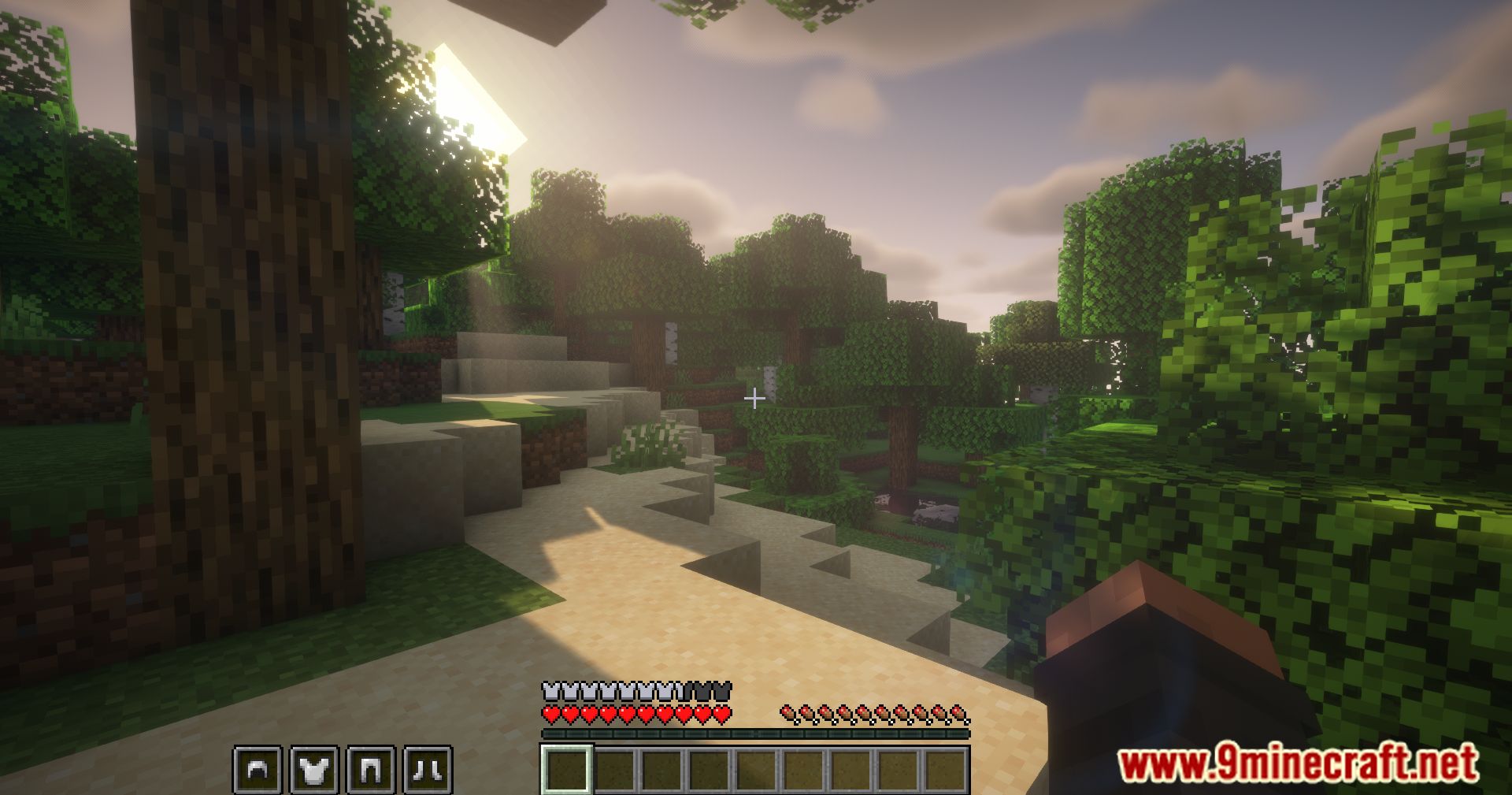
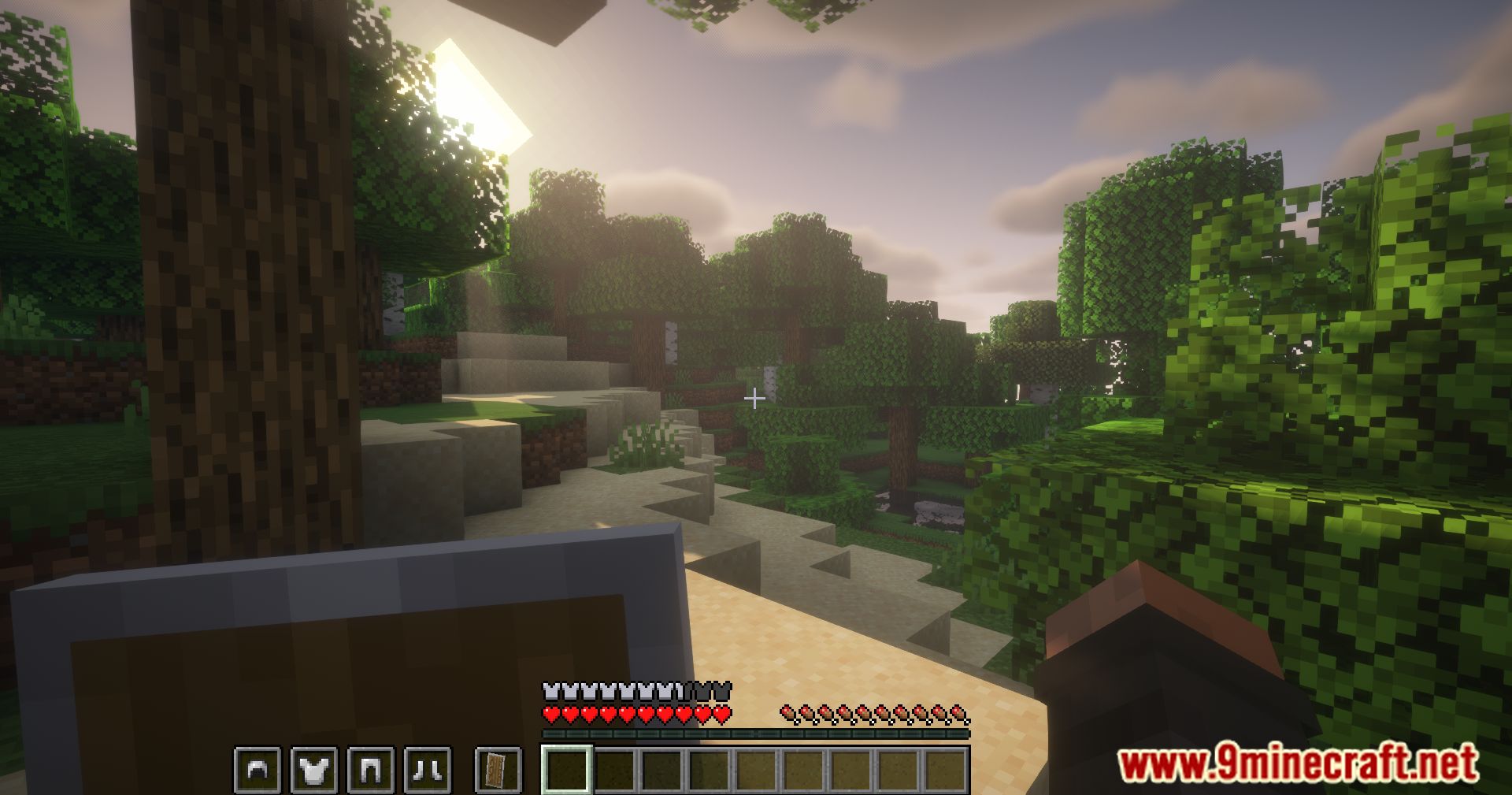
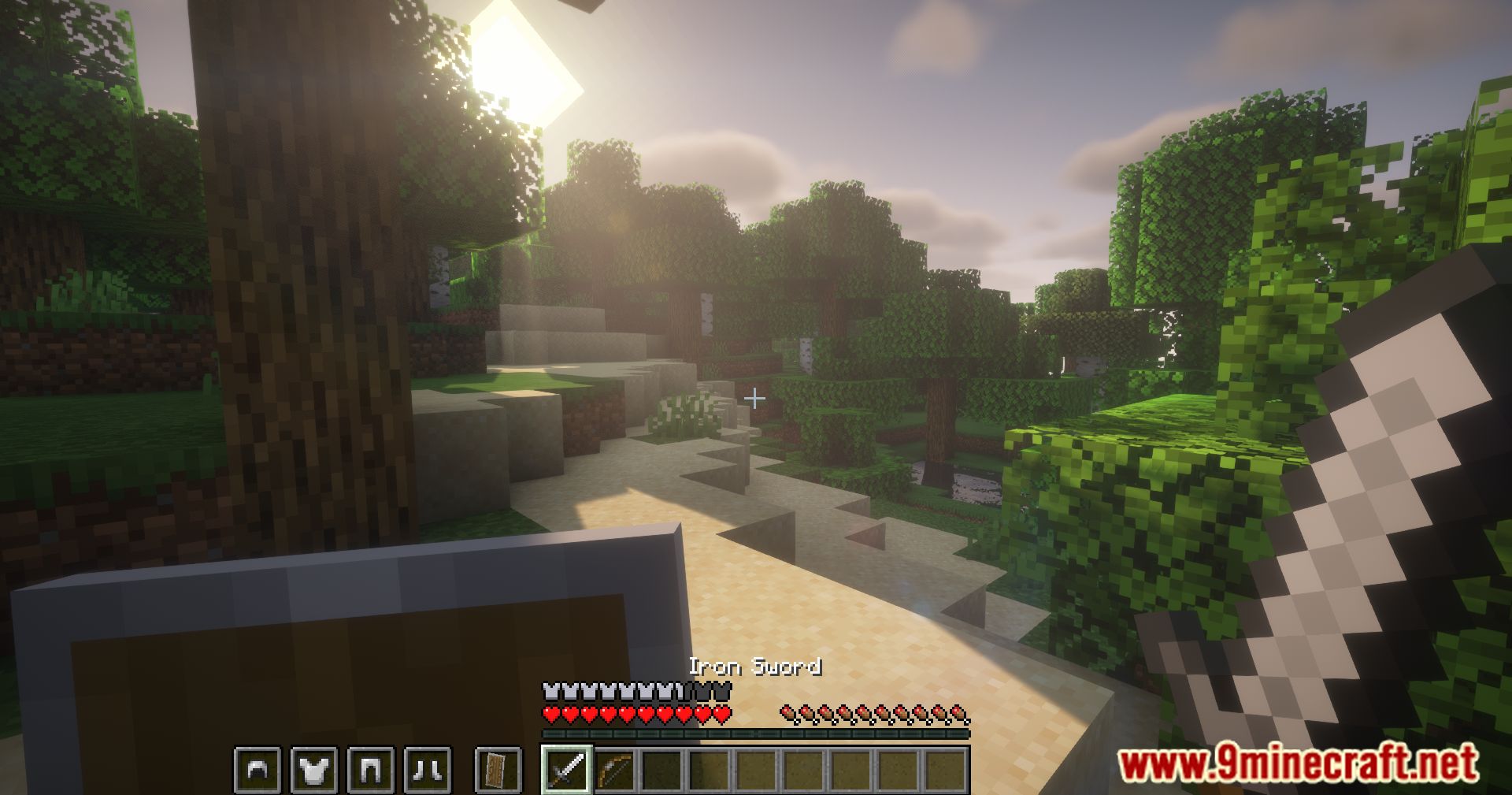
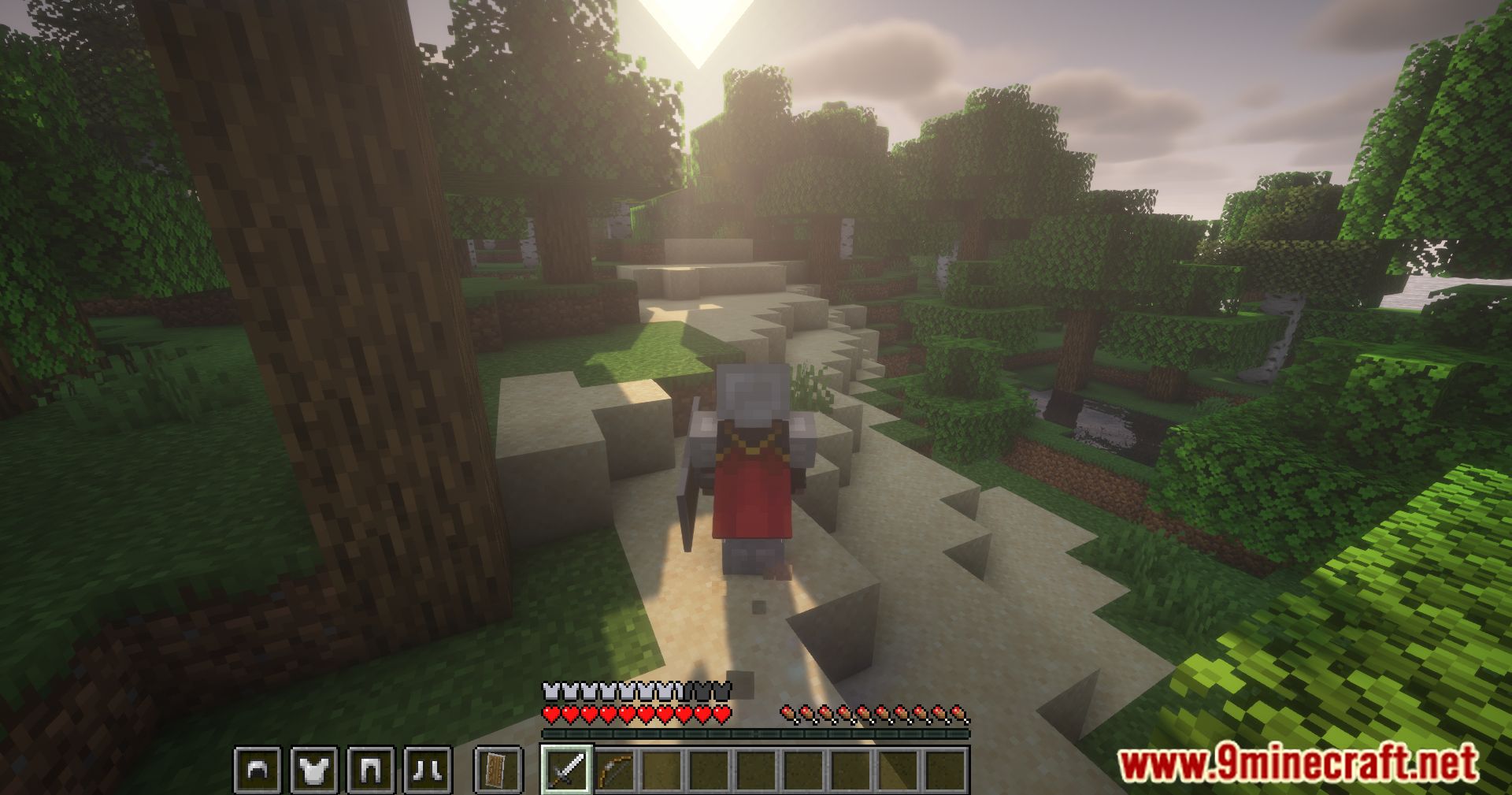
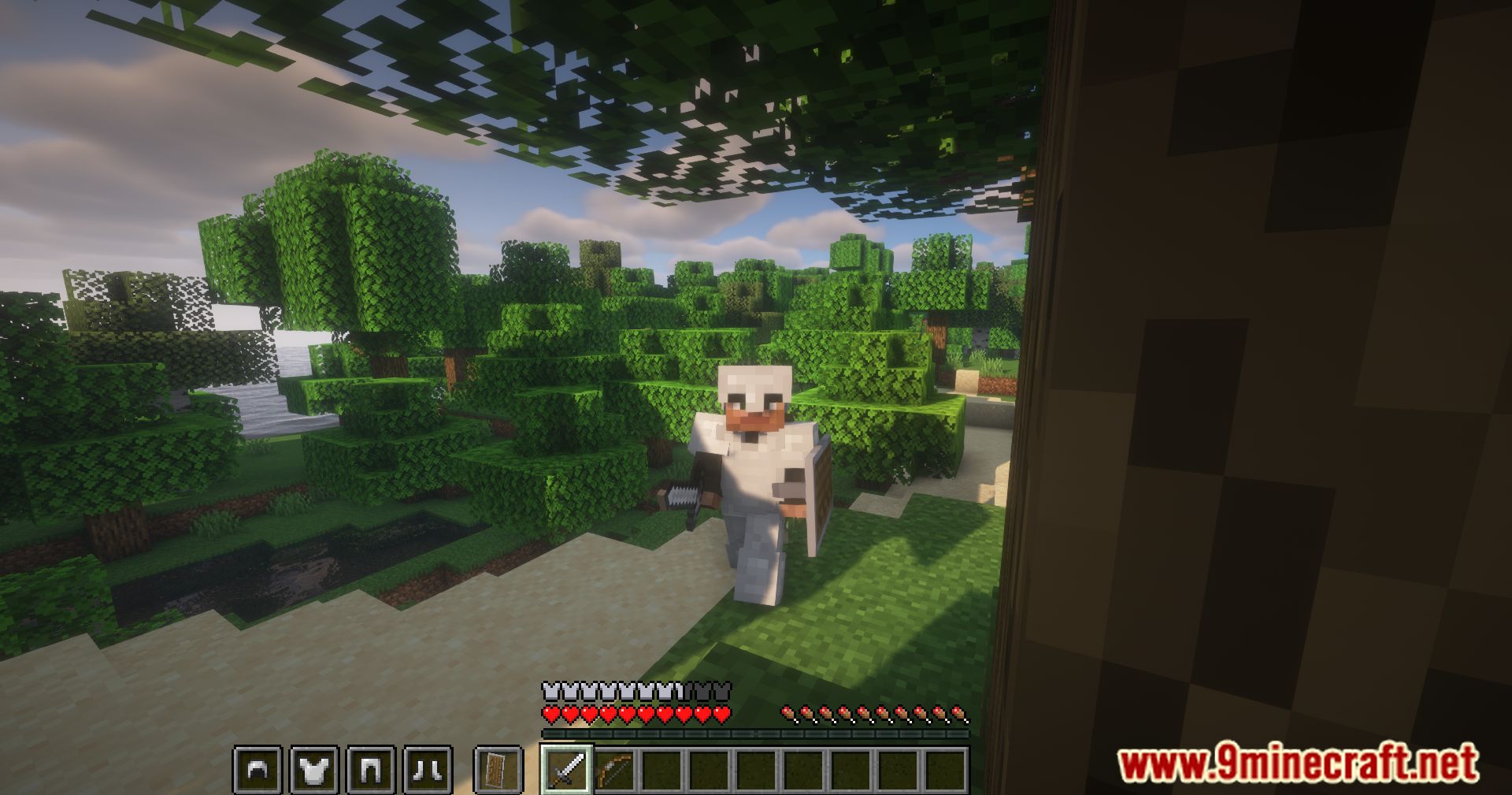
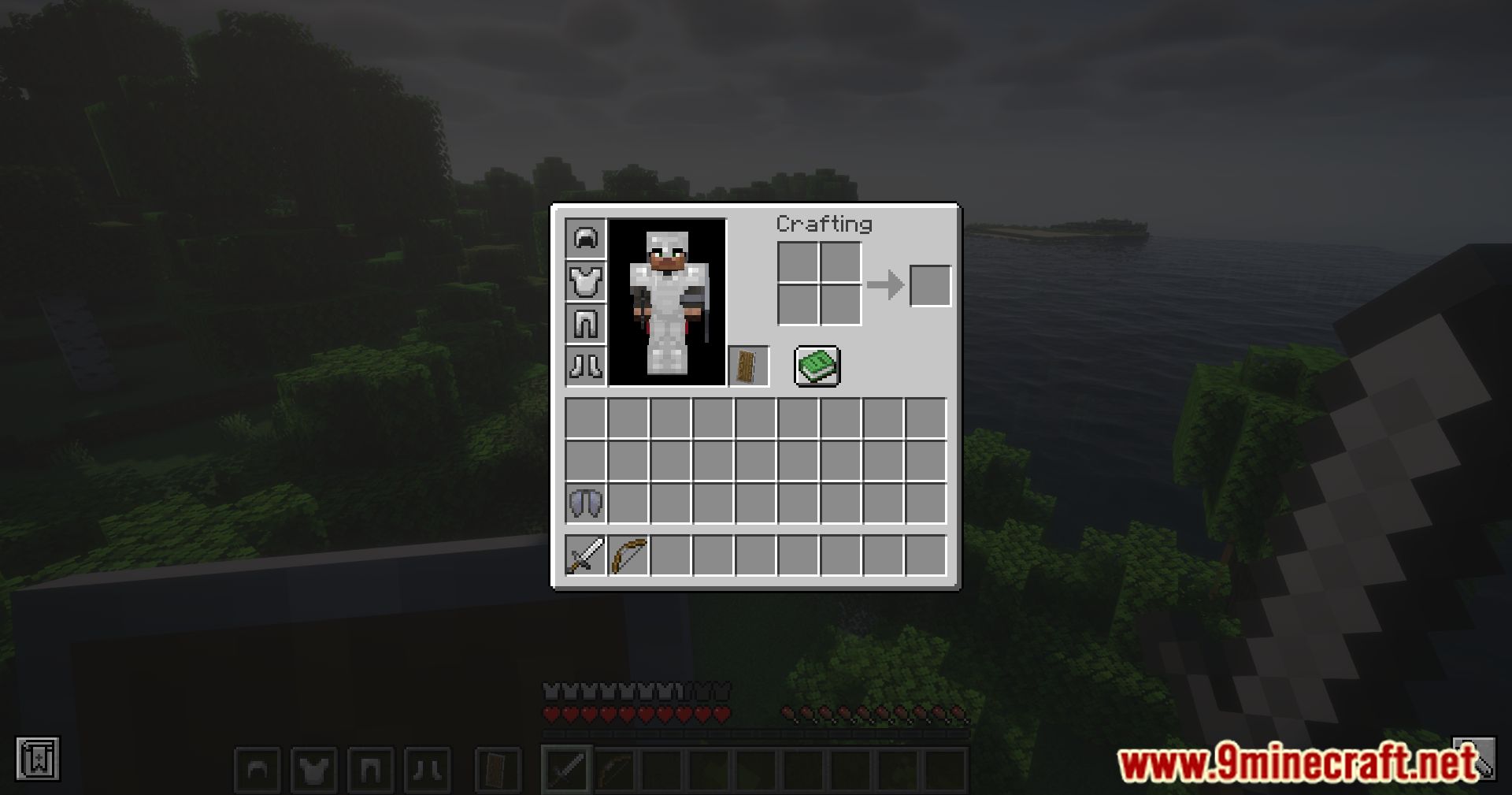
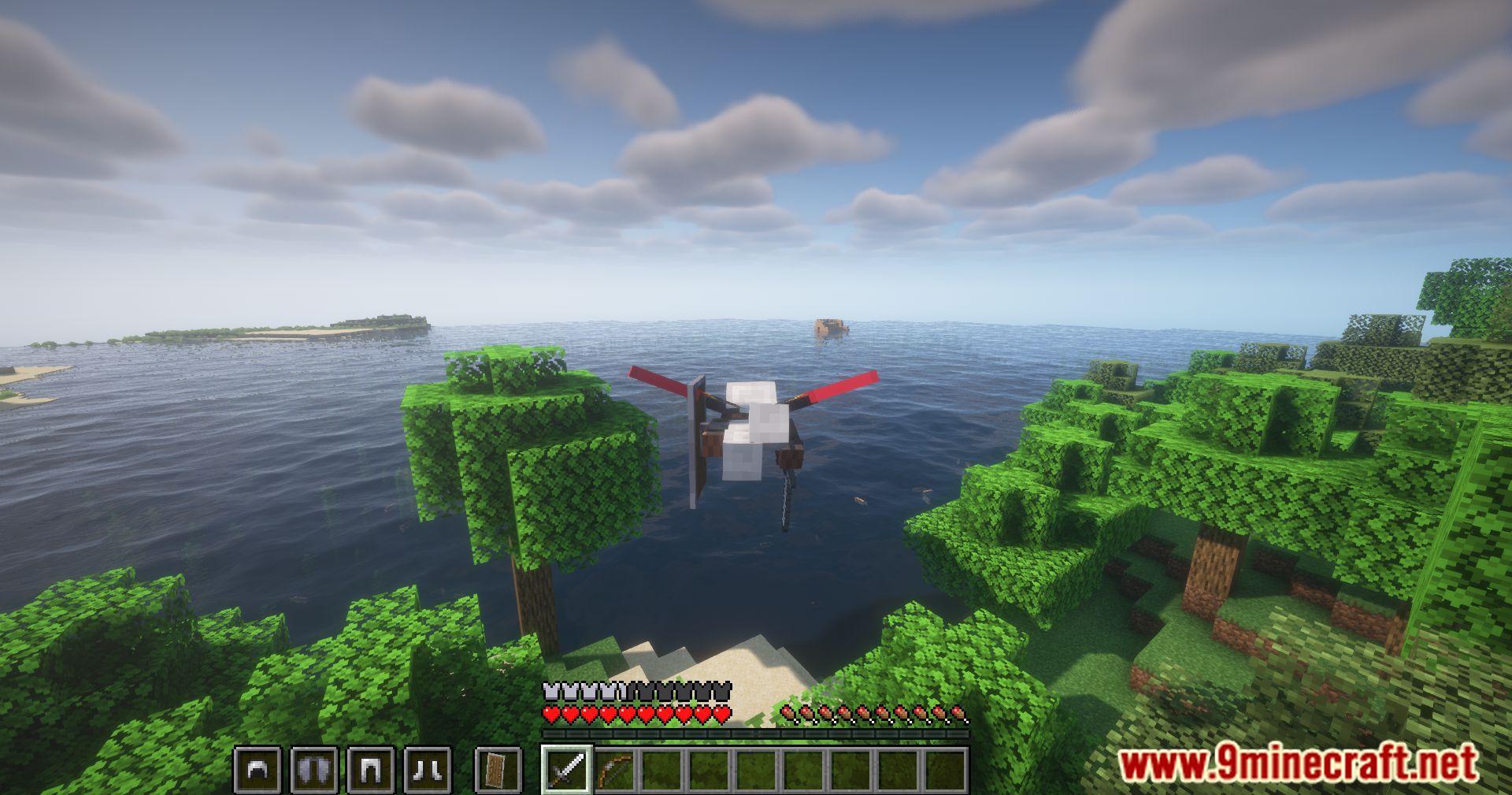
Armor Hud Mod adds a simple on-screen display that helps you monitor the condition of your armor while playing Minecraft. It is designed to be easy to understand, even for new players. The mod shows each armor piece you are wearing and its current durability, so you know when repairs or replacements are needed.
Features:
- Armor Display
- Shows icons for helmet, chestplate, leggings, and boots.
- Only displays armor pieces you are currently wearing.
- Durability Indicators
- Each armor piece has a durability bar.
- The bar color shows the armor’s condition:
- Green: High durability (
> 75%) - Yellow: Medium durability (
25% - 75%) - Red: Low durability (
< 25%) - Black: No durability left
- Green: High durability (
- With this visual HUD, players can quickly check their armor status without opening the inventory, making gameplay smoother and safer.
Screenshots:

Armor Hud Mod Download Links
Quick facts
- Edition: Minecraft Java
- File type: .jar
- Minecraft version listed: 1.20.1
- How to install: Install the matching mod loader (Forge, Fabric or NeoForge) for your Minecraft version. → Download the .jar. → Put it in the .minecraft/mods folder and launch that loader profile.
- Where to get it: In MC Java Mods, or directly above on this page.
Install steps are the general flow for this file type — How to install Minecraft Java mods & modpacks walks through it step by step.
Verified by MCModsHub
- Downloads as 26850.mcaddon
- Download size: 252 KB
- Download link checked 25 Sept 2026 — working
- Mirrored on our own servers — the download does not depend on the original host
These come from our own check of the pack file, not from the source page.