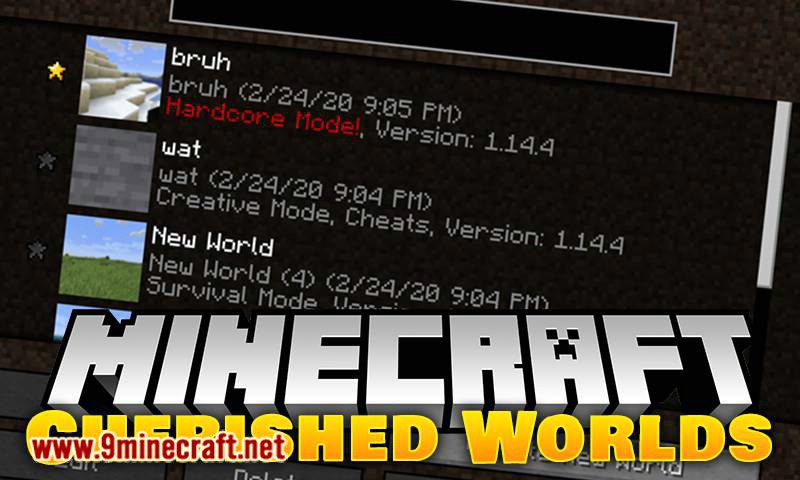
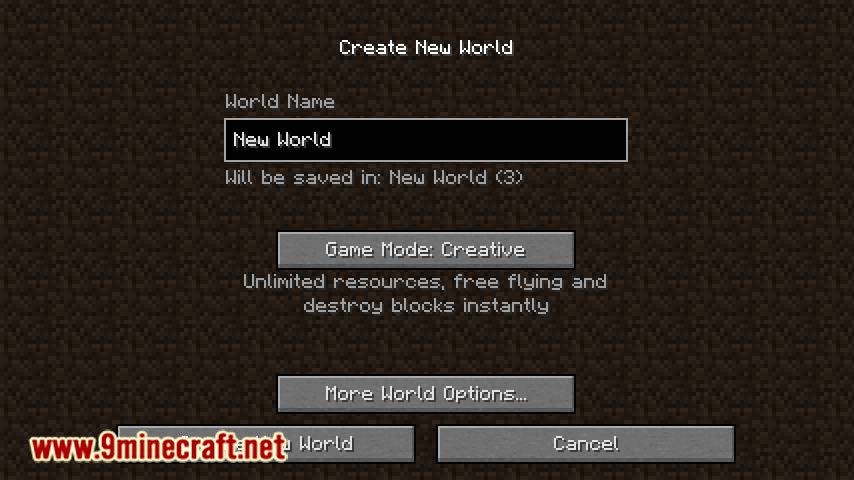
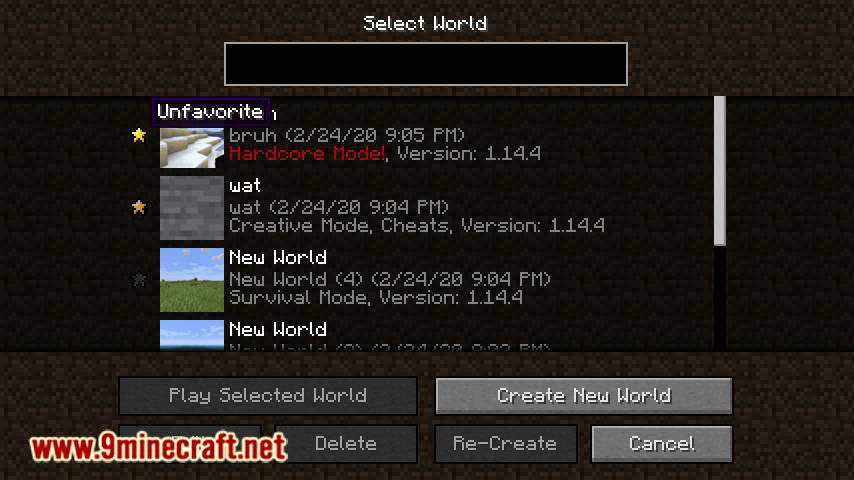
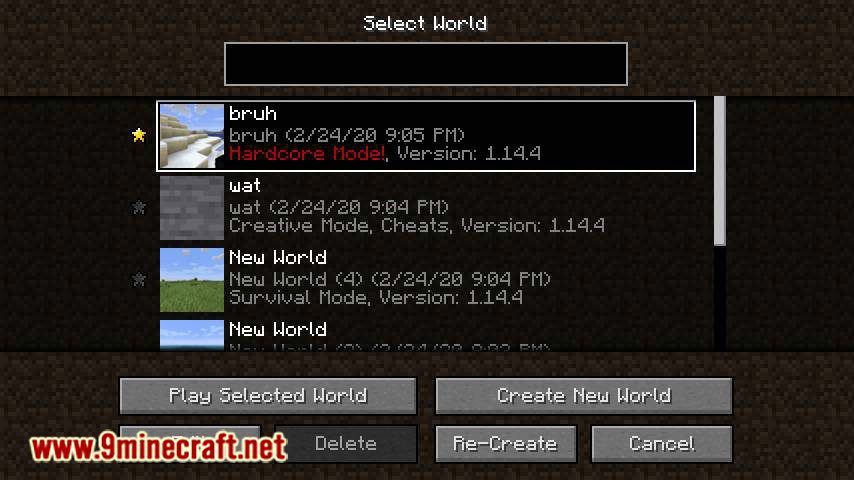
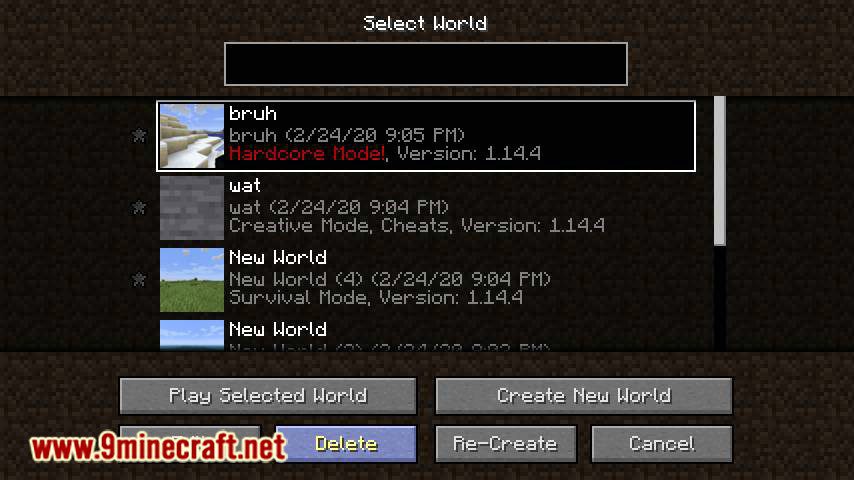
Cherished Worlds Mod adds the ability to favorite/pin/bookmark certain worlds. Favoriting worlds will force them to always show up at the top of the world selection list and removes the ability to delete them until they are unfavorited. Players can favorite as many worlds as they want. If there are multiple, favorited worlds will order themselves by last played date like regular worlds. This mod is client-side only.
Features:
- World Bookmarking: You can favorite or pin certain worlds, ensuring they always appear at the top of your world selection list.
- Bookmarked worlds cannot be deleted unless unmarked.
- Players can rename their saved worlds for better organization.
- Switch between saved worlds without manual backups.
Screenshots:
An example of a world select screen with one pinned world, notice that the pinned world shows up on top even though it’s older and the delete button is greyed out when selecting it.
Cherished Worlds Mod Download Links
- Edition: Minecraft Java
- File type: .jar
- Minecraft version listed: 1.20.1
- How to install: Install the matching mod loader (Forge, Fabric or NeoForge) for your Minecraft version. → Download the .jar. → Put it in the .minecraft/mods folder and launch that loader profile.
- Where to get it: In MC Java Mods, or directly above on this page.
Install steps are the general flow for this file type — How to install Minecraft Java mods & modpacks walks through it step by step.
- Downloads as 26854.mcaddon
- Download size: 184 KB
- Download link checked 25 Sept 2026 — working
- Mirrored on our own servers — the download does not depend on the original host
These come from our own check of the pack file, not from the source page.