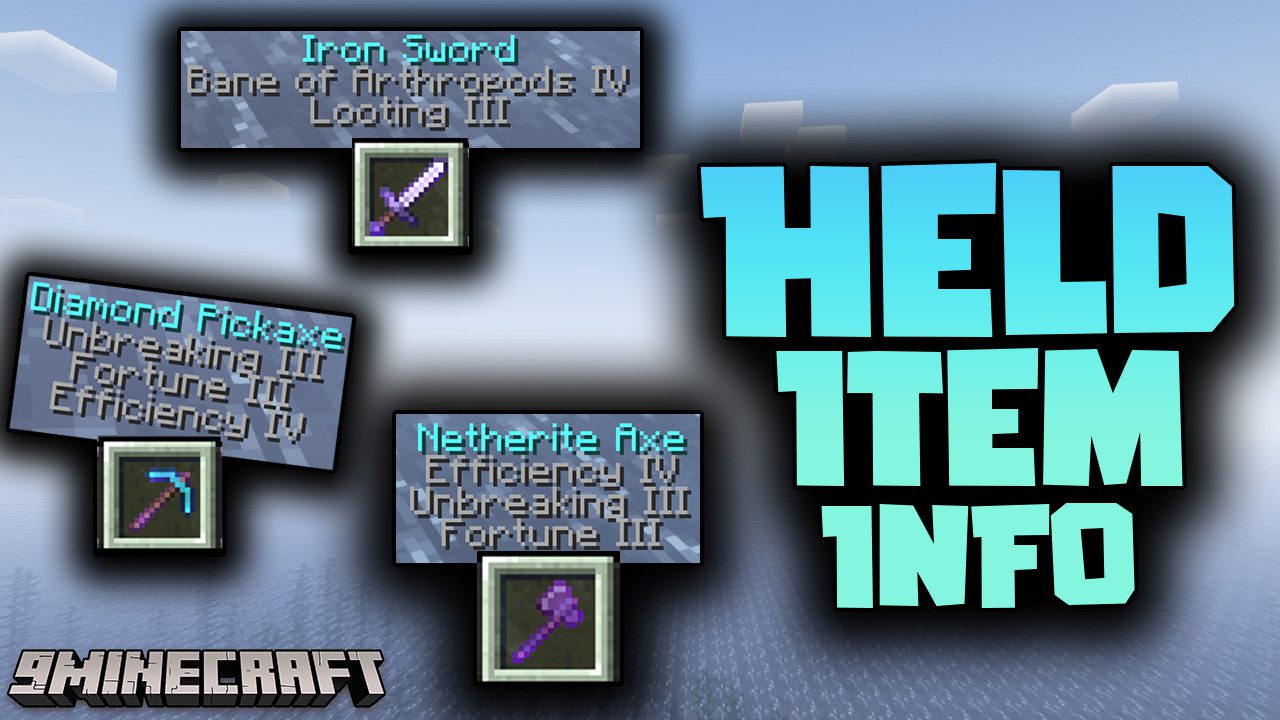
Held Item Info Mod (26.2, 1.20.1) – Live Enchantment Display
Java mod listed for Minecraft 1.20. Downloads from the MC Java Mods app on Android.
⬇ Download
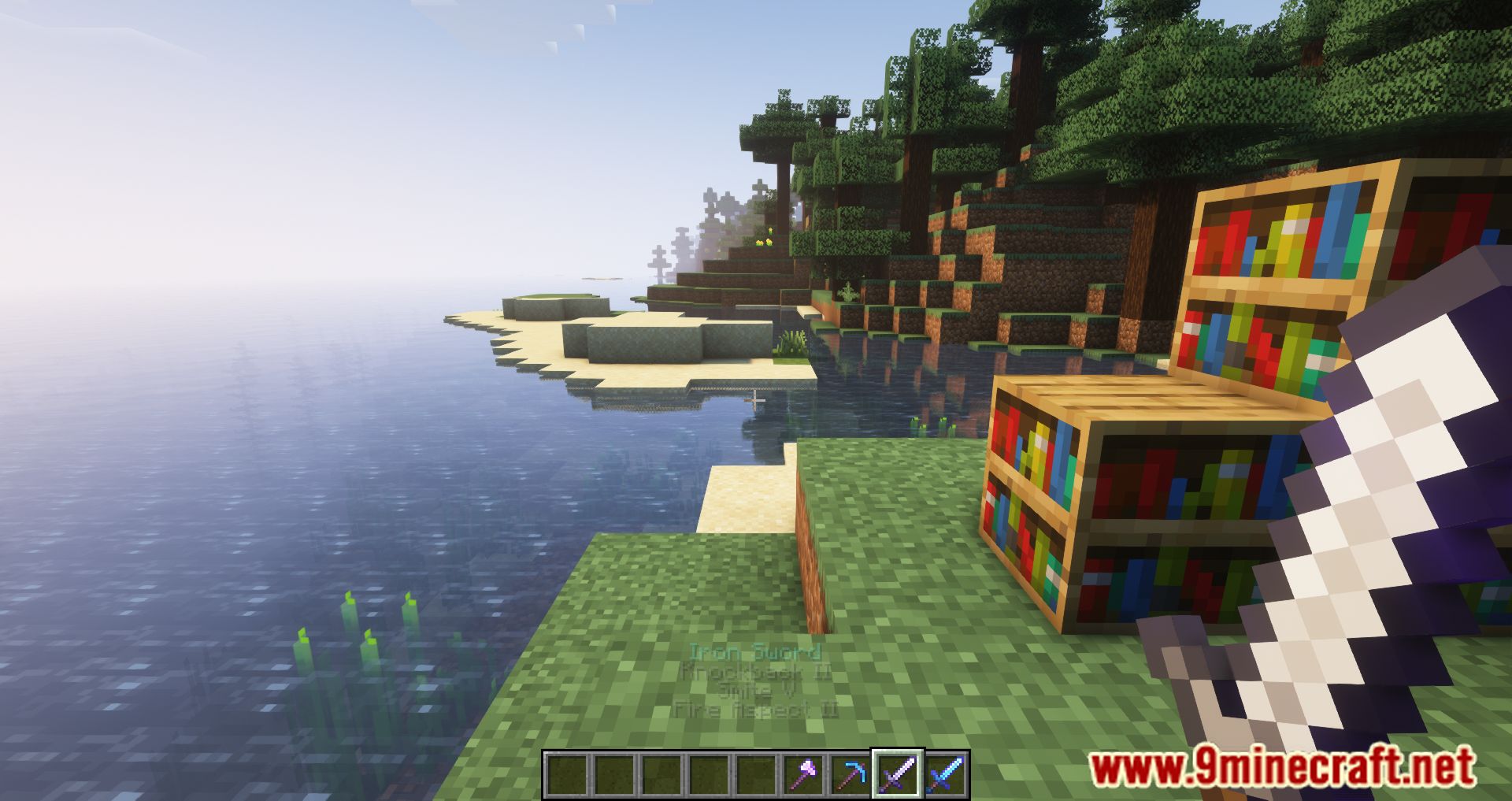
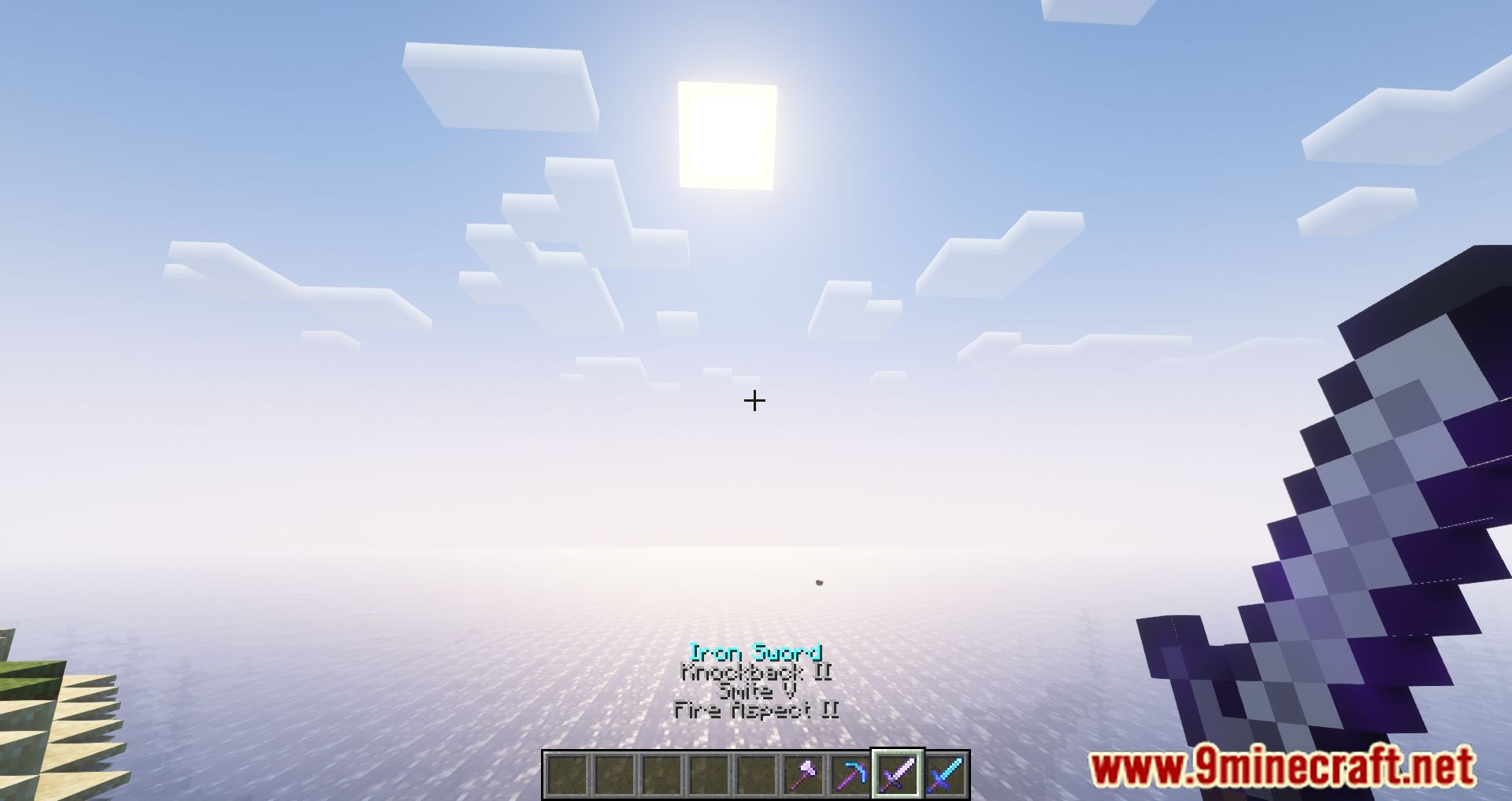


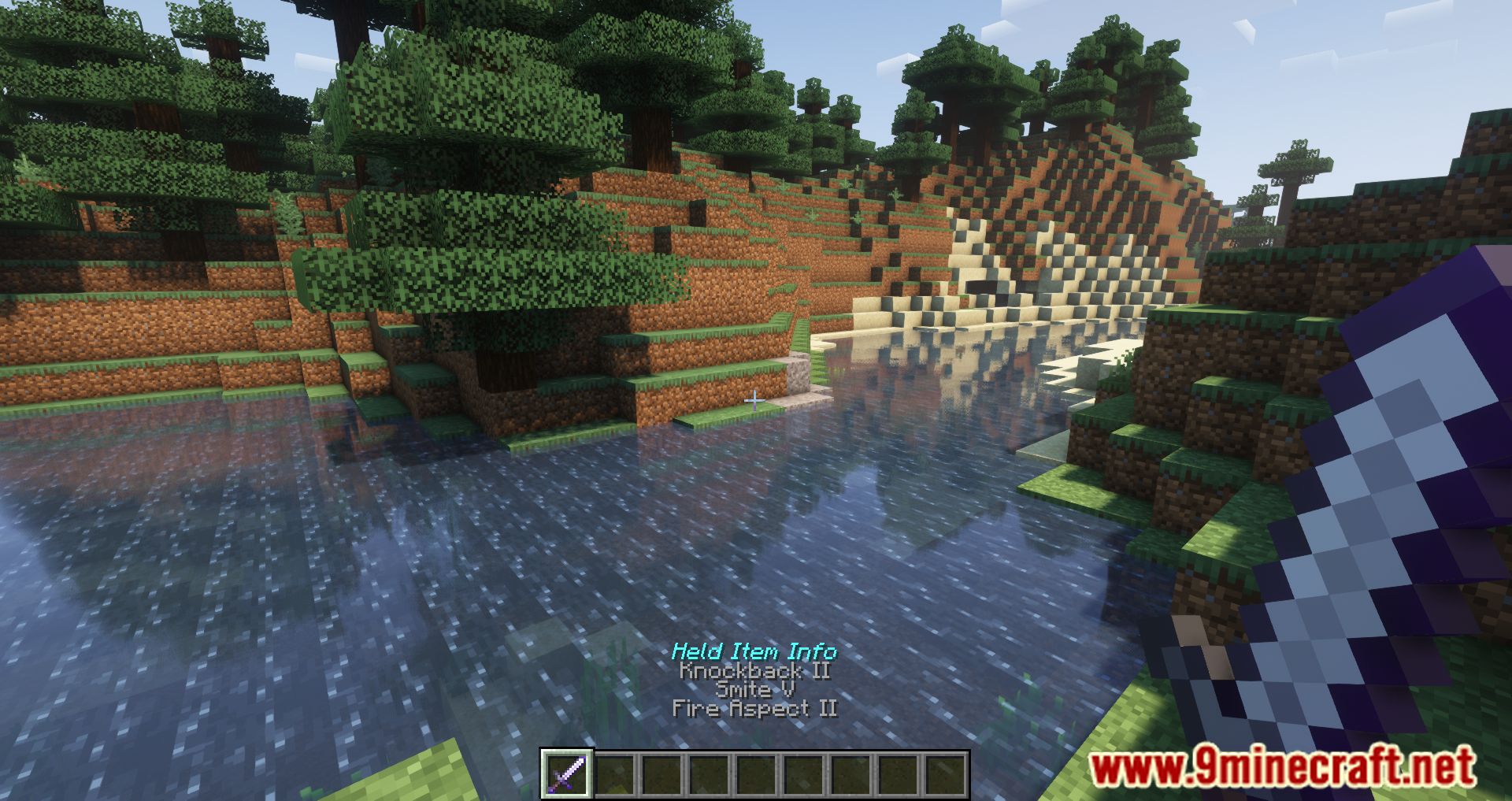


Held Item Info Mod allows information about a weapon, tool, or piece of armor being held by players to display their enchantment information on the upper of the inventory HUD. Normally, players would have to open their inventories and hover their mice over a specific item to see what enchantments it accommodates. While this feature functions impeccably and there are no faults, during the heat of the battle, it would be difficult to swap around the right weapons to battle against different monsters and creatures. With this mod, all enchantment information will be displayed easily for players to observe.
Features:
- Shows enchantments directly under the item name while held.
- View contents of Shulker Boxes, Bundles, and even Bee Nests (number of bees inside).
- Displays info for Fireworks (flight, shape, color), Command Blocks, Crossbows, Music Discs, Goat Horns, Paintings, Written Books, and more.
- See active potion effects or attributes tied to the item.
- Includes lore text, “Unbreakable” tags, and map identifiers.
Screenshots:

Held Item Info Mod Download Links
- Edition: Minecraft Java
- File type: .jar
- Minecraft version listed: 1.20.1
- How to install: Install the matching mod loader (Forge, Fabric or NeoForge) for your Minecraft version. → Download the .jar. → Put it in the .minecraft/mods folder and launch that loader profile.
- Where to get it: In MC Java Mods, or directly above on this page.
Install steps are the general flow for this file type — How to install Minecraft Java mods & modpacks walks through it step by step.
- Downloads as 26860.mcaddon
- Download size: 85 KB
- Download link checked 26 Sept 2026 — working
- Mirrored on our own servers — the download does not depend on the original host
These come from our own check of the pack file, not from the source page.